
Network Basics and Architectures Neil Tang 09052008 CS
Network Basics and Architectures Neil Tang 09/05/2008 CS 440 Computer Networks 1
Outline Ø Connectivity: Node, link, switched network Ø Resource Sharing: Multiplexing Ø Support for Common Services Ø Reliability: Failures Ø OSI Architecture: Functionalities of each layer Ø Internet Architecture: Differences and features CS 440 Computer Networks 2
Applications Ø WWW Ø FTP Ø Email Ø Instant message Ø Vo. IP-based network phone Ø Video-on-Demand (Vo. D) Ø P 2 P applications CS 440 Computer Networks 3
Applications Visiting a URL from a web browser: Ø Ø 17 messages may be exchanged via the network. Up to 6 messages to translate URL to IP address. 3 messages to set up TCP connection to the web server. 4 messages for HTTP “get” messages and responses with positive acknowledgements (ACKs). Ø 4 messages to tear down TCP connection. Ø More messages to make it happen: e. g. , messages for maintaining routing tables. CS 440 Computer Networks 4
Requirements Ø Connectivity Ø Cost-Effective Resource Sharing Ø Support for Common Services Ø Reliability CS 440 Computer Networks 5
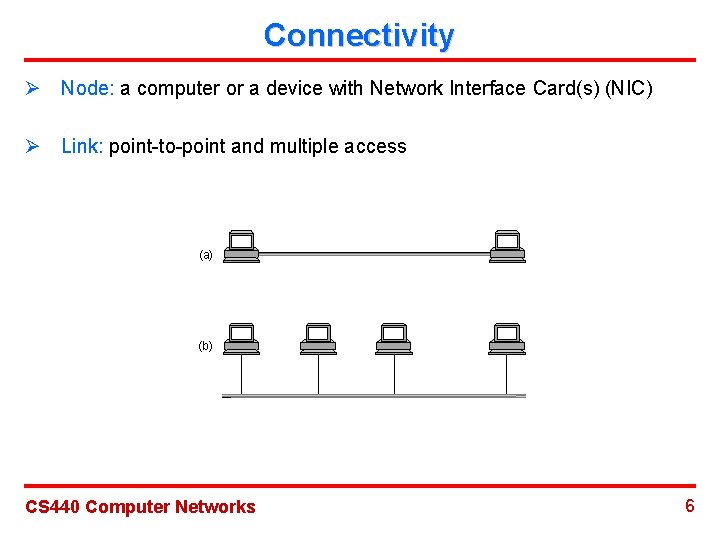
Connectivity Ø Node: a computer or a device with Network Interface Card(s) (NIC) Ø Link: point-to-point and multiple access (a) (b) CS 440 Computer Networks 6
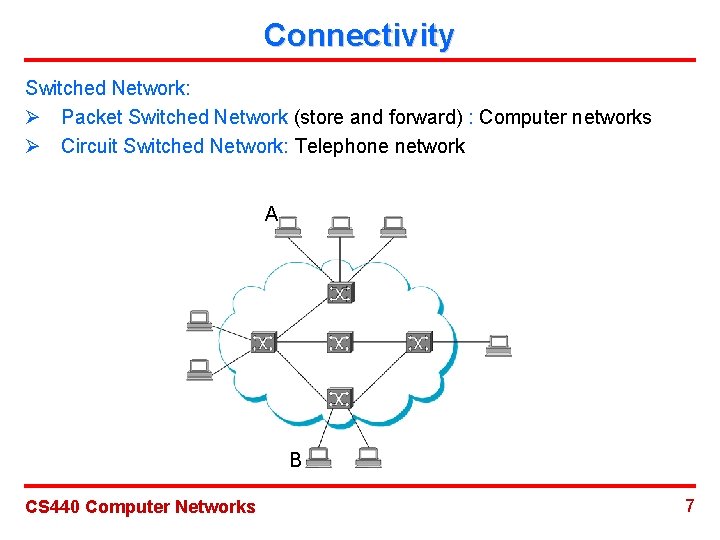
Connectivity Switched Network: Ø Packet Switched Network (store and forward) : Computer networks Ø Circuit Switched Network: Telephone network A B CS 440 Computer Networks 7
Connectivity Ø Addressing: Assign a unique address to each node in the network. Ø Routing: The process of determining systematically how to forward messages towards the destination node is called routing. Ø Unicast and Multicast Routing CS 440 Computer Networks 8
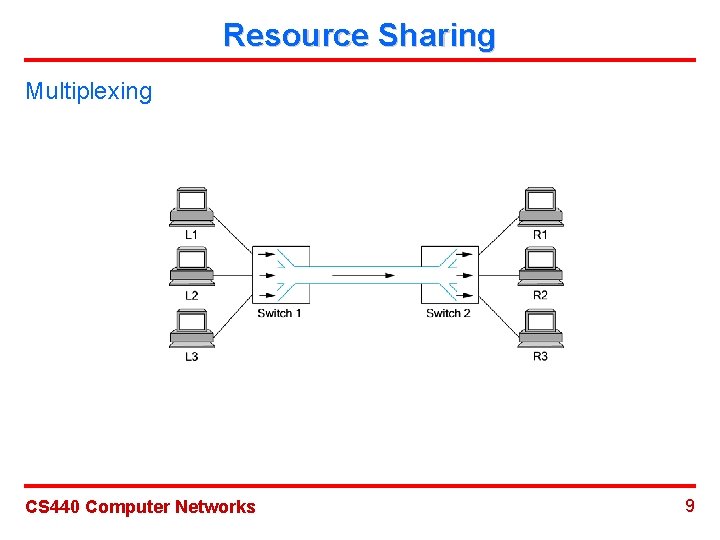
Resource Sharing Multiplexing CS 440 Computer Networks 9
Resource Sharing Types of Multiplexing Ø Synchronous Time Division Multiplexing (STDM) Ø Frequency Division Multiplexing (FDM) Weakness: Exclusive use of certain resources for each flow is not efficient! CS 440 Computer Networks 10
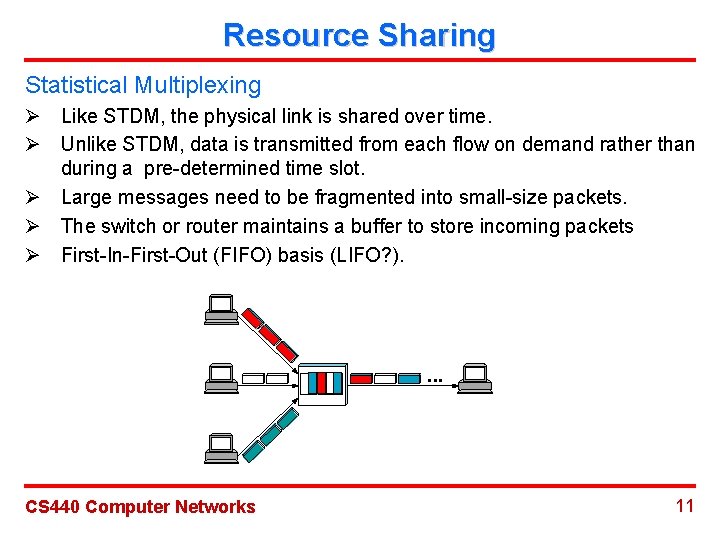
Resource Sharing Statistical Multiplexing Ø Like STDM, the physical link is shared over time. Ø Unlike STDM, data is transmitted from each flow on demand rather than during a pre-determined time slot. Ø Large messages need to be fragmented into small-size packets. Ø The switch or router maintains a buffer to store incoming packets Ø First-In-First-Out (FIFO) basis (LIFO? ). ■■■ CS 440 Computer Networks 11
Resource Sharing Tradeoffs and Challenges: STDM Vs. Statistical Ø Network Capacity: Statistical multiplexing Ø Qo. S Support: STDM Ø Challenges for Statistical Multiplexing: Fairness, congestion control and Qo. S support CS 440 Computer Networks 12
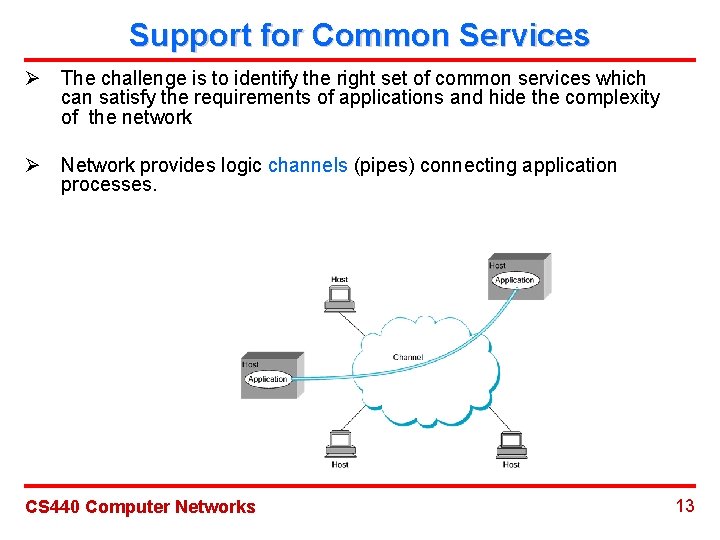
Support for Common Services Ø The challenge is to identify the right set of common services which can satisfy the requirements of applications and hide the complexity of the network Ø Network provides logic channels (pipes) connecting application processes. CS 440 Computer Networks 13
Reliability Types of Failures: Ø Bit Error: Outside forces, such as power surge, interferences, etc. Ø Packet Loss: Buffer overflow and software mistakes. Ø Link and Node Failure: Link cut and computer crash. CS 440 Computer Networks 14
Network Architecture Ø ISO-OSI (Open System Interconnection) Architecture Ø Internet Architecture CS 440 Computer Networks 15
OSI Model CS 440 Computer Networks 16
Features of Layering Ø Each layer corresponds to a particular functionality, i. e. , solve a particular problem. Ø Softwares on different layers can be developed by different companies. Ø Easy to modify the functionality of a particular layer. CS 440 Computer Networks 17
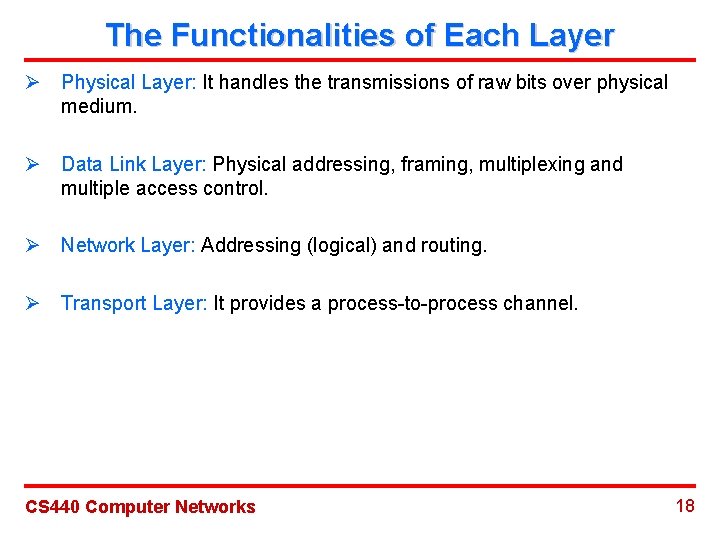
The Functionalities of Each Layer Ø Physical Layer: It handles the transmissions of raw bits over physical medium. Ø Data Link Layer: Physical addressing, framing, multiplexing and multiple access control. Ø Network Layer: Addressing (logical) and routing. Ø Transport Layer: It provides a process-to-process channel. CS 440 Computer Networks 18
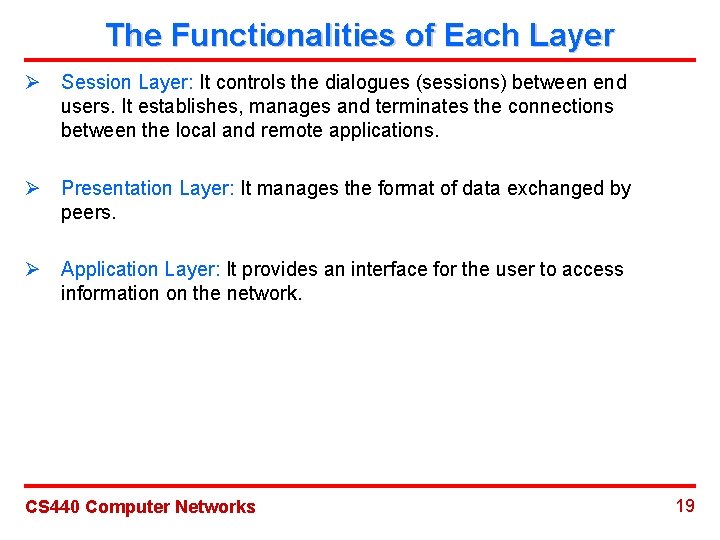
The Functionalities of Each Layer Ø Session Layer: It controls the dialogues (sessions) between end users. It establishes, manages and terminates the connections between the local and remote applications. Ø Presentation Layer: It manages the format of data exchanged by peers. Ø Application Layer: It provides an interface for the user to access information on the network. CS 440 Computer Networks 19
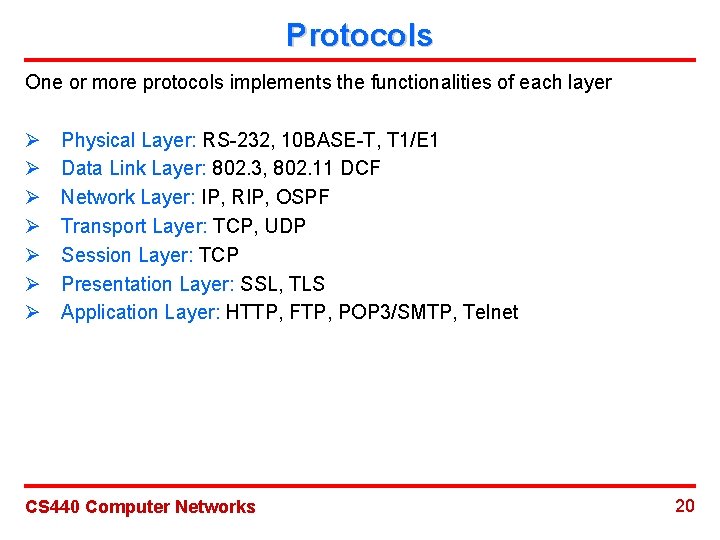
Protocols One or more protocols implements the functionalities of each layer Ø Ø Ø Ø Physical Layer: RS-232, 10 BASE-T, T 1/E 1 Data Link Layer: 802. 3, 802. 11 DCF Network Layer: IP, RIP, OSPF Transport Layer: TCP, UDP Session Layer: TCP Presentation Layer: SSL, TLS Application Layer: HTTP, FTP, POP 3/SMTP, Telnet CS 440 Computer Networks 20
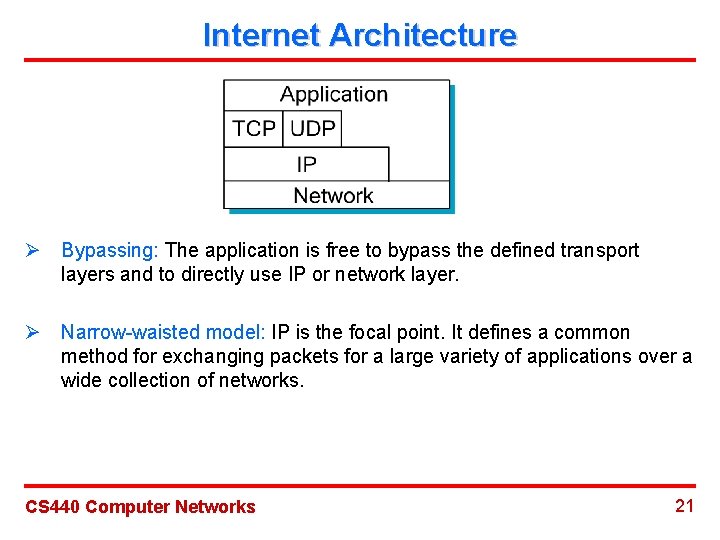
Internet Architecture Ø Bypassing: The application is free to bypass the defined transport layers and to directly use IP or network layer. Ø Narrow-waisted model: IP is the focal point. It defines a common method for exchanging packets for a large variety of applications over a wide collection of networks. CS 440 Computer Networks 21
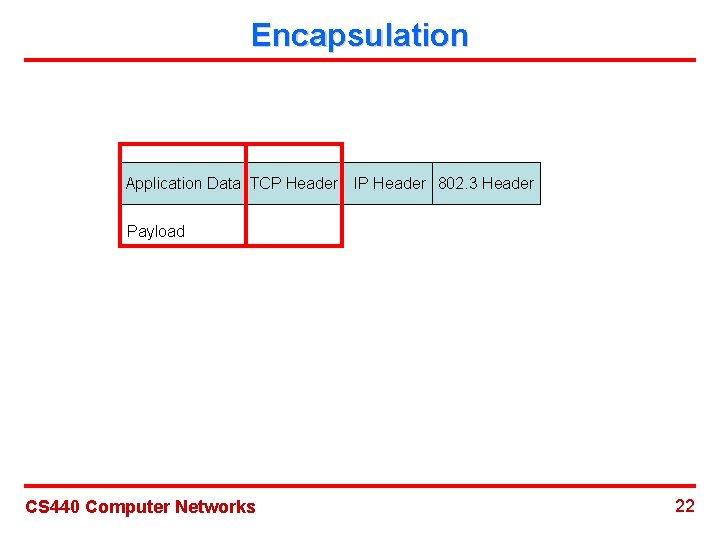
Encapsulation Application Data TCP Header IP Header 802. 3 Header Payload CS 440 Computer Networks 22
Routers CS 440 Computer Networks 23
Review Ø Connectivity: Node, link, switched network Ø Resource Sharing: Multiplexing Ø Support for Common Services Ø Reliability: Failures Ø OSI Architecture: Functionalities of each layer Ø Internet Architecture: Differences and features CS 440 Computer Networks 24
- Slides: 24