
NETOS Bootloader Overview Requirements How to Build How
NET+OS Bootloader • • • Overview Requirements How to Build How to Customize Changes to Applications Configuration Settings
Features • • Recovers when flash update fails Application image is compressed Uses DHCP or BOOTP to get an IP address Uses TFTP to download new firmware

Normal Operation • Bootloader always runs at Power Up • Uses standard BSP initialization code • Performs 32 -bit CRC checksum of application image • Decompresses Application from flash to RAM • Starts Application
Recovery Mode • Triggered if Application Image fails CRC checksum • Uses DHCP/BOOTP to get an IP address • Uses TFTP to download a new application Image • Writes application image to flash • Resets the unit
Structure of Flash ROM • Bootloader stored in first 64 K of flash • Last sector of flash may be used for NVRAM storage • Rest of flash is used to hold application image • Customers can create more sections
Requirements • DHCP or BOOTP Server • TFTP must be on the same machine as the DHCP/BOOTP server
DHCP/BOOTP Server Setup • Must supply boot filename, which is used as the name of the firmware image to download • Bootloader will reject offers that don’t have a boot filename • Must also supply an IP address • Should supply a gateway and subnet mask
Lock Bootloader Sectors • Booloader image must be written into start of flash at the factory • Sectors that contain the bootloader must be locked at the factory to prevent accidental erasure • Lock method depends on flash part
How to Build for Green Hills • • • Configure the BSP Build the RAM image of the bootloader Build the ROM image of the bootloader Bootloader is in netossrcbootloader
How to Build for Micro. Cross • Configure the BSP • Build “make all” in the bootloader directory
How to Customize • Customization hooks in customize. c • Customize. c contains a default implementation of the bootloader • Custom features are added by modifying functions in customize. c • These functions were written to be easy to customize
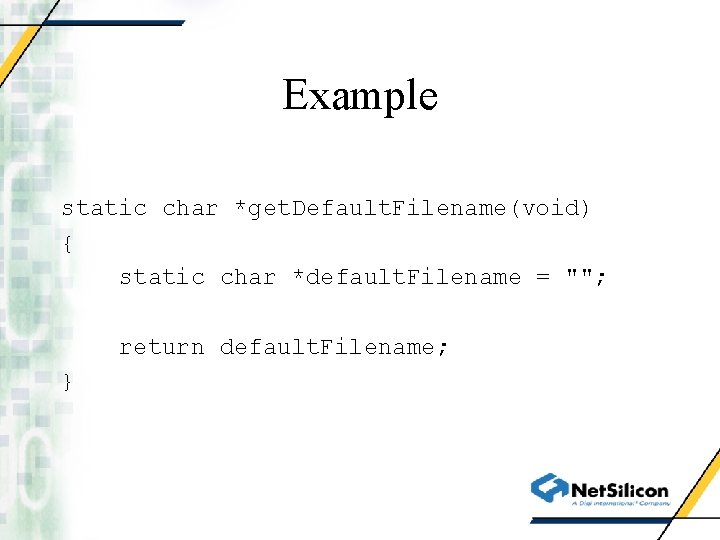
Example static char *get. Default. Filename(void) { static char *default. Filename = ""; return default. Filename; }
How to Change default Filename • Default filename is sent to DHCP/BOOTP server as a hint about what file the unit wants to download • Standard implementation is to send an empty string • Change get. Default. Filename() to supply a default boot filename
Change Error Reporting • Default implementation blinks LEDs in a pattern to indicate error condition • Edit report. Error() to change this
Determine when to Update Image • Default implementation is to update the image if it fails a 32 -bit CRC checksum test • Might want to look at buttons or switches too • Change should. Download. Image()
Determine if Image is Valid • Need to determine if image downloaded from TFTP server is valid • Default implementation performs a 32 -bit CRC checksum of it • Might need to prevent users from upgrading cheap units with firmware from expensive ones • Edit is. Image. Valid()
Might not want to use DHCP • Default implementation uses DHCP/BOOTP to get an IP address and name of TFTP image to download • Might want to get this information in a different way • Can change download. Image() to do this
Exchanging Additional Information • May want to send additional information to the DHCP server, or have it send additional information to the unit • Can customize download. Image() to send Vendor Class ID (60) to DHCP server • DHCP server can send Vendor Info (43) to unit
Changes to NAFTPAPP • NAFTPAPP looks at filename to determine where to write image into flash • Image. bin is written into application image space in flash • Rom. bin is written to start of flash
Changes to Applications • Debug, romzip, and ramzip images are gone • The “Image” image replaces all of them • Creates debug version that corresponds to the image the bootloader will execute • Also creates compressed version that can be written to flash and executed by the bootloader
Structure of Application Image • • Image that is written to flash has a header Header is created by boothdr. exe Image is usually compressed Generated automatically when “image” is generated
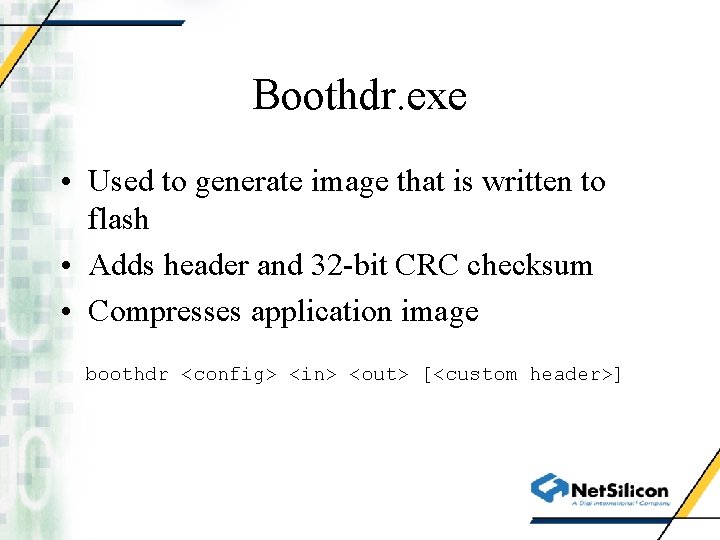
Boothdr. exe • Used to generate image that is written to flash • Adds header and 32 -bit CRC checksum • Compresses application image boothdr <config> <in> <out> [<custom header>]
Boothdr Config File • Used to set values in bootloader header • Default version stored in linker. Scriptsbootldr. dat • Customers can override this by editing build or make files to use a different one
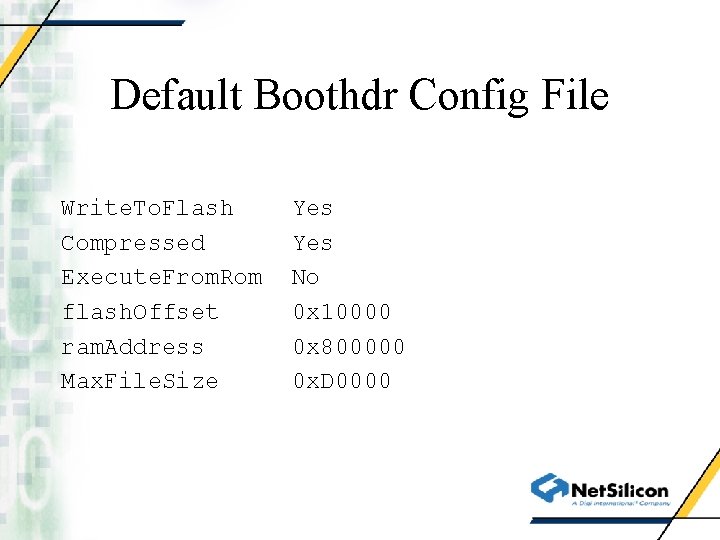
Default Boothdr Config File Write. To. Flash Compressed Execute. From. Rom flash. Offset ram. Address Max. File. Size Yes No 0 x 10000 0 x 800000 0 x. D 0000
Customized Headers • Customers can append their own headers onto the bootloader header • Useful for identifying the H/W requirements of the firmware • Custom header is appended by adding the name of a header file onto the command line used by boothdr.
New BSPCONF. H Settings • BSP_BOOTLOADER_SIZE determines the size of the bootloader image in flash • BSP_APPLICATION_OFFSET determines where the application image starts in flash • BSP_APPLICATION_IMAGE_SIZE determines the maximum size of the application image in flash
- Slides: 26