
Net Grove New Tools for Network Optimization Tomas


- Slides: 56
Net. Grove: New Tools for Network Optimization Tomas Vykruta Software Development Engineer XNA Publishing Platform Microsoft
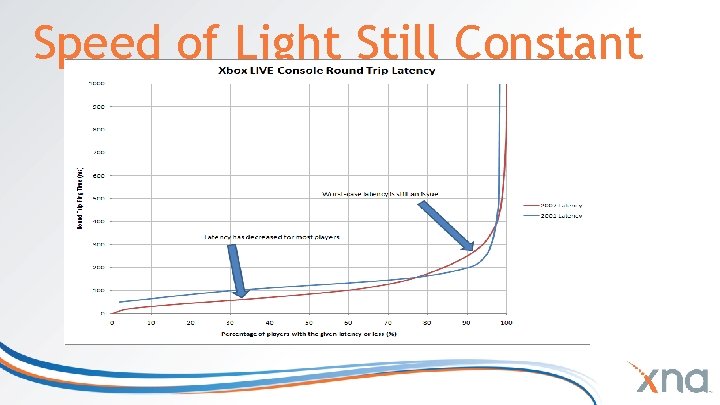
Speed of Light Still Constant
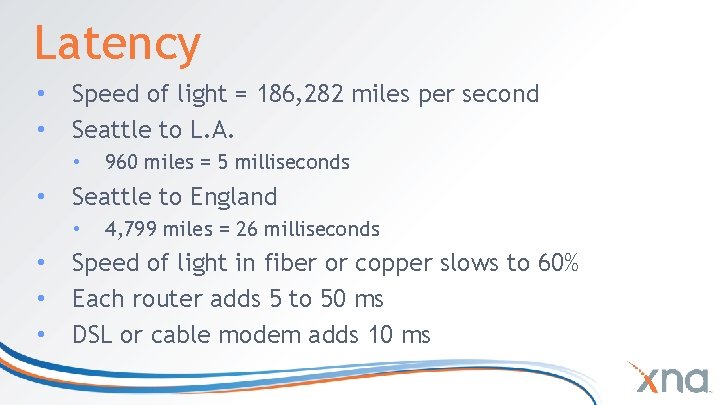
Latency • • Speed of light = 186, 282 miles per second Seattle to L. A. • • Seattle to England • • 960 miles = 5 milliseconds 4, 799 miles = 26 milliseconds Speed of light in fiber or copper slows to 60% Each router adds 5 to 50 ms DSL or cable modem adds 10 ms
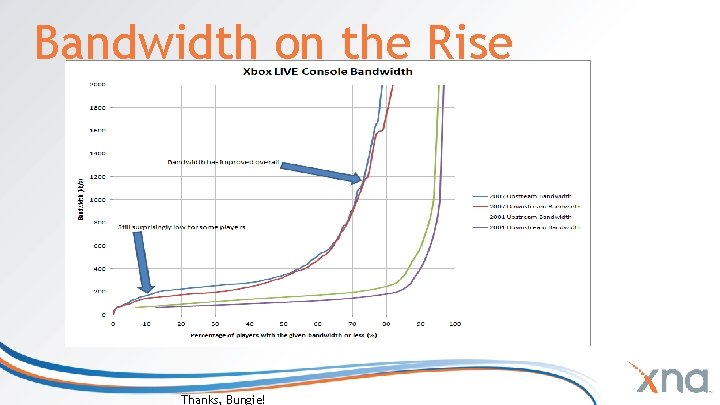
Bandwidth on the Rise Thanks, Bungie!
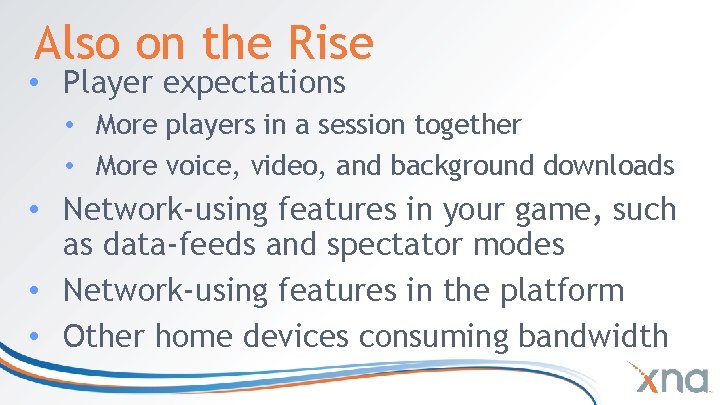
Also on the Rise • Player expectations • More players in a session together • More voice, video, and background downloads • Network-using features in your game, such as data-feeds and spectator modes • Network-using features in the platform • Other home devices consuming bandwidth
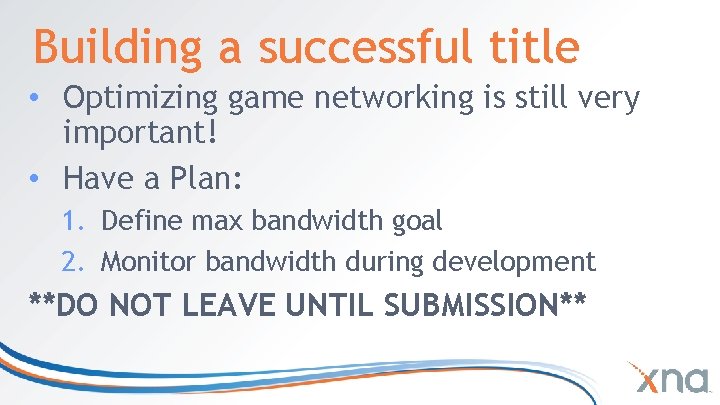
Building a successful title • Optimizing game networking is still very important! • Have a Plan: 1. Define max bandwidth goal 2. Monitor bandwidth during development **DO NOT LEAVE UNTIL SUBMISSION**
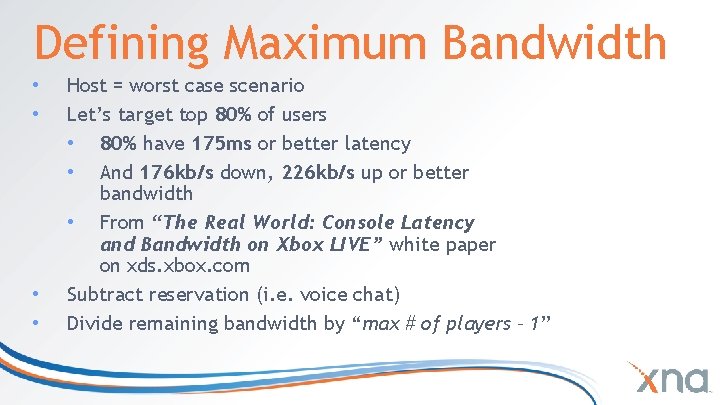
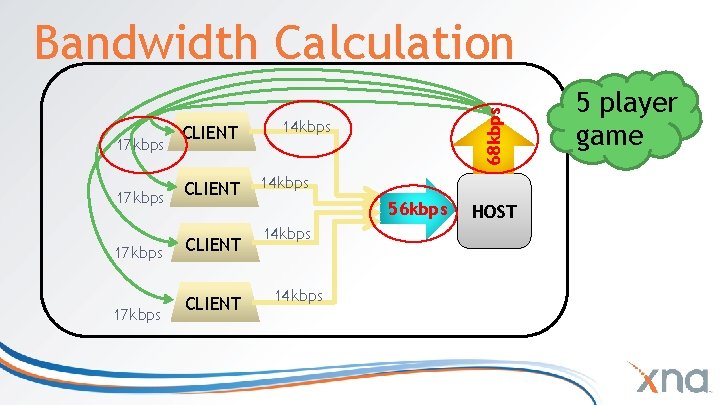
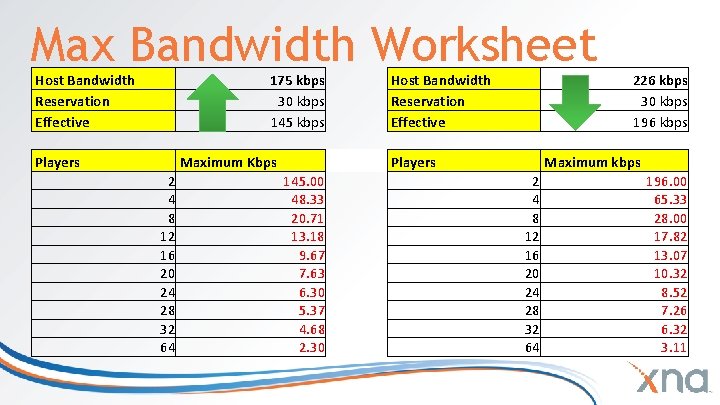
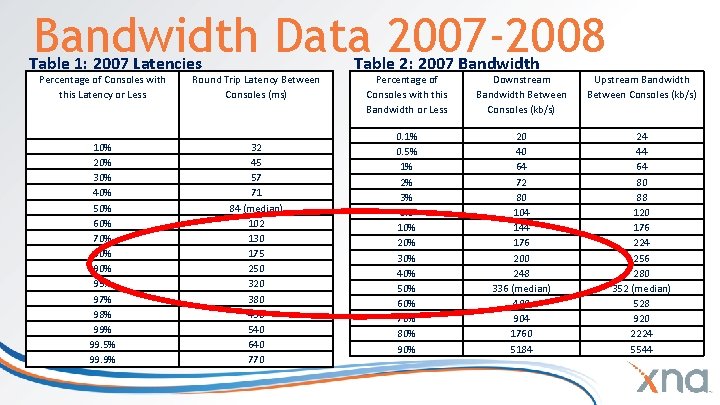
Defining Maximum Bandwidth • • Host = worst case scenario Let’s target top 80% of users • 80% have 175 ms or better latency • And 176 kb/s down, 226 kb/s up or better bandwidth • From “The Real World: Console Latency and Bandwidth on Xbox LIVE” white paper on xds. xbox. com Subtract reservation (i. e. voice chat) Divide remaining bandwidth by “max # of players – 1”
17 kbps CLIENT 68 kbps Bandwidth Calculation 14 kbps 56 kbps 14 kbps HOST 5 player game
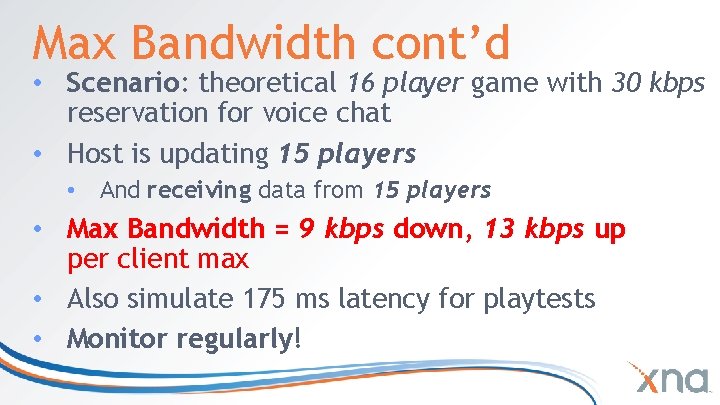
Max Bandwidth cont’d • Scenario: theoretical 16 player game with 30 kbps reservation for voice chat • Host is updating 15 players • And receiving data from 15 players • Max Bandwidth = 9 kbps down, 13 kbps up per client max • Also simulate 175 ms latency for playtests • Monitor regularly!
Max Bandwidth Worksheet Host Bandwidth Reservation Effective 175 kbps 30 kbps 145 kbps Players Maximum Kbps 2 4 8 12 16 20 24 28 32 64 145. 00 48. 33 20. 71 13. 18 9. 67 7. 63 6. 30 5. 37 4. 68 2. 30 Host Bandwidth Reservation Effective Players 226 kbps 30 kbps 196 kbps Maximum kbps 2 4 8 12 16 20 24 28 32 64 196. 00 65. 33 28. 00 17. 82 13. 07 10. 32 8. 52 7. 26 6. 32 3. 11
Bandwidth Data 2007 -2008 Table 1: 2007 Latencies Percentage of Consoles with this Latency or Less Round Trip Latency Between Consoles (ms) 10% 20% 30% 40% 50% 60% 70% 80% 95% 97% 98% 99. 5% 99. 9% 32 45 57 71 84 (median) 102 130 175 250 320 380 430 540 640 770 Table 2: 2007 Bandwidth Percentage of Consoles with this Bandwidth or Less Downstream Bandwidth Between Consoles (kb/s) Upstream Bandwidth Between Consoles (kb/s) 0. 1% 0. 5% 1% 2% 3% 5% 10% 20% 30% 40% 50% 60% 70% 80% 90% 20 40 64 72 80 104 144 176 200 248 336 (median) 480 904 1760 5184 24 44 64 80 88 120 176 224 256 280 352 (median) 528 920 2224 5544
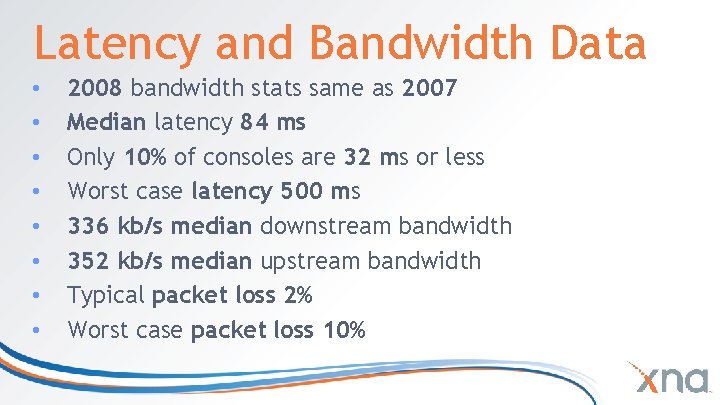
Latency and Bandwidth Data • • 2008 bandwidth stats same as 2007 Median latency 84 ms Only 10% of consoles are 32 ms or less Worst case latency 500 ms 336 kb/s median downstream bandwidth 352 kb/s median upstream bandwidth Typical packet loss 2% Worst case packet loss 10%
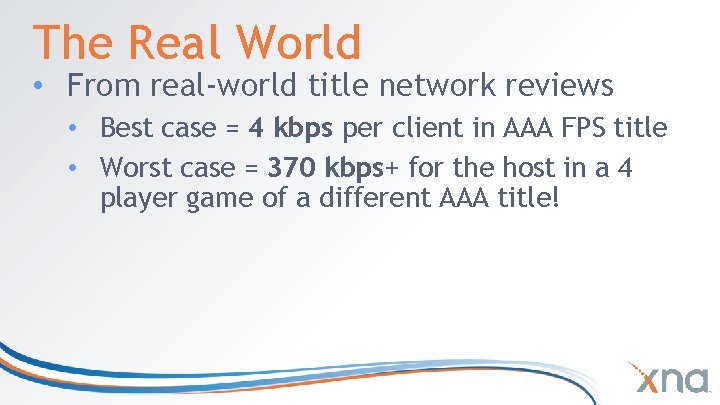
The Real World • From real-world title network reviews • Best case = 4 kbps per client in AAA FPS title • Worst case = 370 kbps+ for the host in a 4 player game of a different AAA title!
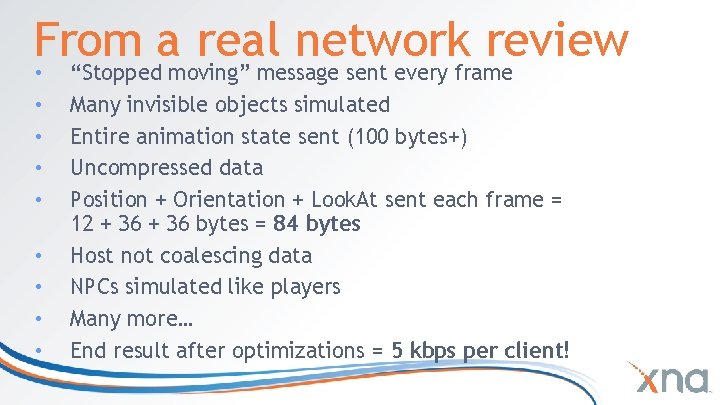
From a real network review • • • “Stopped moving” message sent every frame Many invisible objects simulated Entire animation state sent (100 bytes+) Uncompressed data Position + Orientation + Look. At sent each frame = 12 + 36 bytes = 84 bytes Host not coalescing data NPCs simulated like players Many more… End result after optimizations = 5 kbps per client!
Run-time Bandwidth Monitoring • Fps, Memory Usage, why not peak bandwidth? • Display on screen, always present • Visual alert to indicate packet loss
Tools • Instrumentation in game code • Subjective playtest experience • Packet sniffing • Tried and true • Black box and low barrier to entry • Many sophisticated sniffers available
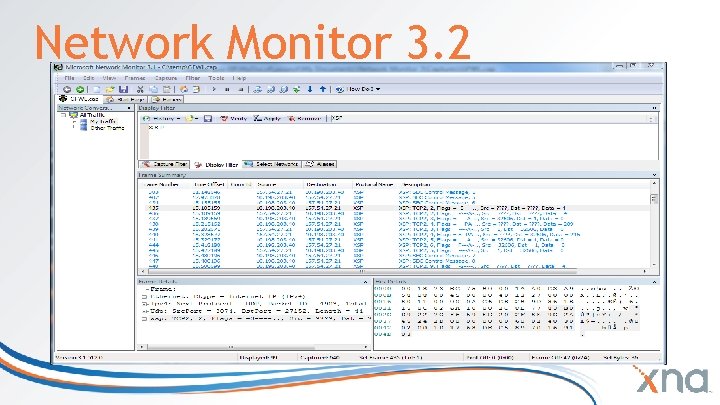
Network Monitor 3. 2 • • • Process Tracking to identify rogue applications New engine for improved capture rate in high-speed networks Find conversations to view TCP streams, HTTP flows etc. Extensive parsers for over 300 protocols! Network Monitor API: Create your own applications that capture, parse, and analyze network traffic
Network Monitor 3. 2
Quick Net. Mon Tour • Conversations • Find frame (CTRL+F) • Display and capture filters • Declarative language with Intellisense • Color filters • Ex: XSP (by itself) filters down to Xbox LIVE traffic • NMCAP for command-line captures
Net. Mon Protocols • Extensive script-based protocol parser language • Documented in Net. MonHelpParser. Language. doc • Create your own! • Trade with your friends! • Sure would be nice if the LIVE protocol…
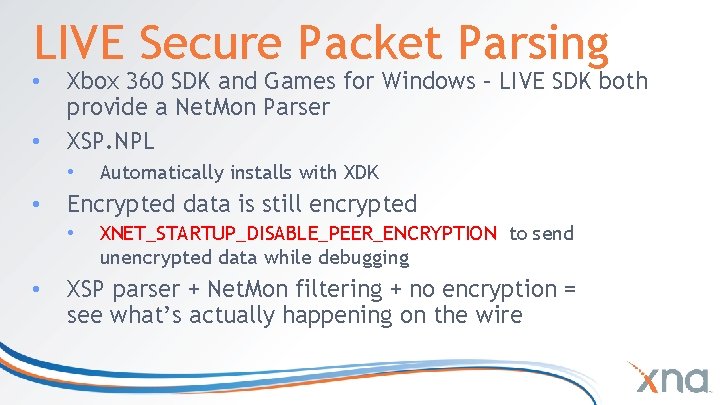
LIVE Secure Packet Parsing • • Xbox 360 SDK and Games for Windows – LIVE SDK both provide a Net. Mon Parser XSP. NPL • • Encrypted data is still encrypted • • Automatically installs with XDK XNET_STARTUP_DISABLE_PEER_ENCRYPTION to send unencrypted data while debugging XSP parser + Net. Mon filtering + no encryption = see what’s actually happening on the wire
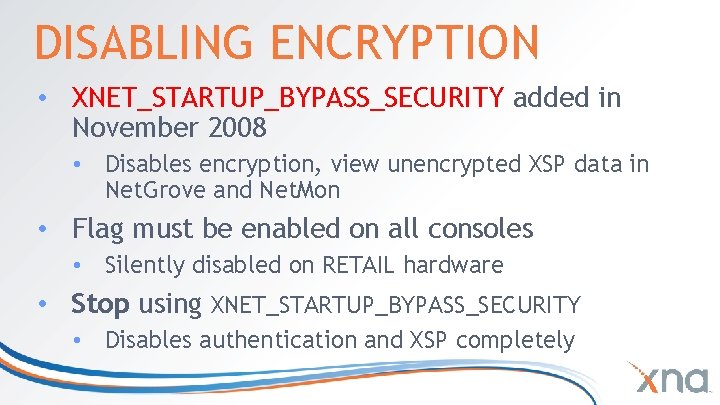
DISABLING ENCRYPTION • XNET_STARTUP_BYPASS_SECURITY added in November 2008 • Disables encryption, view unencrypted XSP data in Net. Grove and Net. Mon • Flag must be enabled on all consoles • Silently disabled on RETAIL hardware • Stop using XNET_STARTUP_BYPASS_SECURITY • Disables authentication and XSP completely
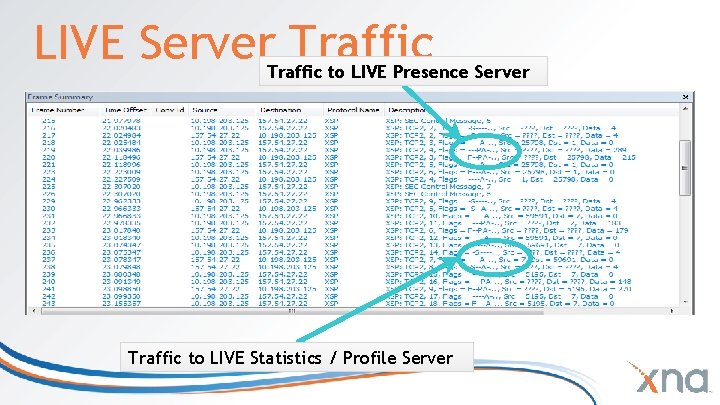
LIVE Server Traffic to LIVE Presence Server Traffic to LIVE Statistics / Profile Server
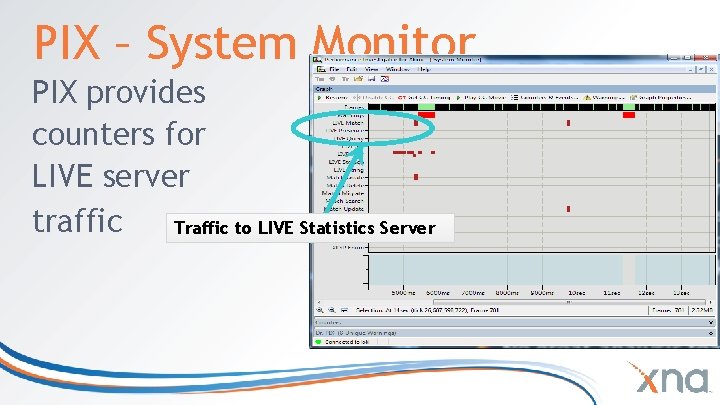
PIX – System Monitor PIX provides counters for LIVE server traffic Traffic to LIVE Statistics Server
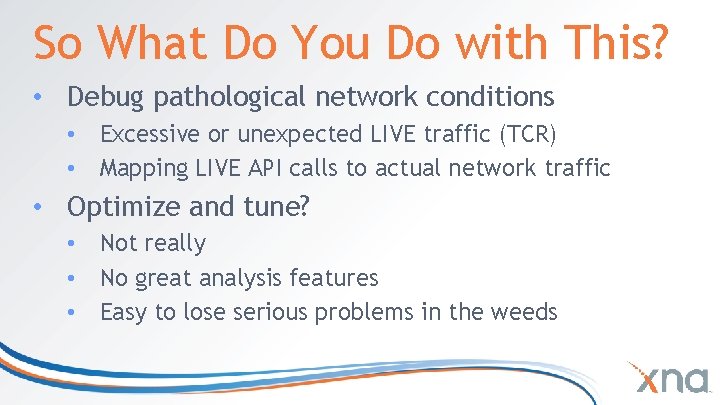
So What Do You Do with This? • Debug pathological network conditions • Excessive or unexpected LIVE traffic (TCR) • Mapping LIVE API calls to actual network traffic • Optimize and tune? • Not really • No great analysis features • Easy to lose serious problems in the weeds
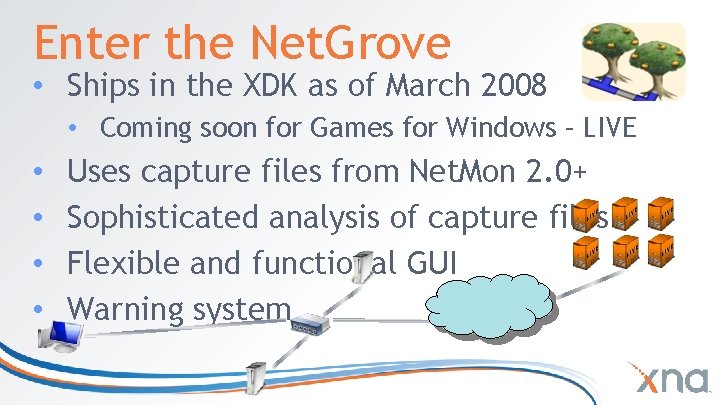
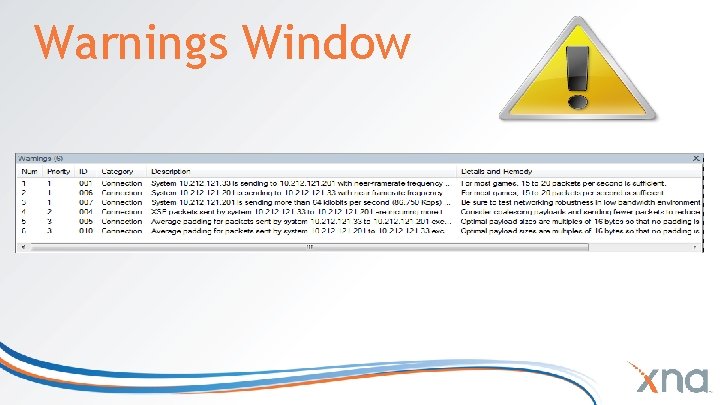
Enter the Net. Grove • Ships in the XDK as of March 2008 • Coming soon for Games for Windows – LIVE • • Uses capture files from Net. Mon 2. 0+ Sophisticated analysis of capture files Flexible and functional GUI Warning system
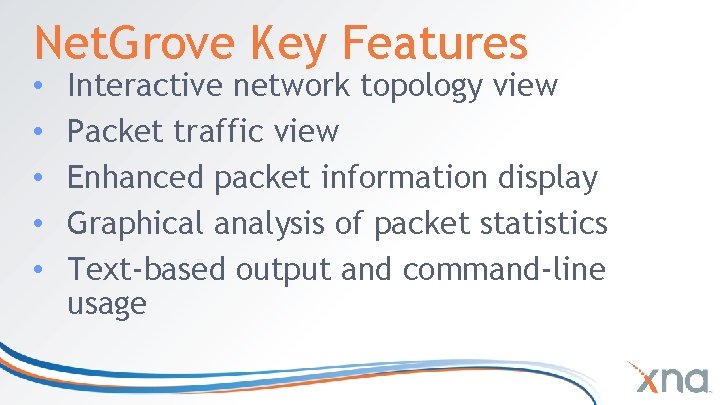
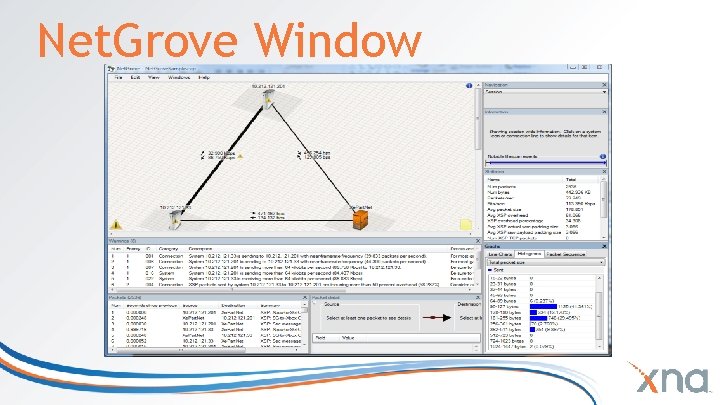
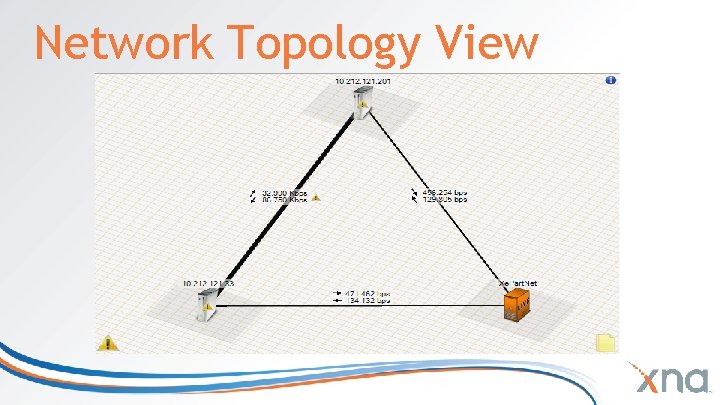
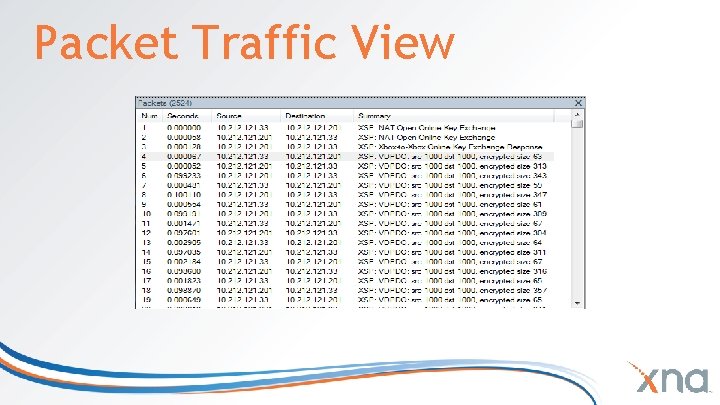
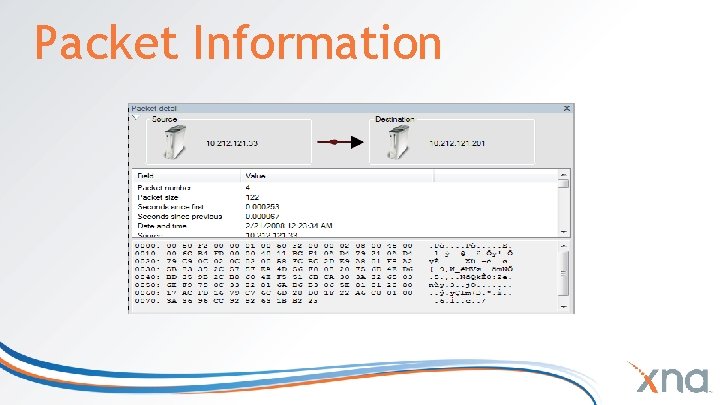
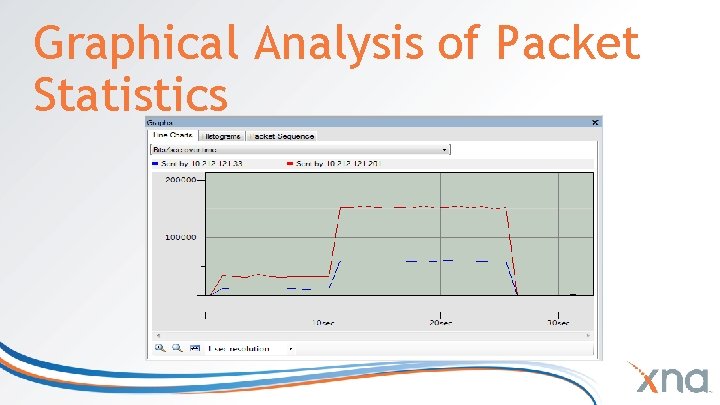
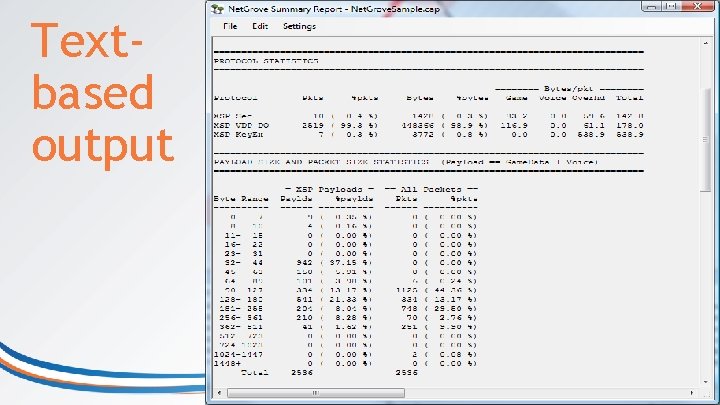
Net. Grove Key Features • • • Interactive network topology view Packet traffic view Enhanced packet information display Graphical analysis of packet statistics Text-based output and command-line usage
Net. Grove Window
Network Topology View
Packet Traffic View
Packet Information
Graphical Analysis of Packet Statistics
Warnings Window
Textbased output
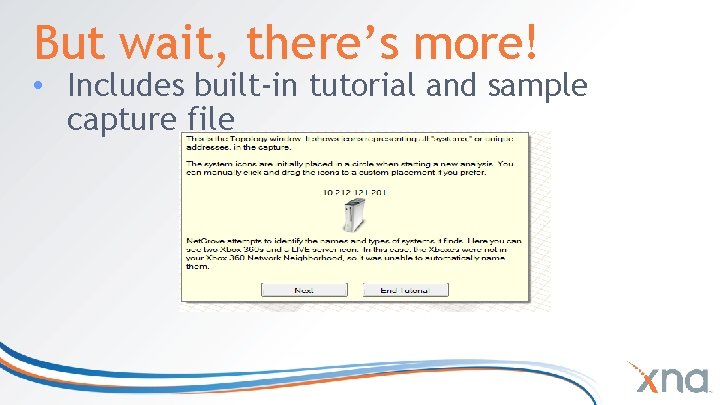
But wait, there’s more! • Includes built-in tutorial and sample capture file
So What Do You Do with This? • • Seriously! First Some Discussion About Network Optimization (An aside in many parts)
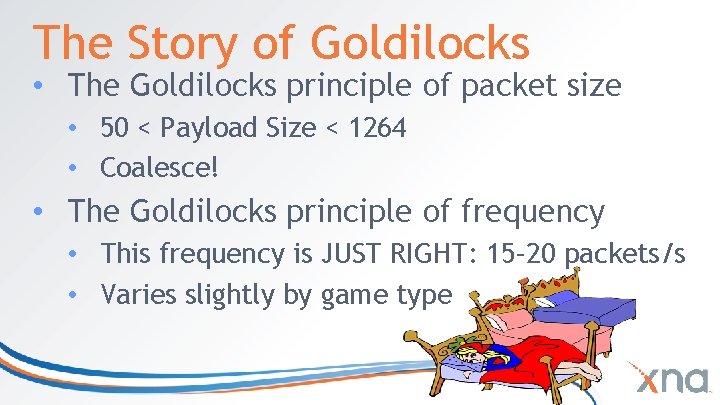
The Story of Goldilocks • The Goldilocks principle of packet size • 50 < Payload Size < 1264 • Coalesce! • The Goldilocks principle of frequency • This frequency is JUST RIGHT: 15– 20 packets/s • Varies slightly by game type
Other Naïve Optimizations • Avoid XSP padding! • This includes using port 1000 • Avoid struct padding! • VDP always, UDP rarely, TCP almost never • Don’t send packets you don’t need to send • For example, don’t send muted voice
Slightly More Complex Choices • Do not lock send rate to framerate • Use peer-to-peer networking when feasible • Don’t need authoritative server • Can’t rely on one server to take high CPU and network bandwidth load • Definitely send voice peer-to-peer
Voice and Video • Always use peer-to-peer networking • Don’t send muted voice • Partition traffic by • Proximity to player • Team channel • “Importance” rating
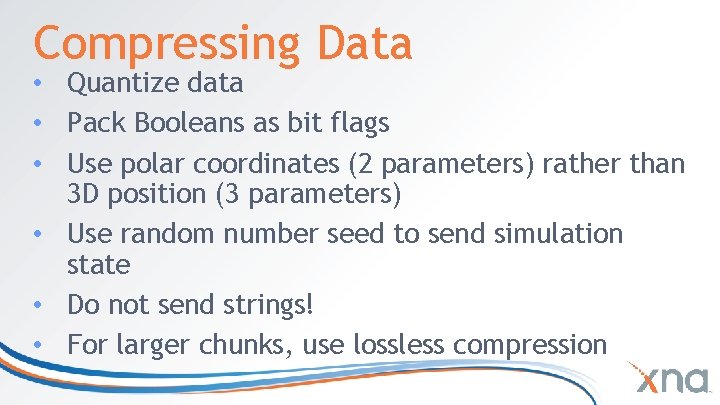
Compressing Data • Quantize data • Pack Booleans as bit flags • Use polar coordinates (2 parameters) rather than 3 D position (3 parameters) • Use random number seed to send simulation state • Do not send strings! • For larger chunks, use lossless compression
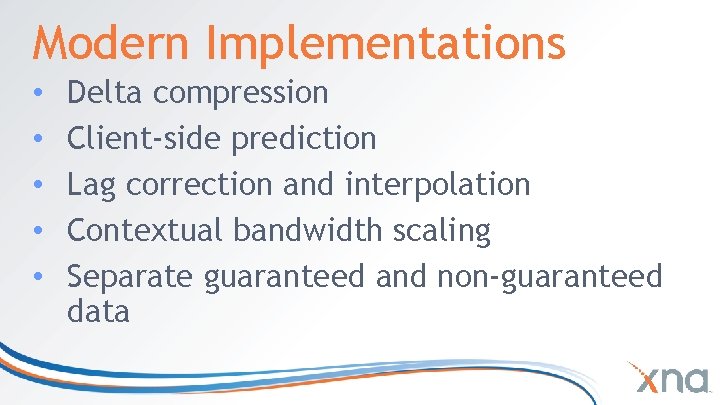
Modern Implementations • • • Delta compression Client-side prediction Lag correction and interpolation Contextual bandwidth scaling Separate guaranteed and non-guaranteed data
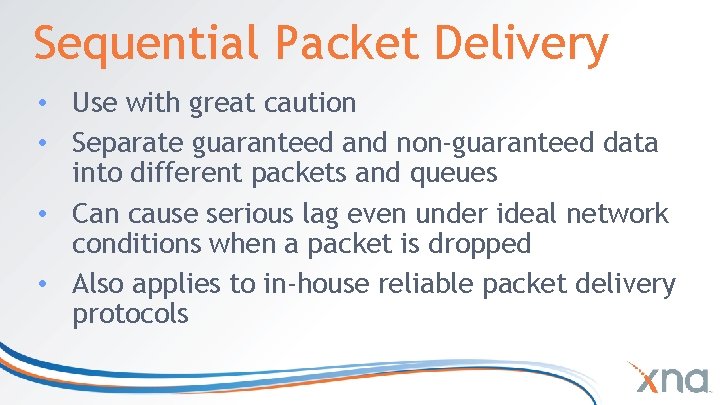
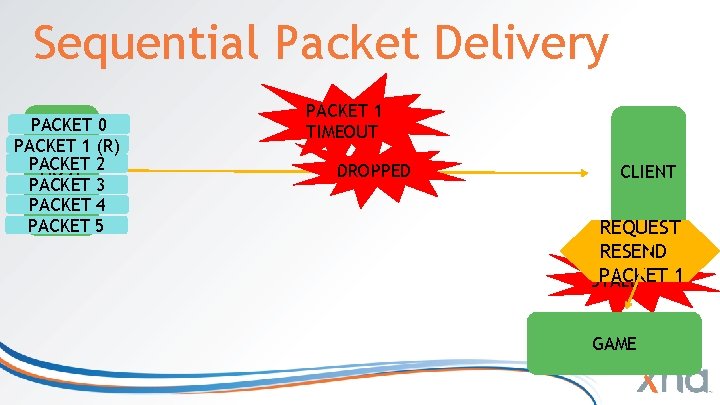
Sequential Packet Delivery • Use with great caution • Separate guaranteed and non-guaranteed data into different packets and queues • Can cause serious lag even under ideal network conditions when a packet is dropped • Also applies to in-house reliable packet delivery protocols
Sequential Packet Delivery PACKET 0 PACKET 1 (R) PACKET HOST 2 PACKET 3 PACKET 4 PACKET 5 PACKET 1 TIMEOUT DROPPED CLIENT REQUEST RESEND PACKET 1 STALL GAME
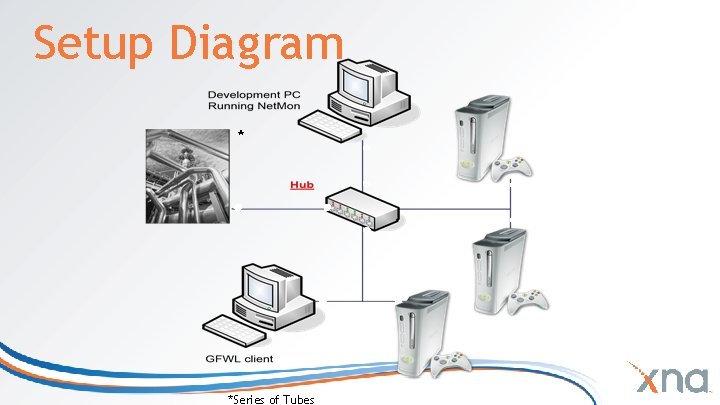
Setup Diagram * *Series of Tubes
Living With Latency • Embrace quantum uncertainty • • The current state is a probability field • • • You can never know where an object is Only where it used to be. . . and how fast it was moving Is the cat alive or dead? Each player has their own parallel universe Our goal is to keep the universes similar • No red pill
Prediction Relativity • Remember the parallel universes • Send information relative to the recipient • “Fired toward position (x, y, z)” • What if players are in different places? • “Shot at Shawn, missed 10° to the left” • Robust even if player positions differ
Prediction Paradox • • • Larger packets = less bandwidth Position + velocity + controller input More data makes prediction work better Allows lower packet send rate Fewer packet headers
Setup • • Download and install Net. Mon 3. 2 Run Net. Mon as Administrator Enable P-Mode Use a hub! Switches and routers do not work.
Profiling Your Title • Start with a 2 player capture, then gradually add more players • Capture with voice and/or video enabled • Capture lobby, eliminate redundant traffic • Capture gameplay when all players are standing still, look for redundant packets • Capture worst-case scenario (heavy battle)
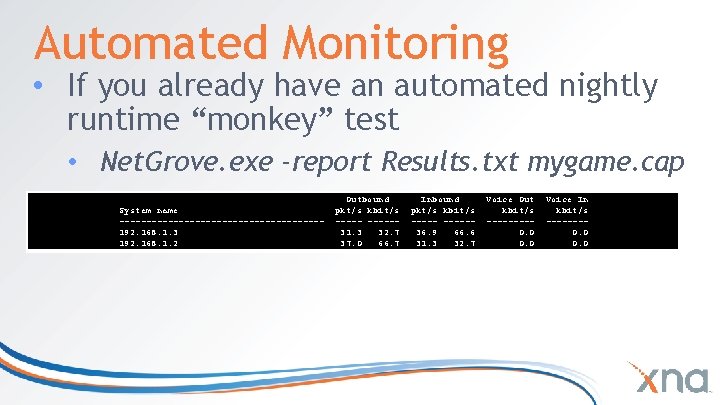
Automated Monitoring • If you already have an automated nightly runtime “monkey” test • Net. Grove. exe -report Results. txt mygame. cap • Generates detailed report (text format): System name -------------------192. 168. 1. 3 192. 168. 1. 2 Outbound pkt/s kbit/s -----31. 3 32. 7 37. 0 66. 7 Inbound pkt/s kbit/s -----36. 9 66. 6 31. 3 32. 7 Voice Out kbit/s ----0. 0 Voice In kbit/s -------0. 0
Net. Grove in Action
Real World Fail Case • Title is ready for final cert • Was only tested with ideal network conditions throughout development • Tested with 100 ms+ latency for first time • Terrible lag causing random deaths, bad user experience • Too late to fix = negative reviews
Common Pitfalls • Common pitfalls from real title reviews • • Idle network chatter Uncompressed data Unused data Complex state High update frequency (10– 15 Hz is sufficient) Network simulating invisible objects Lack of prediction Bugs
Resources • Network Performance Optimization white paper • Networking Best Practices white paper • Network Monitor 3. 2 Connect Site
http: //www. xna. com © 2009 Microsoft Corporation. All rights reserved. This presentation is for informational purposes only. Microsoft makes no warranties, express or implied, in this summary.