
NET Core on the RPi Easy as Pi
- Slides: 11
. NET Core on the RPi Easy as Pi! David Jones MVP
Key Points • . NET Core is Universal • . NET Core is simple to install • App Dev is a breeze! • Runs on the Raspberry. Pi • Raspian (Denbian Linux) • Windows 10 Io. T-Core David Jones MVP
. NET Core is Universal • Runs on both Windows and Linux • Setup. NET Core with specific Runtime or SDK binary • Can then build with same source code on different platforms • Windows • Including. NET Core • Linux • • • Raspian Mac. OS Other Linux flavours David Jones MVP
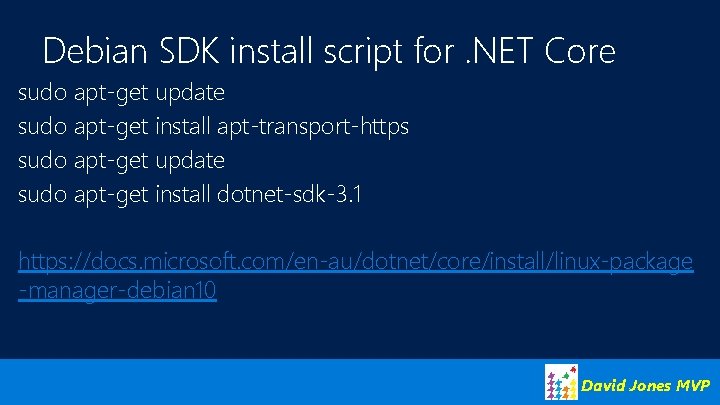
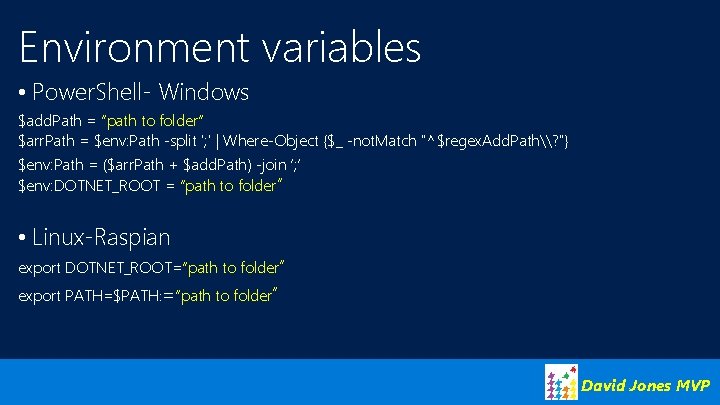
. NET Core is simple to install • Can use installer where supported • Windows. msiex installer • Can’t use on Io. T-Core • apt-get install on Linux • As of version 3. 0 “installation” doesn’t need an installation engine • • I call it copy-paste installation Download binary and expand to a folder Copy folder to the Pi, through a share On Pi set DOTNET_ROOT to point to folder and add that to the PATH • Environment variables. Use export on Linux David Jones MVP
Debian SDK install script for. NET Core sudo apt-get update sudo apt-get install apt-transport-https sudo apt-get update sudo apt-get install dotnet-sdk-3. 1 https: //docs. microsoft. com/en-au/dotnet/core/install/linux-package -manager-debian 10 David Jones MVP
Environment variables • Power. Shell- Windows $add. Path = “path to folder” $arr. Path = $env: Path -split '; ' | Where-Object {$_ -not. Match "^$regex. Add. Path\? "} $env: Path = ($arr. Path + $add. Path) -join ‘; ’ $env: DOTNET_ROOT = “path to folder” • Linux-Raspian export DOTNET_ROOT=“path to folder” export PATH=$PATH: =“path to folder” David Jones MVP
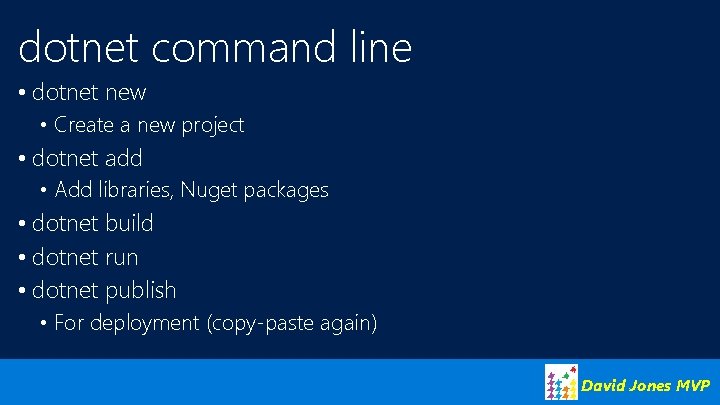
dotnet command line • dotnet new • Create a new project • dotnet add • Add libraries, Nuget packages • dotnet build • dotnet run • dotnet publish • For deployment (copy-paste again) David Jones MVP
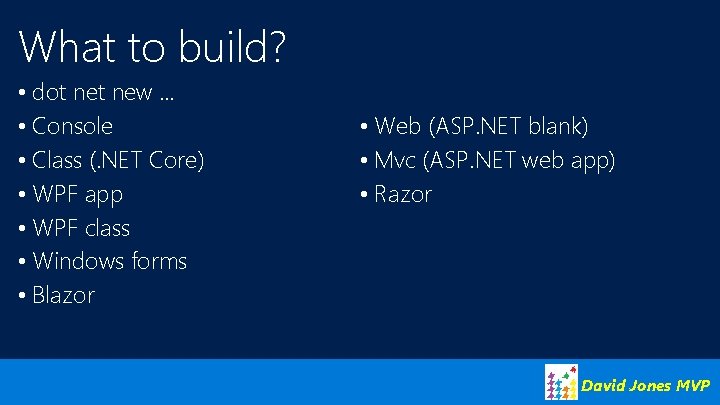
What to build? • dot new … • Console • Class (. NET Core) • WPF app • WPF class • Windows forms • Blazor • Web (ASP. NET blank) • Mvc (ASP. NET web app) • Razor David Jones MVP
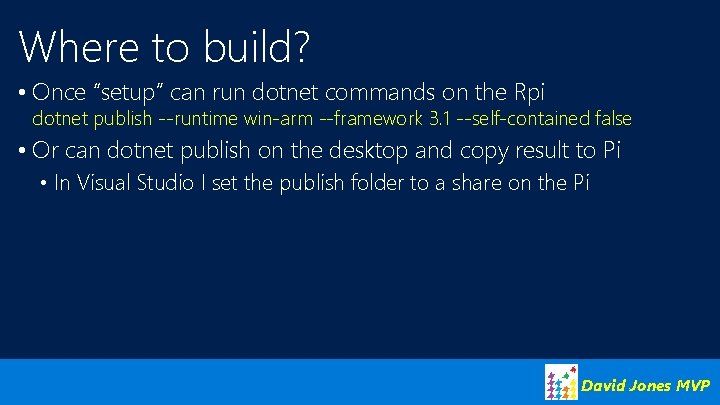
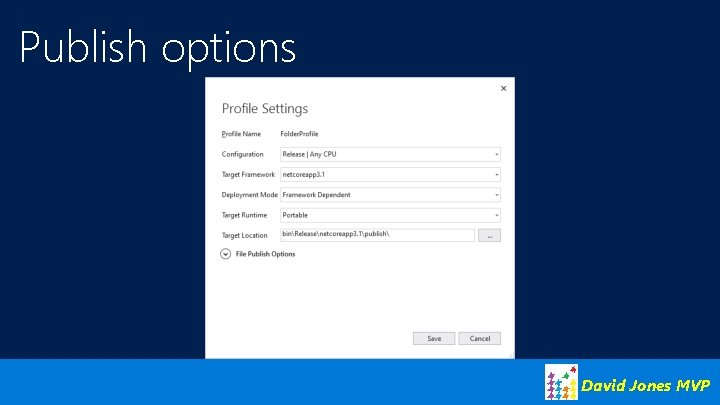
Where to build? • Once “setup” can run dotnet commands on the Rpi dotnet publish --runtime win-arm --framework 3. 1 --self-contained false • Or can dotnet publish on the desktop and copy result to Pi • In Visual Studio I set the publish folder to a share on the Pi David Jones MVP
Publish options David Jones MVP
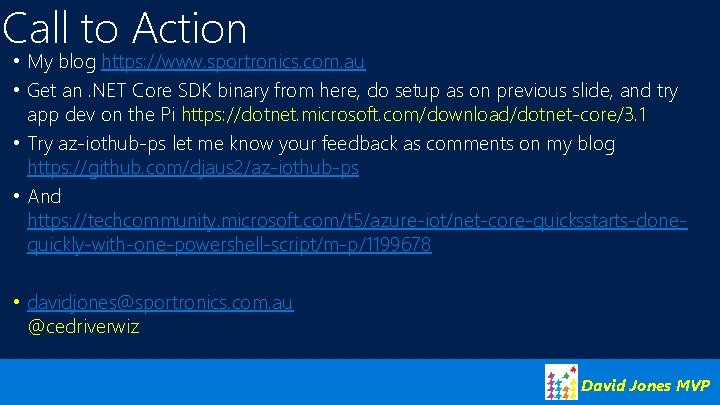
Call to Action • My blog https: //www. sportronics. com. au • Get an. NET Core SDK binary from here, do setup as on previous slide, and try app dev on the Pi https: //dotnet. microsoft. com/download/dotnet-core/3. 1 • Try az-iothub-ps let me know your feedback as comments on my blog https: //github. com/djaus 2/az-iothub-ps • And https: //techcommunity. microsoft. com/t 5/azure-iot/net-core-quicksstarts-donequickly-with-one-powershell-script/m-p/1199678 • davidjones@sportronics. com. au @cedriverwiz David Jones MVP