
NEDe RS National Equipment Defect Reporting System Overview
- Slides: 17
NEDe. RS® National Equipment Defect Reporting System Overview of the web based scheme | Energy Networks Association 29 April 2010
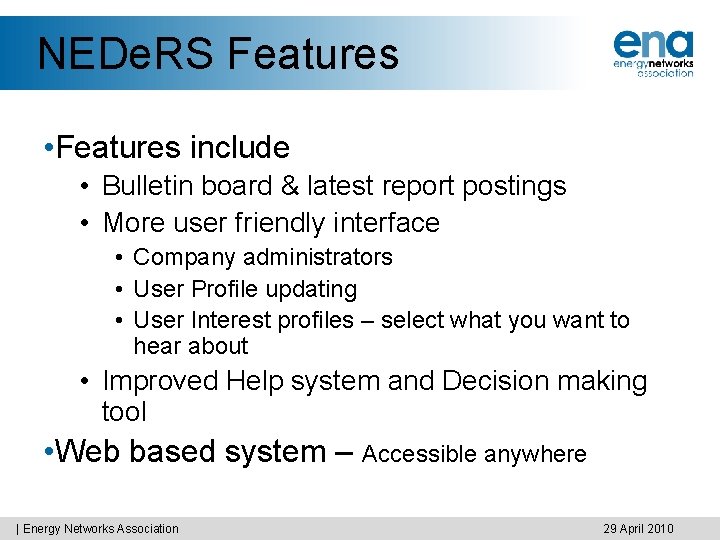
NEDe. RS Features • Features include • Bulletin board & latest report postings • More user friendly interface • Company administrators • User Profile updating • User Interest profiles – select what you want to hear about • Improved Help system and Decision making tool • Web based system – Accessible anywhere | Energy Networks Association 29 April 2010
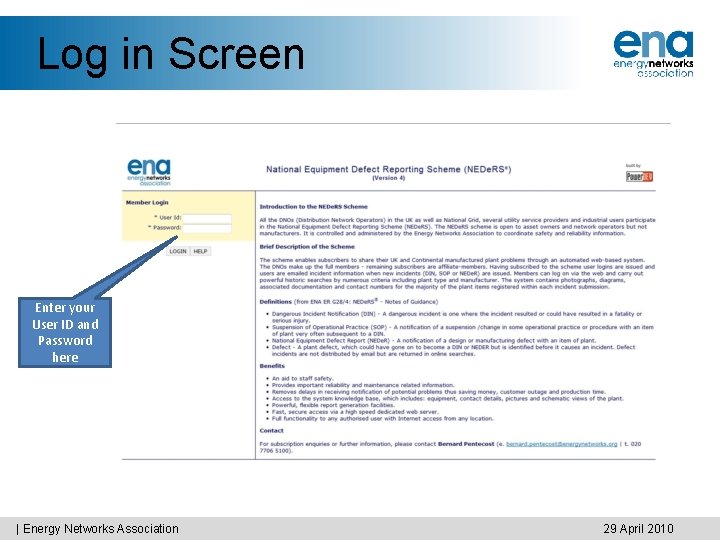
Log in Screen Enter your User ID and Password here | Energy Networks Association 29 April 2010
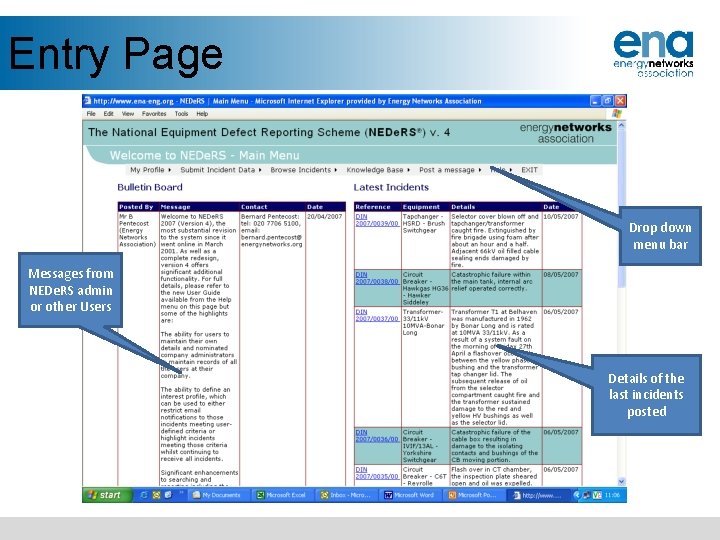
Entry Page Drop down menu bar Messages from NEDe. RS admin or other Users Details of the last incidents posted
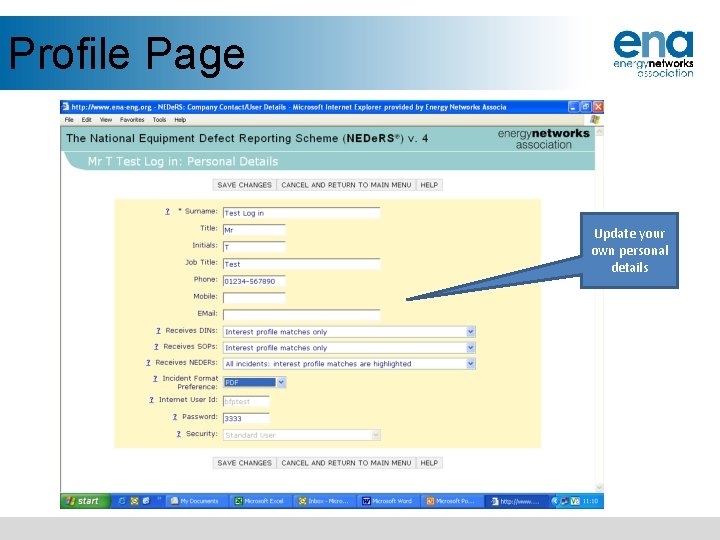
Profile Page Update your own personal details
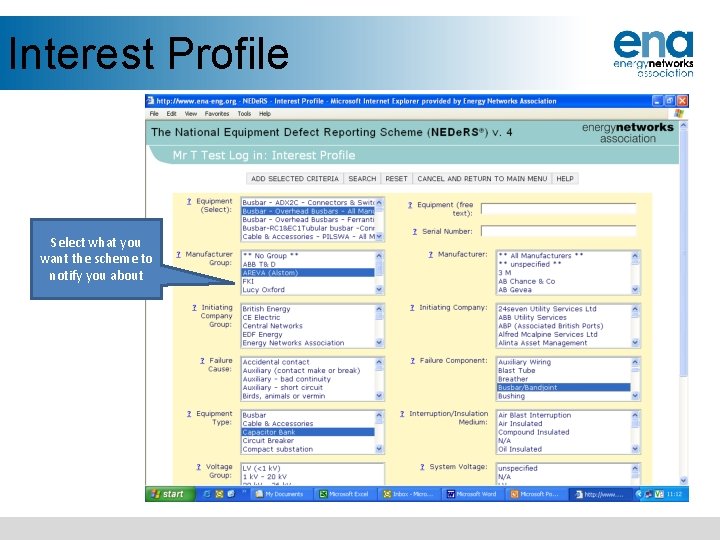
Interest Profile Select what you want the scheme to notify you about
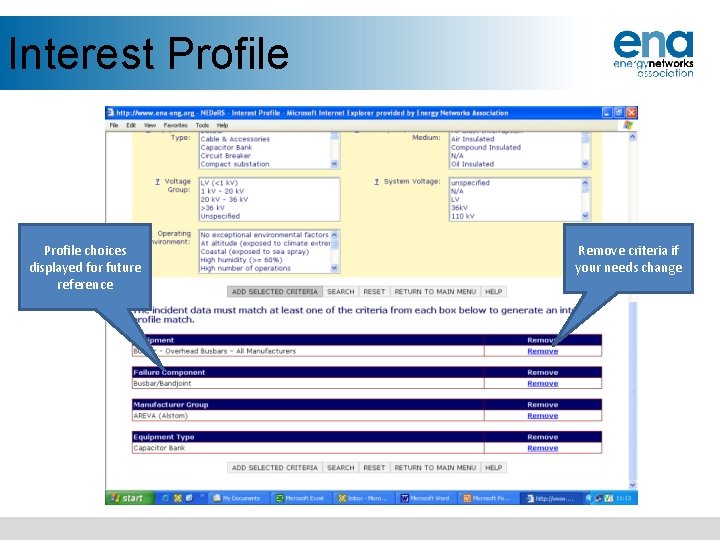
Interest Profile choices displayed for future reference Remove criteria if your needs change
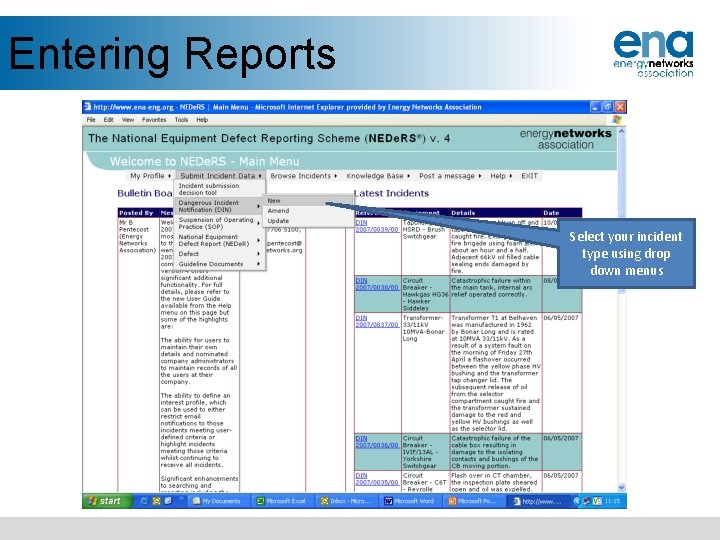
Entering Reports Select your incident type using drop down menus
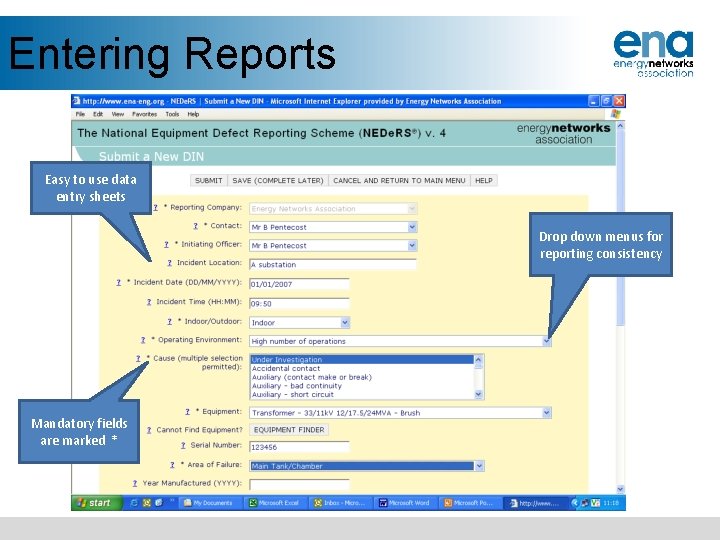
Entering Reports Easy to use data entry sheets Drop down menus for reporting consistency Mandatory fields are marked *
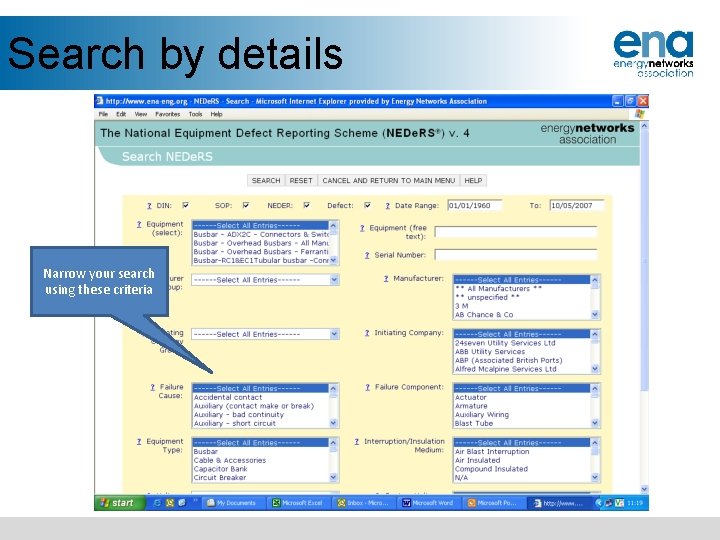
Search by details Narrow your search using these criteria
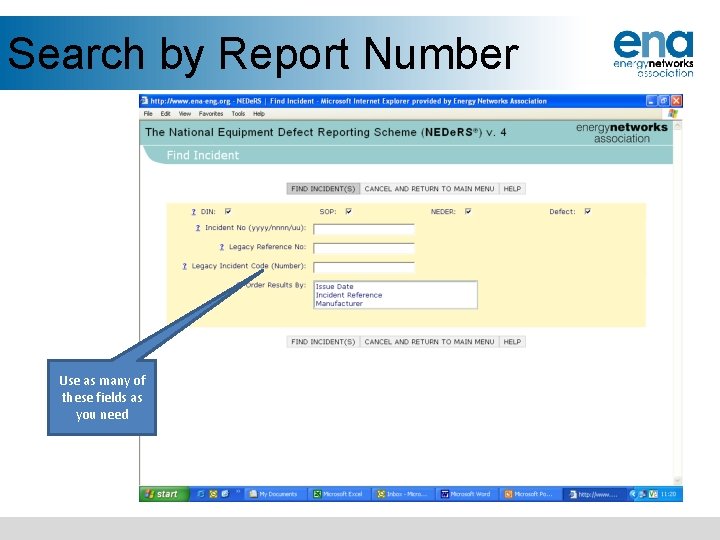
Search by Report Number Use as many of these fields as you need
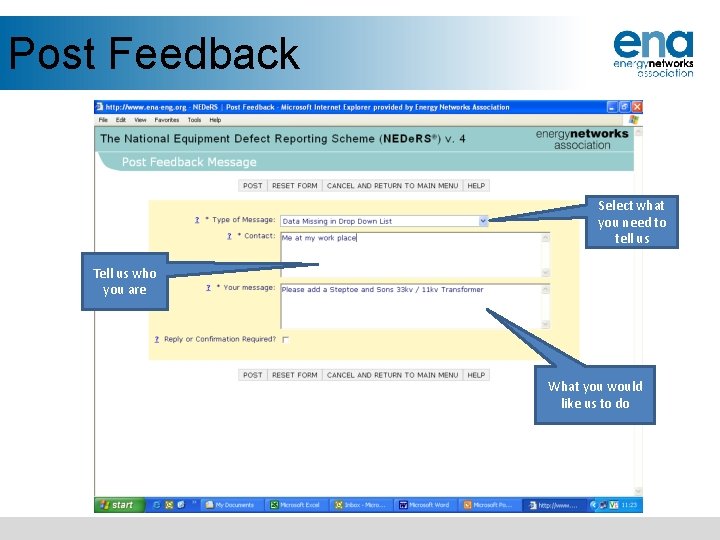
Post Feedback Select what you need to tell us Tell us who you are What you would like us to do
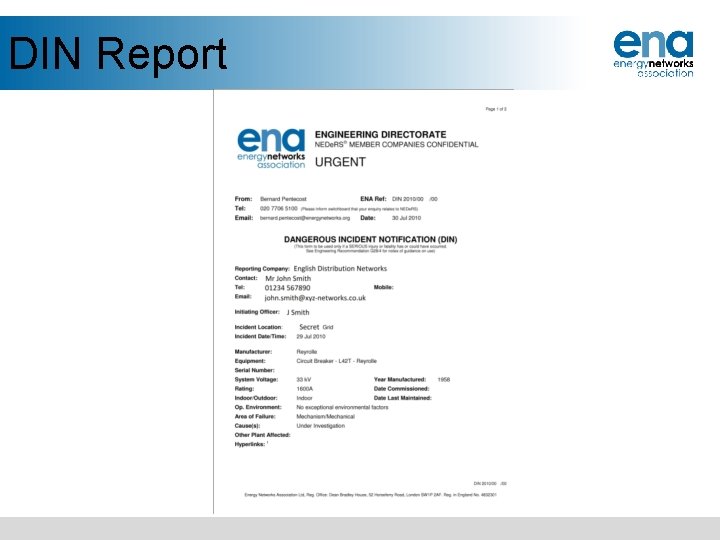
DIN Report
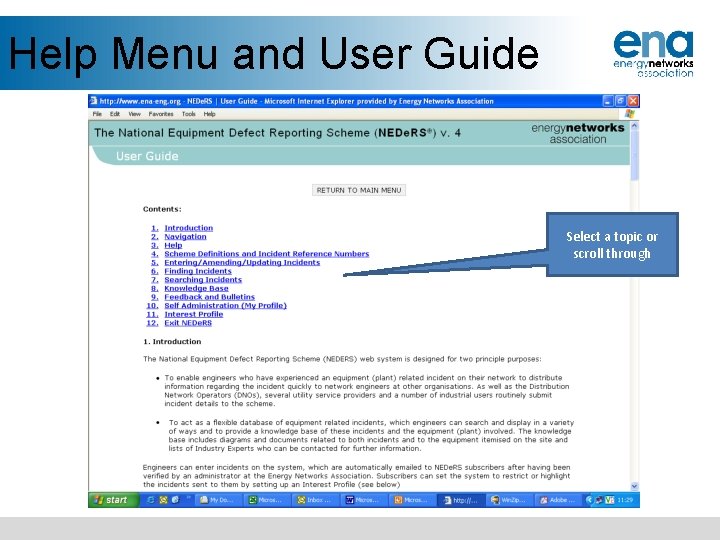
Help Menu and User Guide Select a topic or scroll through
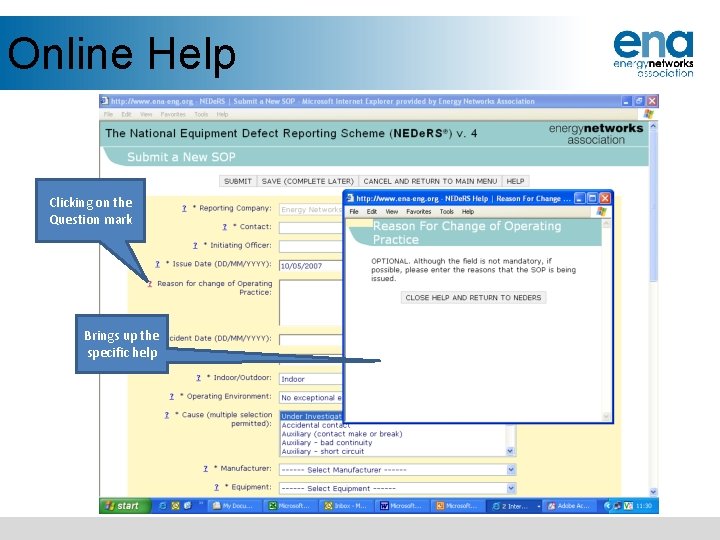
Online Help Clicking on the Question mark Brings up the specific help
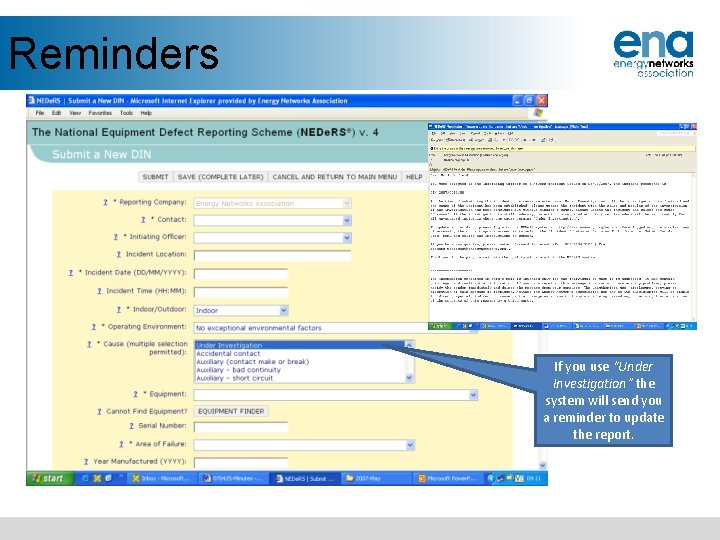
Reminders If you use “Under Investigation” the system will send you a reminder to update the report.
For more information • Visit www. energynetworks. org and click on the “NEDe. RS ®” link. • Contact NEDe. RS ® Administrator at Energy Networks Association 6 th Floor, Dean Bradley House 52 Horseferry Road London SW 1 P 2 AF Tel: 020 7706 5100