
NC Math I Math III EOC Field Test
- Slides: 25
NC Math I & Math III EOC Field Test Training Fall 2017
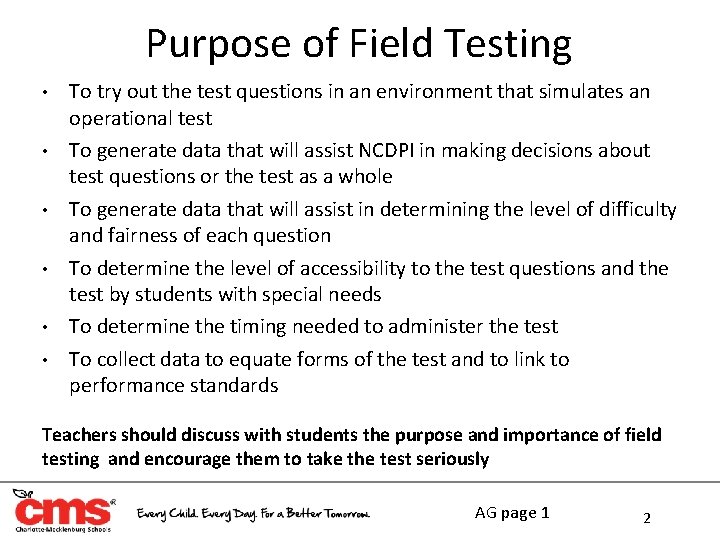
Purpose of Field Testing • • • To try out the test questions in an environment that simulates an operational test To generate data that will assist NCDPI in making decisions about test questions or the test as a whole To generate data that will assist in determining the level of difficulty and fairness of each question To determine the level of accessibility to the test questions and the test by students with special needs To determine the timing needed to administer the test To collect data to equate forms of the test and to link to performance standards Teachers should discuss with students the purpose and importance of field testing and encourage them to take the test seriously AG page 1 2
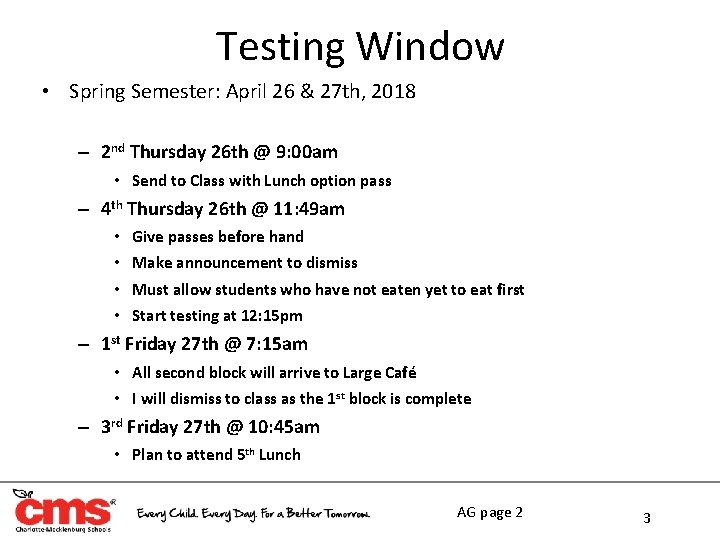
Testing Window • Spring Semester: April 26 & 27 th, 2018 – 2 nd Thursday 26 th @ 9: 00 am • Send to Class with Lunch option pass – 4 th Thursday 26 th @ 11: 49 am • Give passes before hand • Make announcement to dismiss • Must allow students who have not eaten yet to eat first • Start testing at 12: 15 pm – 1 st Friday 27 th @ 7: 15 am • All second block will arrive to Large Café • I will dismiss to class as the 1 st block is complete – 3 rd Friday 27 th @ 10: 45 am • Plan to attend 5 th Lunch AG page 2 3
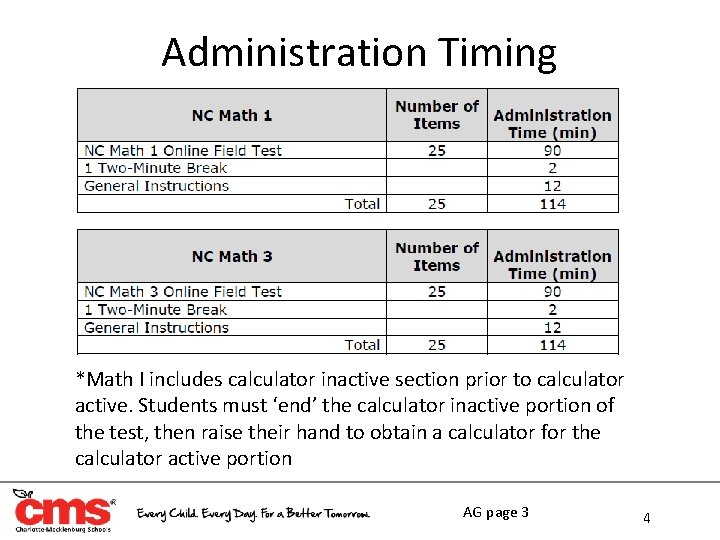
Administration Timing *Math I includes calculator inactive section prior to calculator active. Students must ‘end’ the calculator inactive portion of the test, then raise their hand to obtain a calculator for the calculator active portion AG page 3 4
Test Security North Carolina Testing Code of Ethics • • All materials must be accounted for by the School Test Coordinator before, during, and immediately after testing STC must ensure that all used scratch paper and graph paper are returned for secure destruction Secure test questions must NOT be used at any time during instruction or in resource materials (e. g. study guides) Materials with sample test questions must be shared with principal and STC before use Teachers CANNOT provide instruction related to the content being tested on test day Teachers CANNOT discuss specific items from the tests with students or colleagues No person may copy, reproduce, or paraphrase the test materials AG page 3, 6 - 8 5
Before Test Day
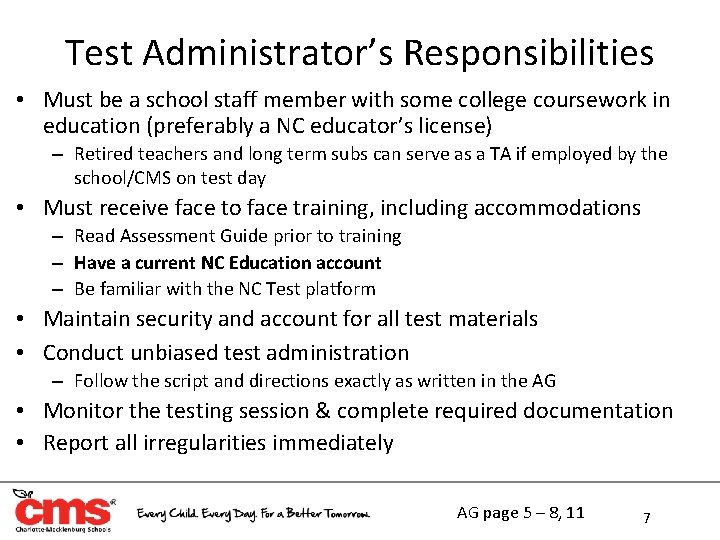
Test Administrator’s Responsibilities • Must be a school staff member with some college coursework in education (preferably a NC educator’s license) – Retired teachers and long term subs can serve as a TA if employed by the school/CMS on test day • Must receive face to face training, including accommodations – Read Assessment Guide prior to training – Have a current NC Education account – Be familiar with the NC Test platform • Maintain security and account for all test materials • Conduct unbiased test administration – Follow the script and directions exactly as written in the AG • Monitor the testing session & complete required documentation • Report all irregularities immediately AG page 5 – 8, 11 7
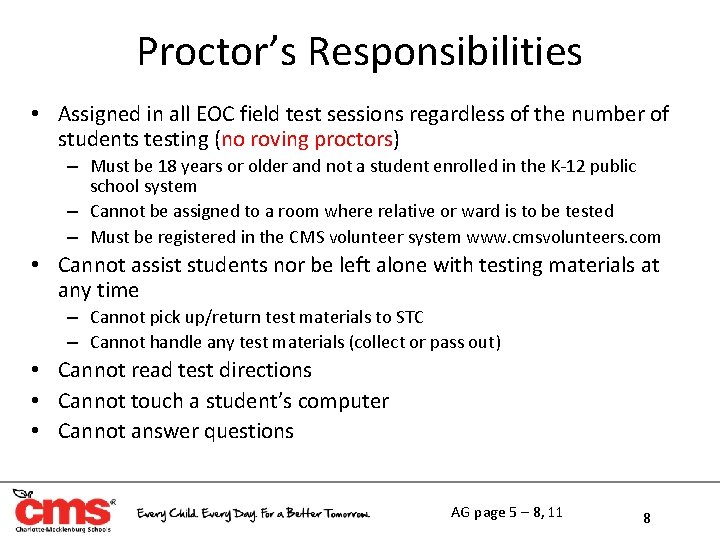
Proctor’s Responsibilities • Assigned in all EOC field test sessions regardless of the number of students testing (no roving proctors) – Must be 18 years or older and not a student enrolled in the K-12 public school system – Cannot be assigned to a room where relative or ward is to be tested – Must be registered in the CMS volunteer system www. cmsvolunteers. com • Cannot assist students nor be left alone with testing materials at any time – Cannot pick up/return test materials to STC – Cannot handle any test materials (collect or pass out) • Cannot read test directions • Cannot touch a student’s computer • Cannot answer questions AG page 5 – 8, 11 8
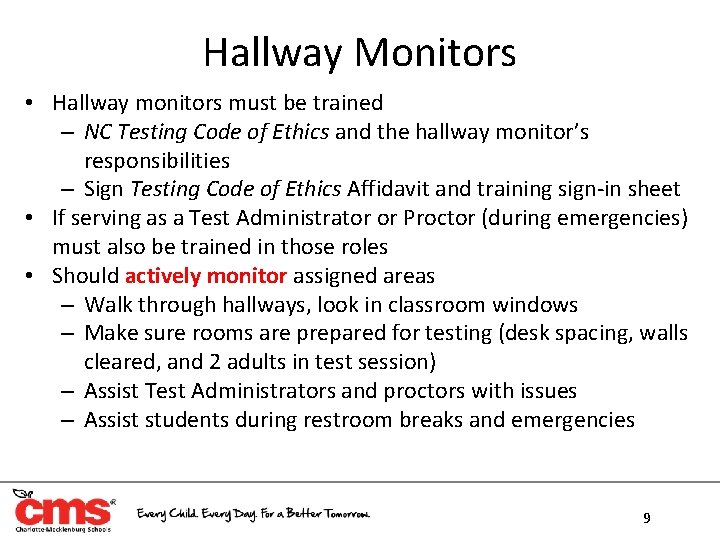
Hallway Monitors • Hallway monitors must be trained – NC Testing Code of Ethics and the hallway monitor’s responsibilities – Sign Testing Code of Ethics Affidavit and training sign-in sheet • If serving as a Test Administrator or Proctor (during emergencies) must also be trained in those roles • Should actively monitor assigned areas – Walk through hallways, look in classroom windows – Make sure rooms are prepared for testing (desk spacing, walls cleared, and 2 adults in test session) – Assist Test Administrators and proctors with issues – Assist students during restroom breaks and emergencies 9
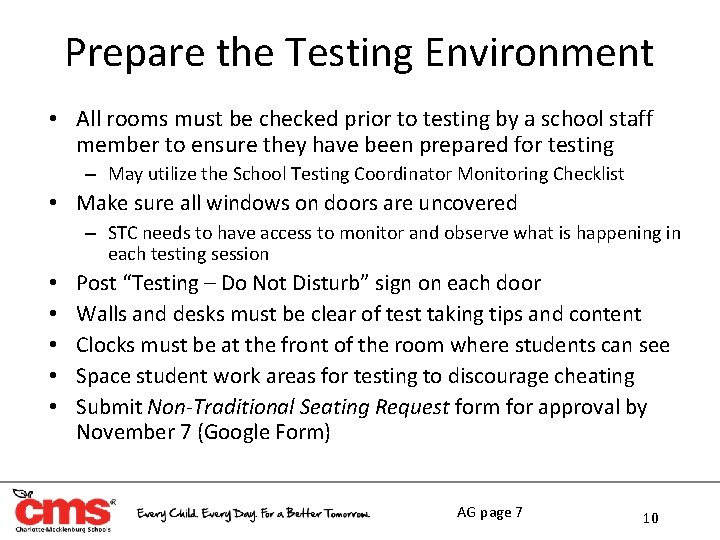
Prepare the Testing Environment • All rooms must be checked prior to testing by a school staff member to ensure they have been prepared for testing – May utilize the School Testing Coordinator Monitoring Checklist • Make sure all windows on doors are uncovered – STC needs to have access to monitor and observe what is happening in each testing session • • • Post “Testing – Do Not Disturb” sign on each door Walls and desks must be clear of test taking tips and content Clocks must be at the front of the room where students can see Space student work areas for testing to discourage cheating Submit Non-Traditional Seating Request form for approval by November 7 (Google Form) AG page 7 10
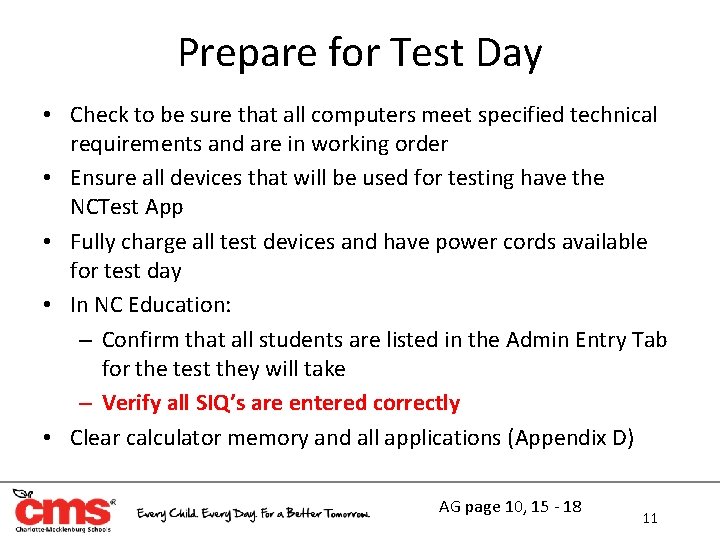
Prepare for Test Day • Check to be sure that all computers meet specified technical requirements and are in working order • Ensure all devices that will be used for testing have the NCTest App • Fully charge all test devices and have power cords available for test day • In NC Education: – Confirm that all students are listed in the Admin Entry Tab for the test they will take – Verify all SIQ’s are entered correctly • Clear calculator memory and all applications (Appendix D) AG page 10, 15 - 18 11
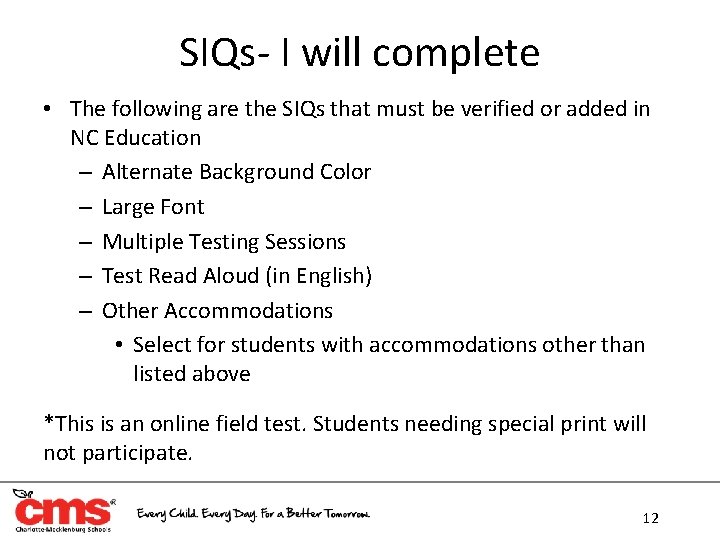
SIQs- I will complete • The following are the SIQs that must be verified or added in NC Education – Alternate Background Color – Large Font – Multiple Testing Sessions – Test Read Aloud (in English) – Other Accommodations • Select for students with accommodations other than listed above *This is an online field test. Students needing special print will not participate. 12
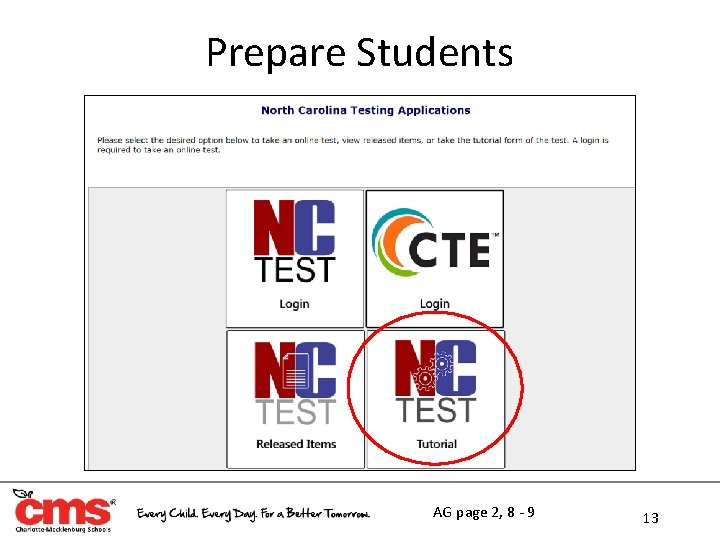
Prepare Students AG page 2, 8 - 9 13
CHANGE- Know Local Procedures • Providing additional time to students needing more than the maximum time (students with documented extended time) • Ending an online test session – Student should select “End Test” (if student is done answering all questions) and turn off the computer, monitor, etc. Contacting the School Test Coordinator during testing Returning students to the regular school schedule Reporting testing irregularities Restroom breaks and emergencies Returning materials to the School Testing Coordinator Completing student SIQ’s, special codes, and accommodations provided in NC Education • Trouble-shooting technical issues • • • AG page 18 - 20 14
• • • WHITE SHEET- Required Testing Materials Assessment Guide (NC Math I & NC Math III Field Test) Accurate # of Chromebooks Sharpened pencils Blank paper & graph paper Accurate timing device (in tub or room) Test Day Certification Form Review of Accommodations Used During Testing Form(s) “Testing Do Not Disturb” sign Student Roster Calculator Only calculator active portion of Math I and all test items for Math III AG page 21 15
Testing Devices: On Test Day • Chromebooks: – Launch NC Test Kiosk Mode • The login process should start no more than 30 to 40 minutes before testing begins – Students should not be in the classroom when the Test Administrator is logging into the computers • The Test Administrator must select the correct assessment and student when logging in – The student’s name and the START page will be displayed on the screen – DO NO CLICK THE START BUTTON FOR THE STUDENT AG page 22 16
On Test Day
Prohibited Items • Electronic Devices – Any student observed with a cell phone/electronic device on their person during testing or breaks must be dismissed from testing and the irregularity reported in OTISS (this includes wearable activity trackers & personal learning devices) – Any electronic devices found must be investigated by the STC • Personal Belongings – Students’ personal belongings should be placed at the front/ back of the classroom. No access to personal belongings is permitted during testing • Testing Aids – No textbooks, reference books, wall charts, study guides, reference charts, etc. may be present during any test administration • Food and Drink – Students: Not allowed unless approved for medical reasons – TA/Proctor: May have a beverage that is not distracting AG page 10 - 11 18
Student Monitoring • Test Administrator and Proctor must turn off their cell phones and all electronic devices prior to testing – Cannot be visible during testing or breaks • Test Administrators and Proctors MUST: – – – – Walk frequently throughout the room When seated, have an unobstructed view Avoid distracting behaviors NOT be on a computer or reading NOT read test questions over students’ shoulders NOT indicate answers in any way to students NOT explain test directions, meanings of words, rephrase test questions, etc. • Test Administrator will record on the roster the online form number- At the top of the screen. AG page 11 - 12 19
Student Restroom Breaks & Emergencies • If a student must leave the testing session for restroom breaks, becoming ill, lunch, etc. – Secure test materials (scratch & graph paper) – PAUSE must be clicked to prevent test items from being visible on the computer monitor – A test can be paused for 60 minutes – Upon return CONTINUE must be clicked to resume testing • Only one student permitted outside of the testing room at a time • Have hallway monitors in place to supervise students during breaks or emergencies • Test Administrator must record the time the student leaves and returns to ensure the maximum testing time is provided AG page 12 - 13 20
Early Finishers • Students who complete the test before time has expired must be allowed to read novels or other non textbooks – Verify that students have finished and checked their answers – Ensure that the student pressed ‘End Test, ’ then collect the computer – Give the student the reading material o The reading material must be checked to ensure that it does not contain information regarding tested content • If all students finish the test, review their responses, and end their tests before the scheduled time is over, the TA may end the testing session AG page 18 21
Online Testing Irregularities • Technical Issues – Device stops working – Device has battery failure – Device does not have the proper settings • Test Administrator clicked start for the student • Student did not receive proper accommodations – SIQs not entered – Headphones not provided • Wrong test was launched • Student tested under the incorrect name • Student exited test before it was complete AG page 15 - 18 22
After Testing
Test Administrator Checklist • Verify all materials are collected from students (Chromebooks, scratch paper, graph paper, calculators, etc. ) • Complete any Review of Accommodations Used During Testing forms • Complete and sign both sides of the Test Day Certification Form (Test Administrator and Proctor) • Clear all calculator memories • Walk all materials directly to the Testing Coordinator’s designated area • Report all testing violations or irregularities AG page 39 24
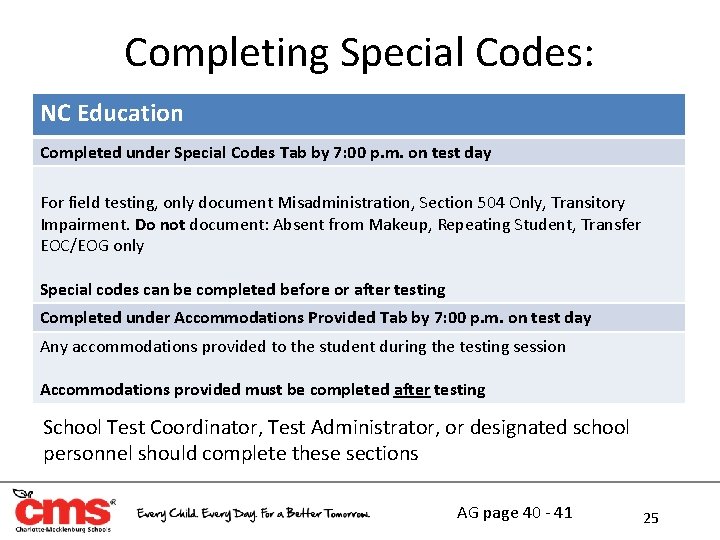
Completing Special Codes: NC Education Completed under Special Codes Tab by 7: 00 p. m. on test day For field testing, only document Misadministration, Section 504 Only, Transitory Impairment. Do not document: Absent from Makeup, Repeating Student, Transfer EOC/EOG only Special codes can be completed before or after testing Completed under Accommodations Provided Tab by 7: 00 p. m. on test day Any accommodations provided to the student during the testing session Accommodations provided must be completed after testing School Test Coordinator, Test Administrator, or designated school personnel should complete these sections AG page 40 - 41 25