
Navisworks Overview Roadmap What is Navisworks The different
- Slides: 22
Navisworks Overview
Roadmap • What is Navisworks? • The different flavors and file types. • Basic Navigation and dockable windows • Review tools • Brief overview of tools and capabilities
What is Navisworks? • Navisworks is a 3 D design review/coordination product from Autodesk. • BSA use • • • More effective design Coordination across disciplines Review Increased Communication across team Decreased RFI’s
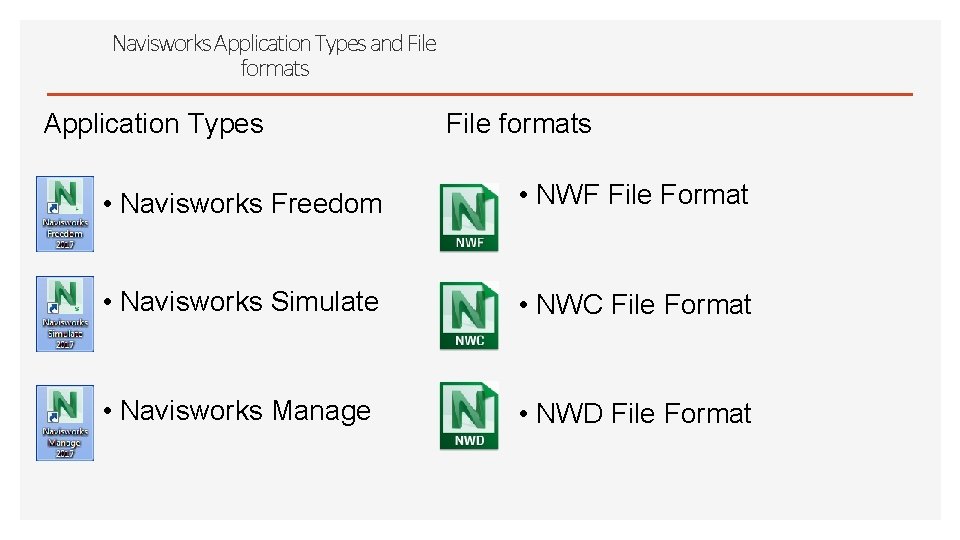
Navisworks Application Types and File formats Application Types File formats • Navisworks Freedom • NWF File Format • Navisworks Simulate • NWC File Format • Navisworks Manage • NWD File Format
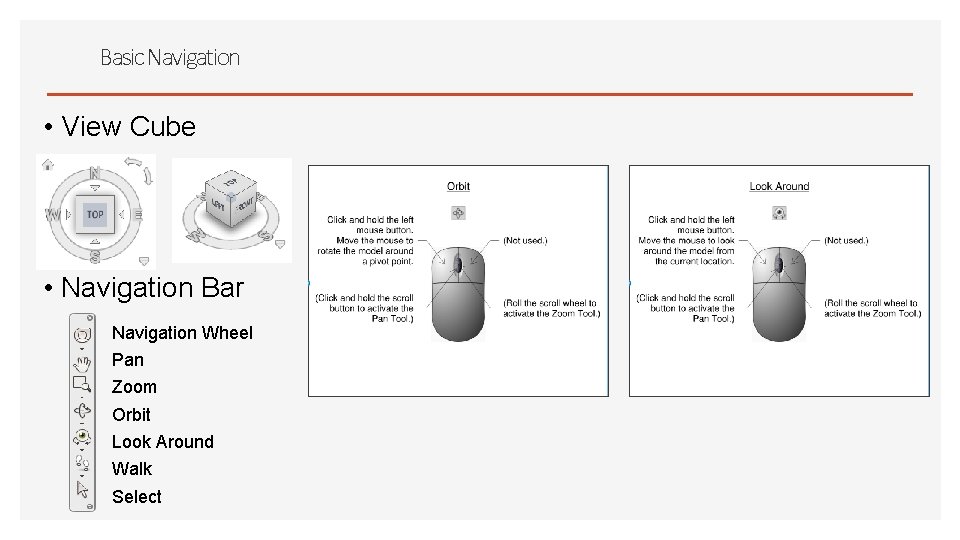
Basic Navigation • View Cube • Navigation Bar Navigation Wheel Pan Zoom Orbit Look Around Walk Select
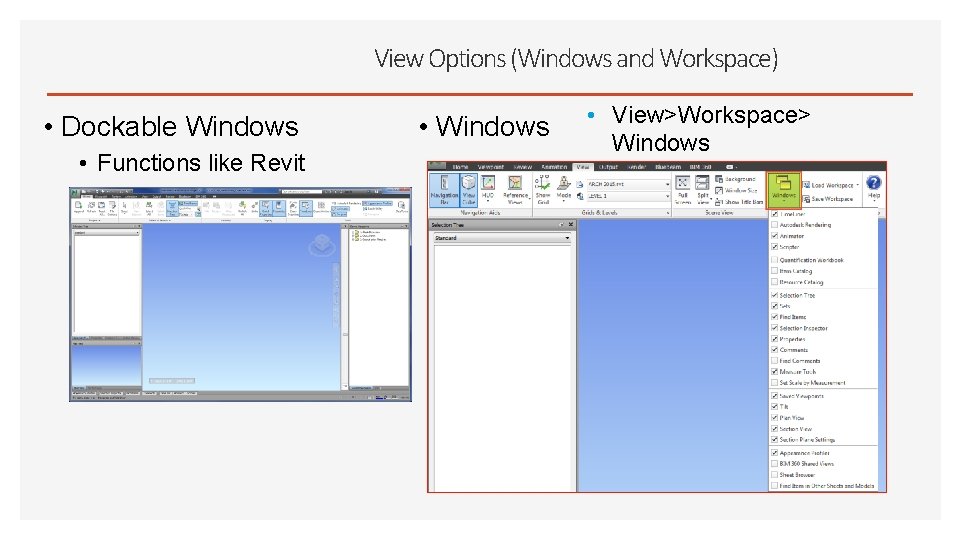
View Options (Windows and Workspace) • Dockable Windows • Functions like Revit • Windows • View>Workspace> Windows
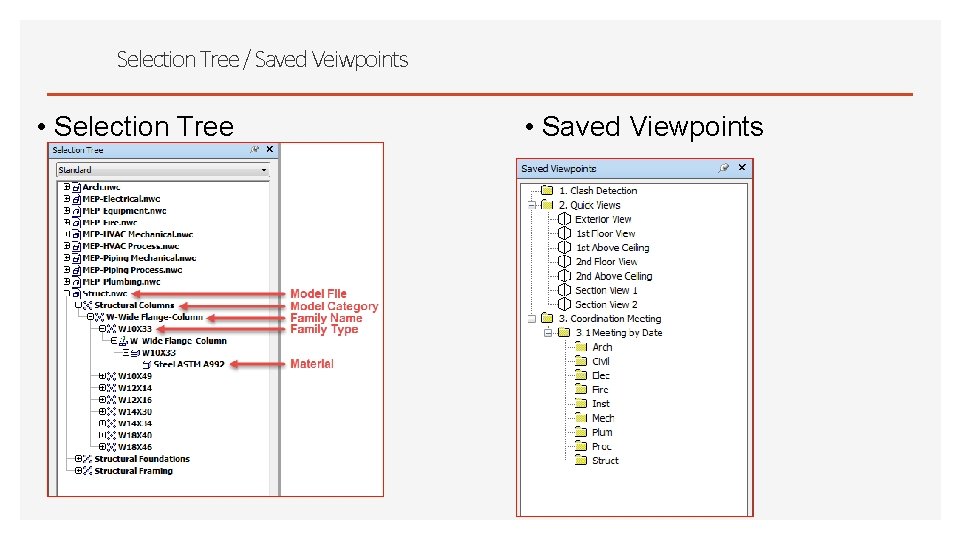
Selection Tree / Saved Veiwpoints • Selection Tree • Saved Viewpoints
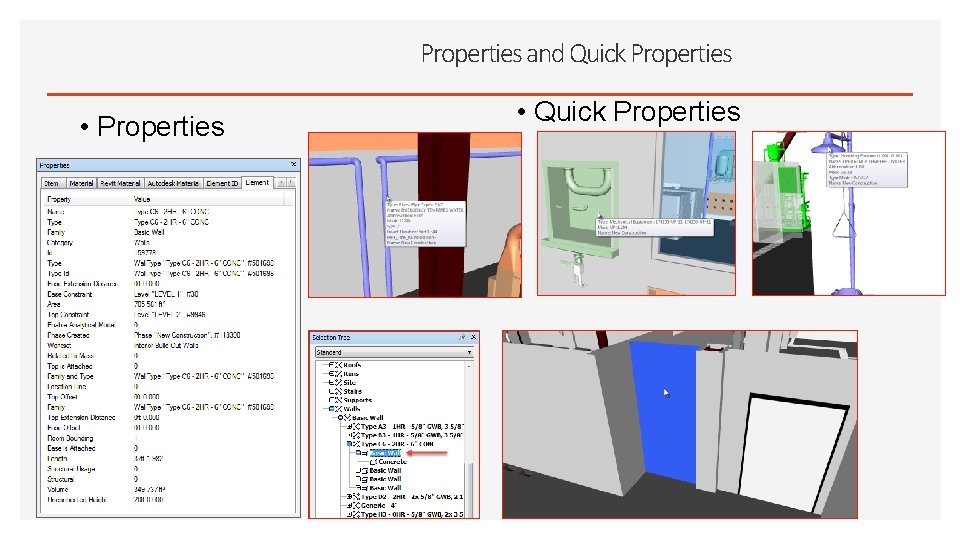
Properties and Quick Properties • Quick Properties
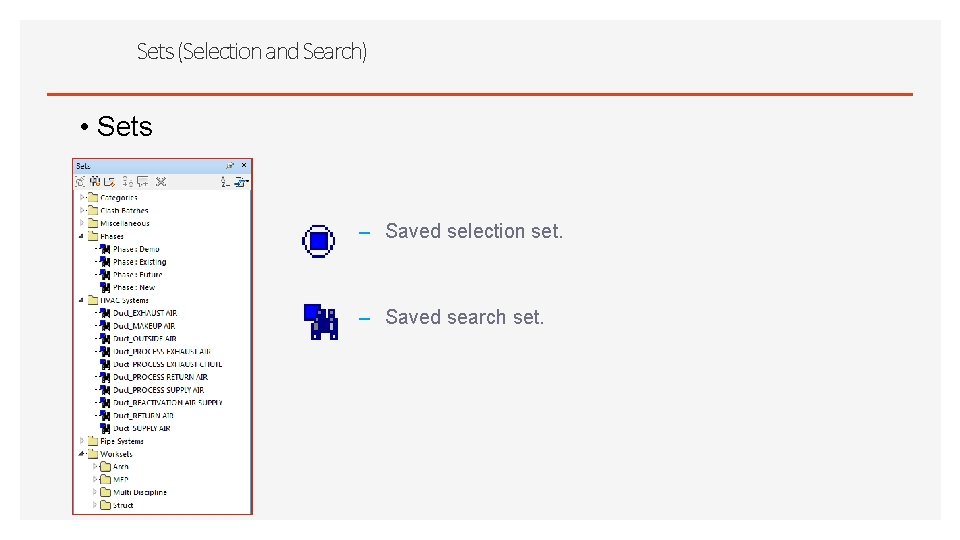
Sets (Selection and Search) • Sets – Saved selection set. – Saved search set.
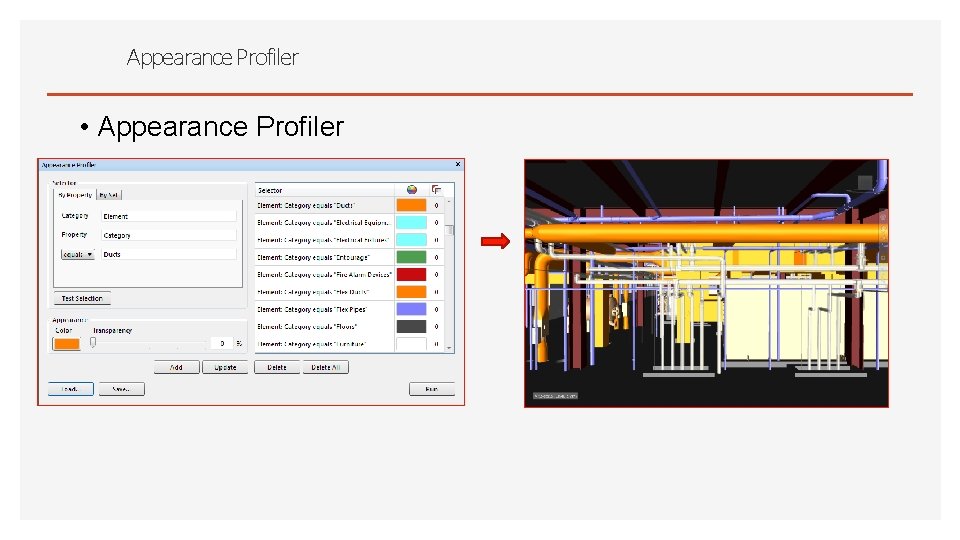
Appearance Profiler • Appearance Profiler
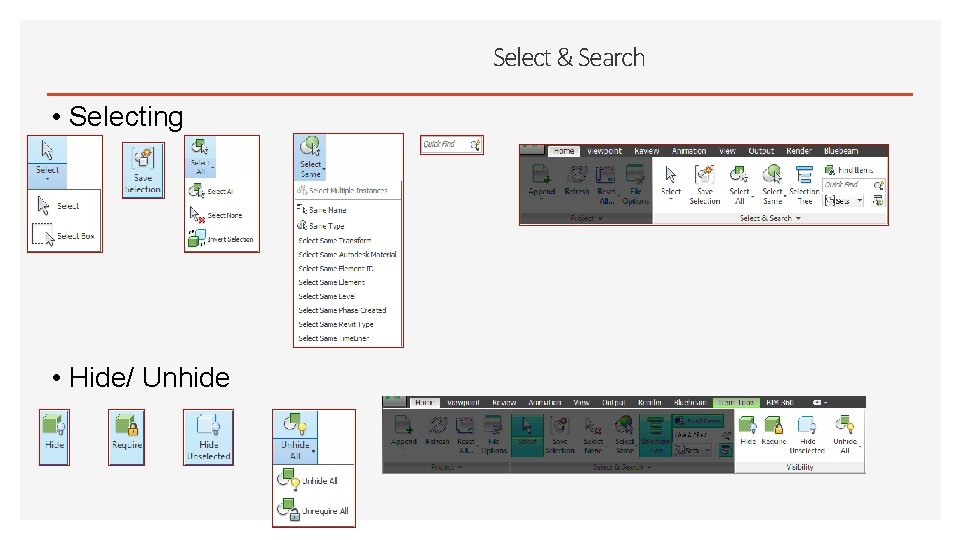
Select & Search • Selecting • Hide/ Unhide
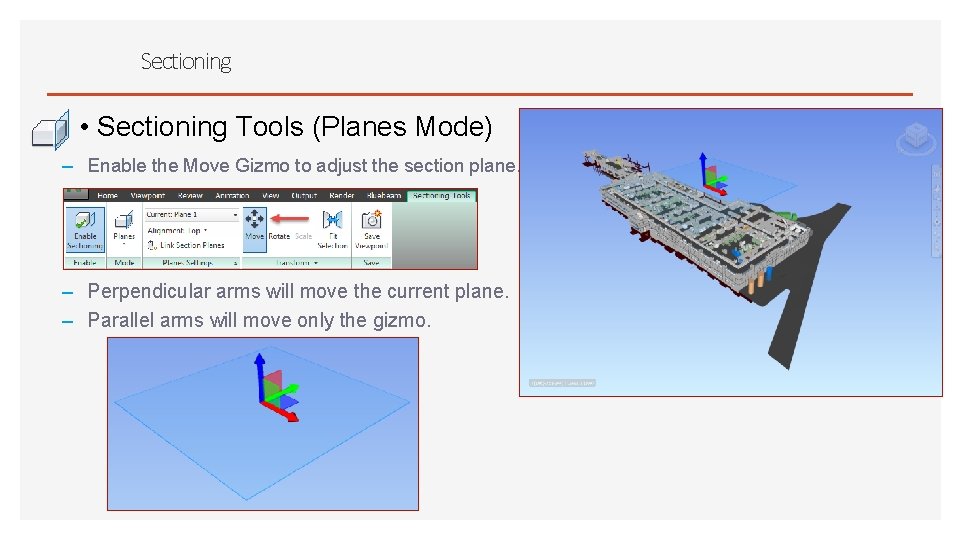
Sectioning • Sectioning Tools (Planes Mode) – Enable the Move Gizmo to adjust the section plane. – Perpendicular arms will move the current plane. – Parallel arms will move only the gizmo.
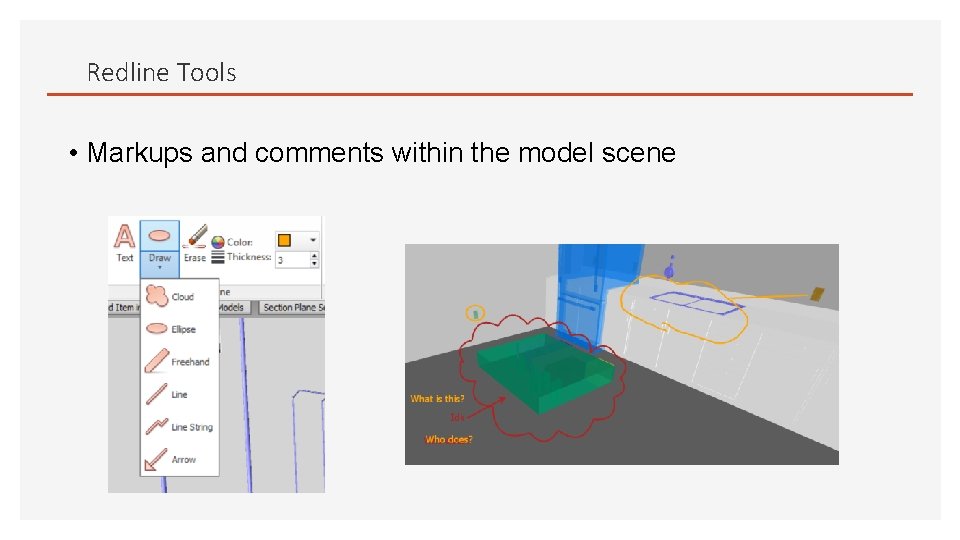
Redline Tools • Markups and comments within the model scene
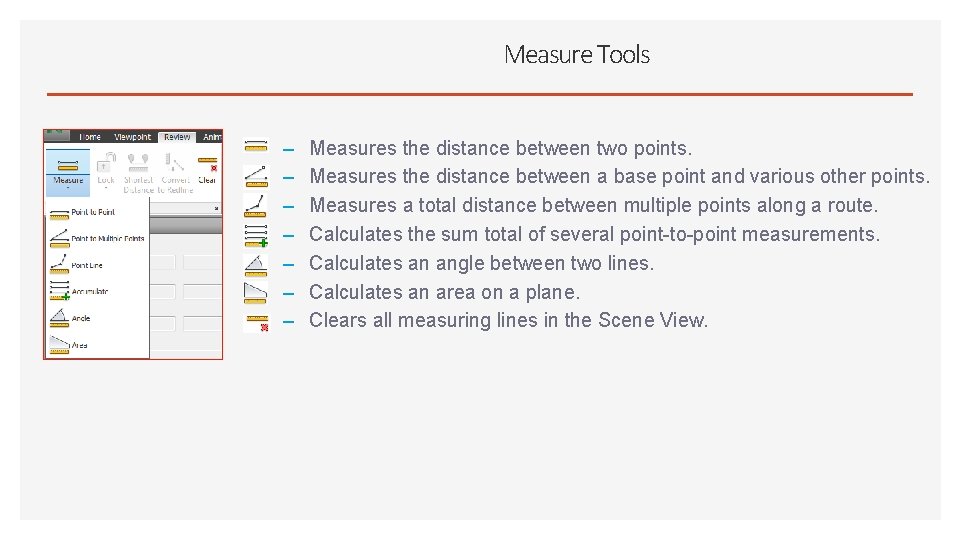
Measure Tools – – – – Measures the distance between two points. Measures the distance between a base point and various other points. Measures a total distance between multiple points along a route. Calculates the sum total of several point-to-point measurements. Calculates an angle between two lines. Calculates an area on a plane. Clears all measuring lines in the Scene View.
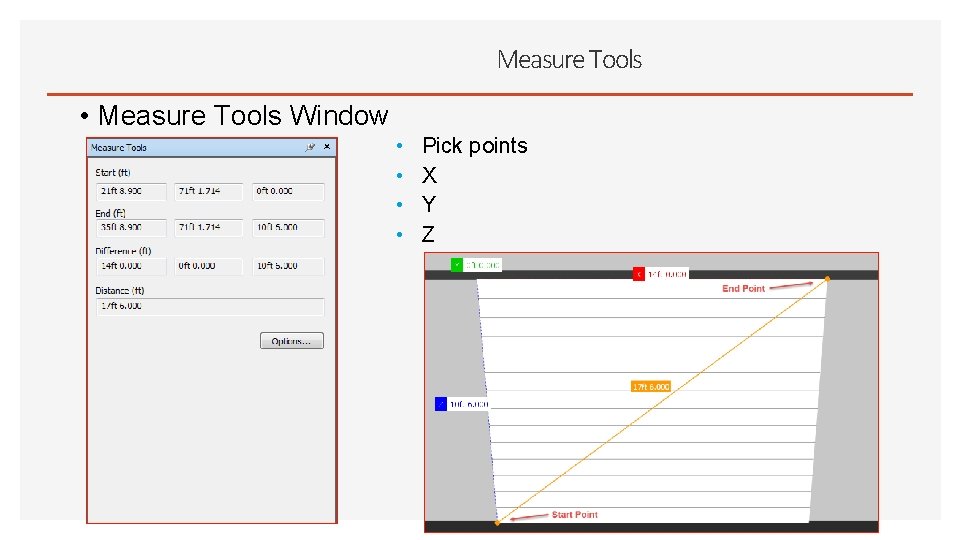
Measure Tools • Measure Tools Window • • Pick points X Y Z
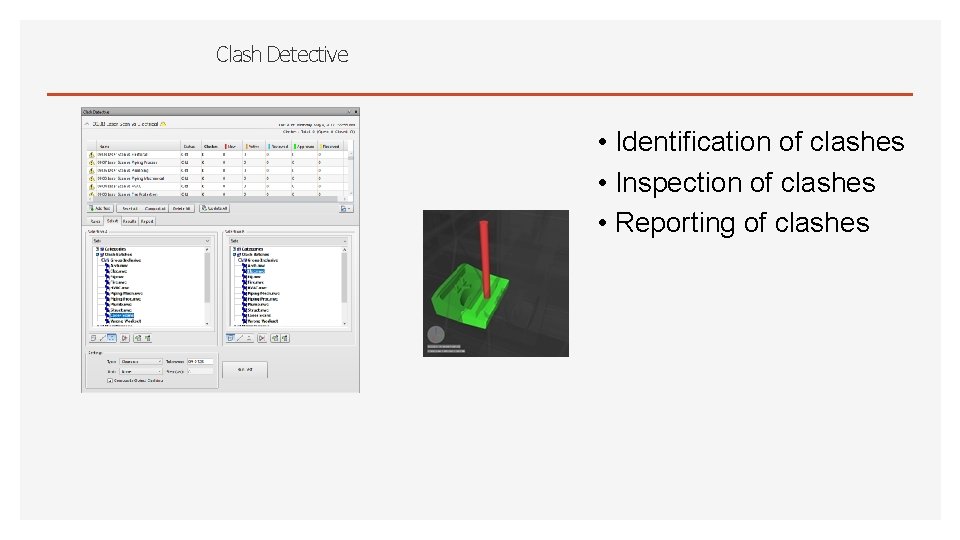
Clash Detective • Identification of clashes • Inspection of clashes • Reporting of clashes
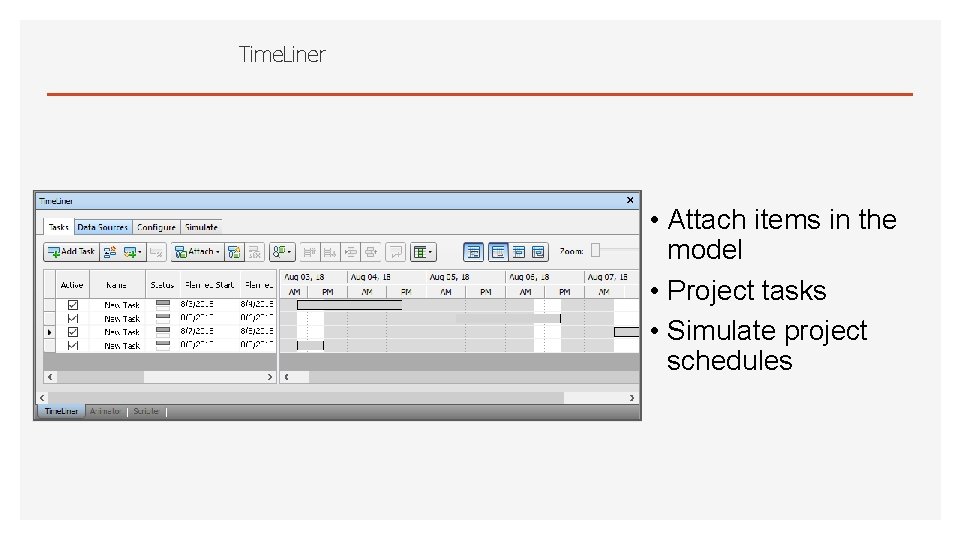
Time. Liner • Attach items in the model • Project tasks • Simulate project schedules
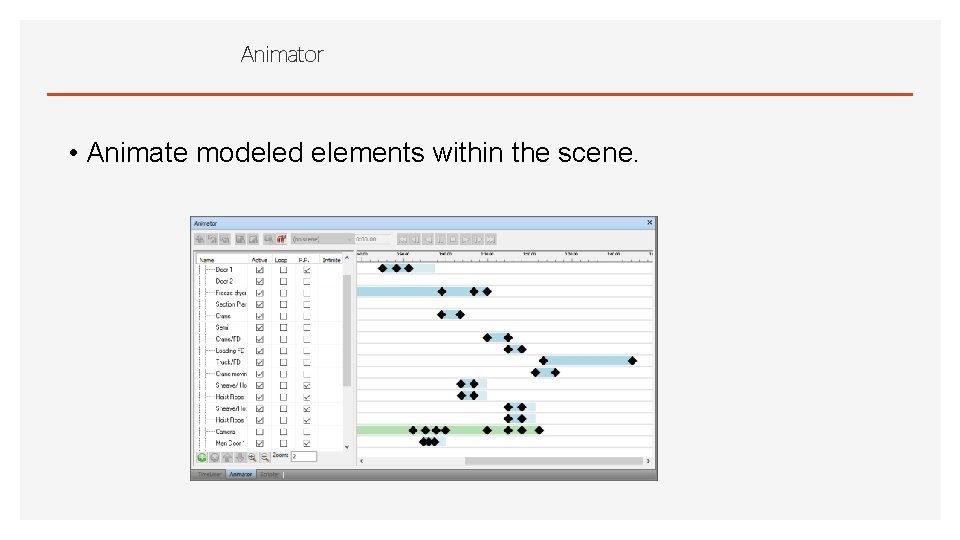
Animator • Animate modeled elements within the scene.
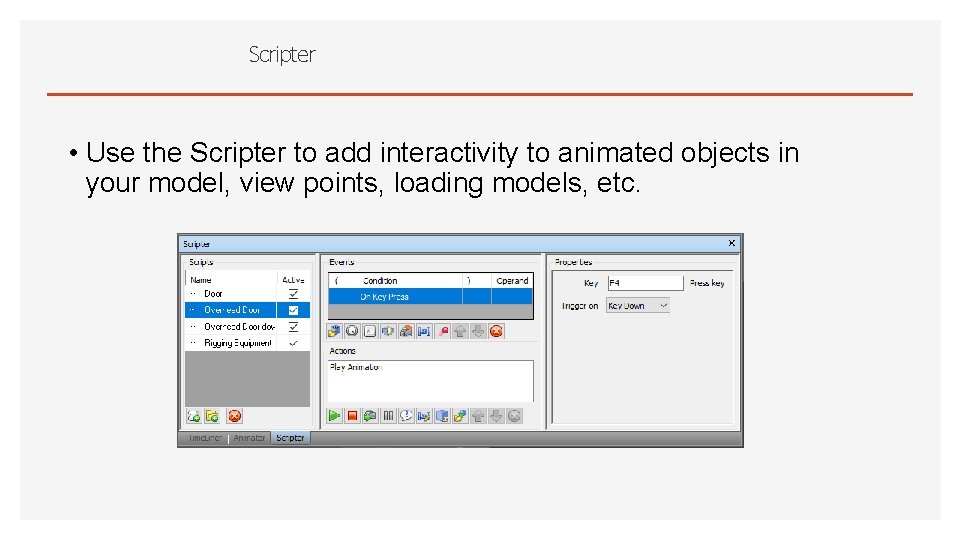
Scripter • Use the Scripter to add interactivity to animated objects in your model, view points, loading models, etc.
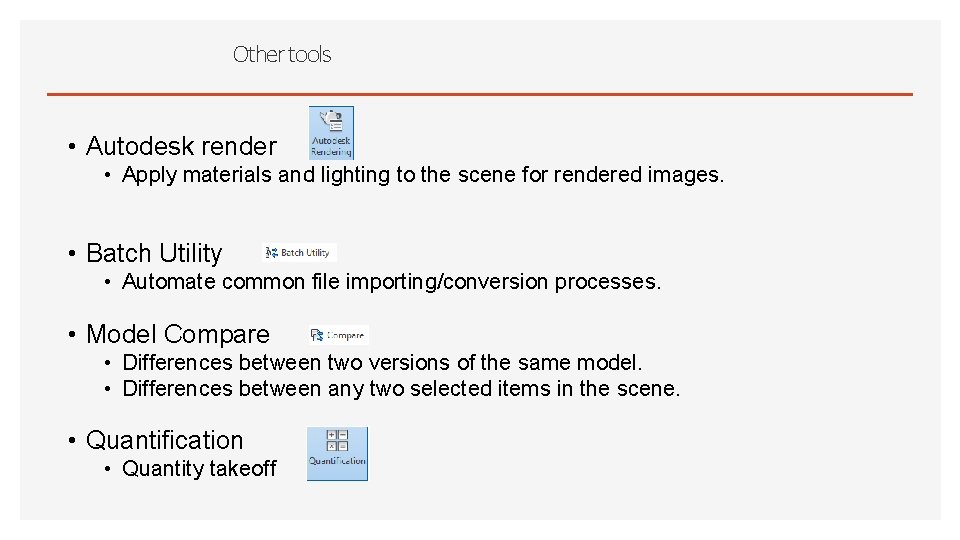
Other tools • Autodesk render • Apply materials and lighting to the scene for rendered images. • Batch Utility • Automate common file importing/conversion processes. • Model Compare • Differences between two versions of the same model. • Differences between any two selected items in the scene. • Quantification • Quantity takeoff
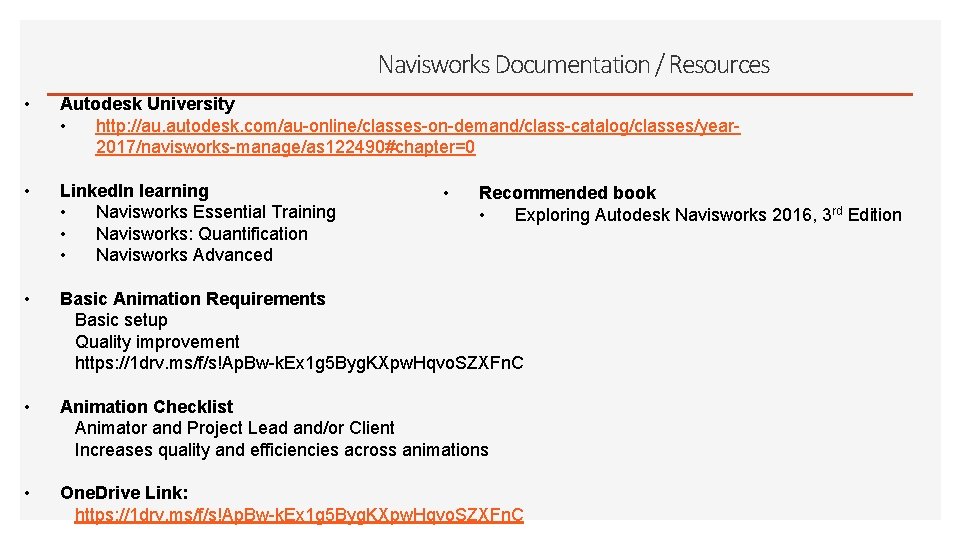
Navisworks Documentation / Resources • Autodesk University • http: //au. autodesk. com/au-online/classes-on-demand/class-catalog/classes/year 2017/navisworks-manage/as 122490#chapter=0 • Linked. In learning • Navisworks Essential Training • Navisworks: Quantification • Navisworks Advanced • Basic Animation Requirements Basic setup Quality improvement https: //1 drv. ms/f/s!Ap. Bw-k. Ex 1 g 5 Byg. KXpw. Hqvo. SZXFn. C • Animation Checklist Animator and Project Lead and/or Client Increases quality and efficiencies across animations • One. Drive Link: https: //1 drv. ms/f/s!Ap. Bw-k. Ex 1 g 5 Byg. KXpw. Hqvo. SZXFn. C • Recommended book • Exploring Autodesk Navisworks 2016, 3 rd Edition
Questions?