
Navigation Basics Getting to where you want to
Navigation Basics Getting to where you want to go…….
What is Navigation ? n An index to your site n A way to put some interactivity into your site n A chance to give the user choice n A way to simplify each screen n A way of presenting information nonlinearly n A way of linking your pages
Navigation Planning n Start early n Sort screens into content groups n Use a story board to design basic layout for screens n Use a flowchart or navigation map to show links between screens
Four Basic Types n Linear n Hierarchical n Non – linear n Composite
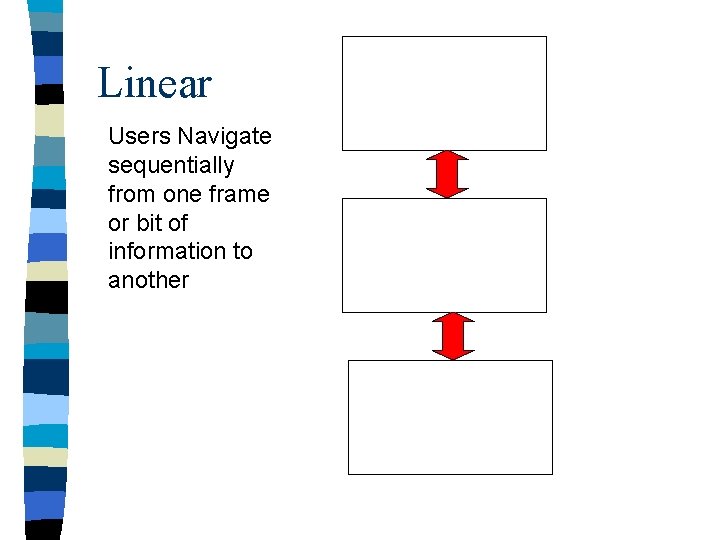
Linear Users Navigate sequentially from one frame or bit of information to another

Hierarchical Users navigate along the branches of a tree structure that is shaped by the natural logic of the content
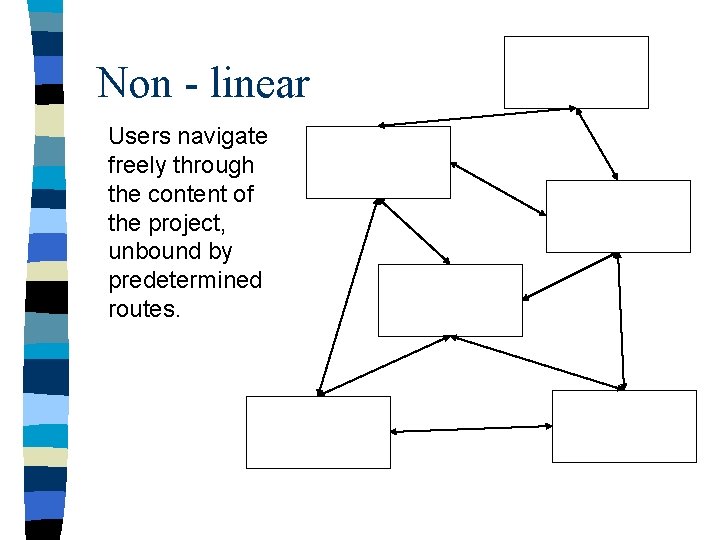
Non - linear Users navigate freely through the content of the project, unbound by predetermined routes.
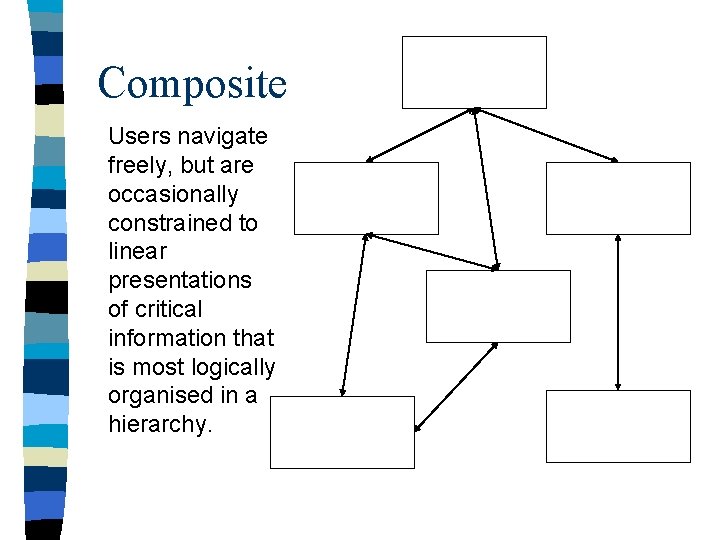
Composite Users navigate freely, but are occasionally constrained to linear presentations of critical information that is most logically organised in a hierarchy.
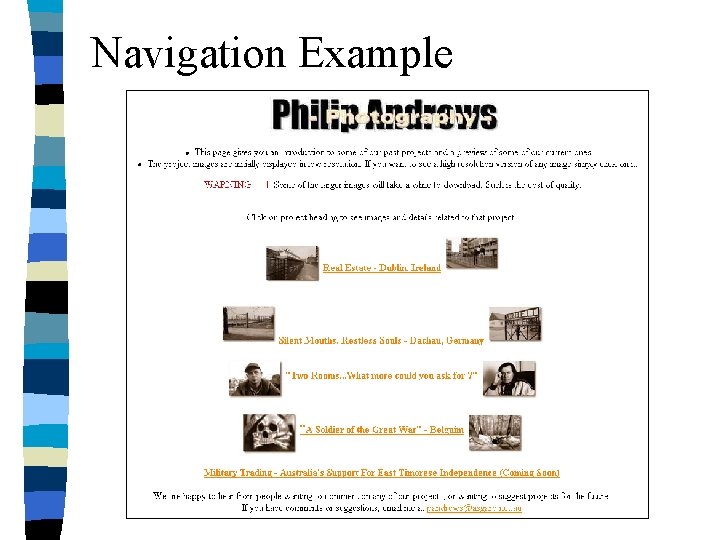
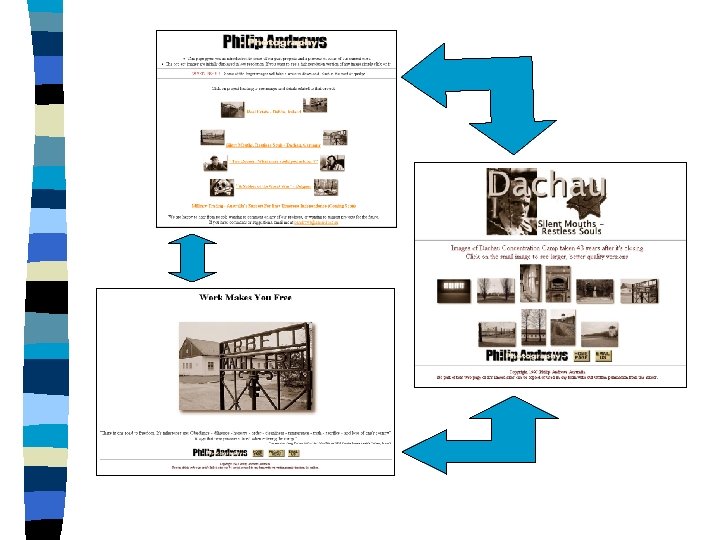
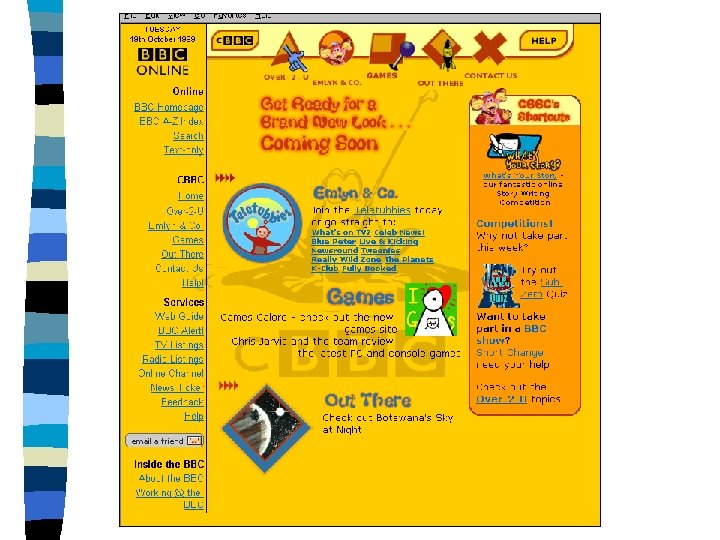
Navigation Example
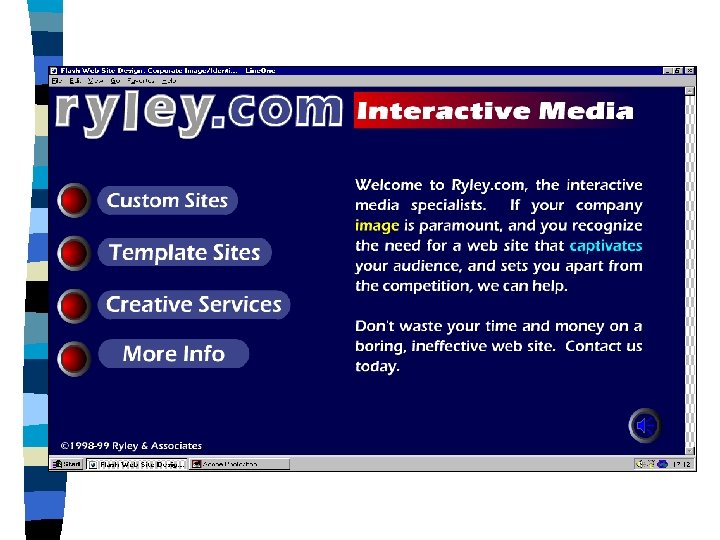
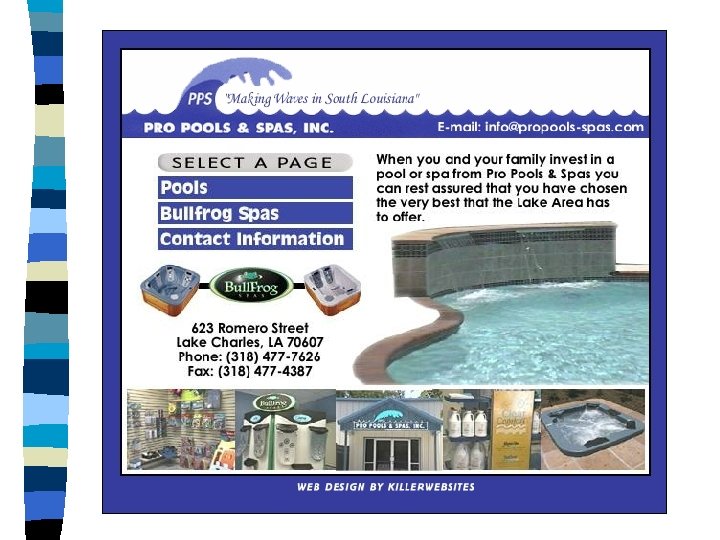
Navigation Buttons
Design a Navigation Scheme for. . n. A contents page of an electronic book n Top ten cd singles site n An web shopping mall n Include at least 4 pages n Use a flow chart to show links
Navigation Using Metaphors n What is a metaphor ? n What is a visual symbol ?
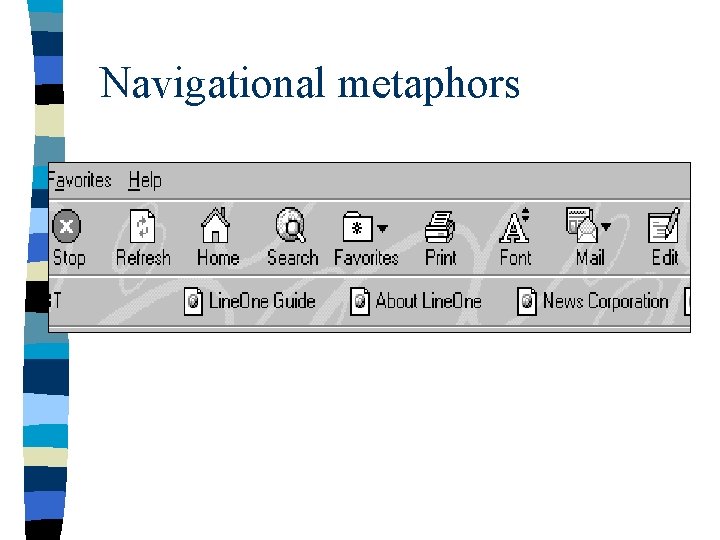
Navigational metaphors
Design metaphor buttons for. . n Email n Contents n Home page n Back n Forward n Link n More n Help
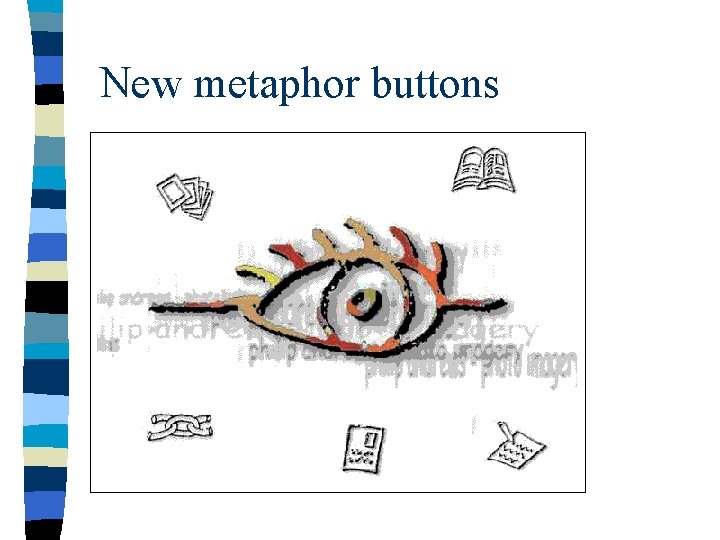
New metaphor buttons
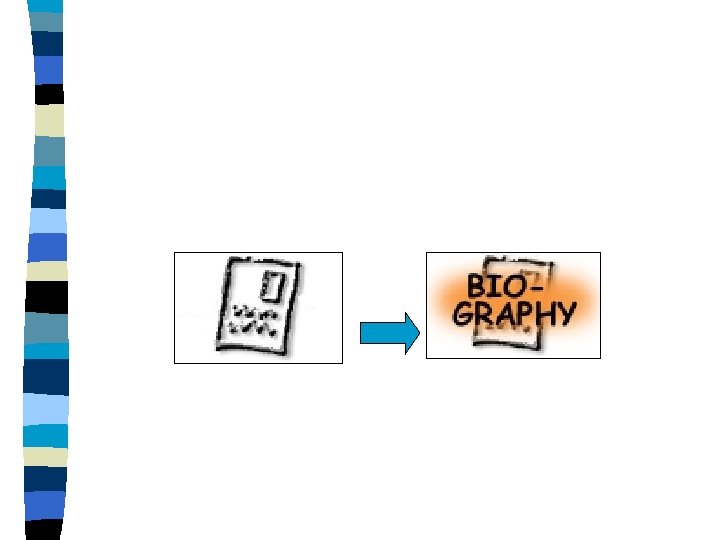
“Show them what you’ve got, and how to get there, then GET OUT OF THE WAY !!”
- Slides: 22