
Navigating the Web A Guide for Florida Paddlers
Navigating the Web A Guide for Florida Paddlers 2009 Calusa Blueway Paddling Festival Ed Schessl
Hello! • • • Introduction Using the Internet – not how but why Important Websites for Florida Paddlers Introduction to Google Earth Questions and Answers 2
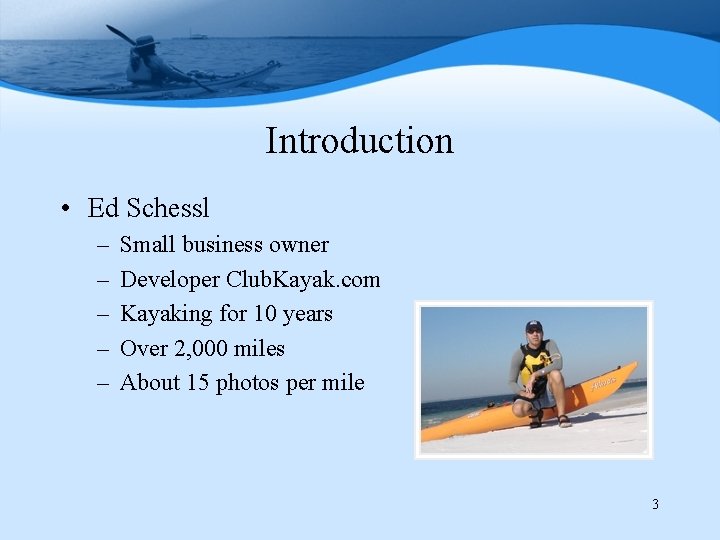
Introduction • Ed Schessl – – – Small business owner Developer Club. Kayak. com Kayaking for 10 years Over 2, 000 miles About 15 photos per mile 3
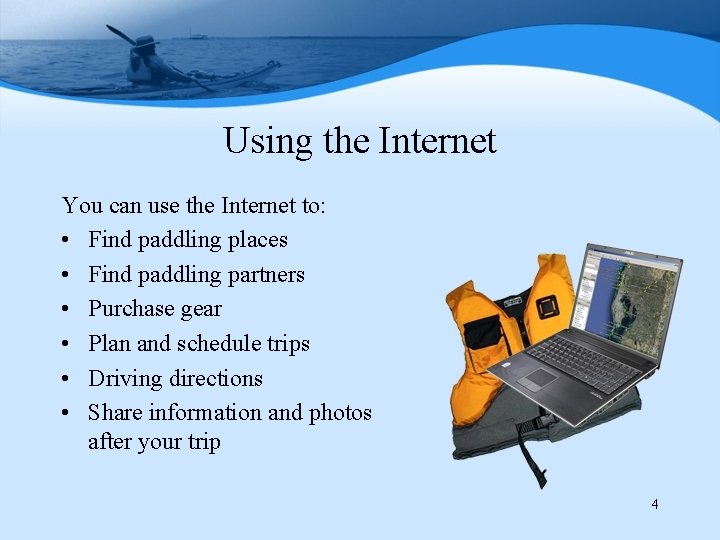
Using the Internet You can use the Internet to: • Find paddling places • Find paddling partners • Purchase gear • Plan and schedule trips • Driving directions • Share information and photos after your trip 4
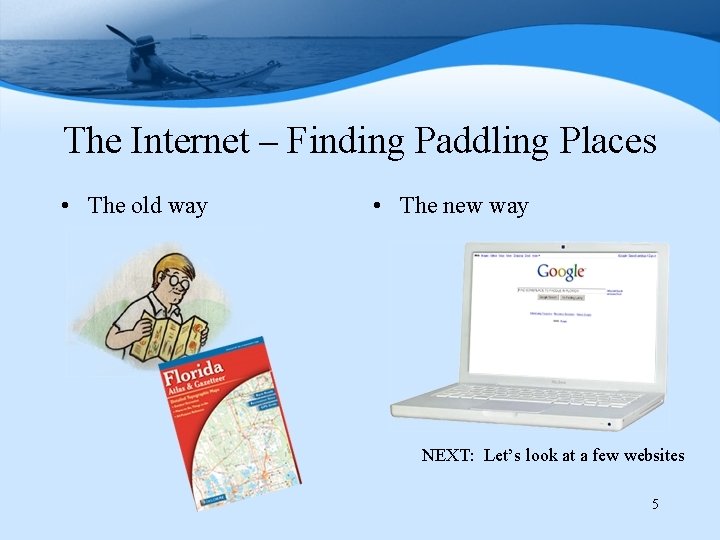
The Internet – Finding Paddling Places • The old way • The new way NEXT: Let’s look at a few websites 5
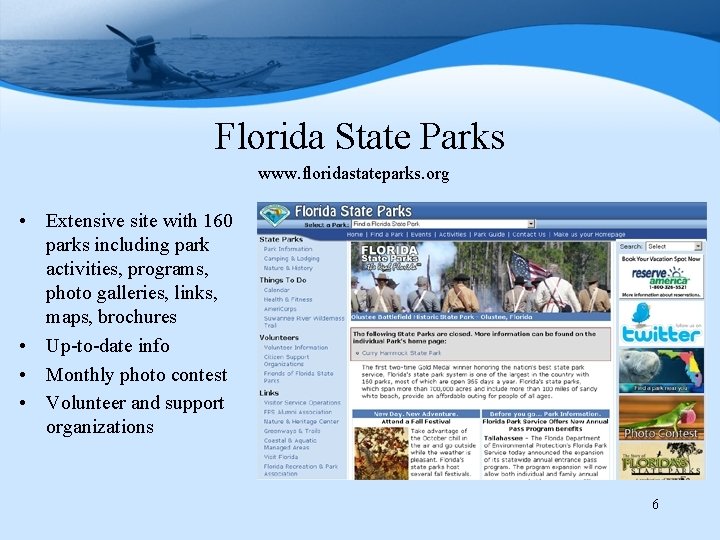
Florida State Parks www. floridastateparks. org • Extensive site with 160 parks including park activities, programs, photo galleries, links, maps, brochures • Up-to-date info • Monthly photo contest • Volunteer and support organizations 6
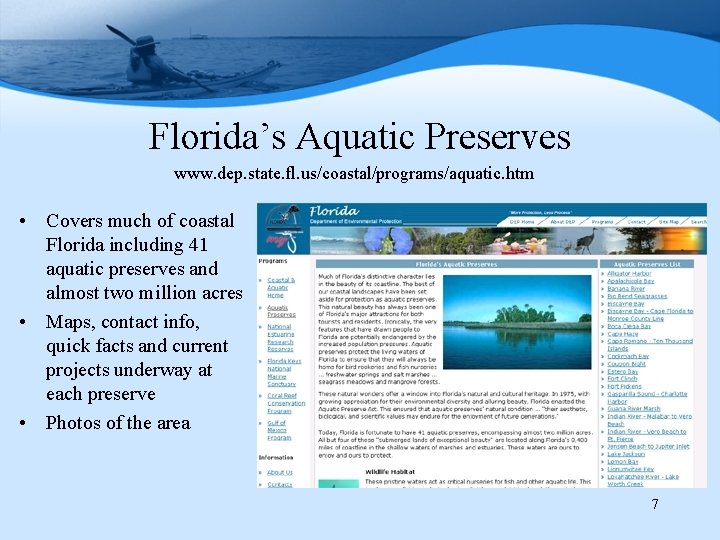
Florida’s Aquatic Preserves www. dep. state. fl. us/coastal/programs/aquatic. htm • Covers much of coastal Florida including 41 aquatic preserves and almost two million acres • Maps, contact info, quick facts and current projects underway at each preserve • Photos of the area 7
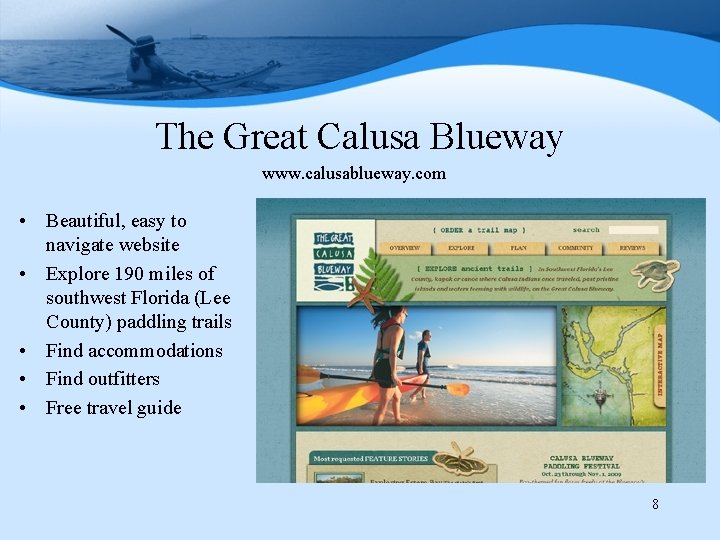
The Great Calusa Blueway www. calusablueway. com • Beautiful, easy to navigate website • Explore 190 miles of southwest Florida (Lee County) paddling trails • Find accommodations • Find outfitters • Free travel guide 8
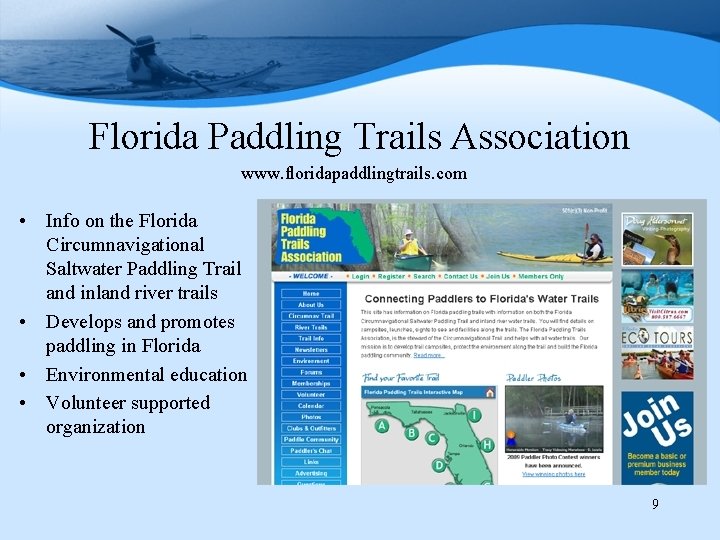
Florida Paddling Trails Association www. floridapaddlingtrails. com • Info on the Florida Circumnavigational Saltwater Paddling Trail and inland river trails • Develops and promotes paddling in Florida • Environmental education • Volunteer supported organization 9
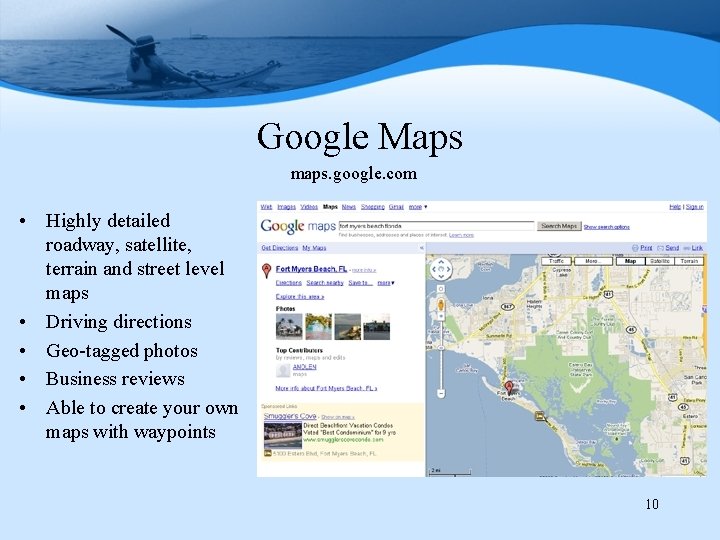
Google Maps maps. google. com • Highly detailed roadway, satellite, terrain and street level maps • Driving directions • Geo-tagged photos • Business reviews • Able to create your own maps with waypoints 10
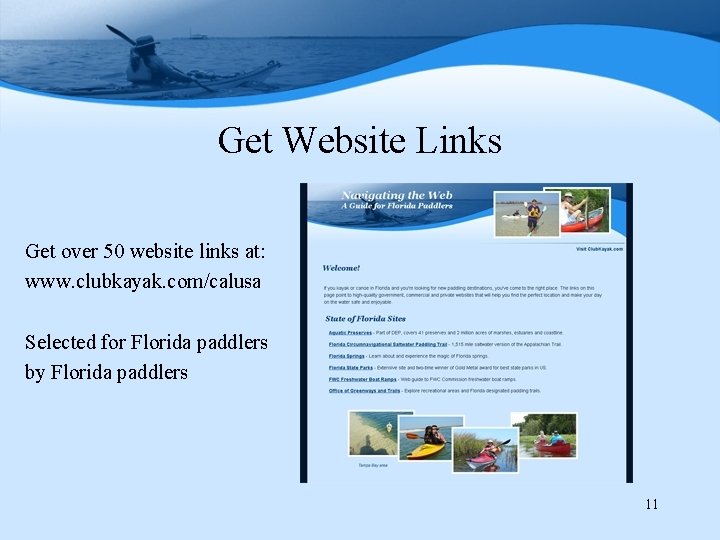
Get Website Links Get over 50 website links at: www. clubkayak. com/calusa Selected for Florida paddlers by Florida paddlers 11
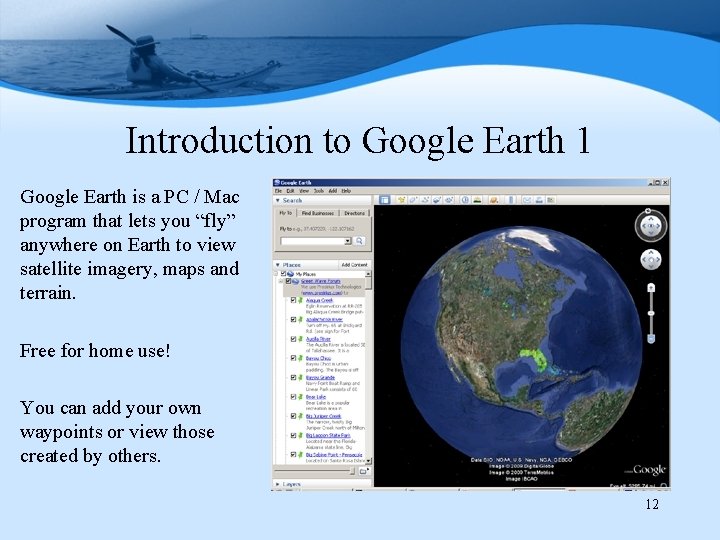
Introduction to Google Earth 1 Google Earth is a PC / Mac program that lets you “fly” anywhere on Earth to view satellite imagery, maps and terrain. Free for home use! You can add your own waypoints or view those created by others. 12
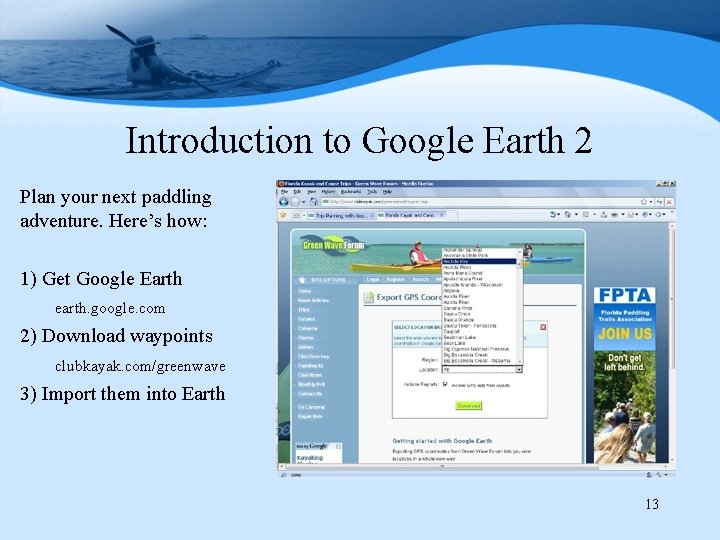
Introduction to Google Earth 2 Plan your next paddling adventure. Here’s how: 1) Get Google Earth earth. google. com 2) Download waypoints clubkayak. com/greenwave 3) Import them into Earth 13
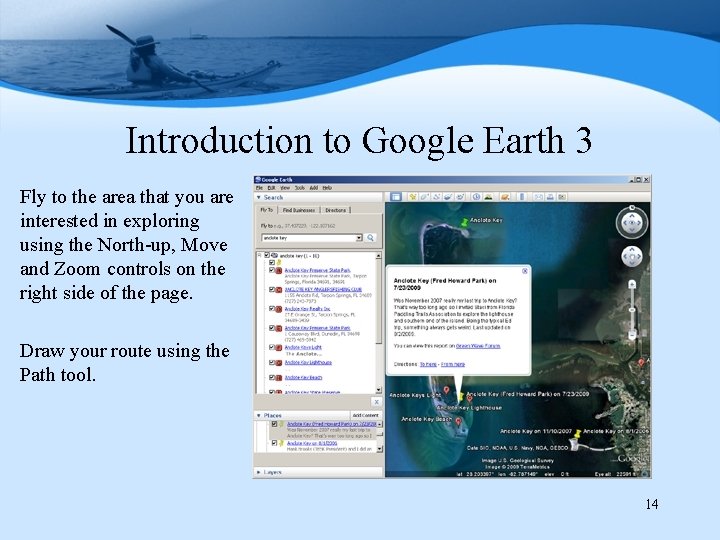
Introduction to Google Earth 3 Fly to the area that you are interested in exploring using the North-up, Move and Zoom controls on the right side of the page. Draw your route using the Path tool. 14
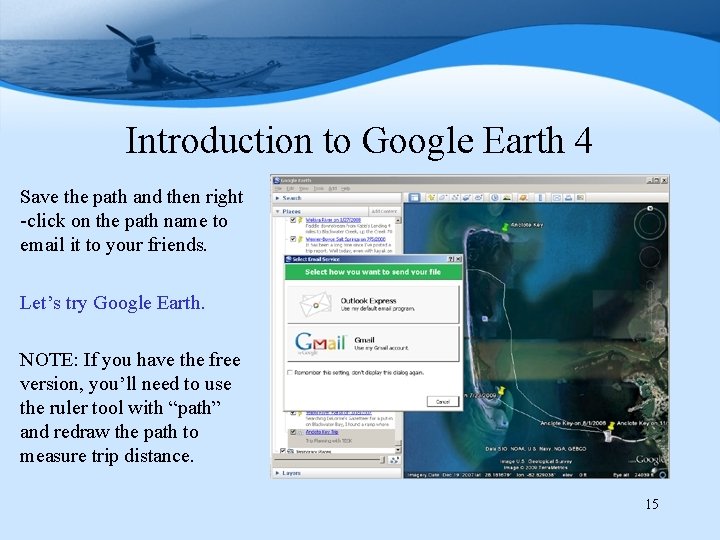
Introduction to Google Earth 4 Save the path and then right -click on the path name to email it to your friends. Let’s try Google Earth. NOTE: If you have the free version, you’ll need to use the ruler tool with “path” and redraw the path to measure trip distance. 15
Questions and Answers 16
- Slides: 16