
NavianceClever CAREER CLUSTER FINDER How do Students Login
- Slides: 12
Naviance/Clever CAREER CLUSTER FINDER
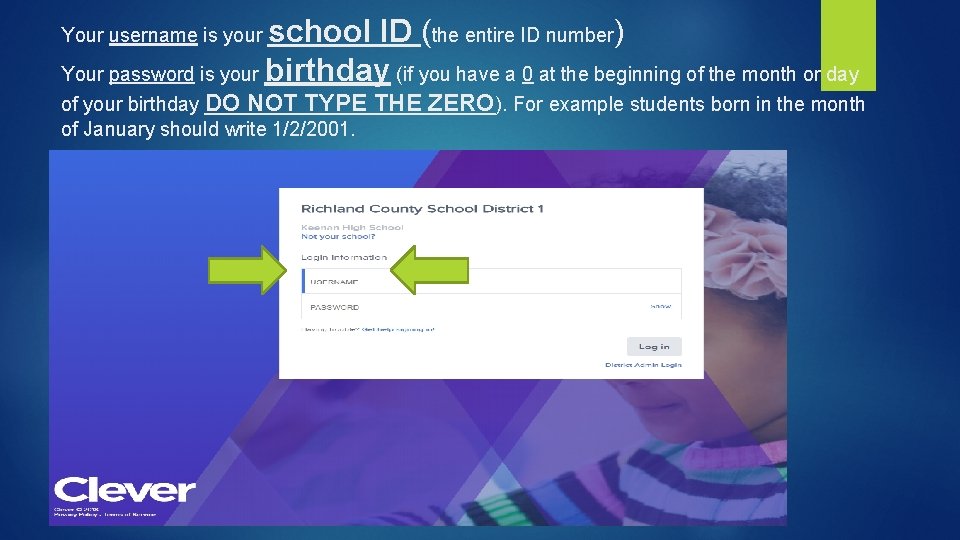
How do Students Log-in to their account: Students, please follow the directions given below. (Screenshots of directions below are in the following 3 screens. ) Students go to : https: //clever. com/ Go to “Log In As a Student” Type in school name as “Flora”, then choose AC Flora from Drop down menu Username: Student ID, example 11344 Student password: M/D/YYYY MM/DD/YYYY Ex: 5/9/2004 Ex: 12/24/2003
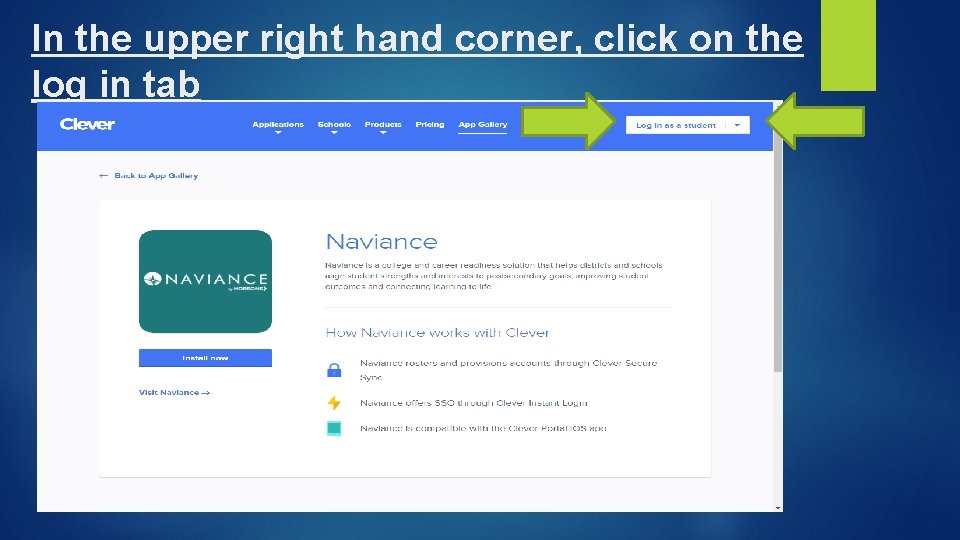
In the upper right hand corner, click on the log in tab
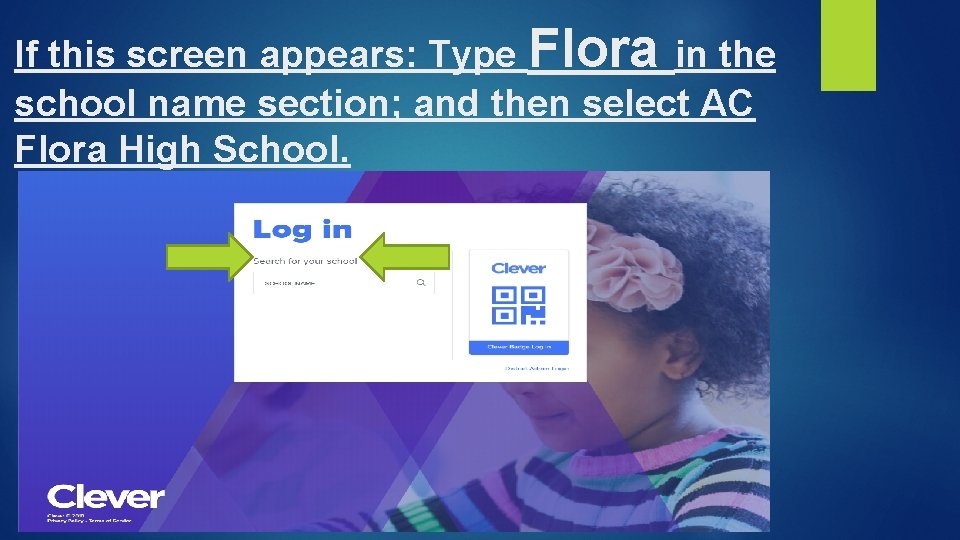
If this screen appears: Type Flora in the school name section; and then select AC Flora High School.
school ID (the entire ID number) Your password is your birthday (if you have a 0 at the beginning of the month or day Your username is your of your birthday DO NOT TYPE of January should write 1/2/2001. THE ZERO). For example students born in the month
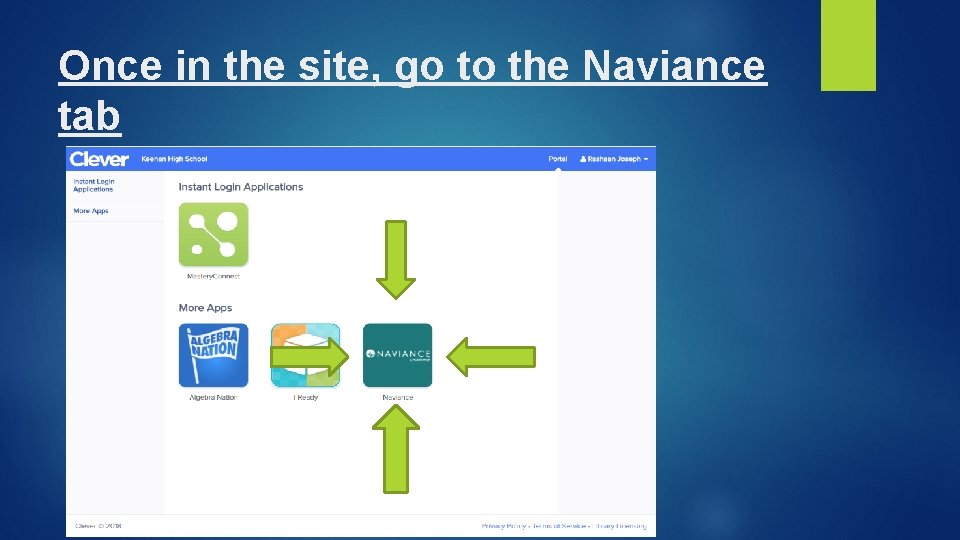
Once in the site, go to the Naviance tab
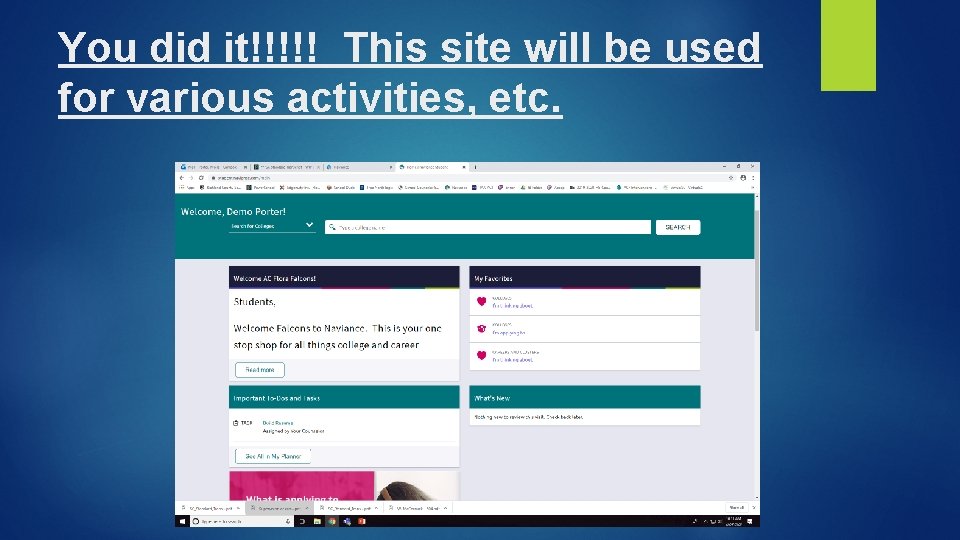
You did it!!!!! This site will be used for various activities, etc.
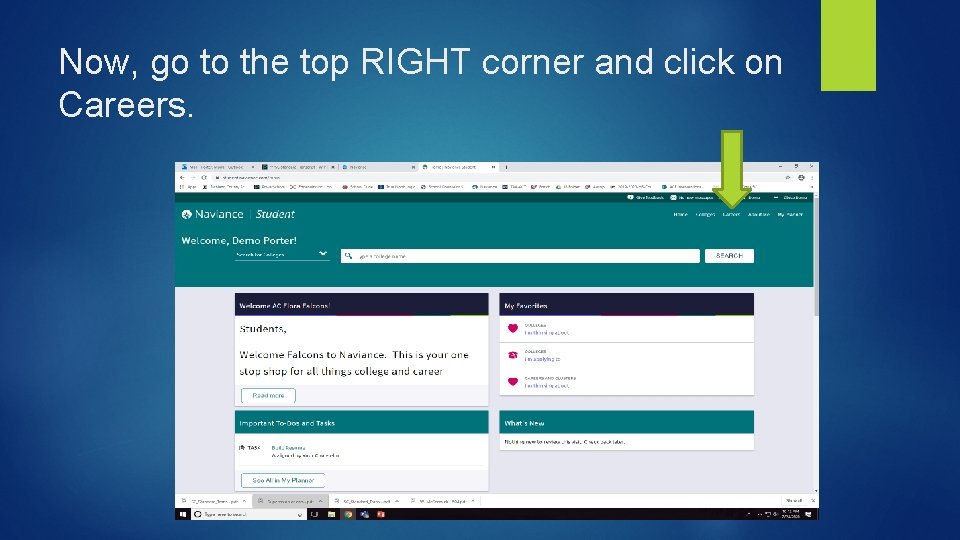
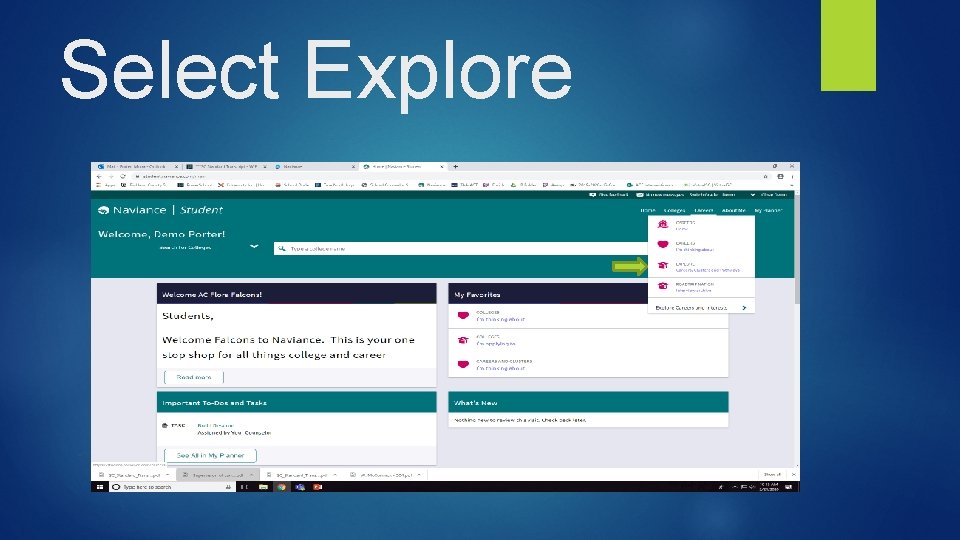
Now, go to the top RIGHT corner and click on Careers.
Select Explore
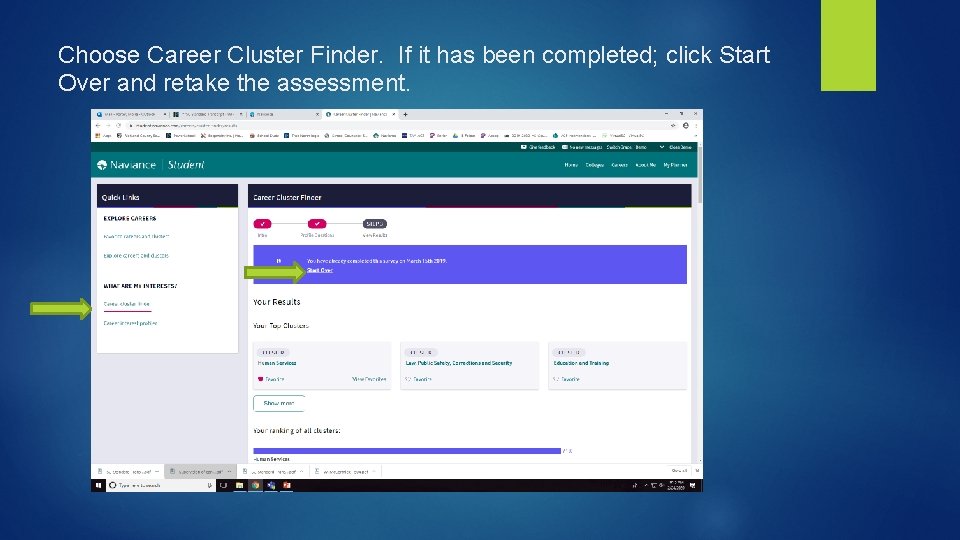
Choose Career Cluster Finder. If it has been completed; click Start Over and retake the assessment.
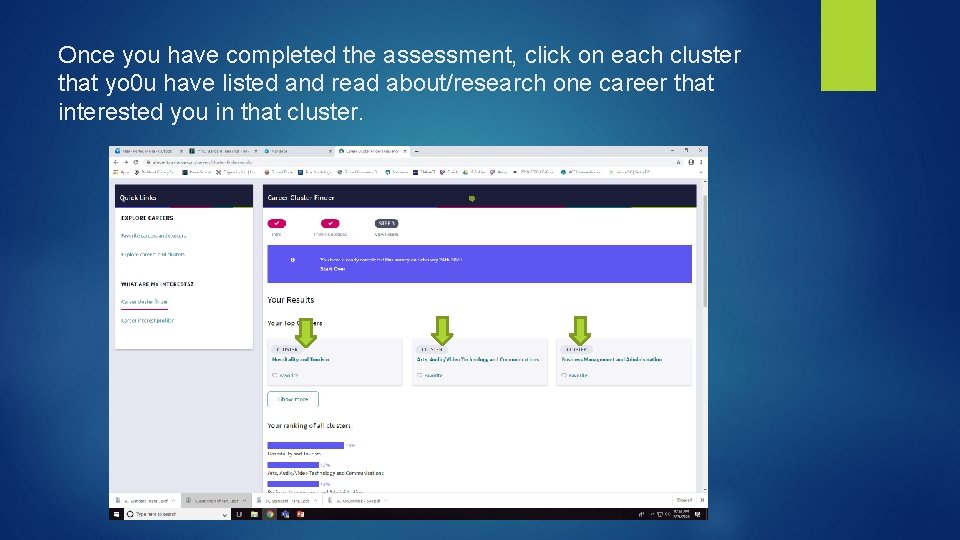
Once you have completed the assessment, click on each cluster that yo 0 u have listed and read about/research one career that interested you in that cluster.
Once you have completed this, you have completed your tasks for this session.