
National Instruments Lab VIEW and Data Acquisition Applications
National Instruments Lab. VIEW and Data Acquisition: Applications for FIRST Danny Diaz, National Instruments
Agenda • Learn about Lab. VIEW – What is Lab. VIEW? – Why Lab. VIEW? • Learn about NI-DAQ – What is Data Acquisition? – Introducing the NI USB-6009 – How can USB-DAQ help me in FIRST? • Demos

What is Lab. VIEW? • Lab. VIEW - Laboratory Virtual Instrumentation Engineering Workbench – A graphical development environment (“G”) – A dataflow language – Has native multi-threaded parallel execution – A hardware communication/control platform – Can target real-time and embedded hardware
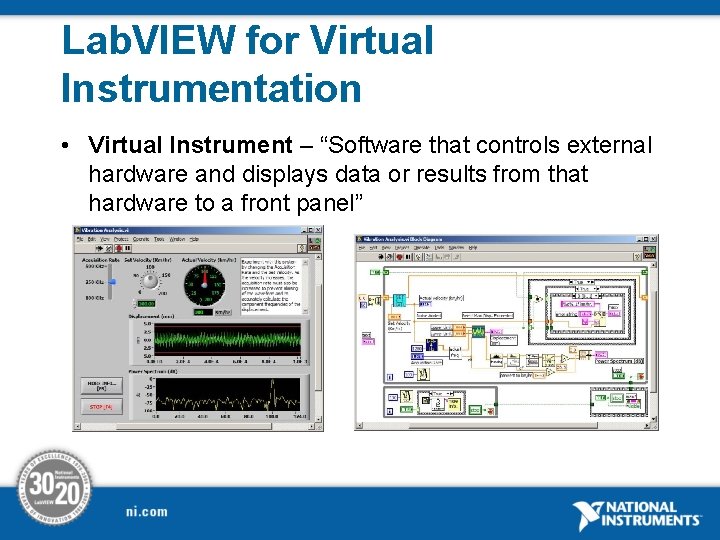
Lab. VIEW for Virtual Instrumentation • Virtual Instrument – “Software that controls external hardware and displays data or results from that hardware to a front panel”
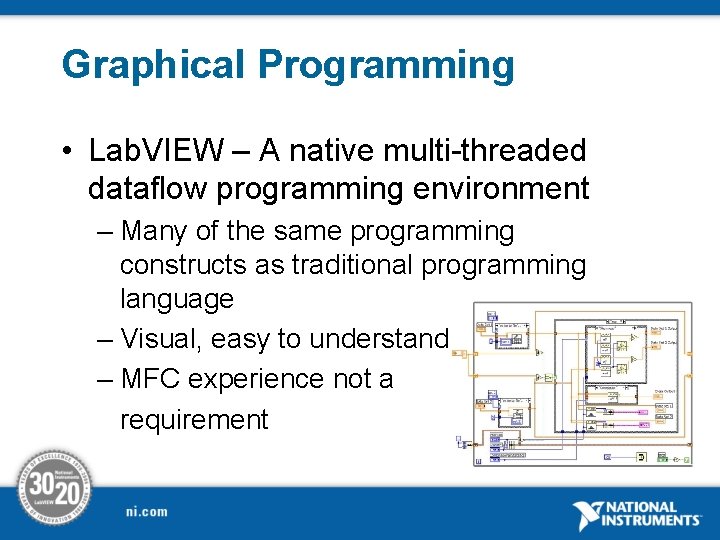
Graphical Programming • Lab. VIEW – A native multi-threaded dataflow programming environment – Many of the same programming constructs as traditional programming language – Visual, easy to understand – MFC experience not a requirement

Hardware Communication • Communicate over standard protocols – GPIB – Serial – Ethernet • Control Devices via Register Mappings
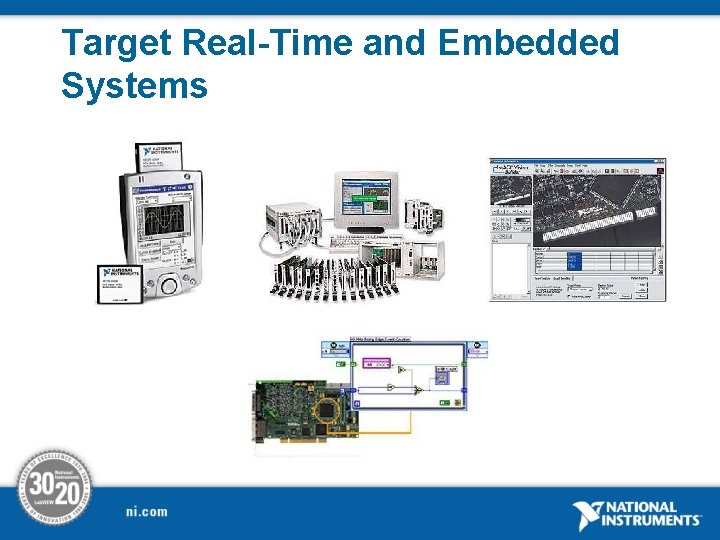
Target Real-Time and Embedded Systems
Why Lab. VIEW? • Lab. VIEW as a multifunction environment – Rapid Prototyping – Out-of-the-box hardware integration – Near-seamless configuration – Portability of code – Graphical debugging
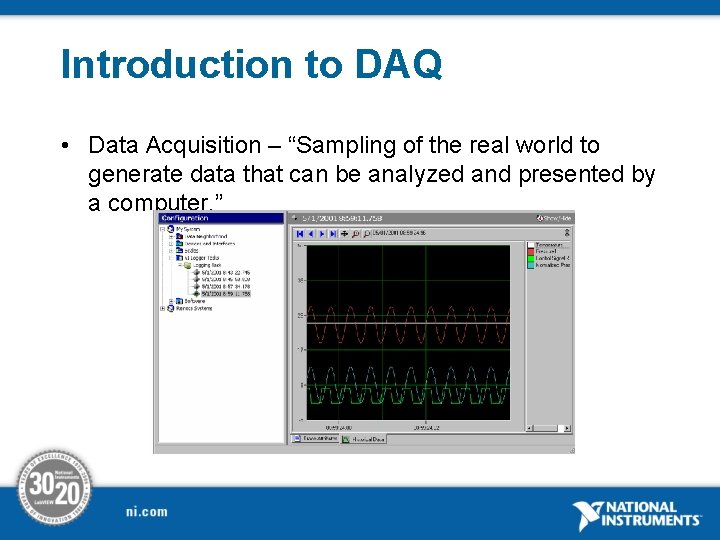
Introduction to DAQ • Data Acquisition – “Sampling of the real world to generate data that can be analyzed and presented by a computer. ”
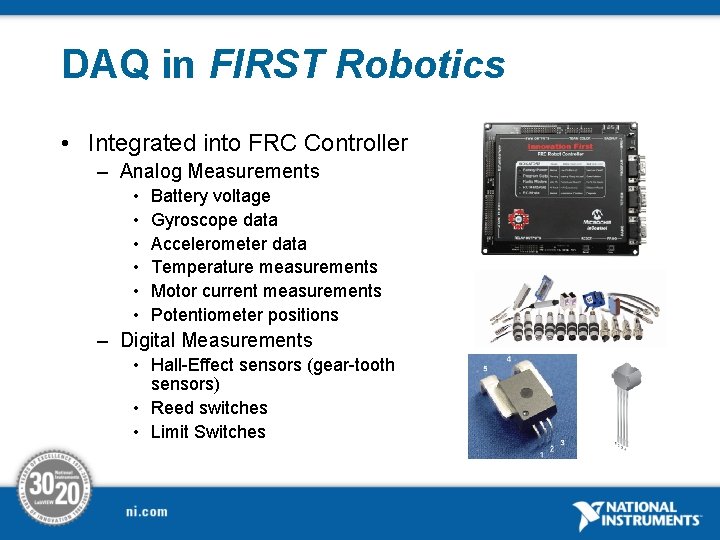
DAQ in FIRST Robotics • Integrated into FRC Controller – Analog Measurements • • • Battery voltage Gyroscope data Accelerometer data Temperature measurements Motor current measurements Potentiometer positions – Digital Measurements • Hall-Effect sensors (gear-tooth sensors) • Reed switches • Limit Switches
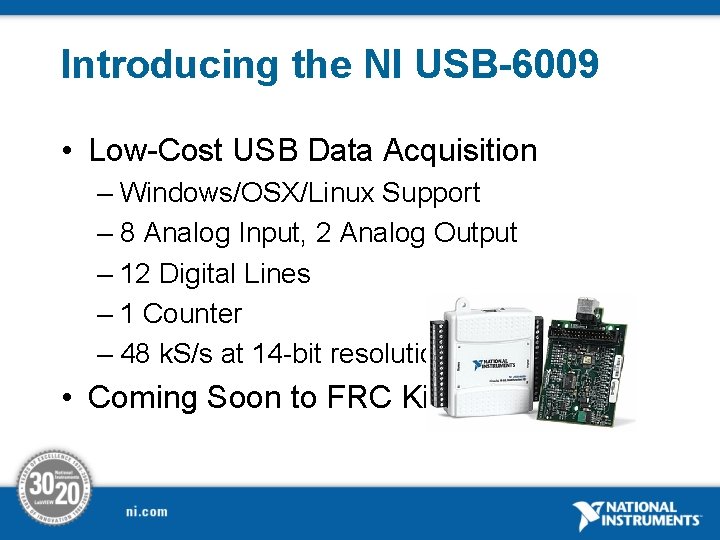
Introducing the NI USB-6009 • Low-Cost USB Data Acquisition – Windows/OSX/Linux Support – 8 Analog Input, 2 Analog Output – 12 Digital Lines – 1 Counter – 48 k. S/s at 14 -bit resolution • Coming Soon to FRC Kits!
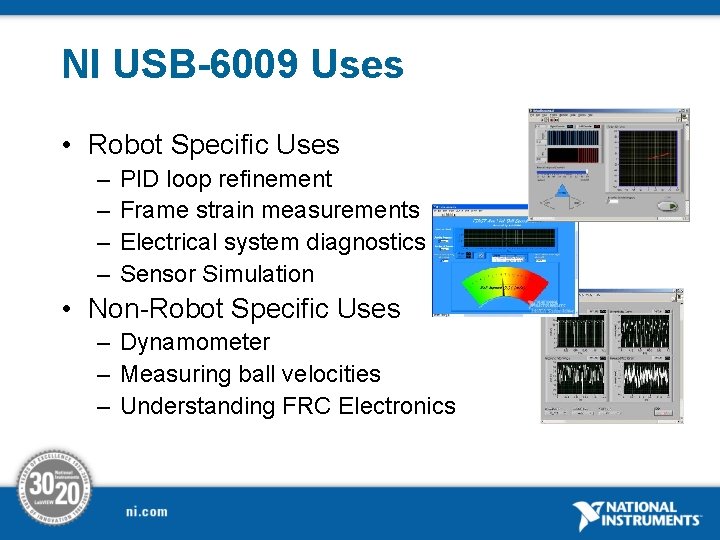
NI USB-6009 Uses • Robot Specific Uses – – PID loop refinement Frame strain measurements Electrical system diagnostics Sensor Simulation • Non-Robot Specific Uses – Dynamometer – Measuring ball velocities – Understanding FRC Electronics
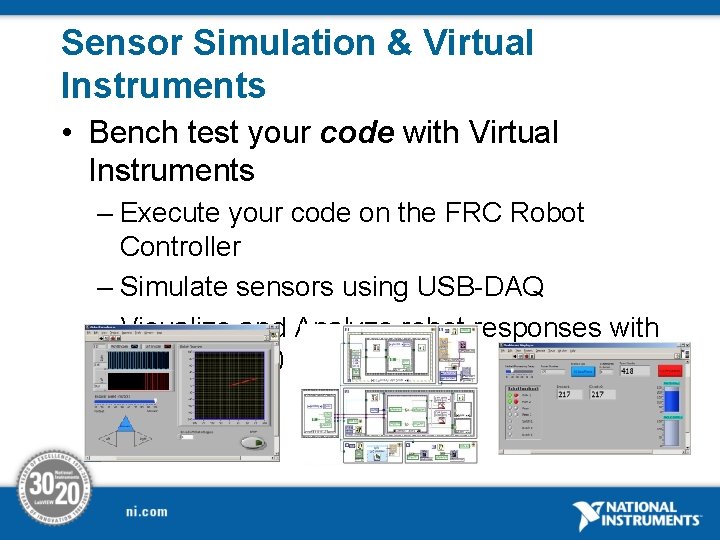
Sensor Simulation & Virtual Instruments • Bench test your code with Virtual Instruments – Execute your code on the FRC Robot Controller – Simulate sensors using USB-DAQ – Visualize and Analyze robot responses with Lab. VIEW 8. 0
Virtual Instrumentation Demo • View Sensor Simulation Demo
Team 1158 Dynamometer • View Dynamometer Demo
Questions?
- Slides: 16