
National Clearinghouse Reporting Helpful Hints NSC Enrollment Codes




- Slides: 14
National Clearinghouse Reporting Helpful Hints
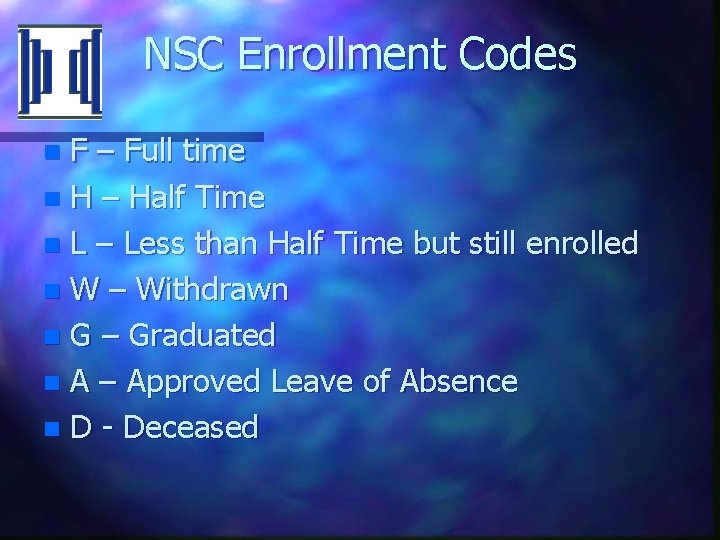
NSC Enrollment Codes F – Full time n H – Half Time n L – Less than Half Time but still enrolled n W – Withdrawn n G – Graduated n A – Approved Leave of Absence n D - Deceased n
CENSUS DATE The CENSUS DATE for NSC is the date you create the report. n Status Date errors from NCS are usually because of the Census date keyed on SITS. n
Acad Credentials n Enrollment status information comes from four places in Colleague – Academic Credit information – Student Term information – Deceased date information – Hiatus information
Set Up School Code – Branch Code n Standard Submission Flag n Term Name n Certification Date n
Set Up Student Data n Optional Student Data n
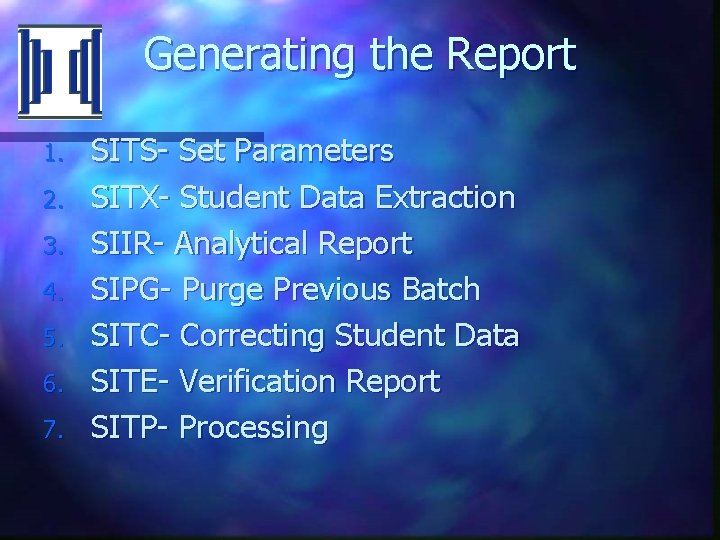
Generating the Report 1. 2. 3. 4. 5. 6. 7. SITS- Set Parameters SITX- Student Data Extraction SIIR- Analytical Report SIPG- Purge Previous Batch SITC- Correcting Student Data SITE- Verification Report SITP- Processing
Reporting Graduates Standard n Non-Standard n – INSTITUTIONS. ATTEND – ACAD. CREDENTIALS
Reporting Graduates n SITS – Standard Report Flag = No – Reporting date range must include ACAD. END DATE – Must also be within Term start and end date – Recommend setting Census Date one day before completion date
Reporting Graduates n Saved List on STIX – SELECT ACAD. CREDENTIALS WITH ACAD. END. DATE = ‘the graduation date’ SAVING UNIQUE ACAD. PERSON. ID – Don’t include the TERM on SITX – Enter academic levels – Correct any errors – If no errors you will get message saying “All records are processed. Please proceed with verification. ”
Reporting Graduates n SITC – Data Correction SIIR Review results for all students SITE Verify the report SITP Produce the hold file
Degree Verification n NDVS – Must complete graduation process to include most recent grads – Batch control ID – Institution ID – FICE – Financial Block restriction – Directory Code
Degree Verification – Institutions – Update Mode – N for report only, Y to update database – Credential start and end date or use a savelist
Questions