
NATIONAL APPRENTICESHIP WEEK 2021 SOCIAL MEDIA ASSETS Examples

- Slides: 11
NATIONAL APPRENTICESHIP WEEK 2021 SOCIAL MEDIA ASSETS
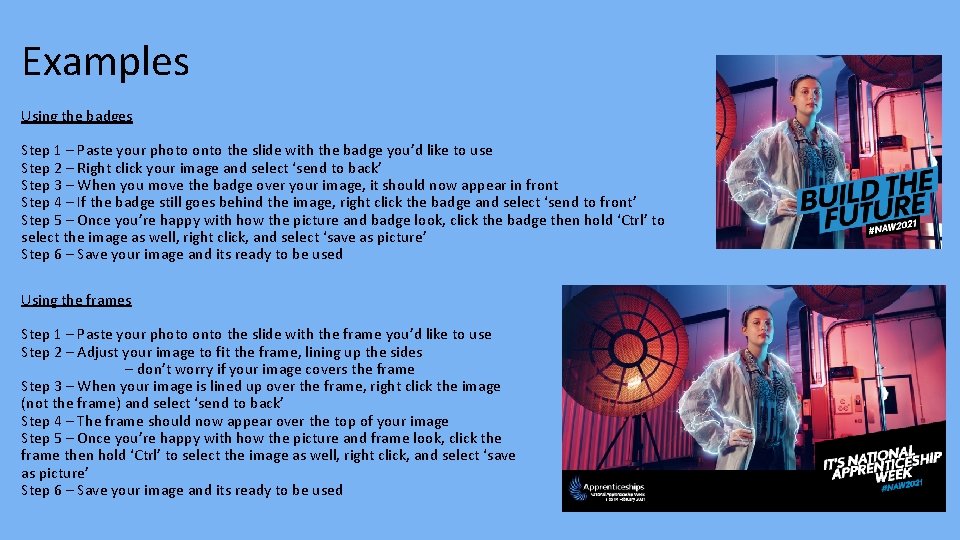
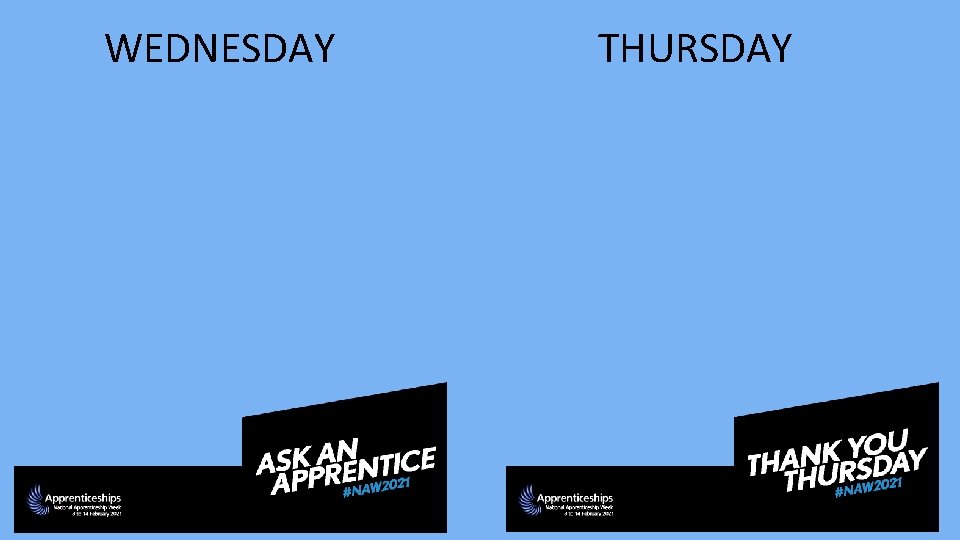
Examples Using the badges Step 1 – Paste your photo onto the slide with the badge you’d like to use Step 2 – Right click your image and select ‘send to back’ Step 3 – When you move the badge over your image, it should now appear in front Step 4 – If the badge still goes behind the image, right click the badge and select ‘send to front’ Step 5 – Once you’re happy with how the picture and badge look, click the badge then hold ‘Ctrl’ to select the image as well, right click, and select ‘save as picture’ Step 6 – Save your image and its ready to be used Using the frames Step 1 – Paste your photo onto the slide with the frame you’d like to use Step 2 – Adjust your image to fit the frame, lining up the sides – don’t worry if your image covers the frame Step 3 – When your image is lined up over the frame, right click the image (not the frame) and select ‘send to back’ Step 4 – The frame should now appear over the top of your image Step 5 – Once you’re happy with how the picture and frame look, click the frame then hold ‘Ctrl’ to select the image as well, right click, and select ‘save as picture’ Step 6 – Save your image and its ready to be used
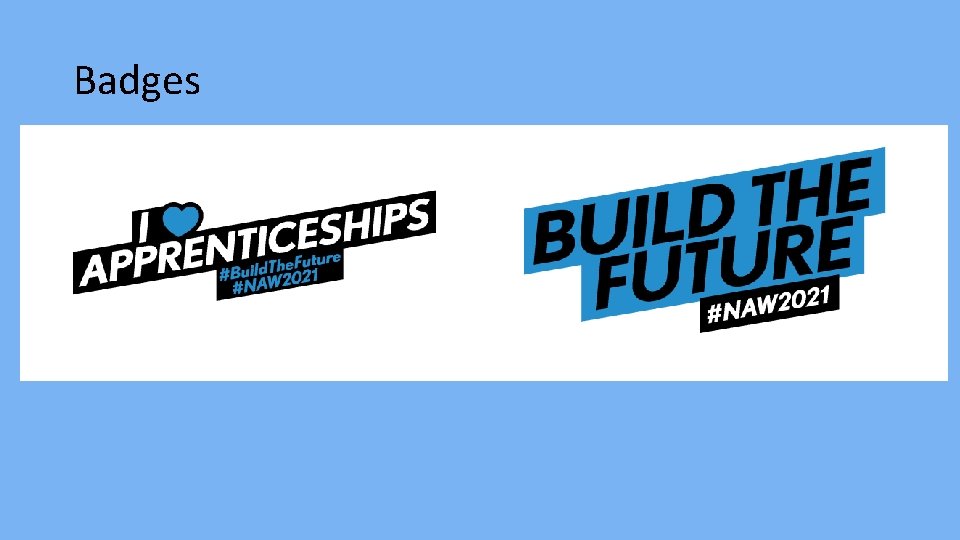
Badges
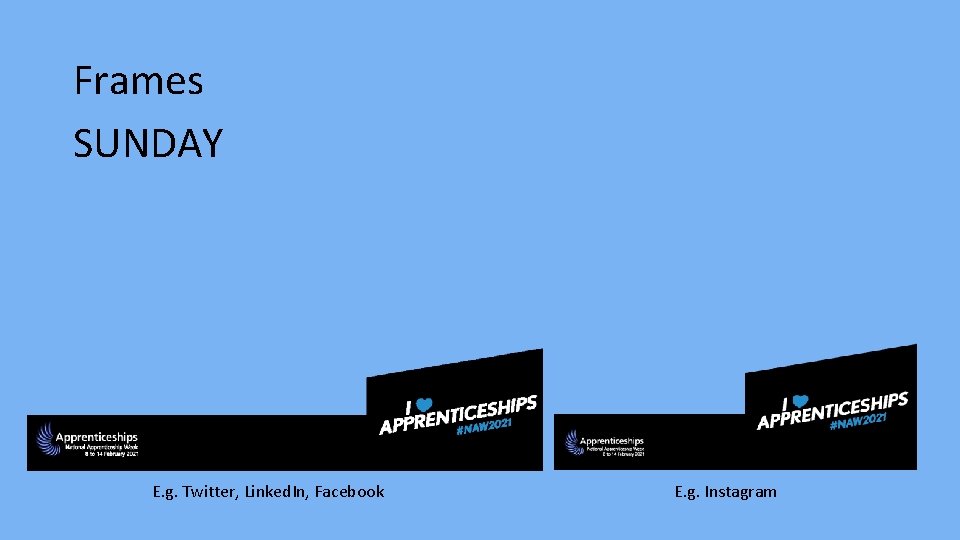
Frames SUNDAY E. g. Twitter, Linked. In, Facebook E. g. Instagram
MONDAY TUESDAY
WEDNESDAY THURSDAY
FRIDAY SATURDAY
MONDAY TUESDAY
WEDNESDAY THURSDAY
FRIDAY SATURDAY
MORE INFORMATION You can find these resources in different formats, and more useful information here: NAW 2021 Toolkit Social Media Assets Don’t forget to use #NAW 2021 and #Build. The. Future in your social media posts, tag our channels and remember each day we have a new theme which can be found in the toolkit! Monday – Launch Day Tuesday – Ask An Employer (use #Ask. An. Employer) Wednesday – Ask An Apprentice (use #Ask. An. Apprentice) Thursday – Thank you Thursday Friday – Graduation Day (use #Apps. Grad) Saturday – Parents & Carers Day Sunday – I <3 Apprenticeships Twitter: @Apprenticeships Instagram: @fireitupapps Facebook: Fire. It. Up. Apps Linked. In: National Apprenticeship Service