
NAPLAN Online Test Administrator training Part D Part
- Slides: 11
NAPLAN Online Test Administrator training — Part D
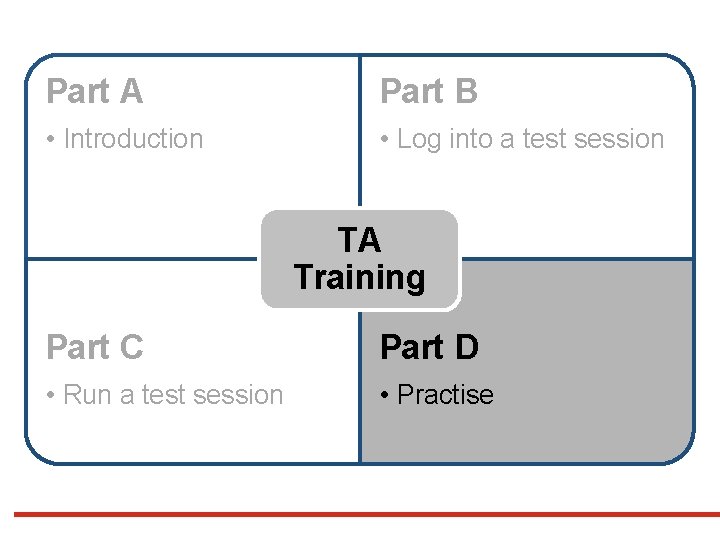
Part A Part B • Introduction • Log into a test session TA Training Part C Part D • Run a test session • Practise
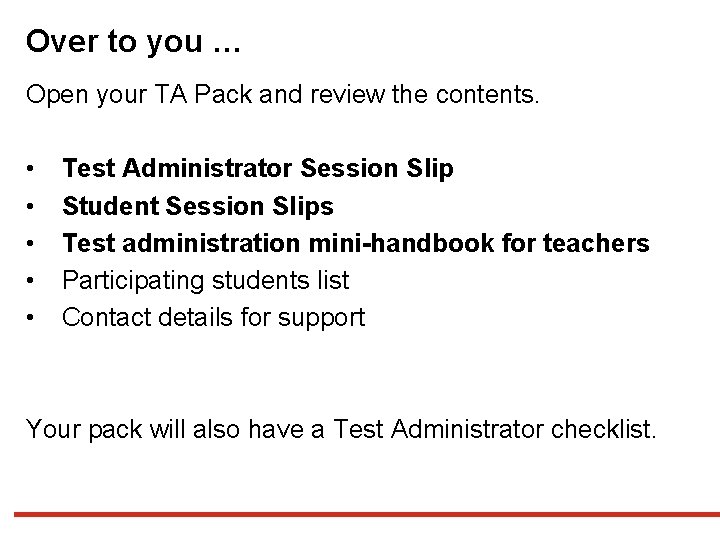
Over to you … Open your TA Pack and review the contents. • • • Test Administrator Session Slip Student Session Slips Test administration mini-handbook for teachers Participating students list Contact details for support Your pack will also have a Test Administrator checklist.
Over to you …
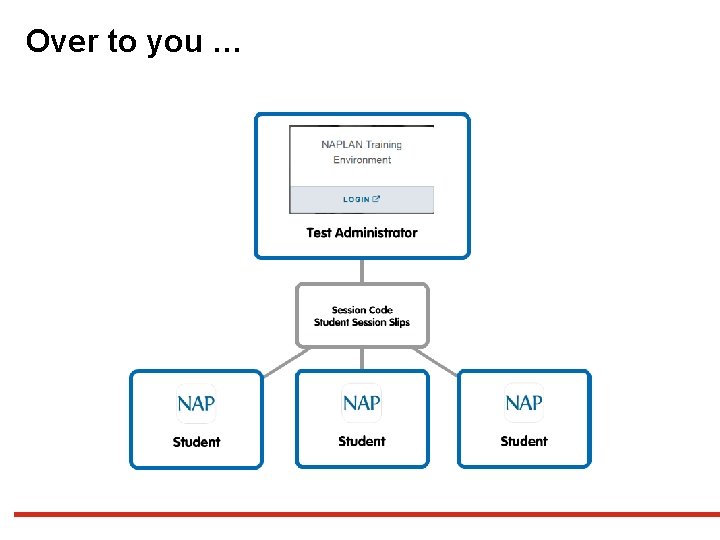
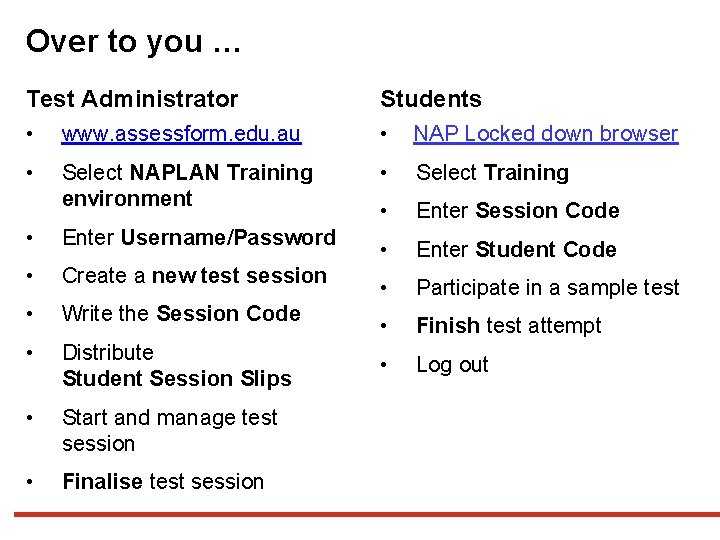
Over to you … Test Administrator Students • www. assessform. edu. au • NAP Locked down browser • Select NAPLAN Training environment • Select Training • Enter Session Code • Enter Student Code • Participate in a sample test • Finish test attempt • Log out • Enter Username/Password • Create a new test session • Write the Session Code • Distribute Student Session Slips • Start and manage test session • Finalise test session
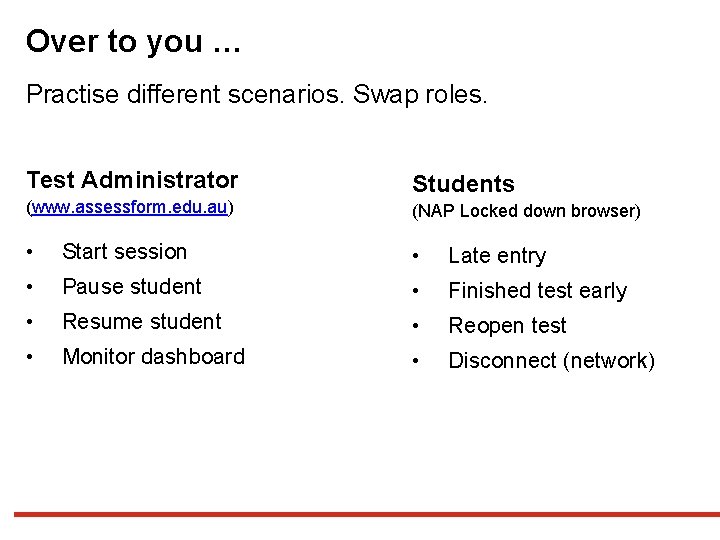
Over to you … Practise different scenarios. Swap roles. Test Administrator Students (www. assessform. edu. au) (NAP Locked down browser) • Start session • Late entry • Pause student • Finished test early • Resume student • Reopen test • Monitor dashboard • Disconnect (network)
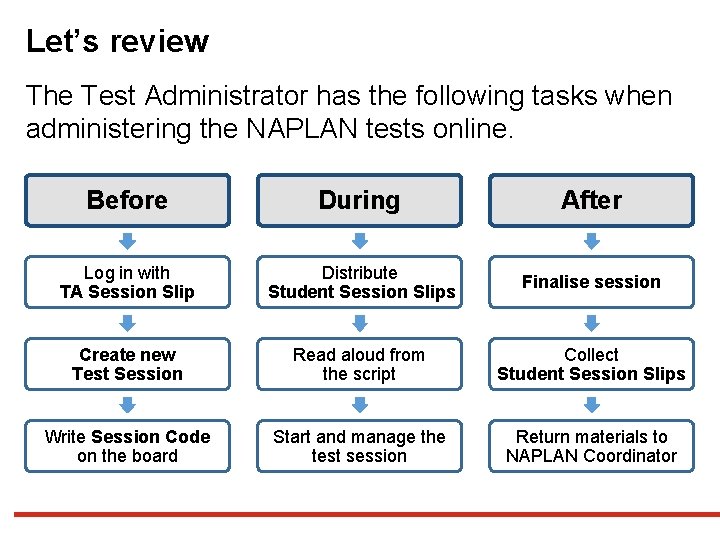
Let’s review The Test Administrator has the following tasks when administering the NAPLAN tests online. Before During After Log in with TA Session Slip Distribute Student Session Slips Finalise session Create new Test Session Read aloud from the script Collect Student Session Slips Write Session Code on the board Start and manage the test session Return materials to NAPLAN Coordinator
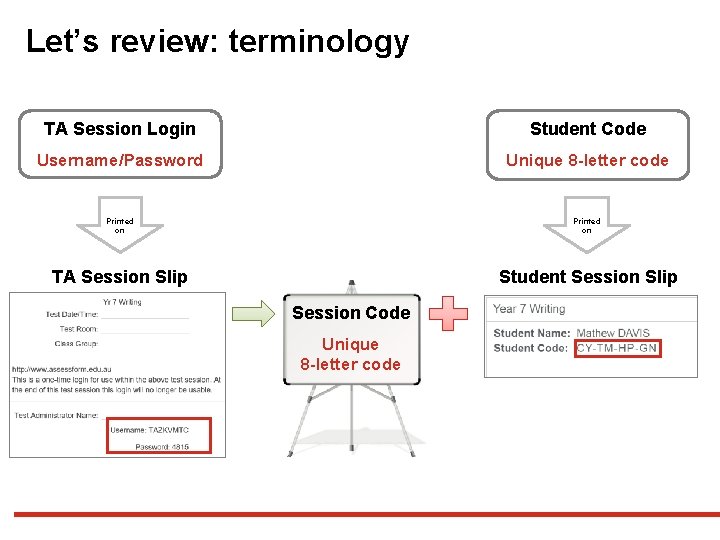
Let’s review: terminology TA Session Login Student Code Username/Password Unique 8 -letter code Printed on TA Session Slip Student Session Slip Session Code Unique 8 -letter code
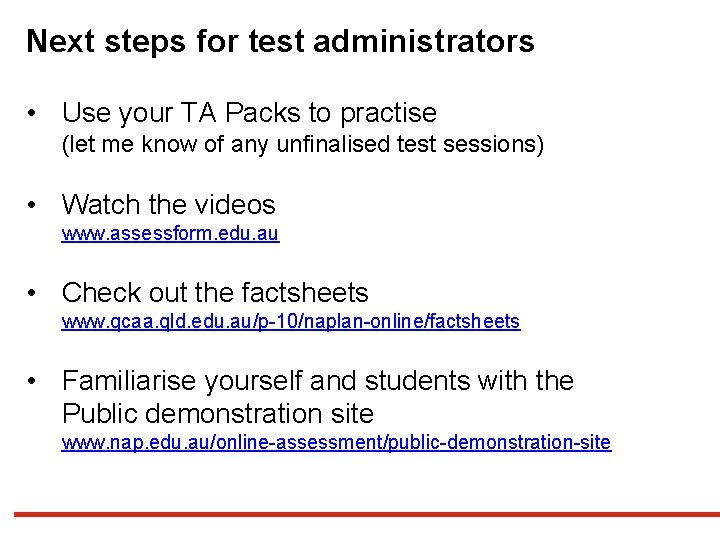
Next steps for test administrators • Use your TA Packs to practise (let me know of any unfinalised test sessions) • Watch the videos www. assessform. edu. au • Check out the factsheets www. qcaa. qld. edu. au/p-10/naplan-online/factsheets • Familiarise yourself and students with the Public demonstration site www. nap. edu. au/online-assessment/public-demonstration-site
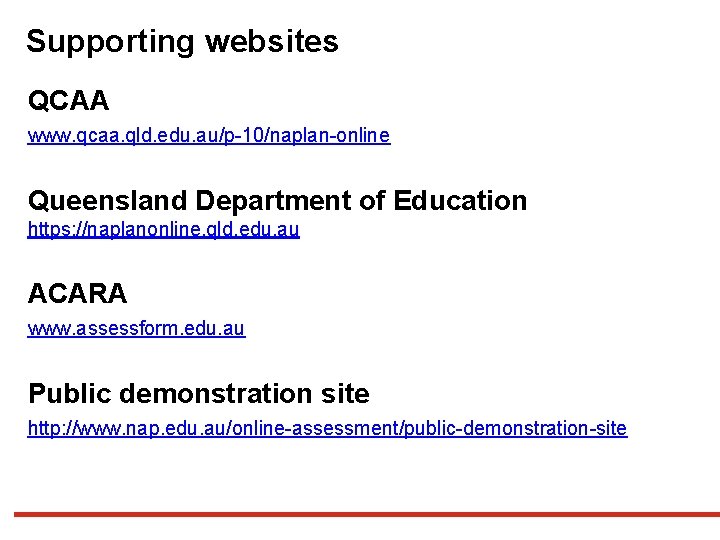
Supporting websites QCAA www. qcaa. qld. edu. au/p-10/naplan-online Queensland Department of Education https: //naplanonline. qld. edu. au ACARA www. assessform. edu. au Public demonstration site http: //www. nap. edu. au/online-assessment/public-demonstration-site
End of Part D See www. qcaa. qld. edu. au/p-10/naplan-online/resources for other materials in this series.