
Name Services Jessie Crane CPSC 550 History ARPAnet
- Slides: 23
Name Services Jessie Crane CPSC 550
History • ARPAnet – experimental computer network (late 1960 s) • hosts. txt – a file that contained all the information about every host on the network • Single management domain
History • TCP/IP standardized connectivity to ARPAnet for all computers (early 1980 s) • hosts. txt – traffic and load problems • – file consistency problems • Increasing number of users • NIC had no control over host names
History • NIC called for a replacement of the current system – Centralized system – Single-host bottleneck • Paul Mockapertis created the Domain Name Service (DNS) in 1984. – Distributed database – Hierarchical structure
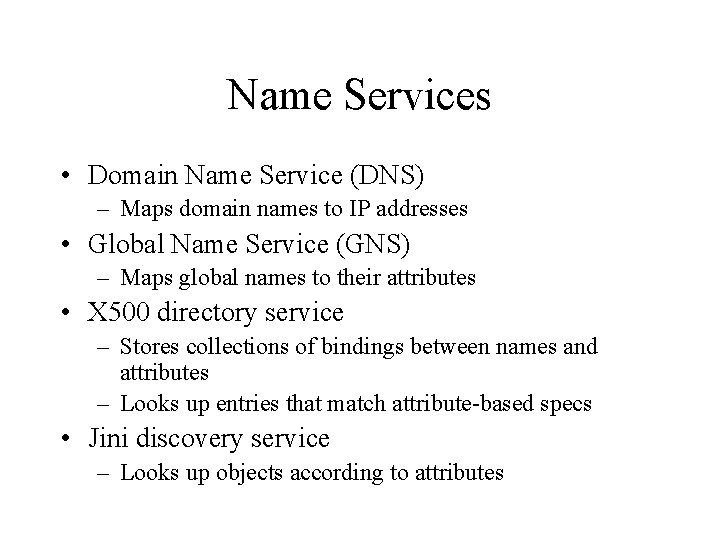
Name Services • Domain Name Service (DNS) – Maps domain names to IP addresses • Global Name Service (GNS) – Maps global names to their attributes • X 500 directory service – Stores collections of bindings between names and attributes – Looks up entries that match attribute-based specs • Jini discovery service – Looks up objects according to attributes
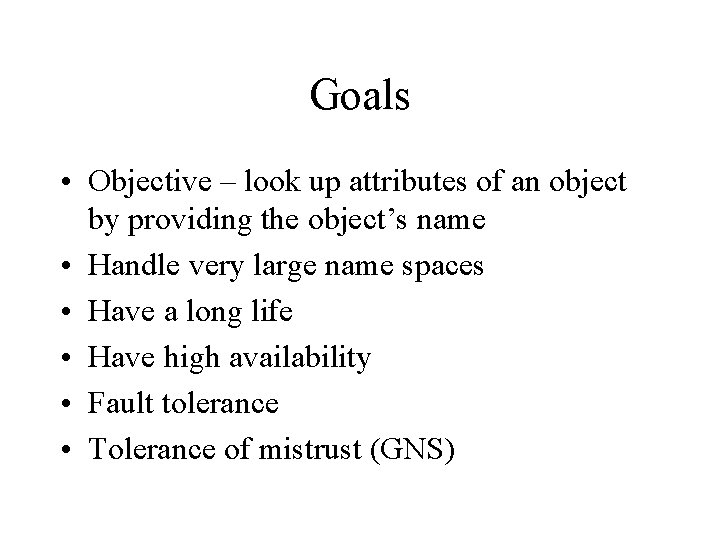
Goals • Objective – look up attributes of an object by providing the object’s name • Handle very large name spaces • Have a long life • Have high availability • Fault tolerance • Tolerance of mistrust (GNS)
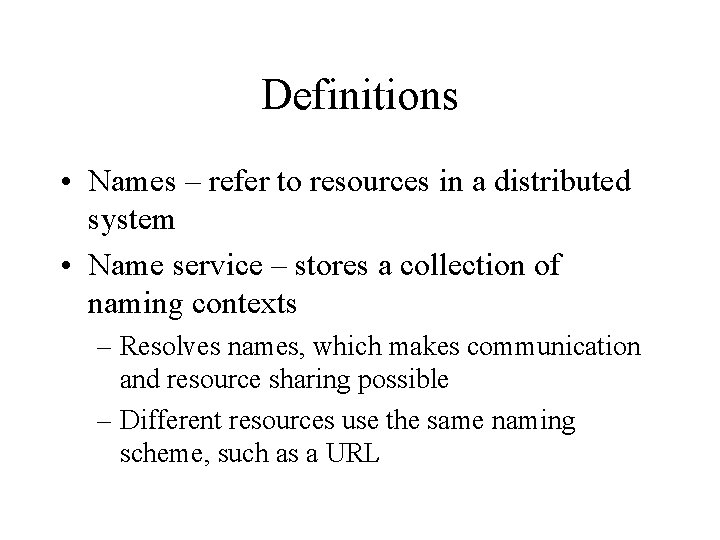
Definitions • Names – refer to resources in a distributed system • Name service – stores a collection of naming contexts – Resolves names, which makes communication and resource sharing possible – Different resources use the same naming scheme, such as a URL
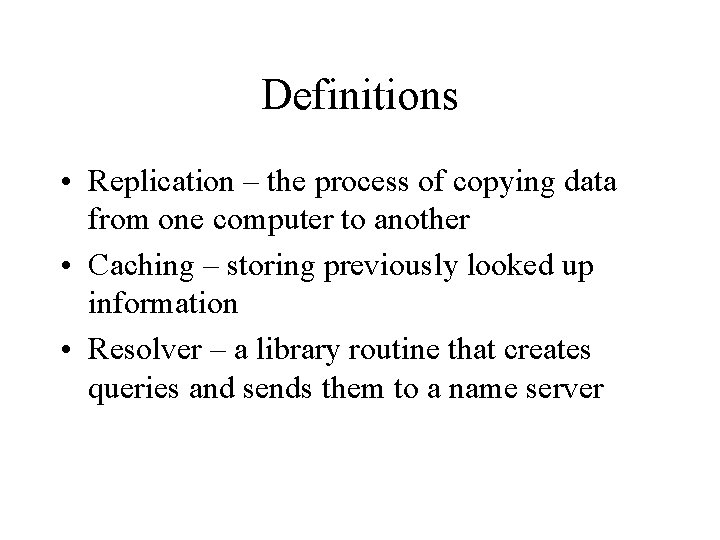
Definitions • Replication – the process of copying data from one computer to another • Caching – storing previously looked up information • Resolver – a library routine that creates queries and sends them to a name server
Features • Name services look up attributes of an object by providing an object’s name. • Hierarchical in structure
DNS Features • Maps domain names to IP addresses – Mostly for host names and email addresses • Elements of that allow worldly lookup – Hierarchical partitioning of the name database – Replication of the naming data – Caching
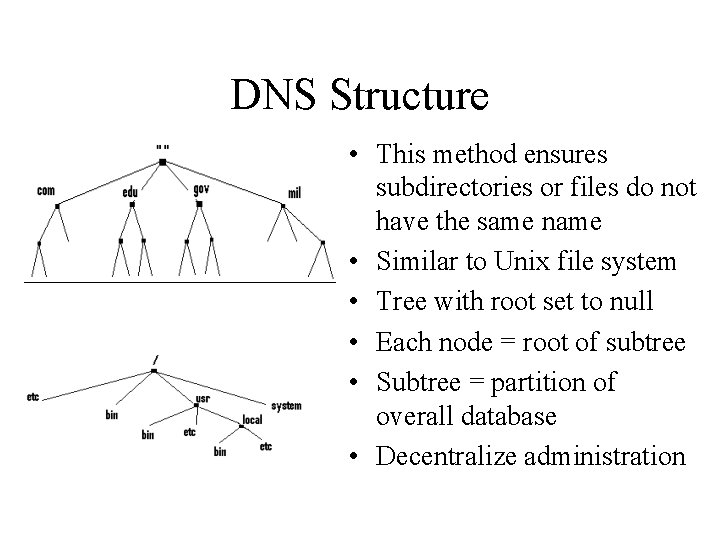
DNS Structure • This method ensures subdirectories or files do not have the same name • Similar to Unix file system • Tree with root set to null • Each node = root of subtree • Subtree = partition of overall database • Decentralize administration
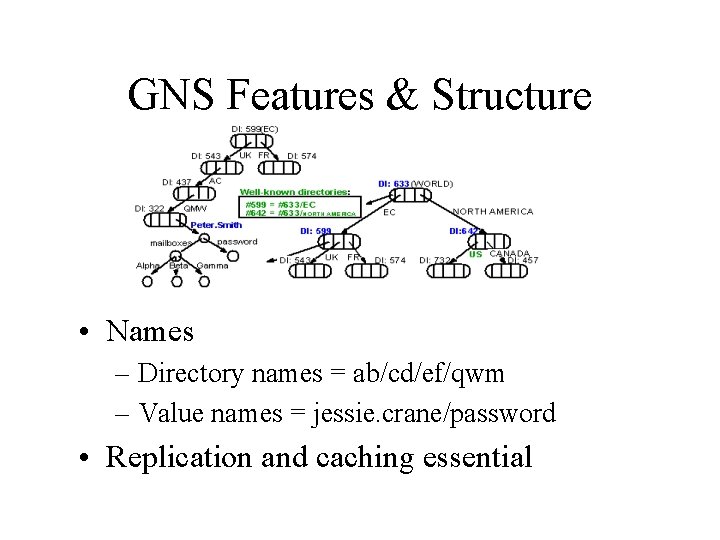
GNS Features & Structure • Names – Directory names = ab/cd/ef/qwm – Value names = jessie. crane/password • Replication and caching essential
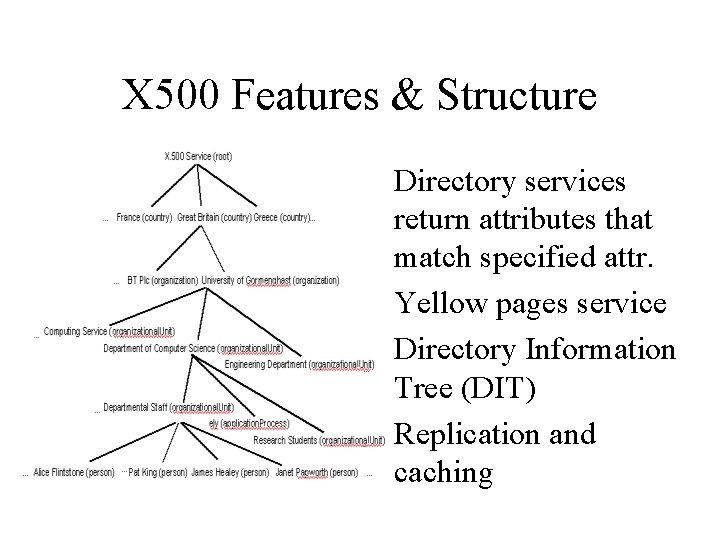
X 500 Features & Structure • Directory services return attributes that match specified attr. • Yellow pages service • Directory Information Tree (DIT) • Replication and caching
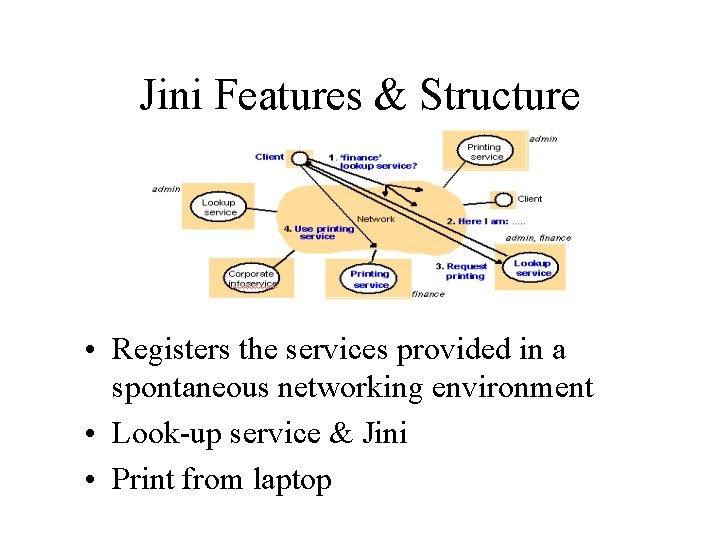
Jini Features & Structure • Registers the services provided in a spontaneous networking environment • Look-up service & Jini • Print from laptop
How to Use DNS • Register a new domain – need to submit a DNS server name and address – Register with current DNS server – Configure new DNS server • /etc/named. boot or /etc/named. conf • URLs and email clients
How to Use Directory Services • Done through and application interface • Examples: – User logging into a system enters a name and password. – User invoking a spell check on a document
How to Use Discovery Services • Jini can go on a home computer • Storage for devices can run directly on the PC – Digital cameras – store pictures – Cell phones – backup the phone book – Answering machine – store long messages – VCR – store video on hard disk
DNS Application • BIND – Resolves Internet host names into IP addresses and vice versa • Most name servers on the Internet run BIND • Old versions of BIND allow DNS spoofing attacks
Directory Service Application • Active Directory Service Interfaces (ASDI) • Compose of interfaces used to access directory services from different networks – adding new users – managing printers – locating resources in a distributed environment – Setting permissions on network resources
Discovery Service Application • Google – finds pages that are openly available on the Web.
Significance of Points • Use a distributed peer-to-peer system instead of DNS • Main reason: do not have to worry about a server being down. • Pros: – Computing power – Storage space • Example: Napster
Summary • DNS is very good and will probably be faster on average than a peer-to-peer system • DNS not have as many security issues • Peer-to-peer no availability issue
References 1. 2. 3. 4. 5. Albitz, Paul and Liu Crickel, “DNS and BIND. ” O’Reilly & Associates, Inc. , 2001. Blanchfield, Sean, An Anonymous and Scaleable Distributed Peerto-Peer System. ” University of Dublin, 2002. Galli, Doreen L. , “Distributed Operating Systems. ” Prentice Hall, 2000. Hauben, Micheal, “History of ARPAnet. ” http: //www. dei. isep. ipp. pt/docs/arpa. html, 2000. Yuan, Fei and Li, Xuhui, “Hybrid Searching Algorithm for Loosely. Controlled Peer-to-Peer System. ” University of Waterloo, 2002.