
Nagios An introduction and Brief Tutorial Chris Brew
Nagios: An introduction and Brief Tutorial Chris Brew Sci. Tech/PPD Chris Brew
Outline • What is Nagios? • Getting Started – – – Hosts, Commands, Services, Timeperiods and Contacts Remote Checks with NRPE Hostgroups and Servicegroups Templates Config File(s) Active v. Passive checks • Going Further – – – Writing you own Checks NSCA Service Hierarchies Eventhandlers Modifying the Web Pages Chris Brew
What is Nagios • “Nagios is an enterprise-class monitoring solutions for hosts, services, and networks released under an Open Source license. ” www. nagios. org • “Nagios is a popular open source computer system and network monitoring application software. It watches hosts and services that you specify, alerting you when things go bad and again when they get better. ” www. wikipedia. org Chris Brew
Installation • Nagios RPMs for RHEL (and so SL/SLC) available from the DAG repository • 4 Main component RPMS – nagios – the main server software and web scripts – nagios-plugins – the common set of check scripts used to query services – nagios-nrpe – Nagios Remote Plugin Executor – nagios-nsca – Nagios Service Check Acceptor • Setup is simply a matter on installing the RPMs, configuring your web server and editing the config files to suit your setup Chris Brew
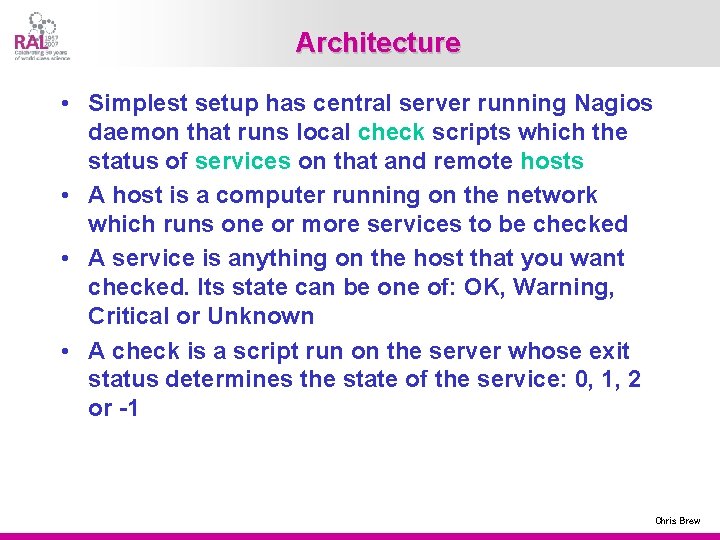
Architecture • Simplest setup has central server running Nagios daemon that runs local check scripts which the status of services on that and remote hosts • A host is a computer running on the network which runs one or more services to be checked • A service is anything on the host that you want checked. Its state can be one of: OK, Warning, Critical or Unknown • A check is a script run on the server whose exit status determines the state of the service: 0, 1, 2 or -1 Chris Brew
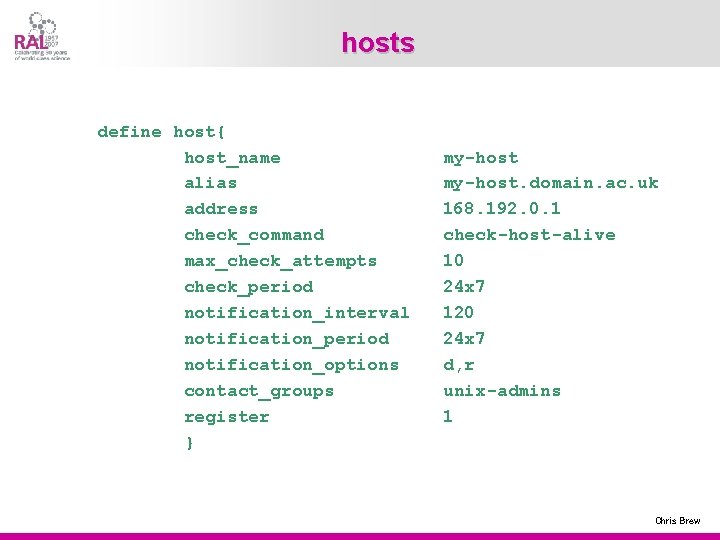
hosts define host{ host_name alias address check_command max_check_attempts check_period notification_interval notification_period notification_options contact_groups register } my-host. domain. ac. uk 168. 192. 0. 1 check-host-alive 10 24 x 7 120 24 x 7 d, r unix-admins 1 Chris Brew
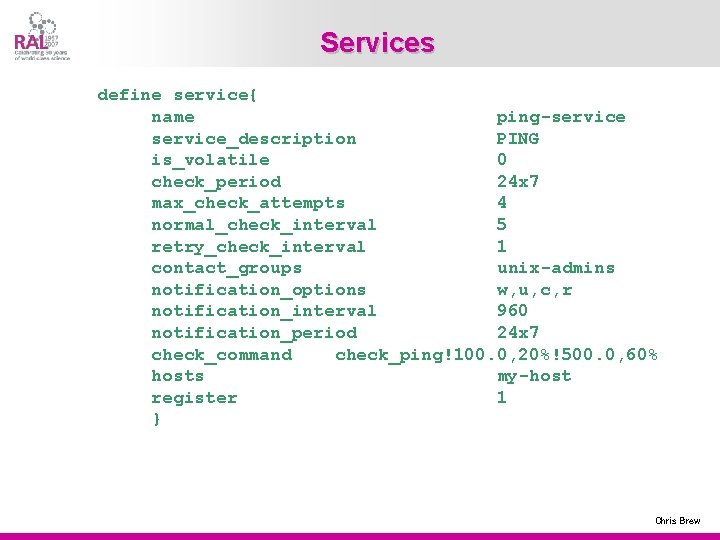
Services define service{ name ping-service_description PING is_volatile 0 check_period 24 x 7 max_check_attempts 4 normal_check_interval 5 retry_check_interval 1 contact_groups unix-admins notification_options w, u, c, r notification_interval 960 notification_period 24 x 7 check_command check_ping!100. 0, 20%!500. 0, 60% hosts my-host register 1 } Chris Brew
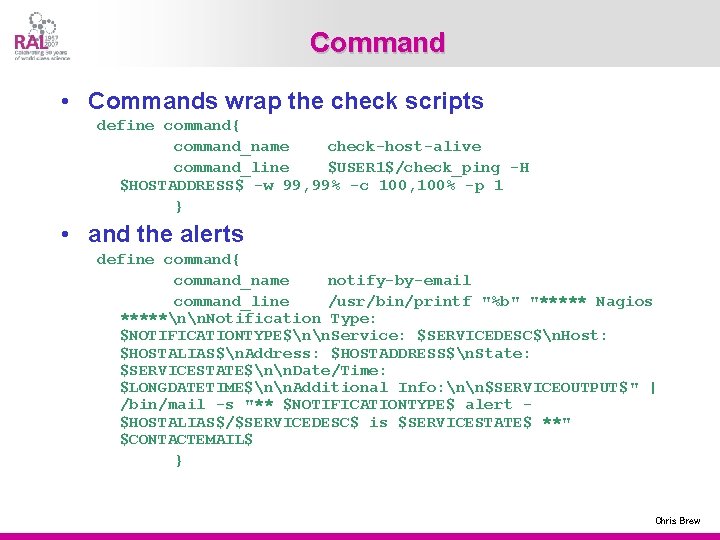
Command • Commands wrap the check scripts define command{ command_name check-host-alive command_line $USER 1$/check_ping -H $HOSTADDRESS$ -w 99, 99% -c 100, 100% -p 1 } • and the alerts define command{ command_name notify-by-email command_line /usr/bin/printf "%b" "***** Nagios *****nn. Notification Type: $NOTIFICATIONTYPE$nn. Service: $SERVICEDESC$n. Host: $HOSTALIAS$n. Address: $HOSTADDRESS$n. State: $SERVICESTATE$nn. Date/Time: $LONGDATETIME$nn. Additional Info: nn$SERVICEOUTPUT$" | /bin/mail -s "** $NOTIFICATIONTYPE$ alert $HOSTALIAS$/$SERVICEDESC$ is $SERVICESTATE$ **" $CONTACTEMAIL$ } Chris Brew
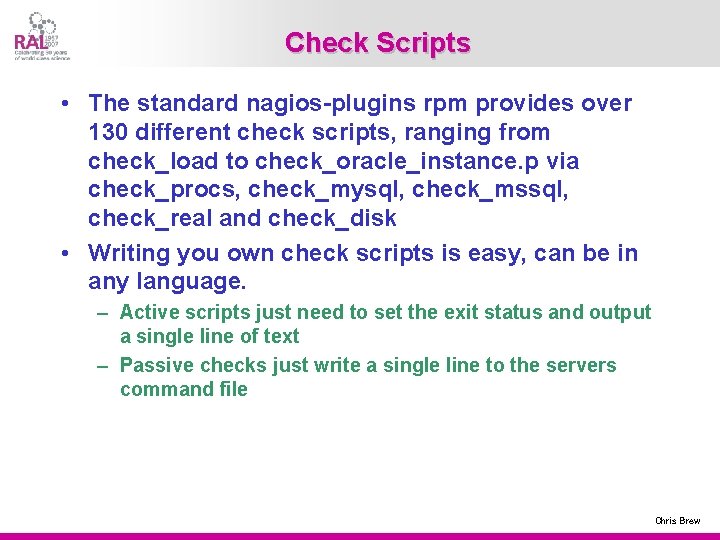
Check Scripts • The standard nagios-plugins rpm provides over 130 different check scripts, ranging from check_load to check_oracle_instance. p via check_procs, check_mysql, check_mssql, check_real and check_disk • Writing you own check scripts is easy, can be in any language. – Active scripts just need to set the exit status and output a single line of text – Passive checks just write a single line to the servers command file Chris Brew
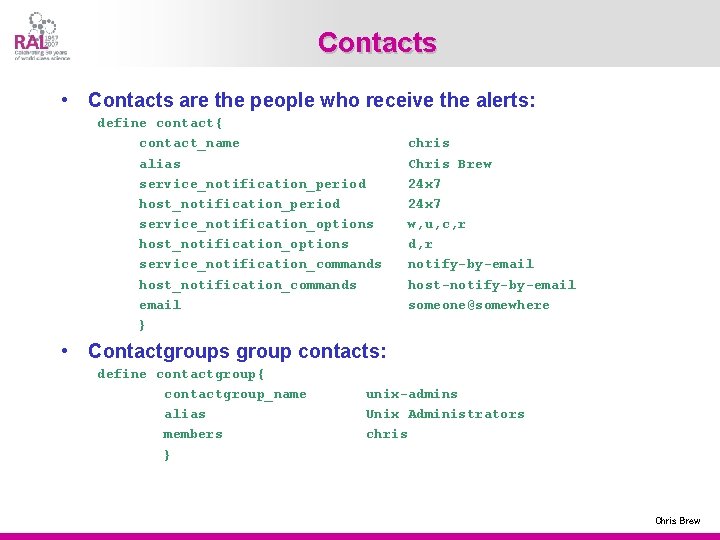
Contacts • Contacts are the people who receive the alerts: define contact{ contact_name alias service_notification_period host_notification_period service_notification_options host_notification_options service_notification_commands host_notification_commands email } chris Chris Brew 24 x 7 w, u, c, r d, r notify-by-email host-notify-by-email someone@somewhere • Contactgroups group contacts: define contactgroup{ contactgroup_name alias members } unix-admins Unix Administrators chris Chris Brew
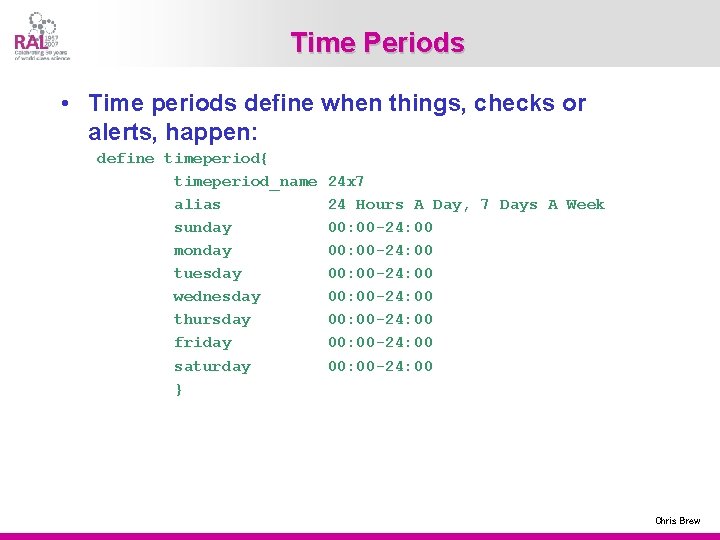
Time Periods • Time periods define when things, checks or alerts, happen: define timeperiod{ timeperiod_name alias sunday monday tuesday wednesday thursday friday saturday } 24 x 7 24 Hours A Day, 7 Days A Week 00: 00 -24: 00 00: 00 -24: 00 Chris Brew
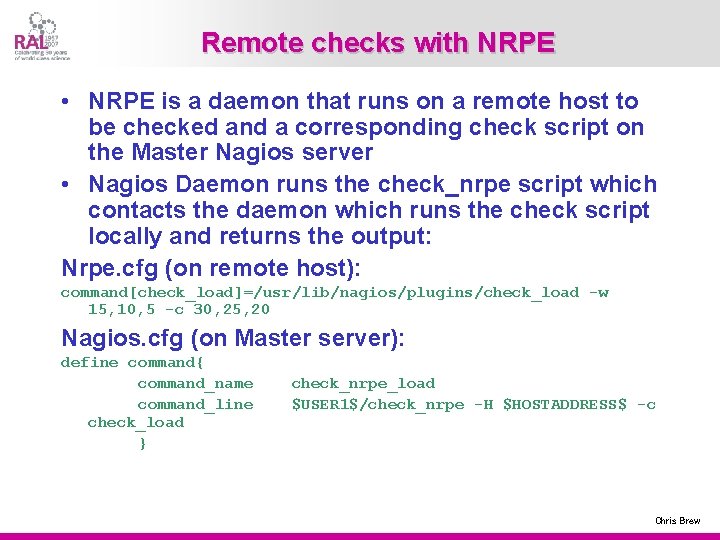
Remote checks with NRPE • NRPE is a daemon that runs on a remote host to be checked and a corresponding check script on the Master Nagios server • Nagios Daemon runs the check_nrpe script which contacts the daemon which runs the check script locally and returns the output: Nrpe. cfg (on remote host): command[check_load]=/usr/lib/nagios/plugins/check_load -w 15, 10, 5 -c 30, 25, 20 Nagios. cfg (on Master server): define command{ command_name command_line check_load } check_nrpe_load $USER 1$/check_nrpe -H $HOSTADDRESS$ -c Chris Brew
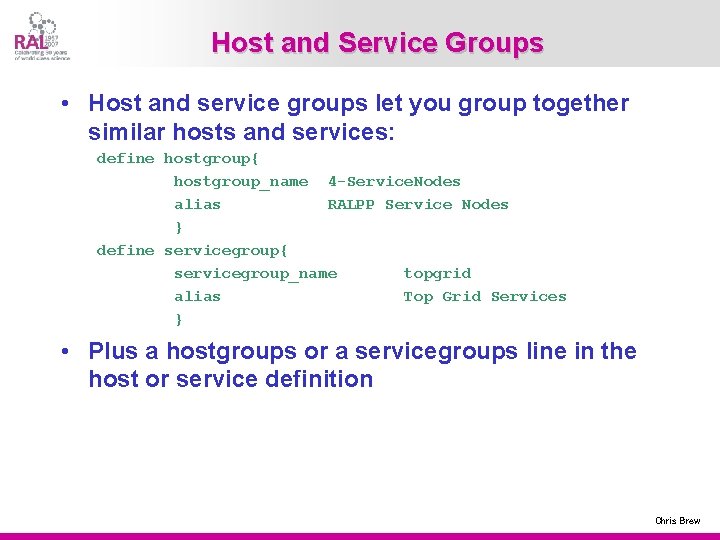
Host and Service Groups • Host and service groups let you group together similar hosts and services: define hostgroup{ hostgroup_name 4 -Service. Nodes alias RALPP Service Nodes } define servicegroup{ servicegroup_name topgrid alias Top Grid Services } • Plus a hostgroups or a servicegroups line in the host or service definition Chris Brew
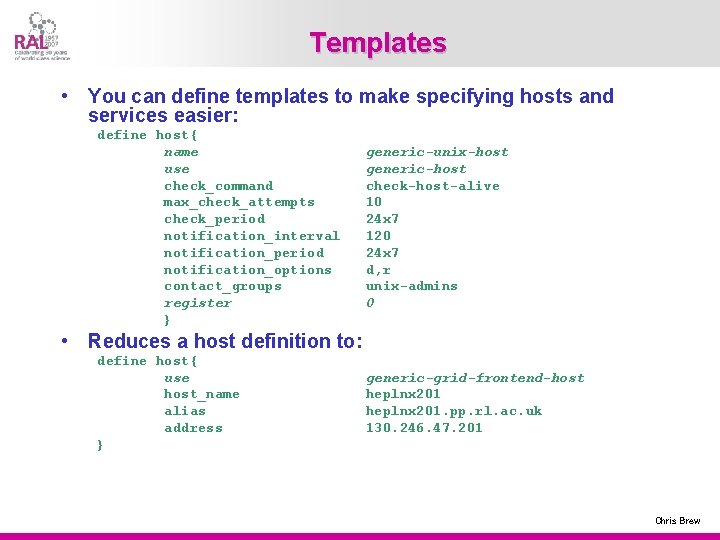
Templates • You can define templates to make specifying hosts and services easier: define host{ name use check_command max_check_attempts check_period notification_interval notification_period notification_options contact_groups register } generic-unix-host generic-host check-host-alive 10 24 x 7 120 24 x 7 d, r unix-admins 0 • Reduces a host definition to: define host{ use host_name alias address } generic-grid-frontend-host heplnx 201. pp. rl. ac. uk 130. 246. 47. 201 Chris Brew
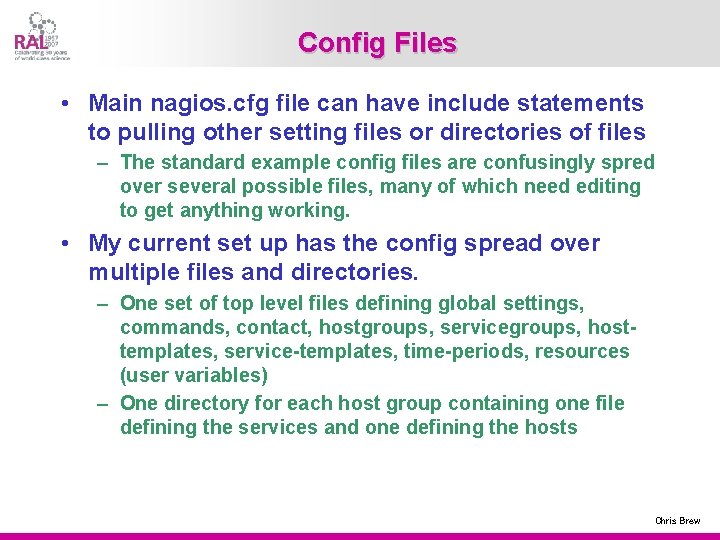
Config Files • Main nagios. cfg file can have include statements to pulling other setting files or directories of files – The standard example config files are confusingly spred over several possible files, many of which need editing to get anything working. • My current set up has the config spread over multiple files and directories. – One set of top level files defining global settings, commands, contact, hostgroups, servicegroups, hosttemplates, service-templates, time-periods, resources (user variables) – One directory for each host group containing one file defining the services and one defining the hosts Chris Brew
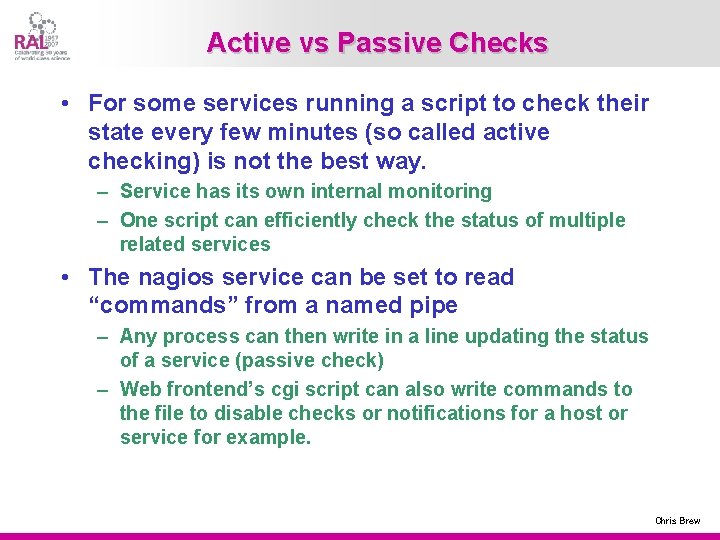
Active vs Passive Checks • For some services running a script to check their state every few minutes (so called active checking) is not the best way. – Service has its own internal monitoring – One script can efficiently check the status of multiple related services • The nagios service can be set to read “commands” from a named pipe – Any process can then write in a line updating the status of a service (passive check) – Web frontend’s cgi script can also write commands to the file to disable checks or notifications for a host or service for example. Chris Brew
Going Further 1 • NSCA, is a script/daemon pair that allow remote hosts to run passive checks and write the results into that nagios servers command file. – Checking operation on remote host calls send_nsca script which forwards the result to the nsca daemon on the server which writes the result into the command file – Can be used with eventhandlers to produce a hierarchy of Nagios servers • Service Hierachies, services and hosts can depend on other services or hosts so for instance: – If the web server is down don’t tell me the web is unreachable – If the switch is down don’t send alerts for the hosts behind it Chris Brew
Going Further 2 • Event Handlers, as well as just telling you a service is down Nagios can attempt to rectify the fault by running an eventhandler • The cgi scripts, templates and style sheets that build the web pages can be edited to add extra information • Nagios has a myriad of other features not touched upon here from state stalking to flap detection, notification escalations to scheduling network, host or service downtimes Chris Brew
Conclusions • Nagios is a vary useful tool for the time poor sysadmin but can be very daunting when you first look at it. • My advice is: – Install it on you test node (though this may well end up as your master server) – Run a few check scripts by hand to get the feel for them – Set up a simple config file that runs a few check on the local host – Install nrpe on the host and nrpe and nagios-plugins on a remote host – Run check nrpe by hand to get it working then add a couple of simple checks on the remote host – NOW THINK ABOUT HOW YOU WANT TO ORGANISE YOU CONFIG FILES – Now add hosts and service until you run out, then write some more Chris Brew
- Slides: 19