
NACO Administration What Happens After NACO Training 1
- Slides: 29
NACO Administration What Happens After NACO Training? 1
NACO Review Phase n n Following NACO training, libraries enter the review phase (a few months) All records are reviewed before being contributed to the utility database, and on to the NACO database 2
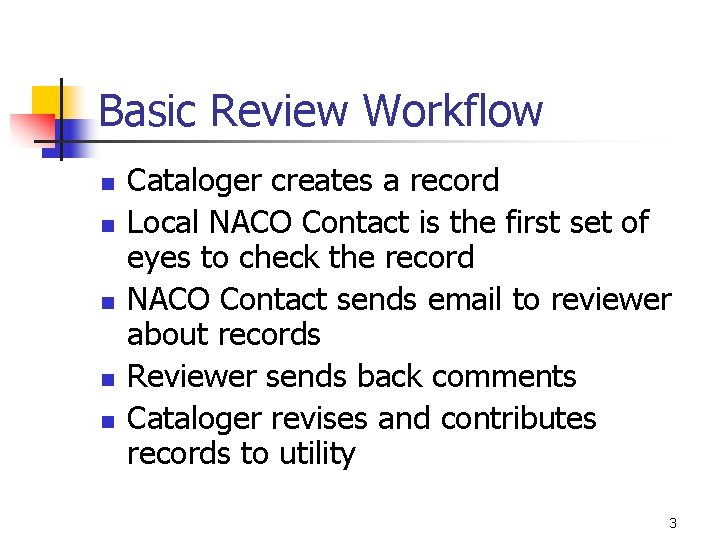
Basic Review Workflow n n n Cataloger creates a record Local NACO Contact is the first set of eyes to check the record NACO Contact sends email to reviewer about records Reviewer sends back comments Cataloger revises and contributes records to utility 3
Review in the Utilities OCLC and RLIN have system changes in 2004 n OCLC http: //www. oclc. org/support/training/connexion /default. htm n RLIN 21 http: //www. rlg. org/en/page. php? Page_ID=386 n Find the correct workflow for your reviewer n 4
Connexion Authority Documentation OCLC Connexion browser authority documentation located at: Connexion browser documentation [OCLC - Support] http: //www. oclc. org/support/documentation/connexion/brow ser/default. htm 5
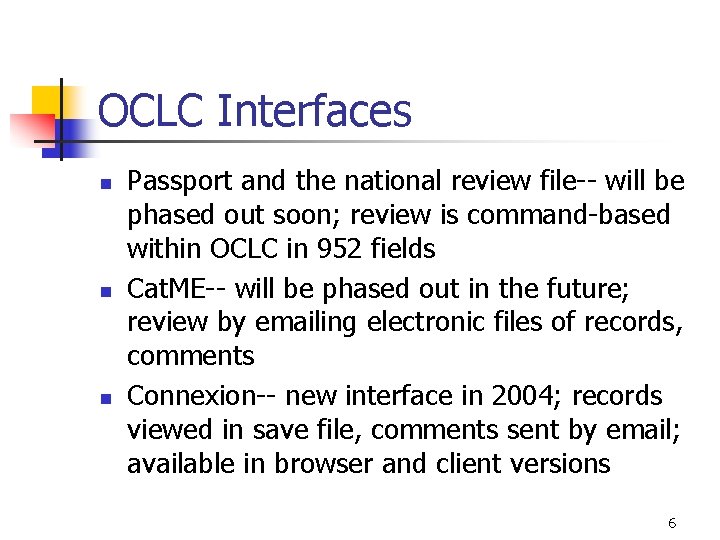
OCLC Interfaces n n n Passport and the national review file-- will be phased out soon; review is command-based within OCLC in 952 fields Cat. ME-- will be phased out in the future; review by emailing electronic files of records, comments Connexion-- new interface in 2004; records viewed in save file, comments sent by email; available in browser and client versions 6
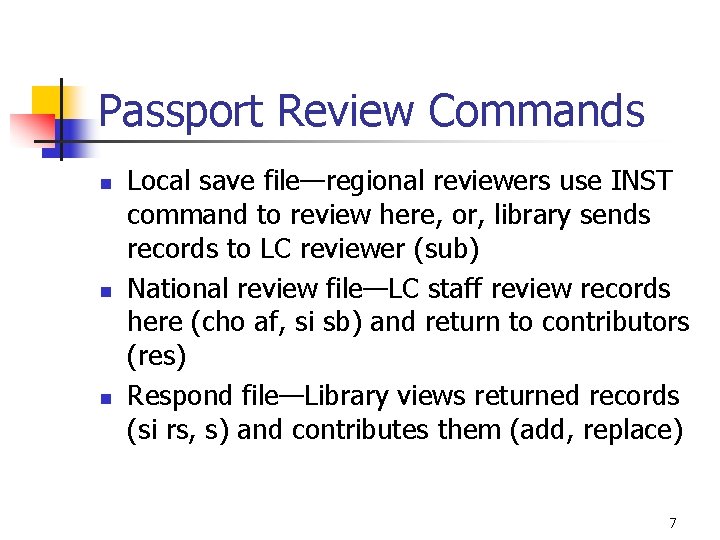
Passport Review Commands n n n Local save file—regional reviewers use INST command to review here, or, library sends records to LC reviewer (sub) National review file—LC staff review records here (cho af, si sb) and return to contributors (res) Respond file—Library views returned records (si rs, s) and contributes them (add, replace) 7
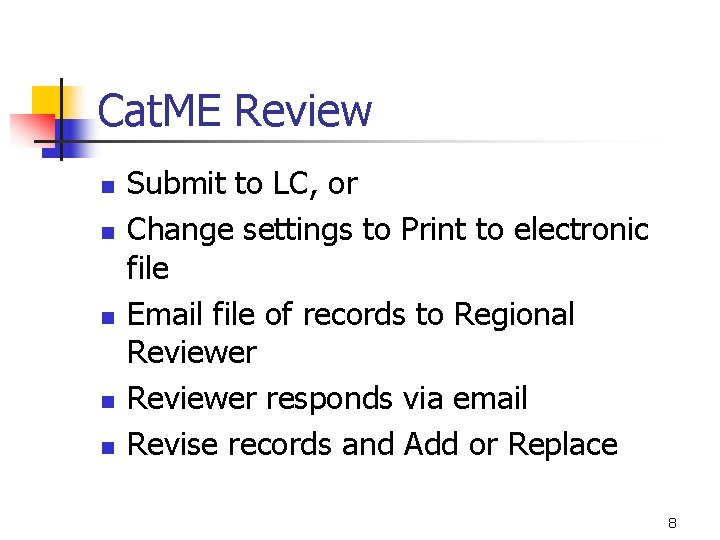
Cat. ME Review n n n Submit to LC, or Change settings to Print to electronic file Email file of records to Regional Reviewer responds via email Revise records and Add or Replace 8
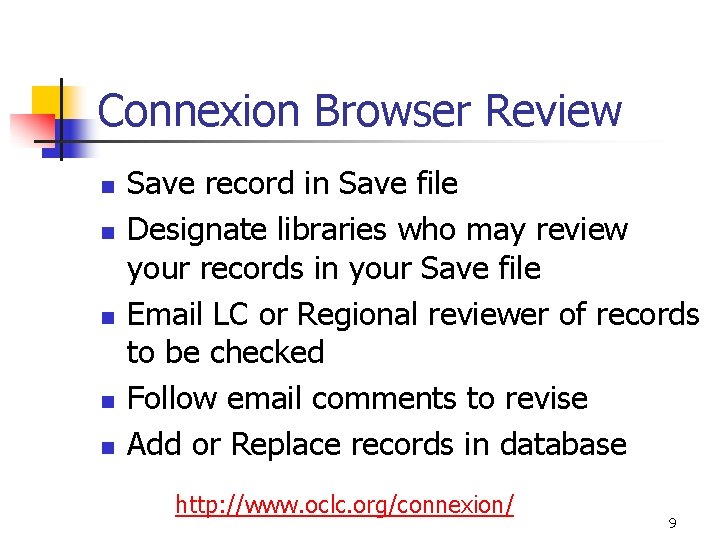
Connexion Browser Review n n n Save record in Save file Designate libraries who may review your records in your Save file Email LC or Regional reviewer of records to be checked Follow email comments to revise Add or Replace records in database http: //www. oclc. org/connexion/ 9
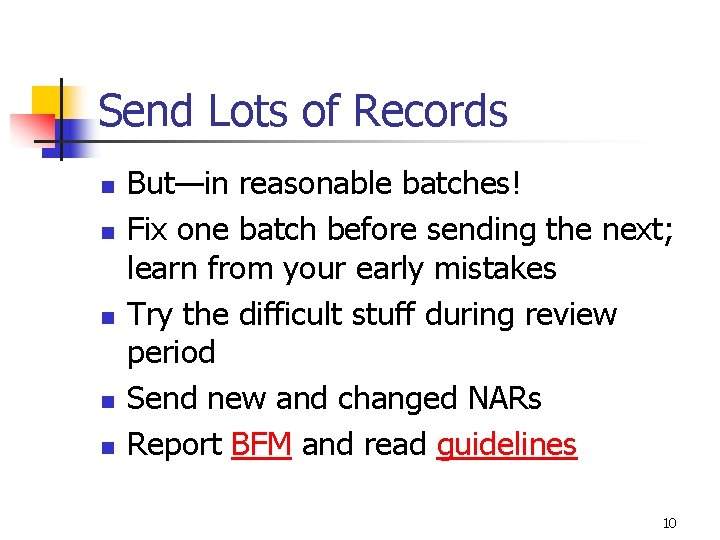
Send Lots of Records n n n But—in reasonable batches! Fix one batch before sending the next; learn from your early mistakes Try the difficult stuff during review period Send new and changed NARs Report BFM and read guidelines 10
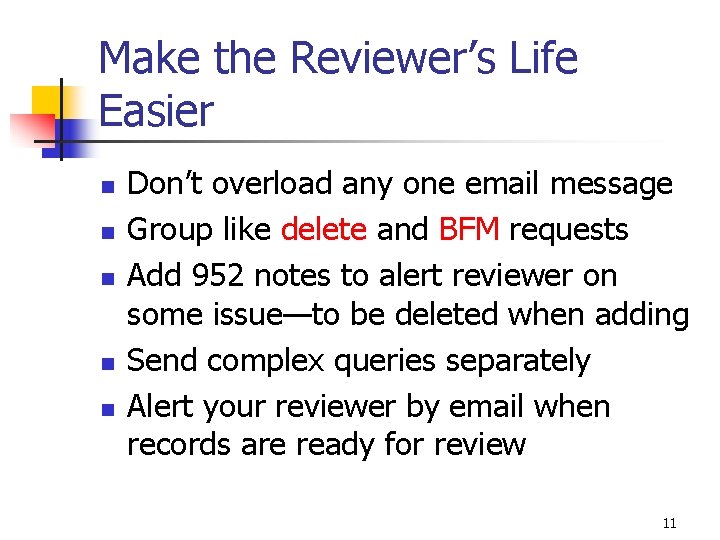
Make the Reviewer’s Life Easier n n n Don’t overload any one email message Group like delete and BFM requests Add 952 notes to alert reviewer on some issue—to be deleted when adding Send complex queries separately Alert your reviewer by email when records are ready for review 11
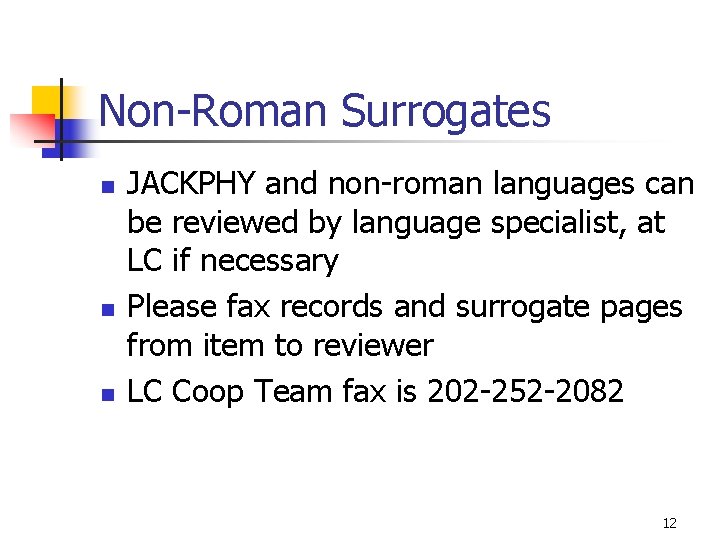
Non-Roman Surrogates n n n JACKPHY and non-roman languages can be reviewed by language specialist, at LC if necessary Please fax records and surrogate pages from item to reviewer LC Coop Team fax is 202 -252 -2082 12
Gaining NACO Independence n n n After initial review, more formal review has independence as a goal Send records representing type and volume that will be contributed regularly Aim for no more than 10% error rate in areas that affect access (headings, refs, fixed field codes, justification of names) 13
Stages of Independence n n n Independence for personal names is first, usually for Western languages Independence for corporate, conference, geographic, uniform titles is combined in second stage: full NACO independence Consider requesting review for independence for non-roman languages 14
Quality Control is Local n n Independent libraries assume responsibility for quality control Independent libraries may still contact their designated LC liaison for queries, cancellations, and BFM 15
24 Hour Rule n n Any record that’s been in a save or review file for over 24 hours must have 1 XX and 4 XX searched before contribution! Keep work current—no backlogs in save file 16
Maintain Continuity n n One local NACO Contact, with one backup, handles internal review, training, BFM, etc. to promote NACO program Please report staff or address changes for: n n n Library Director Administrator (Head of Cat/Tech Svs) NACO Contact and/or NACO Backup 17
Online Directories NACO Contacts (or Liaisons) for libraries appear: http: //www. loc. gov/catdir/pccliaisons. html n NACO staff at LC appear: http: //www. loc. gov/catdir/pcc/naco/coopc at. html n 18
Keep in Touch n n n Please follow up if queries remain unanswered too long NACO training coordinators: David Saah, dsaa@loc. Gov, 202 -707 -3131 or Patricia van Ryn, prva@loc. gov, 202 -707 -4464 Cooperative cataloging team leader: Anthony franks, afra@loc. gov, 202 -707 -2822 19
Monitor Contributions n n NACO statistics are posted monthly by MARC organization code PCC statistics are compiled semiannually for all libraries http: //www. loc. gov/catdir/pcc/stats. html 20
Achieve Your NACO Goals n n Large (ARL) libraries contribute 200 new/changed NARs annually Other libraries contribute 100 new/changed NARs annually Funnel goals are undefined PCC Steering Committee tracks statistics and writes letters 21
NACO Documentation Some NACO training materials and updates to documentation appear: http: //www. loc. gov/catdir/pcc/naco/ trainees. html n 22
NACO on PCC Policy Committee (Po. Co) n n NACO representatives are elected to two-year terms on Po. Co LC (Secretariat for PCC) sends election notices in spring One vote for each director of individual NACO institution One vote for each funnel coordinator on behalf of all funnel members 23
NACO Reps Speak for You n Share your concerns with NACO reps on Po. Co: Arno Kastner, New York University arno. kastner@nyu. edu Sherry Kelley, Smithsonian Institution kelleys@sil. si. edu http: //www. loc. gov/catdir/pccpolst. html 24
PCClist Subscriptions n n Ask your LC liaison to subscribe you Watch for: n n Schedules for meetings, training sessions Policy announcements Discussion of NACO practices Elections 25
Activities at ALA PCC Participants’ Meeting held regularly at ALA, 7 -8: 30 pm Sunday n Agenda and location announced on PCClist and publicized on PCC Calendar http: //www. loc. gov/catdir/pcc/calendar. html n 26
Other Training Opportunities n Request other training at your institution or at LC: n n n NACO Series, NACO Music BIBCO CONSER SACO Subject Analysis Using LCSH Train-the-Trainer workshops for any of these 27
It’s All Online! n n Explore the PCC website: http: //www. loc. gov/catdir/pcc/ Please suggest improvements and report broken links and outdated info 28
Course Evaluation n n Please complete and return your course evaluation today Avoid USPS, since print mail to government agencies requires extra screening Use online form or fax it http: //www. loc. gov/catdir/pcc/naco/trainers/ eval 2. html Thanks for your participation in NACO! 29