
Nachos Assignment1 System calls implementation What are system
- Slides: 19
Nachos Assignment#1 System calls implementation
What are system calls? n n Enable you to interact with OS kernel. A switch from User Mode to Kernel Mode
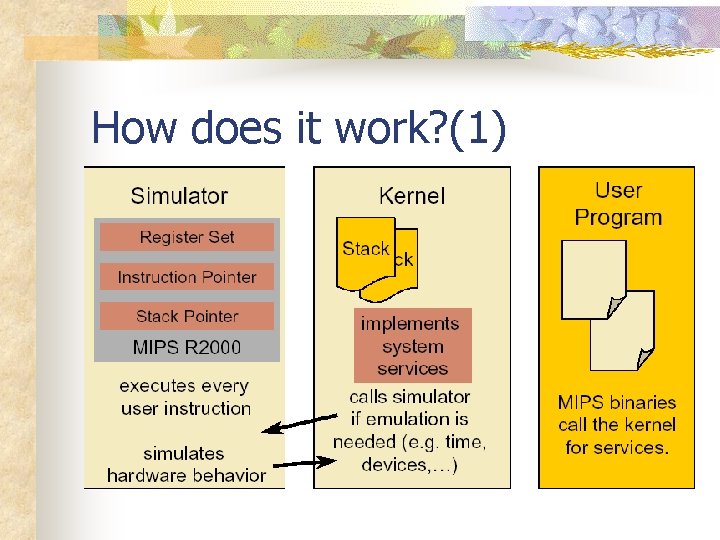
How does it work? (1)
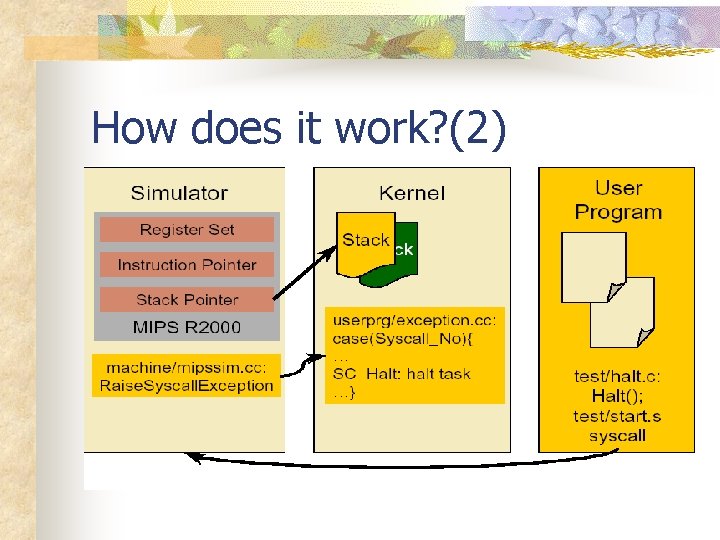
How does it work? (2)
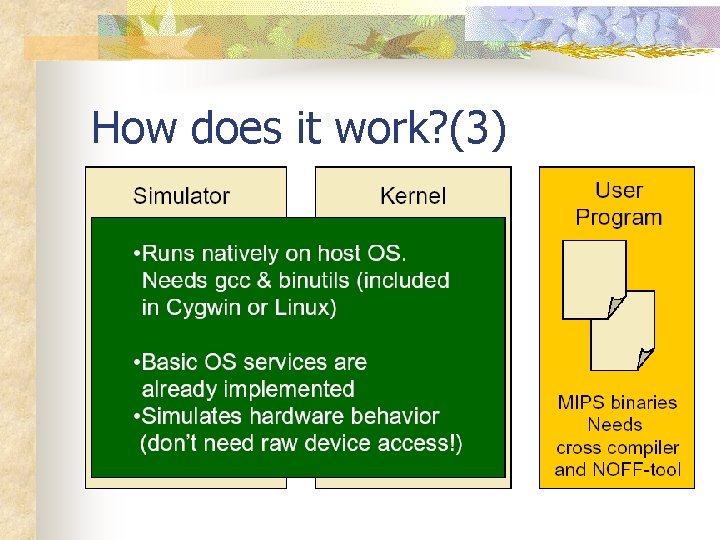
How does it work? (3)
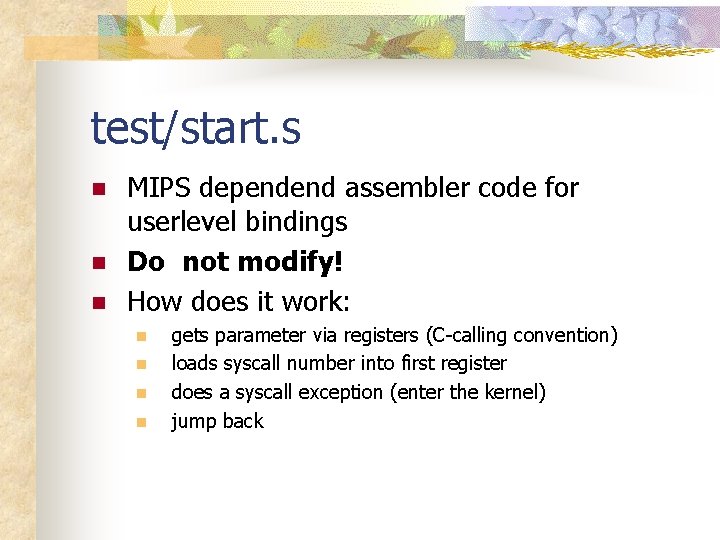
test/start. s n n n MIPS dependend assembler code for userlevel bindings Do not modify! How does it work: n n gets parameter via registers (C-calling convention) loads syscall number into first register does a syscall exception (enter the kernel) jump back
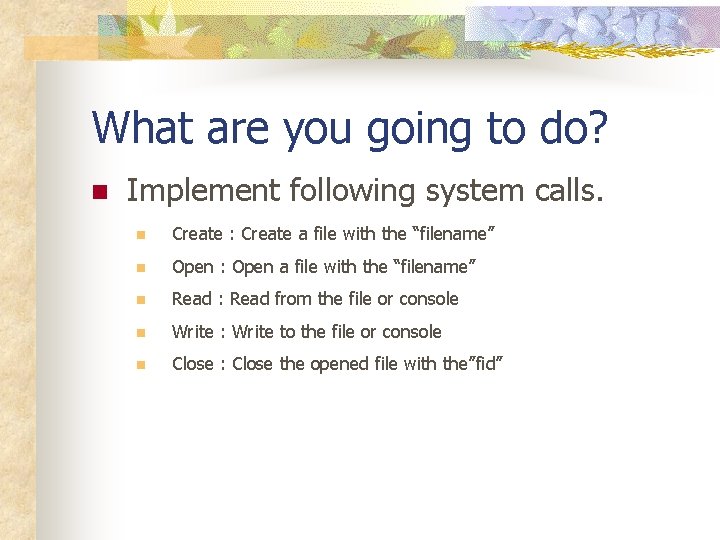
What are you going to do? n Implement following system calls. n Create : Create a file with the “filename” n Open : Open a file with the “filename” n Read : Read from the file or console n Write : Write to the file or console n Close : Close the opened file with the”fid”
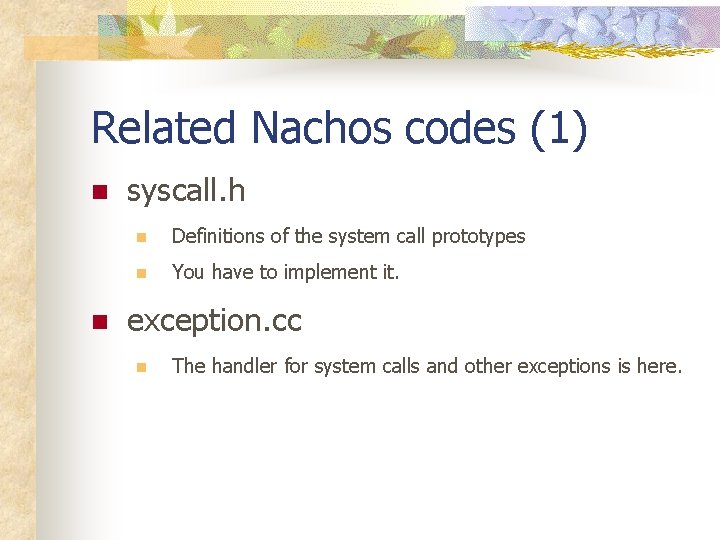
Related Nachos codes (1) n n syscall. h n Definitions of the system call prototypes n You have to implement it. exception. cc n The handler for system calls and other exceptions is here.
Related Nachos codes (2) n test/start. s n Assembly startup code of every user program of nachos. n To see how a user program does a system call and enters the kernel.
What are Stubs for ? (1) n Each system call has a stub associated with it. n Assembly codes used to : n assist user programs to understand system calls. n Make system calls to kernels.
What are Stubs for ? (2) n n n Register r 2 stores the system call number. Other arguments in r 4, r 5, r 6, r 7, respectly. New system call need a new stub to be added in “start. s”. (No need to do it in this project)
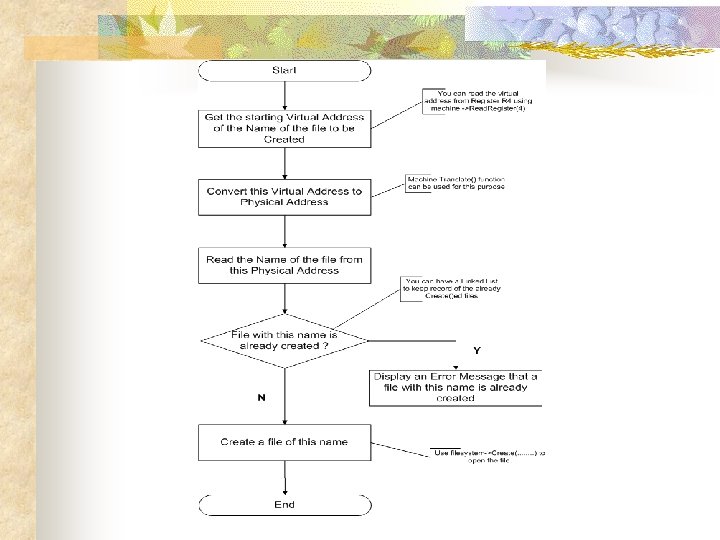
Implementation example: n void Create(char* filename) n Crates a file with the name”filename” given as the parameter.
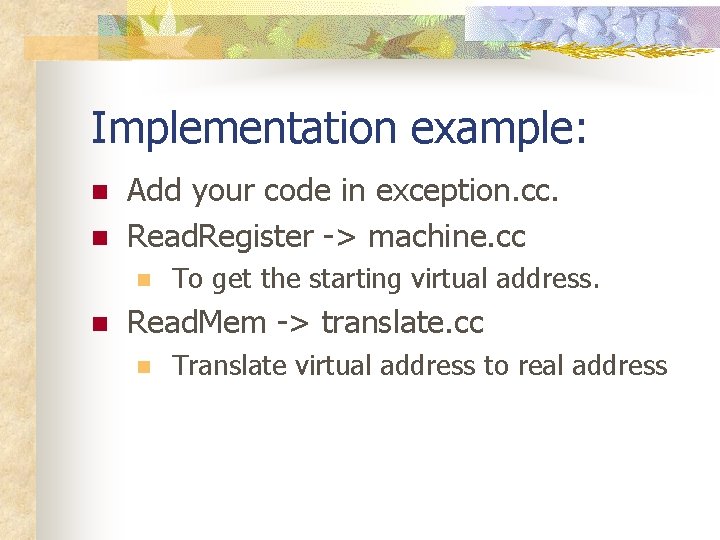
Implementation example: n n Add your code in exception. cc. Read. Register -> machine. cc n n To get the starting virtual address. Read. Mem -> translate. cc n Translate virtual address to real address
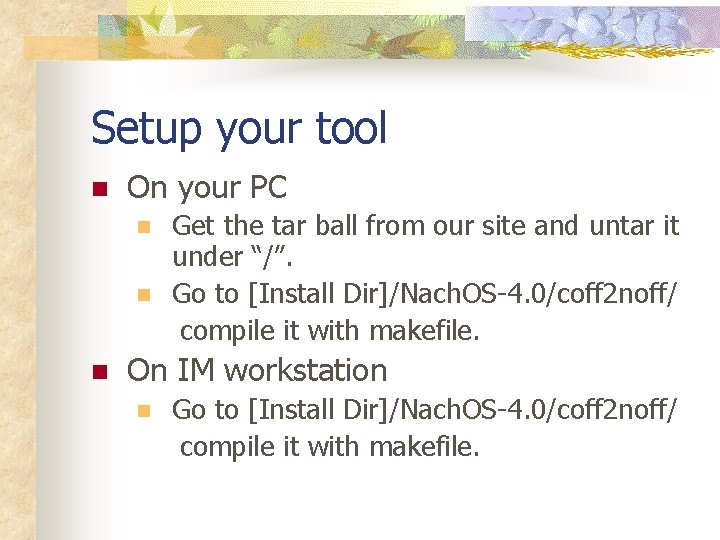
Setup your tool n On your PC n n n Get the tar ball from our site and untar it under “/”. Go to [Install Dir]/Nach. OS-4. 0/coff 2 noff/ compile it with makefile. On IM workstation n Go to [Install Dir]/Nach. OS-4. 0/coff 2 noff/ compile it with makefile.
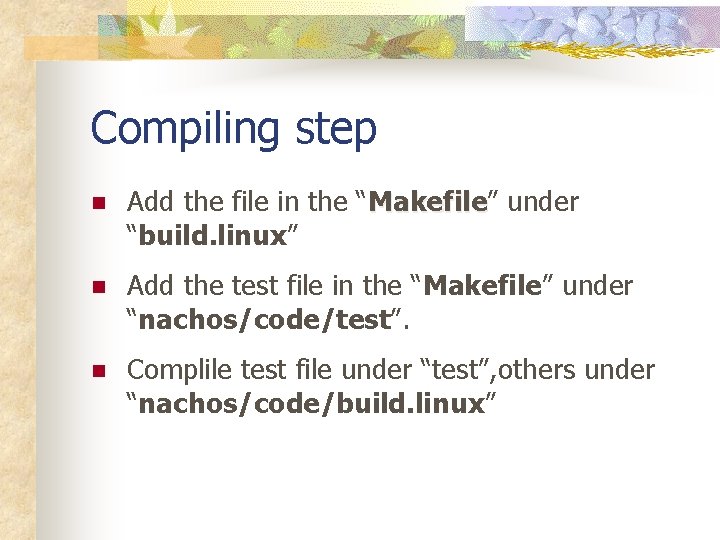
Compiling step n Add the file in the “Makefile” Makefile under “build. linux” n Add the test file in the “Makefile” under “nachos/code/test”. n Complile test file under “test”, others under “nachos/code/build. linux”
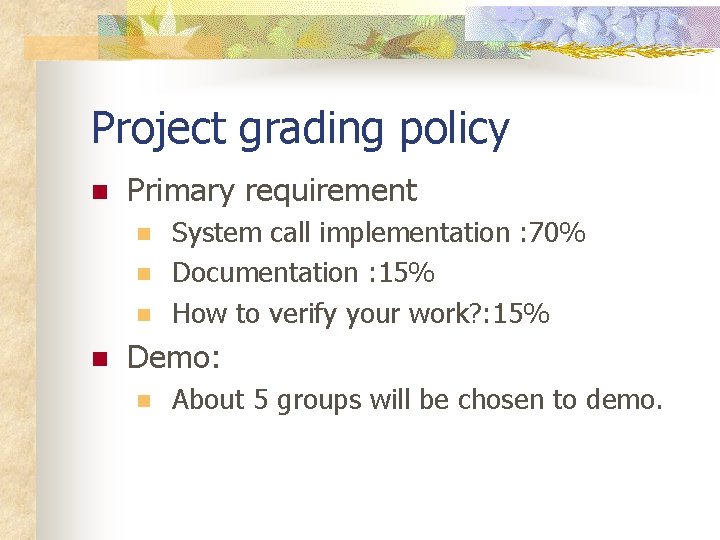
Project grading policy n Primary requirement n n System call implementation : 70% Documentation : 15% How to verify your work? : 15% Demo: n About 5 groups will be chosen to demo.
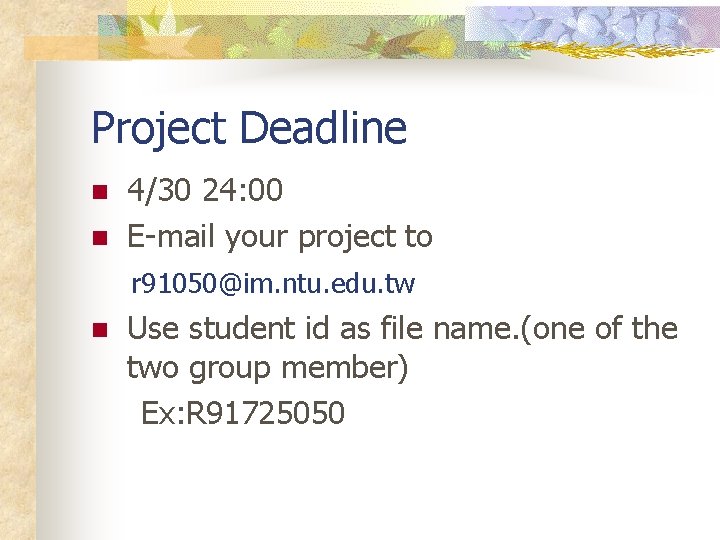
Project Deadline n n 4/30 24: 00 E-mail your project to r 91050@im. ntu. edu. tw n Use student id as file name. (one of the two group member) Ex: R 91725050
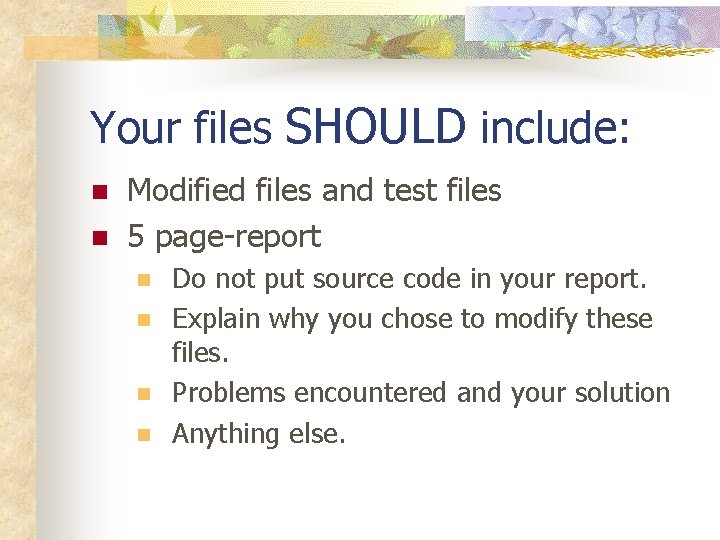
Your files SHOULD include: n n Modified files and test files 5 page-report n n Do not put source code in your report. Explain why you chose to modify these files. Problems encountered and your solution Anything else.