
n directory n search engine p n metasearch
- Slides: 69
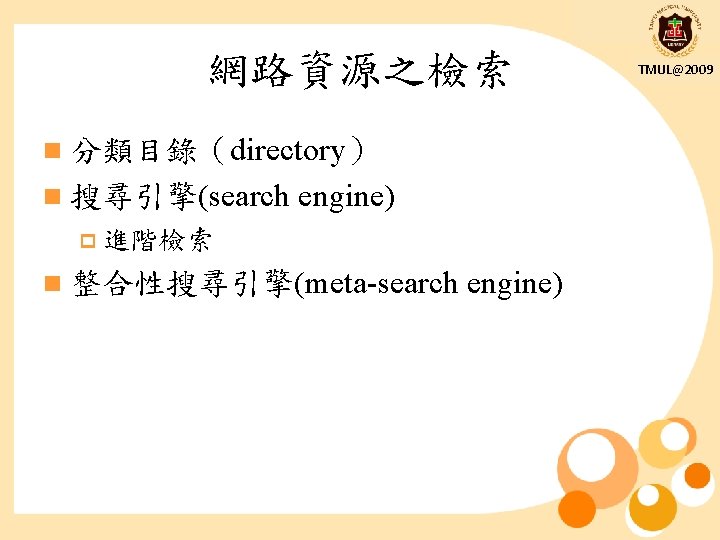
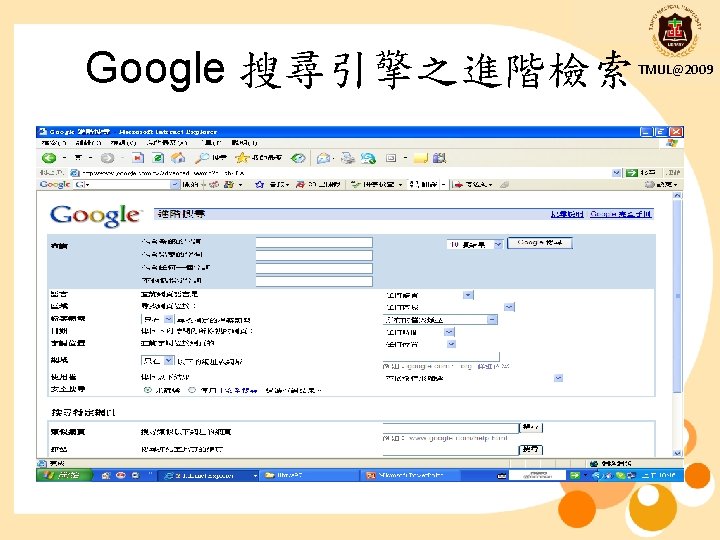
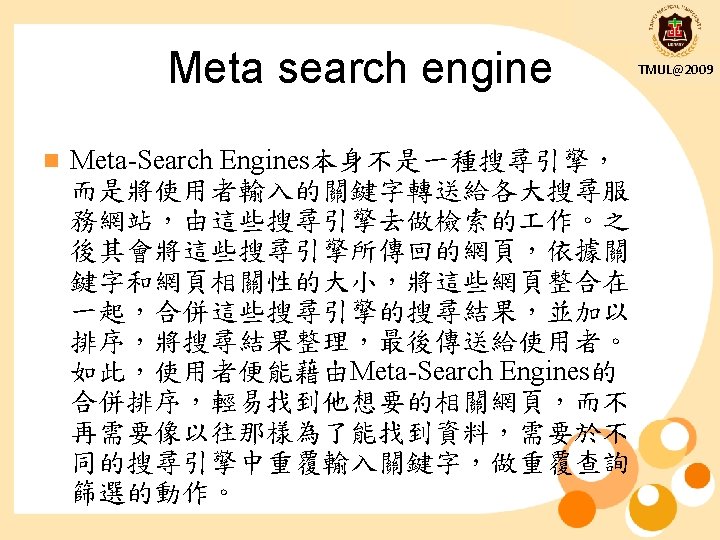
網路資源之檢索 n 分類目錄(directory) n 搜尋引擎(search engine) p 進階檢索 n 整合性搜尋引擎(meta-search engine) TMUL@2009
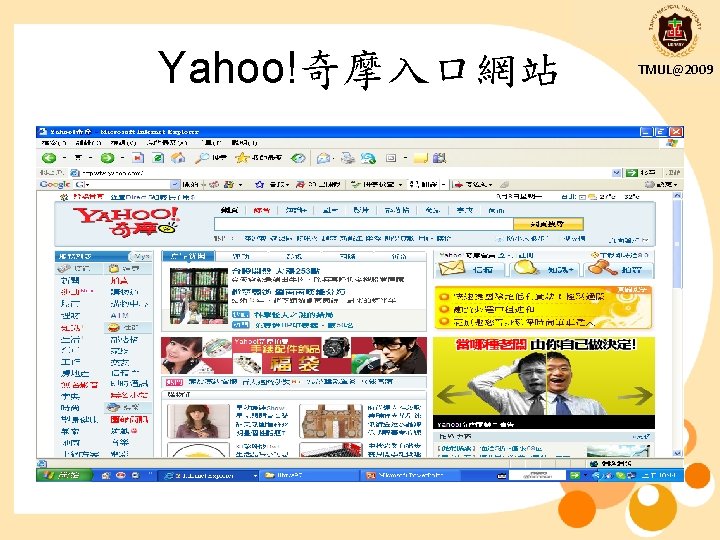
Yahoo!奇摩入口網站 TMUL@2009
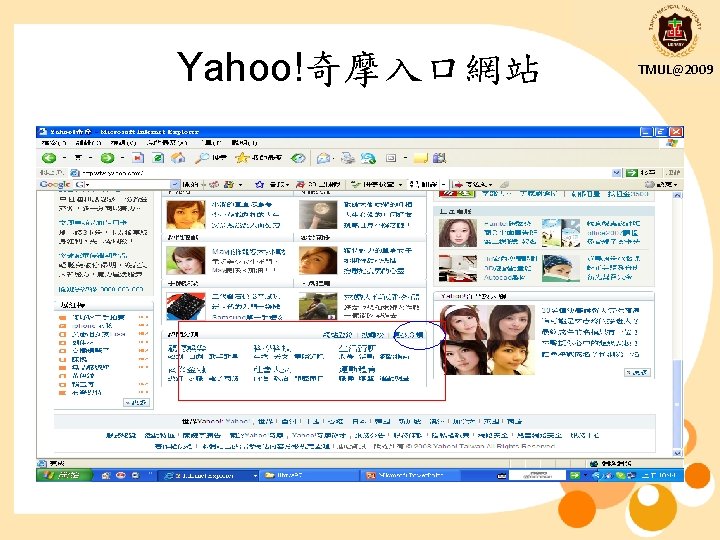
Yahoo!奇摩入口網站 TMUL@2009
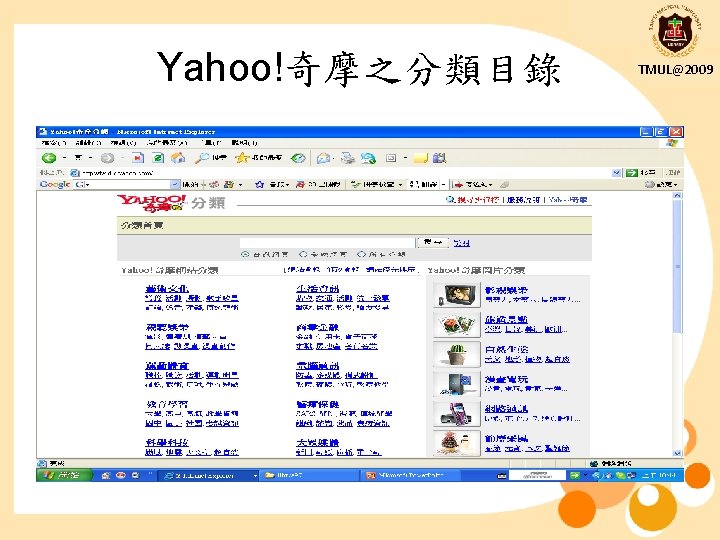
Yahoo!奇摩之分類目錄 TMUL@2009
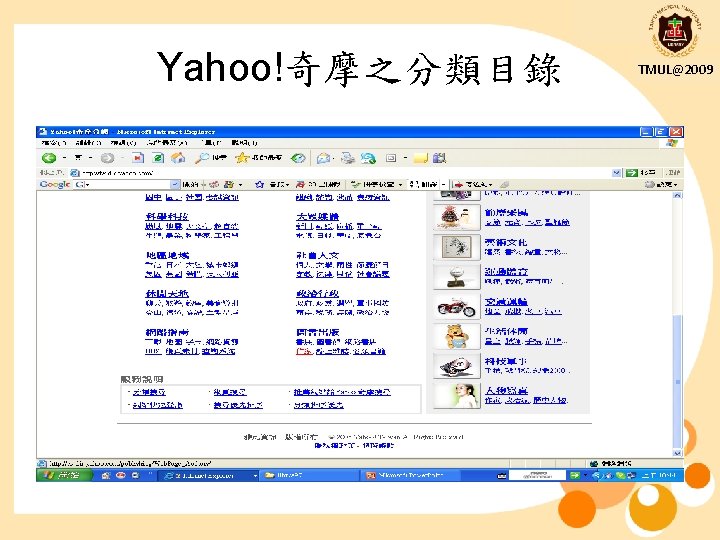
Yahoo!奇摩之分類目錄 TMUL@2009
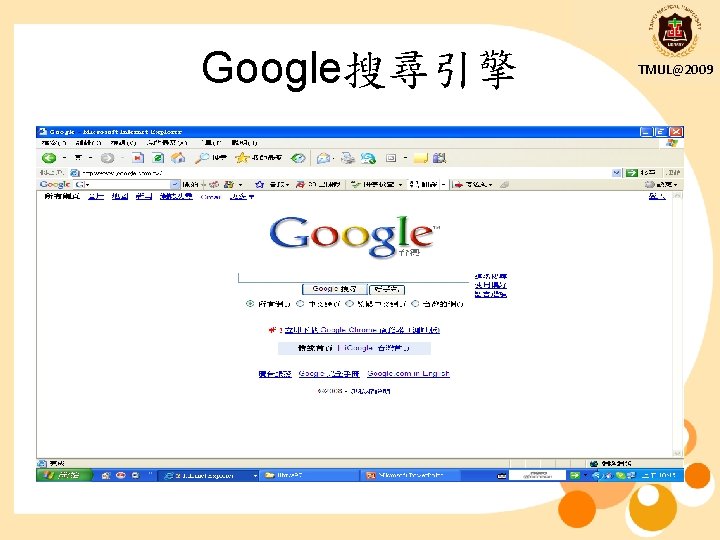
Google搜尋引擎 TMUL@2009
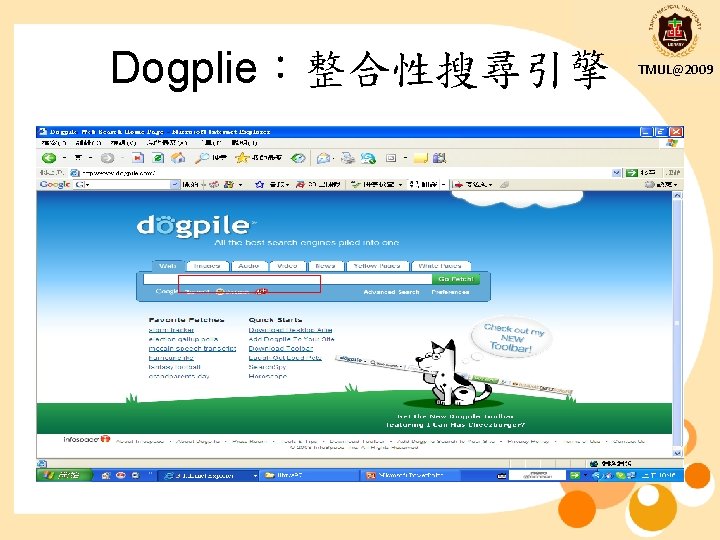
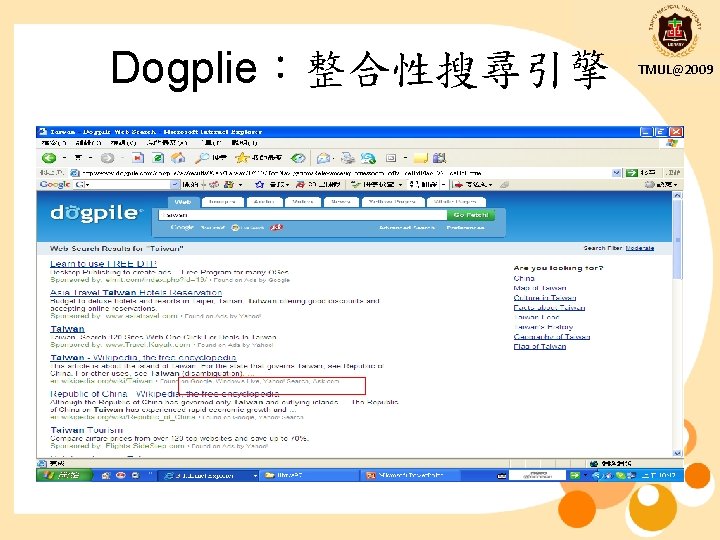
Dogplie:整合性搜尋引擎 TMUL@2009
Dogplie:整合性搜尋引擎 TMUL@2009
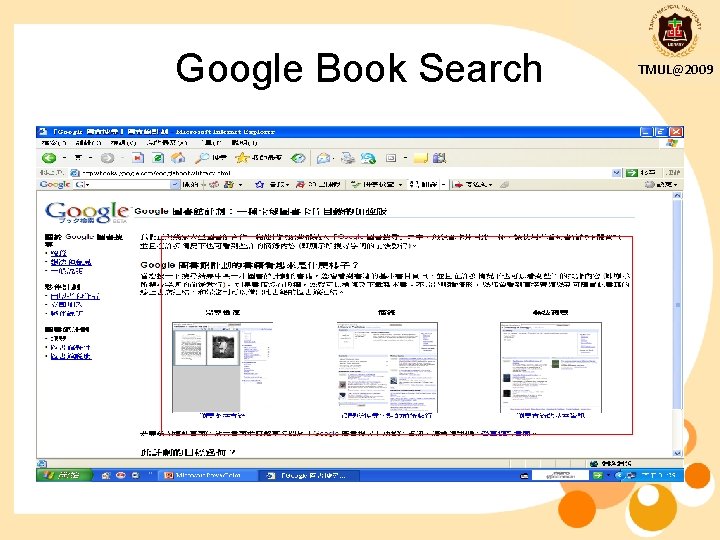
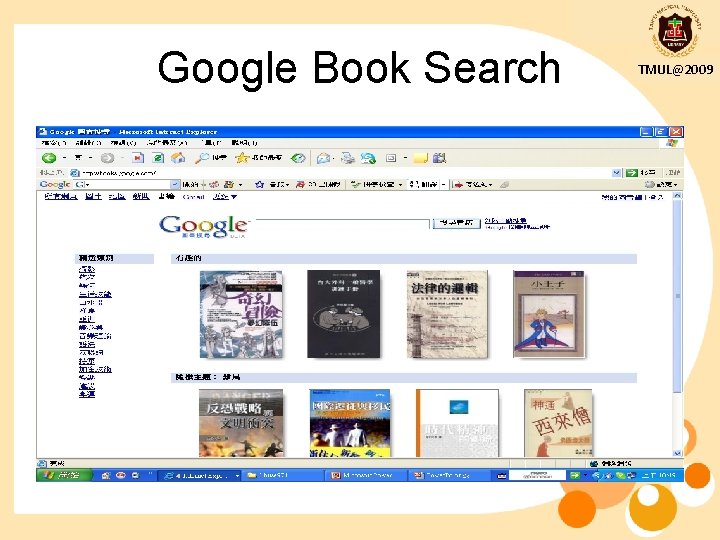
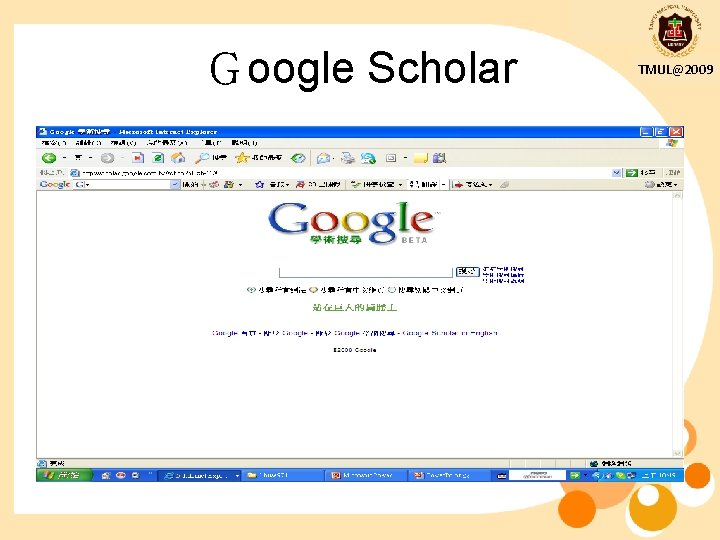
Google之學術性資源 n Google Book Search p http: //books. google. com/ p Google Scholar p http: //scholar. google. com. tw/schhp? hl=zh-TW TMUL@2009
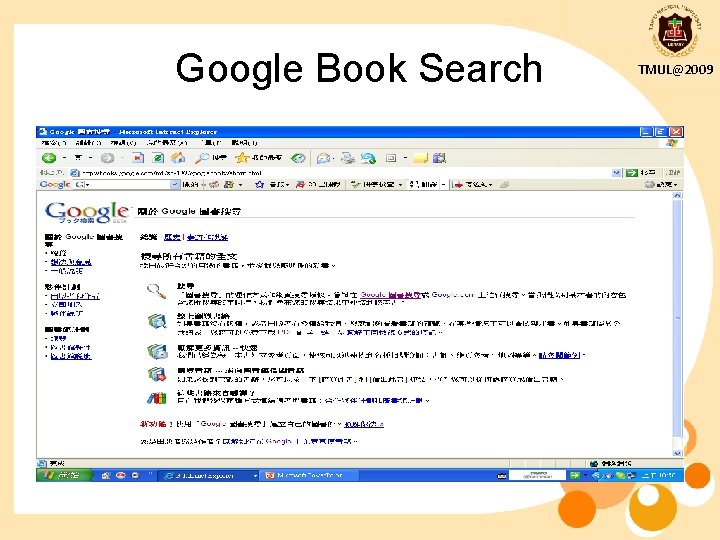
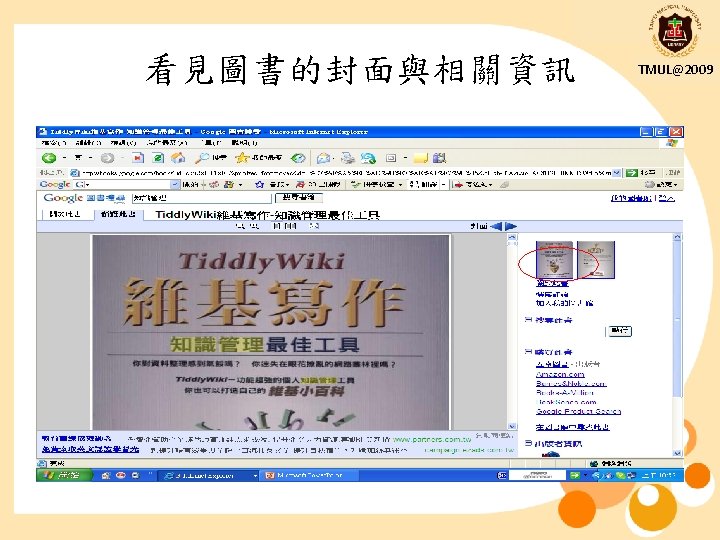
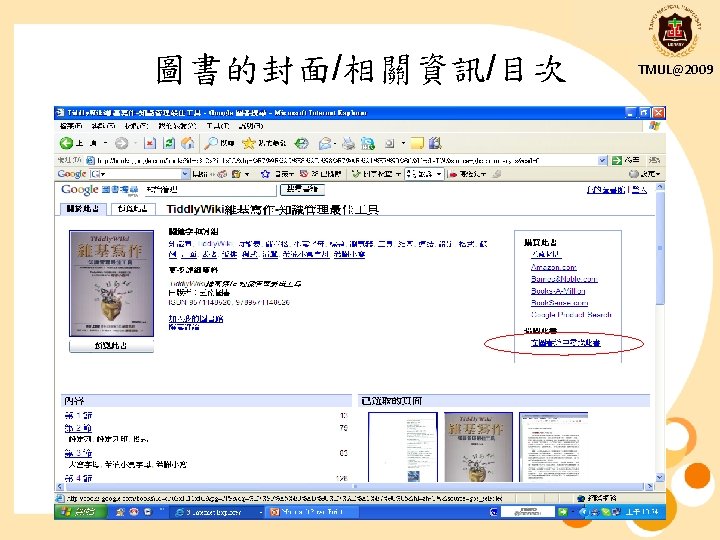
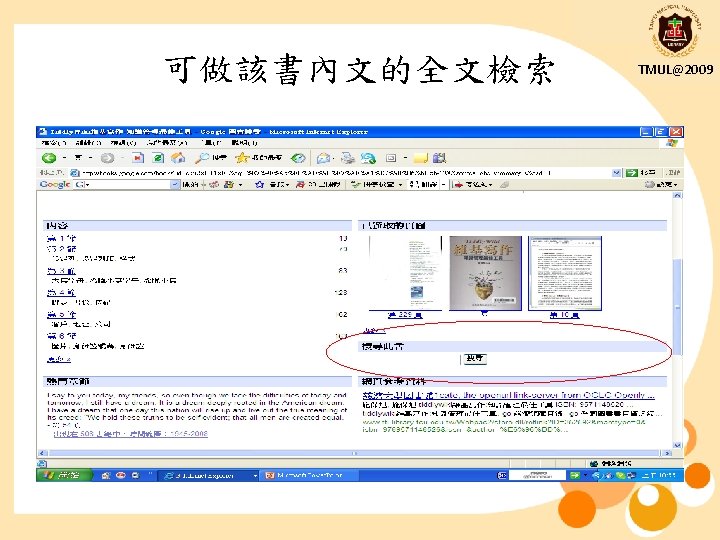
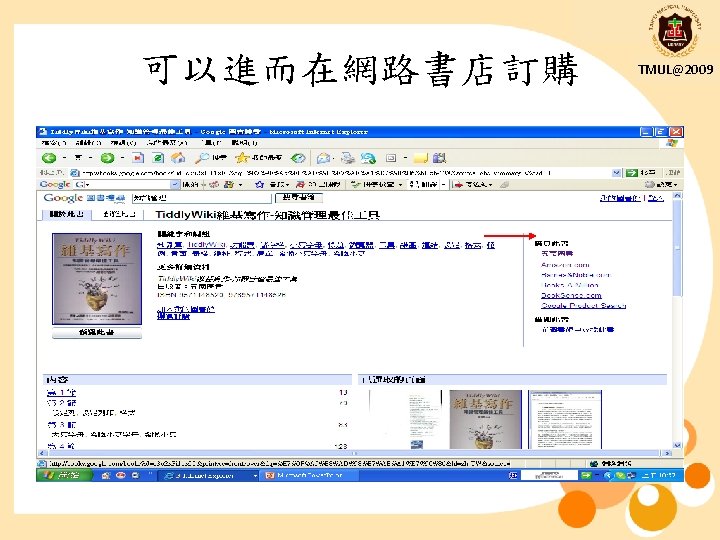
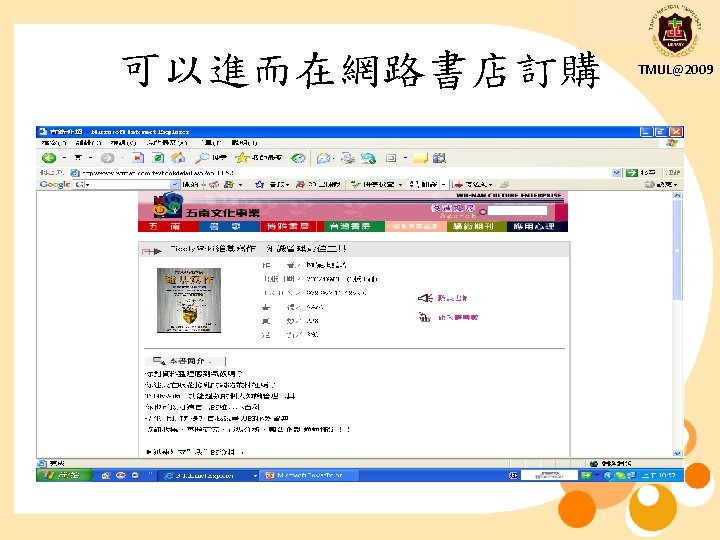
Google Book Search TMUL@2009
Google Book Search TMUL@2009
Google Book Search TMUL@2009
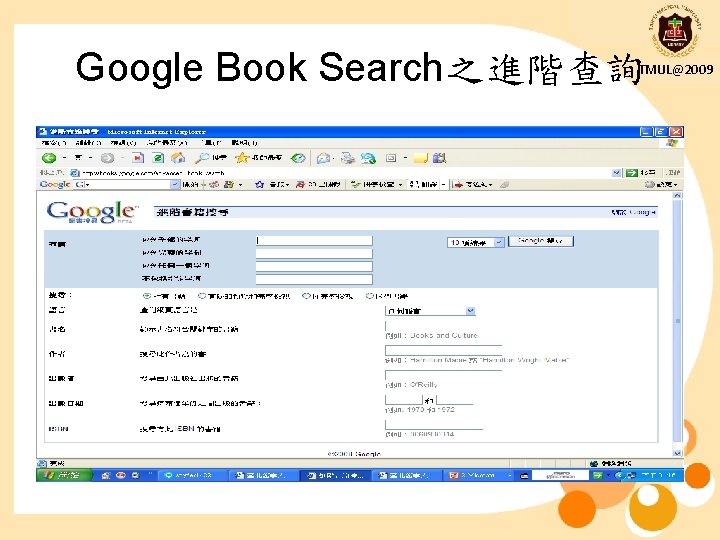
Google Book Search之進階查詢 TMUL@2009
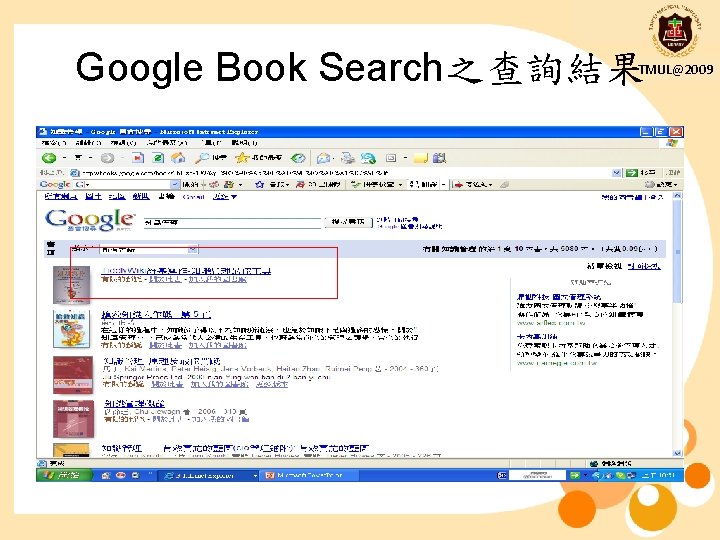
Google Book Search之查詢結果 TMUL@2009
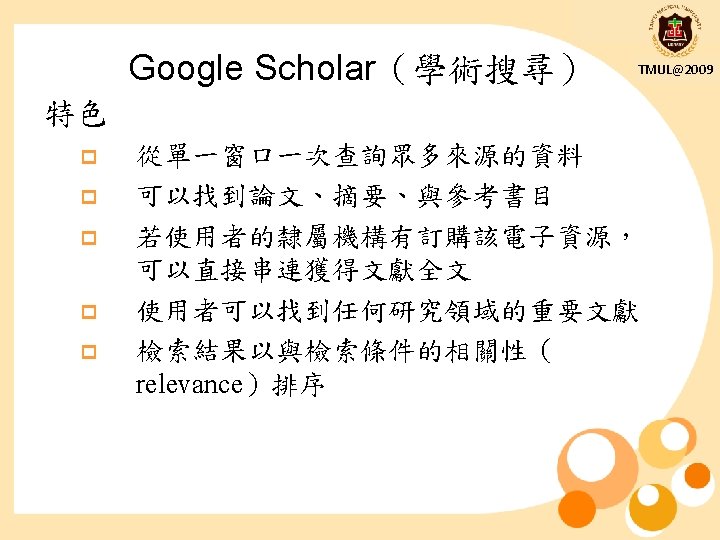
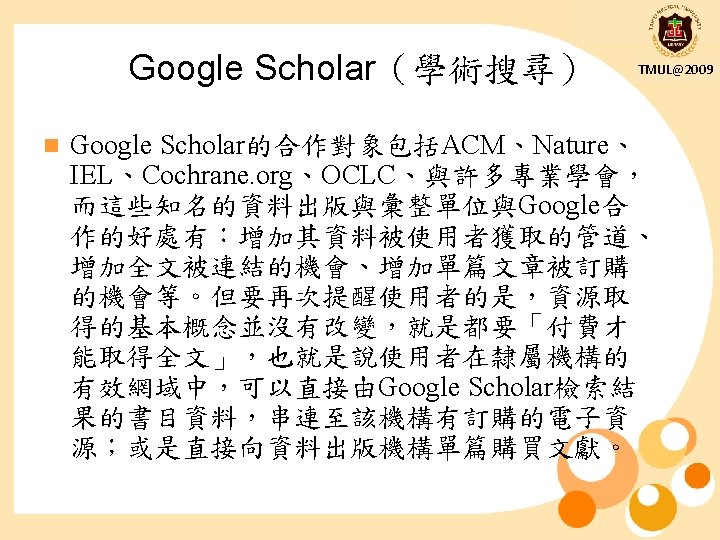
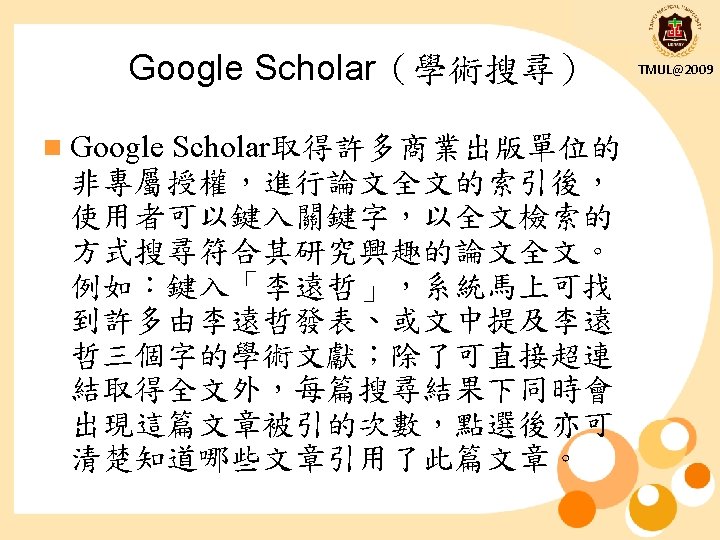
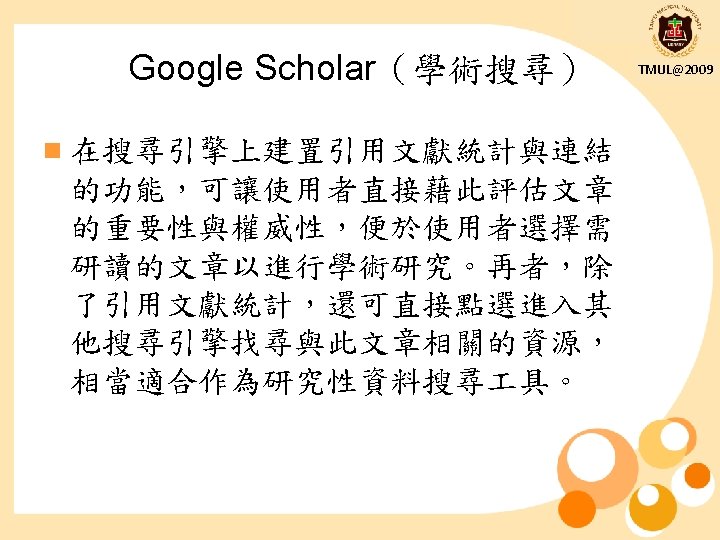
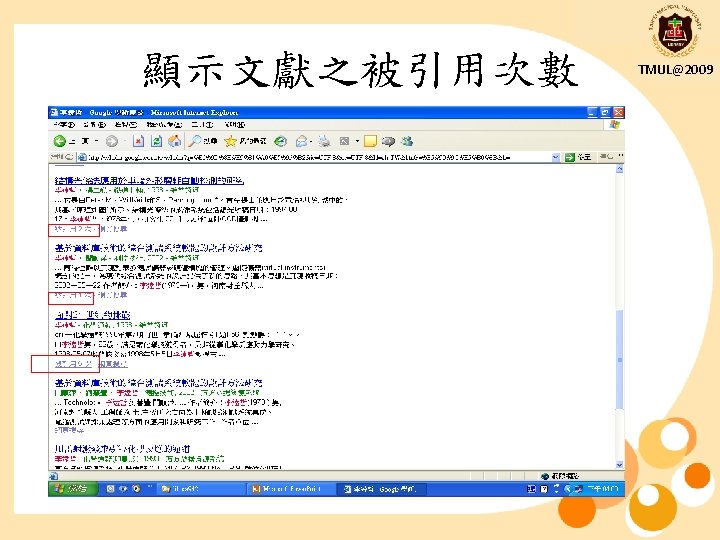
Google Scholar TMUL@2009
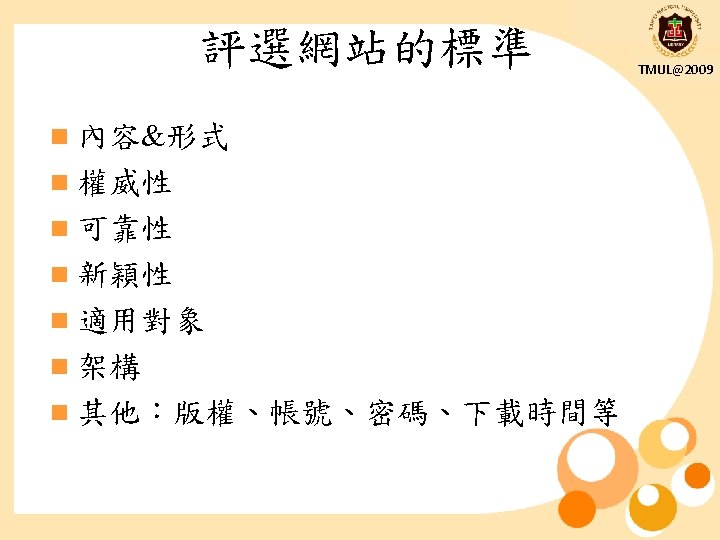
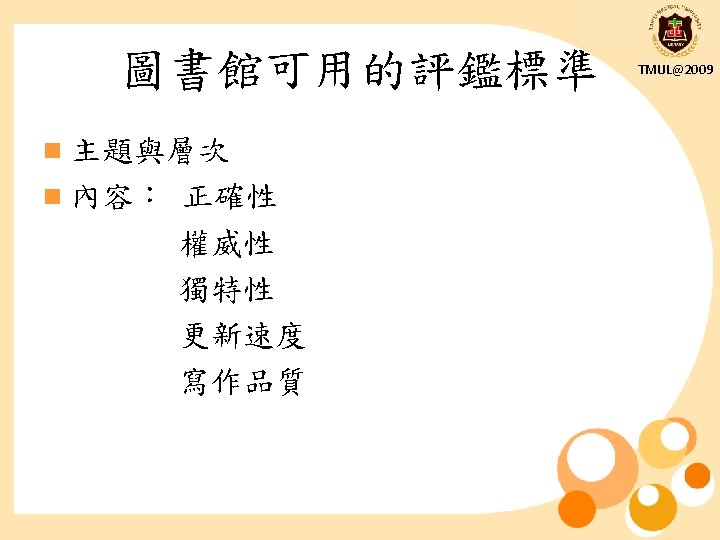
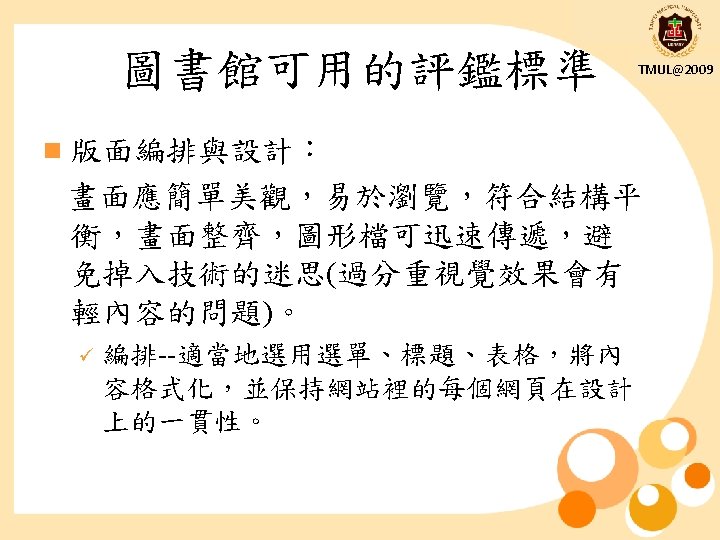
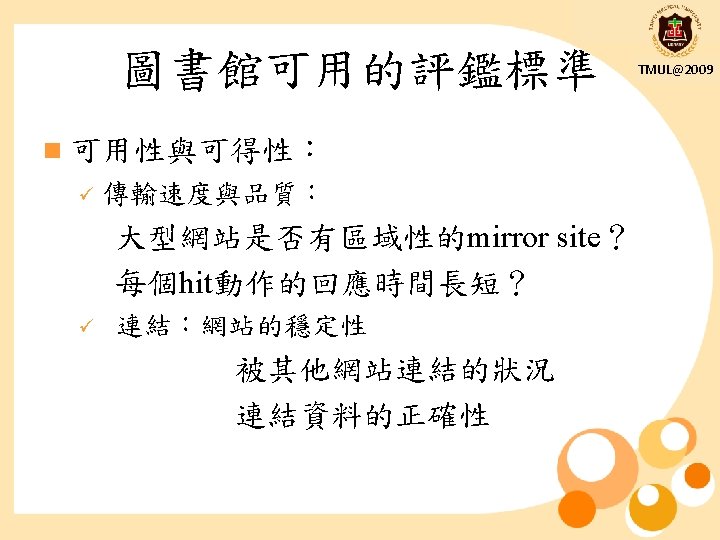
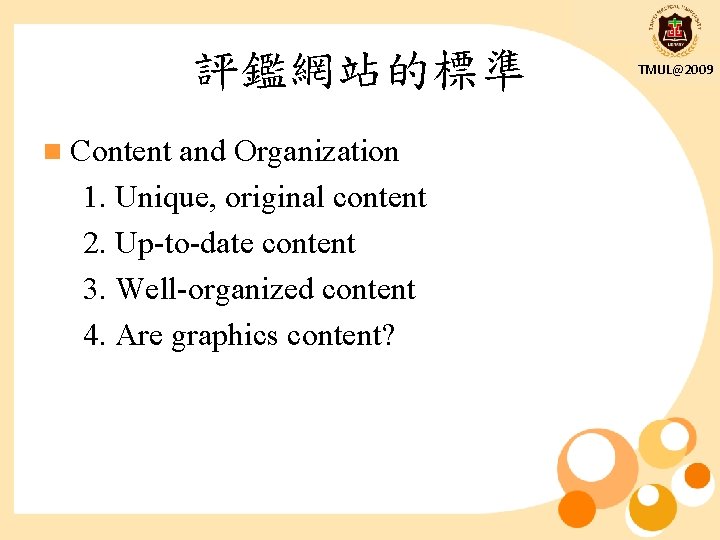
評鑑網站的標準 n Content and Organization 1. Unique, original content 2. Up-to-date content 3. Well-organized content 4. Are graphics content? TMUL@2009
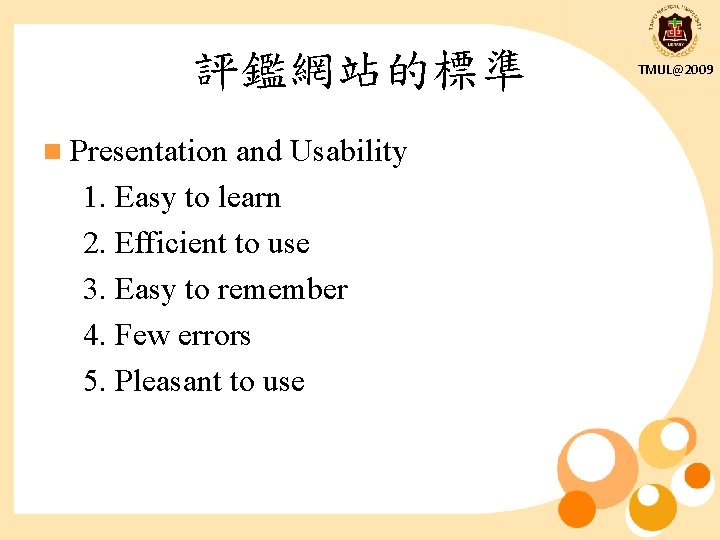
評鑑網站的標準 n Presentation and Usability 1. Easy to learn 2. Efficient to use 3. Easy to remember 4. Few errors 5. Pleasant to use TMUL@2009
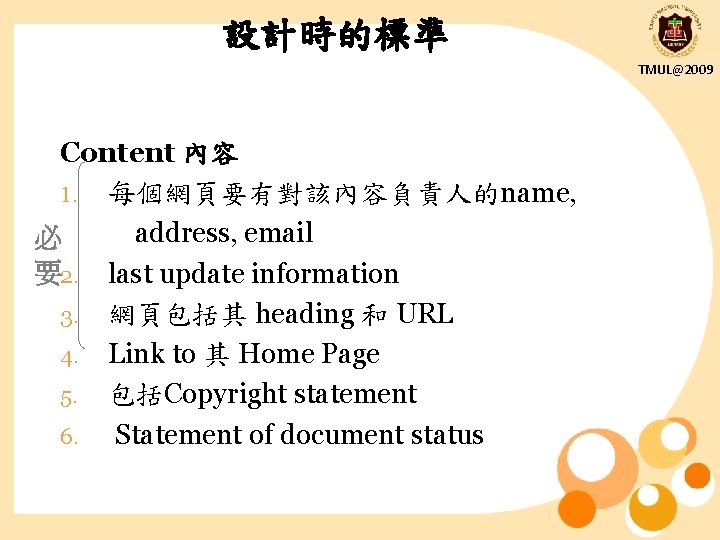
設計時的標準 TMUL@2009 Content 內容 1. 每個網頁要有對該內容負責人的name, address, email 必 要2. last update information 3. 網頁包括其 heading 和 URL 4. Link to 其 Home Page 5. 包括Copyright statement 6. Statement of document status
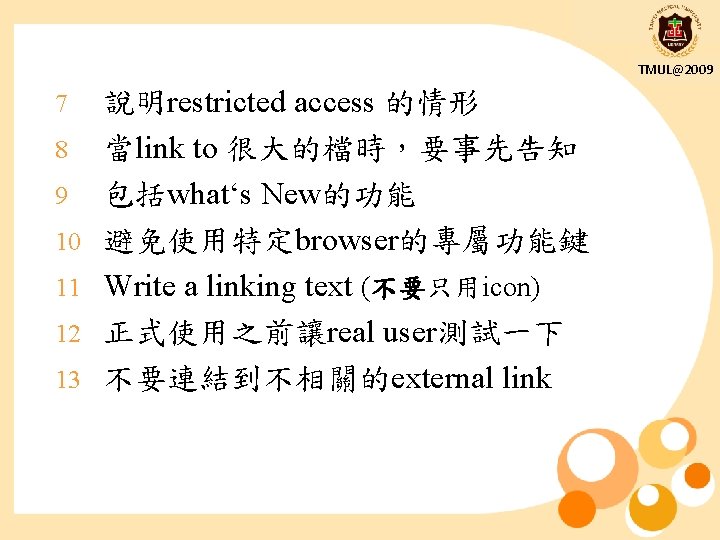
TMUL@2009 7 8 9 10 11 12 13 說明restricted access 的情形 當link to 很大的檔時,要事先告知 包括what‘s New的功能 避免使用特定browser的專屬功能鍵 Write a linking text (不要只用icon) 正式使用之前讓real user測試一下 不要連結到不相關的external link
TMUL@2009 每頁要加Navigational aid (e. g. <Top><Content><Next> <Previous>) 7. 當談到web上其他的文件,做hyperlink 8. 最重要的link可做〝Hot Button〞為捷徑 9. 使用粗體&斜體要小心謹慎 10. 正式使用前讓real user測試一下 6.
TMUL@2009 Procedural / Technical 1. 必2. 要 3. 4. 5. 擬定revision的計畫 正式使用前要先測試每個link,定期檢查, 或移除dead link Local document檢查拼字和文句 不要使用特定browser專屬的markup 用〝Alt〞來說明圖檔內容(for non-graphic browser)
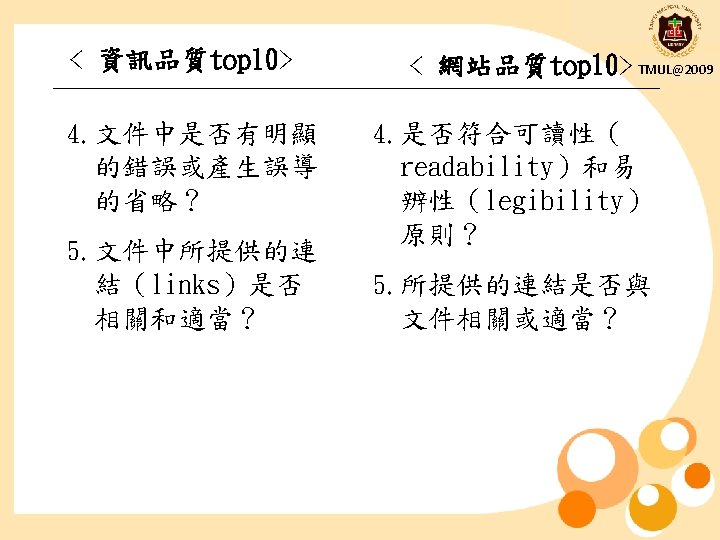
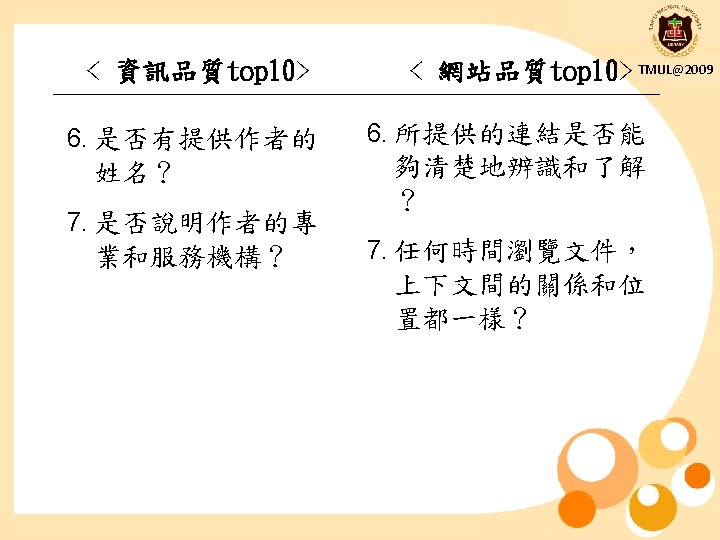
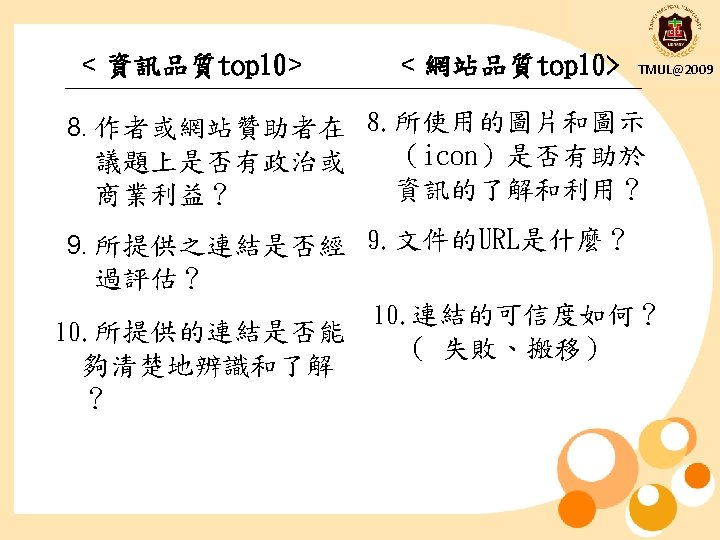
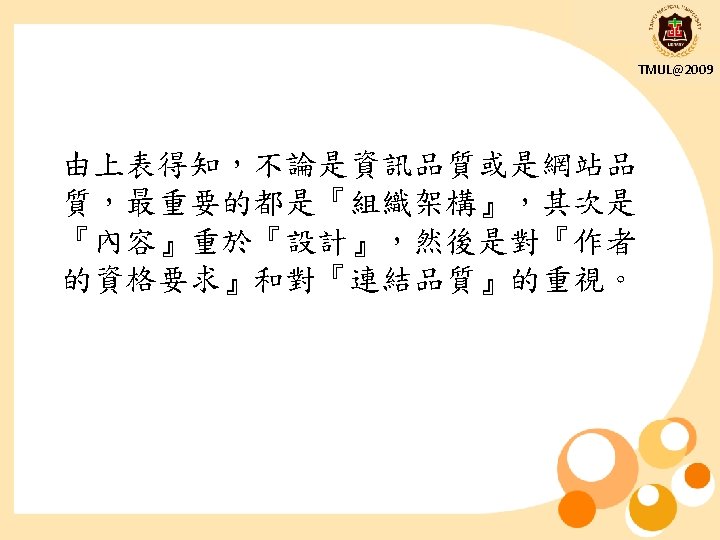
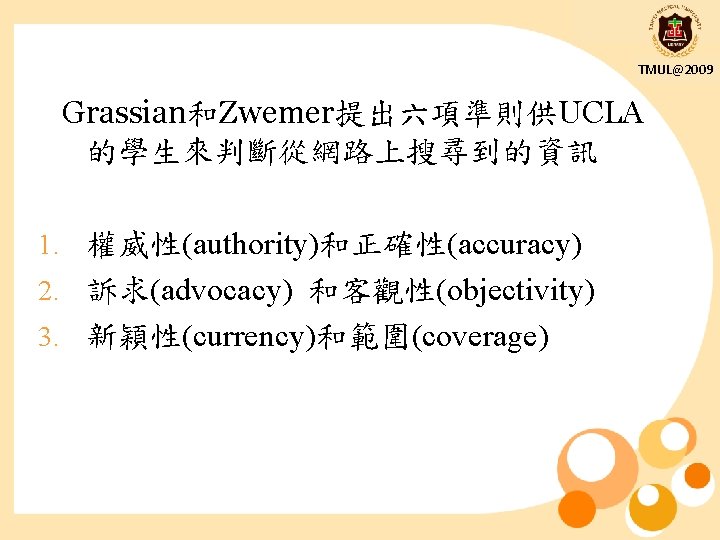
TMUL@2009 Grassian和Zwemer提出六項準則供UCLA 的學生來判斷從網路上搜尋到的資訊 1. 權威性(authority)和正確性(accuracy) 2. 訴求(advocacy) 和客觀性(objectivity) 3. 新穎性(currency)和範圍(coverage)
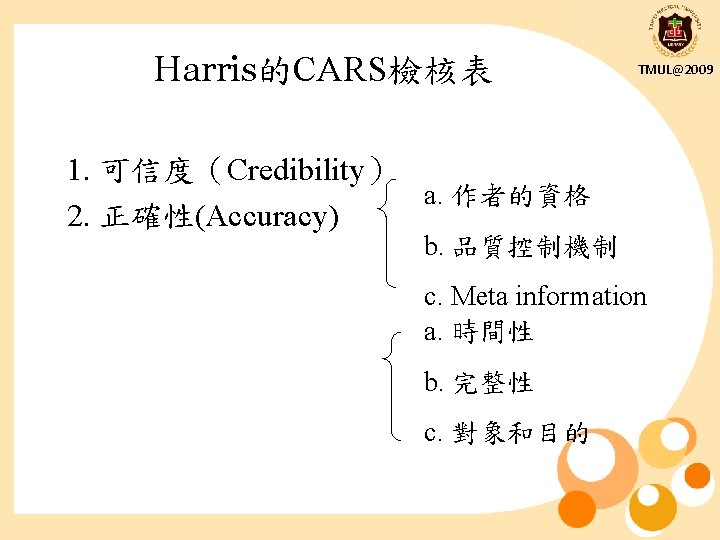
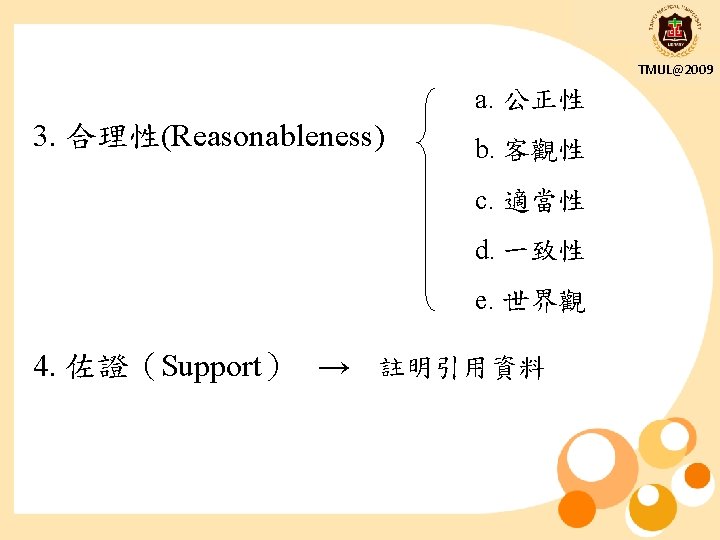
Harris的CARS檢核表 TMUL@2009 1. 可信度(Credibility) a. 作者的資格 2. 正確性(Accuracy) b. 品質控制機制 c. Meta information a. 時間性 b. 完整性 c. 對象和目的
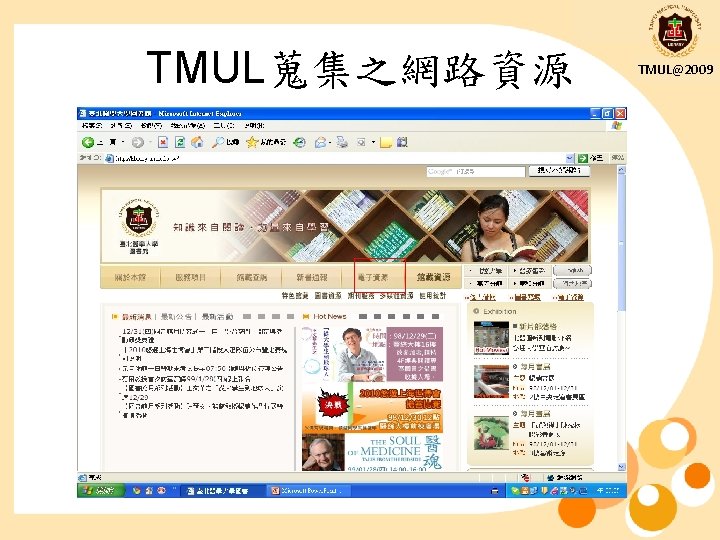
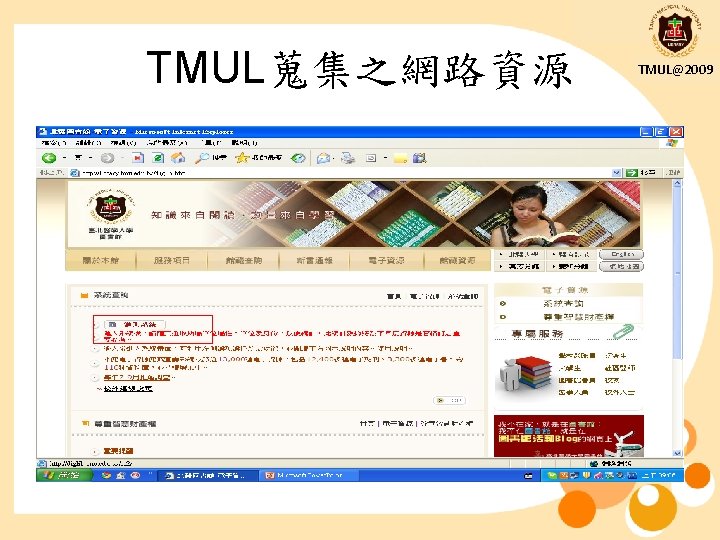
TMUL蒐集之網路資源 TMUL@2009
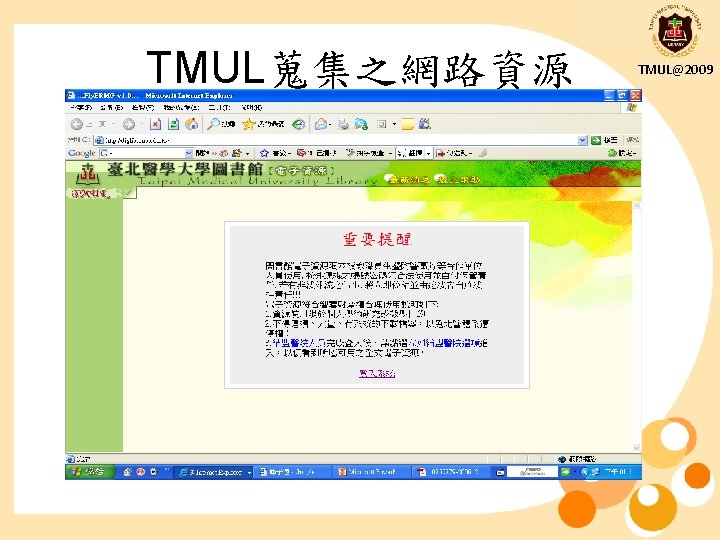
TMUL蒐集之網路資源 TMUL@2009
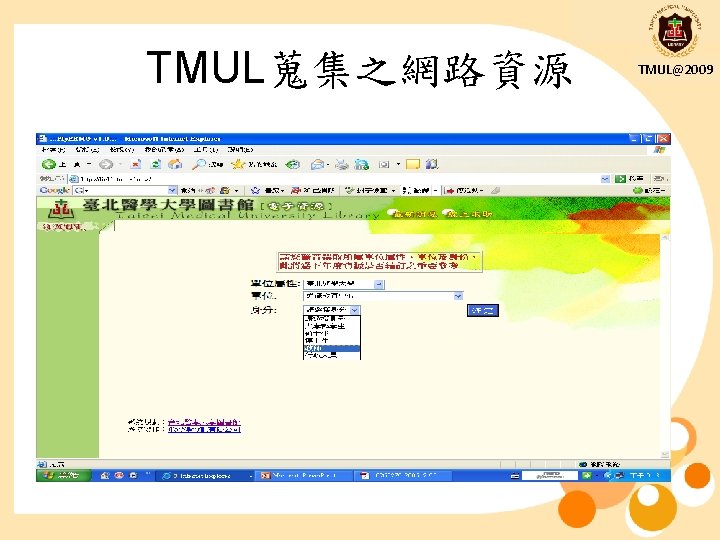
TMUL蒐集之網路資源 TMUL@2009
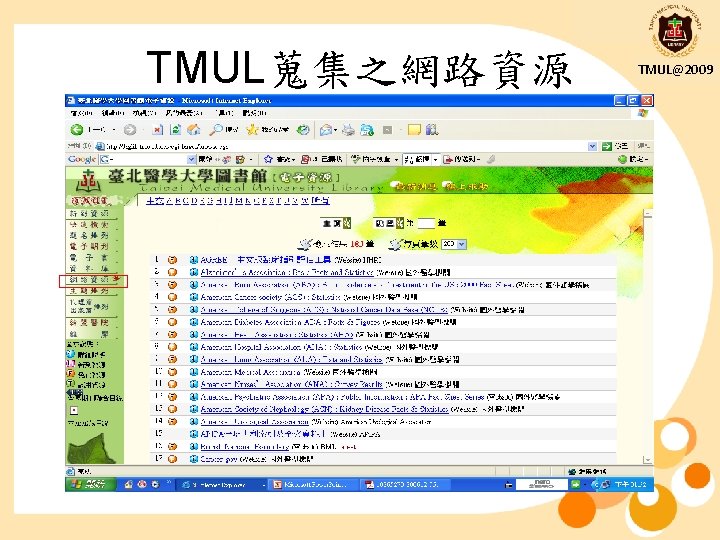
TMUL蒐集之網路資源 TMUL@2009
TMUL蒐集之網路資源 TMUL@2009
TMUL@2009 Q&A?