
My SQL Data Types mysql SHOW COLUMNS FROM








- Slides: 51
My. SQL Data Types
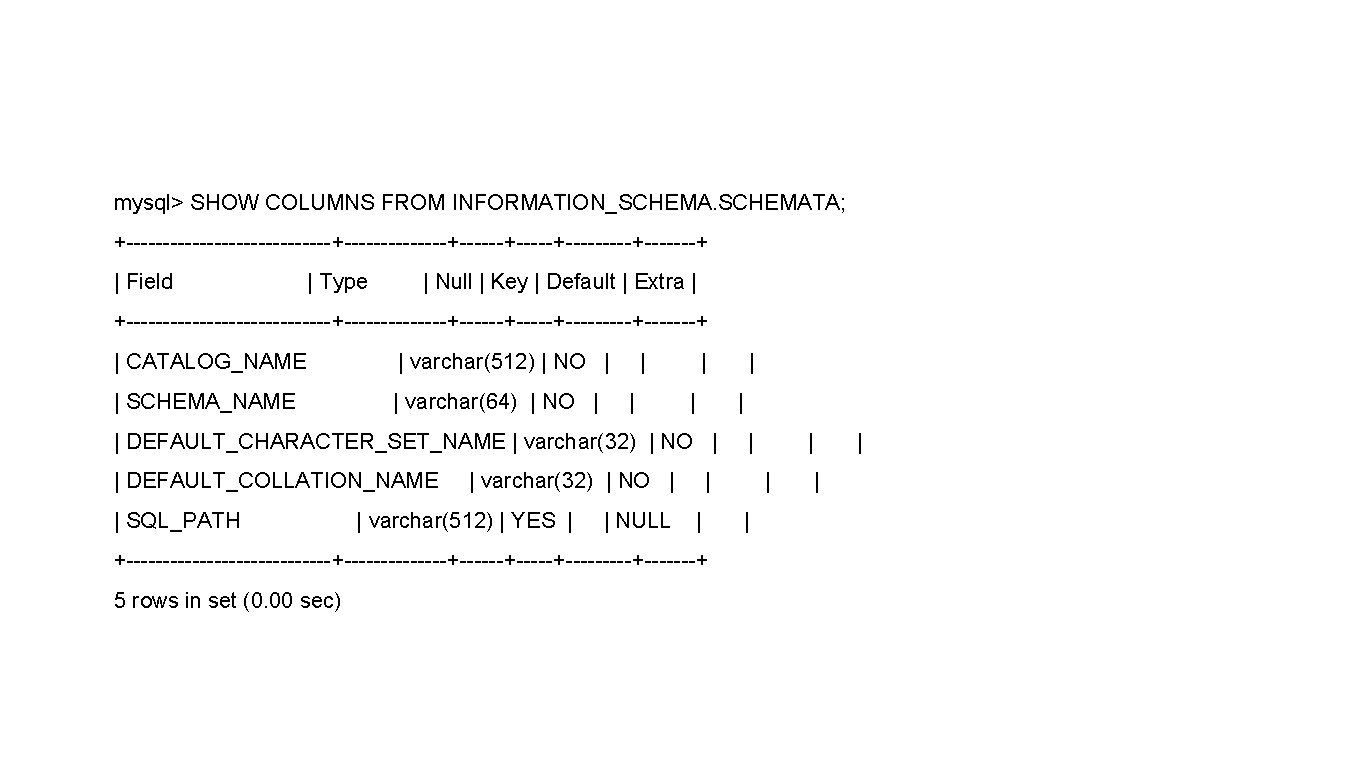
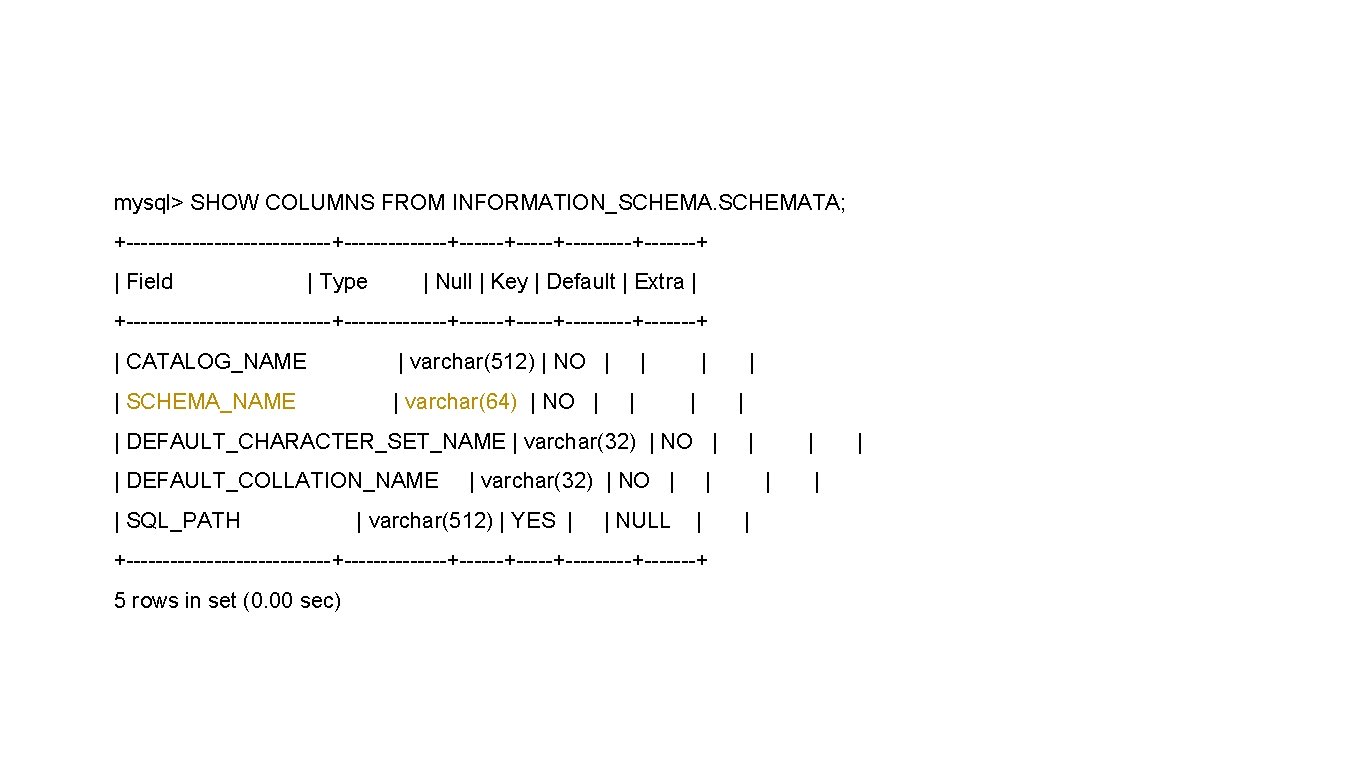
mysql> SHOW COLUMNS FROM INFORMATION_SCHEMATA; +--------------+-------+------+-----+-------+ | Field | Type | Null | Key | Default | Extra | +--------------+-------+------+-----+-------+ | CATALOG_NAME | varchar(512) | NO | | SCHEMA_NAME | varchar(64) | NO | | | | DEFAULT_CHARACTER_SET_NAME | varchar(32) | NO | | DEFAULT_COLLATION_NAME | SQL_PATH | varchar(32) | NO | | varchar(512) | YES | | NULL | | | +--------------+-------+------+-----+-------+ 5 rows in set (0. 00 sec) | | |
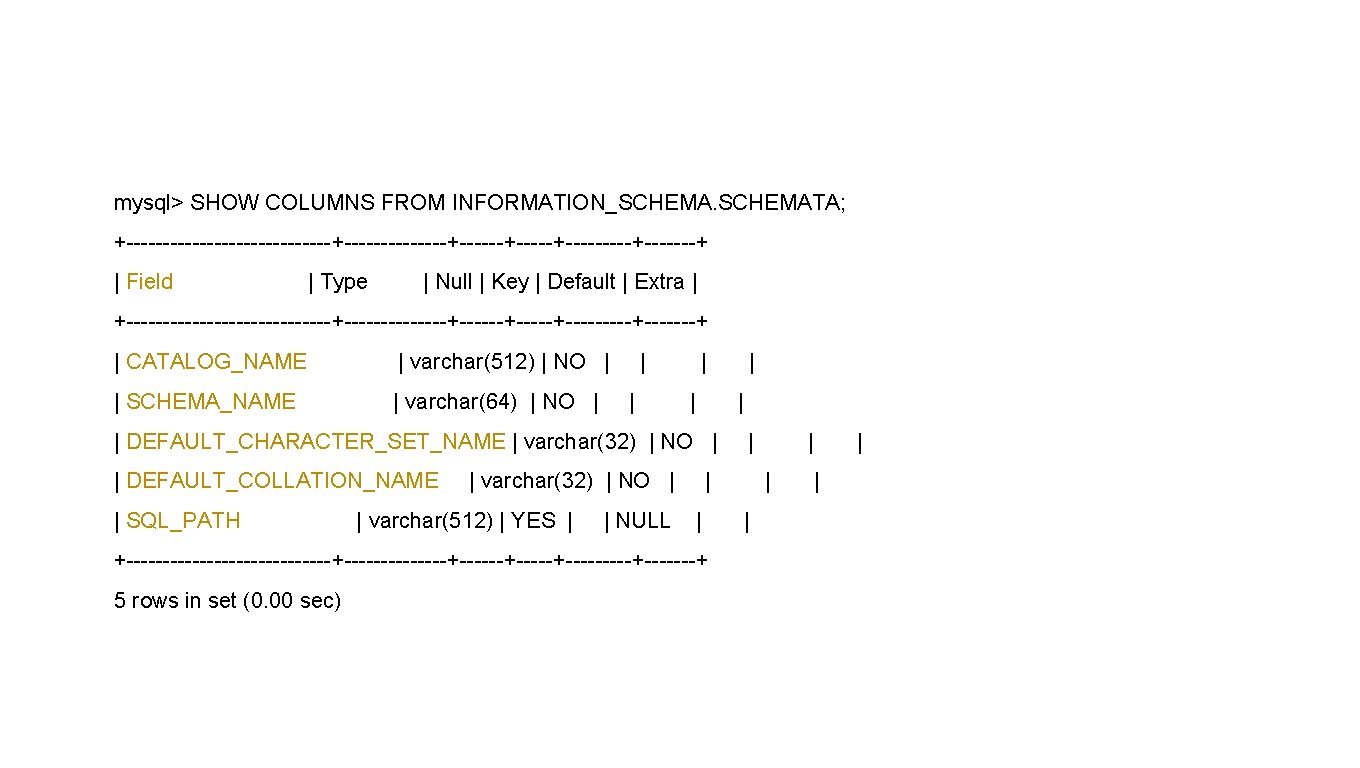
mysql> SHOW COLUMNS FROM INFORMATION_SCHEMATA; +--------------+-------+------+-----+-------+ | Field | Type | Null | Key | Default | Extra | +--------------+-------+------+-----+-------+ | CATALOG_NAME | varchar(512) | NO | | SCHEMA_NAME | varchar(64) | NO | | | | DEFAULT_CHARACTER_SET_NAME | varchar(32) | NO | | DEFAULT_COLLATION_NAME | SQL_PATH | varchar(32) | NO | | varchar(512) | YES | | NULL | | | +--------------+-------+------+-----+-------+ 5 rows in set (0. 00 sec) | | |
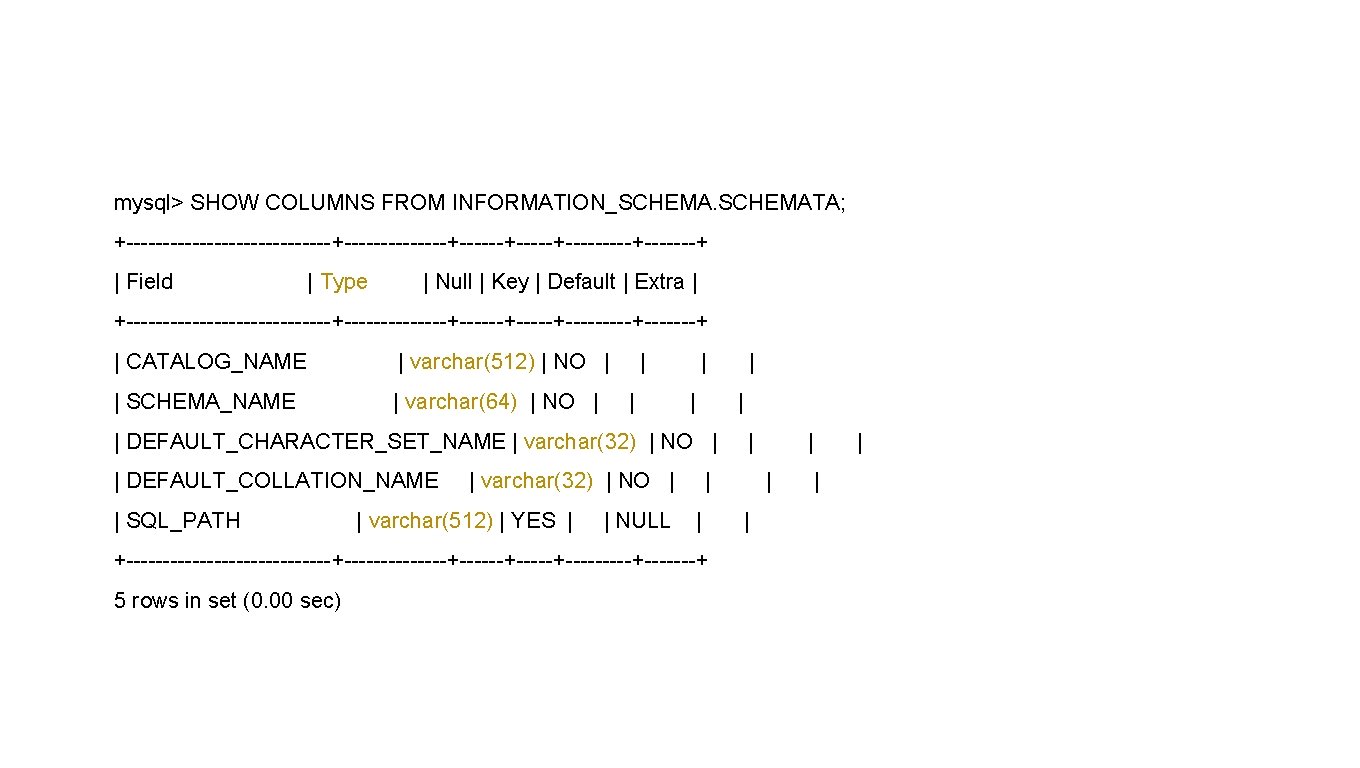
mysql> SHOW COLUMNS FROM INFORMATION_SCHEMATA; +--------------+-------+------+-----+-------+ | Field | Type | Null | Key | Default | Extra | +--------------+-------+------+-----+-------+ | CATALOG_NAME | varchar(512) | NO | | SCHEMA_NAME | varchar(64) | NO | | | | DEFAULT_CHARACTER_SET_NAME | varchar(32) | NO | | DEFAULT_COLLATION_NAME | SQL_PATH | varchar(32) | NO | | varchar(512) | YES | | NULL | | | +--------------+-------+------+-----+-------+ 5 rows in set (0. 00 sec) | | |
mysql> SHOW COLUMNS FROM INFORMATION_SCHEMATA; +--------------+-------+------+-----+-------+ | Field | Type | Null | Key | Default | Extra | +--------------+-------+------+-----+-------+ | CATALOG_NAME | varchar(512) | NO | | SCHEMA_NAME | varchar(64) | NO | | | | DEFAULT_CHARACTER_SET_NAME | varchar(32) | NO | | DEFAULT_COLLATION_NAME | SQL_PATH | varchar(32) | NO | | varchar(512) | YES | | NULL | | | +--------------+-------+------+-----+-------+ 5 rows in set (0. 00 sec) | | |
VARCHAR • Variable character • Names, addresses, etc
CHAR • Fixed-width character • Padding • Encryption, ISBN, etc.
Longer Strings • TEXT Variable-length Up to 4 Gb per field • VARCHAR Up to 255 characters Characters vs. bytes
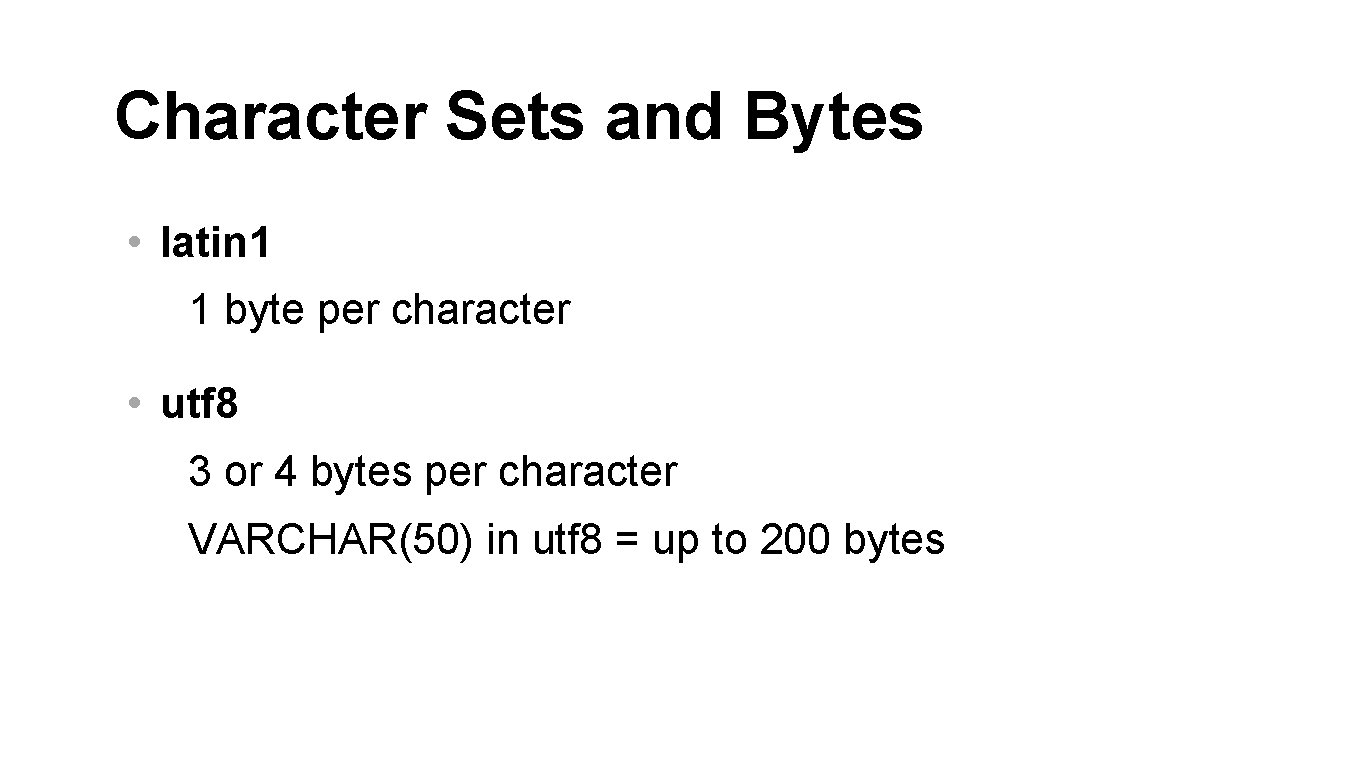
Character Sets and Bytes • latin 1 1 byte per character • utf 8 3 or 4 bytes per character VARCHAR(50) in utf 8 = up to 200 bytes
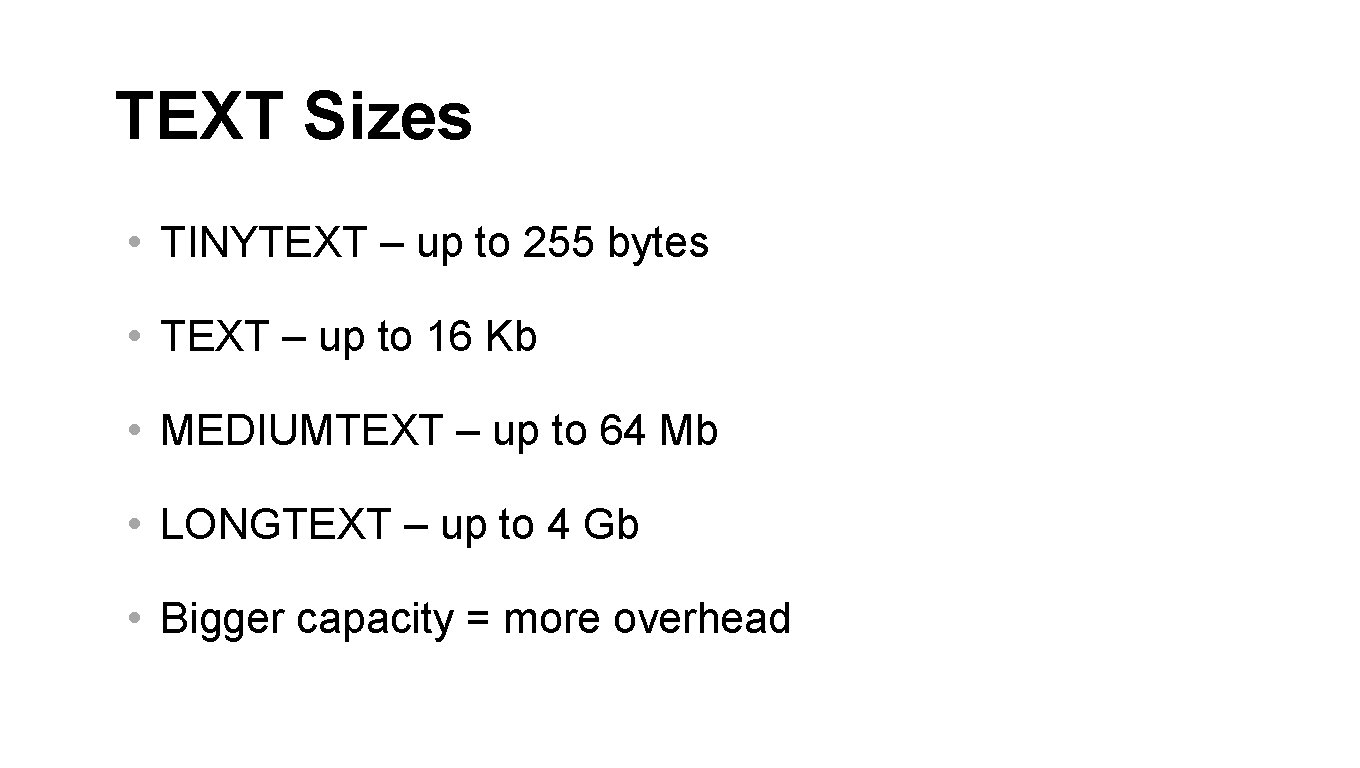
TEXT Sizes • TINYTEXT – up to 255 bytes • TEXT – up to 16 Kb • MEDIUMTEXT – up to 64 Mb • LONGTEXT – up to 4 Gb • Bigger capacity = more overhead
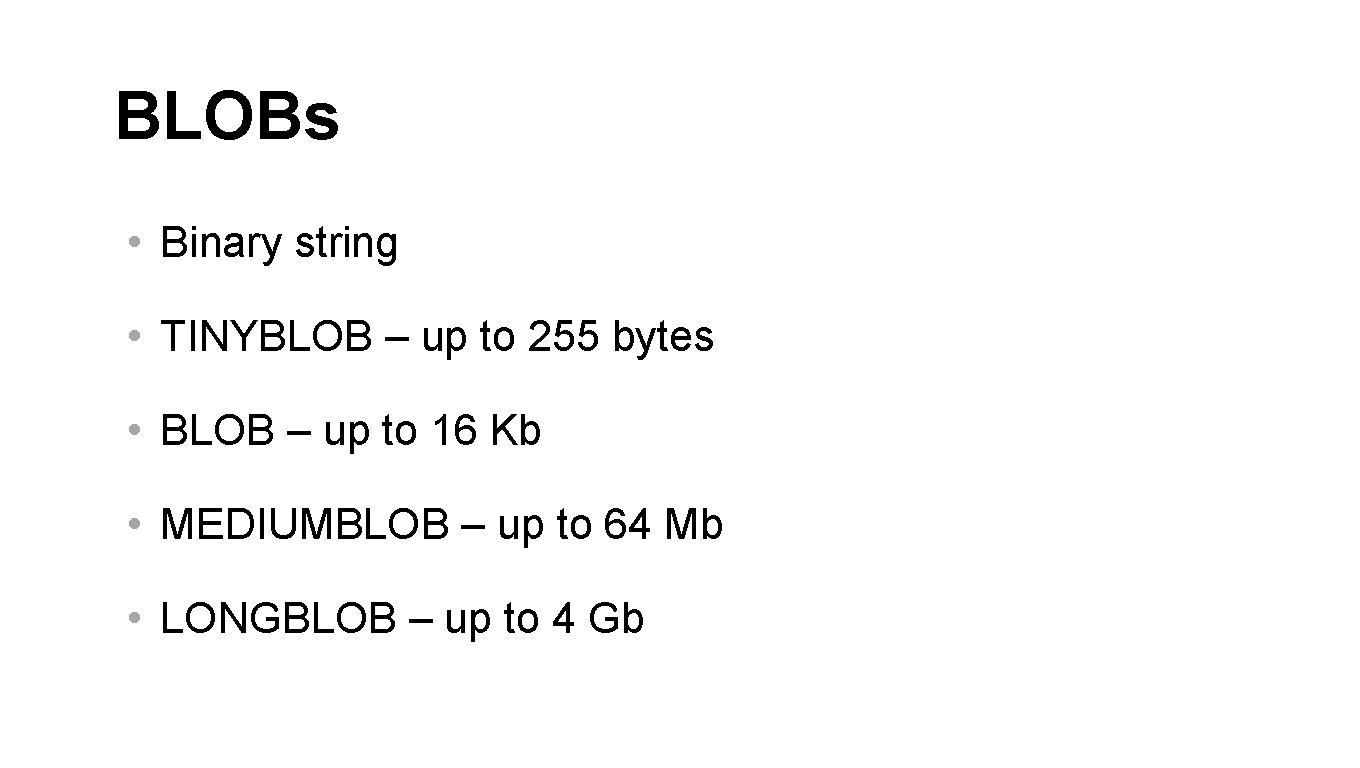
BLOBs • Binary string • TINYBLOB – up to 255 bytes • BLOB – up to 16 Kb • MEDIUMBLOB – up to 64 Mb • LONGBLOB – up to 4 Gb
When I was working for DEC, I had a boss who went around saying “blobs, we gotta have blobs. ” Of course, he didn’t know what a blob was – nobody did. But he really liked the term. I don’t know, he’d seen a movie preview or something. - Jim Starkey, inventor of BLOB
One day I found myself in Colorado Springs, where my group was located, and Boston was snowed in. So I sat down with a pen and paper – pencil – and decided to invent the blob and said “Ah yes! That’s how it’s supposed to work. ” - Jim Starkey, inventor of BLOB
Interestingly enough, however, the RDB/VMS guys decided that the term “blob” was unprofessional, and that it was just a little bit too whimsical, and they were worried about their image. - Jim Starkey, inventor of BLOB
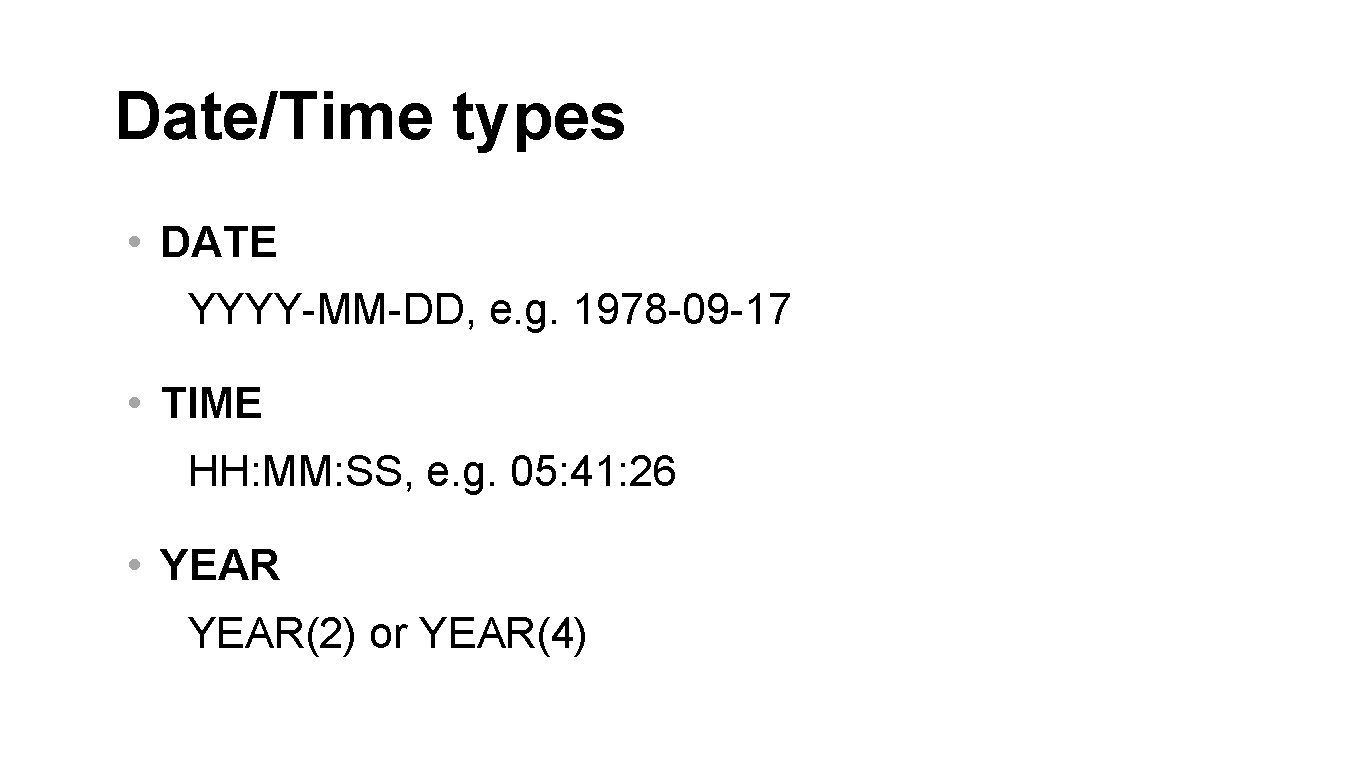
Date/Time types • DATE YYYY-MM-DD, e. g. 1978 -09 -17 • TIME HH: MM: SS, e. g. 05: 41: 26 • YEAR(2) or YEAR(4)
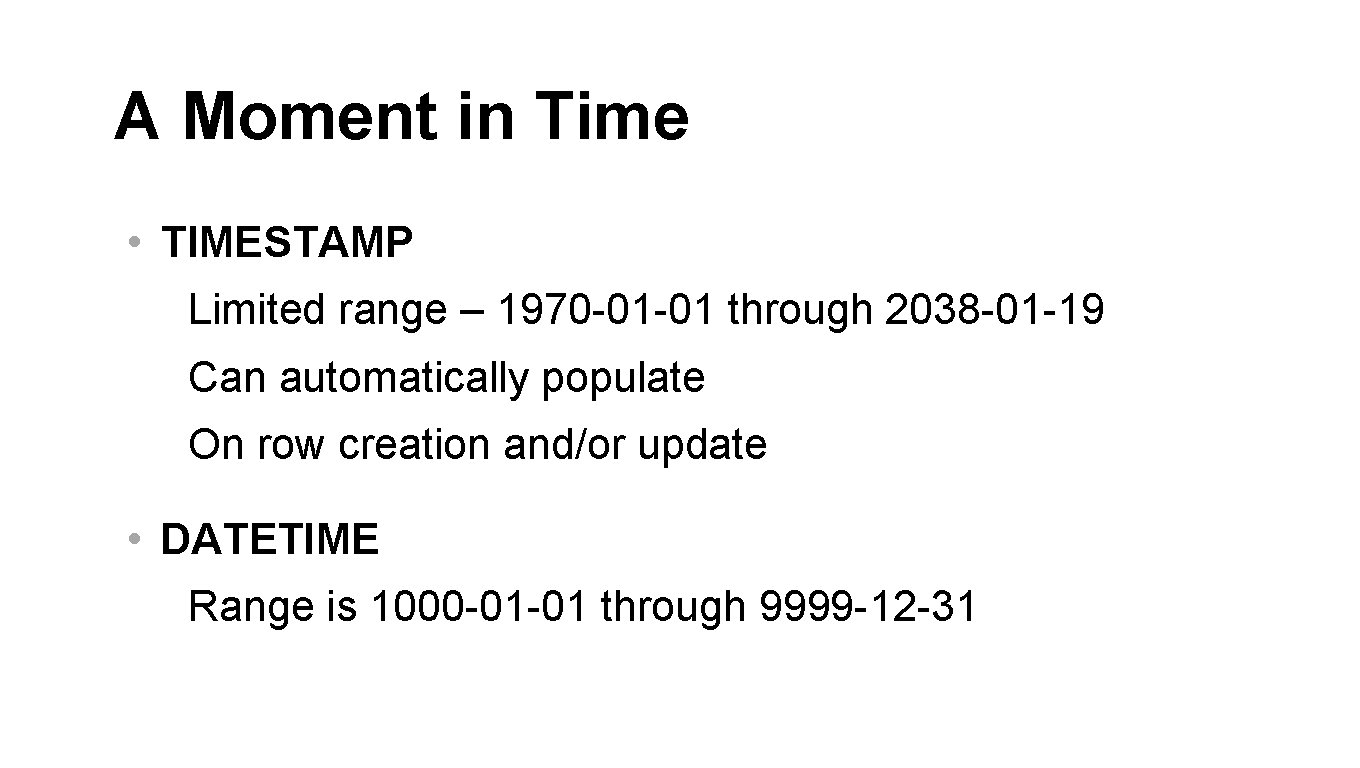
A Moment in Time • TIMESTAMP Limited range – 1970 -01 -01 through 2038 -01 -19 Can automatically populate On row creation and/or update • DATETIME Range is 1000 -01 -01 through 9999 -12 -31
TIMESTAMP and DATETIME allow fractions of seconds
Numbers with Decimals • DECIMAL(5, 2) 5 total digits 2 digits after the decimal point -999. 99 to 999. 99 Exact decimal storage
Floating Point Numbers • FLOAT Single precision Stored in 4 bytes • DOUBLE Double precision Stored in 8 bytes
INTEGER • UNSIGNED
INTEGER Types • TINYINT 1 byte -128 to 127 UNSIGNED 0 to 255
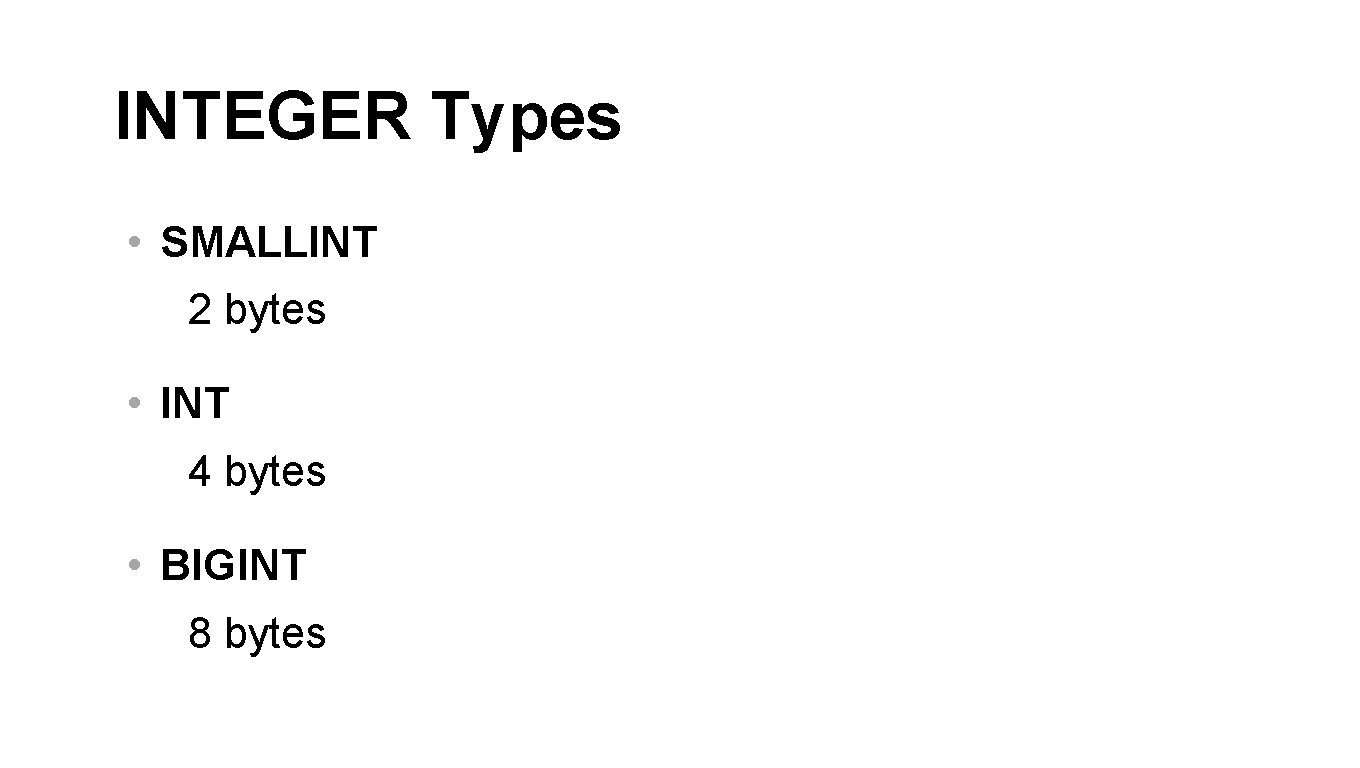
INTEGER Types • SMALLINT 2 bytes • INT 4 bytes • BIGINT 8 bytes
Automatic Number Assignment • Usually with UNSIGNED types • AUTOINCREMENT
Limited Values • Yes/No • Status: free, paid, premium, admin • “Choose the features”
ENUM • Enumerated list • Stores a number • You only see text • Can only store one value
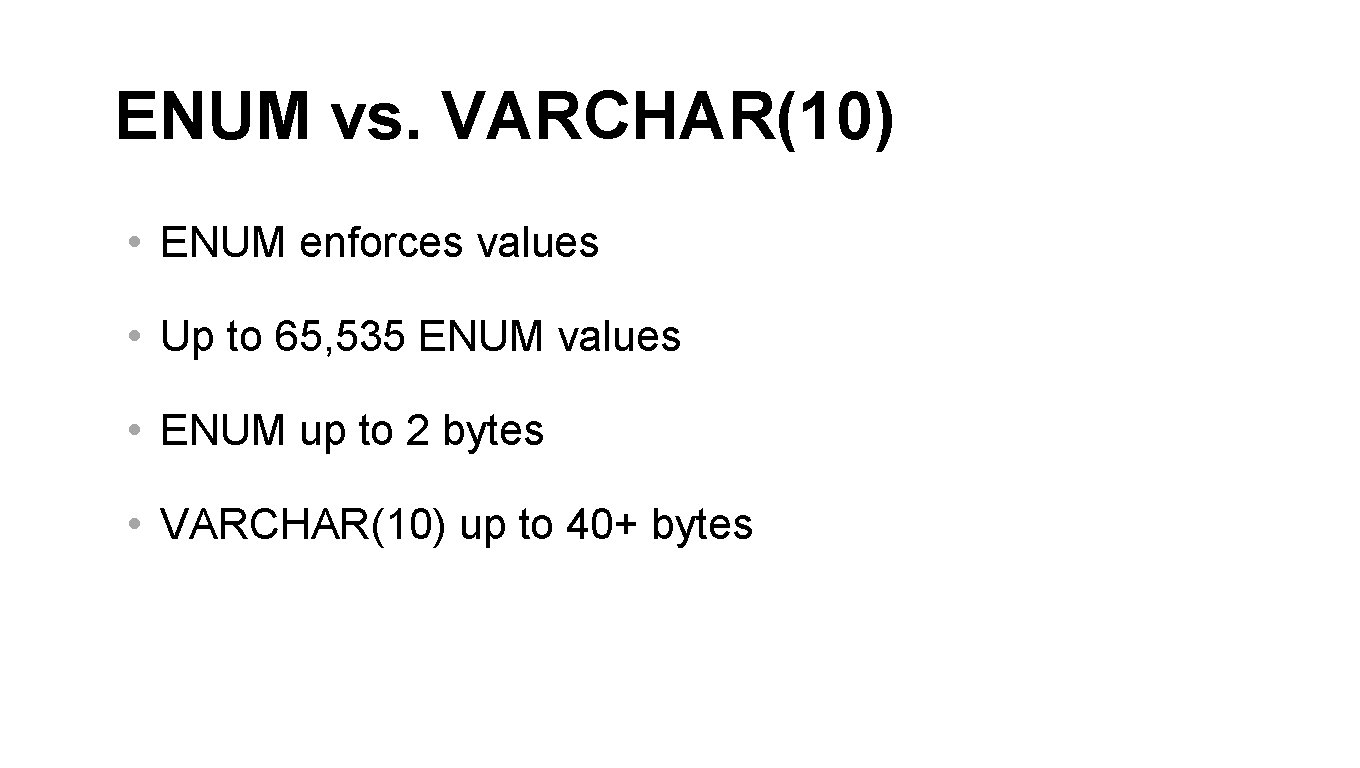
ENUM vs. VARCHAR(10) • ENUM enforces values • Up to 65, 535 ENUM values • ENUM up to 2 bytes • VARCHAR(10) up to 40+ bytes
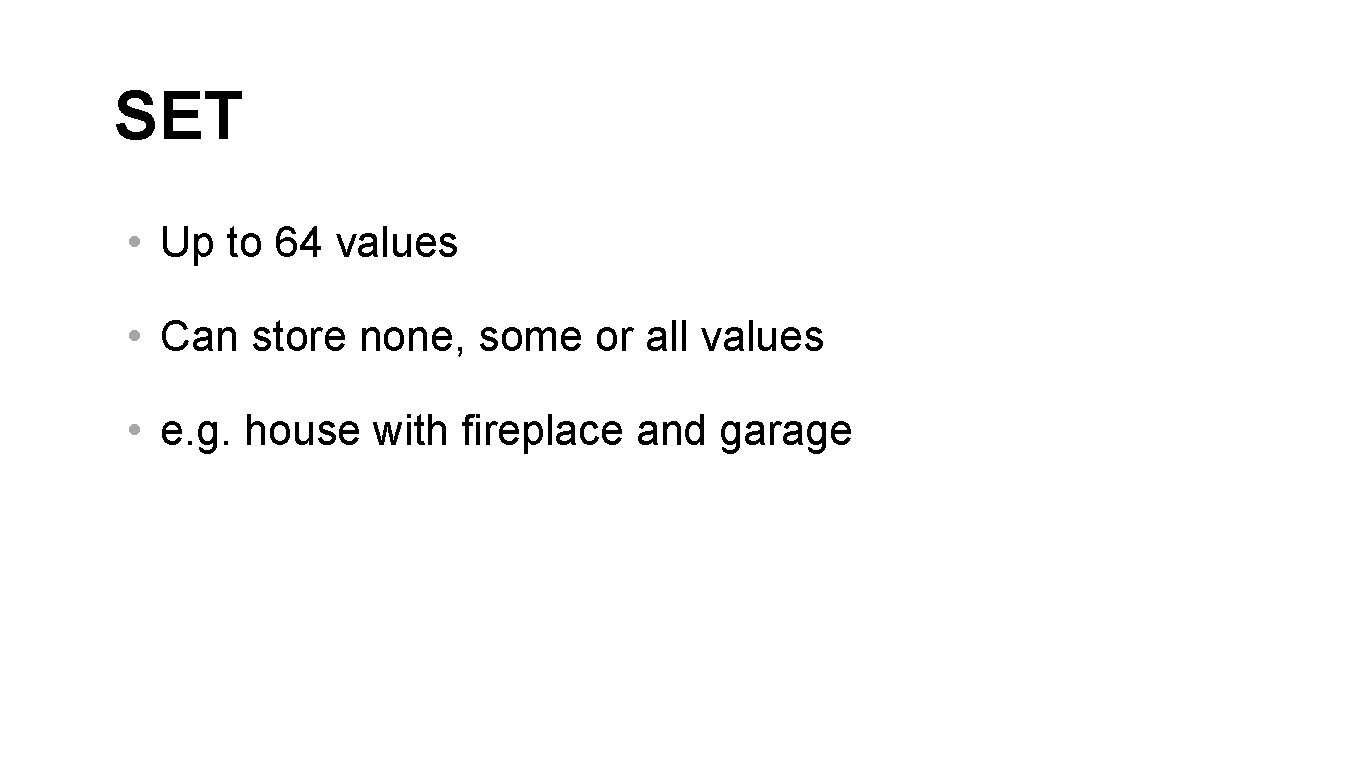
SET • Up to 64 values • Can store none, some or all values • e. g. house with fireplace and garage
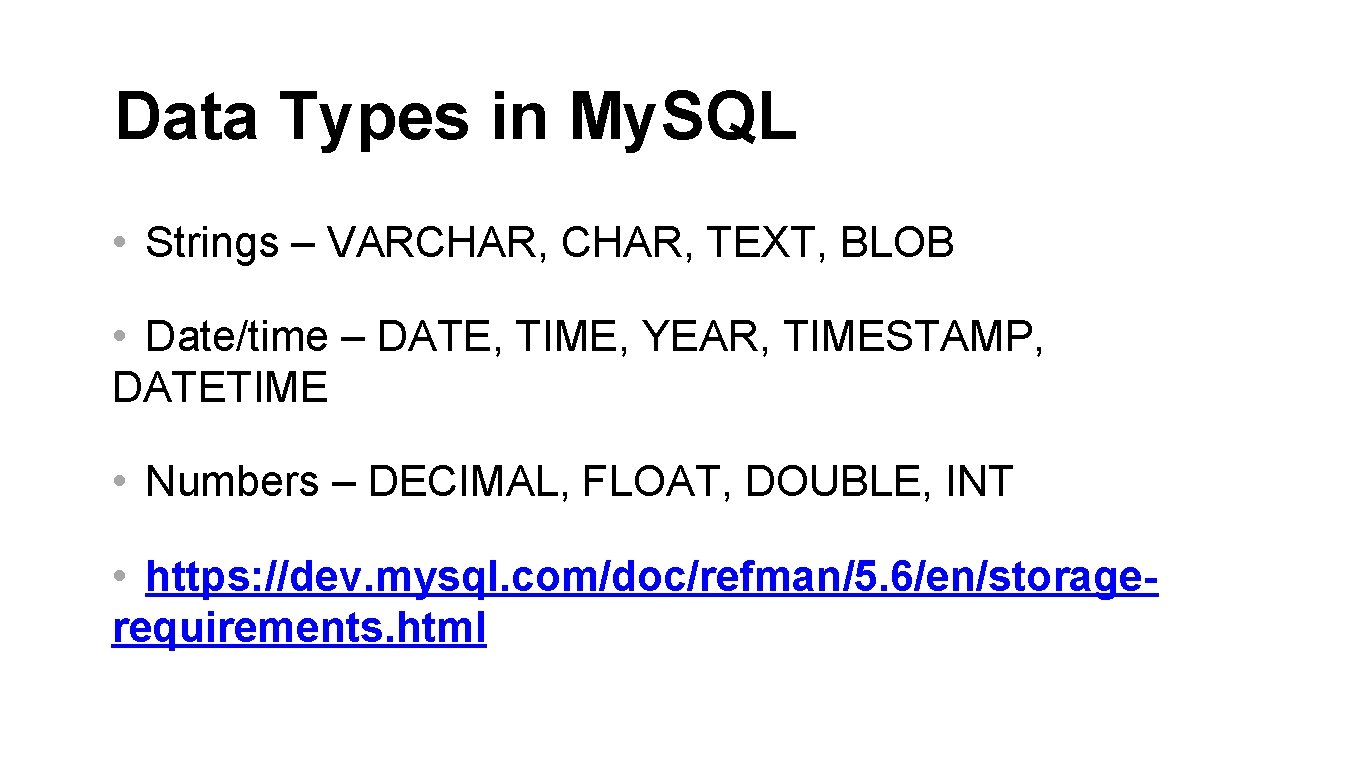
Data Types in My. SQL • Strings – VARCHAR, TEXT, BLOB • Date/time – DATE, TIME, YEAR, TIMESTAMP, DATETIME • Numbers – DECIMAL, FLOAT, DOUBLE, INT • https: //dev. mysql. com/doc/refman/5. 6/en/storagerequirements. html
NULL Values
Survey • First name Sheeri • Middle name • Last name Cabral
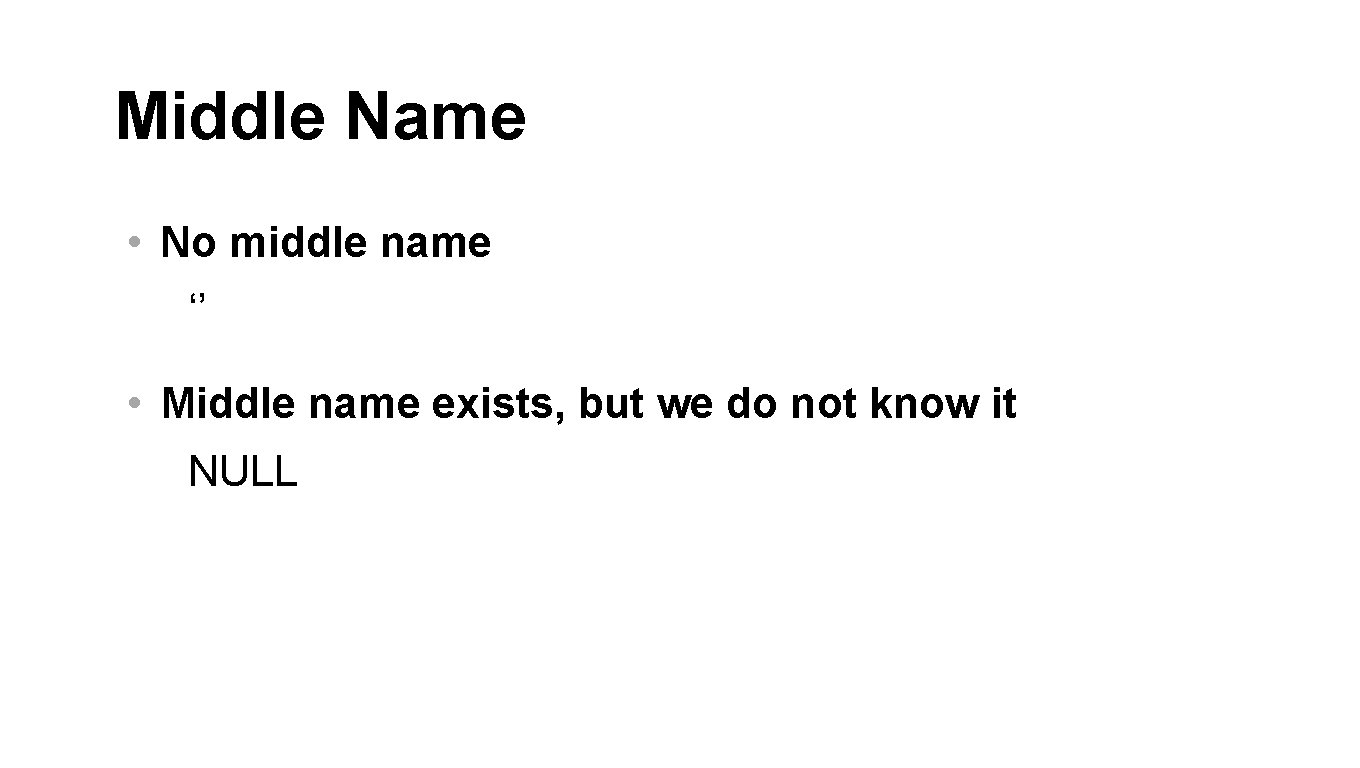
Middle Name • No middle name ‘’ • Middle name exists, but we do not know it NULL
Using NULL Values • Probably not for required fields • OK for optional fields • A field that can have NULL is less efficient • Use ‘’ instead of NULL sometimes
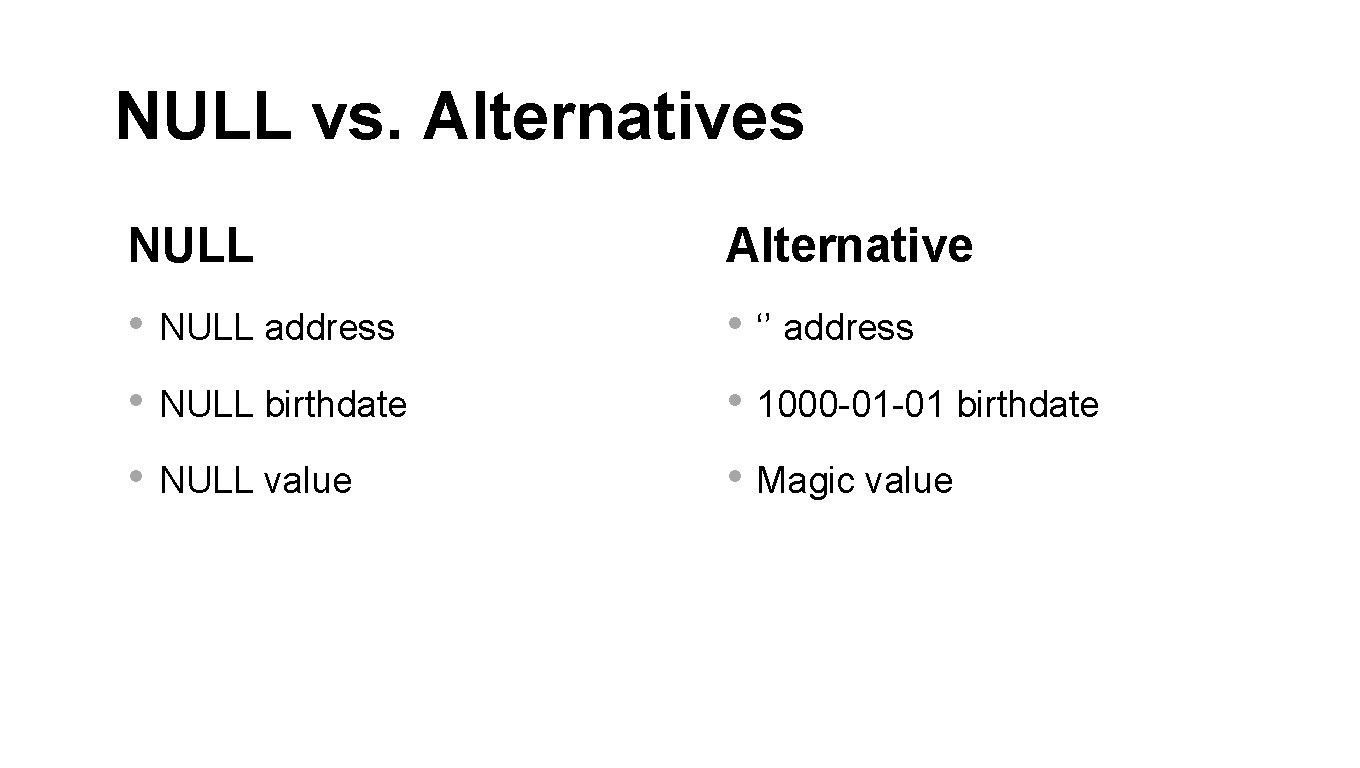
NULL vs. Alternatives NULL Alternative • NULL address • ‘’ address • NULL birthdate • 1000 -01 -01 birthdate • NULL value • Magic value
NULL vs. alternatives • Strings Usually OK to use ‘’ • Numbers, dates, times NULL preferred Instead of “magic numbers” NULL dates might be 0000 -00 -00
Comparing NULL Values • WRONG = NULL != NULL • RIGHT IS NULL IS NOT NULL
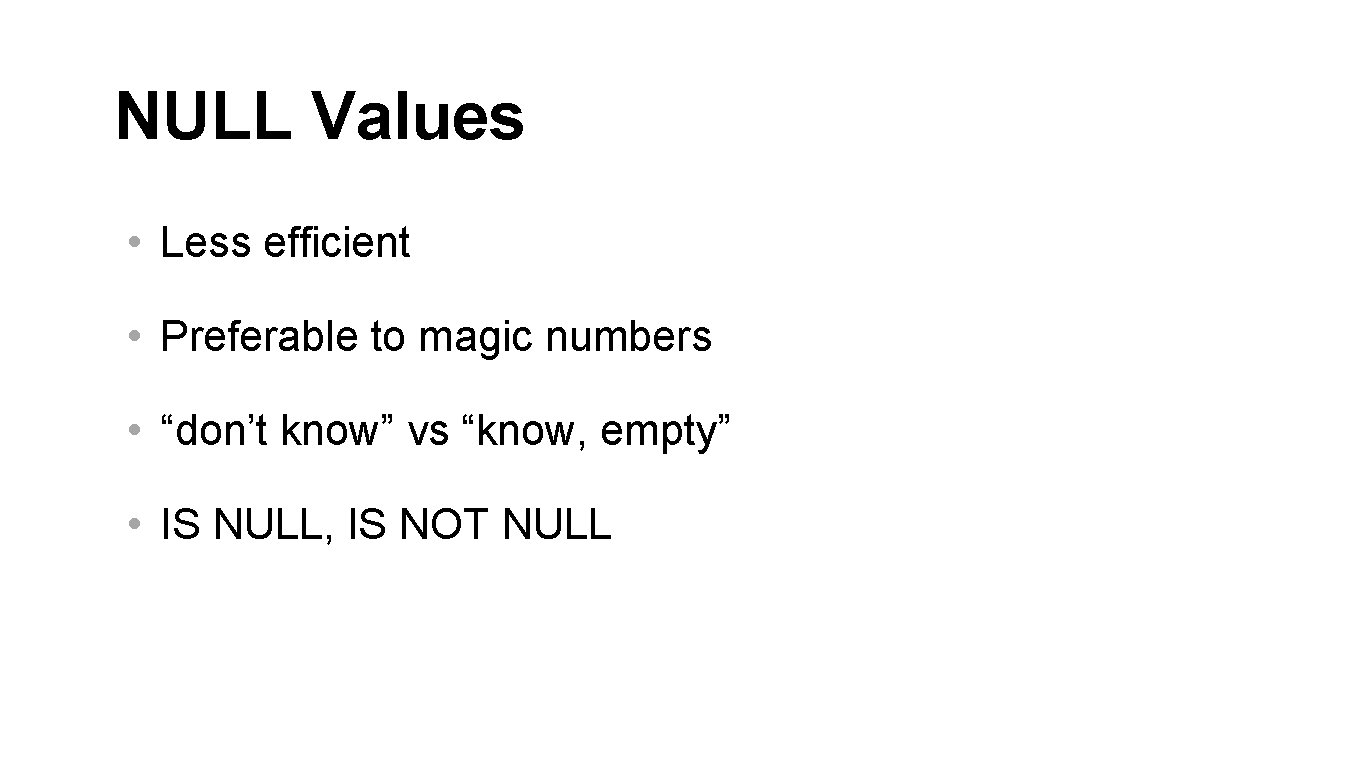
NULL Values • Less efficient • Preferable to magic numbers • “don’t know” vs “know, empty” • IS NULL, IS NOT NULL
Declarative Language
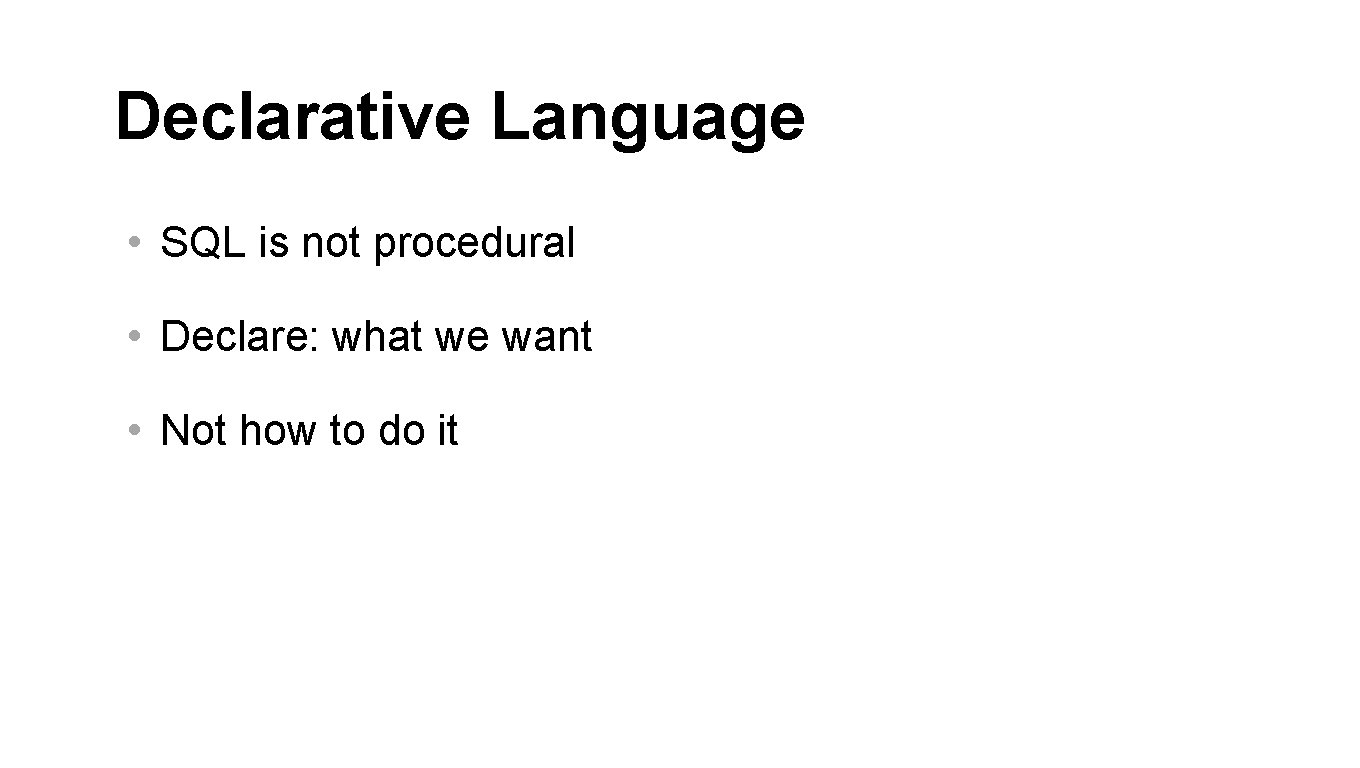
Declarative Language • SQL is not procedural • Declare: what we want • Not how to do it
Basic SQL • SELECT…FROM…WHERE
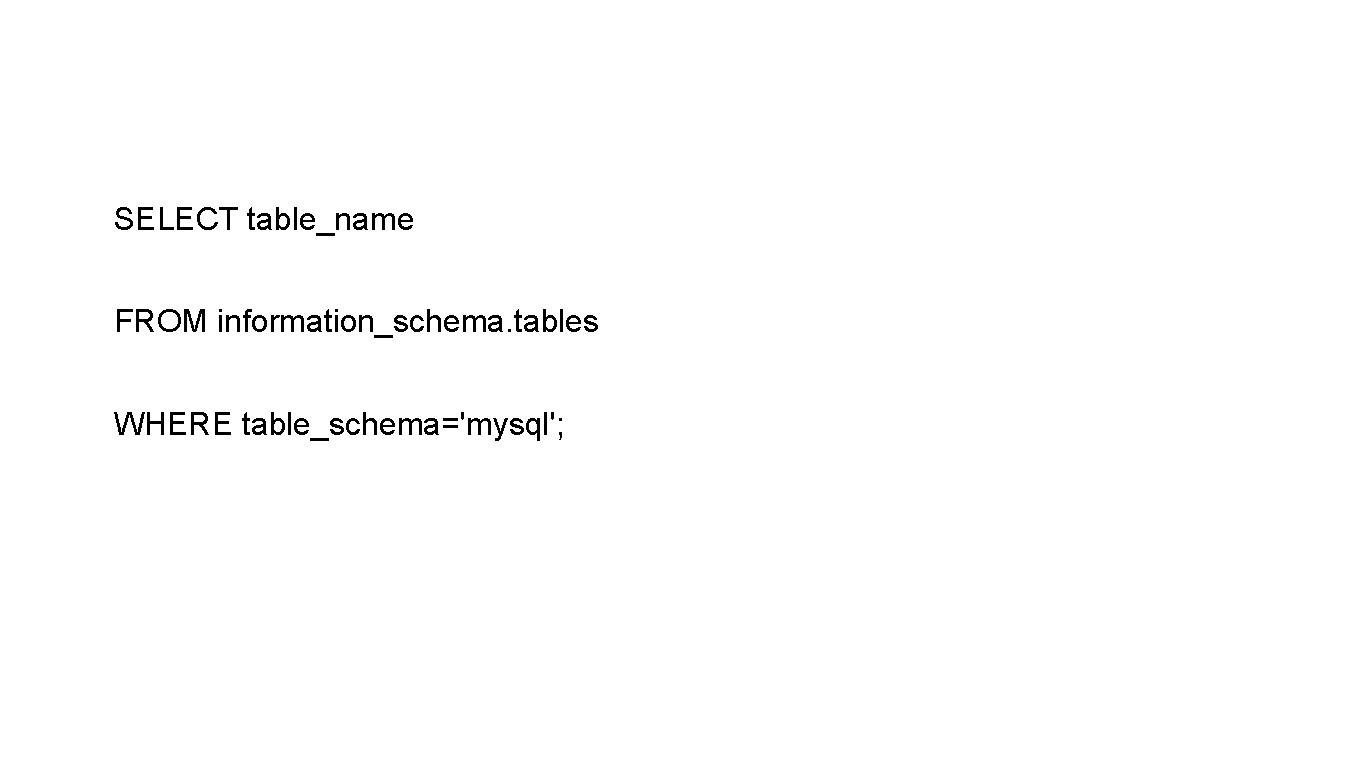
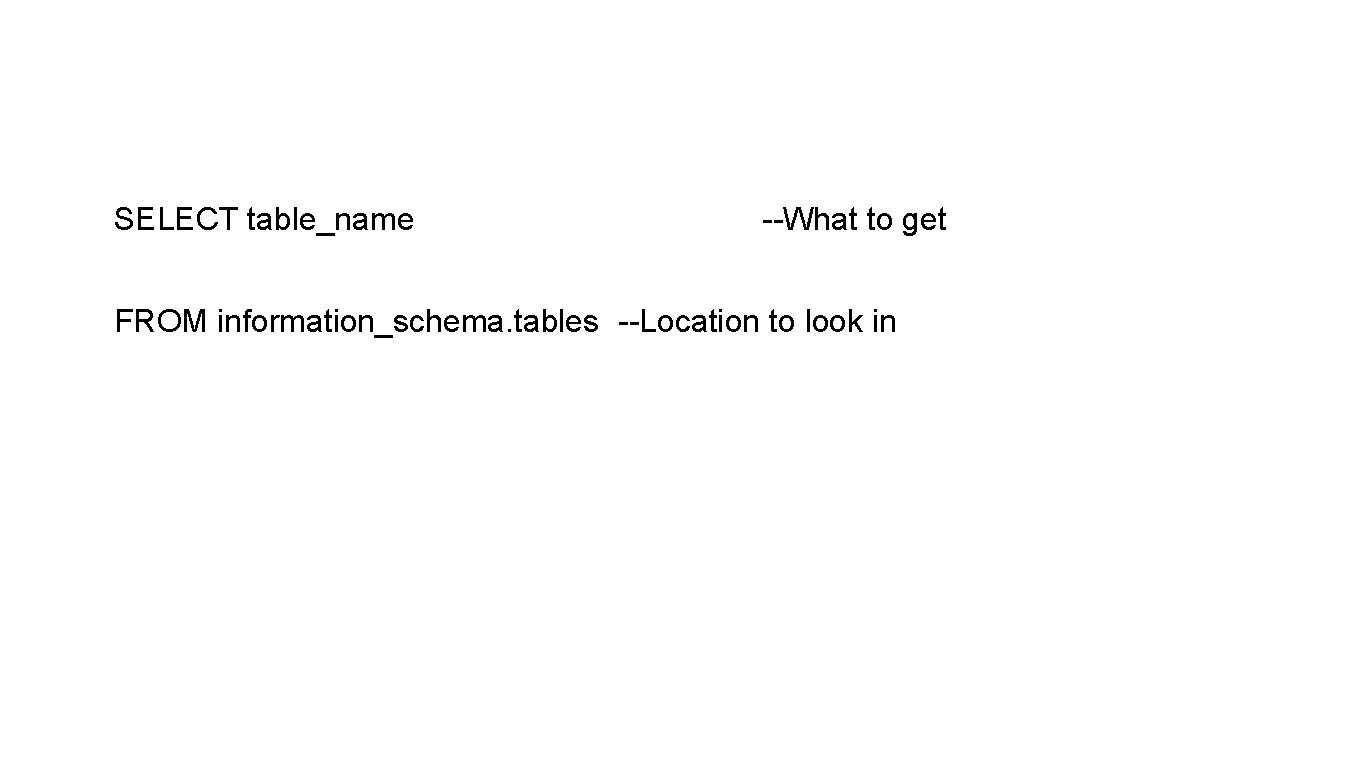
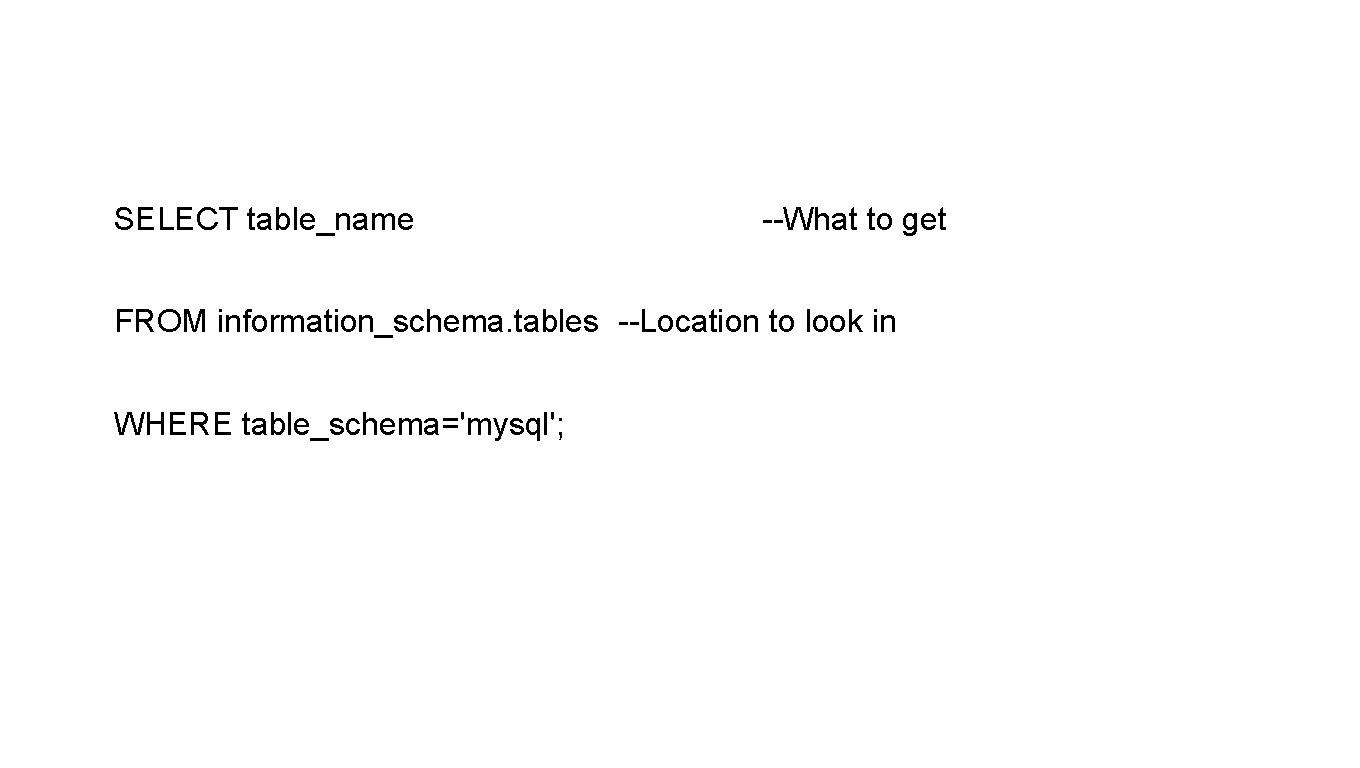
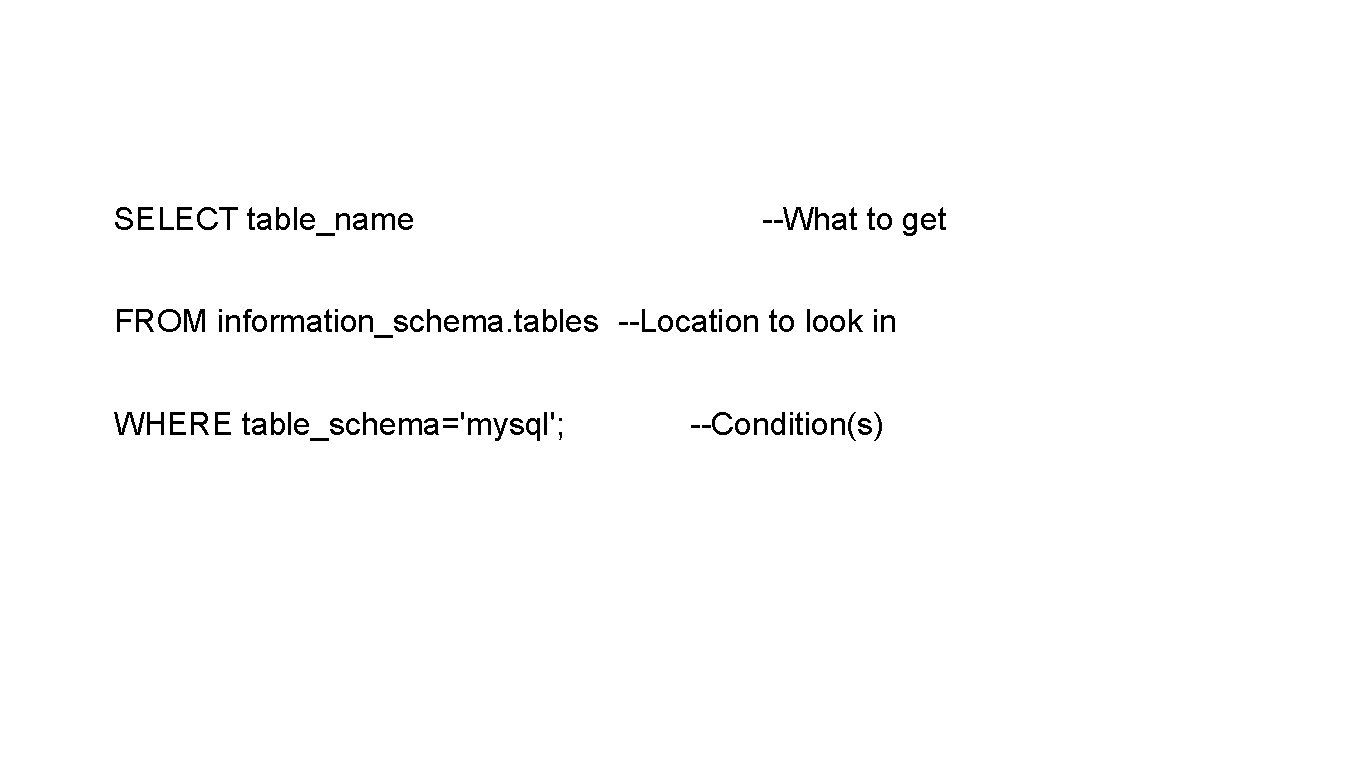
SELECT table_name FROM information_schema. tables WHERE table_schema='mysql';
SELECT table_name
SELECT table_name --What to get
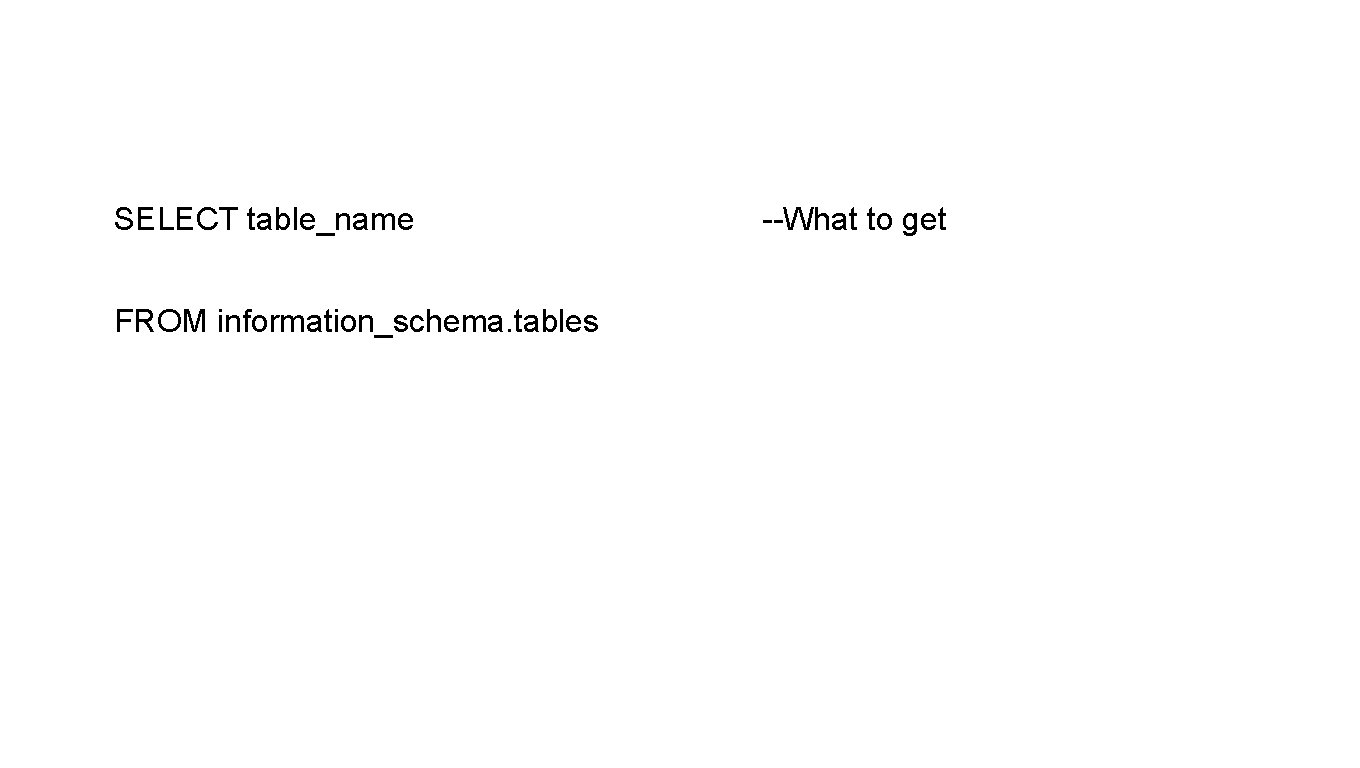
SELECT table_name FROM information_schema. tables --What to get
SELECT table_name --What to get FROM information_schema. tables --Location to look in
SELECT table_name --What to get FROM information_schema. tables --Location to look in WHERE table_schema='mysql';
SELECT table_name --What to get FROM information_schema. tables --Location to look in WHERE table_schema='mysql'; --Condition(s)
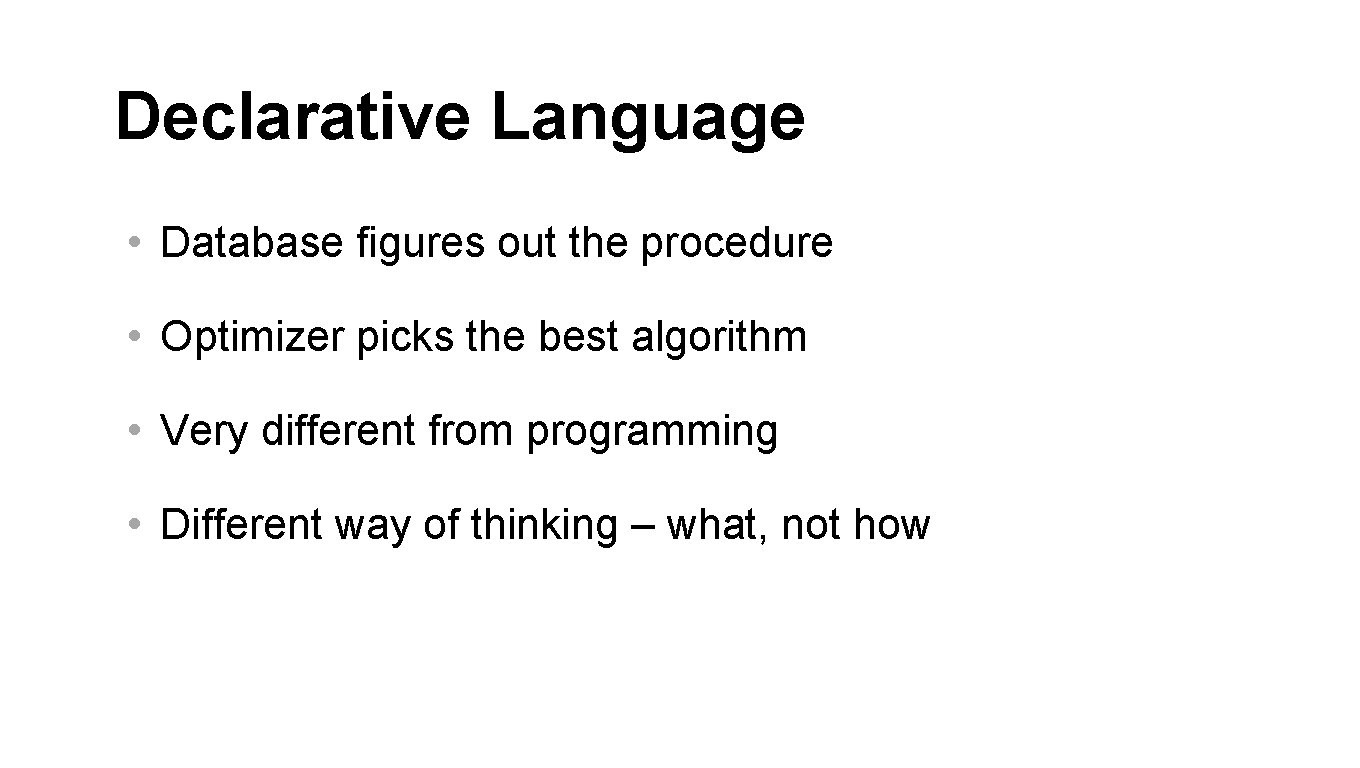
Declarative Language • Database figures out the procedure • Optimizer picks the best algorithm • Very different from programming • Different way of thinking – what, not how
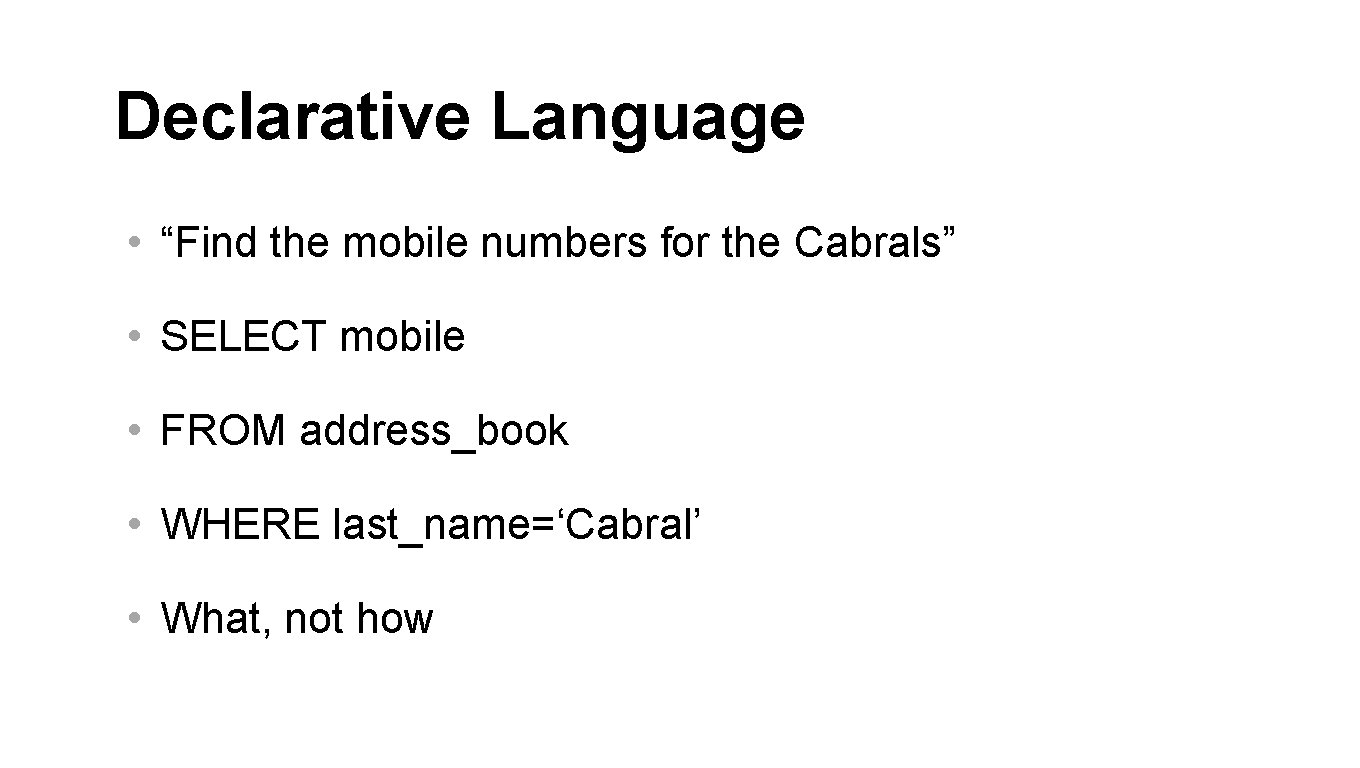
Declarative Language • “Find the mobile numbers for the Cabrals” • SELECT mobile • FROM address_book • WHERE last_name=‘Cabral’ • What, not how
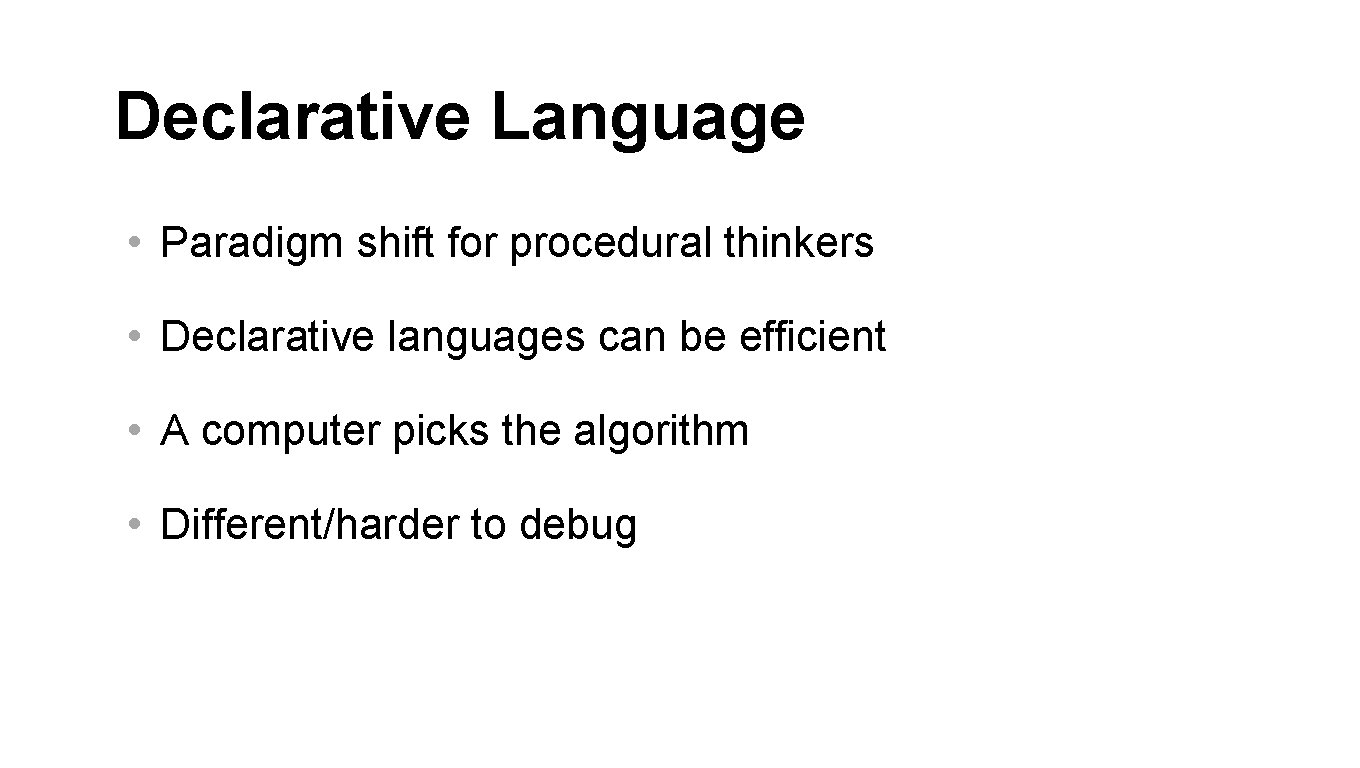
Declarative Language • Paradigm shift for procedural thinkers • Declarative languages can be efficient • A computer picks the algorithm • Different/harder to debug
Challenge
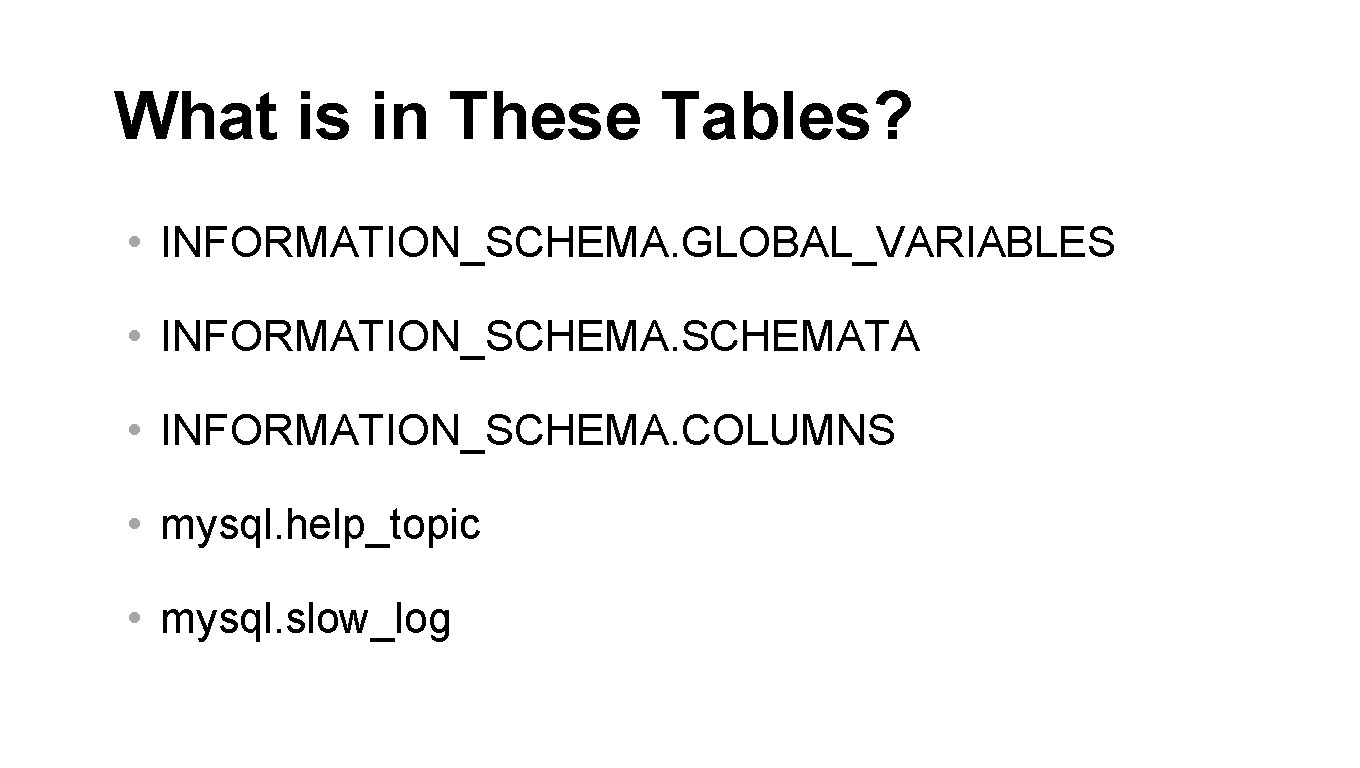
What is in These Tables? • INFORMATION_SCHEMA. GLOBAL_VARIABLES • INFORMATION_SCHEMATA • INFORMATION_SCHEMA. COLUMNS • mysql. help_topic • mysql. slow_log