
My SAFETY WHS hazard and incident management for
- Slides: 12
My. SAFETY WHS hazard and incident management for WHS Professionals
Overview 1. Accessing the system and lodging a record 2. Investigating and reviewing a record 3. WHS consultant review Interaction - • Polls using the raise hand feature • Chat for other questions Please use chat to ask questions as we go through
Accessing My. SAFETY to lodge a WHS report Who can do this? Workers • All Employees of participating agencies in the SA Public Sector (permanent or fixed term) • All Emergency Services Volunteers • All Non-employees who perform work for those participating agencies in the SA Public Sector– contractors, volunteers, students (coming soon) • See Quick Reference Guide QRG 01 and Quick Reference Video QRV 1
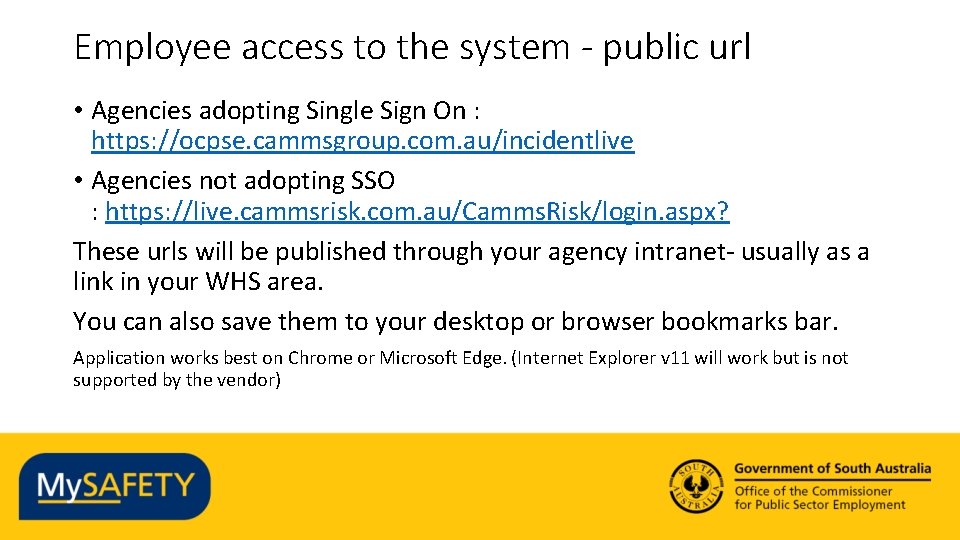
Employee access to the system - public url • Agencies adopting Single Sign On : https: //ocpse. cammsgroup. com. au/incidentlive • Agencies not adopting SSO : https: //live. cammsrisk. com. au/Camms. Risk/login. aspx? These urls will be published through your agency intranet- usually as a link in your WHS area. You can also save them to your desktop or browser bookmarks bar. Application works best on Chrome or Microsoft Edge. (Internet Explorer v 11 will work but is not supported by the vendor)
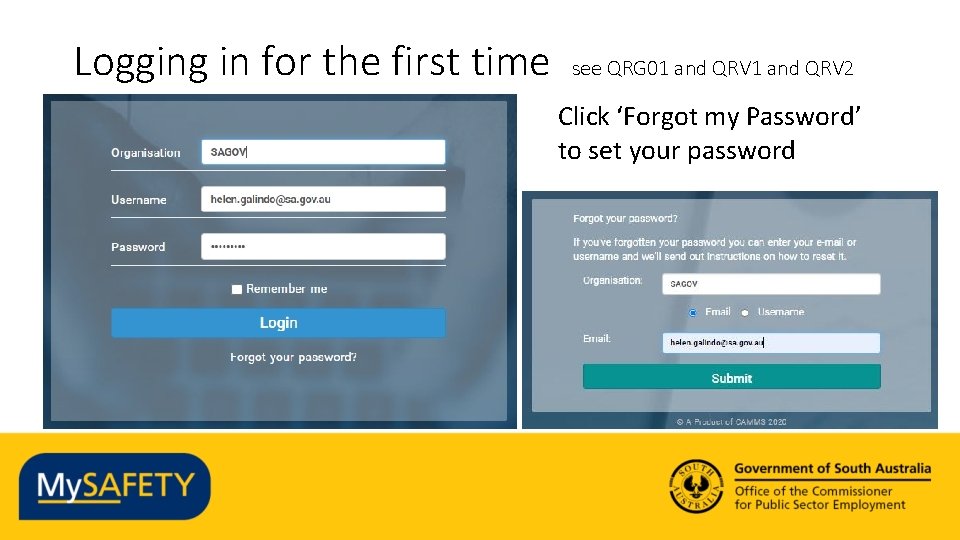
Logging in for the first time see QRG 01 and QRV 2 Click ‘Forgot my Password’ to set your password
Demonstration - Lodging a new record see QRG 03 and QRV 3
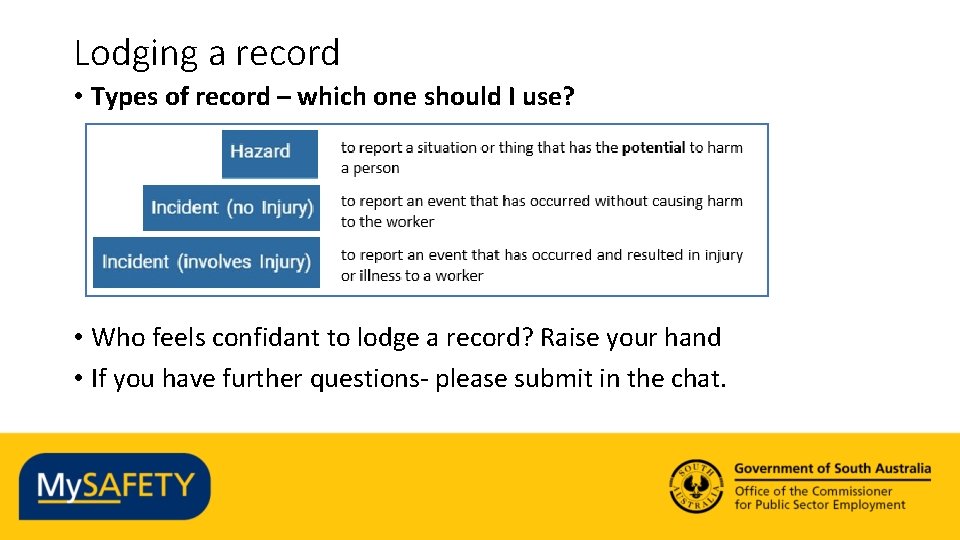
Lodging a record • Types of record – which one should I use? • Who feels confidant to lodge a record? Raise your hand • If you have further questions- please submit in the chat.
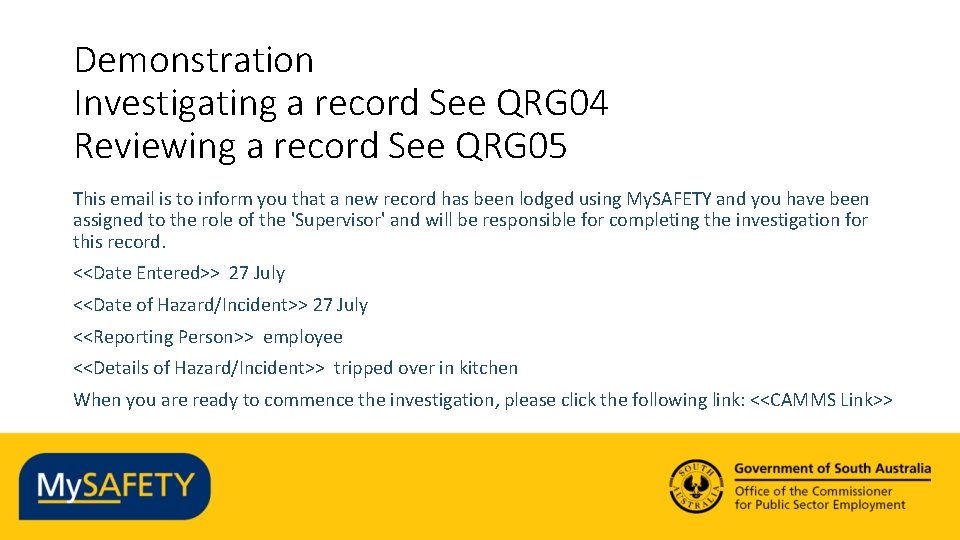
Demonstration Investigating a record See QRG 04 Reviewing a record See QRG 05 This email is to inform you that a new record has been lodged using My. SAFETY and you have been assigned to the role of the 'Supervisor' and will be responsible for completing the investigation for this record. <<Date Entered>> 27 July <<Date of Hazard/Incident>> 27 July <<Reporting Person>> employee <<Details of Hazard/Incident>> tripped over in kitchen When you are ready to commence the investigation, please click the following link: <<CAMMS Link>>
Questions on Investigating a record Are you confidant that you could guide someone through investigating a record? Raise your hand If you have further questions, or suggestions as to how we could improve this section, then please submit in the chat.
Multiple choice Question: What tasks does a reviewer need to complete? a) Review the investigation summary b) Review the risk assessment and reconfirm / update c) Review the corrective actions and confirm if they are sufficient / return for more d) All of the above
Demonstration - WHS Review • See QRG 06
And Finally…. Videos for Accessing the System and Lodging a record are available at https: //publicsector. sa. gov. au/mysafety-training-resources/ You will also find the Quick Reference Guides and Quick Reference Videos that we’ve mentioned. Contact us at WHSIM. Systems@sa. gov. au