
My Courses course design Outi Rautakoura ICT for
- Slides: 12
My. Courses course design Outi Rautakoura ICT for Learning team
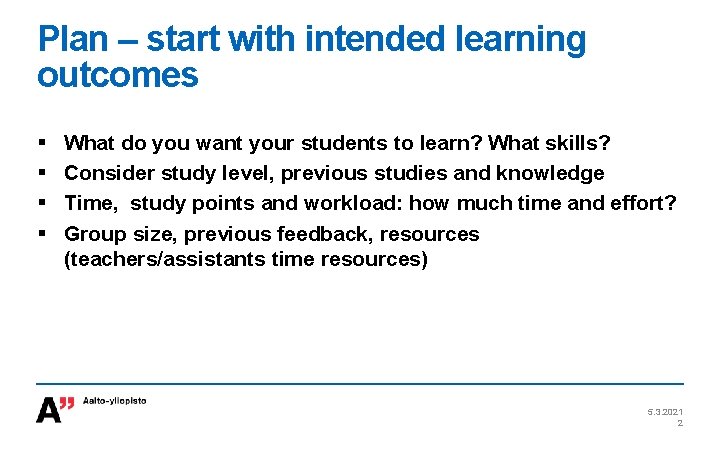
Plan – start with intended learning outcomes § § What do you want your students to learn? What skills? Consider study level, previous studies and knowledge Time, study points and workload: how much time and effort? Group size, previous feedback, resources (teachers/assistants time resources) 5. 3. 2021 2
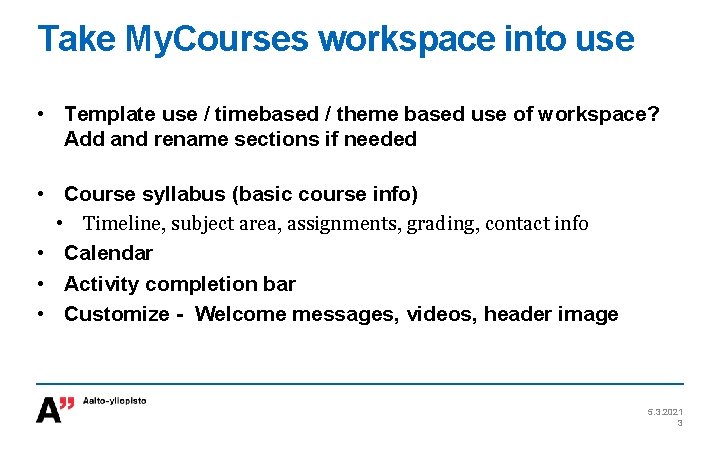
Take My. Courses workspace into use • Template use / timebased / theme based use of workspace? Add and rename sections if needed • Course syllabus (basic course info) • Timeline, subject area, assignments, grading, contact info • Calendar • Activity completion bar • Customize - Welcome messages, videos, header image 5. 3. 2021 3
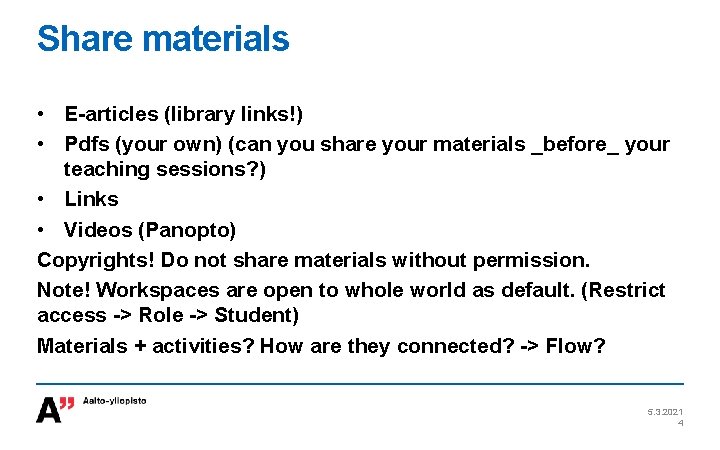
Share materials • E-articles (library links!) • Pdfs (your own) (can you share your materials _before_ your teaching sessions? ) • Links • Videos (Panopto) Copyrights! Do not share materials without permission. Note! Workspaces are open to whole world as default. (Restrict access -> Role -> Student) Materials + activities? How are they connected? -> Flow? 5. 3. 2021 4
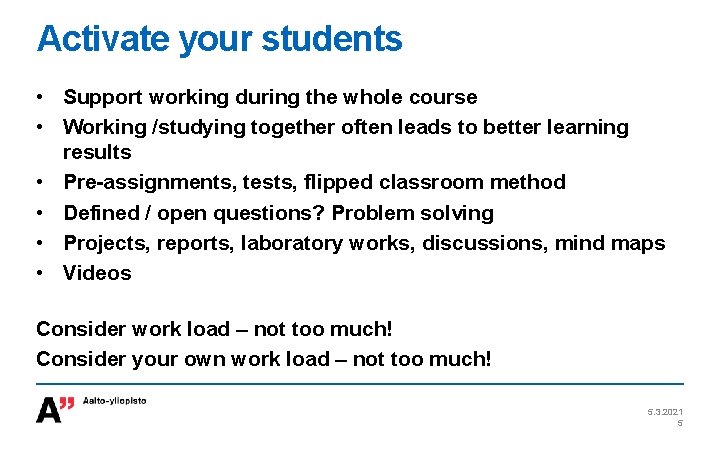
Activate your students • Support working during the whole course • Working /studying together often leads to better learning results • Pre-assignments, tests, flipped classroom method • Defined / open questions? Problem solving • Projects, reports, laboratory works, discussions, mind maps • Videos Consider work load – not too much! Consider your own work load – not too much! 5. 3. 2021 5
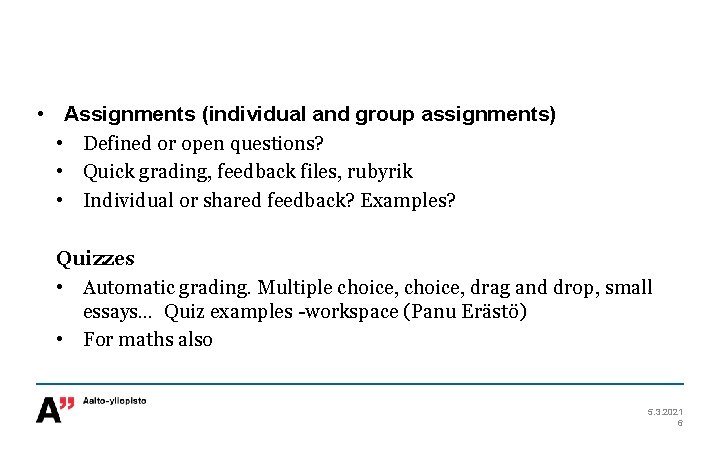
• Assignments (individual and group assignments) • Defined or open questions? • Quick grading, feedback files, rubyrik • Individual or shared feedback? Examples? Quizzes • Automatic grading. Multiple choice, drag and drop, small essays… Quiz examples -workspace (Panu Erästö) • For maths also 5. 3. 2021 6
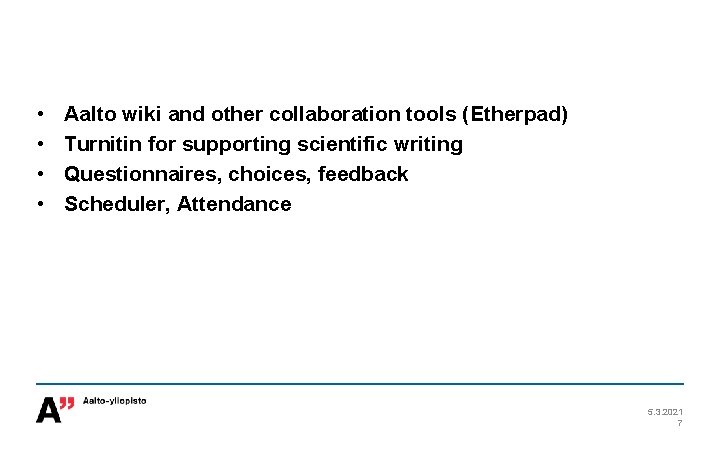
• • Aalto wiki and other collaboration tools (Etherpad) Turnitin for supporting scientific writing Questionnaires, choices, feedback Scheduler, Attendance 5. 3. 2021 7
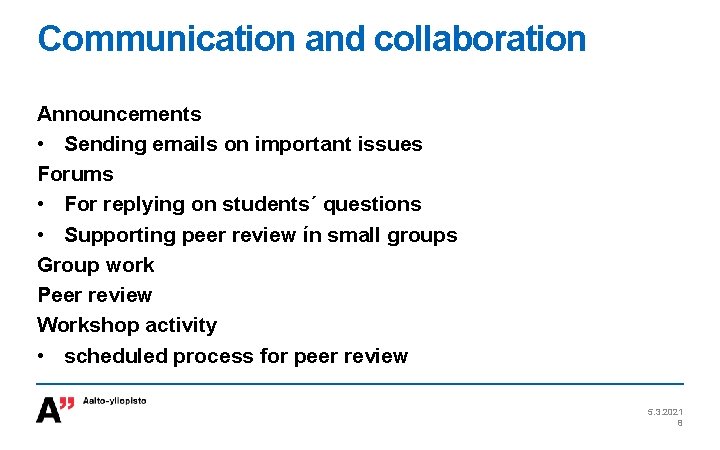
Communication and collaboration Announcements • Sending emails on important issues Forums • For replying on students´ questions • Supporting peer review ín small groups Group work Peer review Workshop activity • scheduled process for peer review 5. 3. 2021 8
Monitoring students´progress • • • Completion progress bar Quizzes and questionnaires Feedback activity, even anonymously Logs, activity Inactive students Private messages 5. 3. 2021 9
Grading and feedback Grades – grader table Adding an grading item (exam results) Course total • aggregation method, course maximum Import /export (excel) After your course • Feedback and evaluation – notes on your workspace for your next course • Grades to Oodi 5. 3. 2021 10
Questions What is your next digistep? How do you support students´ working during the course? How do you support communication and collaboration? What are your expectations ? 5. 3. 2021 11
Help and support Instructions - wiki. aalto. fi/display/OPIT/My. Courses - Moodle. org (version 3. 2) mycourses@aalto. fi - Helpdesk - Requests of consultations and workshops - Requests of My. Courses sandboxes 5. 3. 2021 12