
My APNIC v 1 0 Launching Presentation APNIC14
- Slides: 9
My. APNIC v. 1. 0 Launching Presentation APNIC-14 Open Policy Meeting 6 September 2002 sanjaya@apnic. net
Overview • • Project Objective Project Timeline How My. APNIC Works My. APNIC v 1. 0 Features Demo My. APNIC v 1. 1 Plan Q&A
Project Objective • To provide a secured member service web interface, allowing each member to access private information and invoke specific APNIC services – Security is based on X. 509 certificates managed by APNIC Certificate Authority Service
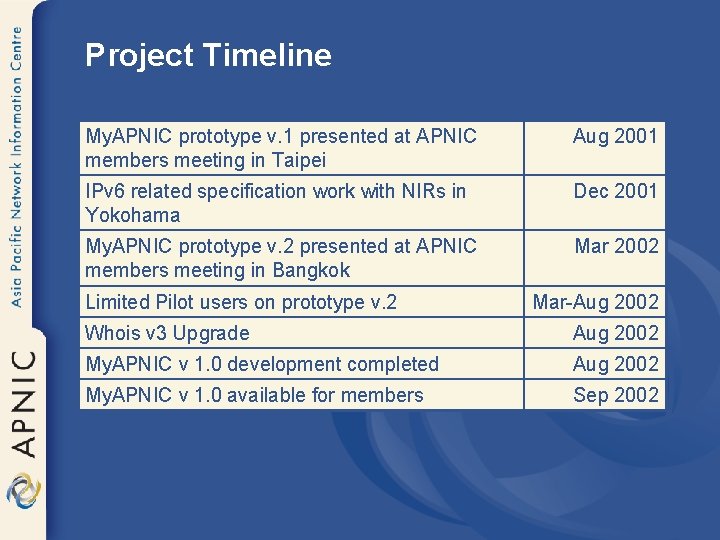
Project Timeline My. APNIC prototype v. 1 presented at APNIC members meeting in Taipei Aug 2001 IPv 6 related specification work with NIRs in Yokohama Dec 2001 My. APNIC prototype v. 2 presented at APNIC members meeting in Bangkok Mar 2002 Limited Pilot users on prototype v. 2 Mar-Aug 2002 Whois v 3 Upgrade Aug 2002 My. APNIC v 1. 0 development completed Aug 2002 My. APNIC v 1. 0 available for members Sep 2002
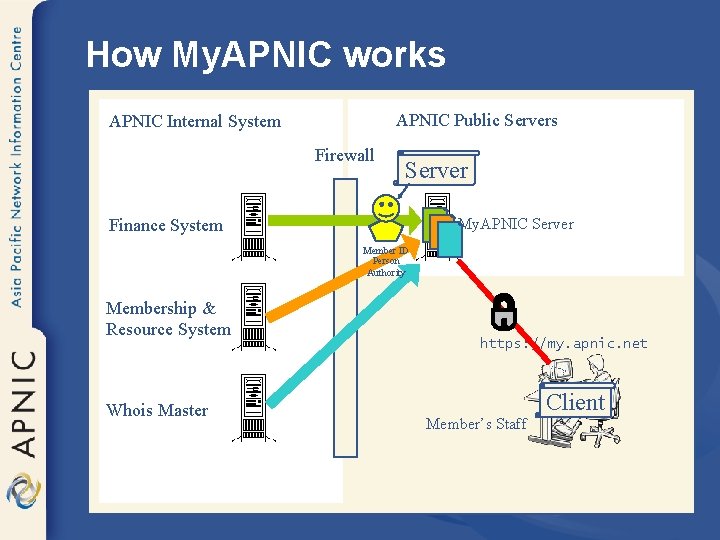
How My. APNIC works APNIC Public Servers APNIC Internal System Firewall Server My. APNIC Server Finance System Member ID Person Authority Membership & Resource System Whois Master https: //my. apnic. net Member’s Staff Client
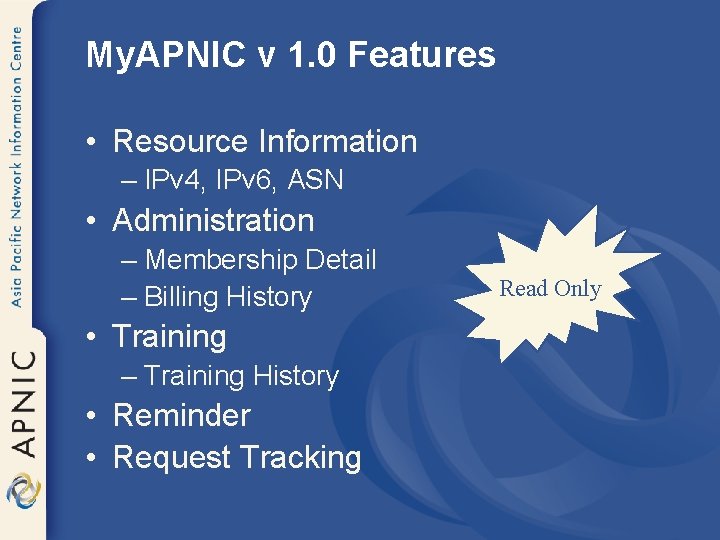
My. APNIC v 1. 0 Features • Resource Information – IPv 4, IPv 6, ASN • Administration – Membership Detail – Billing History • Training – Training History • Reminder • Request Tracking Read Only
My. APNIC v 1. 0 https: //my. apnic. net
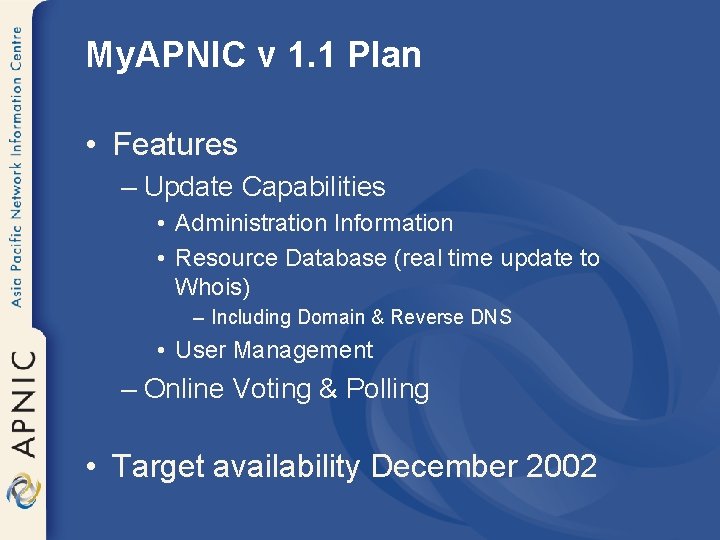
My. APNIC v 1. 1 Plan • Features – Update Capabilities • Administration Information • Resource Database (real time update to Whois) – Including Domain & Reverse DNS • User Management – Online Voting & Polling • Target availability December 2002
Questions? • To apply for an APNIC client certificate: – http: //www. apnic. net/ca/steps. html • To access My. APNIC v. 1. 0: – https: //my. apnic. net – An APNIC client certificate must be installed in your browser • Please send comments/feedback to – my@apnic. net