
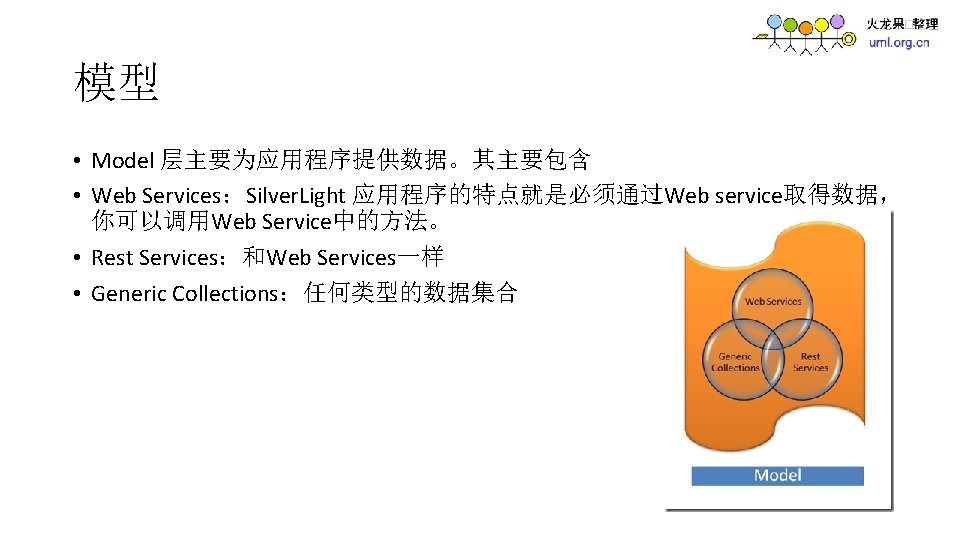
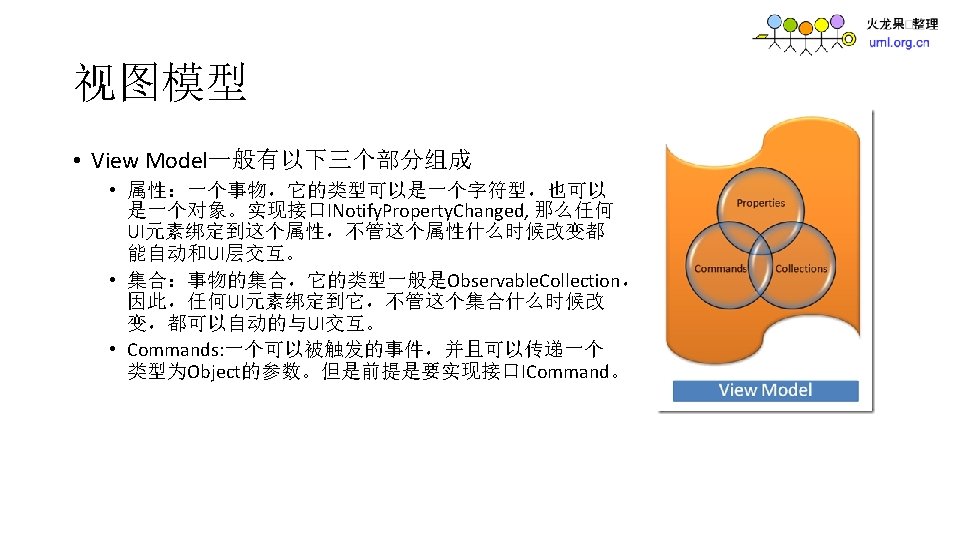
MVVM MVVM View Model text box radio button
MVVM 模式
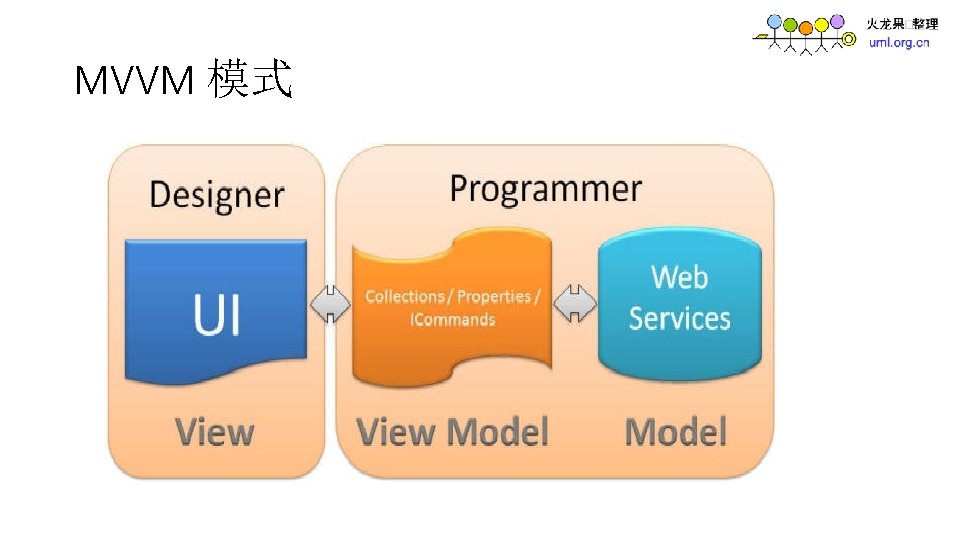
MVVM 模式
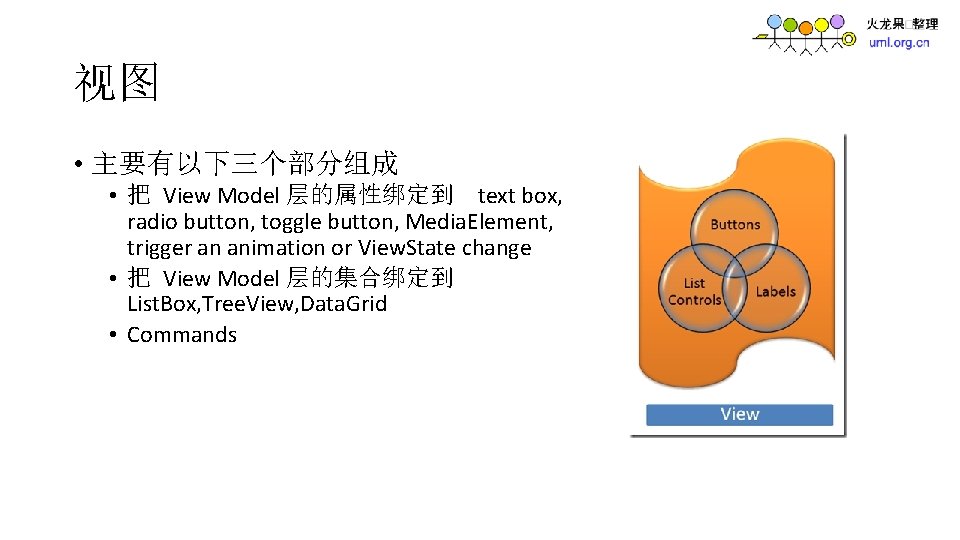
视图 • 主要有以下三个部分组成 • 把 View Model 层的属性绑定到 text box, radio button, toggle button, Media. Element, trigger an animation or View. State change • 把 View Model 层的集合绑定到 List. Box, Tree. View, Data. Grid • Commands
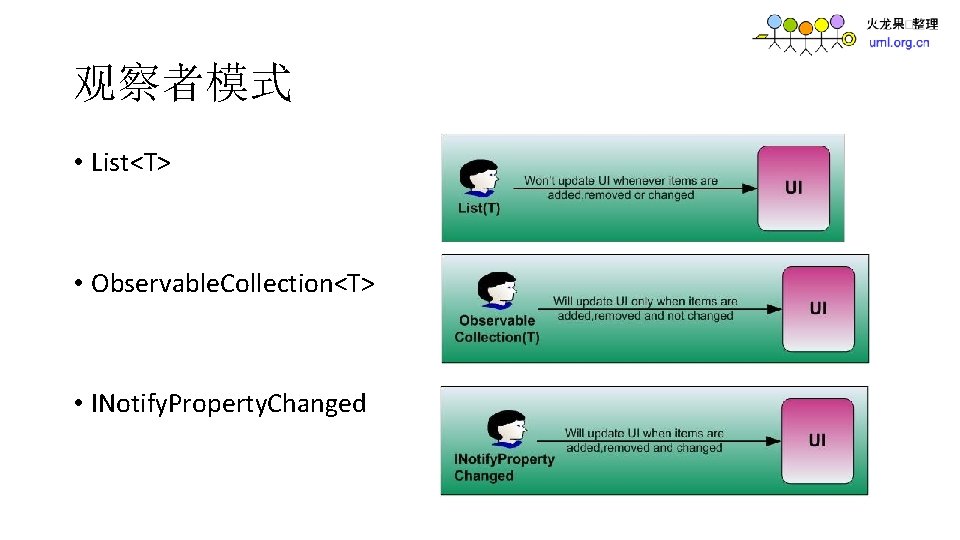
观察者模式 • List<T> • Observable. Collection<T> • INotify. Property. Changed
项目组成 • MVVM. Framework 框架核心 • MVVM. Shell 标准的 Silverlight • MVVM. Host. Site 寄宿 Silverlight 的网站
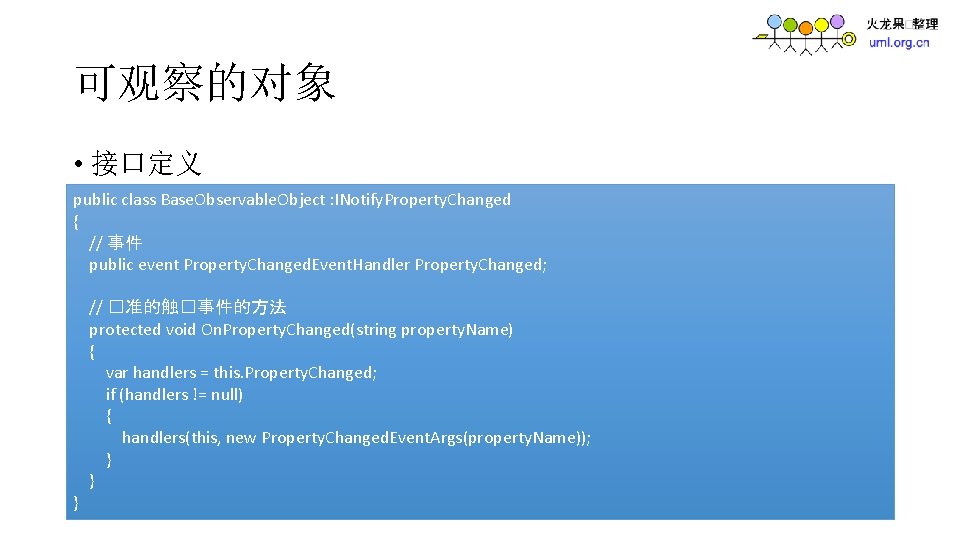
可观察的对象 • 接口定义 public class Base. Observable. Object : INotify. Property. Changed { // 事件 public event Property. Changed. Event. Handler Property. Changed; } // �准的触�事件的方法 protected void On. Property. Changed(string property. Name) { var handlers = this. Property. Changed; if (handlers != null) { handlers(this, new Property. Changed. Event. Args(property. Name)); } }
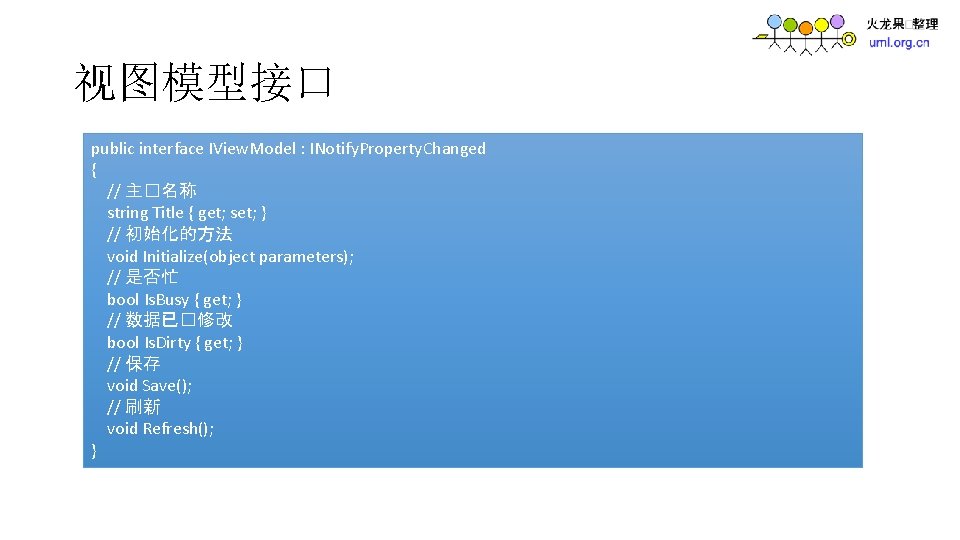
视图模型接口 public interface IView. Model : INotify. Property. Changed { // 主�名称 string Title { get; set; } // 初始化的方法 void Initialize(object parameters); // 是否忙 bool Is. Busy { get; } // 数据已�修改 bool Is. Dirty { get; } // 保存 void Save(); // 刷新 void Refresh(); }
实现视图模型的基类 • 抽象类 • public abstract class Base. View. Model : Base. Observable. Object, IView. Model
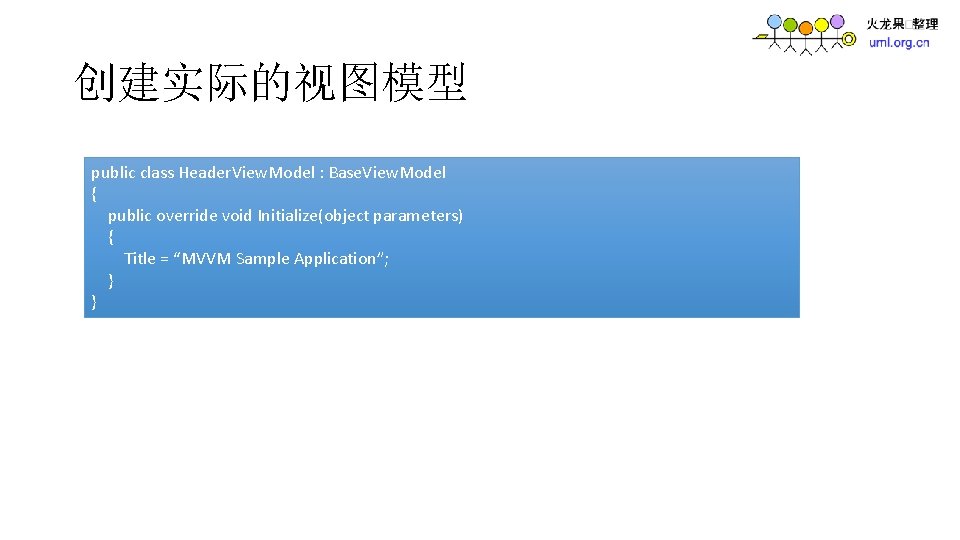
创建实际的视图模型 public class Header. View. Model : Base. View. Model { public override void Initialize(object parameters) { Title = “MVVM Sample Application”; } }
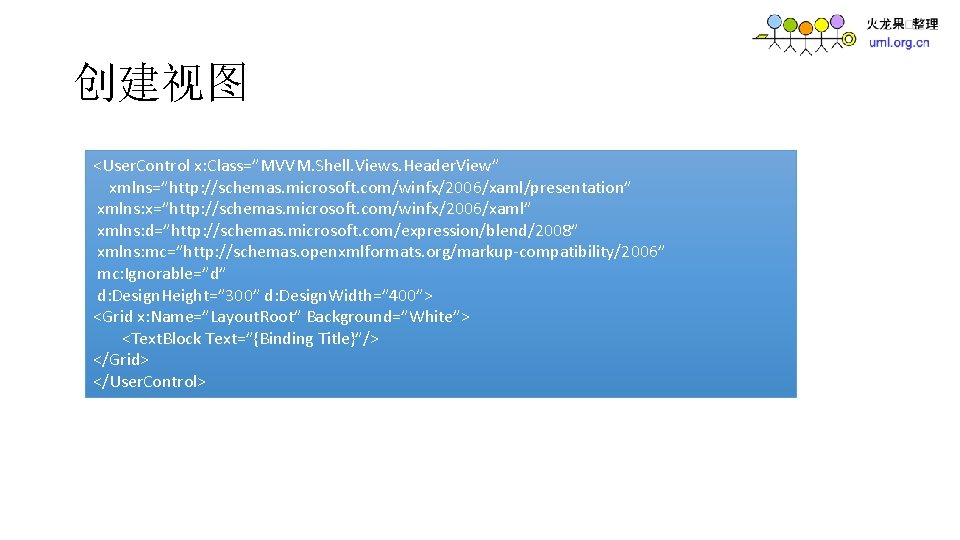
创建视图 <User. Control x: Class=”MVVM. Shell. Views. Header. View” xmlns=”http: //schemas. microsoft. com/winfx/2006/xaml/presentation” xmlns: x=”http: //schemas. microsoft. com/winfx/2006/xaml” xmlns: d=”http: //schemas. microsoft. com/expression/blend/2008” xmlns: mc=”http: //schemas. openxmlformats. org/markup-compatibility/2006” mc: Ignorable=”d” d: Design. Height=” 300” d: Design. Width=” 400”> <Grid x: Name=”Layout. Root” Background=”White”> <Text. Block Text=”{Binding Title}”/> </Grid> </User. Control>
Unity 注入容器 • Unity是微软Patterns & Practices团队所开发的一个轻量级的,并且 可扩展的依赖注入(Dependency Injection)容器,它支持常用的三 种依赖注入方式:构造器注入(Constructor Injection)、属性注入 (Property Injection),以及方法调用注入(Method Call Injection). Unity可以很好的支持Model-View-Presenter (MVP) pattern来做silverlight的开发。
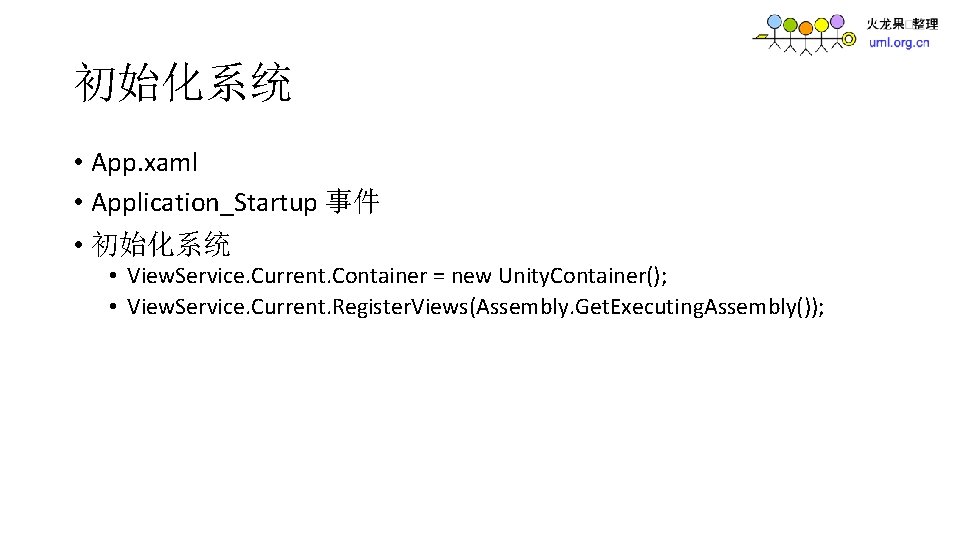
初始化系统 • App. xaml • Application_Startup 事件 • 初始化系统 • View. Service. Current. Container = new Unity. Container(); • View. Service. Current. Register. Views(Assembly. Get. Executing. Assembly());
显示视图 • View. Service. Current. Show. View(Header. Content, typeof • (Header. View. Model), null);
视图之间的通讯 • var _current. Main. View = View. Service. Current. Get. Region. Manager(“Main”). Current. View
实现 ICommand • 自定义实现 Icommand 接口的类 Delegate. Command • Predicate<Object> 委托,返回一个布尔类型的结果 • Action<Object> 委托,无返回结果
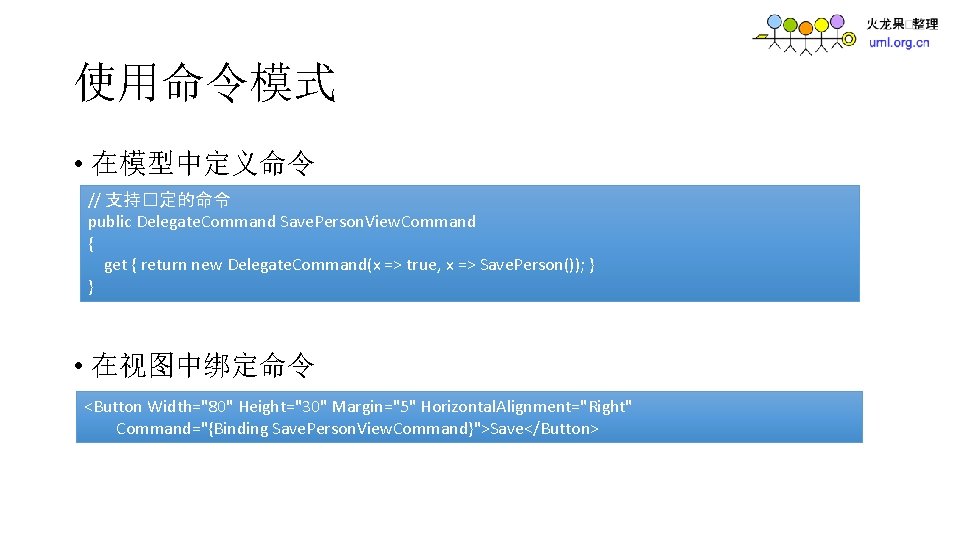
使用命令模式 • 在模型中定义命令 // 支持�定的命令 public Delegate. Command Save. Person. View. Command { get { return new Delegate. Command(x => true, x => Save. Person()); } } • 在视图中绑定命令 <Button Width="80" Height="30" Margin="5" Horizontal. Alignment="Right" Command="{Binding Save. Person. View. Command}">Save</Button>
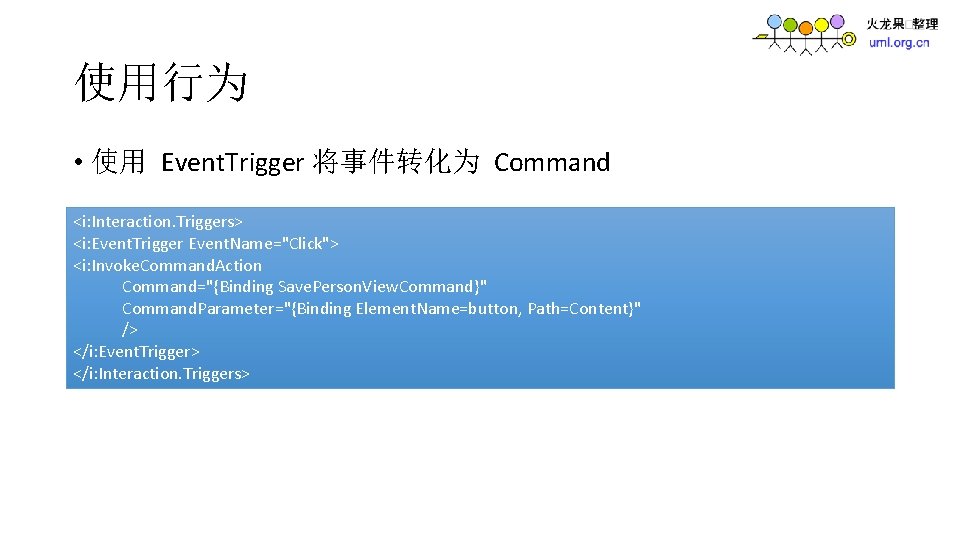
使用行为 • 使用 Event. Trigger 将事件转化为 Command <i: Interaction. Triggers> <i: Event. Trigger Event. Name="Click"> <i: Invoke. Command. Action Command="{Binding Save. Person. View. Command}" Command. Parameter="{Binding Element. Name=button, Path=Content}" /> </i: Event. Trigger> </i: Interaction. Triggers>
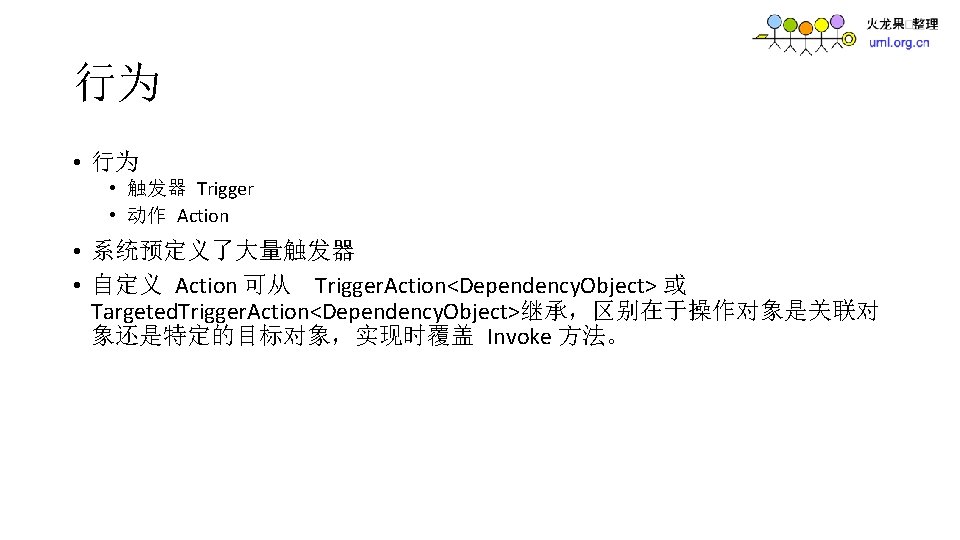
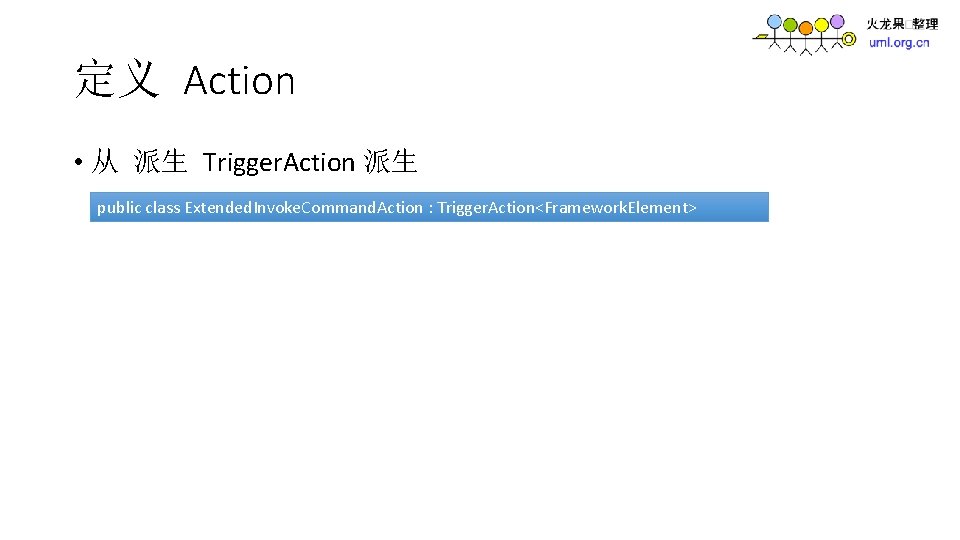
定义 Action • 从 派生 Trigger. Action 派生 public class Extended. Invoke. Command. Action : Trigger. Action<Framework. Element>
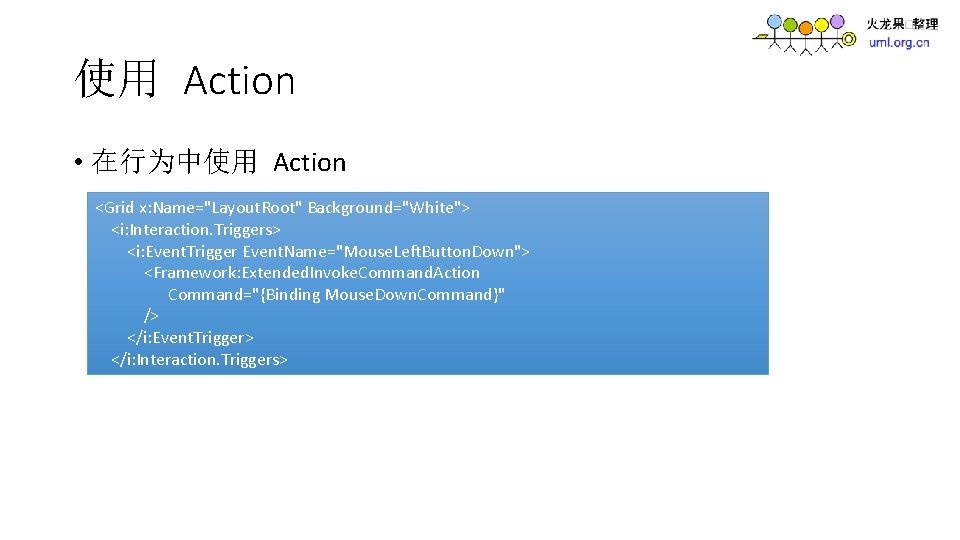
使用 Action • 在行为中使用 Action <Grid x: Name="Layout. Root" Background="White"> <i: Interaction. Triggers> <i: Event. Trigger Event. Name="Mouse. Left. Button. Down"> <Framework: Extended. Invoke. Command. Action Command="{Binding Mouse. Down. Command}" /> </i: Event. Trigger> </i: Interaction. Triggers>
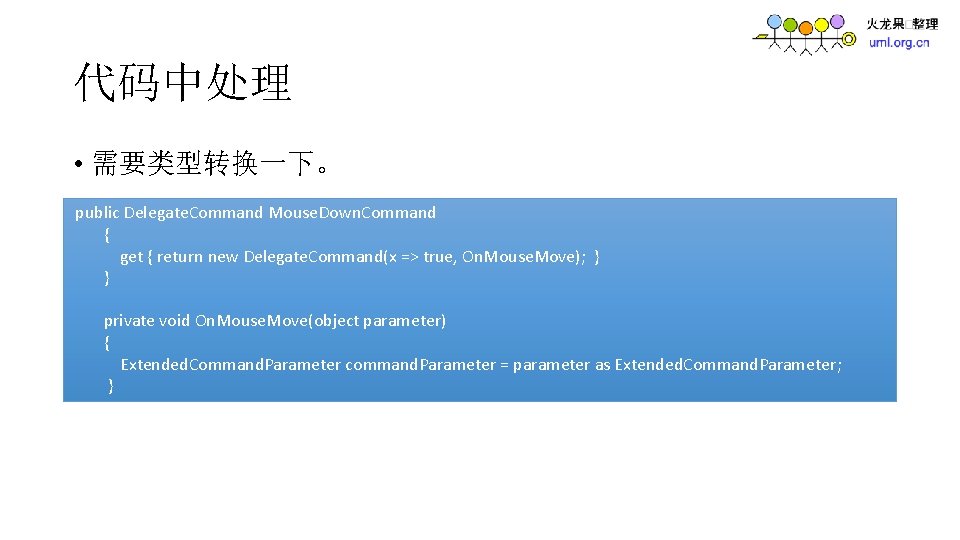
代码中处理 • 需要类型转换一下。 public Delegate. Command Mouse. Down. Command { get { return new Delegate. Command(x => true, On. Mouse. Move); } } private void On. Mouse. Move(object parameter) { Extended. Command. Parameter command. Parameter = parameter as Extended. Command. Parameter; }
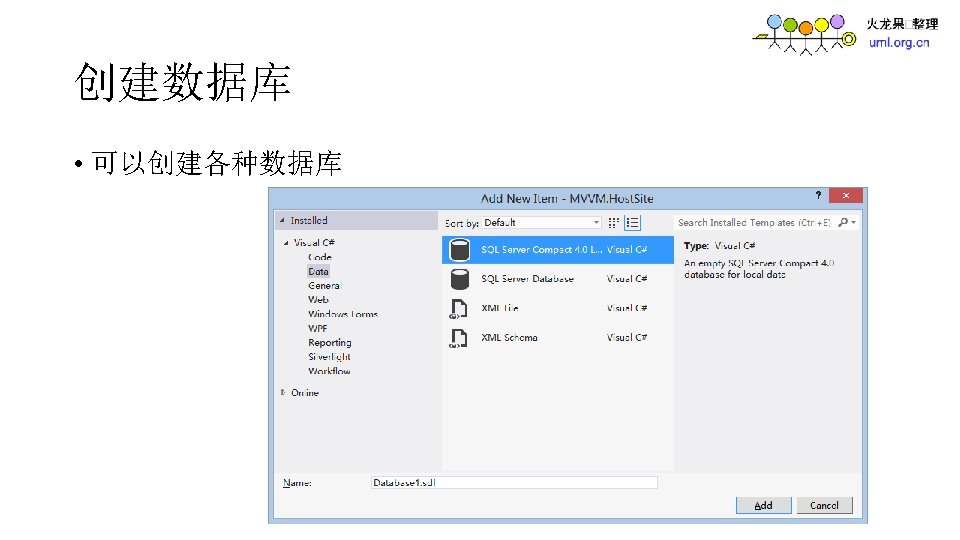
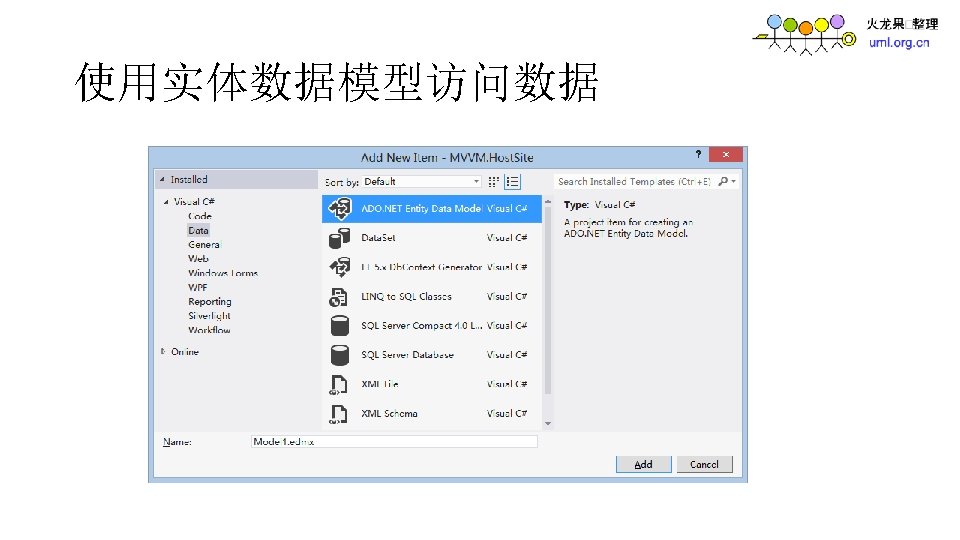
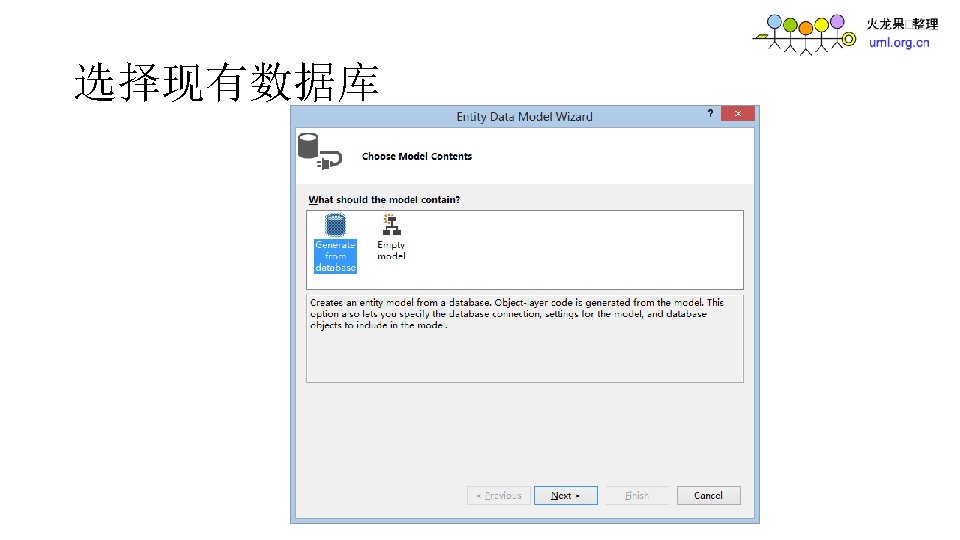
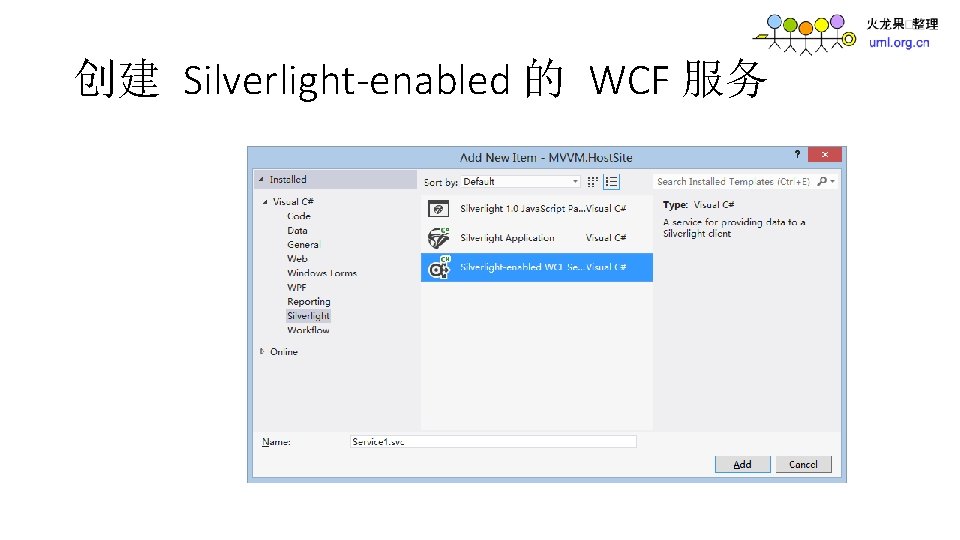
创建 Silverlight-enabled 的 WCF 服务
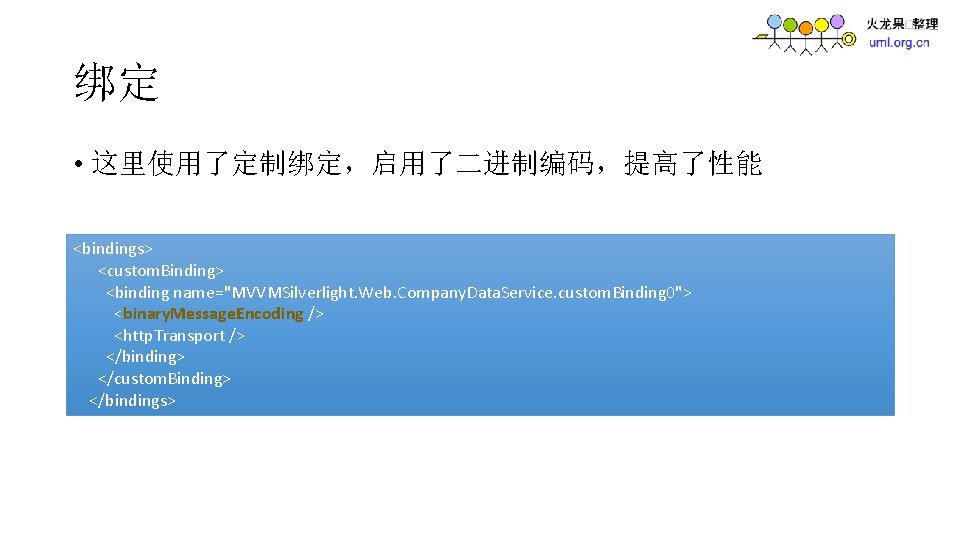
绑定 • 这里使用了定制绑定,启用了二进制编码,提高了性能 <bindings> <custom. Binding> <binding name="MVVMSilverlight. Web. Company. Data. Service. custom. Binding 0"> <binary. Message. Encoding /> <http. Transport /> </binding> </custom. Binding> </bindings>
![实现服务方法 • 使用实体数据访问数据库 [Operation. Contract] public int Save. People( People new. People ) {](http://slidetodoc.com/presentation_image_h2/a40166afd44670c7d30e9a5f2884f87c/image-43.jpg "实现服务方法 • 使用实体数据访问数据库 [Operation. Contract] public int Save. People( People new. People ) {")
实现服务方法 • 使用实体数据访问数据库 [Operation. Contract] public int Save. People( People new. People ) { Company. Entities db. Context = new Company. Entities(); People people = db. Context. People. Add(new. People); db. Context. Save. Changes(); } return people. People. Id;
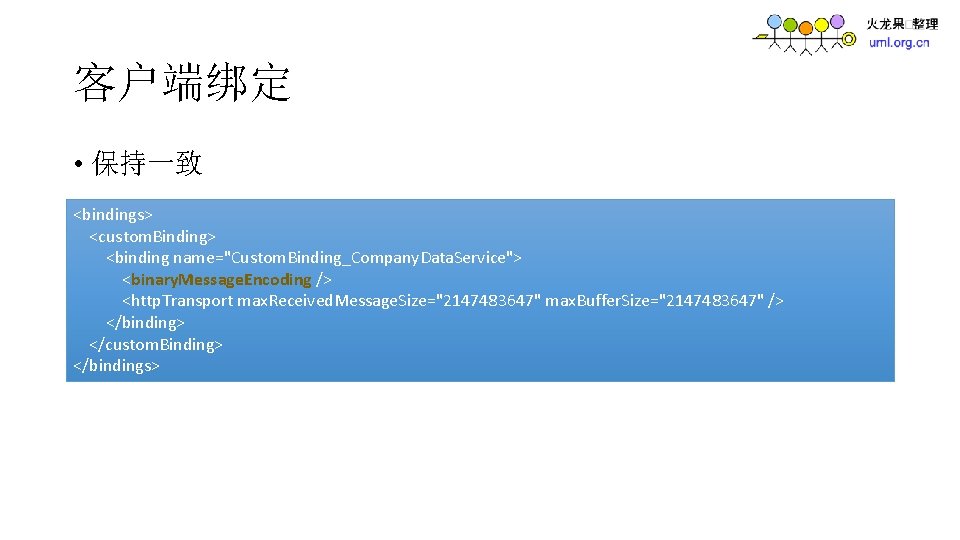
客户端绑定 • 保持一致 <bindings> <custom. Binding> <binding name="Custom. Binding_Company. Data. Service"> <binary. Message. Encoding /> <http. Transport max. Received. Message. Size="2147483647" max. Buffer. Size="2147483647" /> </binding> </custom. Binding> </bindings>
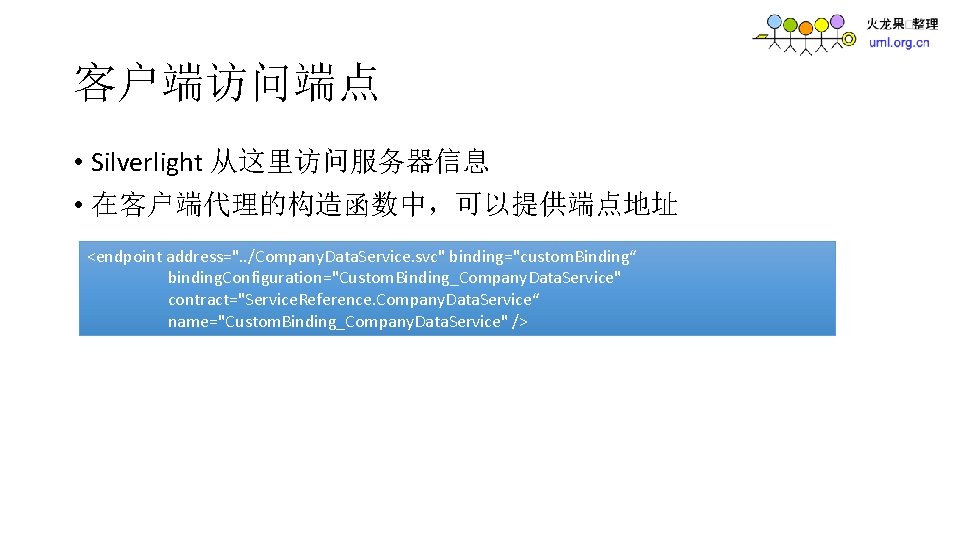
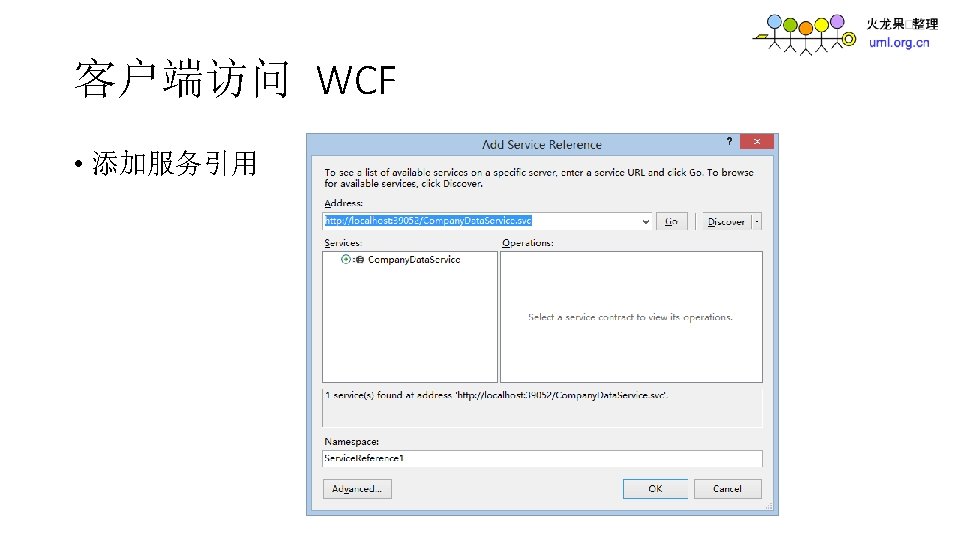
客户端访问端点 • Silverlight 从这里访问服务器信息 • 在客户端代理的构造函数中,可以提供端点地址 <endpoint address=". . /Company. Data. Service. svc" binding="custom. Binding“ binding. Configuration="Custom. Binding_Company. Data. Service" contract="Service. Reference. Company. Data. Service“ name="Custom. Binding_Company. Data. Service" />
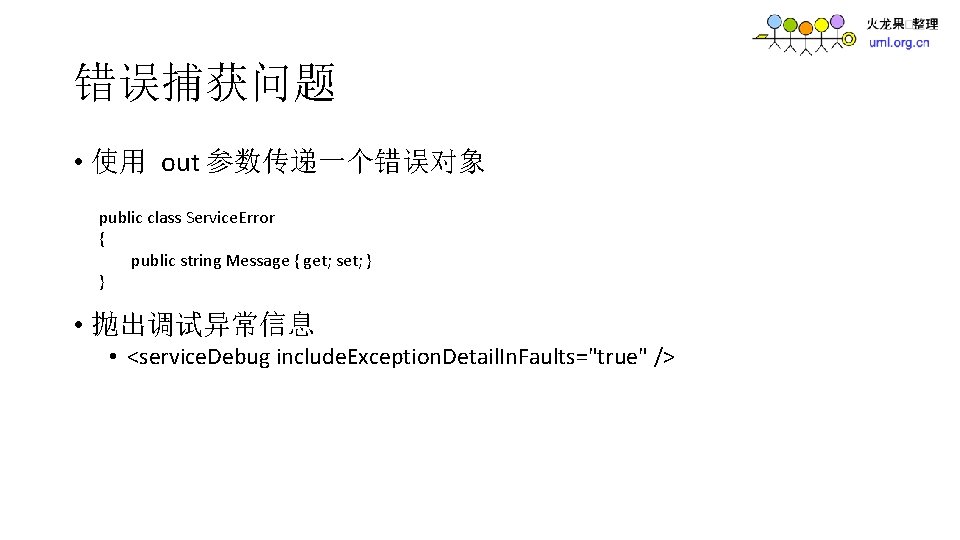
错误捕获问题 • 使用 out 参数传递一个错误对象 public class Service. Error { public string Message { get; set; } } • 抛出调试异常信息 • <service. Debug include. Exception. Detail. In. Faults="true" />
- Slides: 49