
Multithread IO start notify IO unblock Blocked Runnable
Multithread 多執行緒 I/O
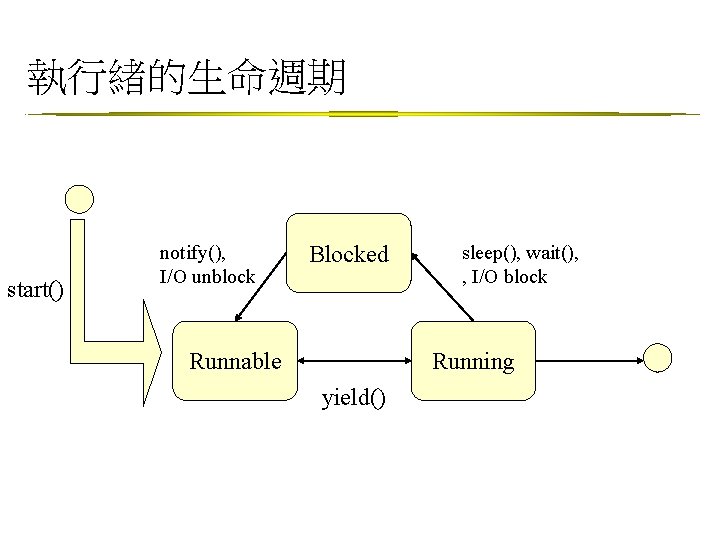
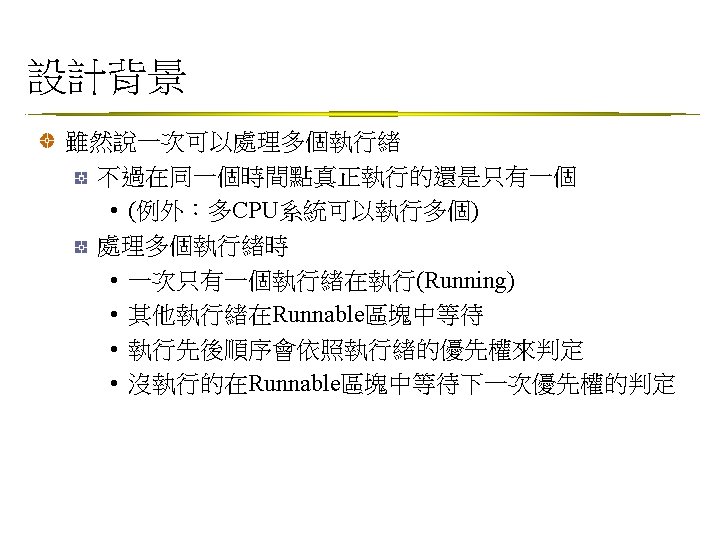
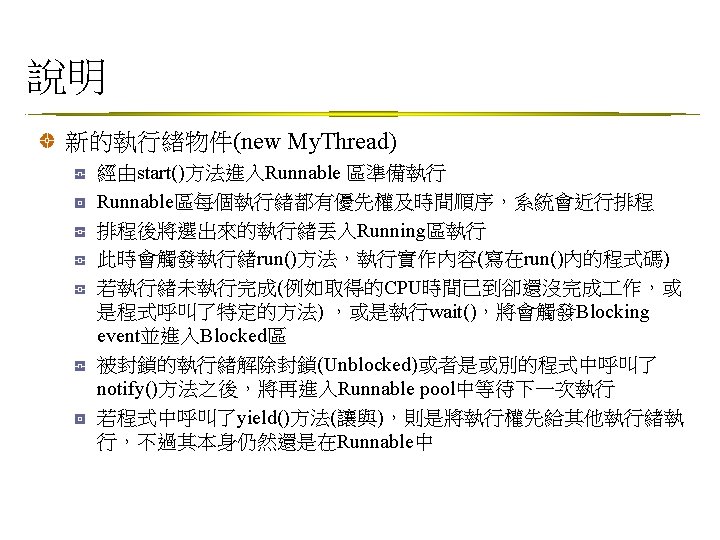
執行緒的生命週期 start() notify(), I/O unblock Blocked Runnable sleep(), wait(), , I/O block Running yield()

Thread類別 java. lang. Thread public class Thread extends Object implements Runnable 提供的基本方法 static yield() 讓目前running的暫停, 讓runnable的擇一跑 static sleep() 讓目前running的睡一個設定的時間 start() 啟動, 之後JVM可啟動該thread的run() set. Priority() • set. Priority(MAX_PRIORITY):給最大優先權 • set. Priority(MIN_PRIORITY):給最小優先權 • set. Priority(NORM_PRIORITY):預設的優先權
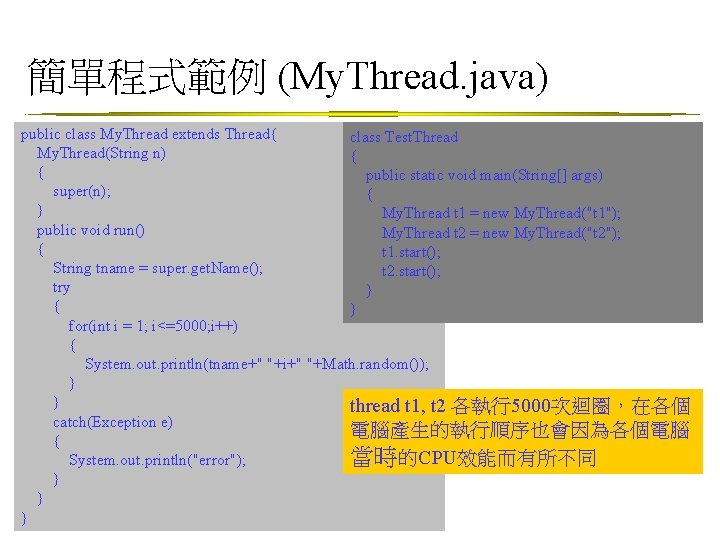
簡單程式範例 (My. Thread. java) public class My. Thread extends Thread{ class Test. Thread My. Thread(String n) { { public static void main(String[] args) super(n); { } My. Thread t 1 = new My. Thread("t 1"); public void run() My. Thread t 2 = new My. Thread("t 2"); { t 1. start(); String tname = super. get. Name(); t 2. start(); try } { } for(int i = 1; i<=5000; i++) { System. out. println(tname+" "+i+" "+Math. random()); } } thread t 1, t 2 各執行5000次迴圈,在各個 catch(Exception e) 電腦產生的執行順序也會因為各個電腦 { 當時的CPU效能而有所不同 System. out. println("error"); } } }
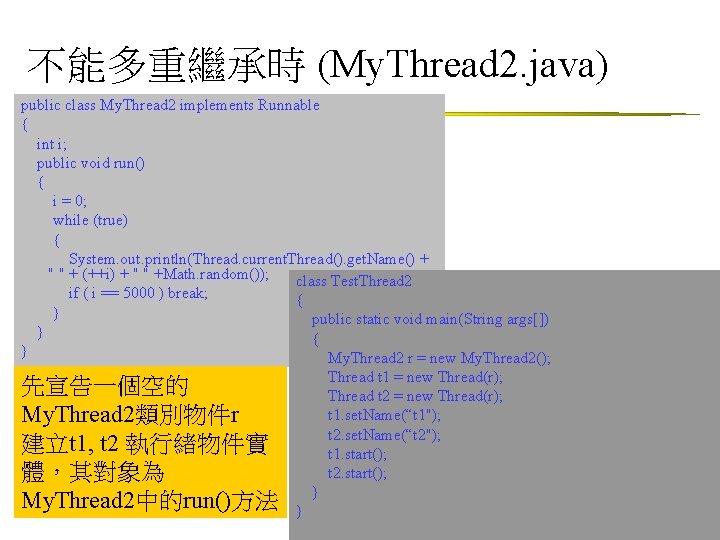
不能多重繼承時 (My. Thread 2. java) public class My. Thread 2 implements Runnable { int i; public void run() { i = 0; while (true) { System. out. println(Thread. current. Thread(). get. Name() + " " + (++i) + " " +Math. random()); class Test. Thread 2 if ( i == 5000 ) break; { } public static void main(String args[]) } { } My. Thread 2 r = new My. Thread 2(); Thread t 1 = new Thread(r); 先宣告一個空的 Thread t 2 = new Thread(r); t 1. set. Name(“t 1"); My. Thread 2類別物件r t 2. set. Name(“t 2"); 建立t 1, t 2 執行緒物件實 t 1. start(); t 2. start(); 體,其對象為 My. Thread 2中的run()方法 } }
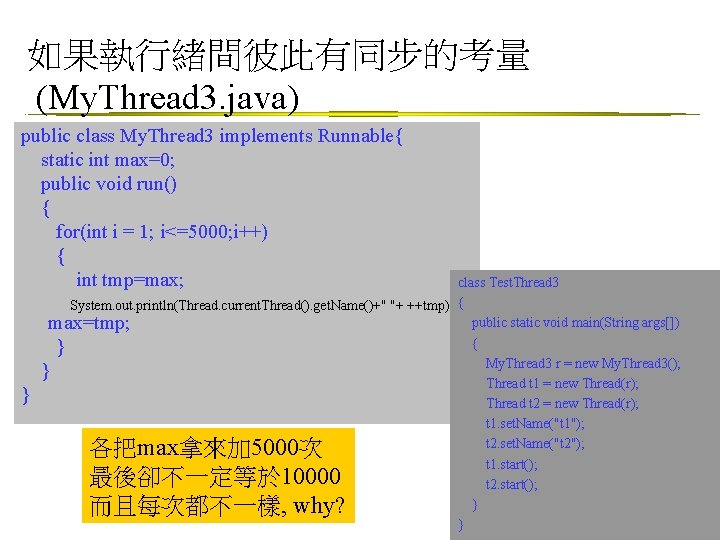
如果執行緒間彼此有同步的考量 (My. Thread 3. java) public class My. Thread 3 implements Runnable{ static int max=0; public void run() { for(int i = 1; i<=5000; i++) { int tmp=max; } class Test. Thread 3 System. out. println(Thread. current. Thread(). get. Name()+" "+ ++tmp); { public static void main(String args[]) max=tmp; { } My. Thread 3 r = new My. Thread 3(); } Thread t 1 = new Thread(r); Thread t 2 = new Thread(r); t 1. set. Name("t 1"); t 2. set. Name("t 2"); t 1. start(); t 2. start(); } } 各把max拿來加 5000次 最後卻不一定等於 10000 而且每次都不一樣, why?
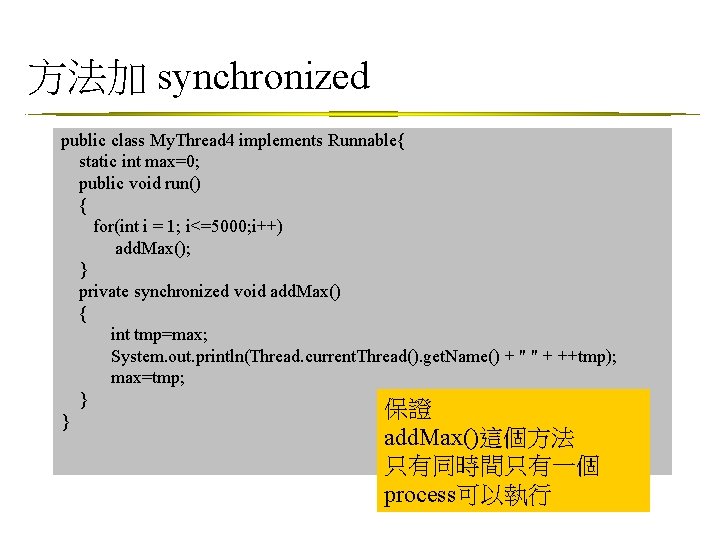
方法加 synchronized public class My. Thread 4 implements Runnable{ static int max=0; public void run() { for(int i = 1; i<=5000; i++) add. Max(); } private synchronized void add. Max() { int tmp=max; System. out. println(Thread. current. Thread(). get. Name() + " " + ++tmp); max=tmp; } 保證 } add. Max()這個方法 只有同時間只有一個 process可以執行
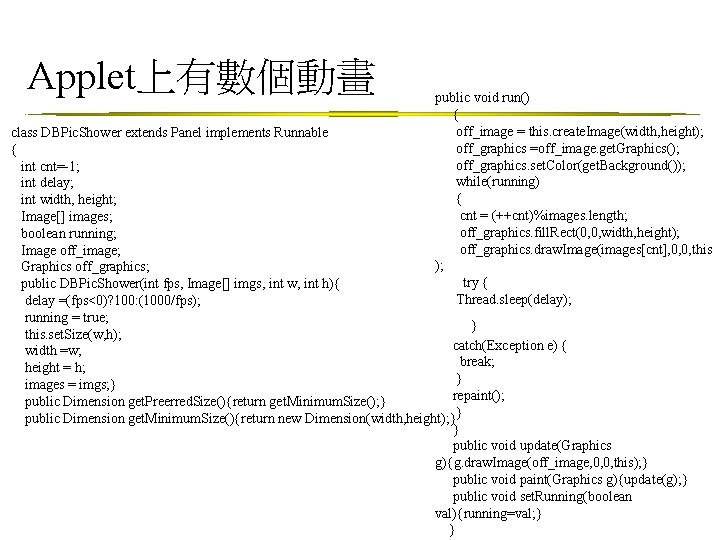
Applet上有數個動畫 public void run() { off_image = this. create. Image(width, height); off_graphics =off_image. get. Graphics(); off_graphics. set. Color(get. Background()); while(running) { cnt = (++cnt)%images. length; off_graphics. fill. Rect(0, 0, width, height); off_graphics. draw. Image(images[cnt], 0, 0, this ); try { Thread. sleep(delay); class DBPic. Shower extends Panel implements Runnable { int cnt=-1; int delay; int width, height; Image[] images; boolean running; Image off_image; Graphics off_graphics; public DBPic. Shower(int fps, Image[] imgs, int w, int h){ delay =(fps<0)? 100: (1000/fps); running = true; } this. set. Size(w, h); catch(Exception e) { width =w; break; height = h; } images = imgs; } repaint(); public Dimension get. Preerred. Size(){return get. Minimum. Size(); } public Dimension get. Minimum. Size(){return new Dimension(width, height); }} } public void update(Graphics g){g. draw. Image(off_image, 0, 0, this); } public void paint(Graphics g){update(g); } public void set. Running(boolean val){running=val; } }
![this. set. Layout(flow. Layout 1); images = new Image[10]; shower = new DBPic. Shower[4];](http://slidetodoc.com/presentation_image_h2/d21a31bf6cc996ba326cb30b692917da/image-13.jpg "this. set. Layout(flow. Layout 1); images = new Image[10]; shower = new DBPic. Shower[4];")
this. set. Layout(flow. Layout 1); images = new Image[10]; shower = new DBPic. Shower[4]; shower. Thread = new Thread[4]; for(int i=0; i<10; i++) {images[i]=this. get. Image(get. Code. Base(), "T"+(i+1)+". gif" ); } for(int i=0; i<4; i++) { shower[i] = new DBPic. Shower(20, images, 500); shower. Thread[i] = new Thread(shower[i]); this. add(shower[i]); } } //Component initialization private void jb. Init() throws Exception { this. set. Layout(flow. Layout 1 ); } //Get Applet information public String get. Applet. Info() { return "Applet Information"; } //Get parameter info public String[][] get. Parameter. Info() { return null; } public void start(){ for(int i=0; i<4; i++) {shower. Thread[i]. start(); } } } Applet上有數個動畫 public class Applet 1 extends Applet { boolean is. Standalone = false; String[] img. File; Thread[] shower. Thread; DBPic. Shower[] shower; Image[] images; // Vertical. Flow. Layout vertical. Flow. Layout 1 = new Vertical. Flow. Layout(); Flow. Layout flow. Layout 1 = new Flow. Layout(); //Get a parameter value public String get. Parameter(String key, String def) { return is. Standalone ? System. get. Property(key, def) : (get. Parameter(key) != null ? get. Parameter(key) : def); } //Construct the applet public Applet 1() { } //Initialize the applet public void init() { try { jb. Init(); } catch(Exception e) { e. print. Stack. Trace();
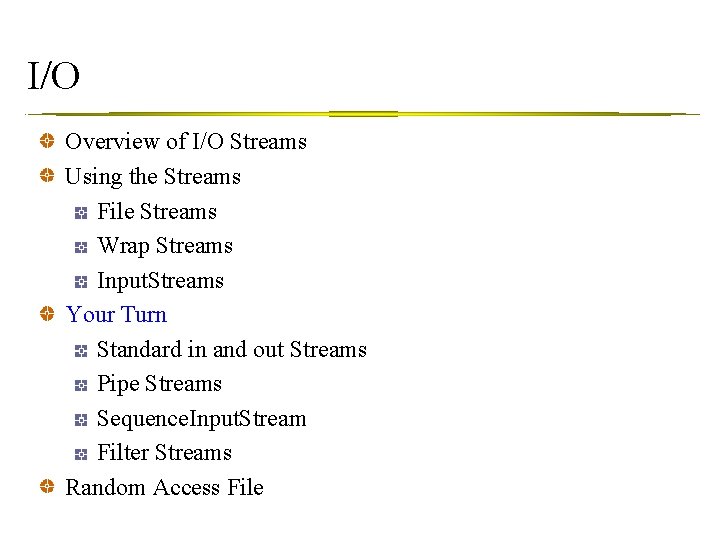
I/O Overview of I/O Streams Using the Streams File Streams Wrap Streams Input. Streams Your Turn Standard in and out Streams Pipe Streams Sequence. Input. Stream Filter Streams Random Access File
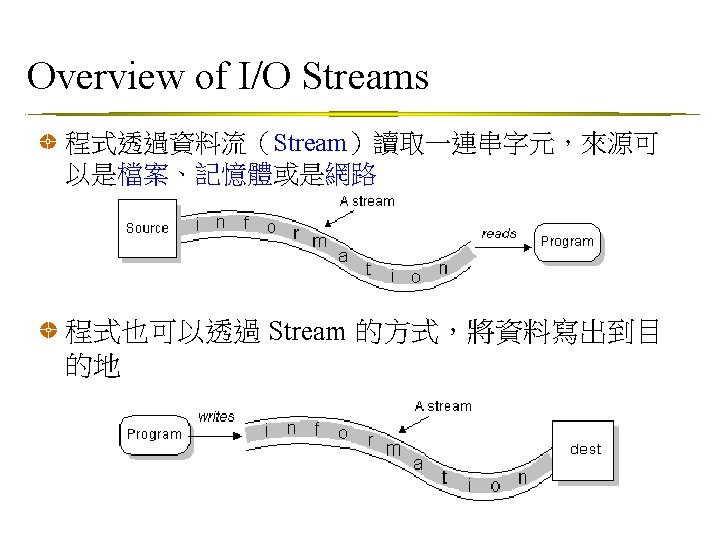
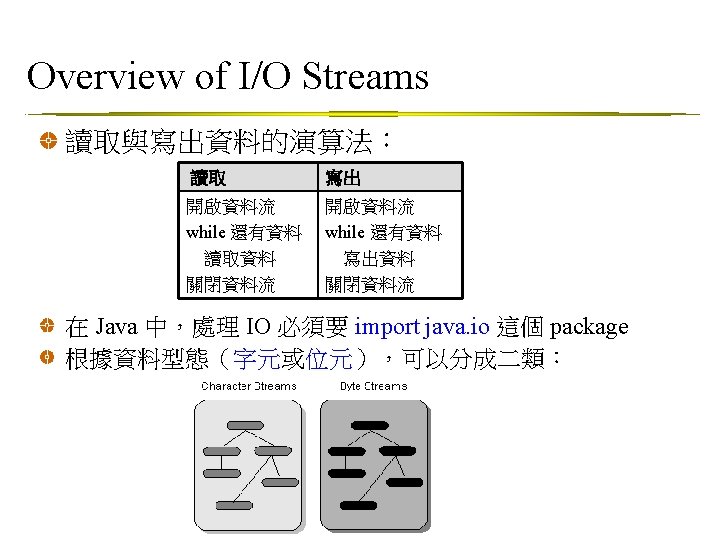
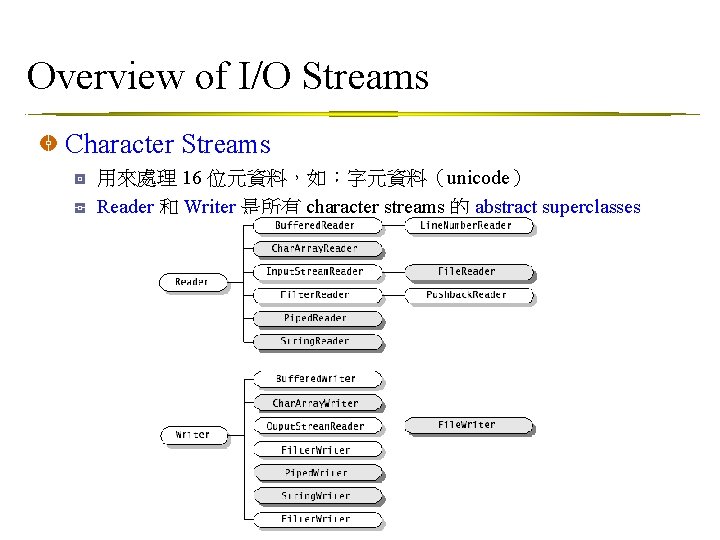
Overview of I/O Streams Character Streams 用來處理 16 位元資料,如:字元資料(unicode) Reader 和 Writer 是所有 character streams 的 abstract superclasses
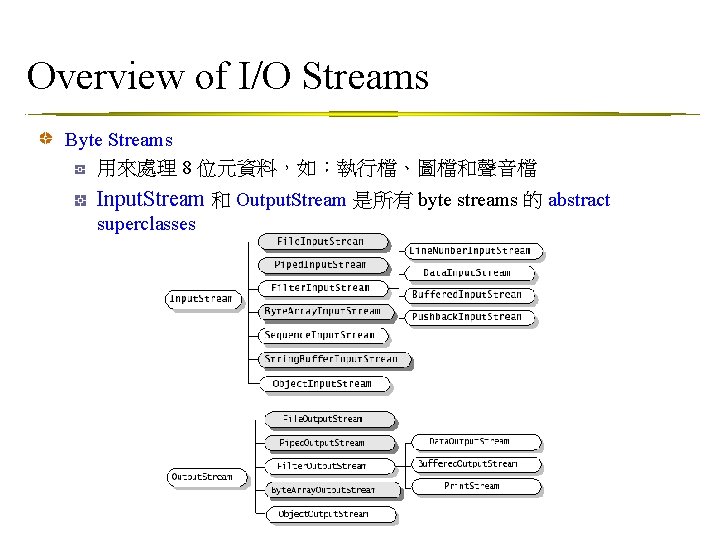
Overview of I/O Streams Byte Streams 用來處理 8 位元資料,如:執行檔、圖檔和聲音檔 Input. Stream 和 Output. Stream 是所有 byte streams 的 abstract superclasses
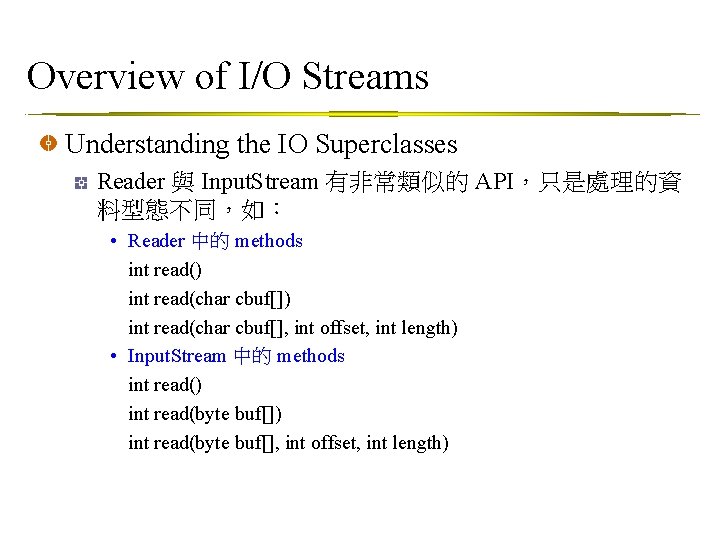
Overview of I/O Streams Understanding the IO Superclasses Reader 與 Input. Stream 有非常類似的 API,只是處理的資 料型態不同,如: • Reader 中的 methods int read() int read(char cbuf[], int offset, int length) • Input. Stream 中的 methods int read() int read(byte buf[], int offset, int length)
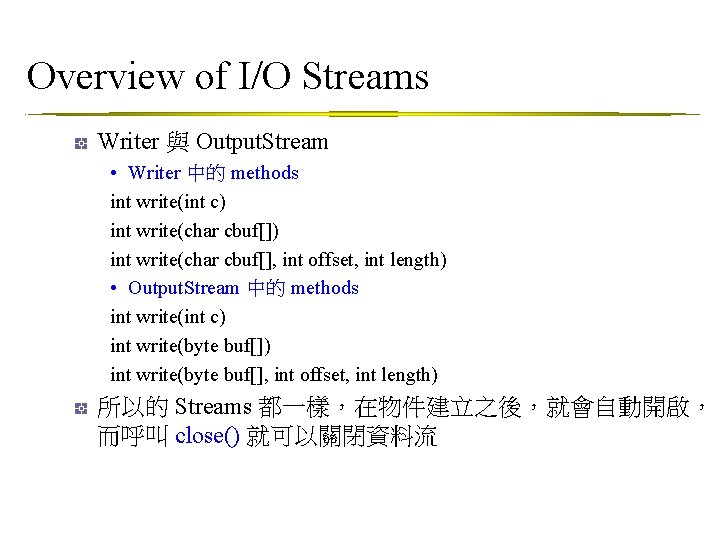
Overview of I/O Streams Writer 與 Output. Stream • Writer 中的 methods int write(int c) int write(char cbuf[], int offset, int length) • Output. Stream 中的 methods int write(int c) int write(byte buf[], int offset, int length) 所以的 Streams 都一樣,在物件建立之後,就會自動開啟, 而呼叫 close() 就可以關閉資料流
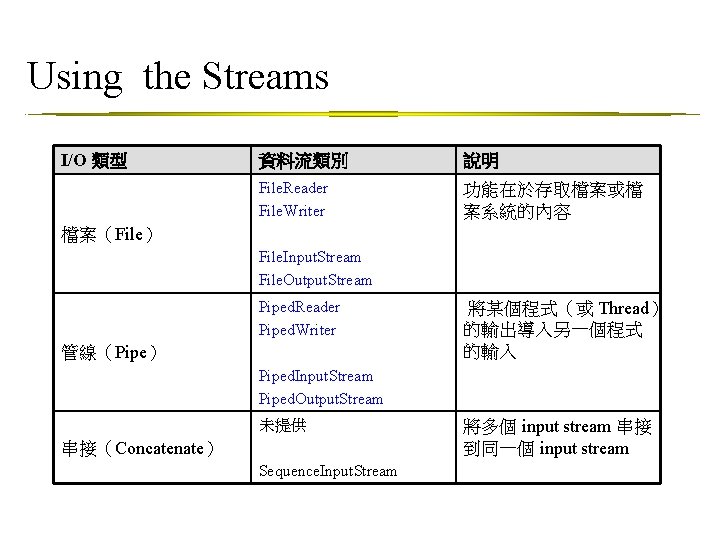
Using the Streams I/O 類型 資料流類別 說明 File. Reader File. Writer 功能在於存取檔案或檔 案系統的內容 檔案(File) File. Input. Stream File. Output. Stream Piped. Reader Piped. Writer 管線(Pipe) 將某個程式(或 Thread) 的輸出導入另一個程式 的輸入 Piped. Input. Stream Piped. Output. Stream 未提供 串接(Concatenate) Sequence. Input. Stream 將多個 input stream 串接 到同一個 input stream
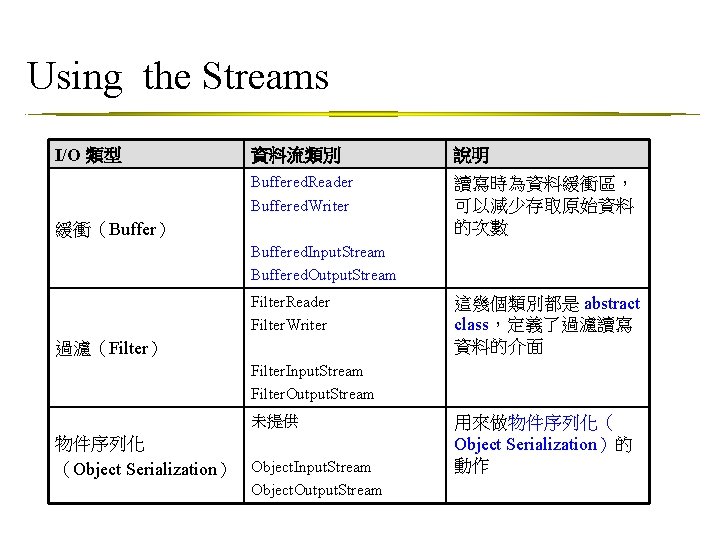
Using the Streams I/O 類型 資料流類別 說明 Buffered. Reader Buffered. Writer 讀寫時為資料緩衝區, 可以減少存取原始資料 的次數 緩衝(Buffer) Buffered. Input. Stream Buffered. Output. Stream Filter. Reader Filter. Writer 過濾(Filter) 這幾個類別都是 abstract class,定義了過濾讀寫 資料的介面 Filter. Input. Stream Filter. Output. Stream 未提供 物件序列化 (Object Serialization) Object. Input. Stream Object. Output. Stream 用來做物件序列化( Object Serialization)的 動作
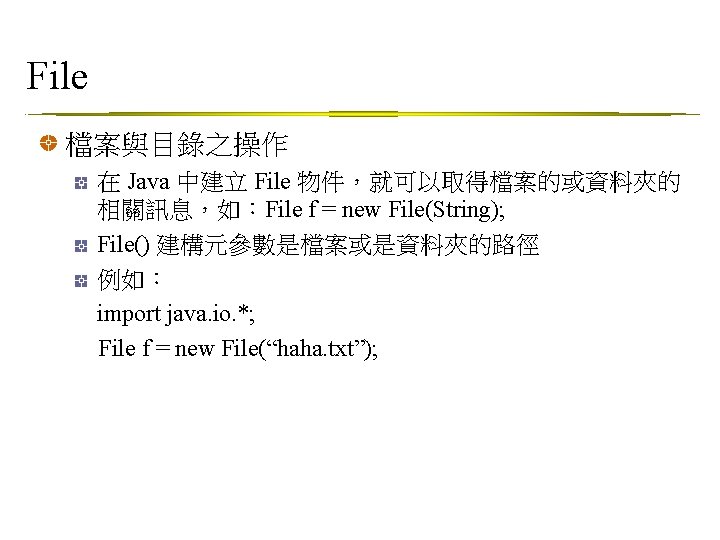
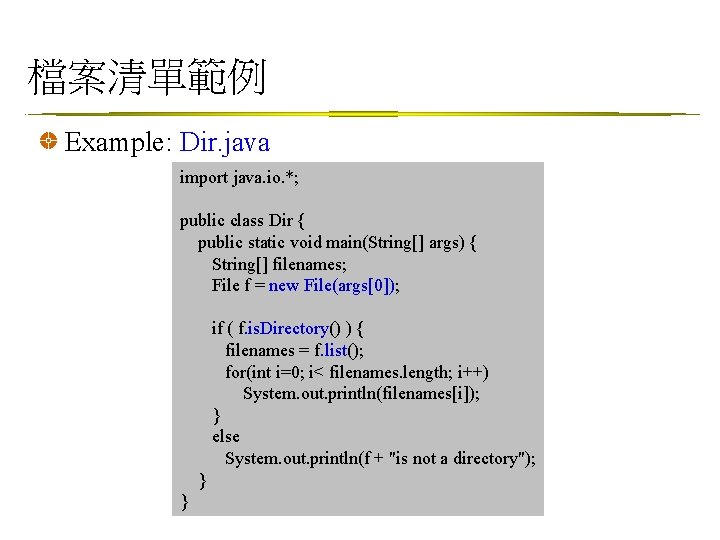
檔案清單範例 Example: Dir. java import java. io. *; public class Dir { public static void main(String[] args) { String[] filenames; File f = new File(args[0]); if ( f. is. Directory() ) { filenames = f. list(); for(int i=0; i< filenames. length; i++) System. out. println(filenames[i]); } else System. out. println(f + "is not a directory"); } }
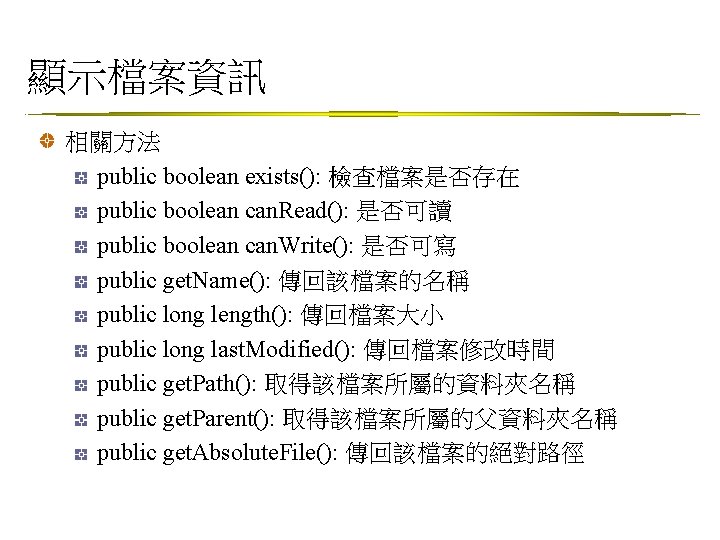
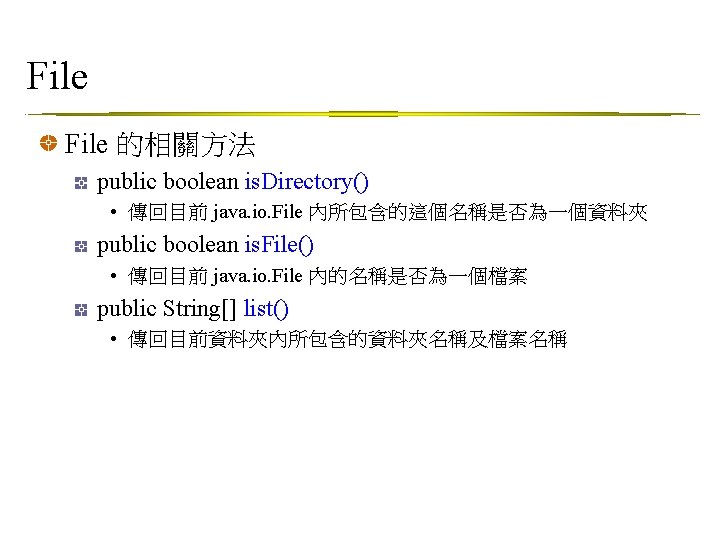
顯示檔案資訊 相關方法 public boolean exists(): 檢查檔案是否存在 public boolean can. Read(): 是否可讀 public boolean can. Write(): 是否可寫 public get. Name(): 傳回該檔案的名稱 public long length(): 傳回檔案大小 public long last. Modified(): 傳回檔案修改時間 public get. Path(): 取得該檔案所屬的資料夾名稱 public get. Parent(): 取得該檔案所屬的父資料夾名稱 public get. Absolute. File(): 傳回該檔案的絕對路徑
![顯示檔案資訊範例 Exmaple: File. Info. java File f = new File(args[0]); if ( f. exists()](http://slidetodoc.com/presentation_image_h2/d21a31bf6cc996ba326cb30b692917da/image-28.jpg "顯示檔案資訊範例 Exmaple: File. Info. java File f = new File(args[0]); if ( f. exists()")
顯示檔案資訊範例 Exmaple: File. Info. java File f = new File(args[0]); if ( f. exists() ) { if ( f. is. File() ) System. out. print("File: "); else if(f. is. Directory()) System. out. print("Directory: "); System. out. println(f. get. Absolute. File()); System. out. println("Length: " + f. length()); System. out. println("Readable: " + f. can. Read()); System. out. println("Writable: " + f. can. Write()); } else System. out. println(f + " does not exist!");
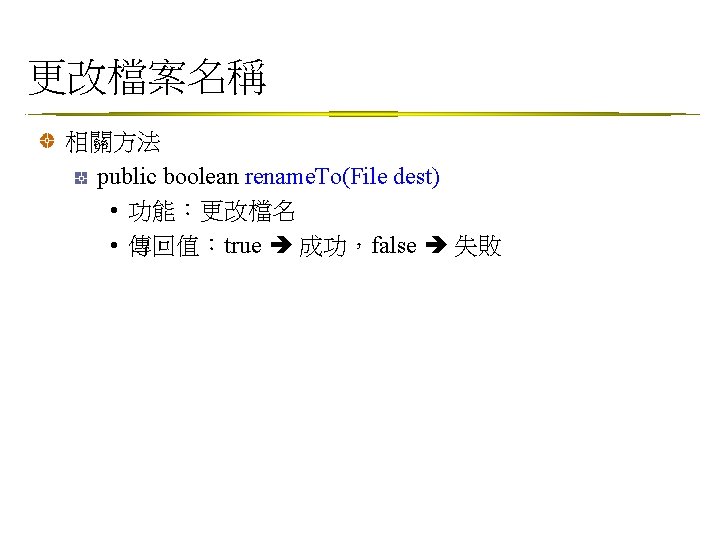
![更改檔案名稱範例 Example: Rename. File. java File fs = new File(args[0]); File fd = new](http://slidetodoc.com/presentation_image_h2/d21a31bf6cc996ba326cb30b692917da/image-30.jpg "更改檔案名稱範例 Example: Rename. File. java File fs = new File(args[0]); File fd = new")
更改檔案名稱範例 Example: Rename. File. java File fs = new File(args[0]); File fd = new File(args[1]); if ( fs. exists() ) { if ( !fd. exists() ) { if (fs. rename. To(fd)) { System. out. println(fs. get. Name() + " --> " + fd. get. Name()); System. out. println("1 file(s) has been renamed!"); } } else System. out. println("Target name already exists!"); } else System. out. println("Wrong source name!");
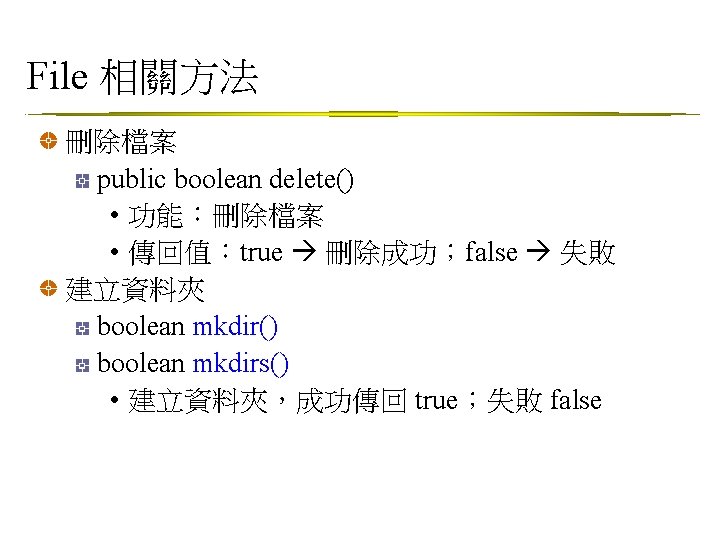
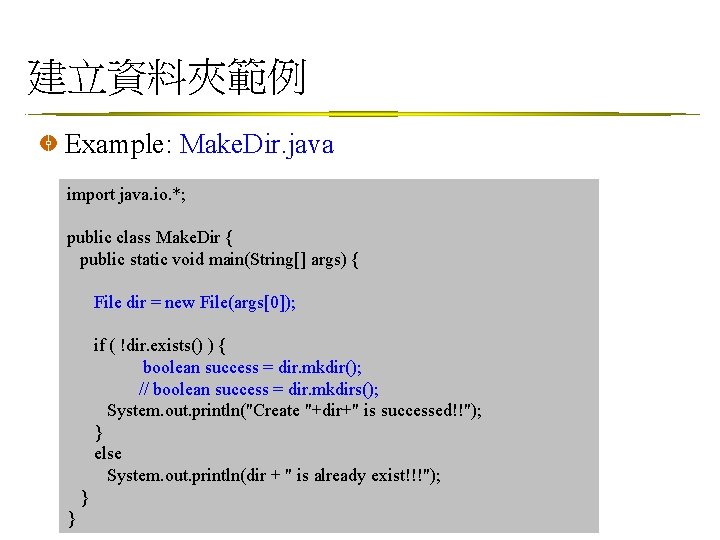
建立資料夾範例 Example: Make. Dir. java import java. io. *; public class Make. Dir { public static void main(String[] args) { File dir = new File(args[0]); if ( !dir. exists() ) { boolean success = dir. mkdir(); // boolean success = dir. mkdirs(); System. out. println("Create "+dir+" is successed!!"); } else System. out. println(dir + " is already exist!!!"); } }
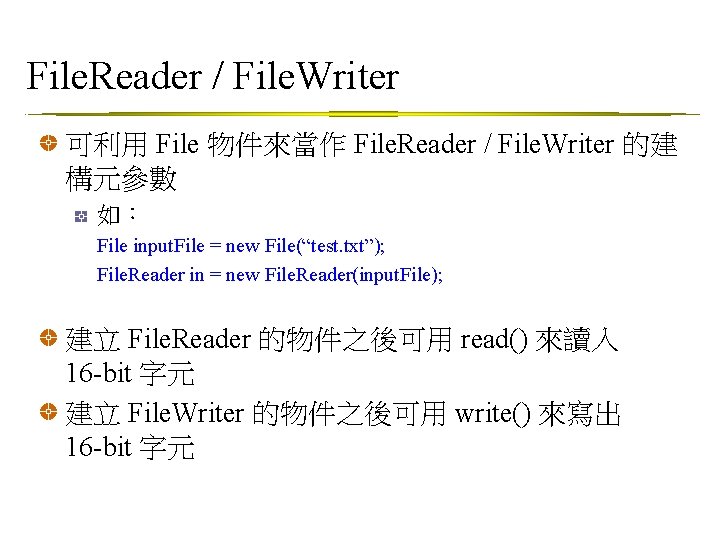
File. Reader / File. Writer 可利用 File 物件來當作 File. Reader / File. Writer 的建 構元參數 如: File input. File = new File(“test. txt”); File. Reader in = new File. Reader(input. File); 建立 File. Reader 的物件之後可用 read() 來讀入 16 -bit 字元 建立 File. Writer 的物件之後可用 write() 來寫出 16 -bit 字元
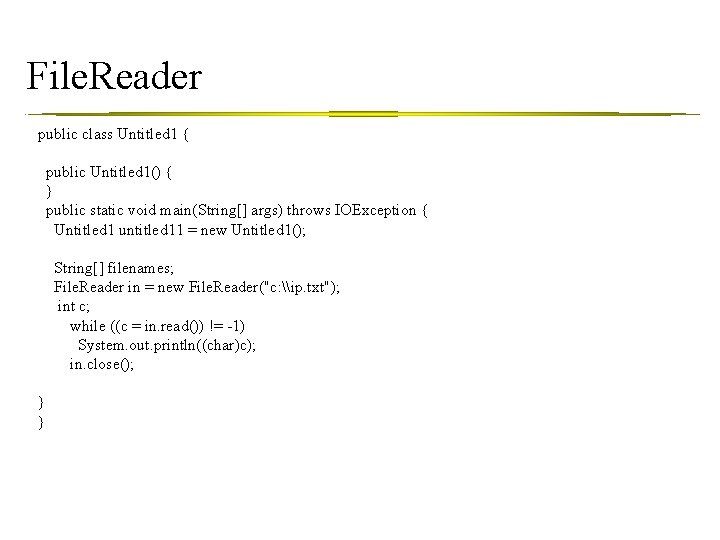
File. Reader public class Untitled 1 { public Untitled 1() { } public static void main(String[] args) throws IOException { Untitled 1 untitled 11 = new Untitled 1(); String[] filenames; File. Reader in = new File. Reader("c: \ip. txt"); int c; while ((c = in. read()) != -1) System. out. println((char)c); in. close(); } }
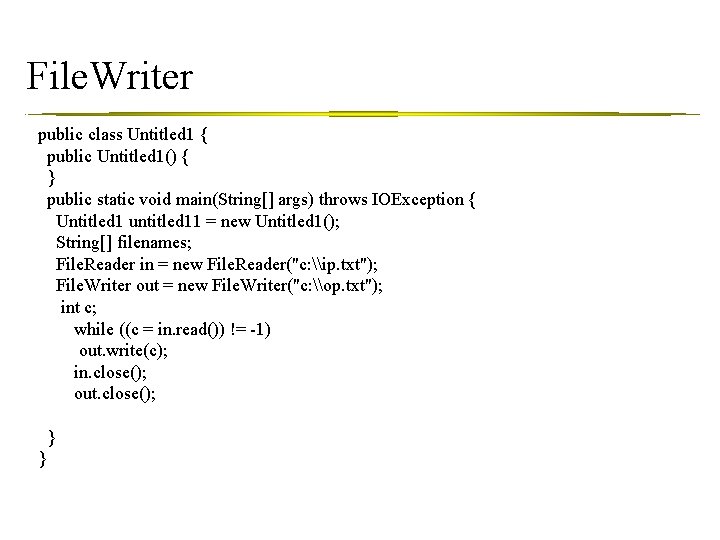
File. Writer public class Untitled 1 { public Untitled 1() { } public static void main(String[] args) throws IOException { Untitled 1 untitled 11 = new Untitled 1(); String[] filenames; File. Reader in = new File. Reader("c: \ip. txt"); File. Writer out = new File. Writer("c: \op. txt"); int c; while ((c = in. read()) != -1) out. write(c); in. close(); out. close(); } }
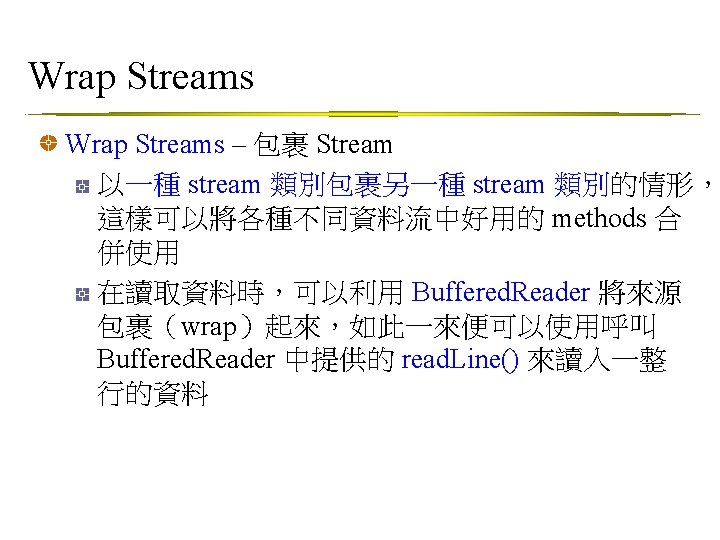
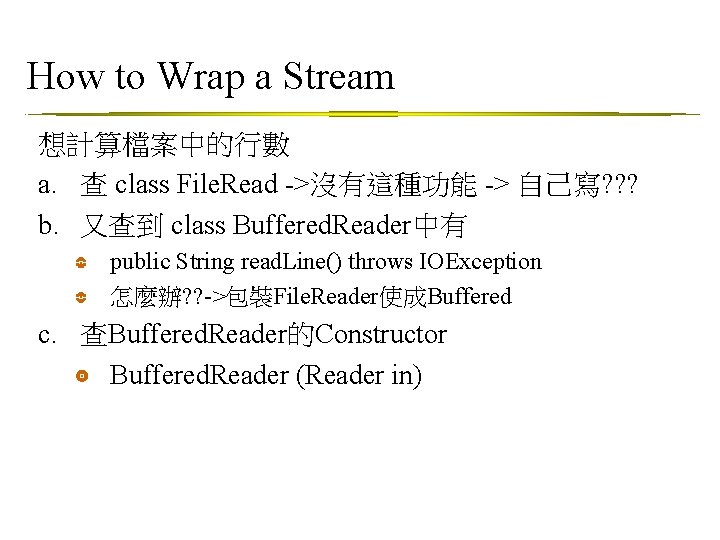
How to Wrap a Stream 想計算檔案中的行數 a. 查 class File. Read ->沒有這種功能 -> 自己寫? ? ? b. 又查到 class Buffered. Reader中有 public String read. Line() throws IOException 怎麼辦? ? ->包裝File. Reader使成Buffered c. 查Buffered. Reader的Constructor Buffered. Reader (Reader in)
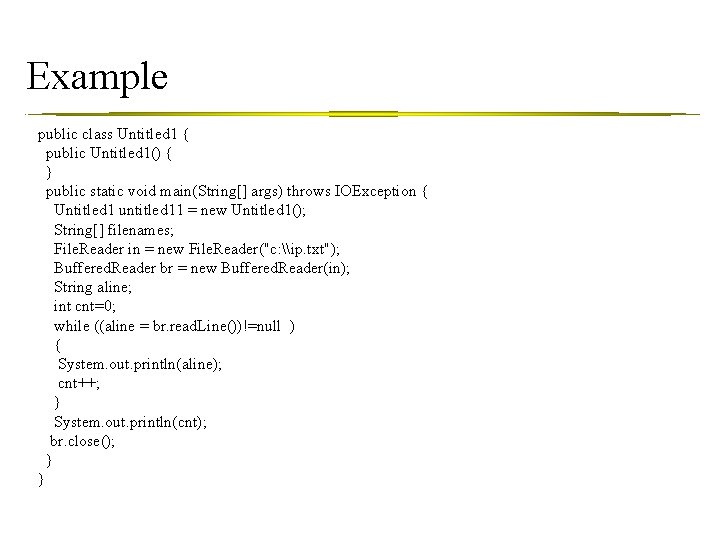
Example public class Untitled 1 { public Untitled 1() { } public static void main(String[] args) throws IOException { Untitled 1 untitled 11 = new Untitled 1(); String[] filenames; File. Reader in = new File. Reader("c: \ip. txt"); Buffered. Reader br = new Buffered. Reader(in); String aline; int cnt=0; while ((aline = br. read. Line())!=null ) { System. out. println(aline); cnt++; } System. out. println(cnt); br. close(); } }
Java讀寫檔案 Buffered. Reader 和 Buffered. Writer 程式做 IO 動作時,使用 8 K 左右大小之 Buffer 可得到最佳效能 Buffered. Reader 和 Buffered. Writer 已經內建 Buffer 幫你做實際 IO 傳輸 buffer 處理 示範程式 • 使用 Buffered. Reader 讀出檔案內容
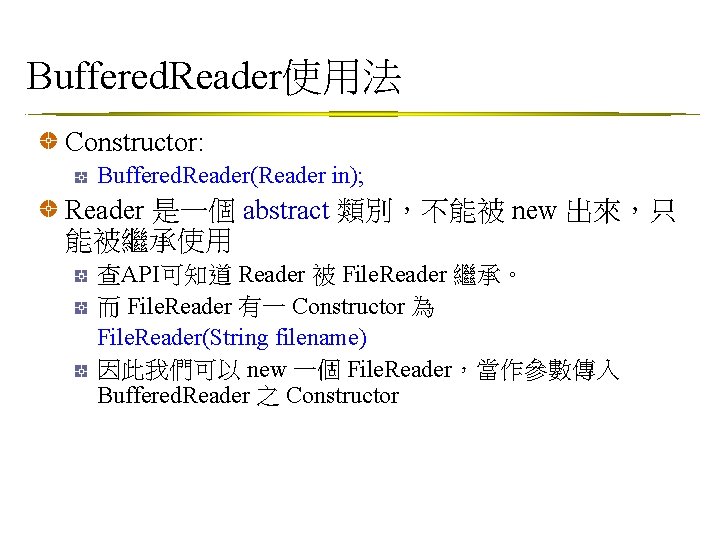
Buffered. Reader使用法 Constructor: Buffered. Reader(Reader in); Reader 是一個 abstract 類別,不能被 new 出來,只 能被繼承使用 查API可知道 Reader 被 File. Reader 繼承。 而 File. Reader 有一 Constructor 為 File. Reader(String filename) 因此我們可以 new 一個 File. Reader,當作參數傳入 Buffered. Reader 之 Constructor
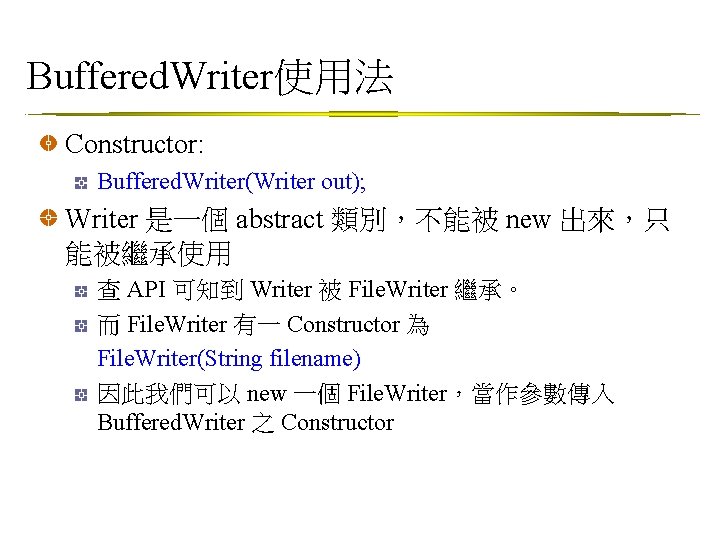
Buffered. Writer使用法 Constructor: Buffered. Writer(Writer out); Writer 是一個 abstract 類別,不能被 new 出來,只 能被繼承使用 查 API 可知到 Writer 被 File. Writer 繼承。 而 File. Writer 有一 Constructor 為 File. Writer(String filename) 因此我們可以 new 一個 File. Writer,當作參數傳入 Buffered. Writer 之 Constructor
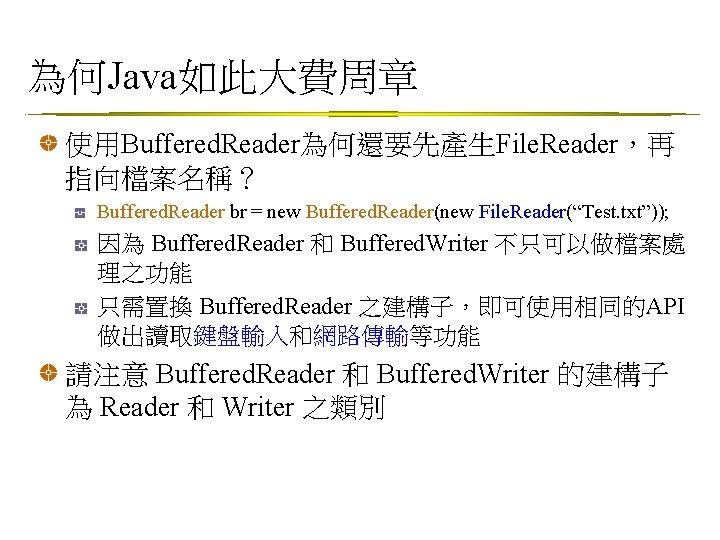
為何Java如此大費周章 使用Buffered. Reader為何還要先產生File. Reader,再 指向檔案名稱? Buffered. Reader br = new Buffered. Reader(new File. Reader(“Test. txt”)); 因為 Buffered. Reader 和 Buffered. Writer 不只可以做檔案處 理之功能 只需置換 Buffered. Reader 之建構子,即可使用相同的API 做出讀取鍵盤輸入和網路傳輸等功能 請注意 Buffered. Reader 和 Buffered. Writer 的建構子 為 Reader 和 Writer 之類別
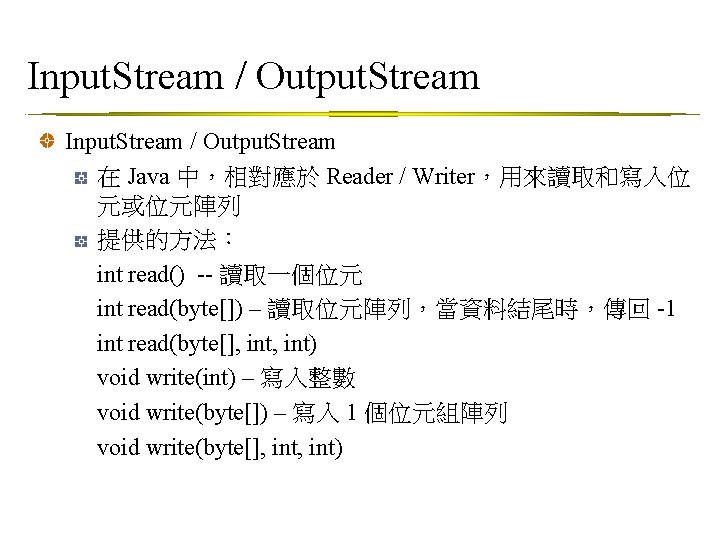
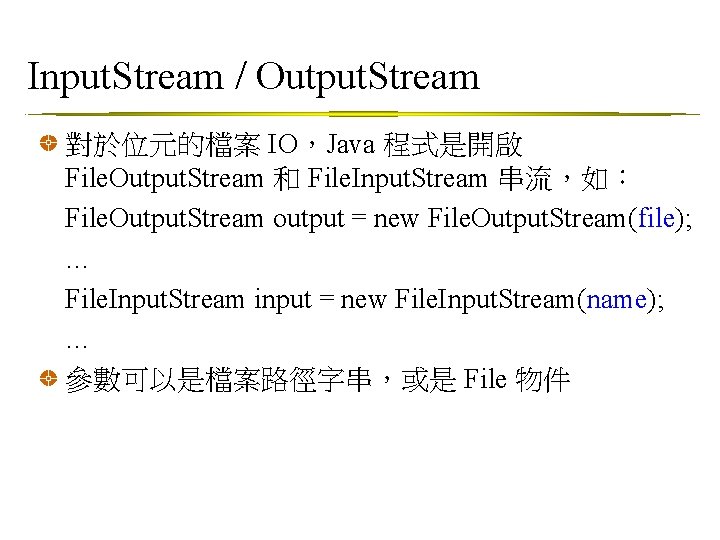
Input. Stream / Output. Stream 對於位元的檔案 IO,Java 程式是開啟 File. Output. Stream 和 File. Input. Stream 串流,如: File. Output. Stream output = new File. Output. Stream(file); … File. Input. Stream input = new File. Input. Stream(name); … 參數可以是檔案路徑字串,或是 File 物件
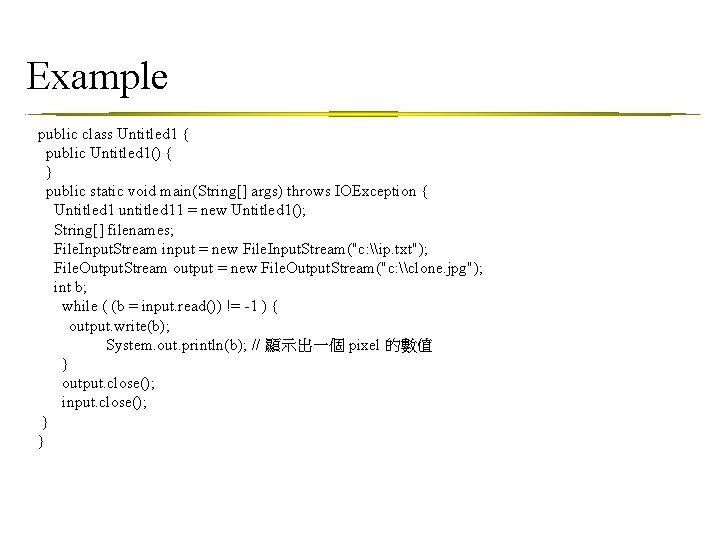
Example public class Untitled 1 { public Untitled 1() { } public static void main(String[] args) throws IOException { Untitled 1 untitled 11 = new Untitled 1(); String[] filenames; File. Input. Stream input = new File. Input. Stream("c: \ip. txt"); File. Output. Stream output = new File. Output. Stream("c: \clone. jpg"); int b; while ( (b = input. read()) != -1 ) { output. write(b); System. out. println(b); // 顯示出一個 pixel 的數值 } output. close(); input. close(); } }
- Slides: 46