
Multimedia Widgets Multimedia audio video object Sound in

Multimedia Widgets
Multimedia audio video object
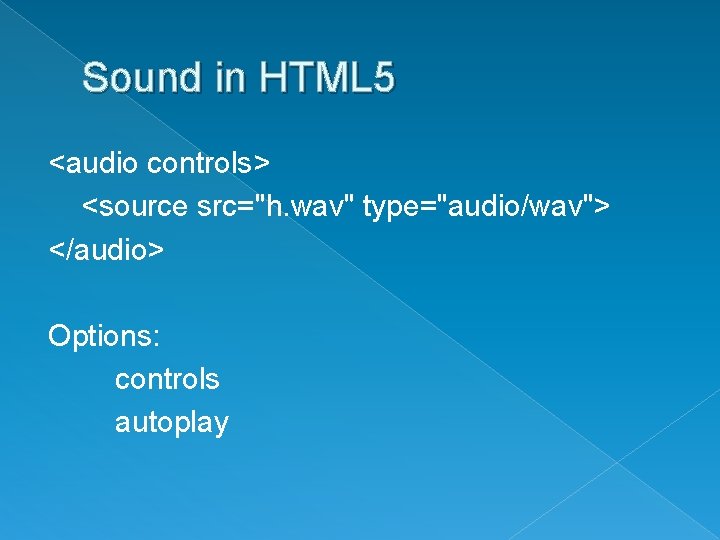
Sound in HTML 5 <audio controls> <source src="h. wav" type="audio/wav"> </audio> Options: controls autoplay
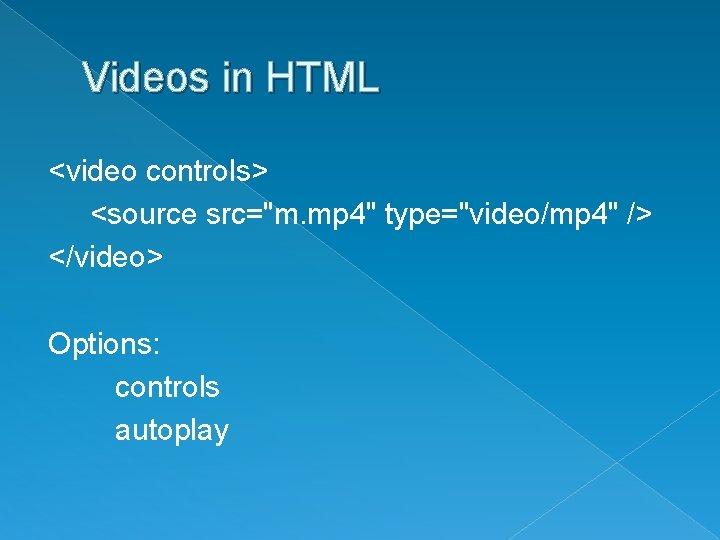
Videos in HTML <video controls> <source src="m. mp 4" type="video/mp 4" /> </video> Options: controls autoplay
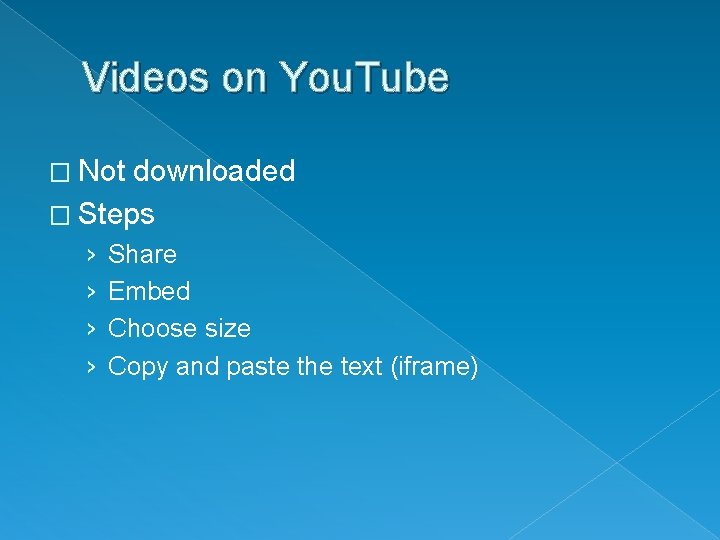
Videos on You. Tube � Not downloaded � Steps › › Share Embed Choose size Copy and paste the text (iframe)
You. Tube Warnings • You. Tube videos do not display when run from your local file. You will get a gray box that says file not found. It will work fine once uploaded. • You. Tube HTML that you load does not validate. It uses an attribute frameborder=“ 0” that has been deprecated (is no longer supported). It is formatting that should be done in the CSS. In this case it means not to put on a border and if you delete it, it has the same impact. You can format the iframe element just as you would any other element
Other Documents � Object <object data="cauliflower. pdf"></object> Size of object: scroll bars Linking a pdf: can open in a browser, but not part of your website

Widgets
Widgets �A chunk of code that you can embed in an existing environment � Differences › Resides: desktop or web › Embedding: any page or application or limited › Runs: your machine or server
How Widgets are Built � Today, most use HTML and embed tag � Also will see iframe and script � In any case, rules are the same › Must validate › Clean up CSS formatting › Often easier to work if properly formatted � Exception for iframe › Need to keep width and height › Just numbers (represent px)
Using Widgets � Finding › General websites (may have old stuff) › Specific sites › Working this year: �http: //100 widgets. com/ �http: //localtimes. info/getwidget/ � Adding › Add › Format �Enclose in div �position and format � Warning: make sure that your browser isn’t blocking them
Problems with Widgets � They have divs in them that you can’t see › Implicaton: if you format all divs, it applies to the ones in the widget › Solution: name all divs with class or use section or header, … � They may use & or blank in URLs › Implication: won’t validate › Solution: replace all &s with & and all blanks with %20 � They may be old › Don’t use if too many obsolete tags
Steps for adding a widget Assure that you have no unnamed divs Layout your page with a placeholder div that is the size of the widget that you are going to add 3. Add the widget inside the div 4. Assure that it looks the way that you want 5. Format the embedded code without any changes 6. Replace all inline formatting with classes and css 7. Assure that it still looks right 8. Eliminate any unneeded tags or css entries 9. Assure that it still looks right 10. Replace all & and blanks as needed 11. Validate 1. 2.
- Slides: 13