
MULTIMEDIA Image sizes file types and more Copyright


- Slides: 36
MULTIMEDIA Image sizes, file types and more.
Copyright is a federal law of the United States of America and pertains to any original work as soon as it is created. COPYRIGHT
• Are you allowed to use this image: Do you have written consent? • Where did you find the image? Did you Google it? • Why are you using the image? Work? Personal? • Have you transformed or edited the image? • Are you willing to risk your site being taken down for this image? Don’t assume, “They’ll never find me. ” • When in doubt, assume it is subject to copyright and don’t use it without permission.
Safe Image Options • Resource Space • The National Archives • Stock Snap • Take the photo yourself
TIPS FOR TAKING PHOTOS The best way to keep improving is to practice often, make mistakes and be open to learning from others, whether they’re well-established photographers or
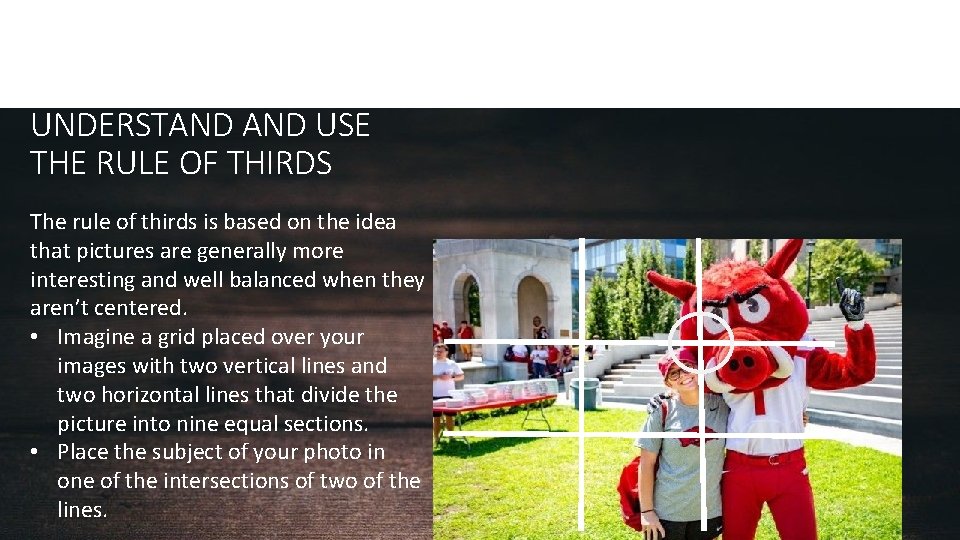
TIPS FOR TAKING PHOTOS UNDERSTAND USE THE RULE OF THIRDS The rule of thirds is based on the idea that pictures are generally more interesting and well balanced when they aren’t centered. • Imagine a grid placed over your images with two vertical lines and two horizontal lines that divide the picture into nine equal sections. • Place the subject of your photo in one of the intersections of two of the lines.
TIPS FOR TAKING PHOTOS • • • Eyes in portraits should always be in focus Pay attention to background Invest in a tripod Shoot in early morning and evening Learn from your mistakes
TIPS FOR TAKING PHOTOS UNDERSTAND THE EXPOSURE TRIANGLE The exposure triangle simply refers to the three most important elements of exposure; ISO, aperture and shutter speed.
TIPS FOR TAKING PHOTOS UNDERSTAND THE EXPOSURE TRIANGLE ISO controls the camera’s sensitivity to light. A low ISO setting means the camera (or film) will be less sensitive to light, while a higher ISO means it will be more sensitive to light. . In the old days, this was done with film speed, now days you can just change the setting on a digital camera. ISO 100 = low sensitivity (less noise/grain and better color) to ISO 12, 800 or greater = high sensitivity ( more noise/grain and less color) Reasons for higher ISO – bad lighting, moving subject and you want to freeze motion, only need a small image
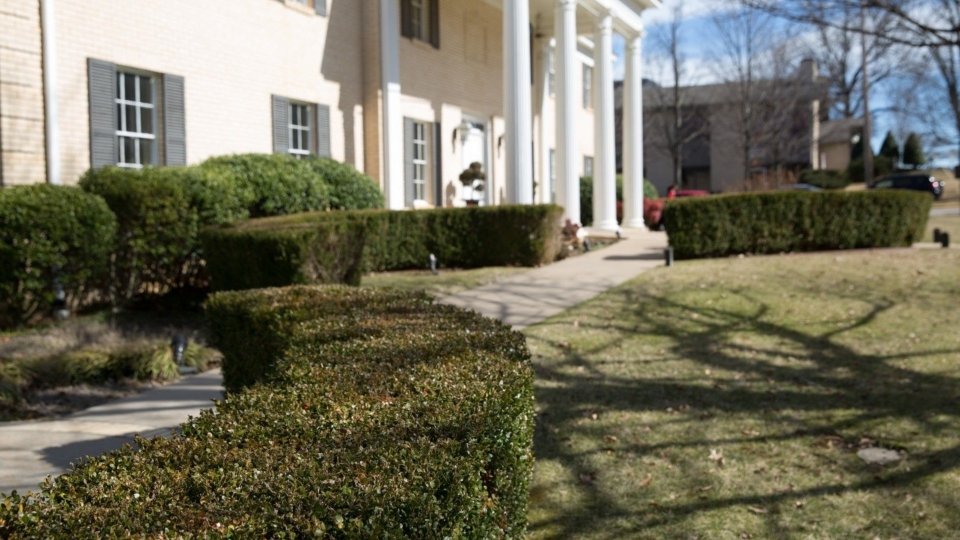
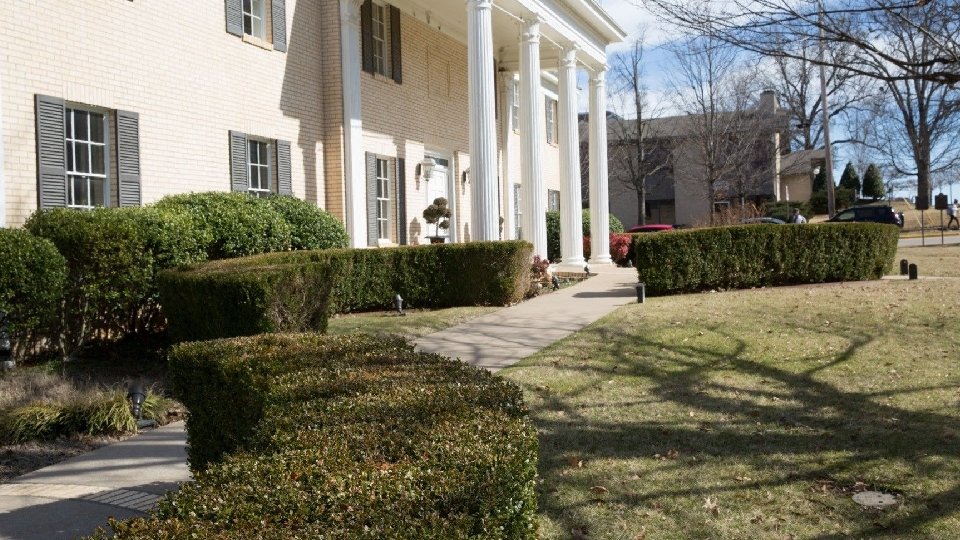
TIPS FOR TAKING PHOTOS UNDERSTAND THE EXPOSURE TRIANGLE Aperture is the opening in your lens and controls how much light gets through to the camera’s sensor as well as the depth of field. Depth of field refers to the area surrounding the focal point of the image which remains sharp. A larger aperture (indicated by a lower f-number) lets more light through, but has a shallow depth of field. While a smaller aperture (indicated by a higher f-number) lets less light through, but has a deeper depth of field.
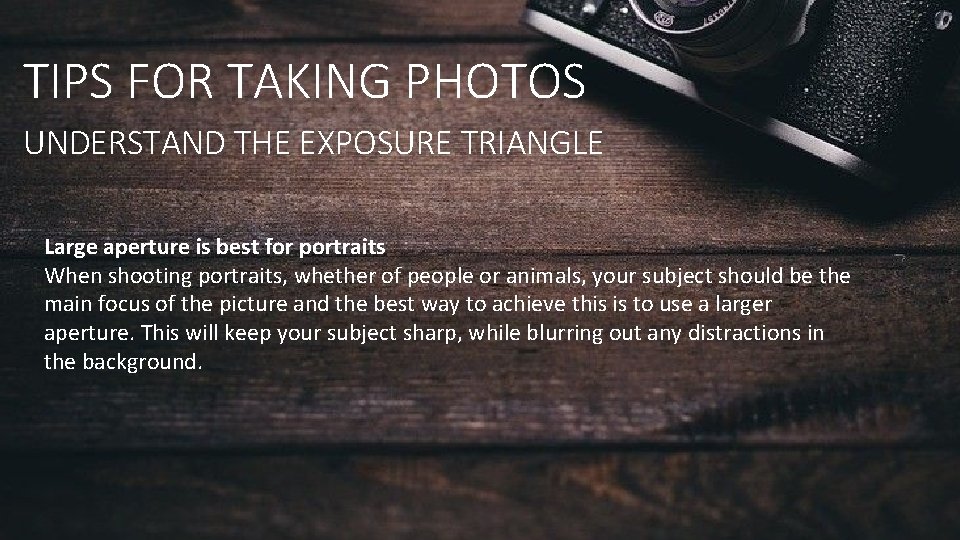
TIPS FOR TAKING PHOTOS UNDERSTAND THE EXPOSURE TRIANGLE Large aperture is best for portraits When shooting portraits, whether of people or animals, your subject should be the main focus of the picture and the best way to achieve this is to use a larger aperture. This will keep your subject sharp, while blurring out any distractions in the background.
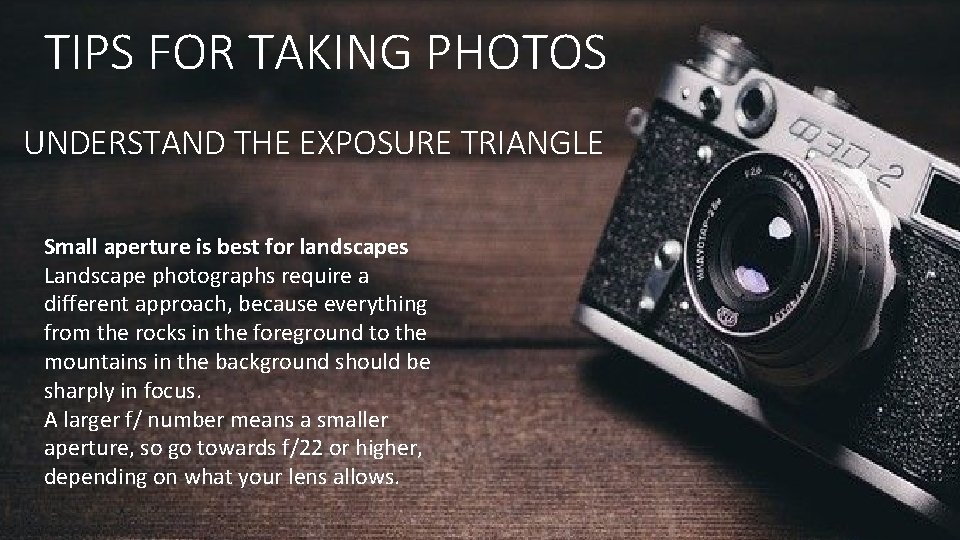
TIPS FOR TAKING PHOTOS UNDERSTAND THE EXPOSURE TRIANGLE Small aperture is best for landscapes Landscape photographs require a different approach, because everything from the rocks in the foreground to the mountains in the background should be sharply in focus. A larger f/ number means a smaller aperture, so go towards f/22 or higher, depending on what your lens allows.
TIPS FOR TAKING PHOTOS Small aperture is best for landscapes Landscape photographs require a different approach, because everything from the rocks in the foreground to the mountains in the background should be sharply in focus. A larger f/ number means a smaller aperture, so go towards f/22 or higher, depending on what your lens allows.
TIPS FOR TAKING PHOTOS UNDERSTAND THE EXPOSURE TRIANGLE Learn to use Aperture Priority and Shutter Priority modes If you want to venture out of automatic mode but don’t feel confident enough to switch to manual yet, Aperture Priority Mode (A or Av) and Shutter Priority Mode (S or Tv) are two very useful options that are available on most cameras and will give you more control without being overly complicated. Aperture Priority Mode lets you select the aperture you wish to use and then the camera adjusts the shutter speed accordingly. In Shutter Priority Mode, you select the shutter speed you want to use and the camera will select the aperture for you.
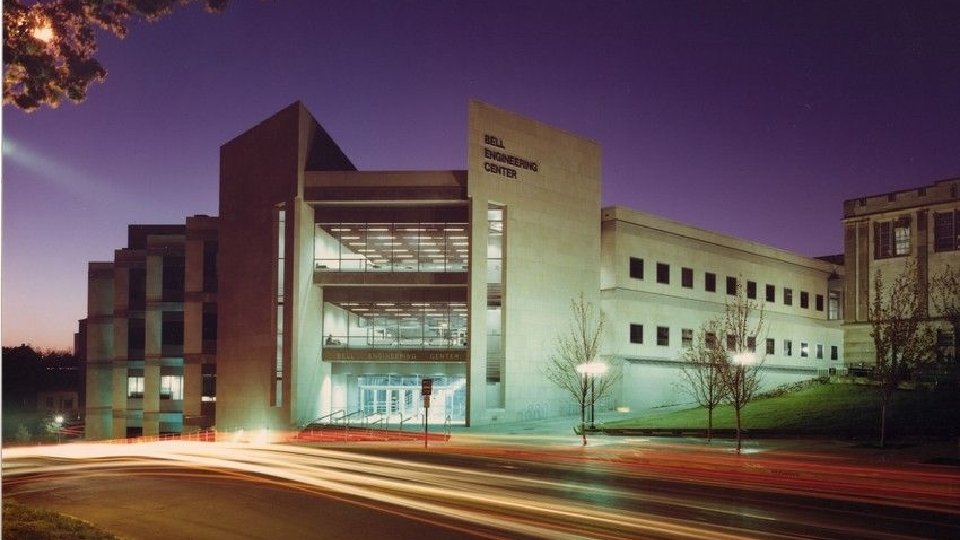
TIPS FOR TAKING PHOTOS UNDERSTAND THE EXPOSURE TRIANGLE Shutter speed controls how long the shutter stays open when you take a picture. The longer the shutter stays open, the more light gets through to the camera’s sensor. A fast shutter speed is good for freezing action, while a longer shutter speed will blur motion. Long shutter speeds can give interesting effects, but usually require a tripod.
TIPS FOR TAKING PHOTOS BE CAREFUL WITH YOUR ON-CAMERA FLASH If you’re not careful, using your camera’s built-in flash at night or in low light can lead to some unpleasant effects like red eyes and harsh shadows. In general, it’s better to crank up the ISO and get noisier photos than to use the on-camera flash and risk ruining the shot altogether.
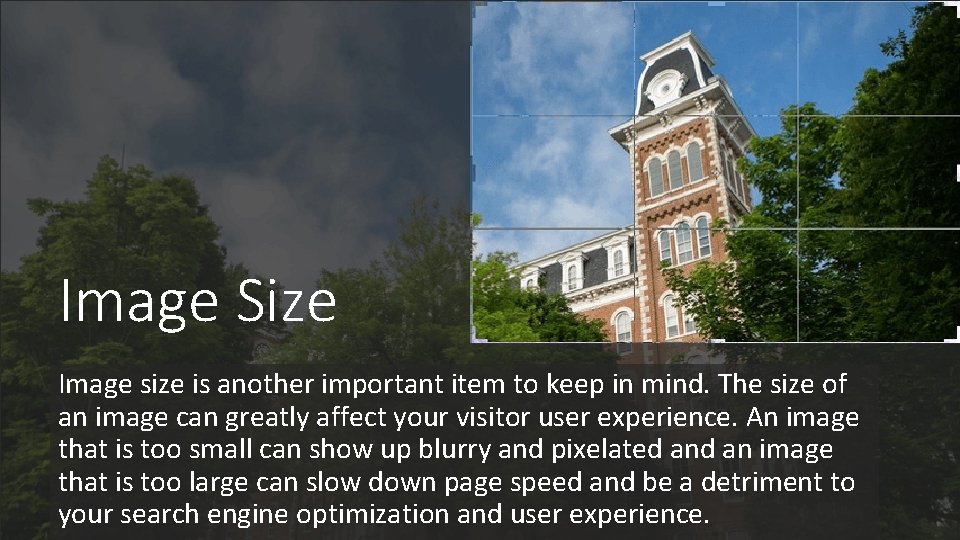
Image Size Image size is another important item to keep in mind. The size of an image can greatly affect your visitor user experience. An image that is too small can show up blurry and pixelated an image that is too large can slow down page speed and be a detriment to your search engine optimization and user experience.
Web Image Size Guidelines for Web • Standard size (two-column template in OU) – 800 pixels wide at 72 dpi (File size: <100 KB) • Full width (with 2 -inch margin and no left navigation) – 1170 pixels wide at 72 dpi (File size: <300 KB) • Full screen (no margin and no left navigation) – 1900 pixels wide at 72 dpi (File size: <300 KB) • 1 MB is way too big. Stay below 100 KB. • Save as JPEG at 80% quality or as a PNG-8 (File > Export > Save for Web in Photoshop)
Web Image Size Guidelines for Print • Generally, images should be at least 300 dpi/ppi at the dimensions you plan to use the photograph. For example, if a photograph is intended to be printed at 5” x 7” in your final printed piece, it should be at least 300 dpi/ppi when at those dimensions.
EDITING AND RESIZING PHOTOS There are several ways to edit and resize photos. We are going to take a look at three of them, Compressor. io, Photoshop and using the image editor in OUCampus.
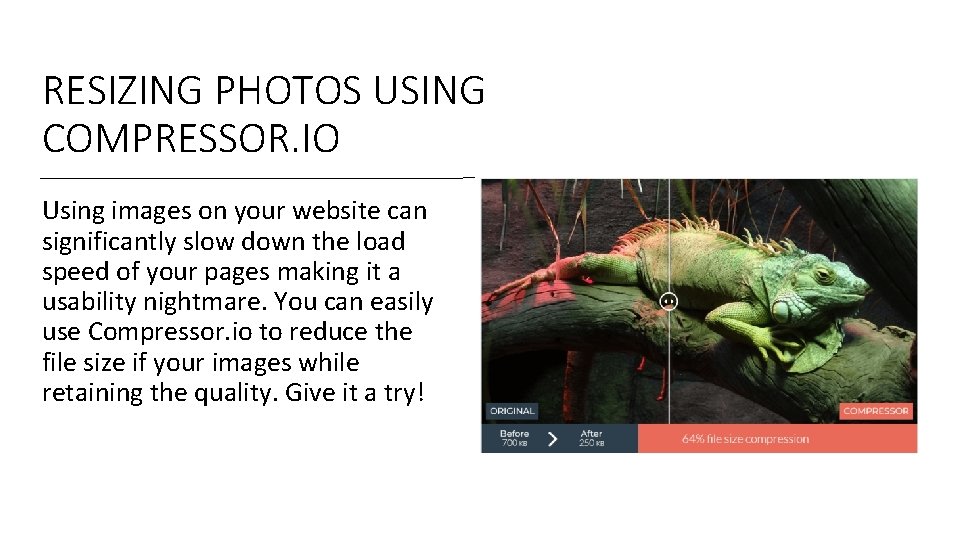
RESIZING PHOTOS USING COMPRESSOR. IO Using images on your website can significantly slow down the load speed of your pages making it a usability nightmare. You can easily use Compressor. io to reduce the file size if your images while retaining the quality. Give it a try!
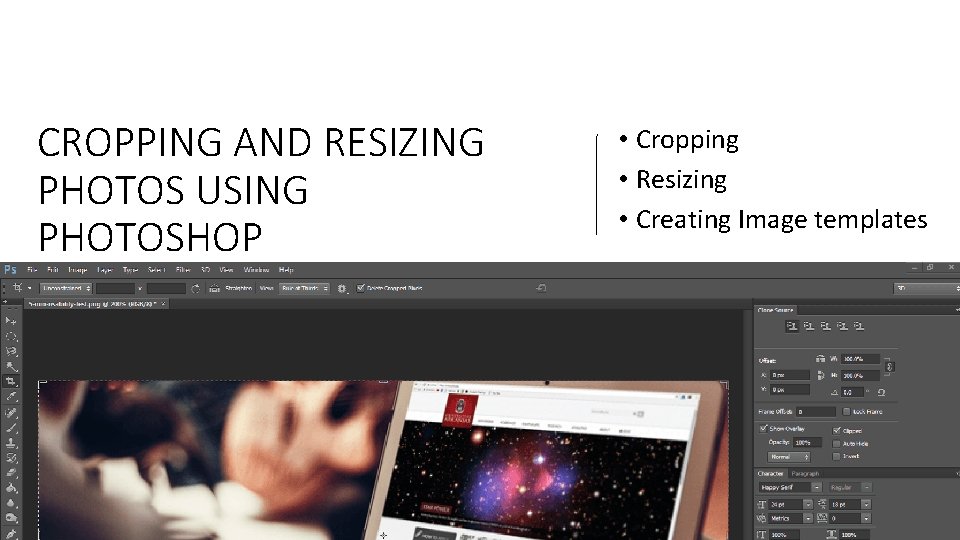
CROPPING AND RESIZING PHOTOS USING PHOTOSHOP • Cropping • Resizing • Creating Image templates
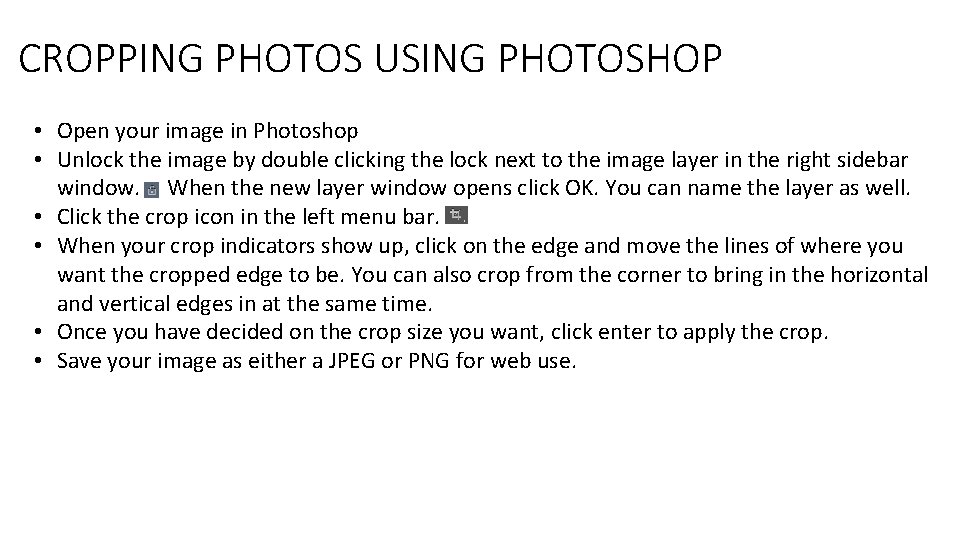
CROPPING PHOTOS USING PHOTOSHOP • Open your image in Photoshop • Unlock the image by double clicking the lock next to the image layer in the right sidebar window. When the new layer window opens click OK. You can name the layer as well. • Click the crop icon in the left menu bar. • When your crop indicators show up, click on the edge and move the lines of where you want the cropped edge to be. You can also crop from the corner to bring in the horizontal and vertical edges in at the same time. • Once you have decided on the crop size you want, click enter to apply the crop. • Save your image as either a JPEG or PNG for web use.
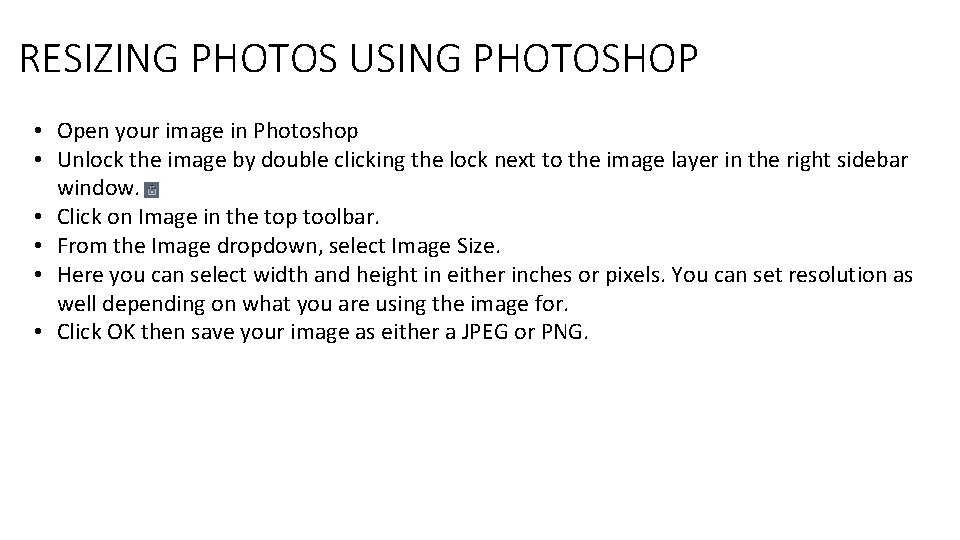
RESIZING PHOTOS USING PHOTOSHOP • Open your image in Photoshop • Unlock the image by double clicking the lock next to the image layer in the right sidebar window. • Click on Image in the top toolbar. • From the Image dropdown, select Image Size. • Here you can select width and height in either inches or pixels. You can set resolution as well depending on what you are using the image for. • Click OK then save your image as either a JPEG or PNG.
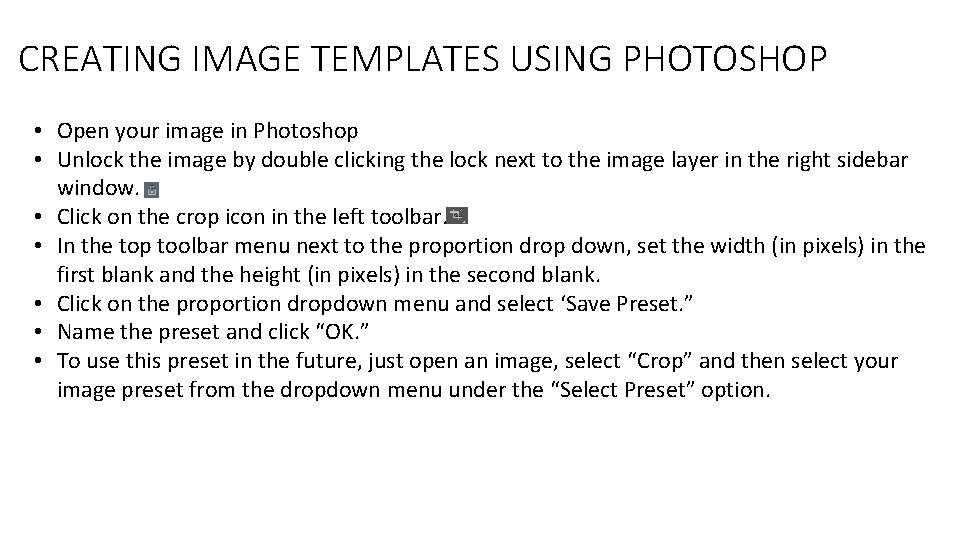
CREATING IMAGE TEMPLATES USING PHOTOSHOP • Open your image in Photoshop • Unlock the image by double clicking the lock next to the image layer in the right sidebar window. • Click on the crop icon in the left toolbar. • In the top toolbar menu next to the proportion drop down, set the width (in pixels) in the first blank and the height (in pixels) in the second blank. • Click on the proportion dropdown menu and select ‘Save Preset. ” • Name the preset and click “OK. ” • To use this preset in the future, just open an image, select “Crop” and then select your image preset from the dropdown menu under the “Select Preset” option.
CREATING IMAGE TEMPLATES USING PHOTOSHOP CAMPUS ACCESS TO PHOTOSHOP Faculty and Staff To get started, log into Adobe. com with your UARK account. Work-at-home subscriptions are available for personal and home computers for $9. 75 per year. Visit uark. onthehub. com to subscribe. Computer labs and stations shared by student employees are handled under a separate license. Contact adobe@uark. edu. Students can subscribe to Creative Cloud for $60 per year (normally $249) by visitinguark. onthehub. com. Creative Cloud Training with Lynda. com On-demand training for all Creative Cloud applications is available at no charge through Lynda. com. Login with your UARK credentials now at lynda. uark. edu.
VIDEO TIPS USE THE RIGHT EQUIPMENT • Do you need an external mic to capture the audio? • Do you need an HDR (high dynamic range) camera? • Do you need a video camera that also takes great still shots? Most videographers have an arsenal of equipment at their disposal. If you’re a complete beginner, you might not have the options of a professional, but still work with what you’ve got. Use the right camera and microphone for the project.
VIDEO TIPS PAY ATTENTION TO YOUR AUDIO Bad audio can completely ruin a great video. Pay attention to the audio that you’re capturing. If you’re using an action camera, you may want to invest in an external mic. Either way, you need to be aware of any background noise that’s being captured, such as wind or people nearby. If you’ll be using music in post-production, keep this in mind when capturing audio. How will it sound against the backdrop of music?
VIDEO TIPS ABIDE BY THE RULE OF THIRDS The Rule of Thirds is one of the most talked about videography rules for a reason: it makes shots look better. It draws the eye to a focal point and helps show more of the surrounding action. The Rule of Thirds calls for drawing two lines horizontally and two lines vertically, all lines equally spaced apart. The subject or focal point of your shot is then placed along the intersections of these lines. Keep this rule in mind as you shoot.
VIDEO TIPS FRAME YOUR SHOT LIKE A PICTURE The aforementioned Rule of Thirds will help you frame your shots like a picture, but take it to the next level by using the environment itself to frame the focal point. If you’re shooting outdoors in nature, use the bushes and trees to create a frame around your subject. It takes practice to consistently keep a frame around your subject, but it’s possible. Keep practicing framing to take your shots to the next level.
VIDEO TIPS KEEP THE SUBJECT WELL LIT Everything you see, and everything you record, is actually reflected light. Depending on what you’re recording, consider carrying a lighting kit with you that contains at least three light bulbs. Good lighting can make even a cheap camera look passable. If you’re shooting outdoors, keep the sun at your back so that it’s lighting up your subject.
VIDEO TIPS KEEP THE CAMERA STEADY One of the biggest things that will make your video look amateur is a shaky cam. Even in Go. Pro videos with a head mount, shakiness should be minimized as much as possible. Invest in a tripod to minimize the camera shaking. Depending on the type of video you’re shooting, a little bit of shaking may be acceptable. If you’re shooting a whitewater rafting video, some unstable action is expected. However, too much will make the viewer stop watching.
VIDEO TIPS GET CLOSE-UP, MEDIUM AND WIDE SHOTS These three types of shots add variety to your video. Open up with a close-up shot, switch to a medium shot and then move to a wide shot. Every scene or event that you film should consist of multiple angles. This is especially true for action camera videos – people are starting to tire of point-of-view-only shots. Instead, mix it up by capturing different angles. As a related tip, don’t use the zoom feature to capture close-up shots. Actually move closer to the subject. The act of zooming can be tiring for viewers, and using the zoom feature usually means a decrease in quality.
VIDEO TIPS STUDY THE WORK OF OTHER VIDEOGRAPHERS Whether you’re watching a You. Tube video, a movie or a TV show – you’re watching videography at work. Watch everything you can with a studious mind. Are they following the Rule of Thirds? Are they abiding by sequence shooting? How are they sequencing their shots? Go out of your way to watch videos that are similar to what you’ll be shooting. Ask yourself what the videographer is doing well and what could be done better.