
Multimedia Data Introduction to Java Script and Scalable
Multimedia Data Introduction to Java. Script and Scalable Vector Graphics (SVG) Dr Mike Spann http: //www. eee. bham. ac. uk/spannm M. Spann@bham. ac. uk Electronic, Electrical and Computer Engineering
Summary of Content o Clients, Servers and Web Browsers o HTML (Hyper. Text Markup Language) – An introduction – Examples of HTML tags o Introduction to Java. Script – Objects, properties, methods – Events – Values and variables, operators – Simple Java. Script examples o o Alert boxes and rollovers Introduction to SVG (Scalable Vector Graphics) – Simple demonstration by example
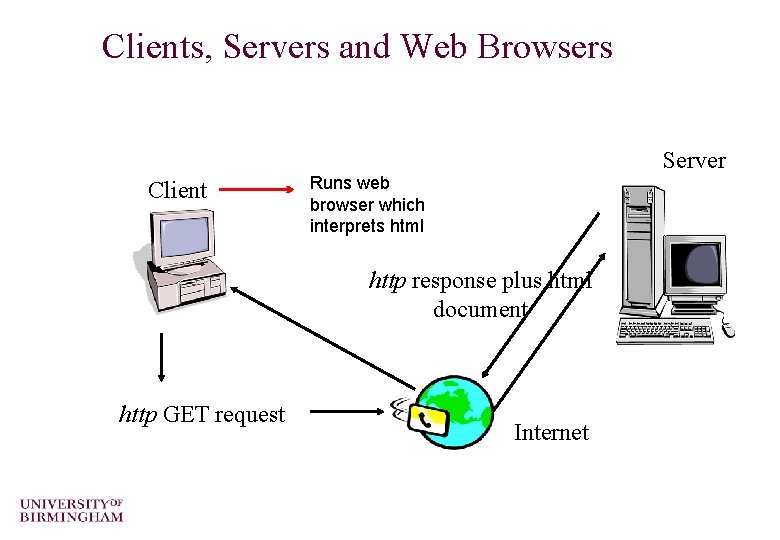
Clients, Servers and Web Browsers Client Server Runs web browser which interprets html http response plus html document http GET request Internet
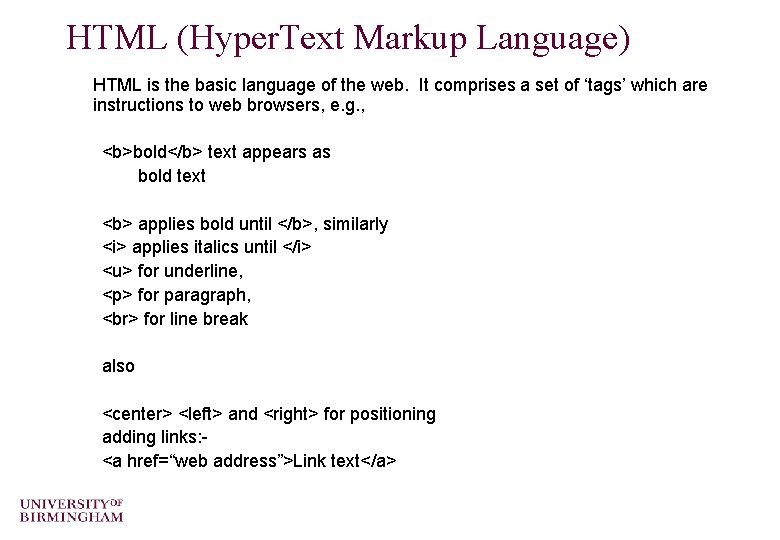
HTML (Hyper. Text Markup Language) HTML is the basic language of the web. It comprises a set of ‘tags’ which are instructions to web browsers, e. g. , <b>bold</b> text appears as bold text <b> applies bold until </b>, similarly <i> applies italics until </i> <u> for underline, <p> for paragraph, for line break also <center> <left> and <right> for positioning adding links: <a href=“web address”>Link text</a>
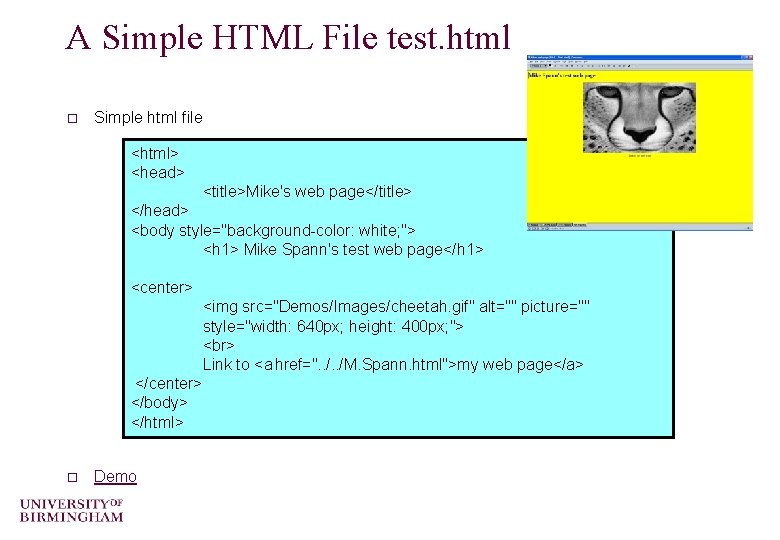
A Simple HTML File test. html o Simple html file <html> <head> <title>Mike's web page</title> </head> <body style="background-color: white; "> <h 1> Mike Spann's test web page</h 1> <center> <img src="Demos/Images/cheetah. gif" alt="" picture="" style="width: 640 px; height: 400 px; "> Link to <a href=". . /M. Spann. html">my web page</a> </center> </body> </html> o Demo
Introduction to Java. Script is not Java – Java is a full-feature OO programming language developed by Sun Microsystems. It is a descendant of C and C++ and was designed to be cross-platform. Java is used to create web “applets” (small programs downloaded over the internet and run inside web browsers) as well as standalone application and network (client/server) applications – Java. Script - Netscape added a basic scripting ability to its Navigator web browser called “Livescript”. . . at a time when Java was new/exciting. . and renamed Livescript, Java. Script is a scripting language which can manipulate simple webpage objects. o A script is a program written for a special run time environment that can interpret (rather than compile) the code o Typically very high level

How Java. Script Works Everything that is needed to execute Java. Script is provided by the browser (or the client) so it is also called Client Side Scripting Language. – Many web technologies involve server side processing (CGI, ASP, Perl, PHP etc) o The browser fetches a page which might have embedded Java. Script, or refers to a separate Java. Script file in which case that file is also fetched by the browser. o Next up, depending upon what you want your Java. Script code to do and how you structured it, it will either execute as soon as the file loads or wait for a triggering event (like a click, or load). o The code is executed line by line. Java. Script is an interpreted language, which means you don’t need to compile the code into another form to execute it. All of the changes you make, instantly take effect. o

About Java. Script o Java. Script is an object-oriented scripting language. o Objects have properties o e. g. , o o The things objects do are called methods, e. g. , o cats purr o computers crash Java. Script objects have methods, e. g. , o cat has a name o computer has a make o buttons click() o car has a colour o windows open() o window has title o text selected() Changing a property of an object can modify the object. Objects can share properties. Properties can be objects, i. e. , objects can have subobjects. – car. engine. horsepower (brackets indicate that we are referring to a method rather than a property. ) o Objects and properties are separated by a “. ”, e. g. o o cat. name referring to methods : o cat. purr()
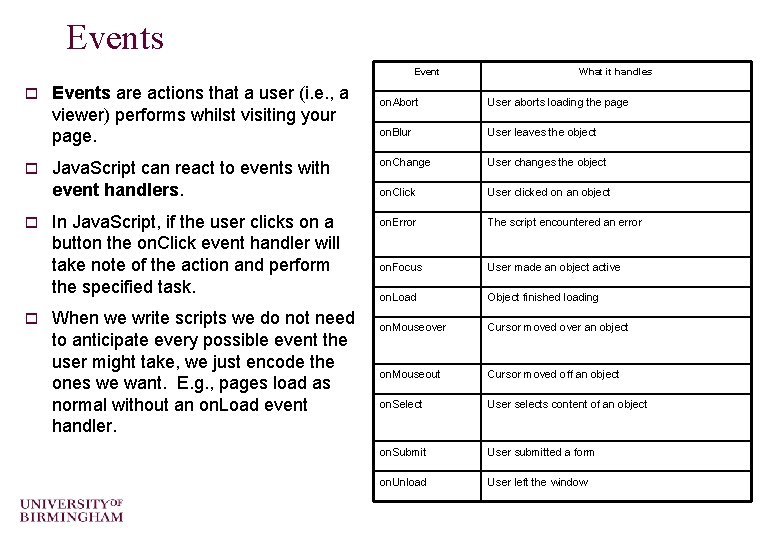
Events Event o o Events are actions that a user (i. e. , a viewer) performs whilst visiting your page. What it handles on. Abort User aborts loading the page on. Blur User leaves the object Java. Script can react to events with event handlers. on. Change User changes the object on. Click User clicked on an object In Java. Script, if the user clicks on a button the on. Click event handler will take note of the action and perform the specified task. on. Error The script encountered an error on. Focus User made an object active on. Load Object finished loading on. Mouseover Cursor moved over an object on. Mouseout Cursor moved off an object on. Select User selects content of an object on. Submit User submitted a form on. Unload User left the window When we write scripts we do not need to anticipate every possible event the user might take, we just encode the ones we want. E. g. , pages load as normal without an on. Load event handler.
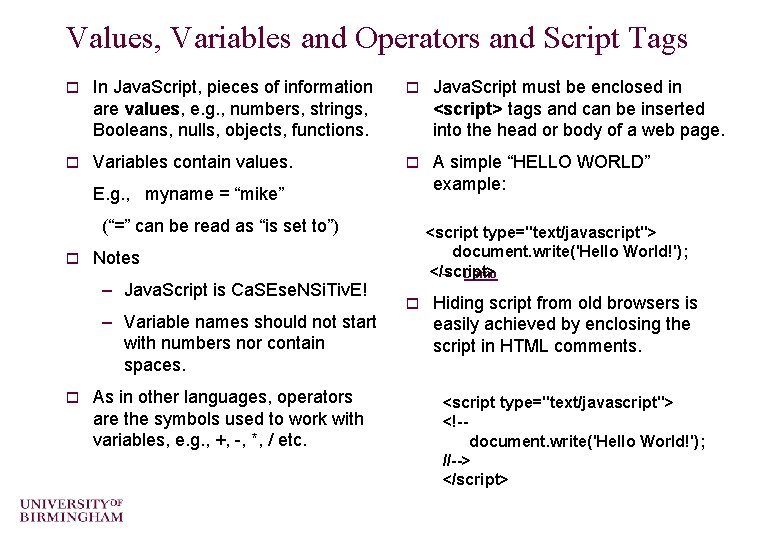
Values, Variables and Operators and Script Tags o In Java. Script, pieces of information are values, e. g. , numbers, strings, Booleans, nulls, objects, functions. o Java. Script must be enclosed in <script> tags and can be inserted into the head or body of a web page. o Variables contain values. o A simple “HELLO WORLD” example: E. g. , myname = “mike” (“=” can be read as “is set to”) o Notes – Java. Script is Ca. SEse. NSi. Tiv. E! – Variable names should not start with numbers nor contain spaces. o <script type="text/javascript"> document. write('Hello World!'); </script> – Demo As in other languages, operators are the symbols used to work with variables, e. g. , +, -, *, / etc. o Hiding script from old browsers is easily achieved by enclosing the script in HTML comments. <script type="text/javascript"> <!-document. write('Hello World!'); //--> </script>
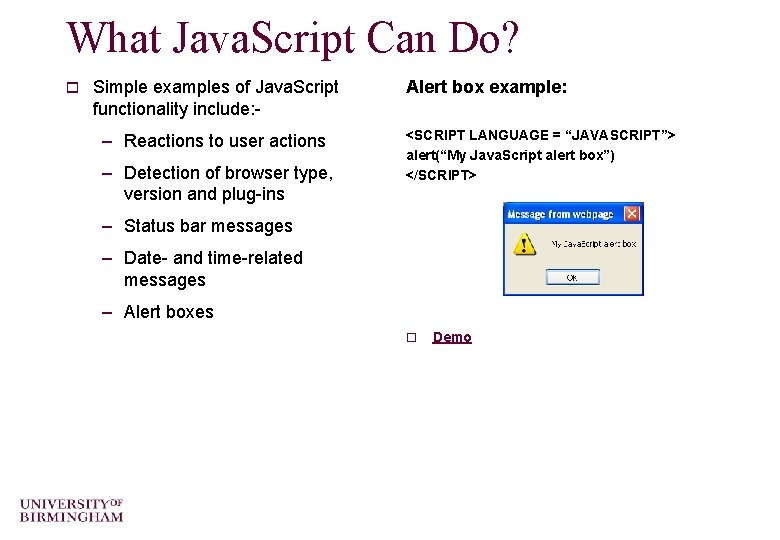
What Java. Script Can Do? o Simple examples of Java. Script functionality include: - – Reactions to user actions – Detection of browser type, version and plug-ins Alert box example: <SCRIPT LANGUAGE = “JAVASCRIPT”> alert(“My Java. Script alert box”) </SCRIPT> – Status bar messages – Date- and time-related messages – Alert boxes o Demo
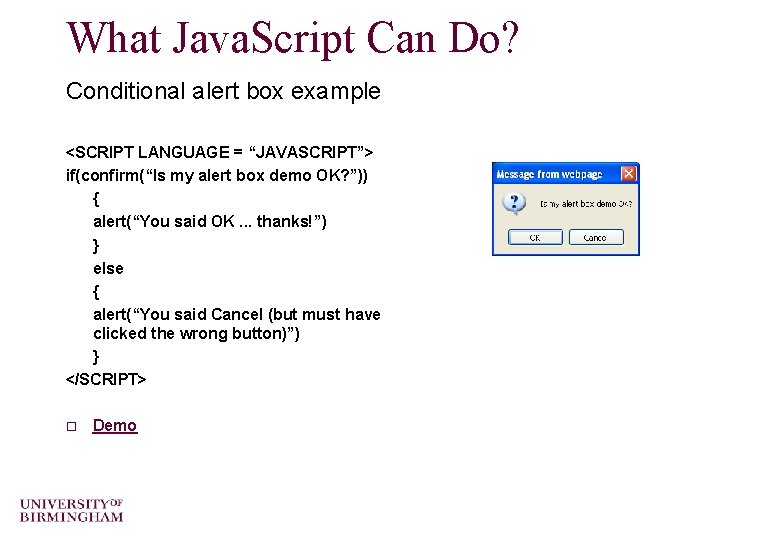
What Java. Script Can Do? Conditional alert box example <SCRIPT LANGUAGE = “JAVASCRIPT”> if(confirm(“Is my alert box demo OK? ”)) { alert(“You said OK. . . thanks!”) } else { alert(“You said Cancel (but must have clicked the wrong button)”) } </SCRIPT> o Demo
Simple Image “Rollovers” These are neat things to add to web pages – Allow 2 different images to be displayed at 1 location – Easy to do in html – Involves handling the ‘On. Mouseover’ and ‘On. Mouseout’ events o Demo o
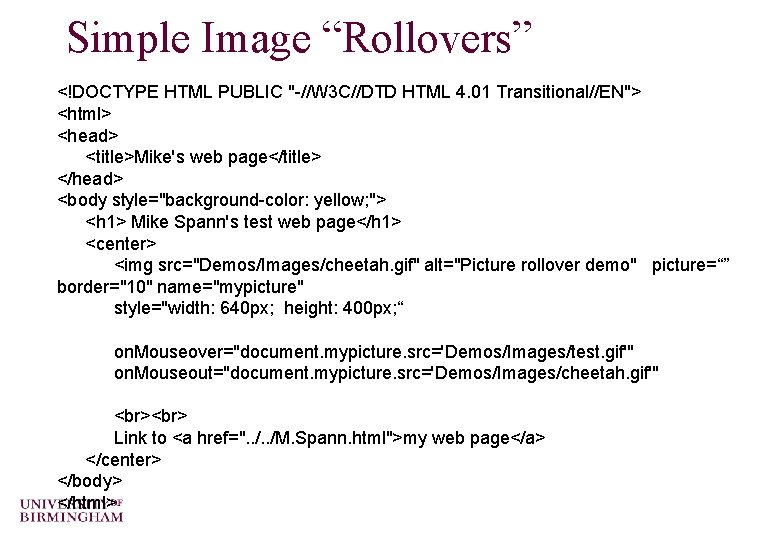
Simple Image “Rollovers” <!DOCTYPE HTML PUBLIC "-//W 3 C//DTD HTML 4. 01 Transitional//EN"> <html> <head> <title>Mike's web page</title> </head> <body style="background-color: yellow; "> <h 1> Mike Spann's test web page</h 1> <center> <img src="Demos/Images/cheetah. gif" alt="Picture rollover demo" picture=“” border="10" name="mypicture" style="width: 640 px; height: 400 px; “ on. Mouseover="document. mypicture. src='Demos/Images/test. gif'" on. Mouseout="document. mypicture. src='Demos/Images/cheetah. gif'" Link to <a href=". . /M. Spann. html">my web page</a> </center> </body> </html>
An Introduction to SVG is short for Scalable Vector Graphics o It is a part of "XML" ; the "e. Xtensible Markup Language" XML – XML is a `metalanguage' — a language for describing other languages. – Unlike HTML which is a fixed format markup language, XML allows us to design our own customized markup languages for different types of documents (e. g. for representing music or hieroglyphs. ) – See http: //www. w 3. org/ - the worldwide web consortium web pages for details. o SVG is the graphical component of XML - it allows the rendering of graphics in a web page – IE 9 has svg capability (but not earlier versions) – Mozilla Firefox and Safari (amongst others) can also handle svg o It is a very useful, and much more efficient, alternative to bitmap images (i. e. , an alternative to. gif and. jpeg images. ) The scalability means that web browser graphics automatically resize according to the size of the browser window.
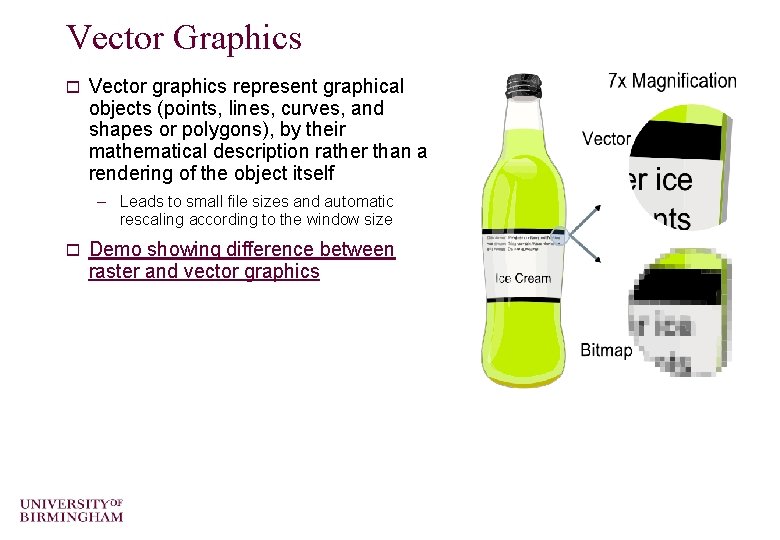
Vector Graphics o Vector graphics represent graphical objects (points, lines, curves, and shapes or polygons), by their mathematical description rather than a rendering of the object itself – Leads to small file sizes and automatic rescaling according to the window size o Demo showing difference between raster and vector graphics
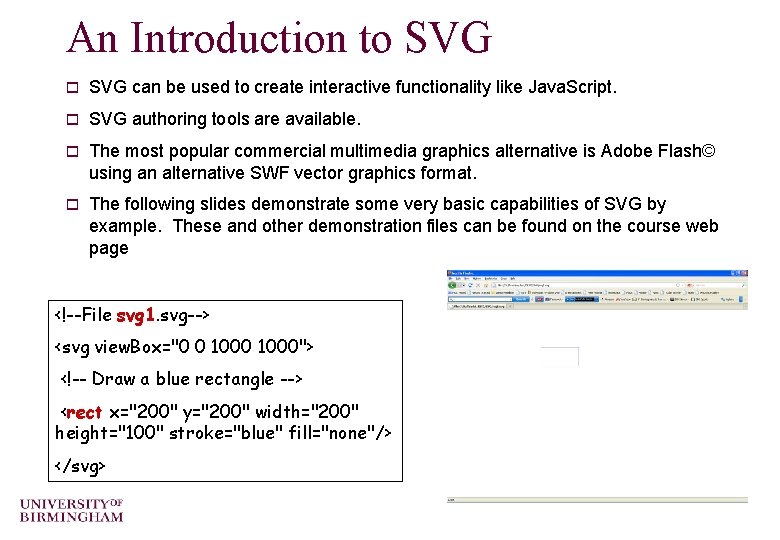
An Introduction to SVG can be used to create interactive functionality like Java. Script. o SVG authoring tools are available. o The most popular commercial multimedia graphics alternative is Adobe Flash© using an alternative SWF vector graphics format. o The following slides demonstrate some very basic capabilities of SVG by example. These and other demonstration files can be found on the course web page <!--File svg 1. svg--> <svg view. Box="0 0 1000"> <!-- Draw a blue rectangle --> <rect x="200" y="200" width="200" height="100" stroke="blue" fill="none"/> </svg>
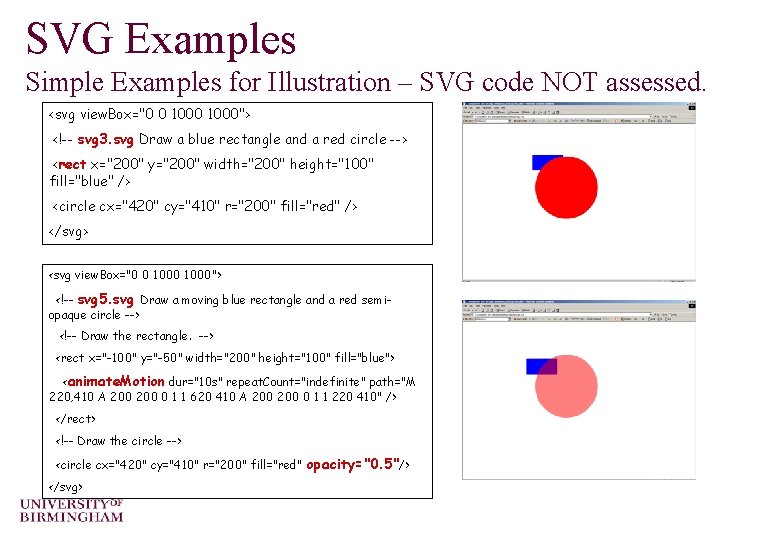
SVG Examples Simple Examples for Illustration – SVG code NOT assessed. <svg view. Box="0 0 1000"> <!-- svg 3. svg Draw a blue rectangle and a red circle --> <rect x="200" y="200" width="200" height="100" fill="blue" /> <circle cx="420" cy="410" r="200" fill="red" /> </svg> <svg view. Box="0 0 1000"> <!-- svg 5. svg Draw a moving blue rectangle and a red semiopaque circle --> <!-- Draw the rectangle. --> <rect x="-100" y="-50" width="200" height="100" fill="blue"> <animate. Motion dur="10 s" repeat. Count="indefinite" path="M 220, 410 A 200 0 1 1 620 410 A 200 0 1 1 220 410" /> </rect> <!-- Draw the circle --> <circle cx="420" cy="410" r="200" fill="red" opacity="0. 5"/> </svg>
SVG Demos http: //blogs. sitepointstatic. com/examples/tech/svg-curves/cubiccurve. html o http: //raphaeljs. com/analytics. html o http: //www. themaninblue. com/experiment/Blobular/ o
o This concludes our introduction to Java. Script and SVG. o All the demonstration files can be found on the course web page. o You will not be required to write any Java. Script or SVG code in the exam. But you may expect bookwork questions on the content of these slides, for example, about what these languages provide or about what objects, properties or events are. o You can find course information, including slides and supporting resources, on-line on the course web page at Thank You http: //www. eee. bham. ac. uk/spannm/Courses/ee 1 f 2. htm
EE 1 F 2 Exam Information o The exam is 100% if the 10 credit module mark o Answer 2 questions out of 3 in 1½ hours o Which parts of the syllabus are examinable? – Everything is fair game except: o Detailed mathematical understanding of RSA or DES although you need to understand why prime factorization relates to private/public key selection o Detailed mathematical understanding of the DCT (although you should understand why it is applied in JPEG and MPEG) o Detailed knowledge of SVG code
EE 1 F 2 Exam Information o Other things to bear in mind – The exam tests basic understanding along with ability to apply what you have learnt – The ‘structure’ of the paper hasn’t changed over the past few years even though I only took over the course 2 years ago o Attempting previous years papers is by far the easiest way to revise
- Slides: 22