
Multifarious Systems Client Server Application Presentation Team WRNS
- Slides: 25
Multifarious Systems Client / Server Application Presentation Team WRNS Aldwin Saugere Ajit Gaddam Fernando Souto
Overview of the Client / Server Application
Project Details • Senior Design Project’s Web Interface • Develop a secure Logon Application • Task Manager for Team Members • Provides Potential Sponsors and possible clients a window to interact with us • Provides Various Documentation for public consumption • Delegation of Responsibilities for this Project
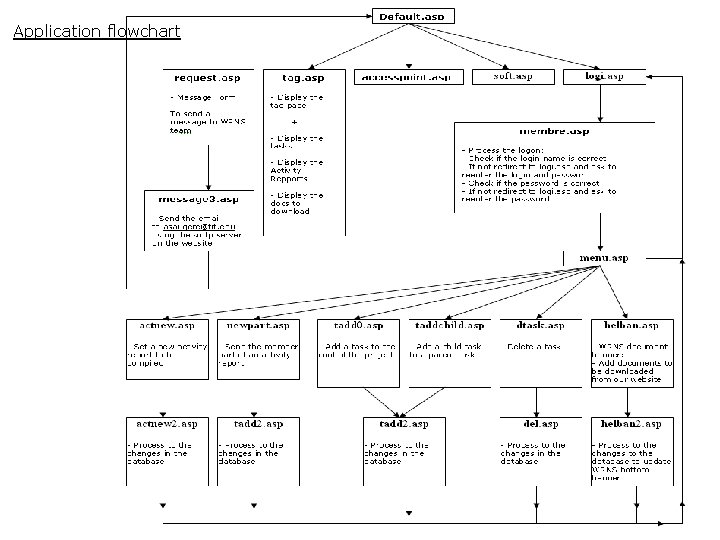
Application flowchart
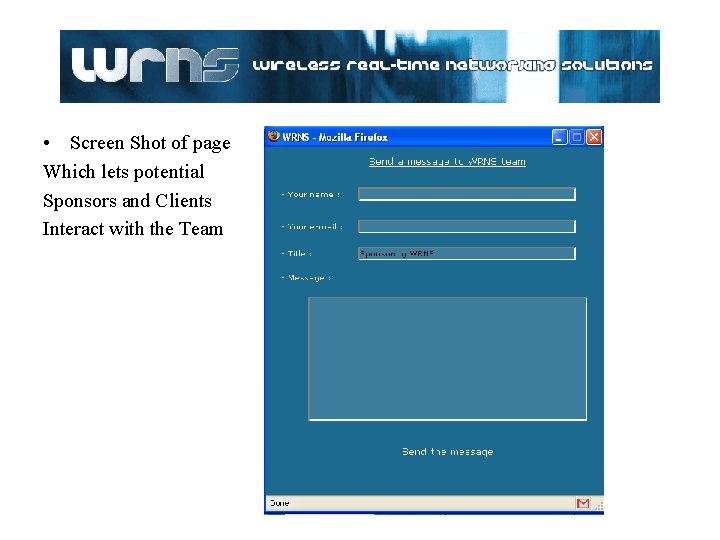
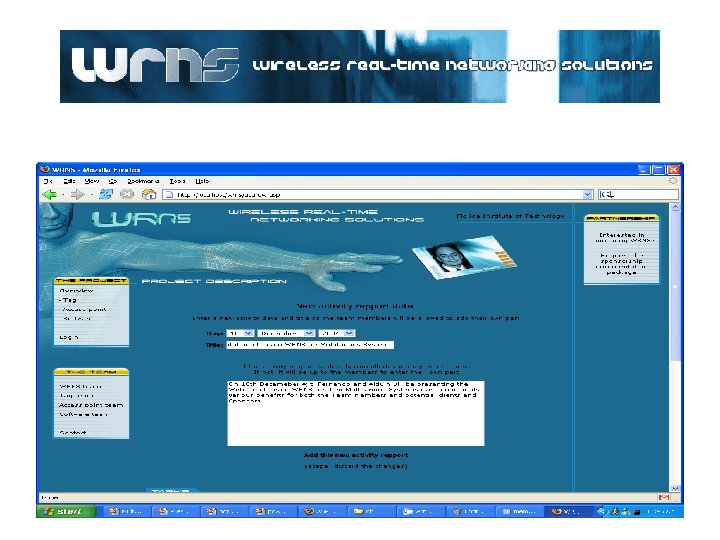
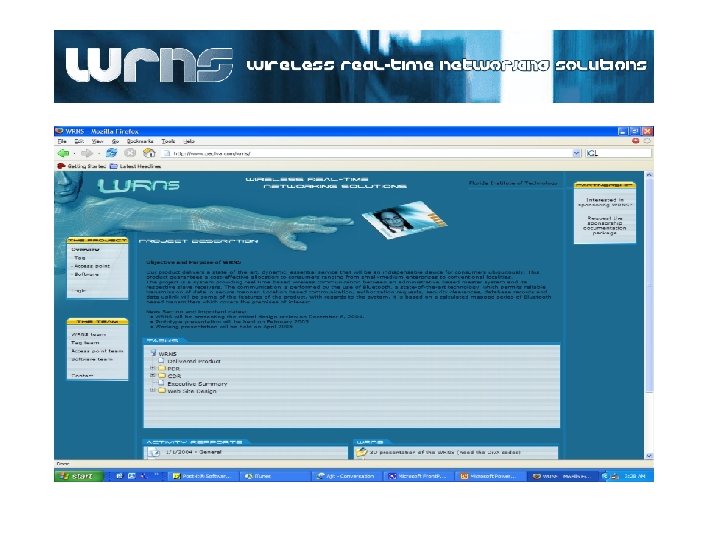
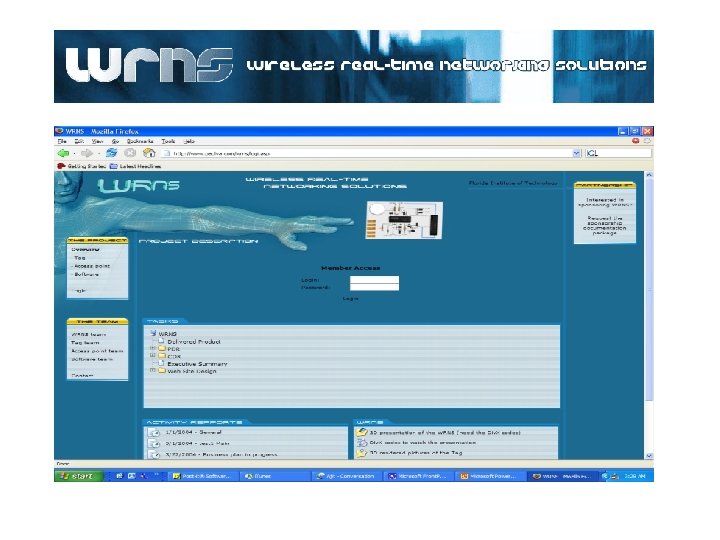
• Screen Shot of page Which lets potential Sponsors and Clients Interact with the Team
Available Solutions • Reasons behind choosing ASP over other scripting Languages • Native Language Support – more of a Windows Flavor – Microsoft’s Blessing • Member’s comfort Zone using C/ C++ • Availability of a large number of tutorials • Excellent when connecting to different databases • Code Readability - ASP 's VBScript uses more words than PHP does in its syntax and is therefore easier to read and understand • Finally boils down to preference and familiarity.
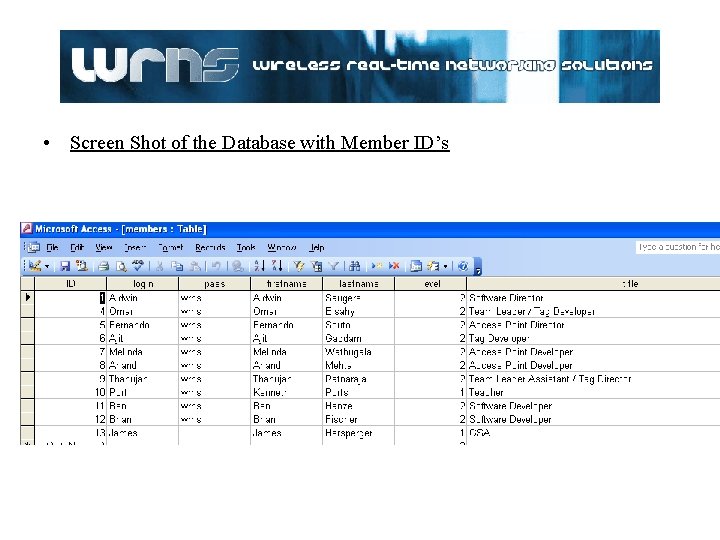
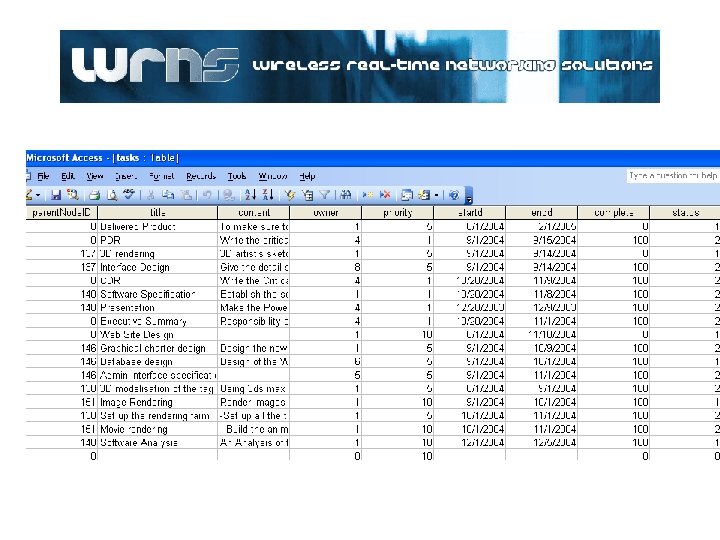
• Screen Shot of the Database with Member ID’s
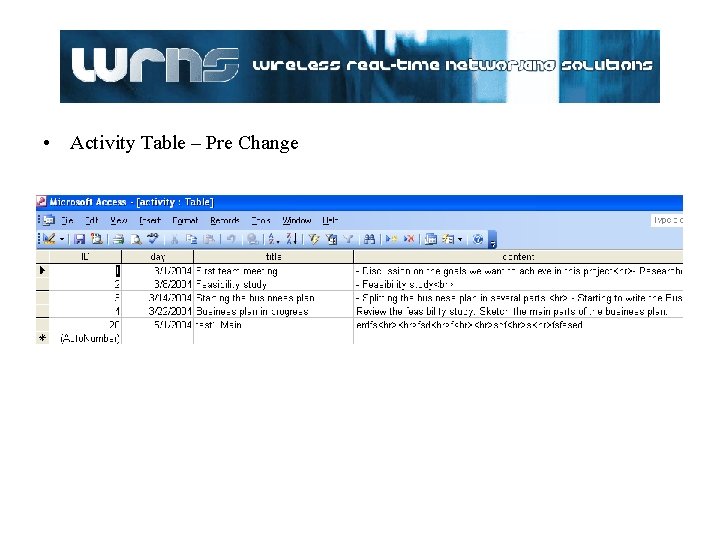
• Activity Table – Pre Change
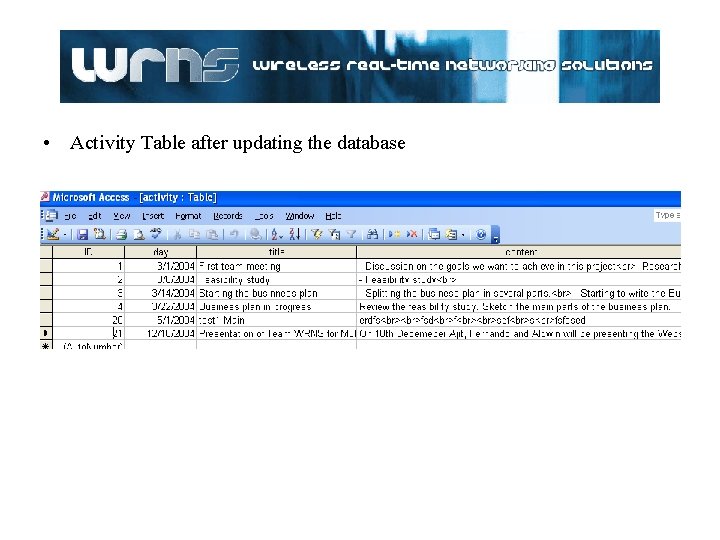
• Activity Table after updating the database
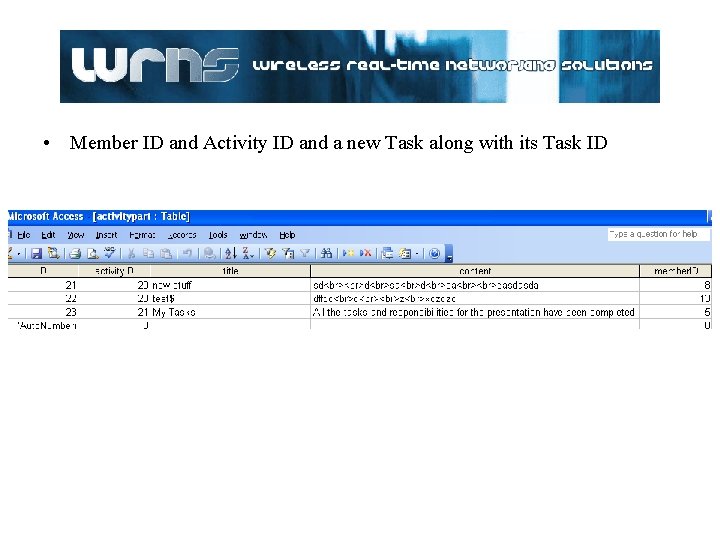
• Member ID and Activity ID and a new Task along with its Task ID
HTML Design, Layout and Log In Interfaces
• HTML Design and Page Layout – Web Page fonts, pictures and displays • Types of fonts viewed by all browsers, colors • Background pictures – Page Background is cut to give the illusion of several blocks – Use of iframes to increase performance
Log in interfaces – Sessions unique ids are used to Increase security – Every request to the server is validated with the sessions UID – Frames and pages keep the Session ID until logged off.
Task Creation and Management
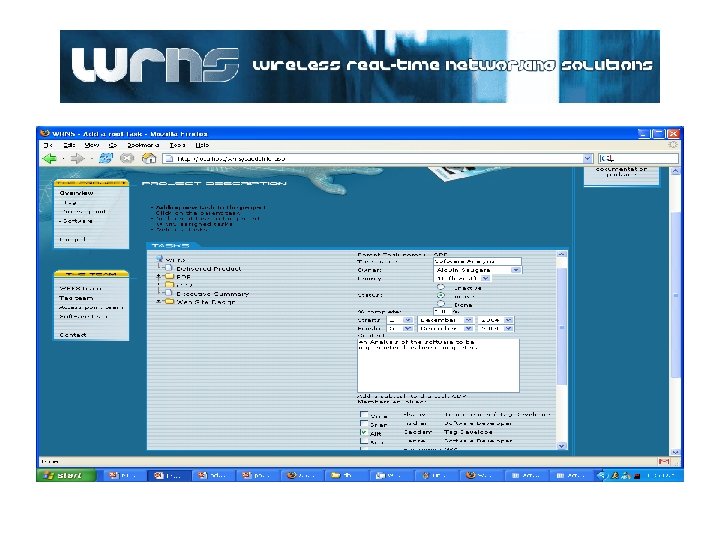
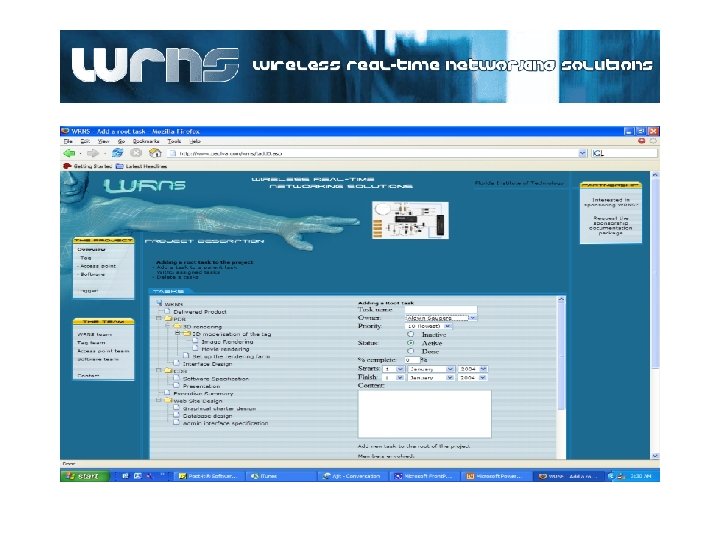
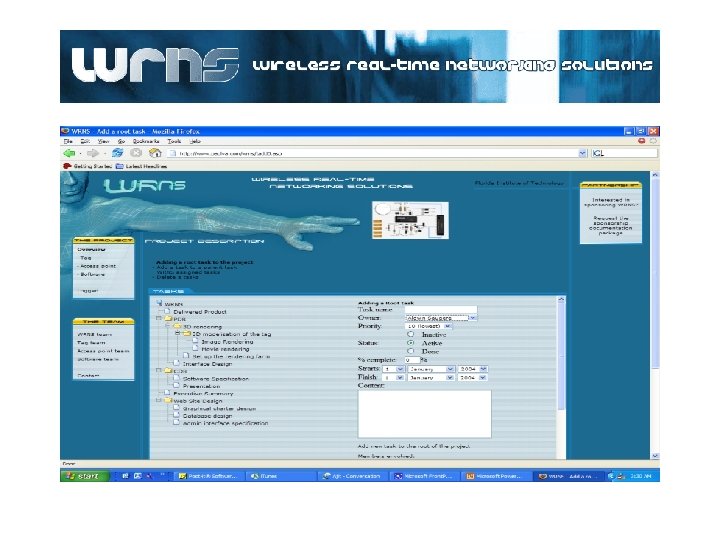
Tree Directory – Allows the users to interact graphically with the server • Gives the options of organizing in directories or files – Facilitates organization of files and data records – Allows the users to have a virtual directory and access to the database
• Task assignment and management – Allows the users to create, organize and compile data. – Allows multiple users to append information to the tasks and deliverables – Gives the users the ability to communicate important information, as well as, managing team tasks
Presentation of the Web Site
THANK YOU FOR YOUR TIME Questions or Comments? www. wrns. org