
MSNPSharp Dot MSNMSN MSNPsharpnamespace MSNPSharpdata classes faade classes

- Slides: 49
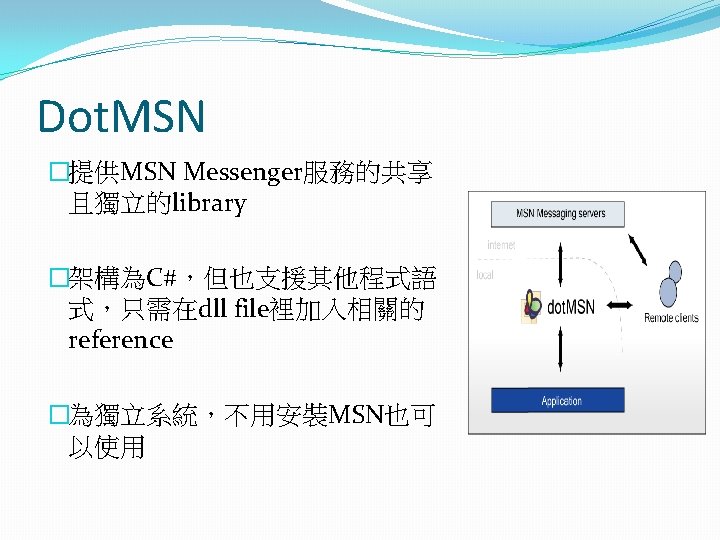
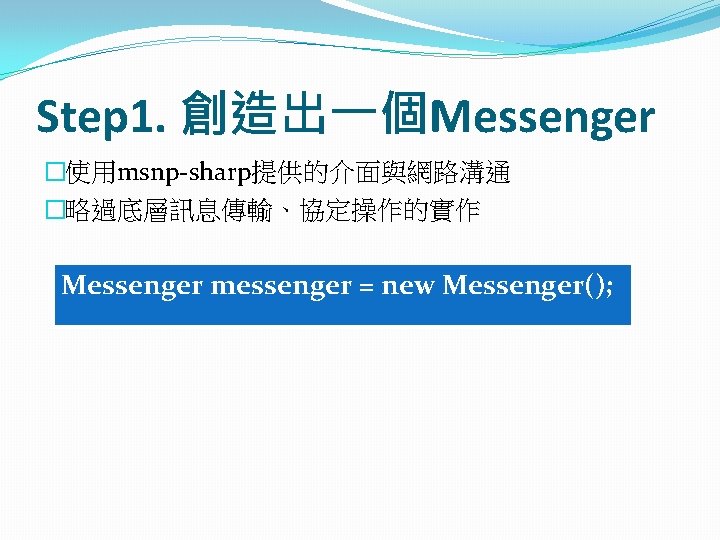
MSNPSharp �Dot. MSN提供的MSN機器人開發套件 �MSNPsharp三大namespace �MSNPSharp:基本的data classes, façade classes, event argument classes, exception class �MSNPSharp. Core:‘backend’ classes that are used by Dot. MSN �MSNPSharp. Data. Transfer: P 2 P and MSNSLP classes
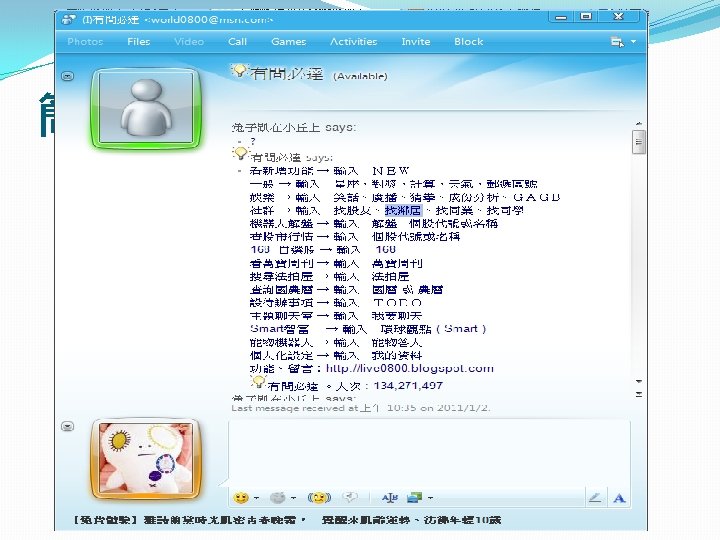
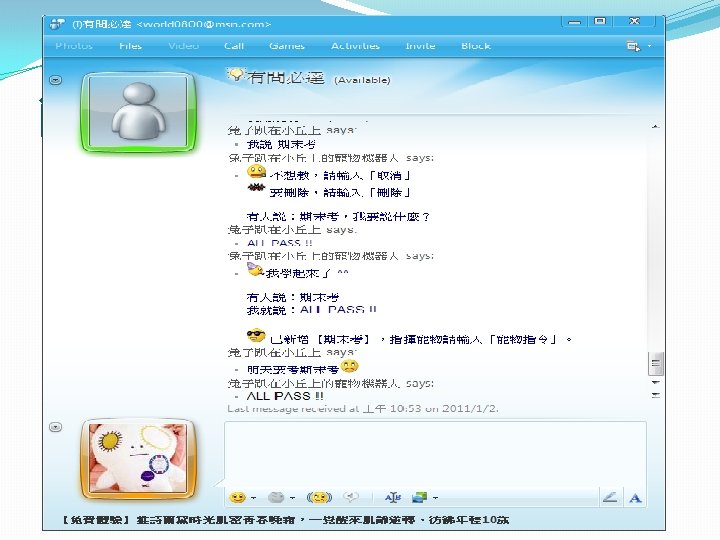
What’s msnp-sharp? �非官方的MSN通訊協定函式庫 �http: //code. google. com/p/msnp-sharp/ �使用語言:c# �支援功能 �Message:文字、離線、群組訊息etc. �Address Book:與“好友”相關的功能 �Roaming Profile:與MSN儲存伺服器溝通 �Nameserver(NS) & Switchboard(SB):機器人!!!
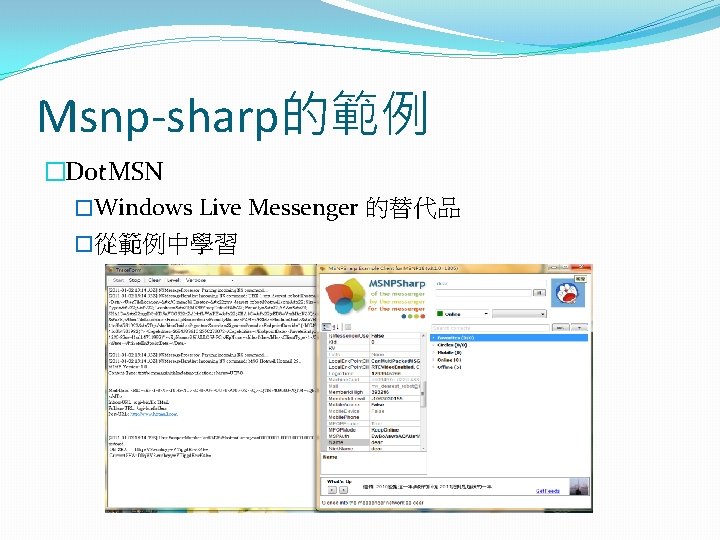
Msnp-sharp的範例 �Dot. MSN �Windows Live Messenger 的替代品 �從範例中學習
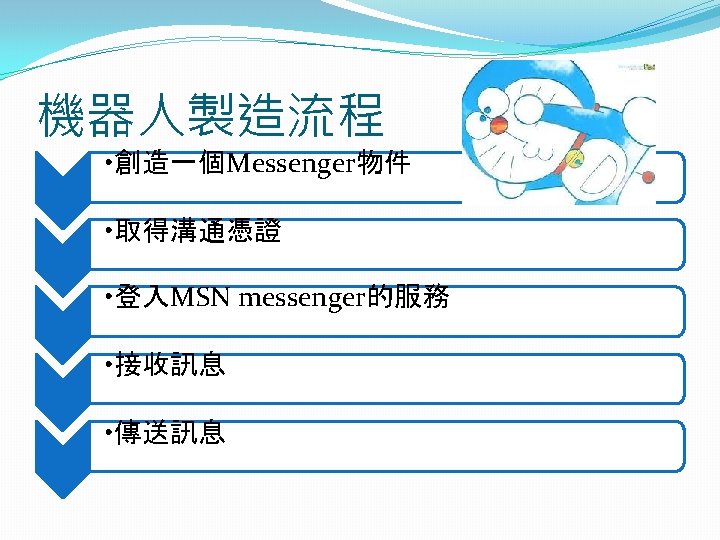
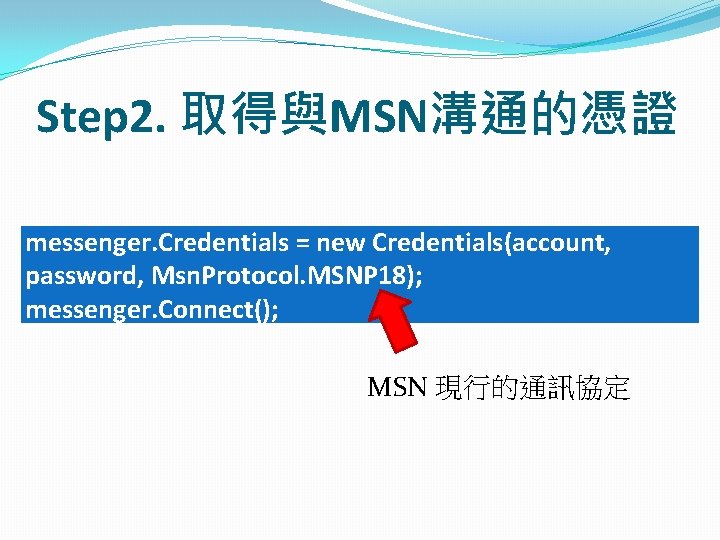
Step 2. 取得與MSN溝通的憑證 messenger. Credentials = new Credentials(account, password, Msn. Protocol. MSNP 18); messenger. Connect(); MSN 現行的通訊協定
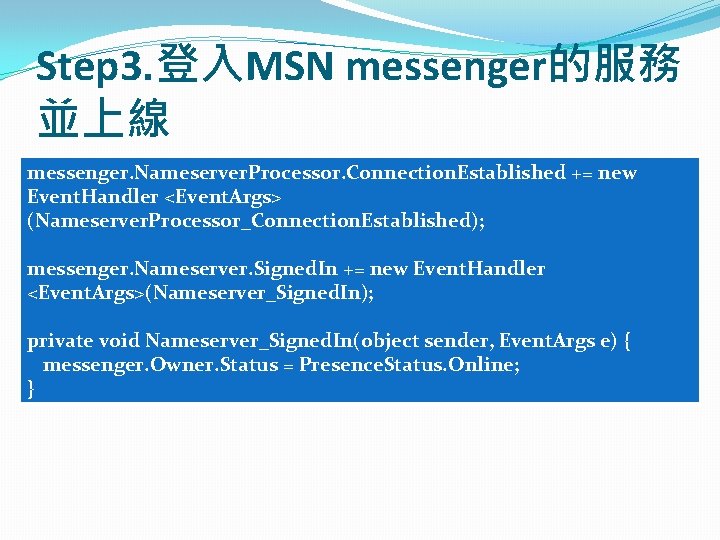
Step 3. 登入MSN messenger的服務 並上線 messenger. Nameserver. Processor. Connection. Established += new Event. Handler <Event. Args> (Nameserver. Processor_Connection. Established); messenger. Nameserver. Signed. In += new Event. Handler <Event. Args>(Nameserver_Signed. In); private void Nameserver_Signed. In(object sender, Event. Args e) { messenger. Owner. Status = Presence. Status. Online; }
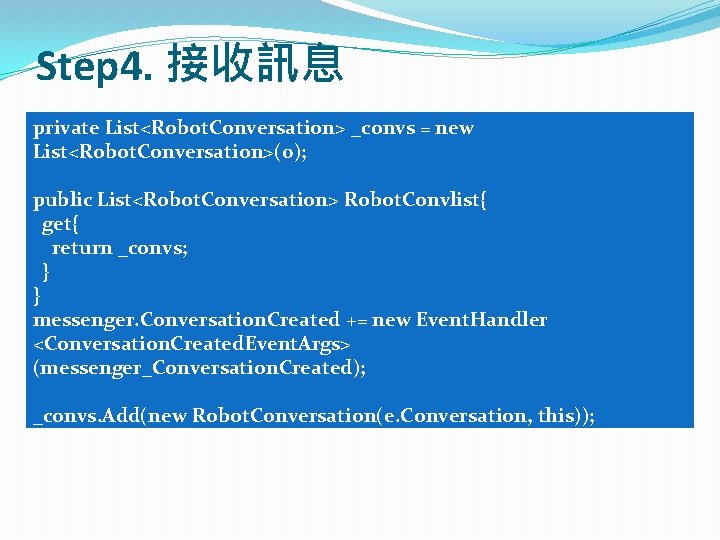
Step 4. 接收訊息 private List<Robot. Conversation> _convs = new List<Robot. Conversation>(0); public List<Robot. Conversation> Robot. Convlist{ get{ return _convs; } } messenger. Conversation. Created += new Event. Handler <Conversation. Created. Event. Args> (messenger_Conversation. Created); _convs. Add(new Robot. Conversation(e. Conversation, this));
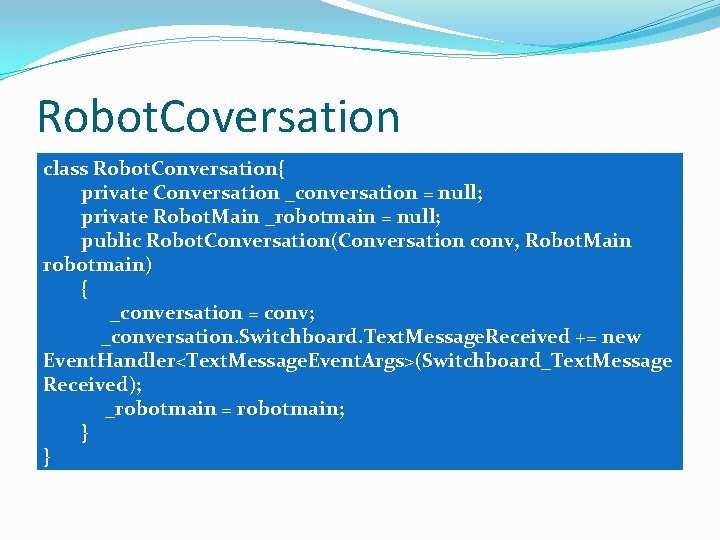
Robot. Coversation class Robot. Conversation{ private Conversation _conversation = null; private Robot. Main _robotmain = null; public Robot. Conversation(Conversation conv, Robot. Main robotmain) { _conversation = conv; _conversation. Switchboard. Text. Message. Received += new Event. Handler<Text. Message. Event. Args>(Switchboard_Text. Message Received); _robotmain = robotmain; } }
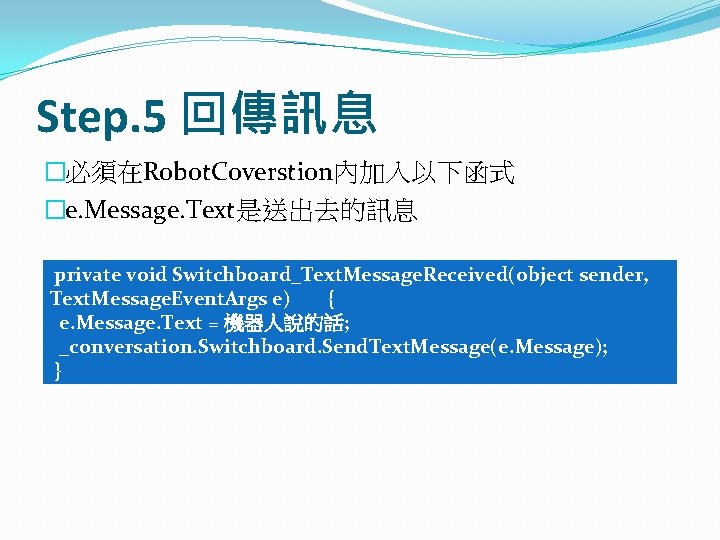
Step. 5 回傳訊息 �必須在Robot. Coverstion內加入以下函式 �e. Message. Text是送出去的訊息 private void Switchboard_Text. Message. Received(object sender, Text. Message. Event. Args e) { e. Message. Text = 機器人說的話; _conversation. Switchboard. Send. Text. Message(e. Message); }
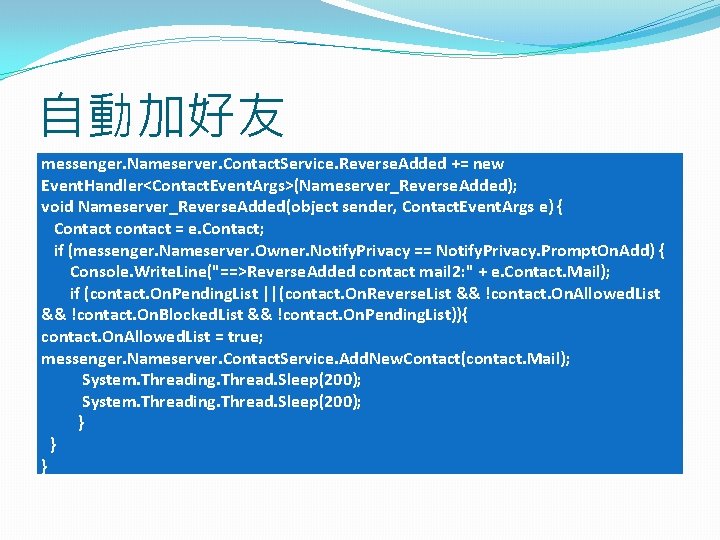
自動加好友 messenger. Nameserver. Contact. Service. Reverse. Added += new Event. Handler<Contact. Event. Args>(Nameserver_Reverse. Added); void Nameserver_Reverse. Added(object sender, Contact. Event. Args e) { Contact contact = e. Contact; if (messenger. Nameserver. Owner. Notify. Privacy == Notify. Privacy. Prompt. On. Add) { Console. Write. Line("==>Reverse. Added contact mail 2: " + e. Contact. Mail); if (contact. On. Pending. List ||(contact. On. Reverse. List && !contact. On. Allowed. List && !contact. On. Blocked. List && !contact. On. Pending. List)){ contact. On. Allowed. List = true; messenger. Nameserver. Contact. Service. Add. New. Contact(contact. Mail); System. Threading. Thread. Sleep(200); } } }
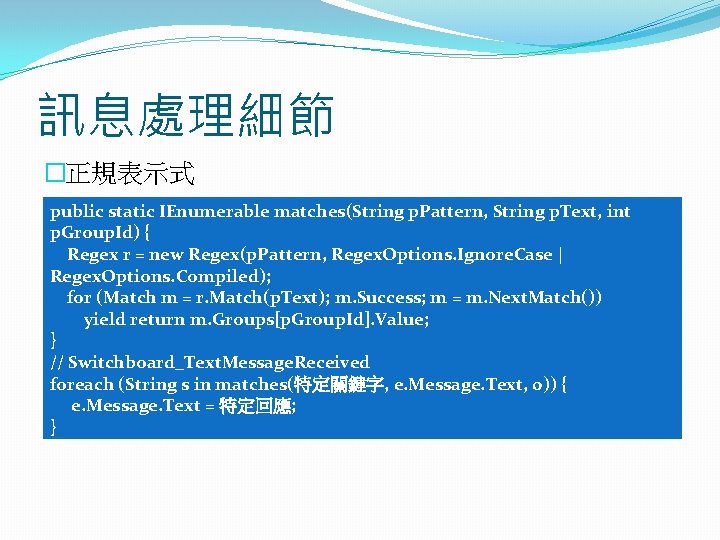
訊息處理細節 �正規表示式 public static IEnumerable matches(String p. Pattern, String p. Text, int p. Group. Id) { Regex r = new Regex(p. Pattern, Regex. Options. Ignore. Case | Regex. Options. Compiled); for (Match m = r. Match(p. Text); m. Success; m = m. Next. Match()) yield return m. Groups[p. Group. Id]. Value; } // Switchboard_Text. Message. Received foreach (String s in matches(特定關鍵字, e. Message. Text, 0)) { e. Message. Text = 特定回應; }
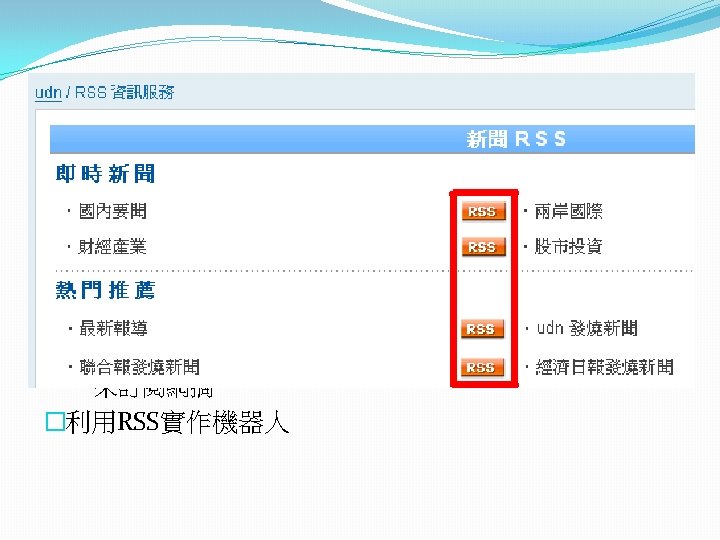
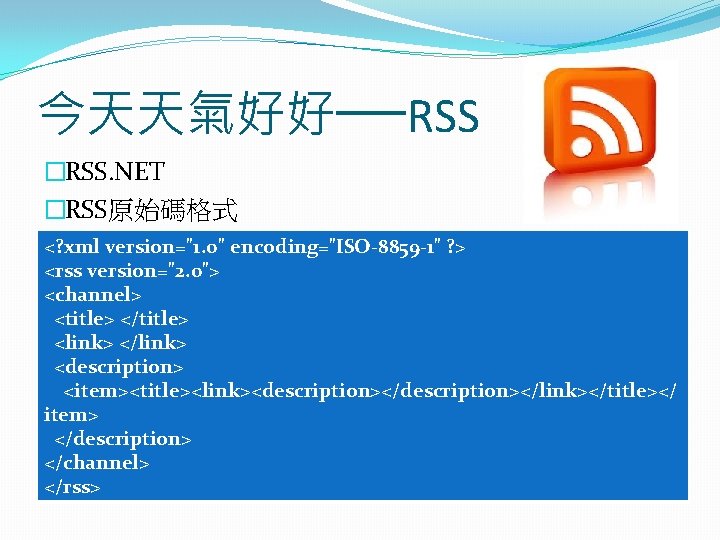
今天天氣好好──RSS �RSS. NET �RSS原始碼格式 <? xml version="1. 0" encoding="ISO-8859 -1" ? > <rss version="2. 0"> <channel> <title> </title> <link> </link> <description> <item><title><link><description></link></title></ item> </description> </channel> </rss>
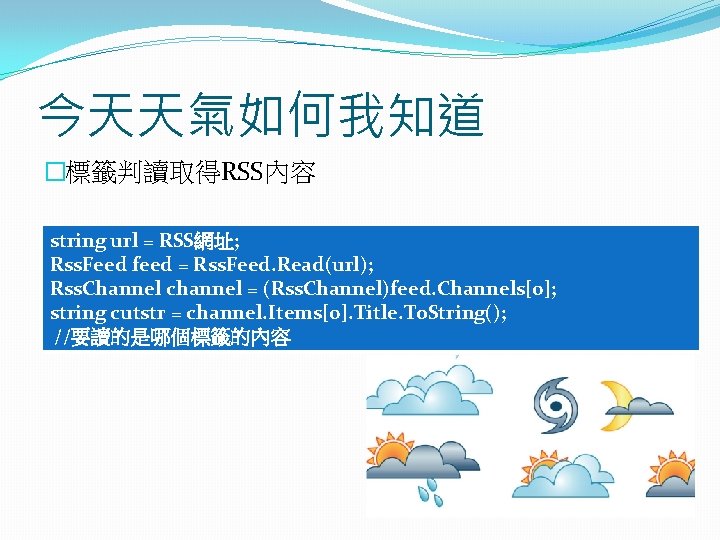
今天天氣如何我知道 �標籤判讀取得RSS內容 string url = RSS網址; Rss. Feed feed = Rss. Feed. Read(url); Rss. Channel channel = (Rss. Channel)feed. Channels[0]; string cutstr = channel. Items[0]. Title. To. String(); //要讀的是哪個標籤的內容
Thnank you for your listening Bye~ The end