
MS BI ALM TFS Microsoft Business Intelligence Application
MS BI ALM & TFS Microsoft Business Intelligence Application Life-Cycle Management with Team Foundation Server. (Thanks for acronyms)
About me: Dmytro Andriychenko • Business Intelligence Architect, Designer, Developer, etc. • SQL Server BI Certified Expert • Over 10 years data of data integration and analysis experience • Lately focused on BI architecture, design and delivery • Dmytro, Dmitriy, Dimitriy or just D – perfectly fine, I do not bite. • Data United Ltd – Data Integration and Analytics services • Integrity • Performance • Insight
Why ALM: What can possibly go wrong? • • Knight’s tale: lost over $400 millions due to an inconsistent deployment without a rollback plan Poor ALM is: • • • Inefficient, manual deployment processes No back-out/rollback plan Lack of documentation and testing Long feedback loop (Dev-Test-Ops-Users) Gartner: 40% of critical system outages are due to change management or deployment
What is successful ALM? • Continuous, transparent, reliable integration and deployment • Shorter Feedback Loop (Dev-Test-Ops-Users) • Dev-Ops cooperation and collaboration • Productive Agile Development • Effective, sustainable management of • Work load/items • Teams • Product pipeline • Infrastructure
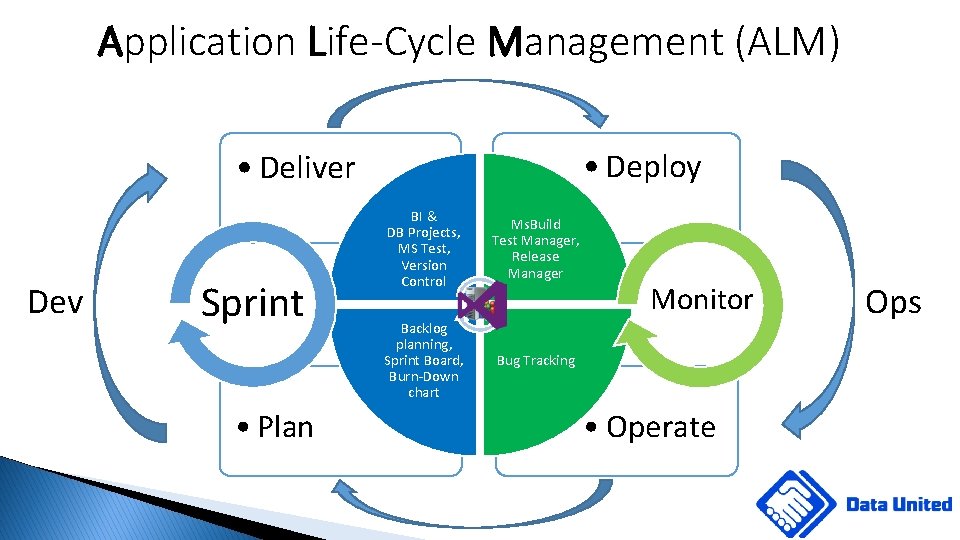
Application Life-Cycle Management (ALM) • Deploy • Deliver Dev Sprint • Plan BI & DB Projects, MS Test, Version Control Ms. Build Test Manager, Release Manager Backlog planning, Sprint Board, Burn-Down chart Bug Tracking Monitor • Operate Ops

ALM I: What Planning? We are all Agile, right?

ALM I: Planning: the most important step • Every minutes of planning saves 10 in execution (Brian Tracy) • Organise backlog of work (Scrum/Agile/CMMI): • Feature – project level item • Product Backlog Item (PBI) / User Story / Requirements • Task: individual work item, user story, 1 day of effort • Prepare Stories/PBIs/Requirements in advance • Set task complexity and spring goal beginning of sprint • Monitor and update tasks via task board & burn-down chart • Facilitate communication by using the task board on daily stand-ups

Task Board Product Backlog Item (PBI) or User Story Task
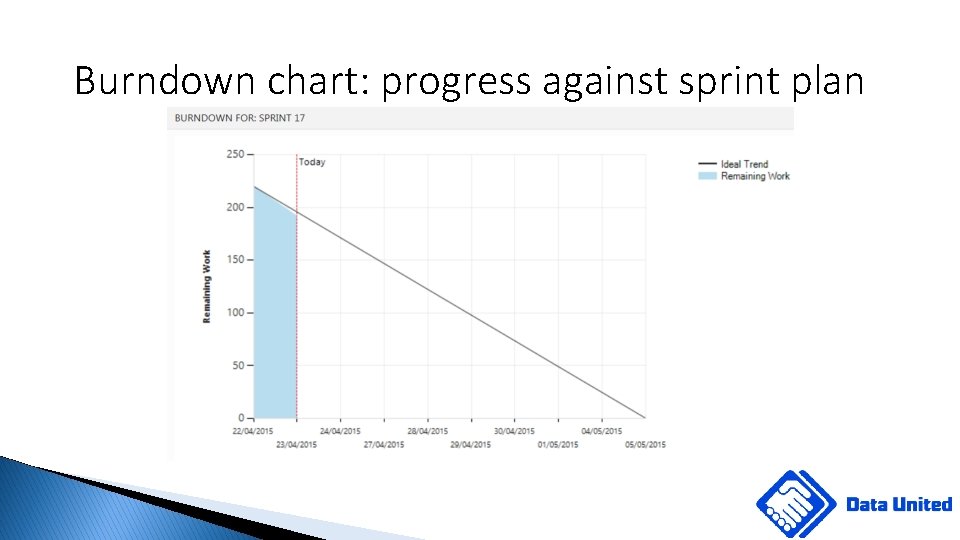
Burndown chart: progress against sprint plan

ALM 2: Delivery: Code Management • Version Control: TFVC and/or git repository (check out GVFS in 2018) • TFVC: small, central repos • Git: distributed repos • GFVS: Git Virtual File System (2018) • Link work items to code • Compulsory comments! • Gated check-ins/commits • Pull (merge) requests and code reviews • Test integration
ALM 2: Delivery: Testing – NBi. io • NBi. io: best testing framework for MS BI (please challenge!) • Easy to get started and learn • Open-source, based on NUnit, XML project files • Well documented at http: //NBi. io • Supports DB, SSAS Dimensional and Tabular • Supports SSRS reports and even Power. BI!!! • Generate tests on mass with Gen. BI • Templates for SSAS Dimensional • Easily customisable

ALM 2: Delivery: Dev. Ops • Configure Deployment Pipeline as early as possible • Helps envisage problems early • Helps in planning and development • Involve Ops early to avoid disappointment • Deploy to Test/CI environment as often as practical: • ideally every check-in/commit • at least daily
ALM 3: Deploy • Automate Deployments: • Use Deployment system • Harness the Power. Shell, devenv and SSDT-BI! • Automate Approval Work-Flow • Pre-release approval to advance the release • Post-release approval for quality assurance • Automate Testing • TFS supports JUnit, NUnit, VSTest, x. Unit test frameworks • NBi results are integrated as NUnit
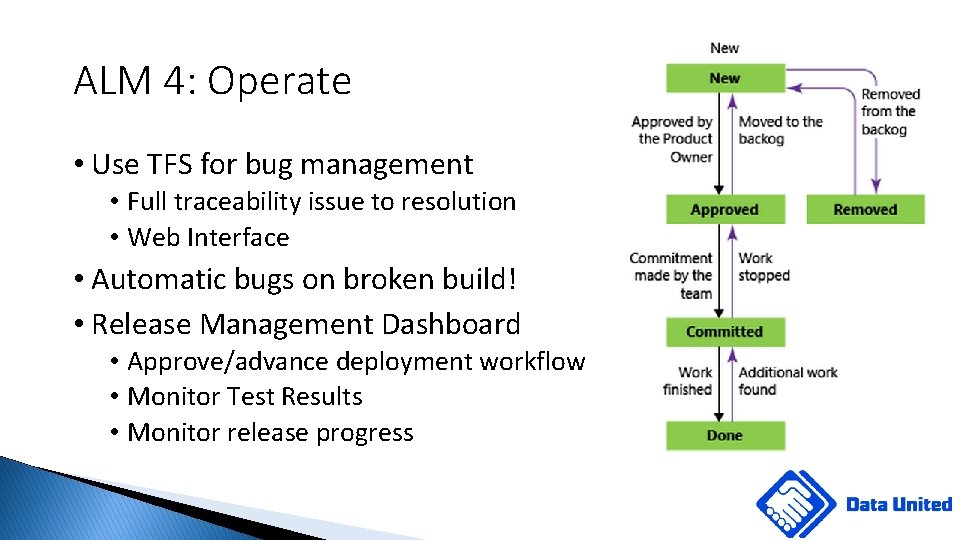
ALM 4: Operate • Use TFS for bug management • Full traceability issue to resolution • Web Interface • Automatic bugs on broken build! • Release Management Dashboard • Approve/advance deployment workflow • Monitor Test Results • Monitor release progress

Let’s talk deployment! • TFS Release Management • Better integration with TFS and VS • Work Items – Code – Test results • Works well with MS BI projects • One-liner Build of any MS BI project with devenv. com ? • Free with a paid Visual Studio License • AD and e-mail Integration • Sophisticated and feature-rich • Many other tools : XLDeploy, Cruise Control. NET, CHEF, etc • Use what is already there or use TFS if you have are a Microsoft company

TFS 2017 Deployment E n v i r o n m e n t s p i p e l i n e TFS VC / Build / VS Drop location Code Build/Release Definitions Developer Operational Support TFS Agent Test Manager Tester Agents: • No extra costs • Recommend one per environment • Must be able to access all target servers (no firewalls) Test Manager • Extra Cost: 52$ p/m Basic CAL • 6$ pm
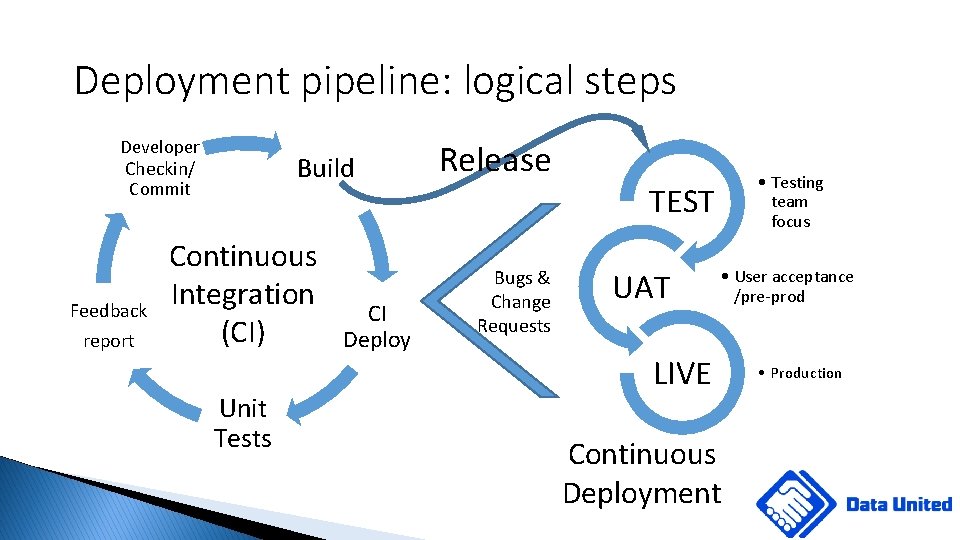
Deployment pipeline: logical steps Developer Checkin/ Commit Feedback report Build Continuous Integration (CI) Unit Tests CI Deploy Release Bugs & Change Requests • Testing team focus TEST UAT • User acceptance /pre-prod LIVE Continuous Deployment • Production
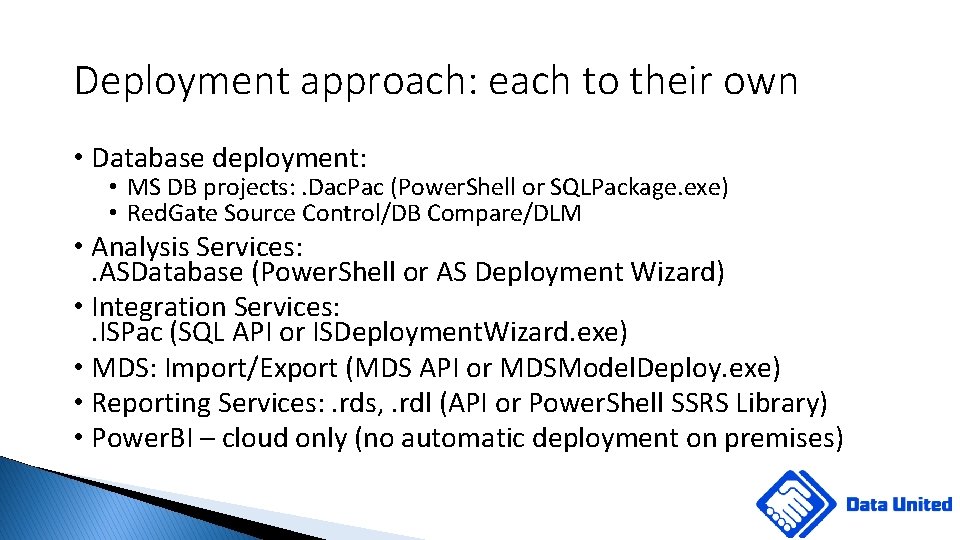
Deployment approach: each to their own • Database deployment: • MS DB projects: . Dac. Pac (Power. Shell or SQLPackage. exe) • Red. Gate Source Control/DB Compare/DLM • Analysis Services: . ASDatabase (Power. Shell or AS Deployment Wizard) • Integration Services: . ISPac (SQL API or ISDeployment. Wizard. exe) • MDS: Import/Export (MDS API or MDSModel. Deploy. exe) • Reporting Services: . rds, . rdl (API or Power. Shell SSRS Library) • Power. BI – cloud only (no automatic deployment on premises)
Deploying Databases: script v state • Script: Developer focuses on change/migration scripts • Focuses on what is going to change: great visibility of change • Finer control over the process (it seems) • Works better for simple changes/schemas • State: Developer focuses on the end-result schema (in Tool we trust) • Designed to protect schema and data integrity • Better protection against schema drifts • Integrity of the • Both: the only thing that works • Maintain the end-result to protect schema integrity • Maintain change scripts to protect data integrity
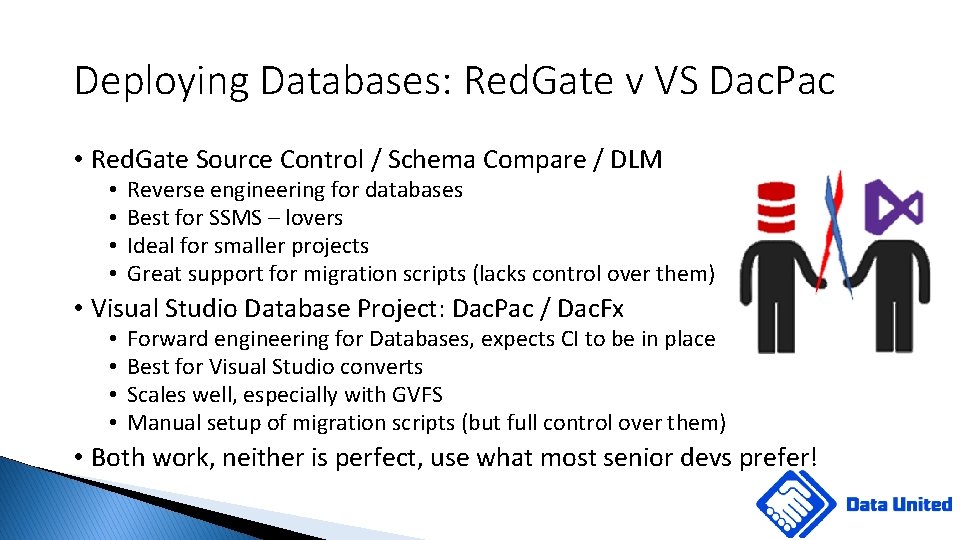
Deploying Databases: Red. Gate v VS Dac. Pac • Red. Gate Source Control / Schema Compare / DLM • • Reverse engineering for databases Best for SSMS – lovers Ideal for smaller projects Great support for migration scripts (lacks control over them) • Visual Studio Database Project: Dac. Pac / Dac. Fx • • Forward engineering for Databases, expects CI to be in place Best for Visual Studio converts Scales well, especially with GVFS Manual setup of migration scripts (but full control over them) • Both work, neither is perfect, use what most senior devs prefer!
Deploying Databases: Sql. Package. exe • Hidden Gem of SQL Server Data Tools • Program Files (x 86)Microsoft SQL Server120DACbin • Can use the same profile as in Visual Studio with your dacpac • Very easy to use: sqlpackage. exe /action: publish /sourcefile <dacpac. Filename> /Target. Server. Name <server. Name> /Target. Database. Name <DBName> /Profile <profile. Filename>
Deploying Databases: Power. Shell & Dac. Fx • # Add the DLL • Add-Type -path "C: Program Files (x 86)Microsoft SQL Server120DACbinMicrosoft. Sql. Server. Dac. dll" • # Create the connection string • $d = New-Object Microsoft. Sql. Server. Dac. Services "server=(local)" • # Deploy the dacpac • $d. Deploy(“C: PathAW. dacpac”, “AWDW”, $true, $options) • See full working script at dataunited. co. uk/octo-dacpac
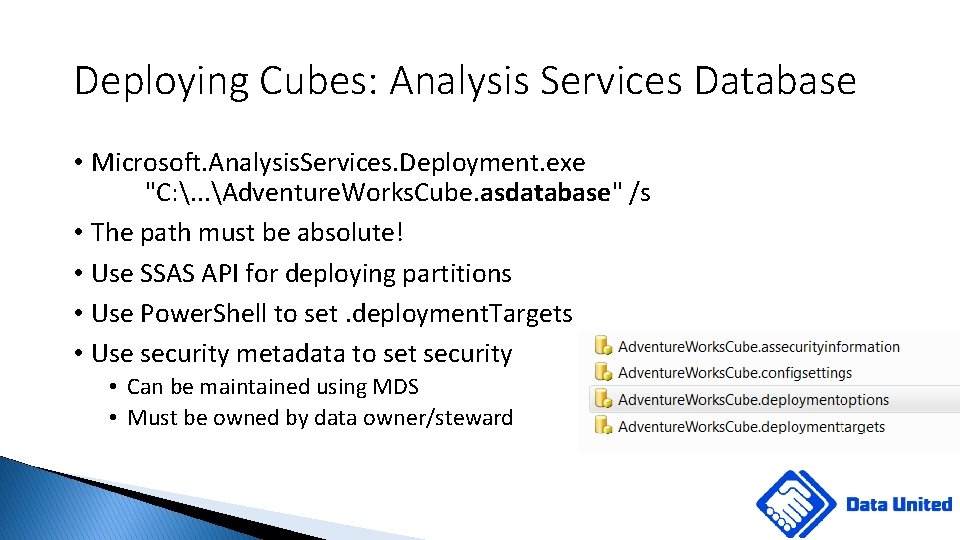
Deploying Cubes: Analysis Services Database • Microsoft. Analysis. Services. Deployment. exe "C: . . . Adventure. Works. Cube. asdatabase" /s • The path must be absolute! • Use SSAS API for deploying partitions • Use Power. Shell to set. deployment. Targets • Use security metadata to set security • Can be maintained using MDS • Must be owned by data owner/steward
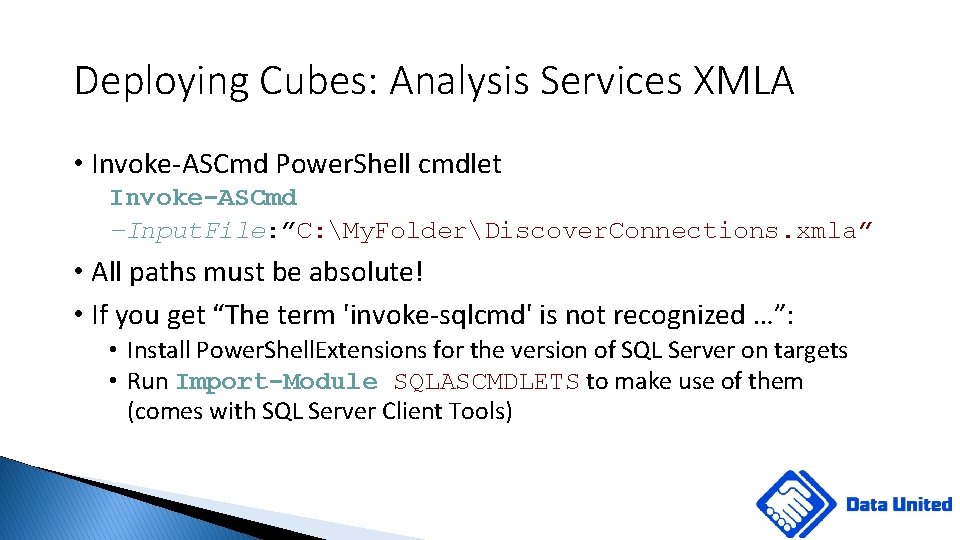
Deploying Cubes: Analysis Services XMLA • Invoke-ASCmd Power. Shell cmdlet Invoke-ASCmd –Input. File: ”C: My. FolderDiscover. Connections. xmla” • All paths must be absolute! • If you get “The term 'invoke-sqlcmd' is not recognized …”: • Install Power. Shell. Extensions for the version of SQL Server on targets • Run Import-Module SQLASCMDLETS to make use of them (comes with SQL Server Client Tools)
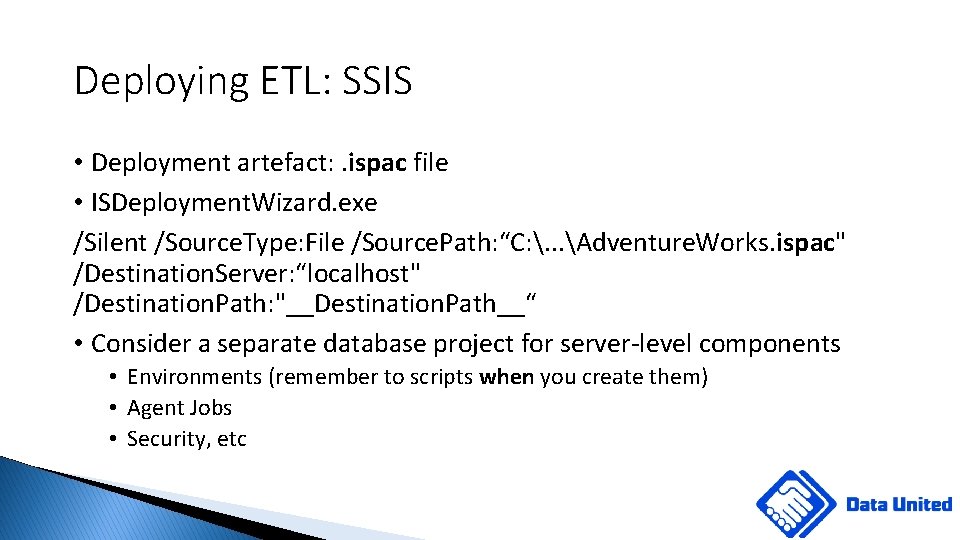
Deploying ETL: SSIS • Deployment artefact: . ispac file • ISDeployment. Wizard. exe /Silent /Source. Type: File /Source. Path: “C: . . . Adventure. Works. ispac" /Destination. Server: “localhost" /Destination. Path: "__Destination. Path__“ • Consider a separate database project for server-level components • Environments (remember to scripts when you create them) • Agent Jobs • Security, etc
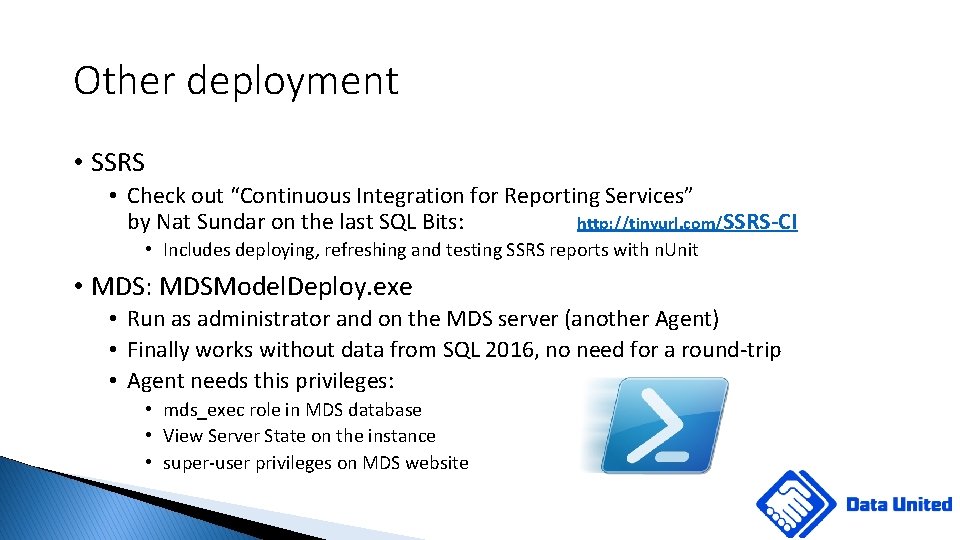
Other deployment • SSRS • Check out “Continuous Integration for Reporting Services” by Nat Sundar on the last SQL Bits: http: //tinyurl. com/SSRS-CI • Includes deploying, refreshing and testing SSRS reports with n. Unit • MDS: MDSModel. Deploy. exe • Run as administrator and on the MDS server (another Agent) • Finally works without data from SQL 2016, no need for a round-trip • Agent needs this privileges: • mds_exec role in MDS database • View Server State on the instance • super-user privileges on MDS website
Deployment summary: Power. Shell or CMD? • Complex projects require Power. Shell: too many moving parts • Simpler projects are easier to do with CMD • Use TFS Task Groups: plug & play (easily reusable and updatable) • Use TFS Variable Libraries • If you can use CMD – do it! • Both require SQL Server Client Tools installed on the Deployment Agent

Demo of CI using TFS • Windows Server 2012 Lab Environment • • • Full Adventure Works solution with DW, SSIS, SSAS and SSRS • • DC TFS OLAP SSRS 2017 Initial deployment Incremental deployment NBi Testing Approval workflow
Questions? • If you have any later: please email dmytro@data-united. co. uk

Number of Agents • TFS: • • No longer a license issue: have as many as you need Secure TLS 1. 2 communication with TFS Application Server Build agent should be separate from TFS Deployment agent must see the targets (firewall) • Octopus: • 20 included in the free edition
Build: Off with his head? • Headless build • Custom coding to build BI project • Additional support overhead • Devenv. com • • Same as by developer (Visual Studio) Used in Azure Beware: Use 16. 3 version of SSDT-BI (Build 14. 0. 60812) or older “Prime” SSDT-BI to make sure it knows what to do with SSAS Tabular

SSIS Tabular Visual Studio property
Concurrent Pipelines: you what? • It is a number of Concurrent Releases actually running (not waiting) • Every TFS 2017 server comes with one • MSFT Rule of thumb: 1 for 10 devs • Extra pipeline for every Enterprise MSDN subscription • No need to buy pipelines in TFS 2015 • Loosely equivalent to a project in Octopus
Don’t like agents? Go agentless! • Release Manager (DSC) or XL Deploy • Utilize Windows Remote Management • Can be perceived as more risky • Harder to configure correctly • More fun (for die-hard coders)
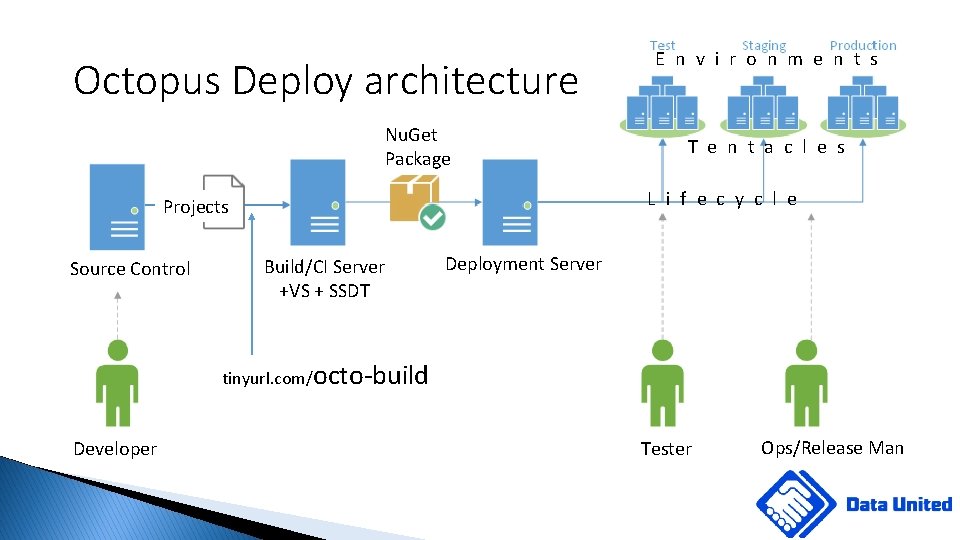
Octopus Deploy architecture Nu. Get Package T e n t a c l e s L i f e c y c l e Projects Source Control E n v i r o n m e n t s Build/CI Server +VS + SSDT Deployment Server tinyurl. com/octo-build Developer Tester Ops/Release Man
- Slides: 35