
MS ACCESS LESSON Y4 DATABASE It is a
MS ACCESS LESSON : Y-4
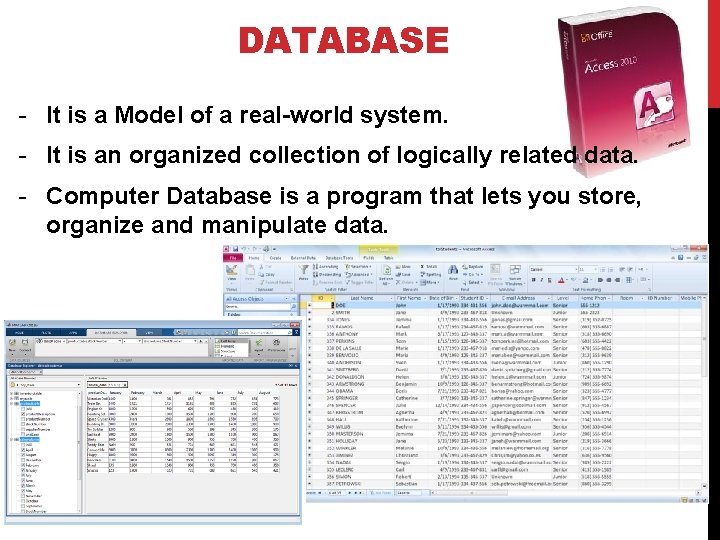
DATABASE - It is a Model of a real-world system. - It is an organized collection of logically related data. - Computer Database is a program that lets you store, organize and manipulate data.
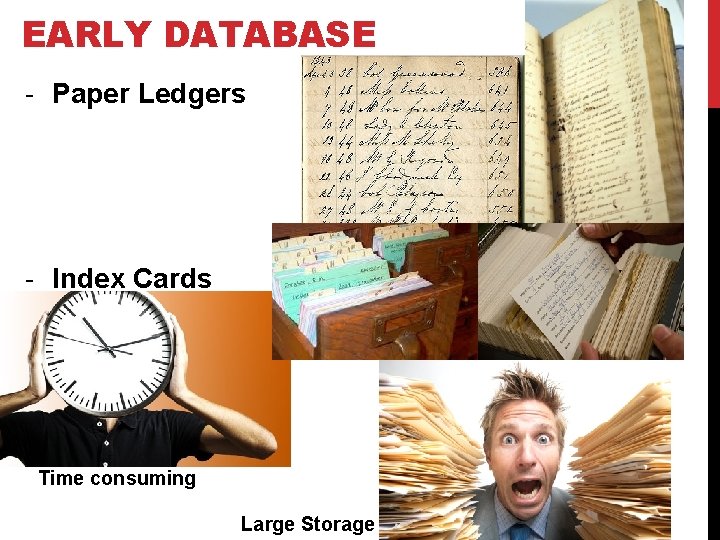
EARLY DATABASE - Paper Ledgers - Index Cards Time consuming Large Storage
BASIC TERMS Entity – it is a person, place, object, event or a concept in the user’s environment. Entity Type – it is a collection of entities that share common attributes or characteristics. Attributes – it is a property or characteristic of an entity type that is of interest to the organization. Relationship – it is an association representing an interaction among the instances of one or more entity type. Primary Key – it is identify uniquely one particular instance of an entity.
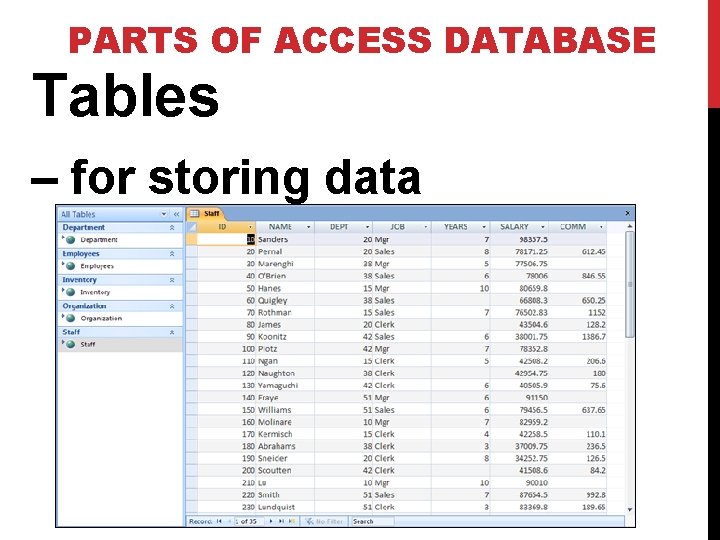
PARTS OF ACCESS DATABASE Tables – for storing data
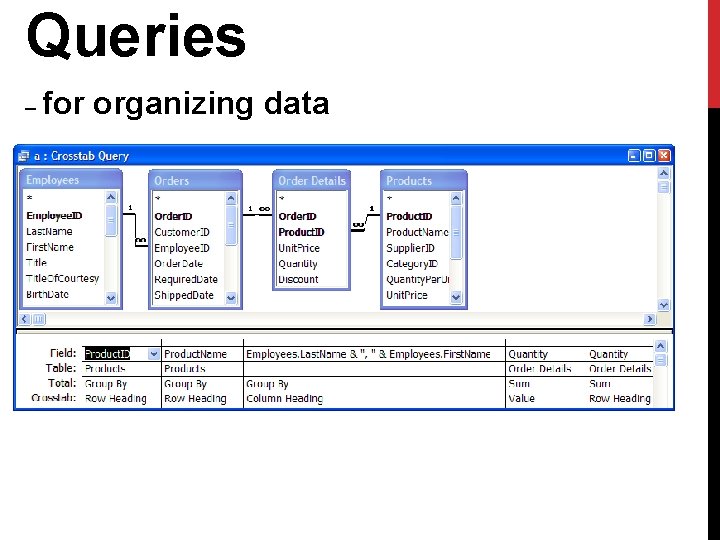
Queries – for organizing data
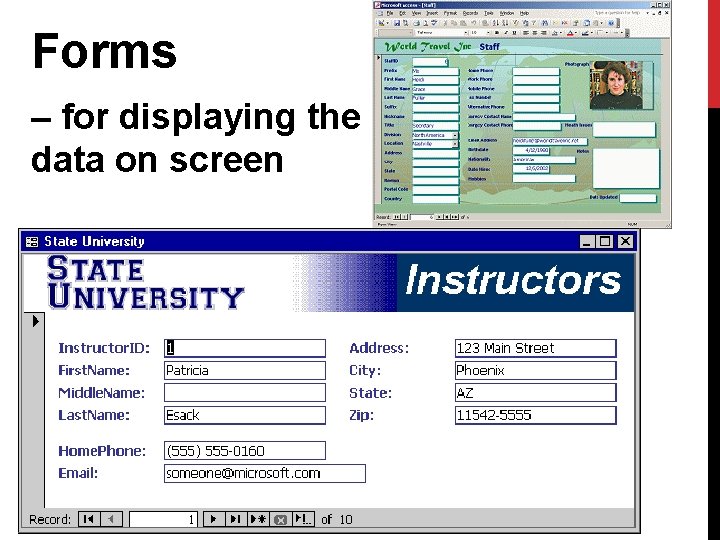
Forms – for displaying the data on screen
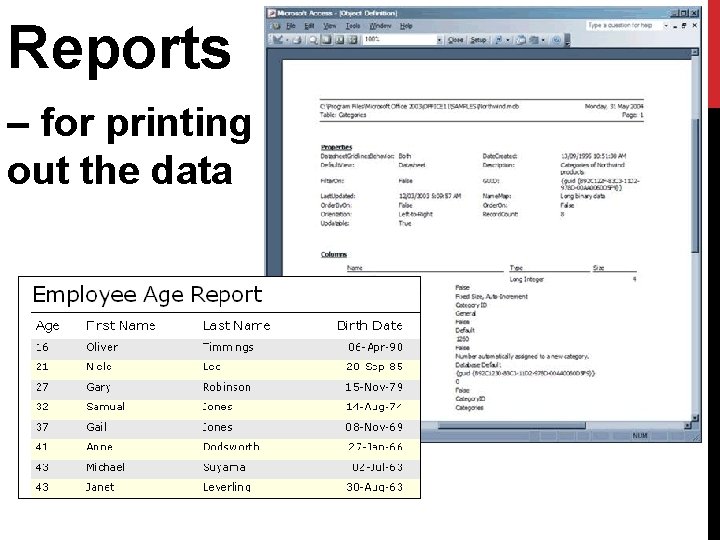
Reports – for printing out the data
MICROSOFT ACCESS - It is a relational database used to manage information by creating a database, adding, changing, and deleting data in the database. - It can be used for personal information management - In using MS Access, you can ask and answer questions concerning the data stored in the database, create forms and reports, and use them to retrieve, analyze and manipulate data in the database.
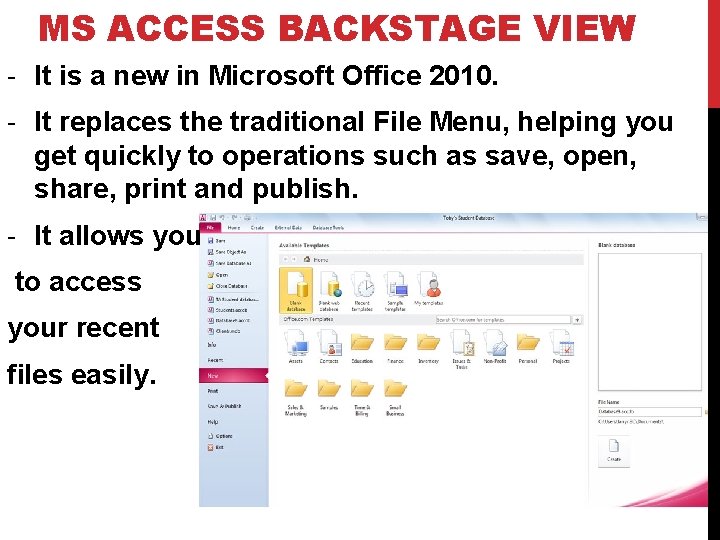
MS ACCESS BACKSTAGE VIEW - It is a new in Microsoft Office 2010. - It replaces the traditional File Menu, helping you get quickly to operations such as save, open, share, print and publish. - It allows you to access your recent files easily.
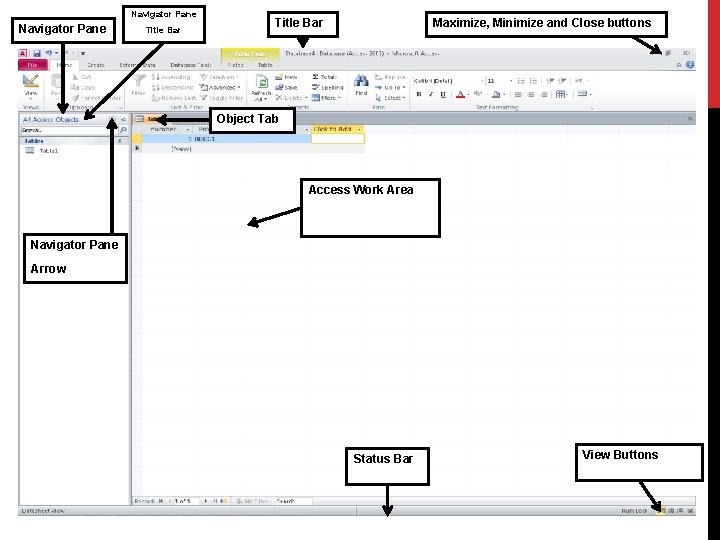
Navigator Pane Title Bar Maximize, Minimize and Close buttons Object Tab Access Work Area Navigator Pane Arrow Status Bar View Buttons
MS ACCESS WINDOW Ribbon – it has replaced MS Office menus and submenus with a graphical system which groups buttons for common tasks together in separate tabs. Navigation Pane – it contains a list of all objects in the database. Access Work Area – it is where you work on all objects such as tables, forms and reports. Status Bar – it displays information about the database, progress of current tasks, and status of certain commands and keys.

END…
- Slides: 13