
MR Computer Group Subject Cookies 92815 What is
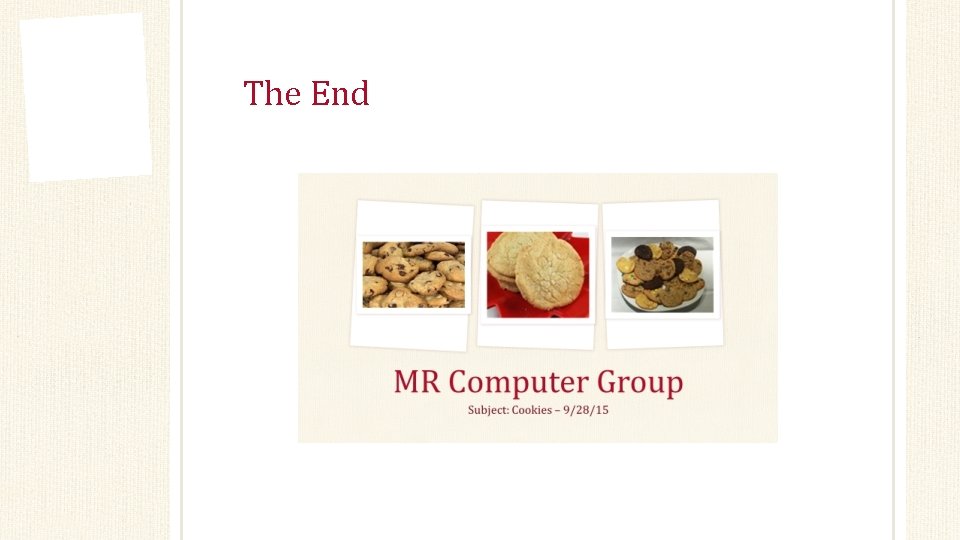
MR Computer Group Subject: Cookies – 9/28/15
What is a cookie? • A message given to a Web browser by a Web server. • The browser stores the message in a text file. • The message is then sent back to the server each time the browser requests a page from the server.
Information stored in cookies • Number of visits to a web page. • Web page or site(s) preferences • Login • Computer address (IP – Internet Protocol) • Windows 7, 8 , or 10: • • Right click on Windows icon in the lower left corner of the screen Click on Run Type in ipconfig Will be in format xxx (x represents numbers) • Apple: • • • From the menu choose System Preferences View menu Select network Click a network port (Ethernet or WIFI) Under status will see your IP address • Web page will automatically bring up your IP address: • http: //whatismyipaddress. com/
What is tracked within cookies? • IP address • Time you accessed browser page or site • Computer type and operating system • The browser you used (Google Chrome, IE, Edge, Bing, Firefox, Safari…) • Any previous information

Why do Web sites use cookies? • Example: • You are on your favorite music online store. • You search for your favorite music, listen to sample music tracks. • You have just searched two Web pages. • Each time you connect to a different page, the server regards it as a new visit. • Cookies allow online sites server to identify you so that your request won’t be mixed up with other thousands of people visiting the same online site. • Cookies also enable the server to keep track of your activity and compile a list of your purchases.

How do cookies work?
What is included in the cookie ‘message’? • The cookie message includes: • Customer number • Shopping cart number • Part number • Other data • Expiration date • Domain name of the host that created the site • A server that creates a cookie can request it the next time you connect to one of its Web pages.
Are cookies safe and private? • Cookies are a relatively safe technology • It is data not a computer program • Can only be accessed by the site that created it • Contains only information you disclose while visiting the site • A cookie cannot rummage through your hard drive • But, if you enter a credit card number and purchase something on the web page, it is possible the credit card number is stored on the cookie. • Also possible if a social security number is entered. • Most reputable web sites do not store personal information. • Use a customer account generated account instead of your name. • Your name is not associated with your cookies unless you entered in an online form, which is transferred to a cookie.
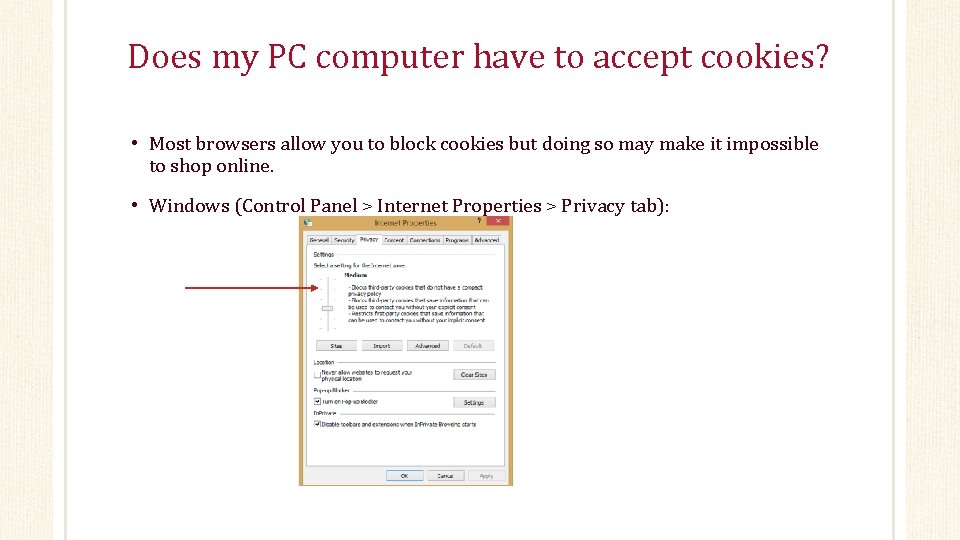
Does my PC computer have to accept cookies? • Most browsers allow you to block cookies but doing so may make it impossible to shop online. • Windows (Control Panel > Internet Properties > Privacy tab):
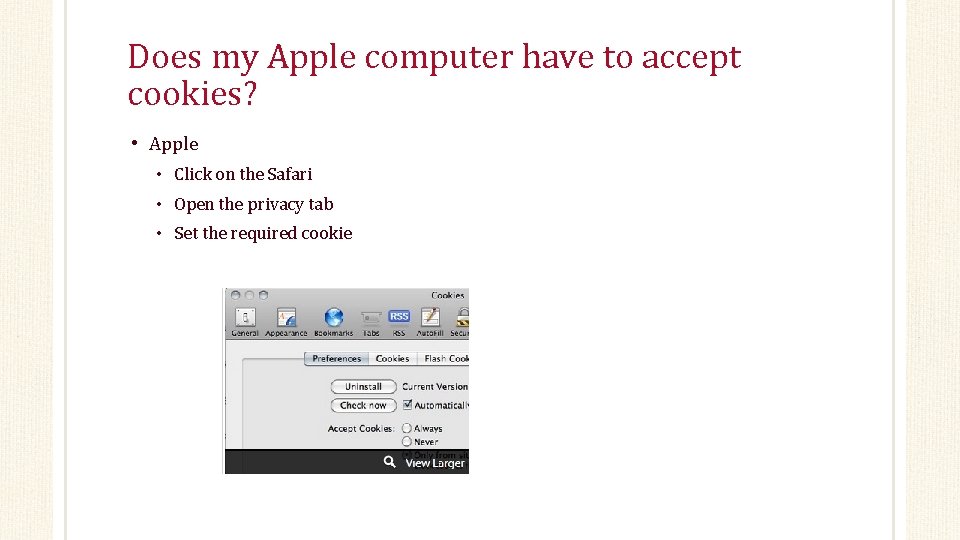
Does my Apple computer have to accept cookies? • Apple • Click on the Safari • Open the privacy tab • Set the required cookie
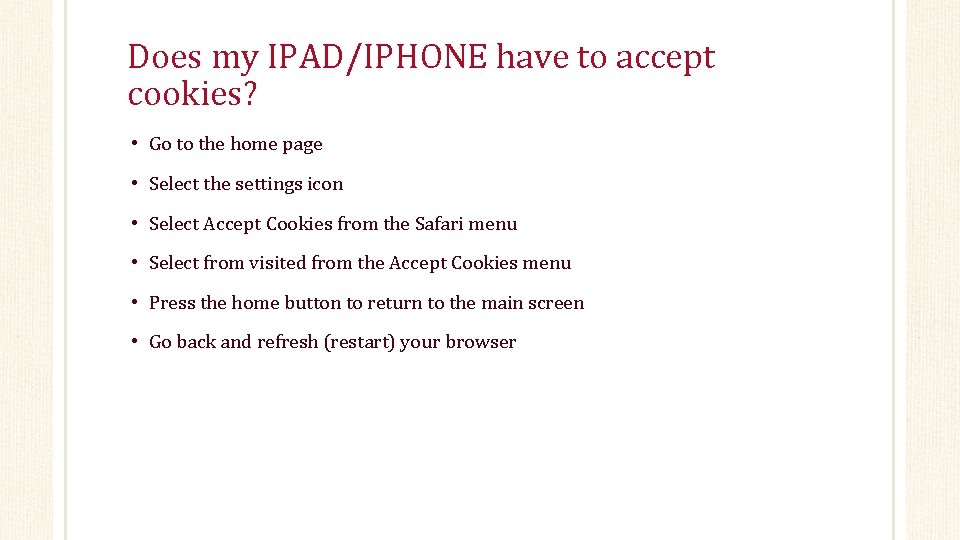
Does my IPAD/IPHONE have to accept cookies? • Go to the home page • Select the settings icon • Select Accept Cookies from the Safari menu • Select from visited from the Accept Cookies menu • Press the home button to return to the main screen • Go back and refresh (restart) your browser
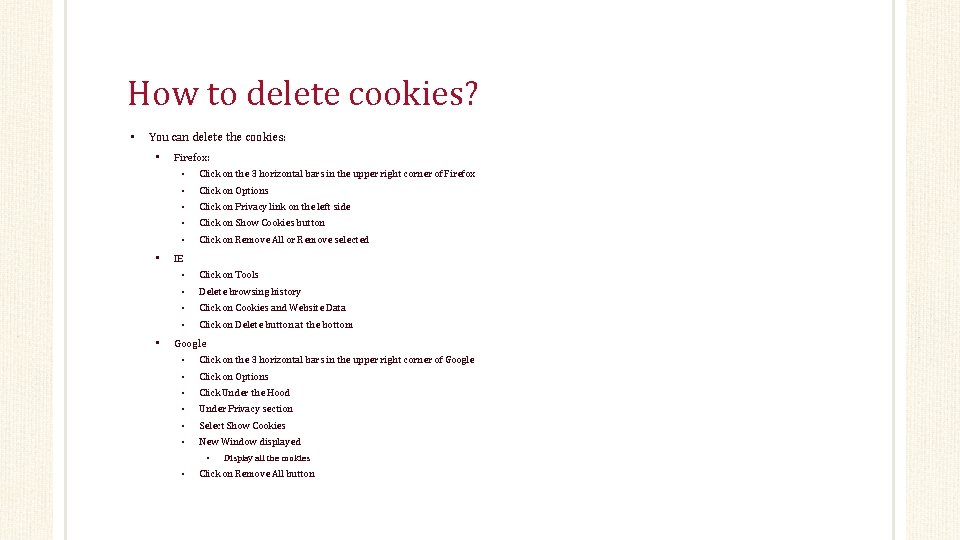
How to delete cookies? • You can delete the cookies: • • • Firefox: • Click on the 3 horizontal bars in the upper right corner of Firefox • Click on Options • Click on Privacy link on the left side • Click on Show Cookies button • Click on Remove All or Remove selected IE • Click on Tools • Delete browsing history • Click on Cookies and Website Data • Click on Delete button at the bottom Google • Click on the 3 horizontal bars in the upper right corner of Google • Click on Options • Click Under the Hood • Under Privacy section • Select Show Cookies • New Window displayed • • Display all the cookies Click on Remove All button
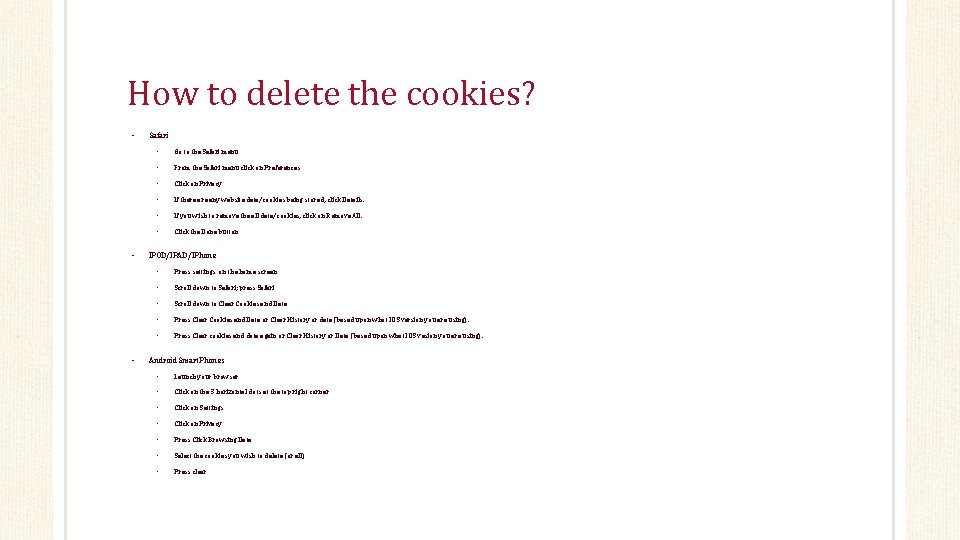
How to delete the cookies? • • • Safari • Go to the Safari menu • From the Safari menu click on Preferences • Click on Privacy • If there any website data/cookies being stored, click Details. • If you wish to remove the all data/cookies, click on Remove All. • Click the Done button IPOD/IPAD/IPhone • Press settings on the home screen • Scroll down to Safari; press Safari • Scroll down to Clear Cookies and Data • Press Clear Cookies and Data or Clear History or data (based upon what IOS version you are using). • Press Clear cookies and data again or Clear History or Data (based upon what IOS vesion you are using). Android Smart. Phones • Launch your browser • Click on the 3 horizontal dots at the top right corner • Click on Settings • Click on Privacy • Press Click Browsing Data • Select the cookies you wish to delete (or all) • Press clear
When should I delete cookies/history on my computer? • Delete cookies/history once a week. • Start regular schedule on your PC or mobile devices

Questions & Answers
The End
- Slides: 16