
MPSA Focus Group on PrinterMFD Power Management Ideas
- Slides: 20
MPSA Focus Group on Printer/MFD Power Management Ideas for the “Greening” of Printers and MFDs by effective Power Management Copyright © 2010, Printer Working Group. All rights reserved. 1
What is the Printer Working Group? • A Program of the IEEE-STO (Industry Standards and Technology Organization) composed of: • • Printer and Multi-function device manufacturers Print server developers Operating system providers Print management application and facility developers • Chartered to make Hardcopy imaging devices and the applications and operating systems that support them work together better • By developing Standards, Informational and Best Practices documents representing consensus on • Printer/MFD specific conceptual and physical interfaces • Application of other interface, security, power use, etc standards to printers and MFDs. Copyright © 2010, Printer Working Group. All rights reserved. 2
Some PWG Members Copyright © 2010, Printer Working Group. All rights reserved. 3
Active PWG Workgroups IPP: Internet Printing Protocol – Operations and Attributes of the Print Service MFD: Multifunction Device - Modeling MFD Services to exploit commonality and provide a consistent Definition of Operations and Attributes IDS: Imaging Device Security – How Imaging Devices fit into Network Security provisions; how the devices and the information sent to them are made secure WIMS: Workgroup for Imaging Management Solutions – Elements and Protocols to facilitate management of Imaging Devices and Accounting of Services Copyright © 2010, Printer Working Group. All rights reserved. 4
What is MPSA Role? • MPSA membership includes cross sample of Print Service Consumers, Providers and Maintainers • MPSA can provide a vendor-neutral liaison between equipment providers and users so that manufacturers can better understand needs and problems • For example: • Power management of network nodes is a major issue • WIMS developing Imaging Equipment Power Management standard so that applications controlling power states have consistent status and control access to equipment • WIMS must understand how users would want to use power management to be able to define these “hooks” in the equipment. Copyright © 2010, Printer Working Group. All rights reserved. 5
“Going Green” • Green IT Issue • “A greener workplace can mean a lighter ecological footprint, a healthier and more productive place to work, and good news for the bottom line. ” • Pressure from and on users to make offices more energy efficient • IT Power Standards • Advanced Configuration and Power Interface (ACPI)open standard for unified operating system-centric device configuration and power management. Supported in MS Windows. • DMTF- CIM DSP-1027 – Power State Management Profile • BUT • Printers and MFDs are different from workstations or servers both in use and in power consumption modes Copyright © 2010, Printer Working Group. All rights reserved. 6
Why this Focus Group? • Get field perspective on: • Scenarios - Ways people use printers and MFDs that would allow reduced power consumption • Solutions - Approaches that could be used to reduce power consumption while minimizing effect on Service • Management Elements - Consider the status information and control capabilities necessary for effective power management policies • Consider what is most important • Prioritize • What elements should be in the standard? • What elements should be Mandatory • What is the Best Approach? Copyright © 2010, Printer Working Group. All rights reserved. 7
Outline • Proposed Printer Power States • Examples of Power Management Scenarios • “Wish” Scenarios (How would you or your customers like to optimize power savings versus time to print? ) • Management Elements • What else would be necessary? • Any other thoughts? (and method of follow-on) Copyright © 2010, Printer Working Group. All rights reserved. 8
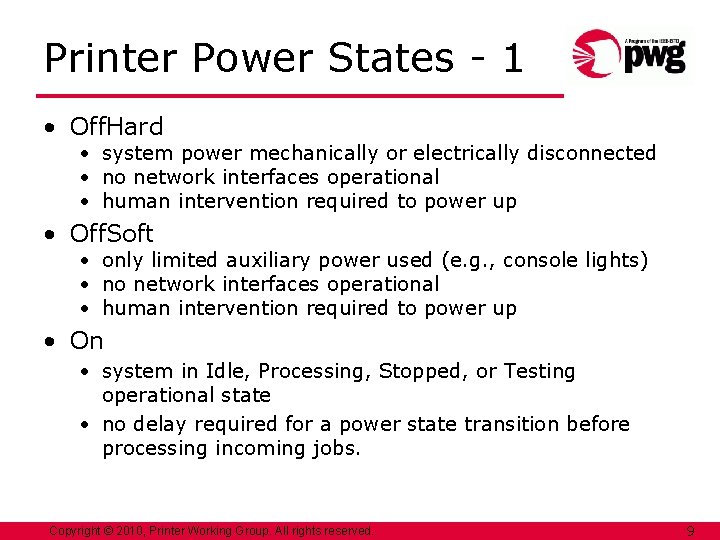
Printer Power States - 1 • Off. Hard • system power mechanically or electrically disconnected • no network interfaces operational • human intervention required to power up • Off. Soft • only limited auxiliary power used (e. g. , console lights) • no network interfaces operational • human intervention required to power up • On • system in Idle, Processing, Stopped, or Testing operational state • no delay required for a power state transition before processing incoming jobs. Copyright © 2010, Printer Working Group. All rights reserved. 9
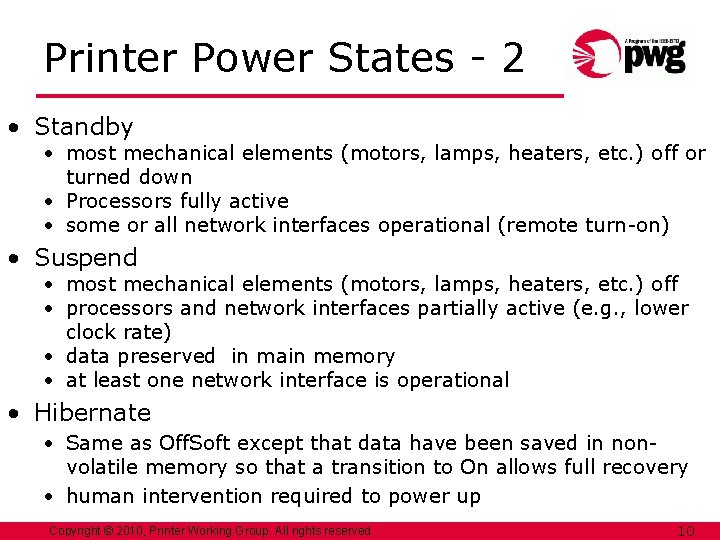
Printer Power States - 2 • Standby • most mechanical elements (motors, lamps, heaters, etc. ) off or turned down • Processors fully active • some or all network interfaces operational (remote turn-on) • Suspend • most mechanical elements (motors, lamps, heaters, etc. ) off • processors and network interfaces partially active (e. g. , lower clock rate) • data preserved in main memory • at least one network interface is operational • Hibernate • Same as Off. Soft except that data have been saved in nonvolatile memory so that a transition to On allows full recovery • human intervention required to power up Copyright © 2010, Printer Working Group. All rights reserved. 10
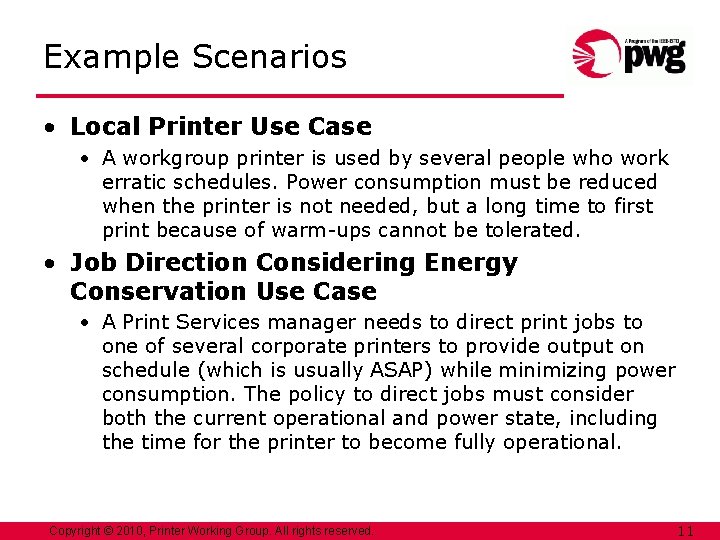
Example Scenarios • Local Printer Use Case • A workgroup printer is used by several people who work erratic schedules. Power consumption must be reduced when the printer is not needed, but a long time to first print because of warm-ups cannot be tolerated. • Job Direction Considering Energy Conservation Use Case • A Print Services manager needs to direct print jobs to one of several corporate printers to provide output on schedule (which is usually ASAP) while minimizing power consumption. The policy to direct jobs must consider both the current operational and power state, including the time for the printer to become fully operational. Copyright © 2010, Printer Working Group. All rights reserved. 11
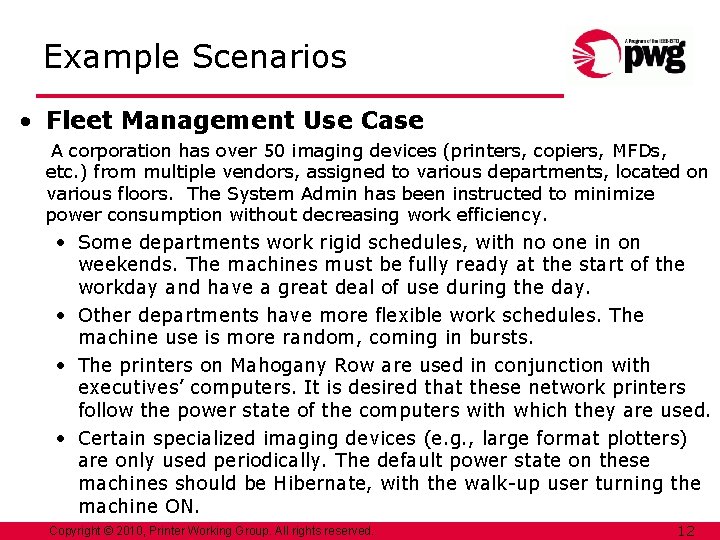
Example Scenarios • Fleet Management Use Case A corporation has over 50 imaging devices (printers, copiers, MFDs, etc. ) from multiple vendors, assigned to various departments, located on various floors. The System Admin has been instructed to minimize power consumption without decreasing work efficiency. • Some departments work rigid schedules, with no one in on weekends. The machines must be fully ready at the start of the workday and have a great deal of use during the day. • Other departments have more flexible work schedules. The machine use is more random, coming in bursts. • The printers on Mahogany Row are used in conjunction with executives’ computers. It is desired that these network printers follow the power state of the computers with which they are used. • Certain specialized imaging devices (e. g. , large format plotters) are only used periodically. The default power state on these machines should be Hibernate, with the walk-up user turning the machine ON. Copyright © 2010, Printer Working Group. All rights reserved. 12
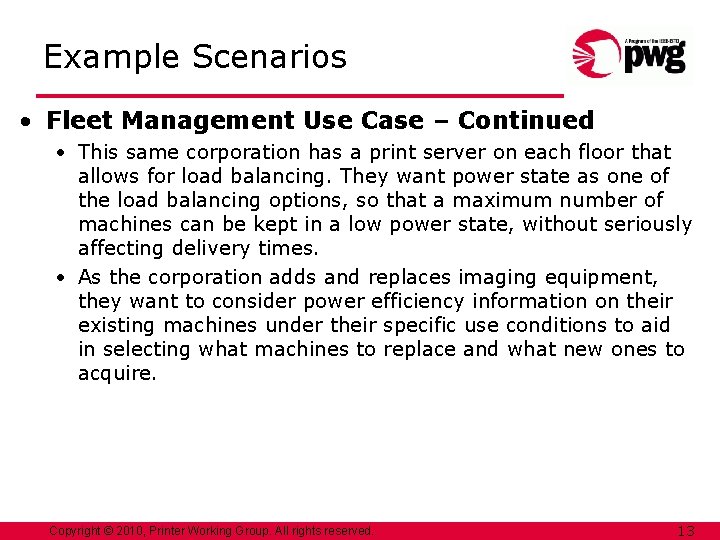
Example Scenarios • Fleet Management Use Case – Continued • This same corporation has a print server on each floor that allows for load balancing. They want power state as one of the load balancing options, so that a maximum number of machines can be kept in a low power state, without seriously affecting delivery times. • As the corporation adds and replaces imaging equipment, they want to consider power efficiency information on their existing machines under their specific use conditions to aid in selecting what machines to replace and what new ones to acquire. Copyright © 2010, Printer Working Group. All rights reserved. 13
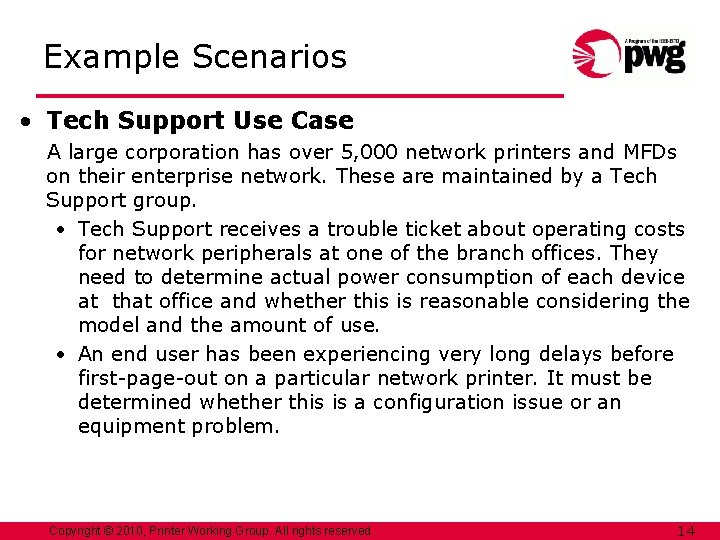
Example Scenarios • Tech Support Use Case A large corporation has over 5, 000 network printers and MFDs on their enterprise network. These are maintained by a Tech Support group. • Tech Support receives a trouble ticket about operating costs for network peripherals at one of the branch offices. They need to determine actual power consumption of each device at that office and whether this is reasonable considering the model and the amount of use. • An end user has been experiencing very long delays before first-page-out on a particular network printer. It must be determined whether this is a configuration issue or an equipment problem. Copyright © 2010, Printer Working Group. All rights reserved. 14
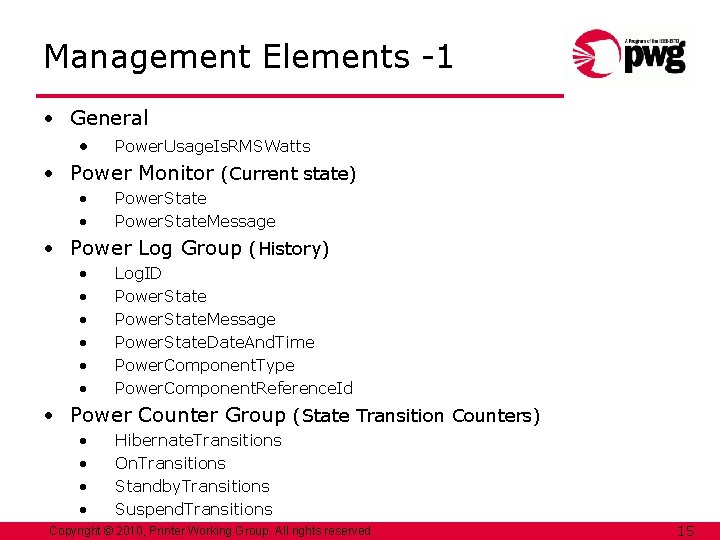
Management Elements -1 • General • Power. Usage. Is. RMSWatts • Power Monitor (Current state) • • Power. State. Message • Power Log Group (History) • • • Log. ID Power. State. Message Power. State. Date. And. Time Power. Component. Type Power. Component. Reference. Id • Power Counter Group (State Transition Counters) • • Hibernate. Transitions On. Transitions Standby. Transitions Suspend. Transitions Copyright © 2010, Printer Working Group. All rights reserved. 15
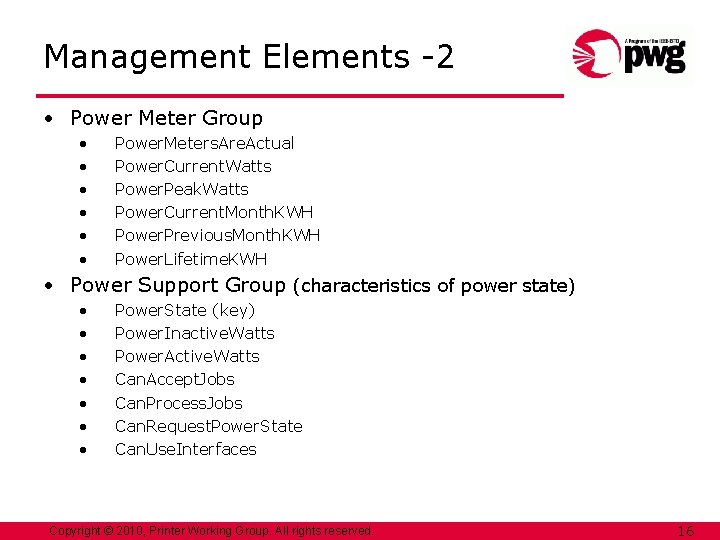
Management Elements -2 • Power Meter Group • • • Power. Meters. Are. Actual Power. Current. Watts Power. Peak. Watts Power. Current. Month. KWH Power. Previous. Month. KWH Power. Lifetime. KWH • Power Support Group (characteristics of power state) • • Power. State (key) Power. Inactive. Watts Power. Active. Watts Can. Accept. Jobs Can. Process. Jobs Can. Request. Power. State Can. Use. Interfaces Copyright © 2010, Printer Working Group. All rights reserved. 16
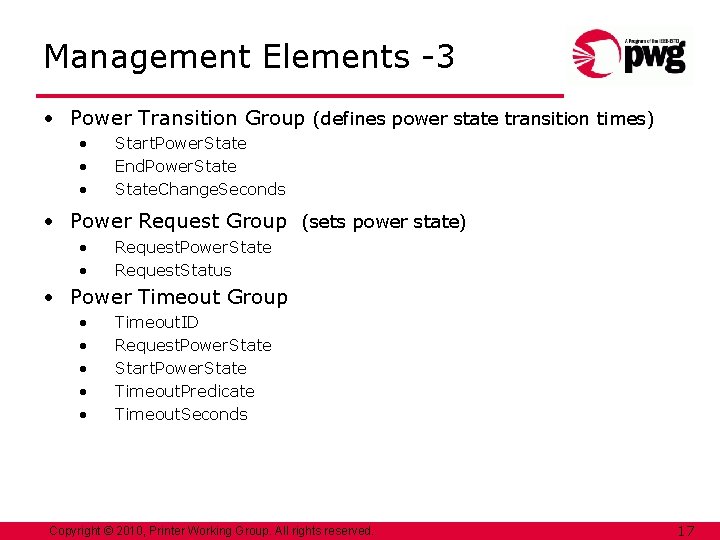
Management Elements -3 • Power Transition Group (defines power state transition times) • • • Start. Power. State End. Power. State. Change. Seconds • Power Request Group (sets power state) • • Request. Power. State Request. Status • Power Timeout Group • • • Timeout. ID Request. Power. State Start. Power. State Timeout. Predicate Timeout. Seconds Copyright © 2010, Printer Working Group. All rights reserved. 17
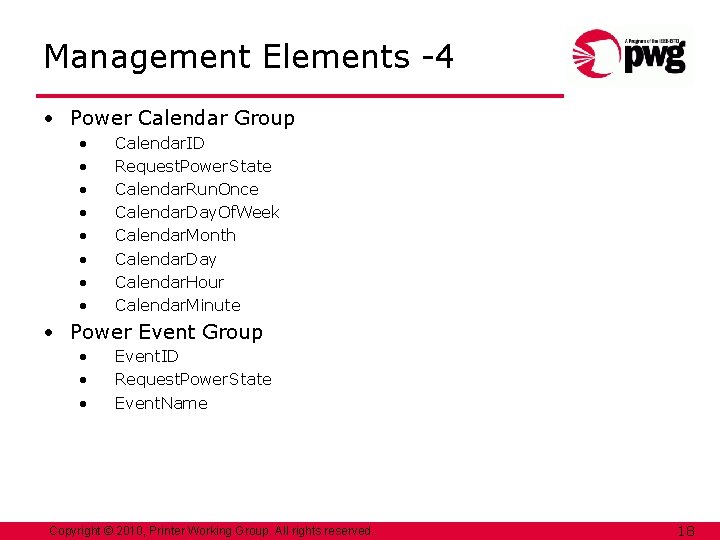
Management Elements -4 • Power Calendar Group • • Calendar. ID Request. Power. State Calendar. Run. Once Calendar. Day. Of. Week Calendar. Month Calendar. Day Calendar. Hour Calendar. Minute • Power Event Group • • • Event. ID Request. Power. State Event. Name Copyright © 2010, Printer Working Group. All rights reserved. 18
Thanks! Many thanks for your participation. If you get more ideas you would like to share. . . If you would have questions about the status of the Imaging Power Management spec or any of its contents. . . If you would like to be informed when the specification is released as a candidate standard… Please contact Bill Wagner – wamwagner@comcast. net or Ira Mc. Donald - blueroofmusic@gmail. com Copyright © 2010, Printer Working Group. All rights reserved. 19
Questions / Comments / Discussion Copyright © 2010, Printer Working Group. All rights reserved. 20