
MP STATE ELECTION COMMISSION Screenshots of Electoral Roll
- Slides: 104
MP STATE ELECTION COMMISSION Screenshots of Electoral Roll Management System (ERMS) Application for the Urban and Rural Local Bodies 03. 06. 2019 1
Downloading ERMS Applications 2
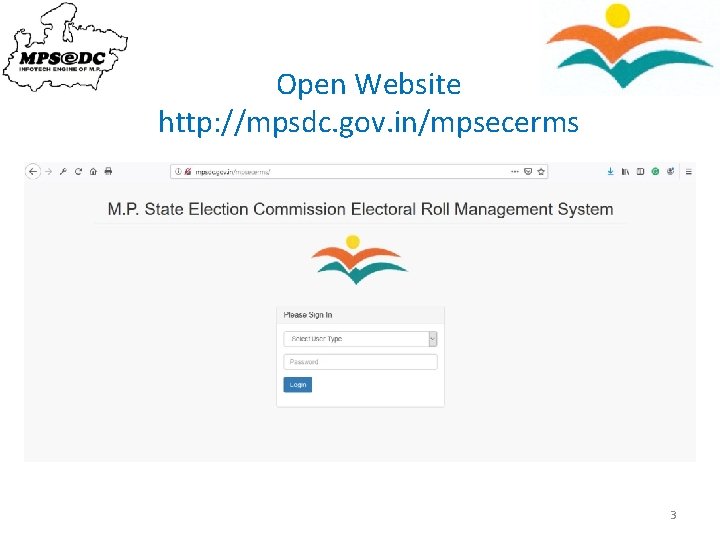
Open Website http: //mpsdc. gov. in/mpsecerms 3
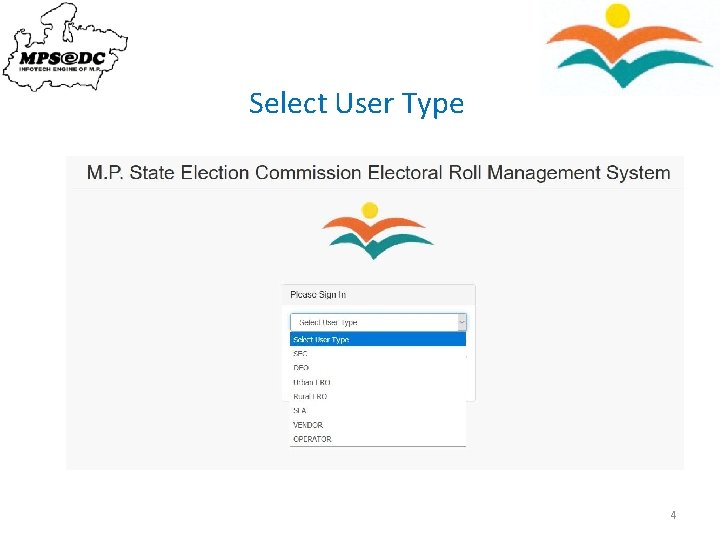
Select User Type 4
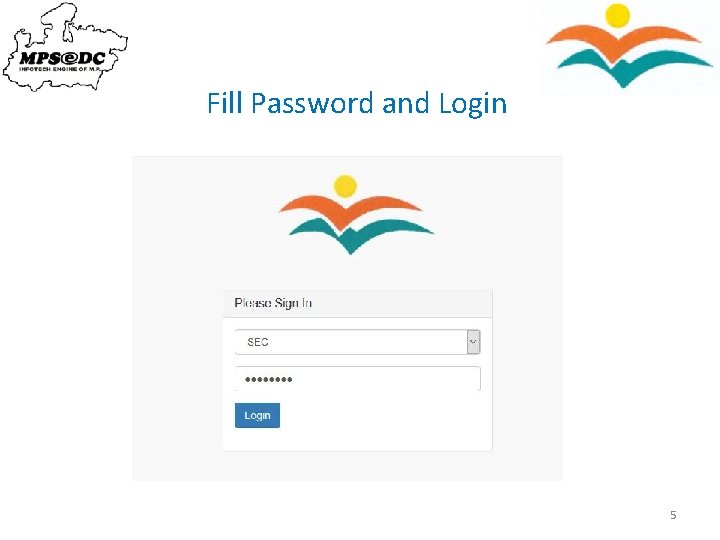
Fill Password and Login 5
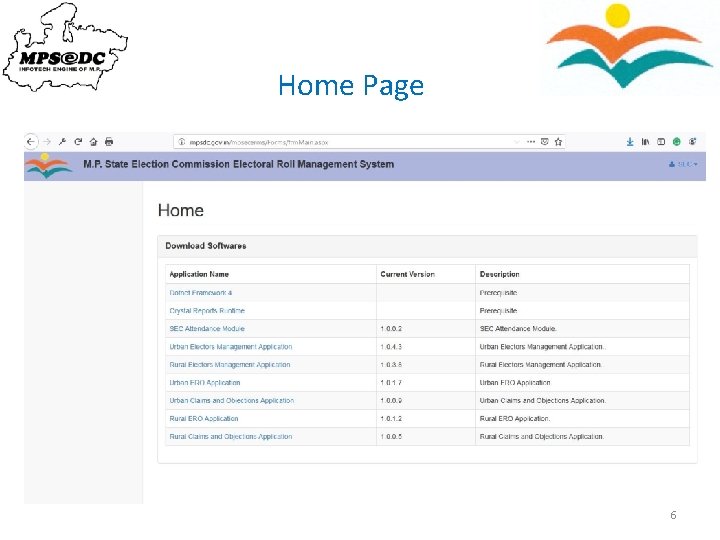
Home Page 6
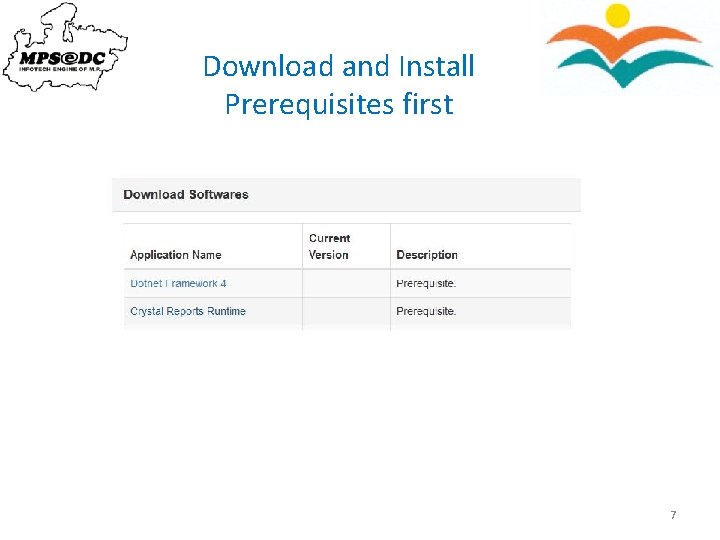
Download and Install Prerequisites first 7
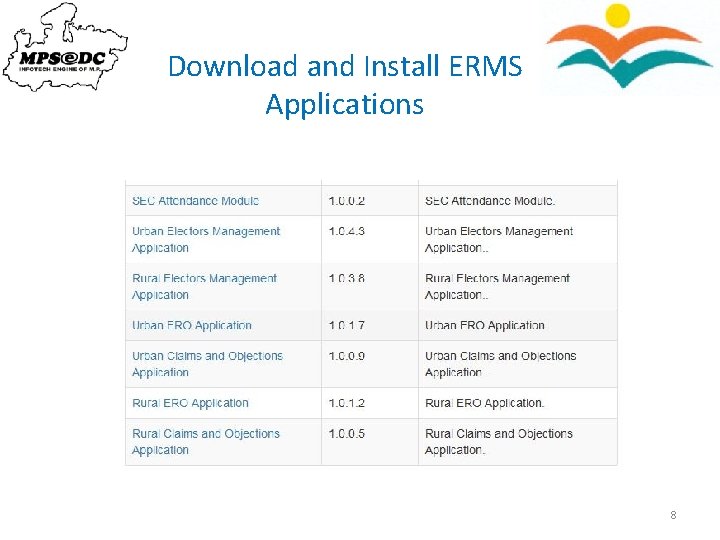
Download and Install ERMS Applications 8
Generating Control Table Checklist 9
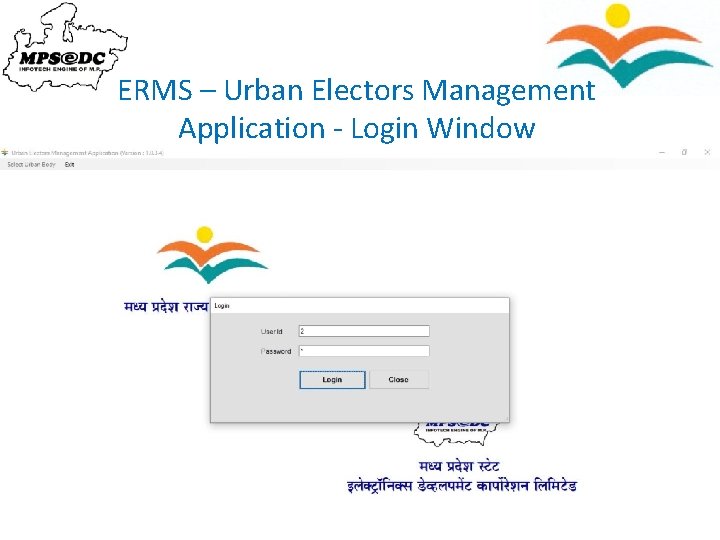
ERMS – Urban Electors Management Application - Login Window 10
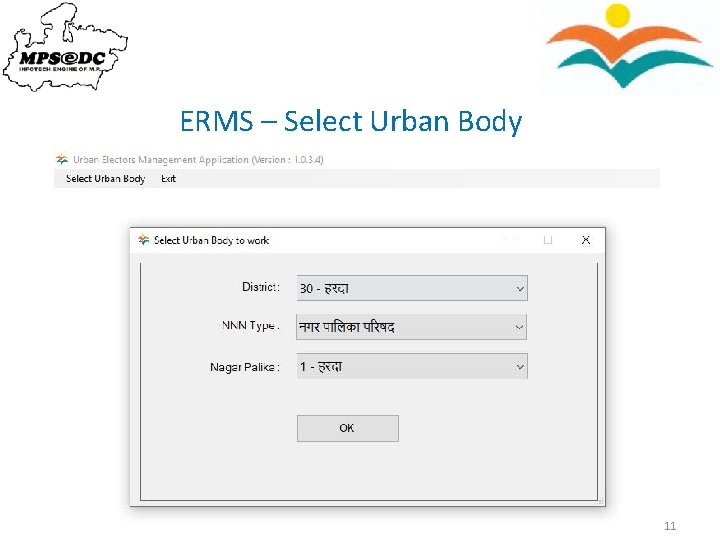
ERMS – Select Urban Body 11
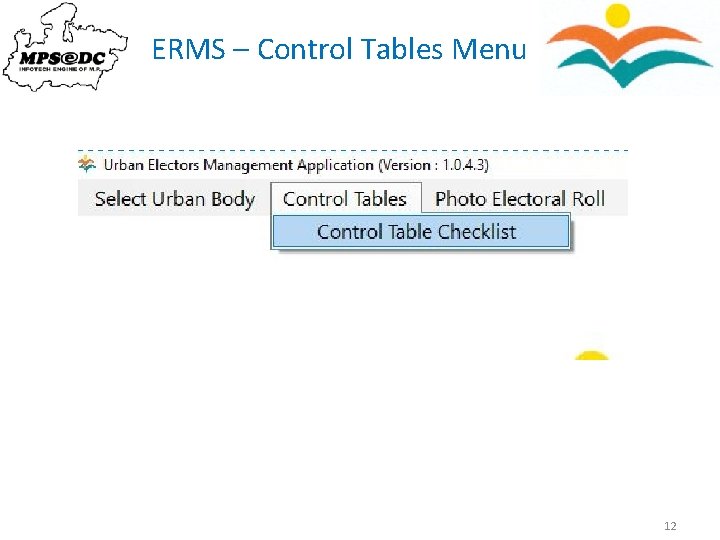
ERMS – Control Tables Menu 12
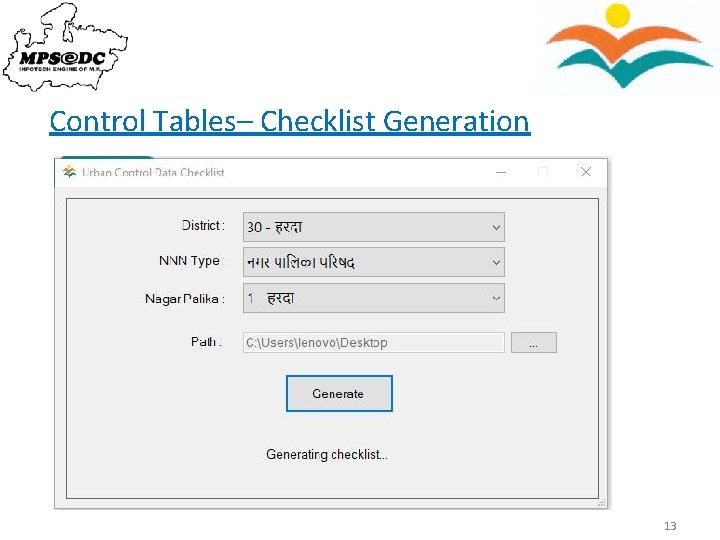
Control Tables– Checklist Generation 13
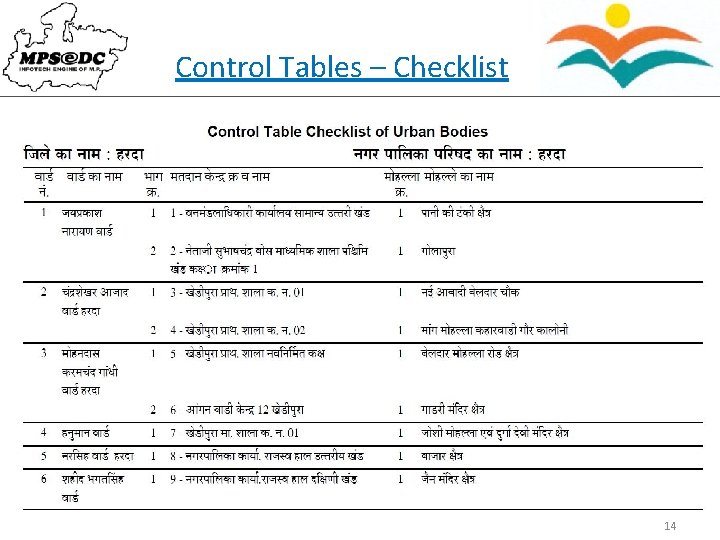
Control Tables – Checklist 14
Control Table Correction in ERO Application 15
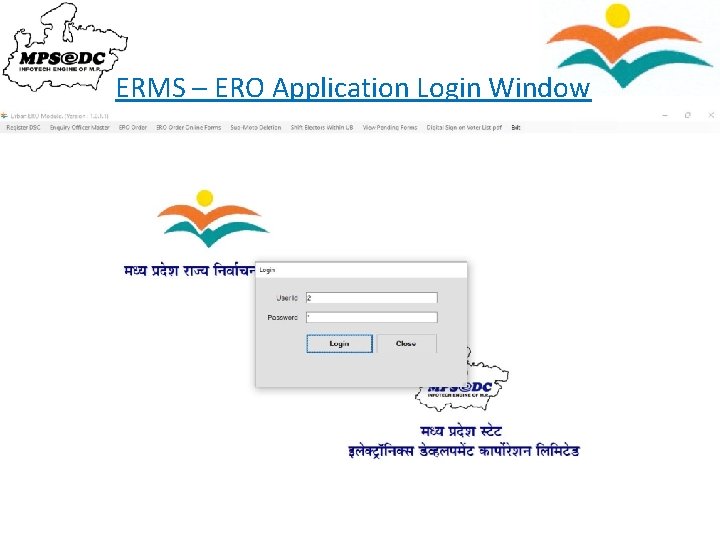
ERMS – ERO Application Login Window 16
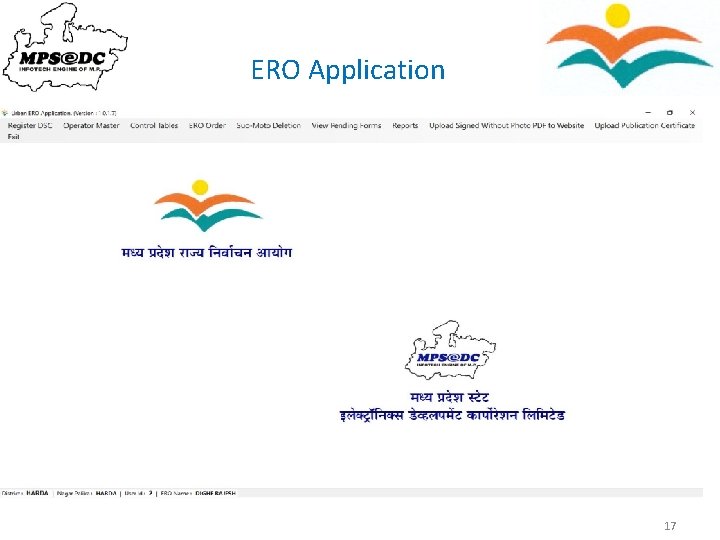
ERO Application 17
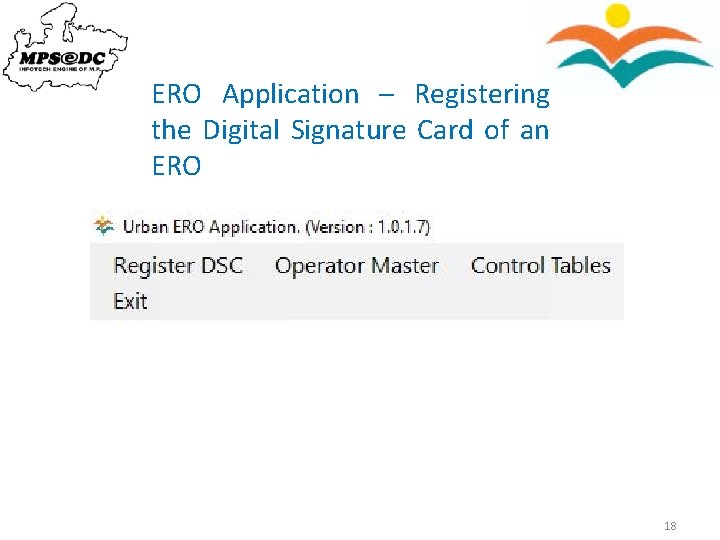
ERO Application – Registering the Digital Signature Card of an ERO 18
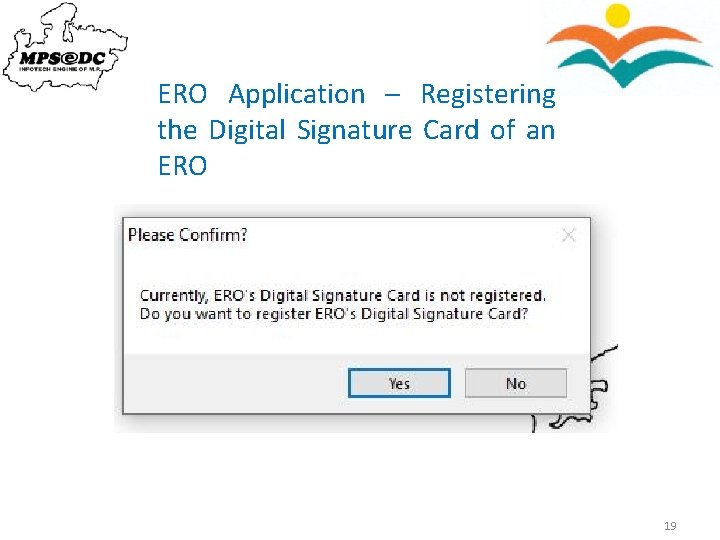
ERO Application – Registering the Digital Signature Card of an ERO 19
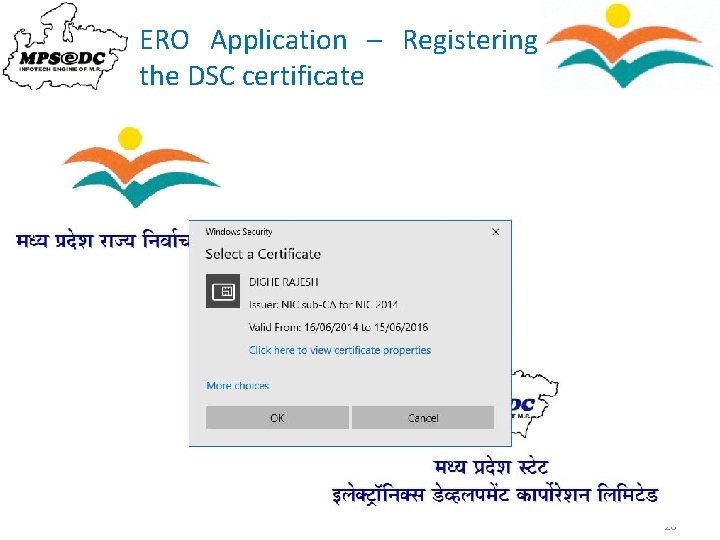
ERO Application – Registering the DSC certificate 20
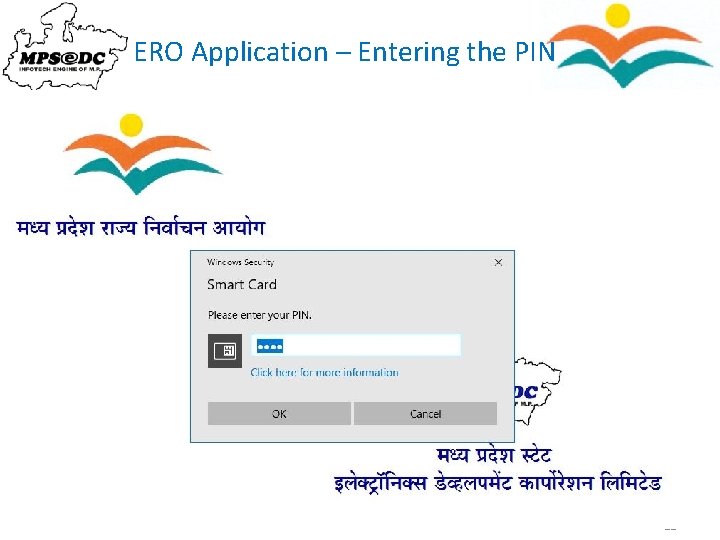
ERO Application – Entering the PIN 21
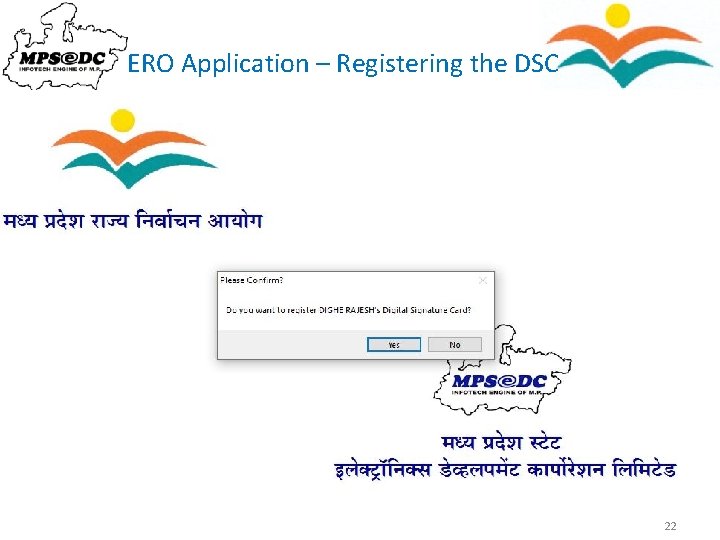
ERO Application – Registering the DSC 22
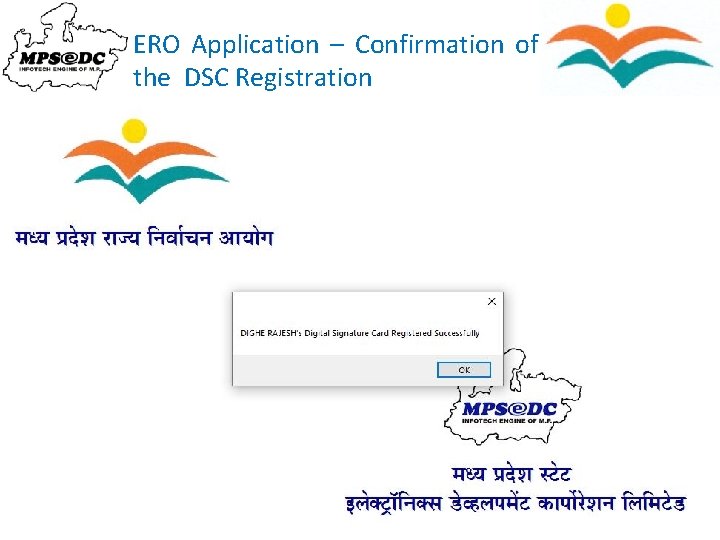
ERO Application – Confirmation of the DSC Registration 23
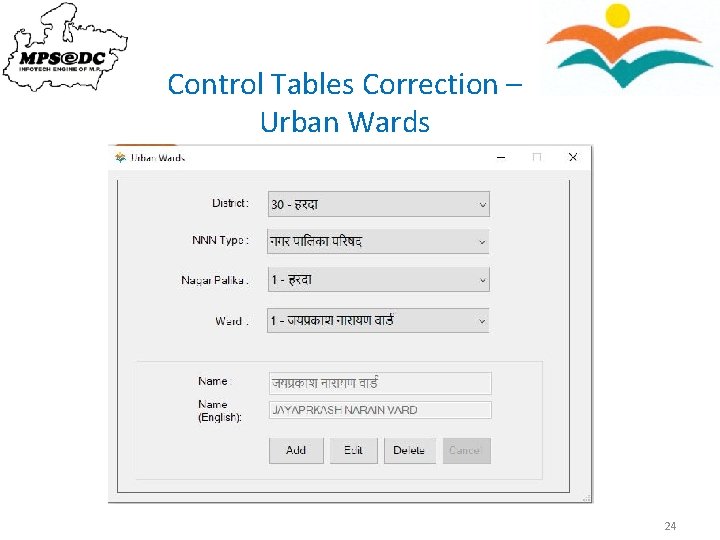
Control Tables Correction – Urban Wards 24
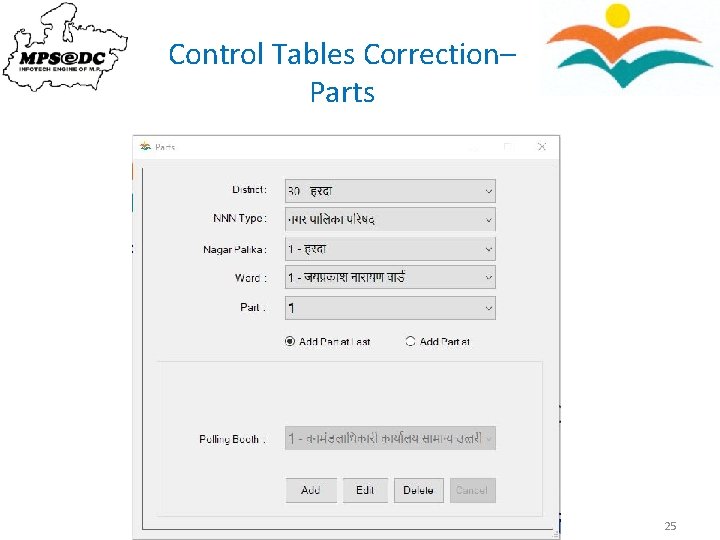
Control Tables Correction– Parts 25
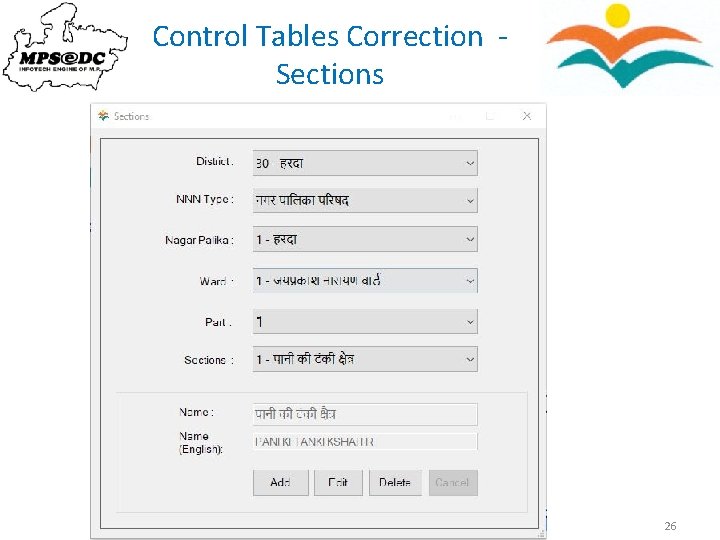
Control Tables Correction Sections 26
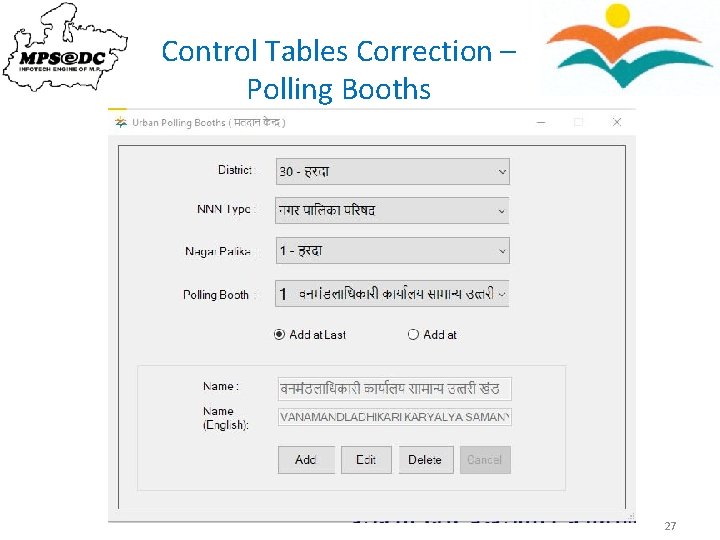
Control Tables Correction – Polling Booths 27
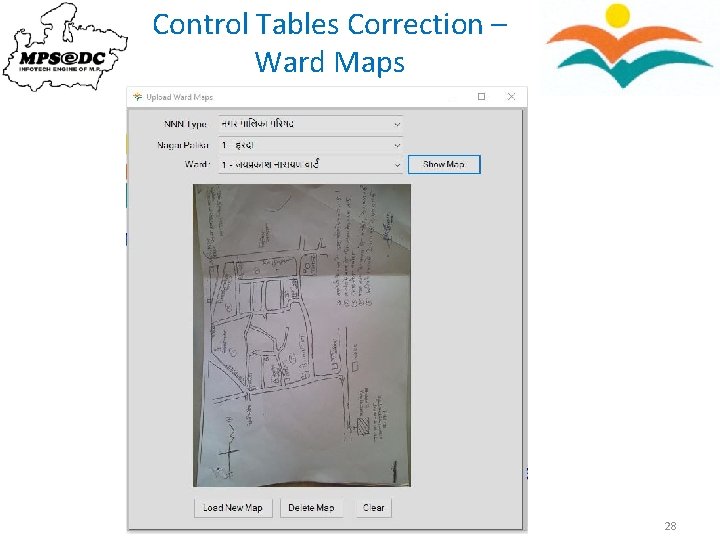
Control Tables Correction – Ward Maps 28
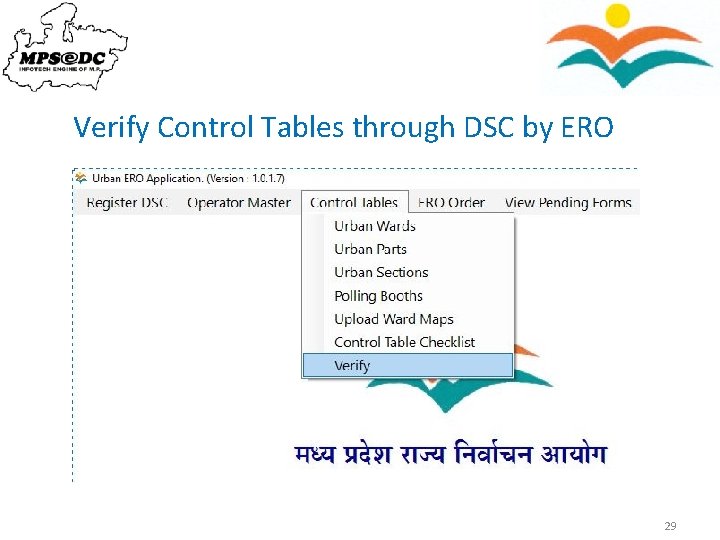
Verify Control Tables through DSC by ERO 29
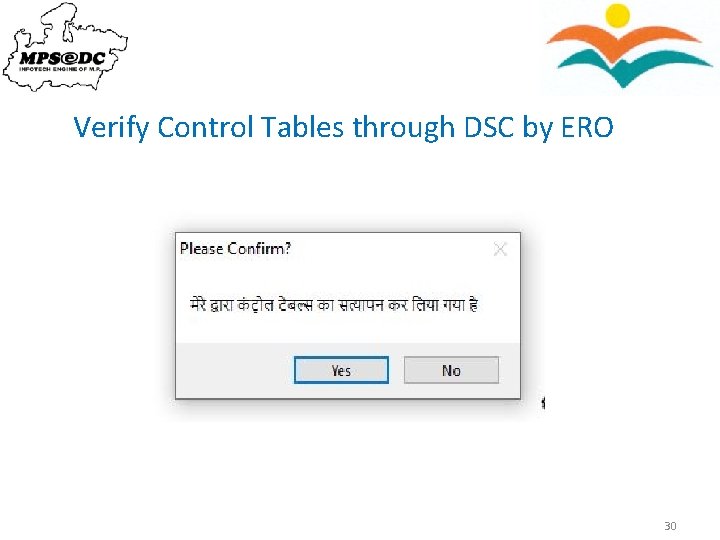
Verify Control Tables through DSC by ERO 30
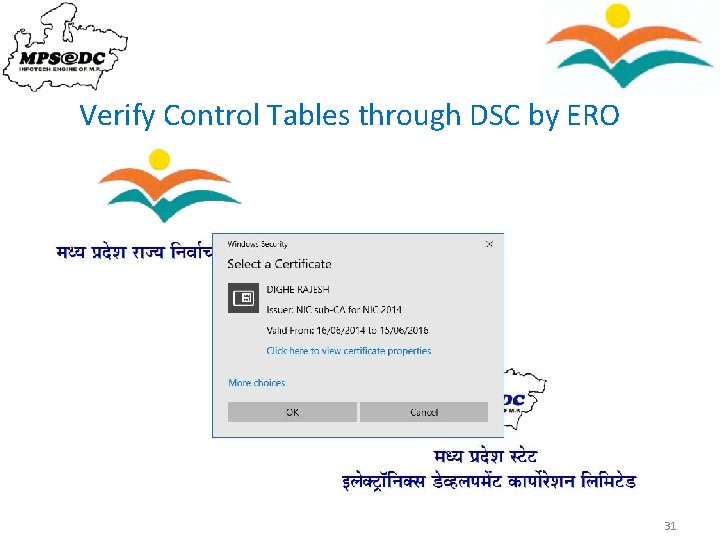
Verify Control Tables through DSC by ERO 31
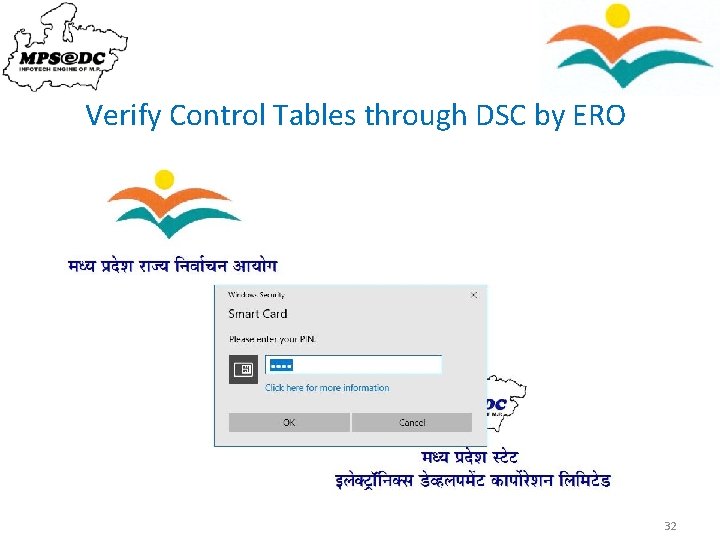
Verify Control Tables through DSC by ERO 32
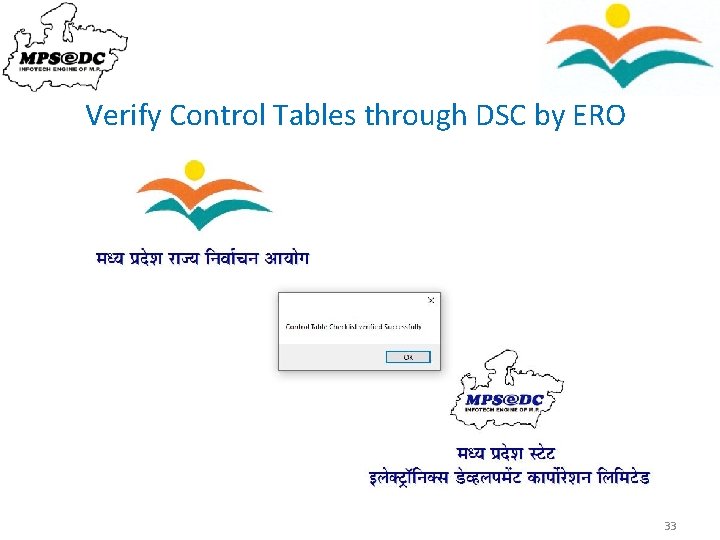
Verify Control Tables through DSC by ERO 33
Generating Shifting List, Deletion-Verification List and Modification-Verification List by Vendor 34
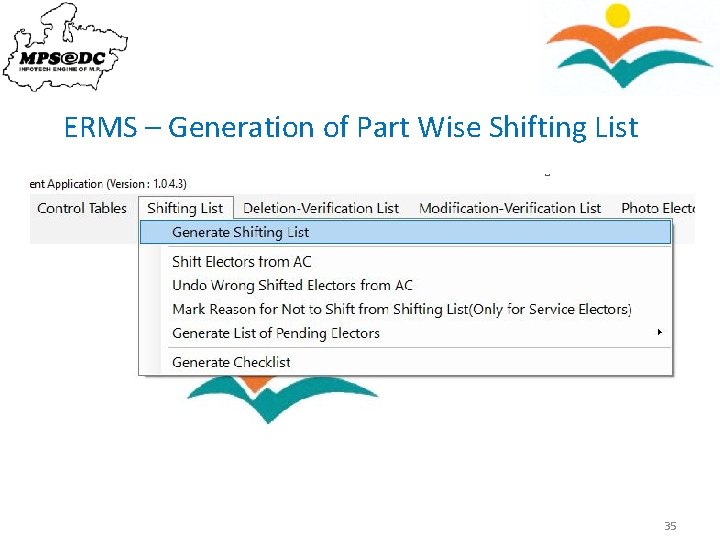
ERMS – Generation of Part Wise Shifting List 35
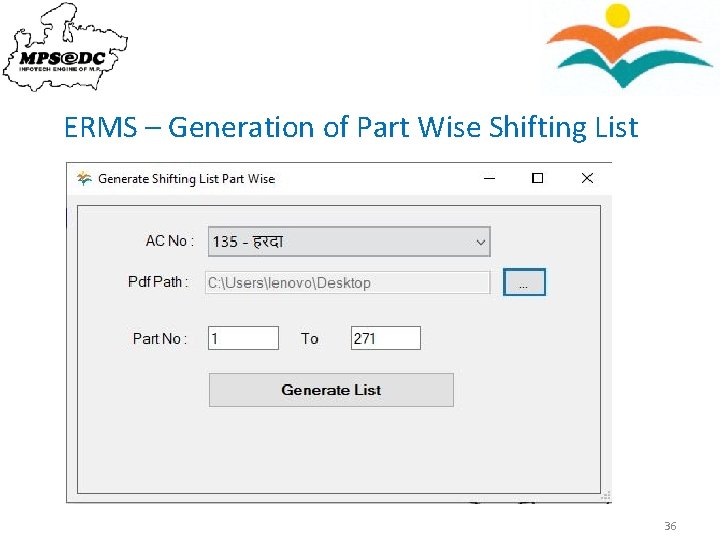
ERMS – Generation of Part Wise Shifting List 36
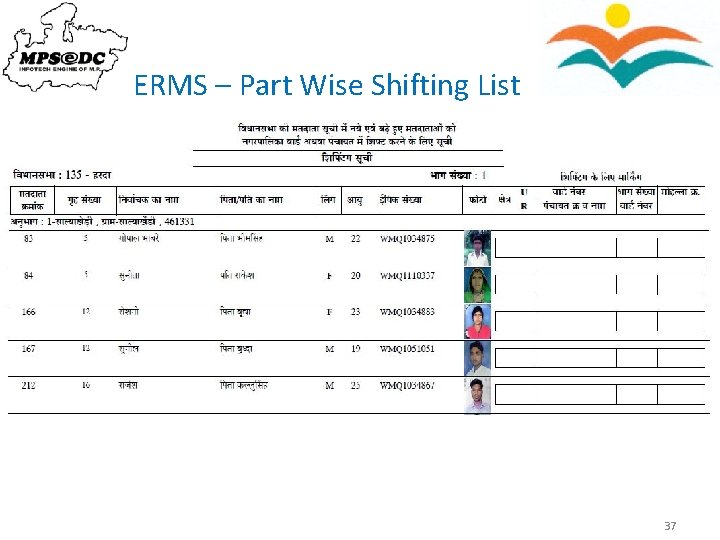
ERMS – Part Wise Shifting List 37
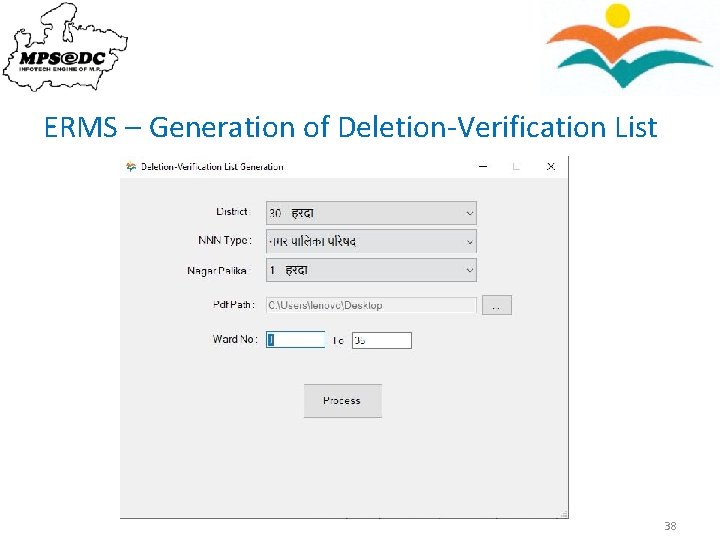
ERMS – Generation of Deletion-Verification List 38
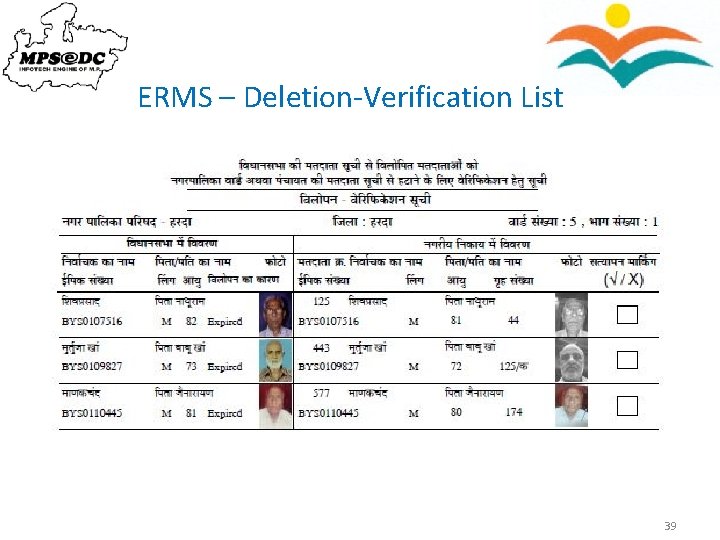
ERMS – Deletion-Verification List 39
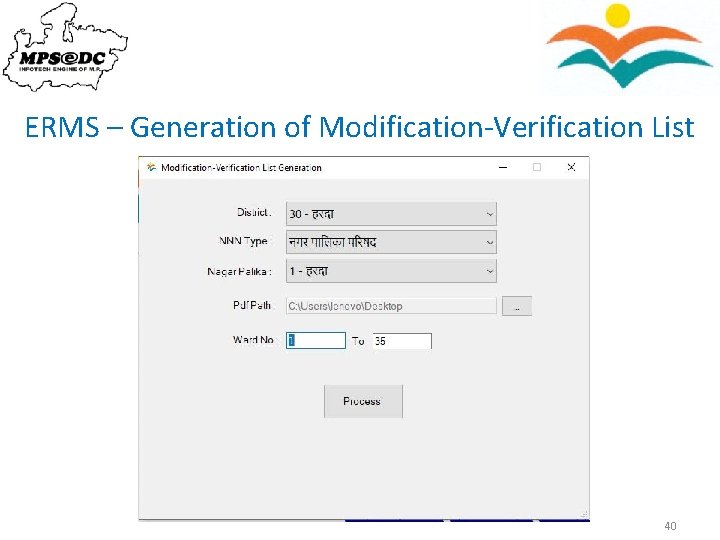
ERMS – Generation of Modification-Verification List 40
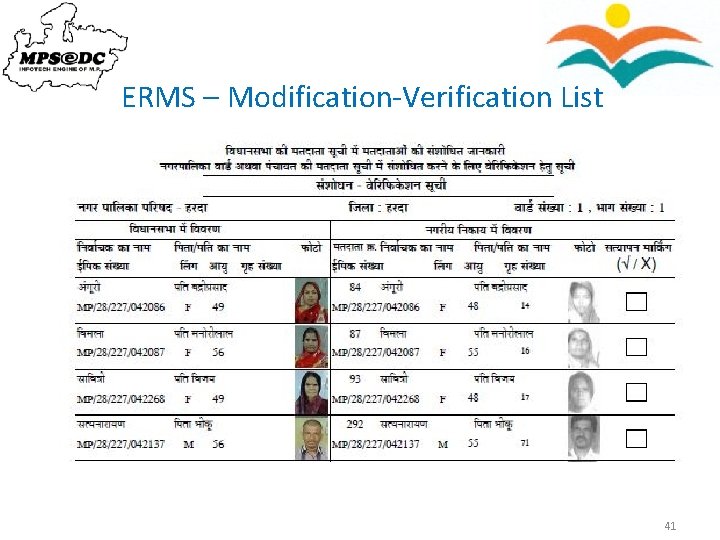
ERMS – Modification-Verification List 41
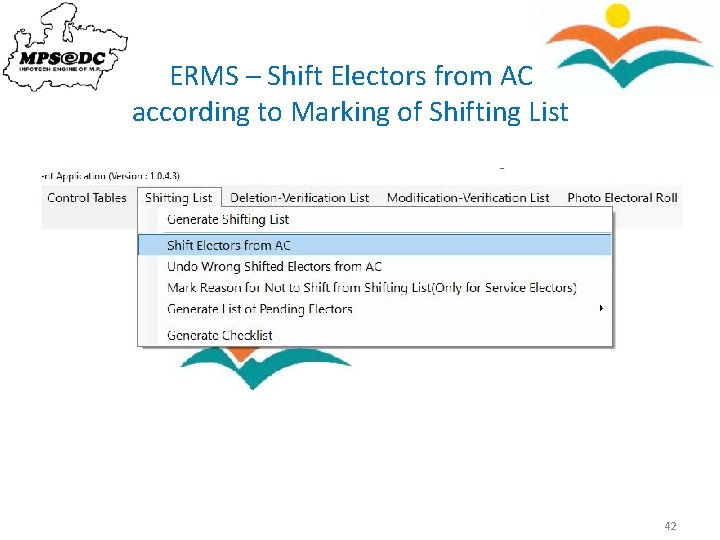
ERMS – Shift Electors from AC according to Marking of Shifting List 42
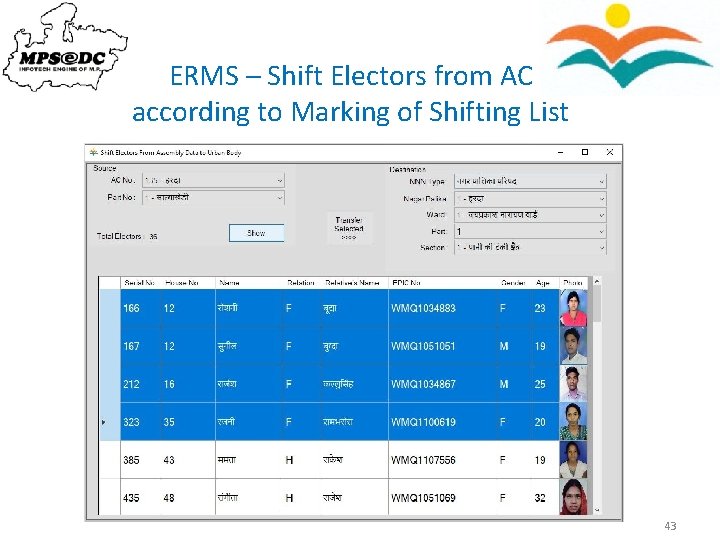
ERMS – Shift Electors from AC according to Marking of Shifting List 43
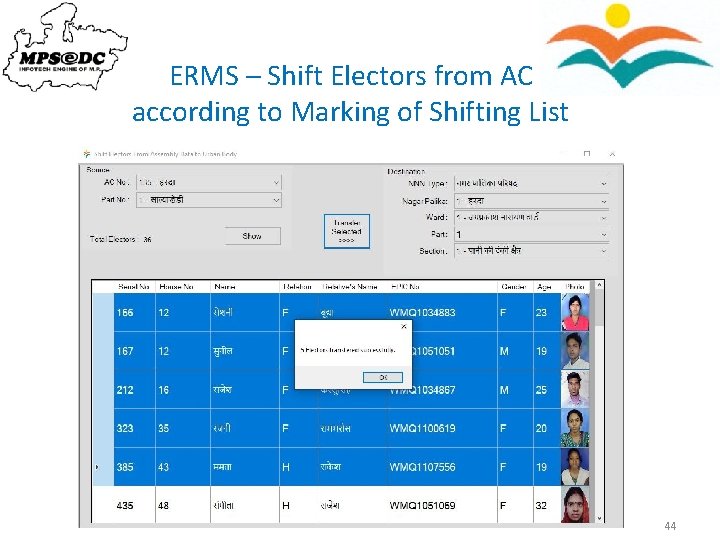
ERMS – Shift Electors from AC according to Marking of Shifting List 44
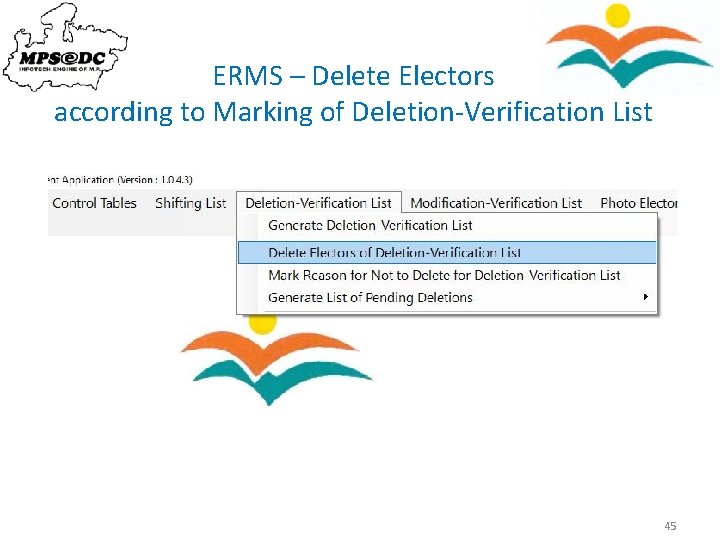
ERMS – Delete Electors according to Marking of Deletion-Verification List 45
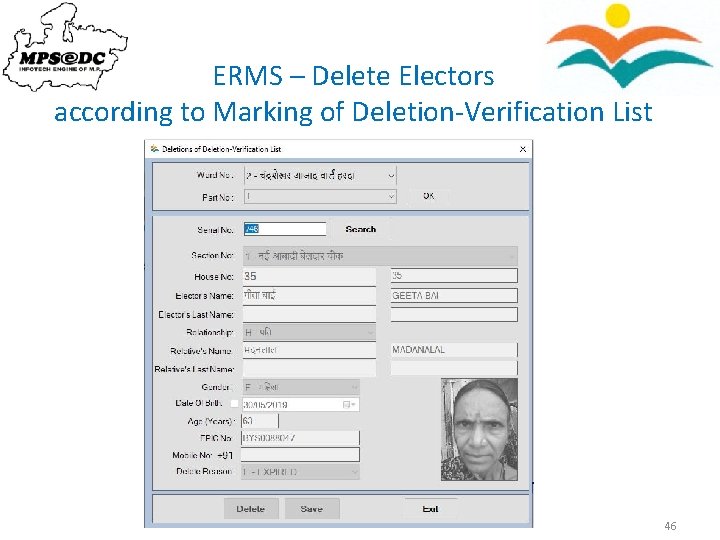
ERMS – Delete Electors according to Marking of Deletion-Verification List 46
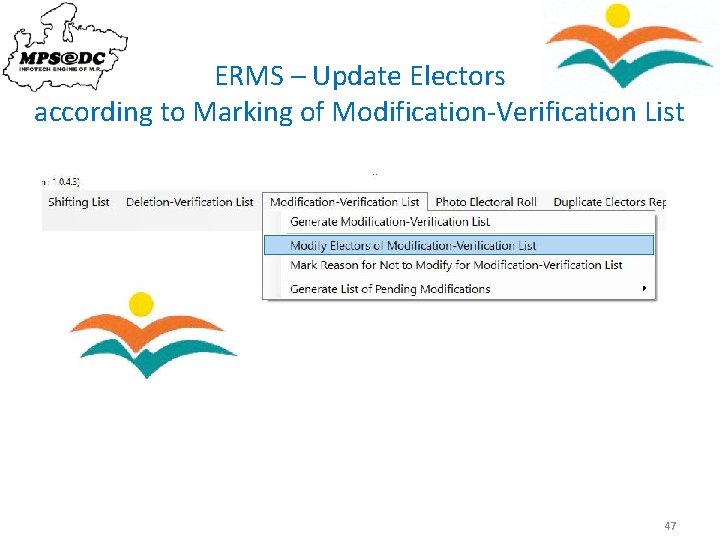
ERMS – Update Electors according to Marking of Modification-Verification List 47
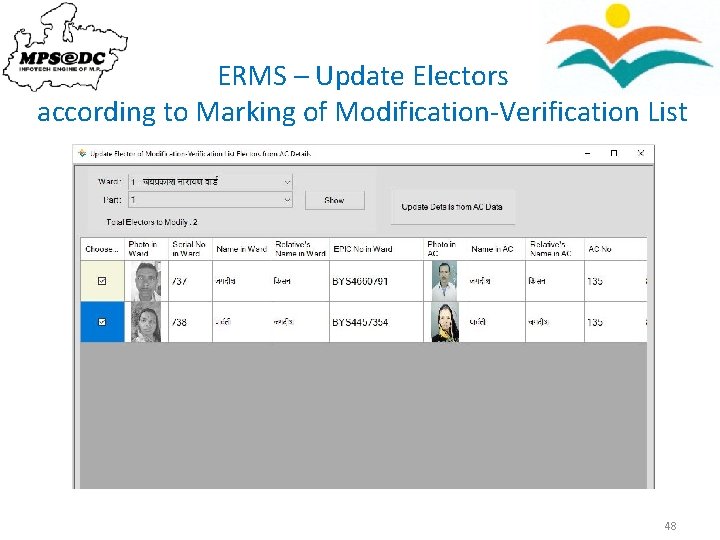
ERMS – Update Electors according to Marking of Modification-Verification List 48
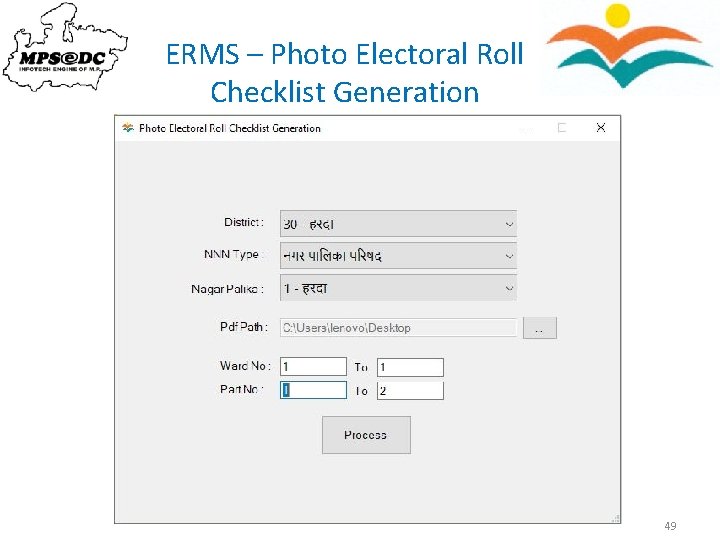
ERMS – Photo Electoral Roll Checklist Generation 49
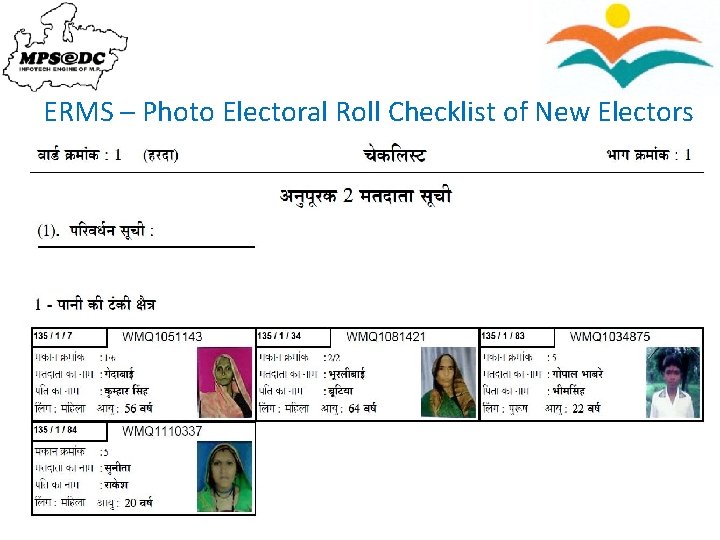
ERMS – Photo Electoral Roll Checklist of New Electors 50
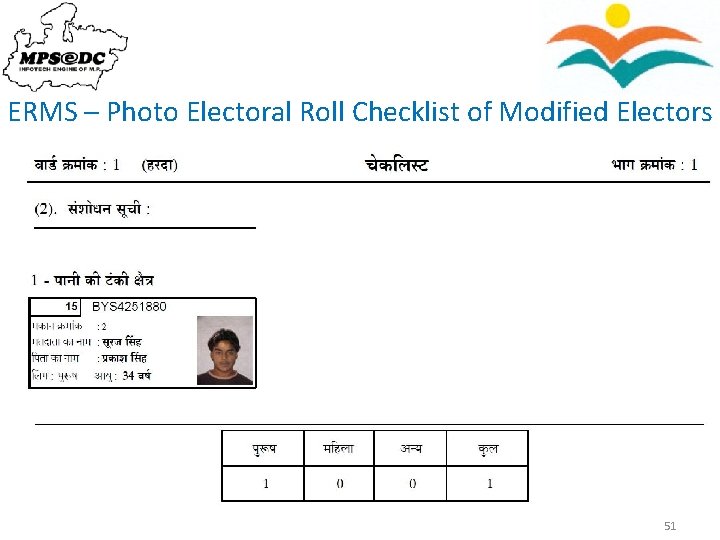
ERMS – Photo Electoral Roll Checklist of Modified Electors 51
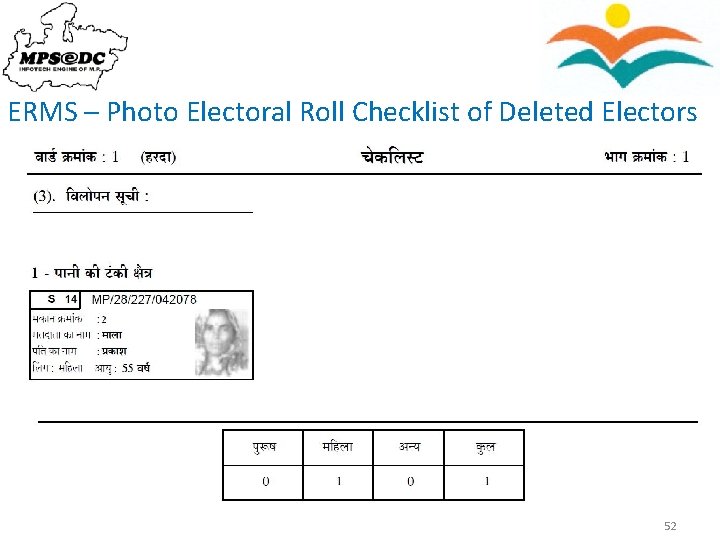
ERMS – Photo Electoral Roll Checklist of Deleted Electors 52
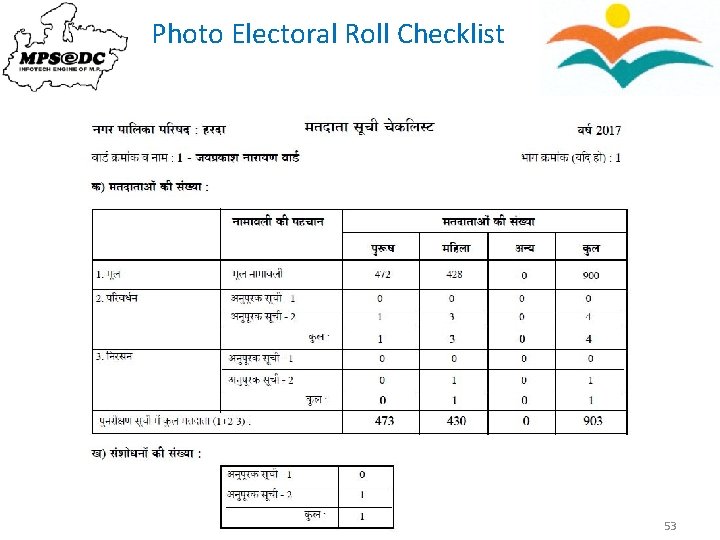
Photo Electoral Roll Checklist 53
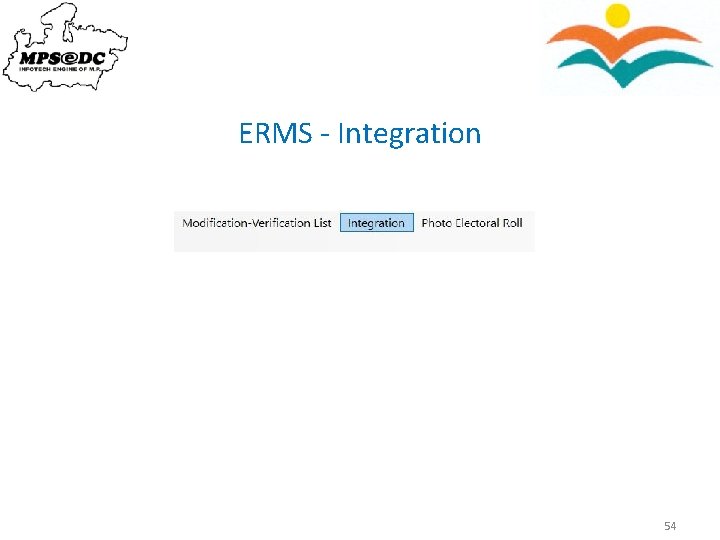
ERMS - Integration 54
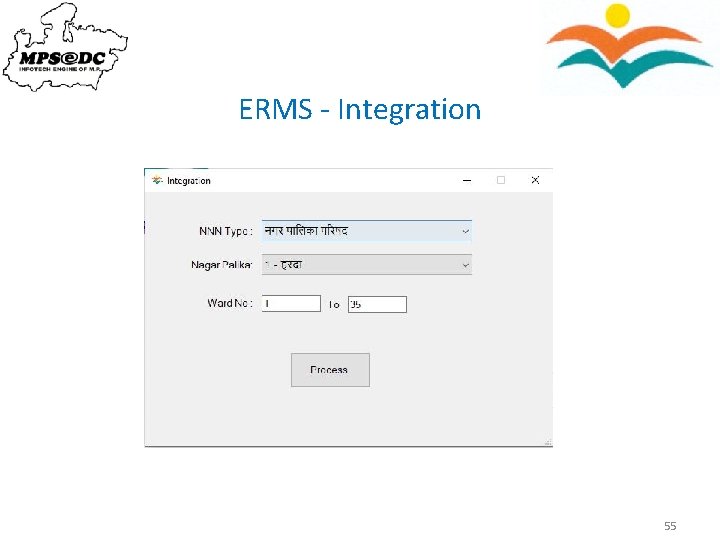
ERMS - Integration 55
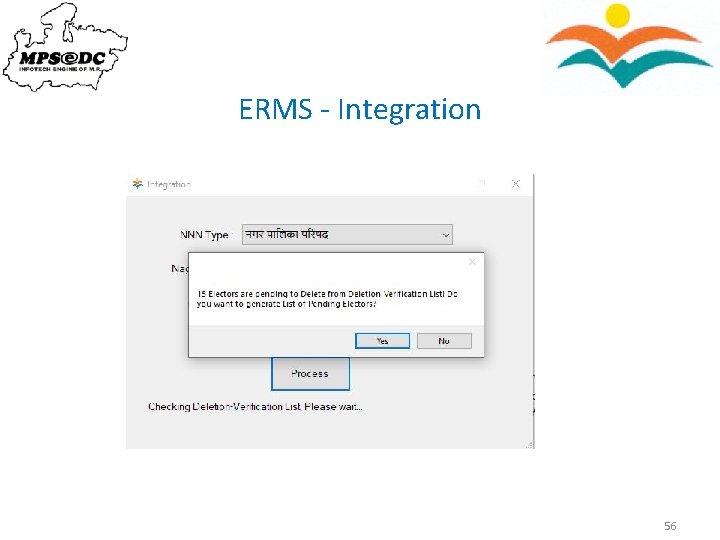
ERMS - Integration 56
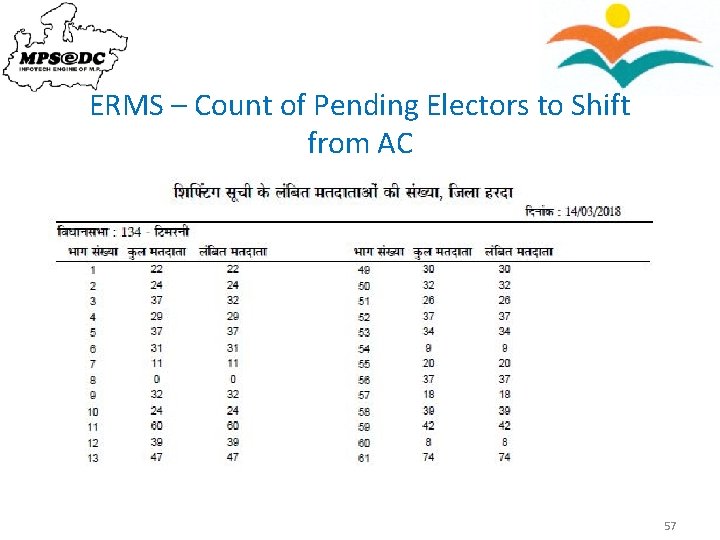
ERMS – Count of Pending Electors to Shift from AC 57
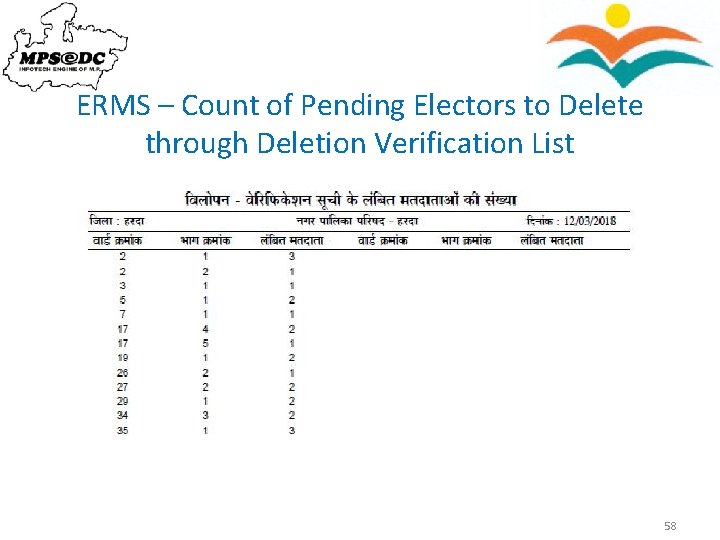
ERMS – Count of Pending Electors to Delete through Deletion Verification List 58
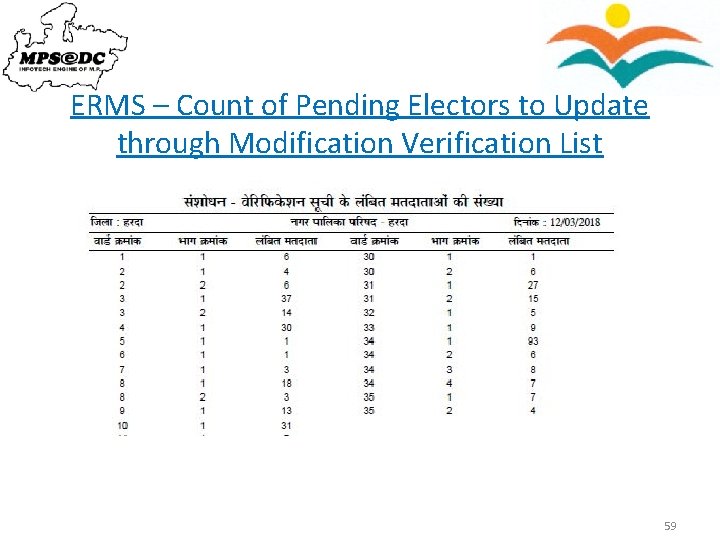
ERMS – Count of Pending Electors to Update through Modification Verification List 59
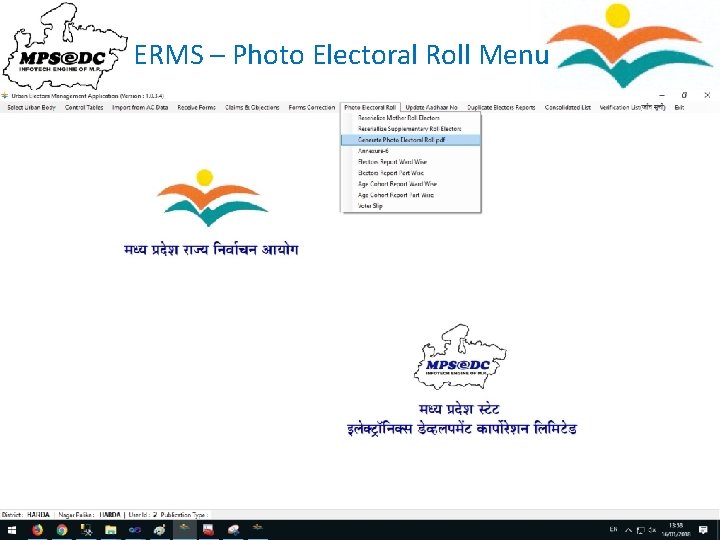
ERMS – Photo Electoral Roll Menu 60
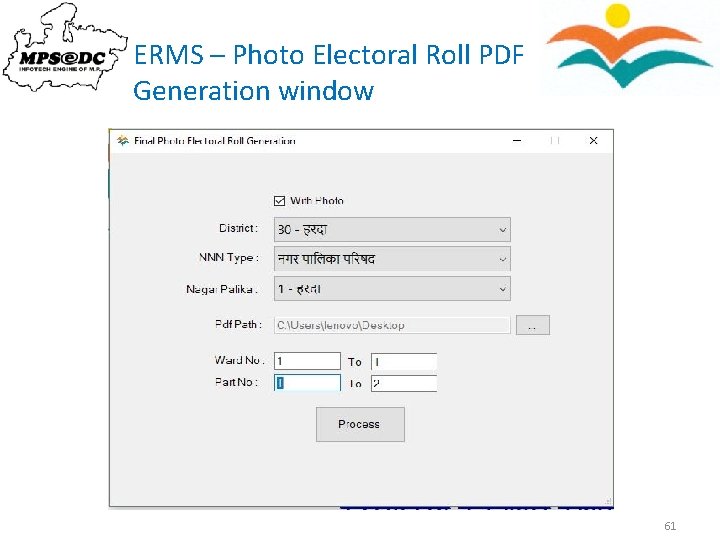
ERMS – Photo Electoral Roll PDF Generation window 61
ERMS – ERO Application Uploading without photo voter list pdf files to Website 62
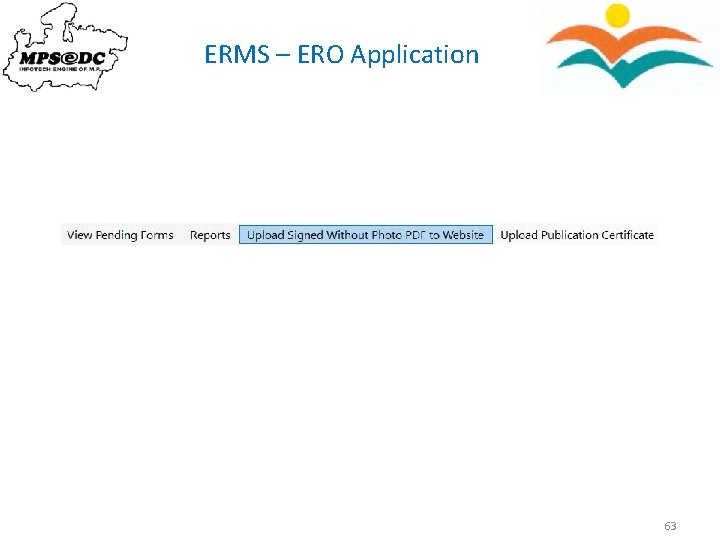
ERMS – ERO Application 63
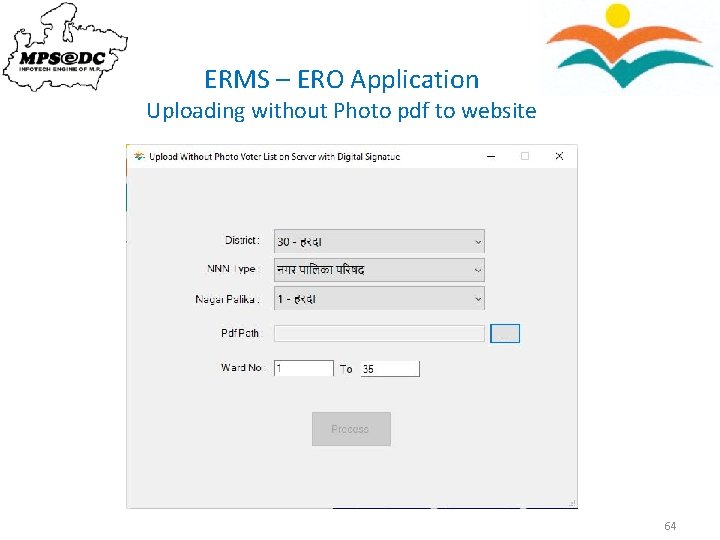
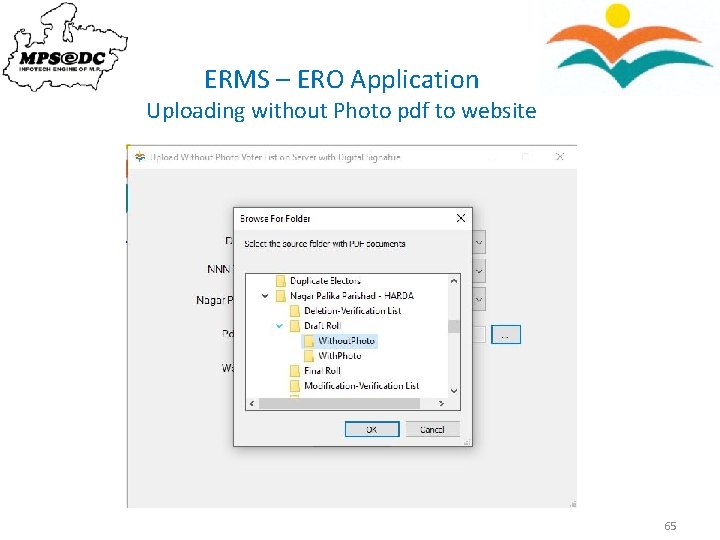
ERMS – ERO Application Uploading without Photo pdf to website 64
ERMS – ERO Application Uploading without Photo pdf to website 65
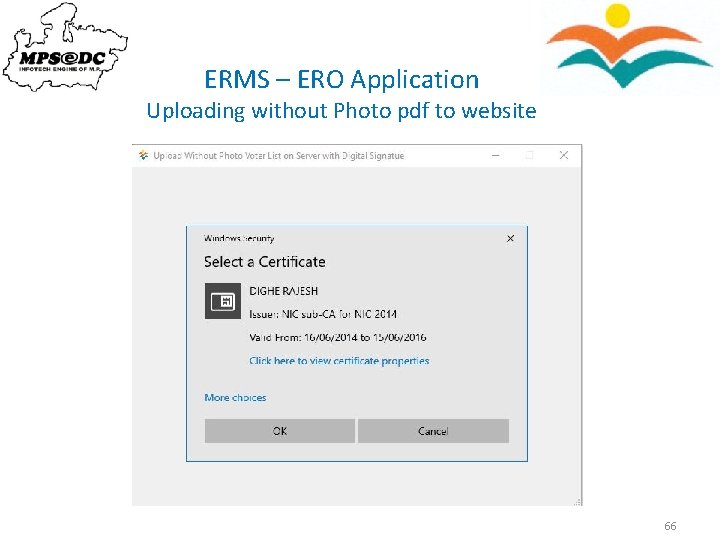
ERMS – ERO Application Uploading without Photo pdf to website 66
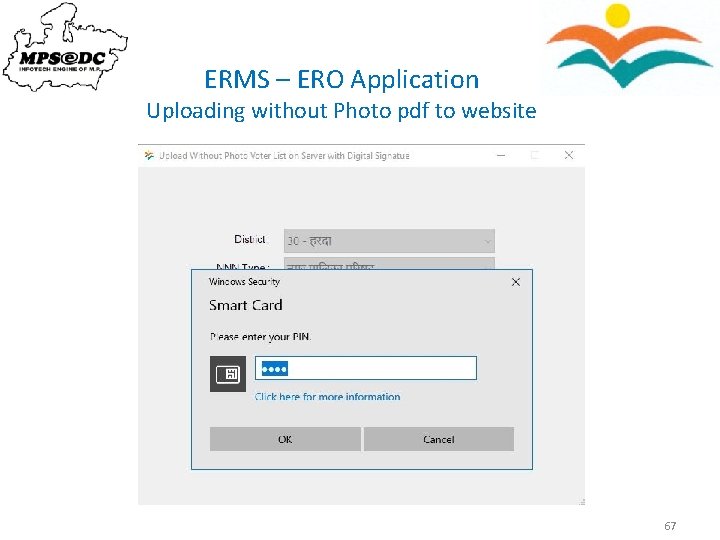
ERMS – ERO Application Uploading without Photo pdf to website 67
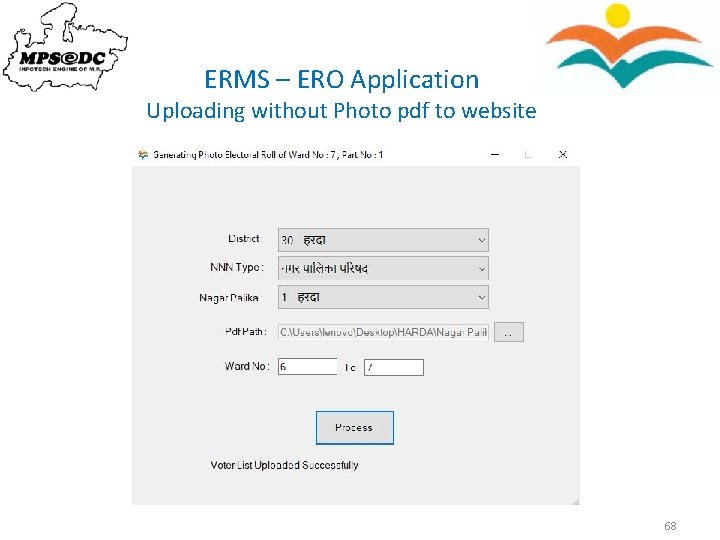
ERMS – ERO Application Uploading without Photo pdf to website 68
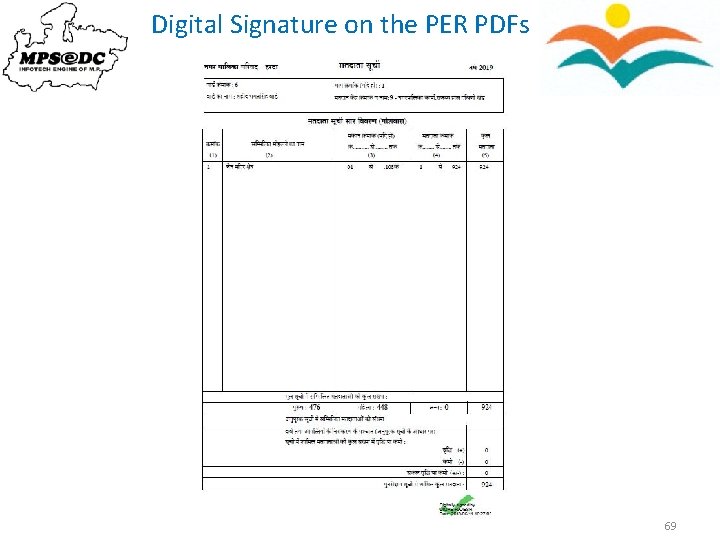
Digital Signature on the PER PDFs 69
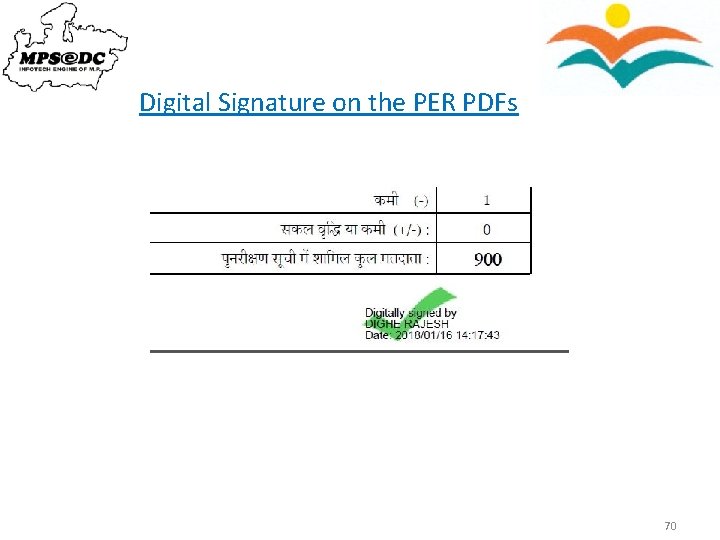
Digital Signature on the PER PDFs 70
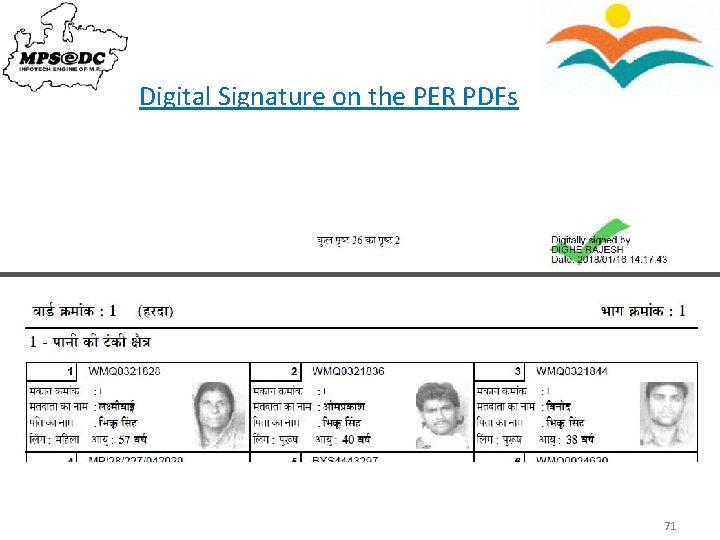
Digital Signature on the PER PDFs 71
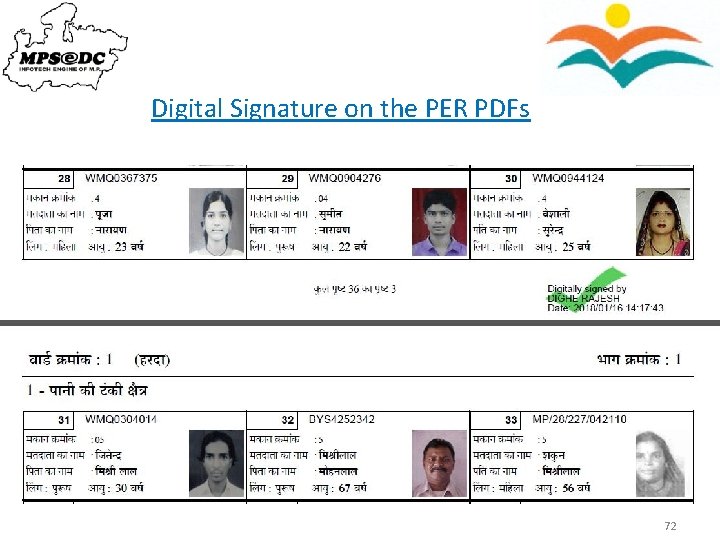
Digital Signature on the PER PDFs 72
ERMS – ERO Application Uploading publication certificate (pdf) to Website 73
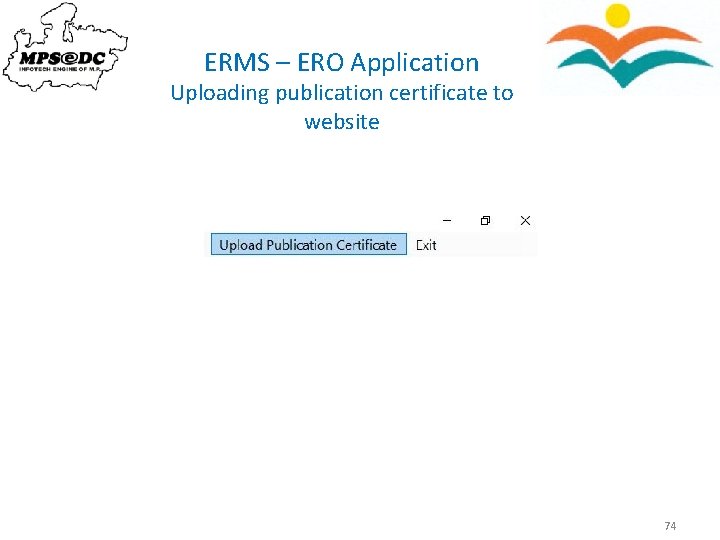
ERMS – ERO Application Uploading publication certificate to website 74
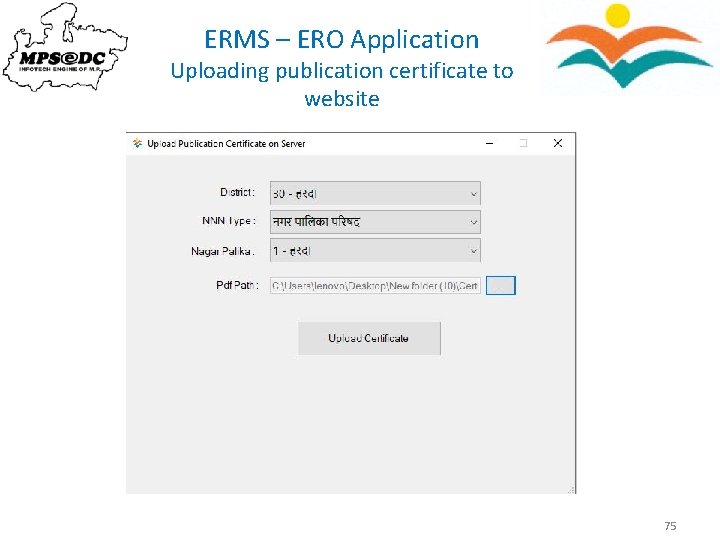
ERMS – ERO Application Uploading publication certificate to website 75
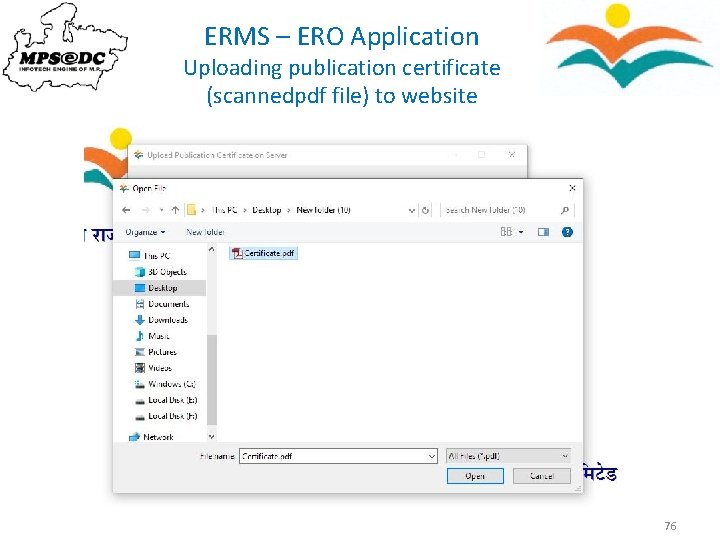
ERMS – ERO Application Uploading publication certificate (scannedpdf file) to website 76
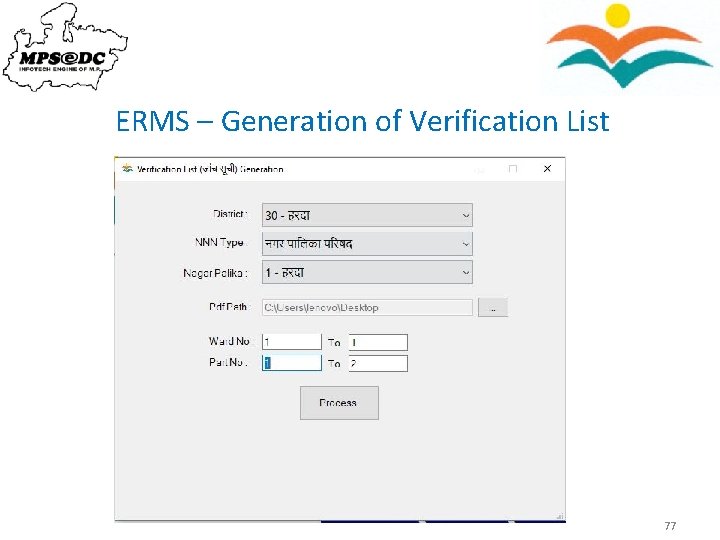
ERMS – Generation of Verification List 77
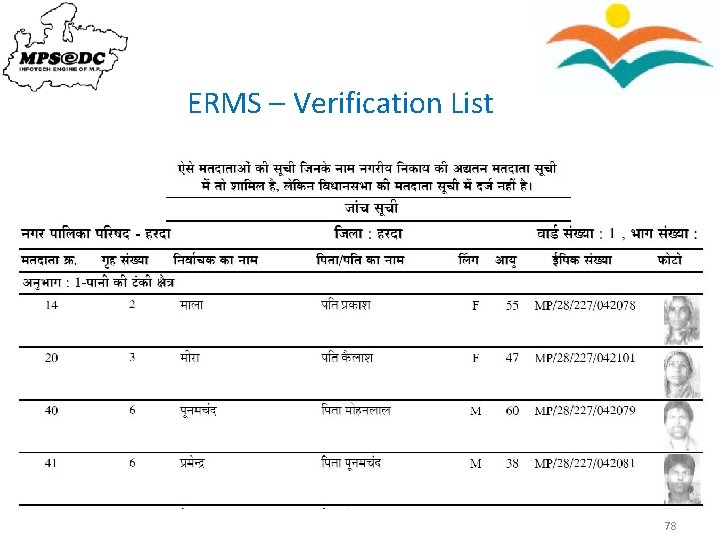
ERMS – Verification List 78
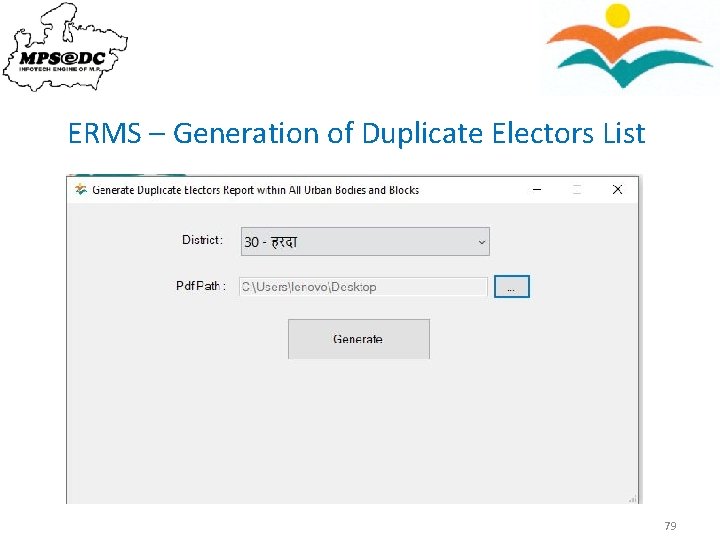
ERMS – Generation of Duplicate Electors List 79
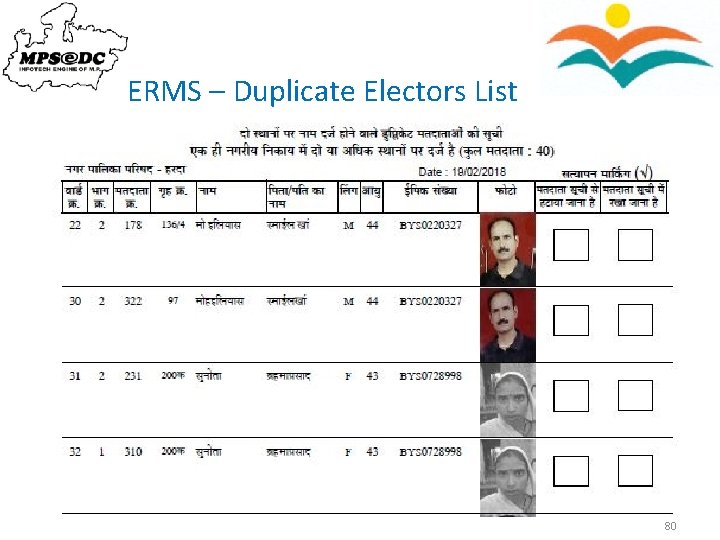
ERMS – Duplicate Electors List 80
ERMS - Claims and Objections 81
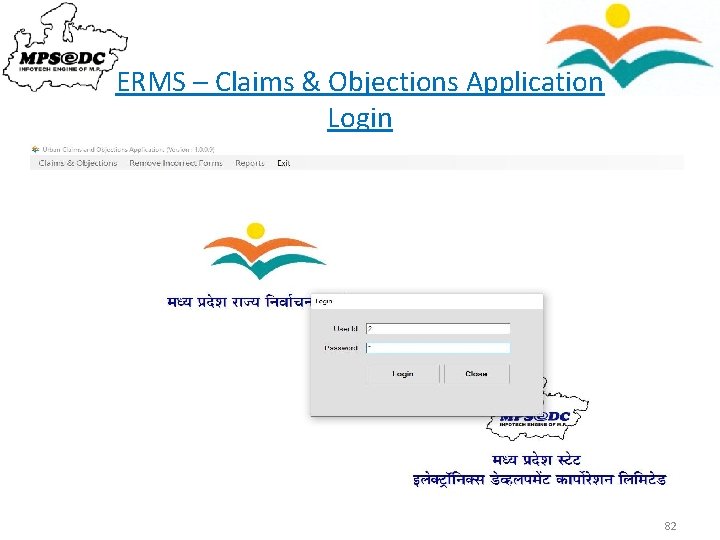
ERMS – Claims & Objections Application Login 82
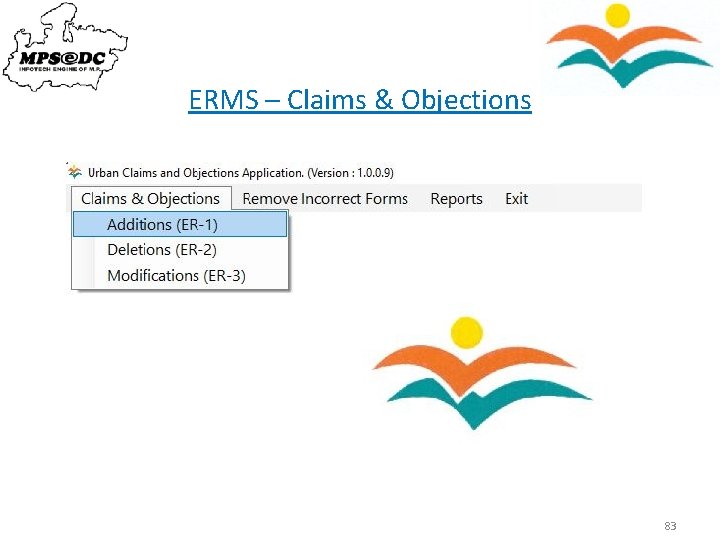
ERMS – Claims & Objections 83
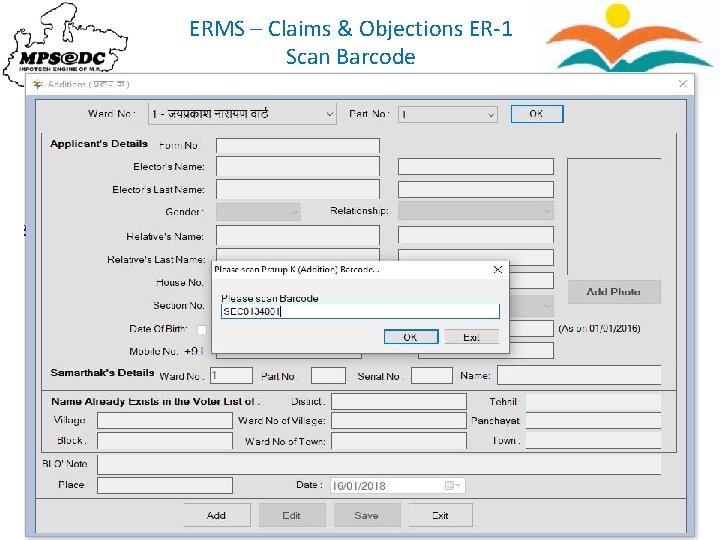
ERMS – Claims & Objections ER-1 Scan Barcode 84
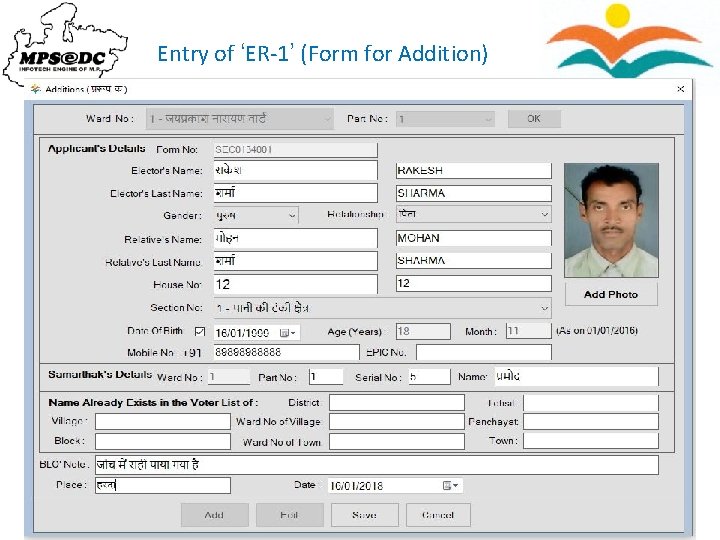
Entry of ‘ER-1’ (Form for Addition) 85
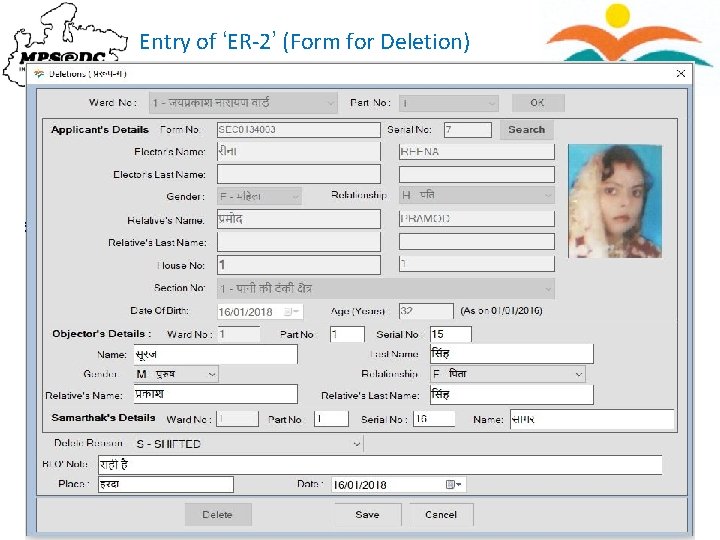
Entry of ‘ER-2’ (Form for Deletion) 86
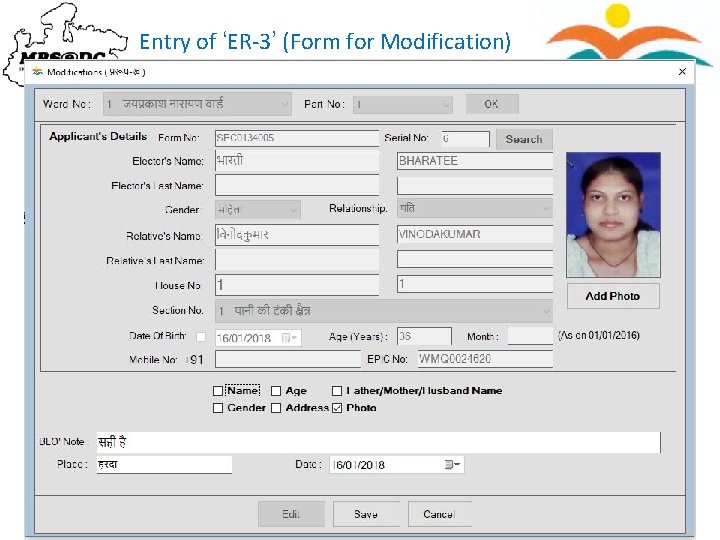
Entry of ‘ER-3’ (Form for Modification) 87
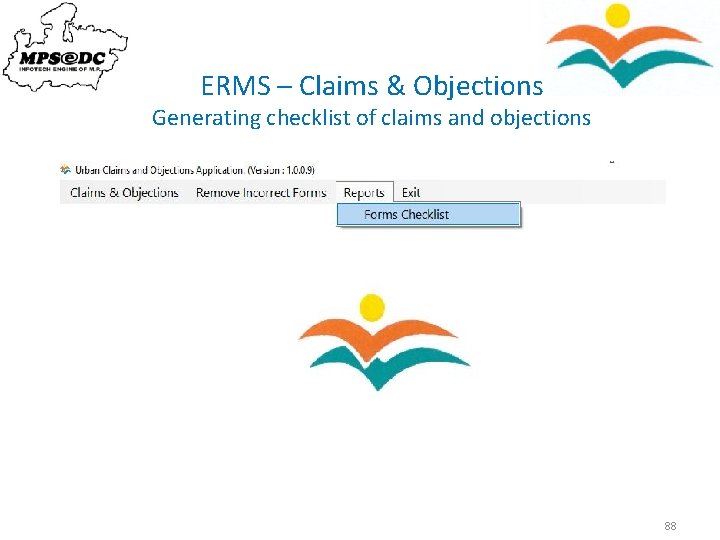
ERMS – Claims & Objections Generating checklist of claims and objections 88
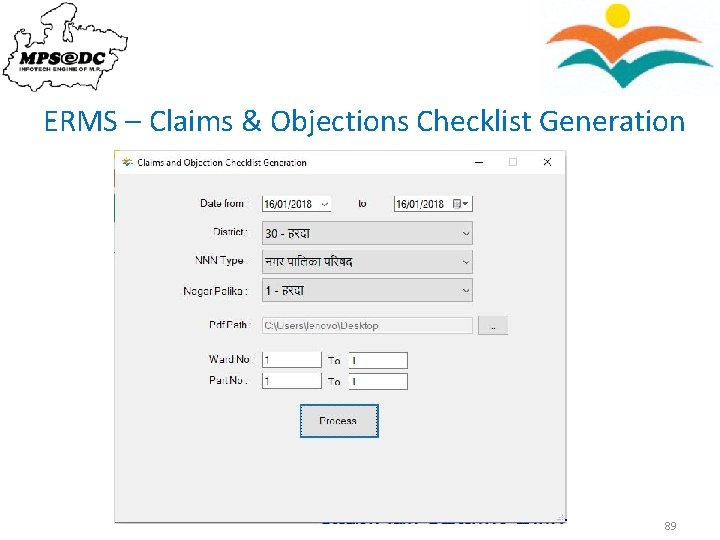
ERMS – Claims & Objections Checklist Generation 89
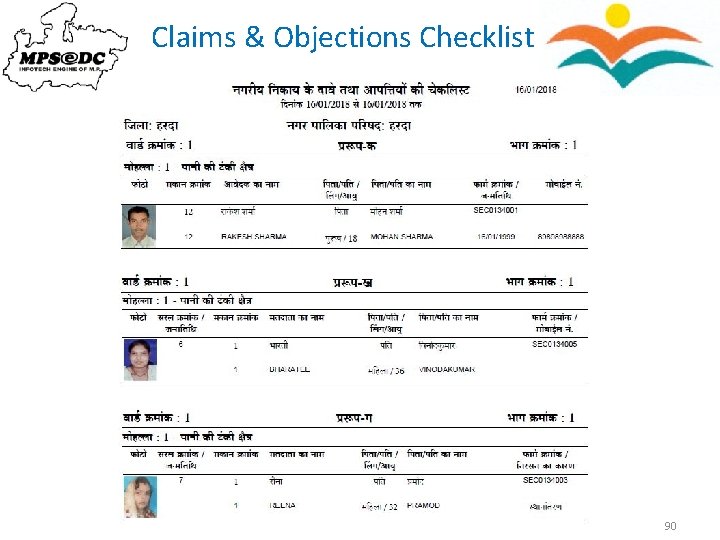
Claims & Objections Checklist 90
ERMS – Electoral Registration Officer (ERO) Application 91
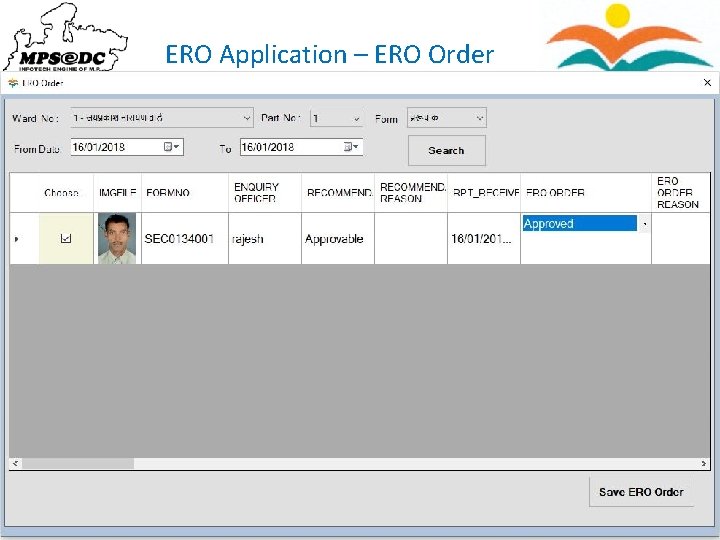
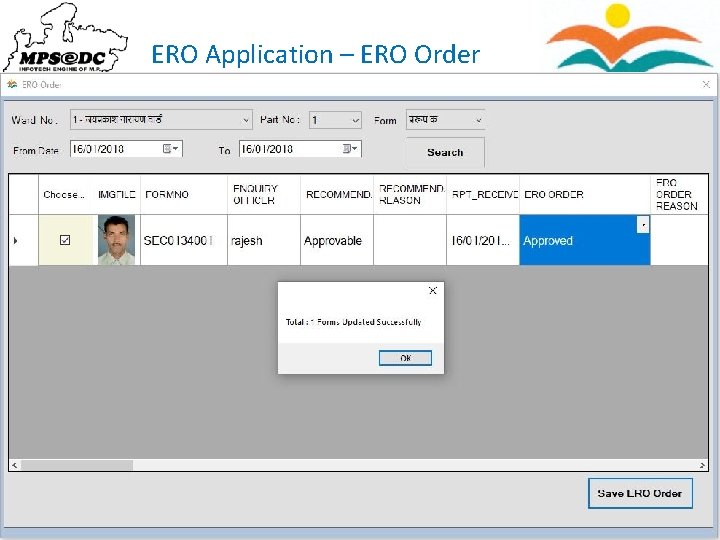
ERO Application – ERO Order 92
ERO Application – ERO Order 93
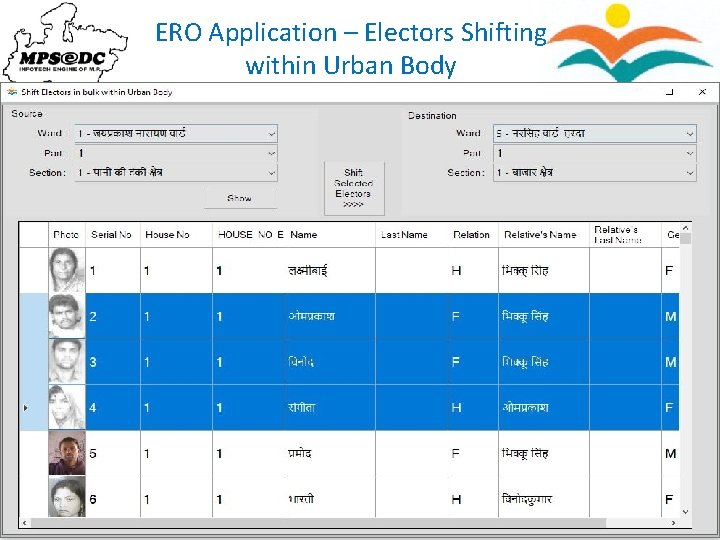
ERO Application – Electors Shifting within Urban Body 94
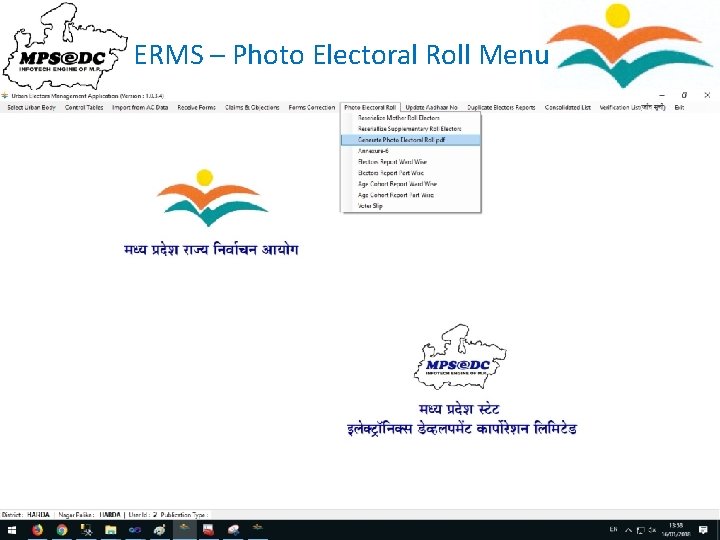
ERMS – Photo Electoral Roll Menu 95
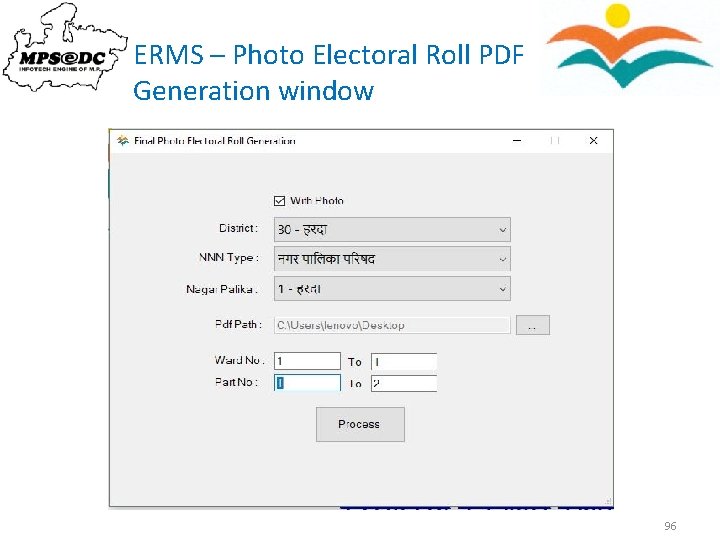
ERMS – Photo Electoral Roll PDF Generation window 96
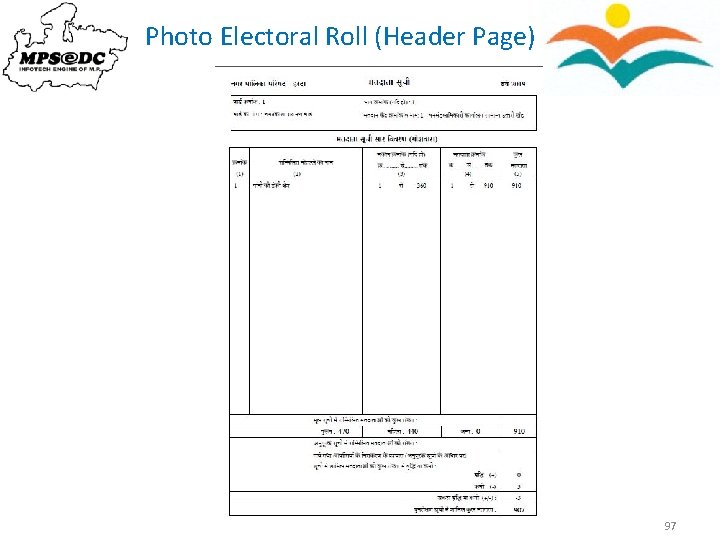
Photo Electoral Roll (Header Page) 97
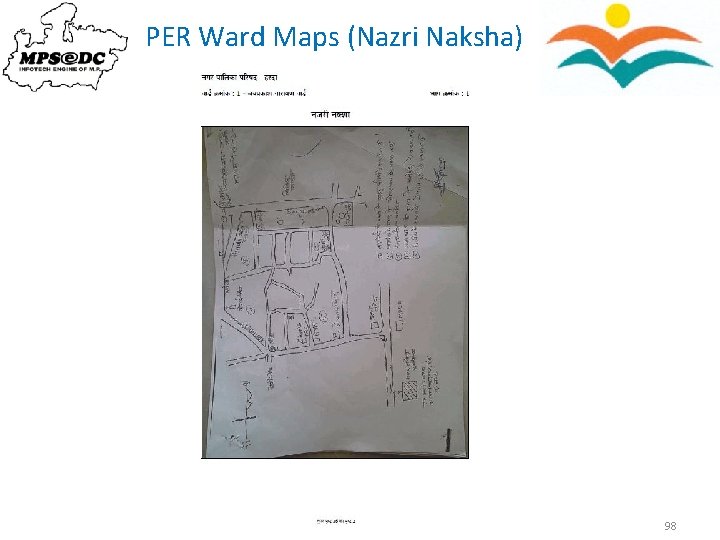
PER Ward Maps (Nazri Naksha) 98
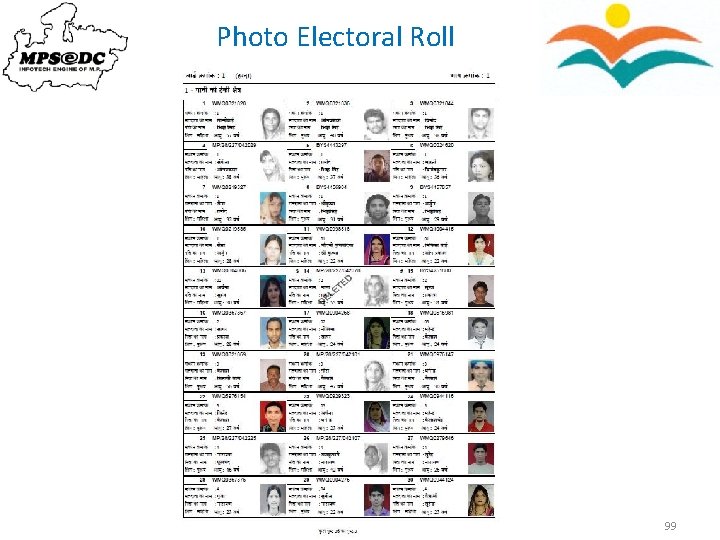
Photo Electoral Roll 99
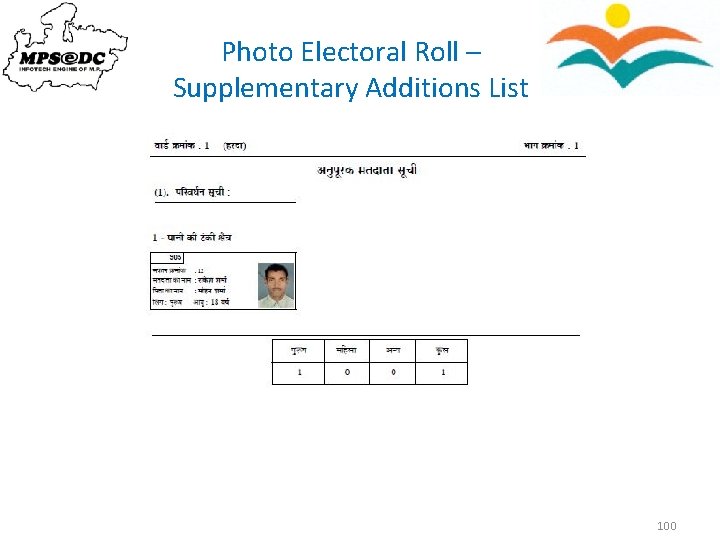
Photo Electoral Roll – Supplementary Additions List 100
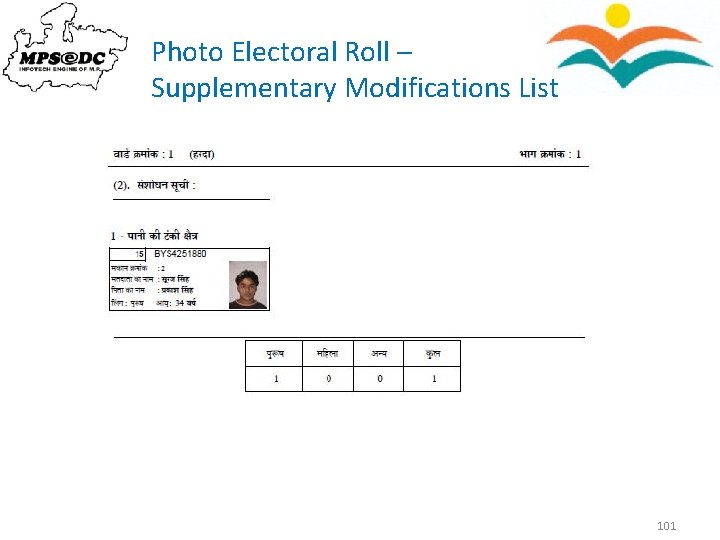
Photo Electoral Roll – Supplementary Modifications List 101
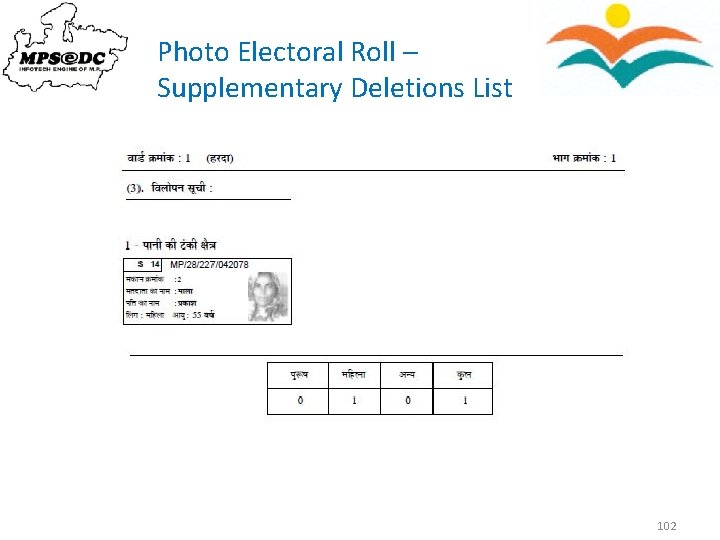
Photo Electoral Roll – Supplementary Deletions List 102
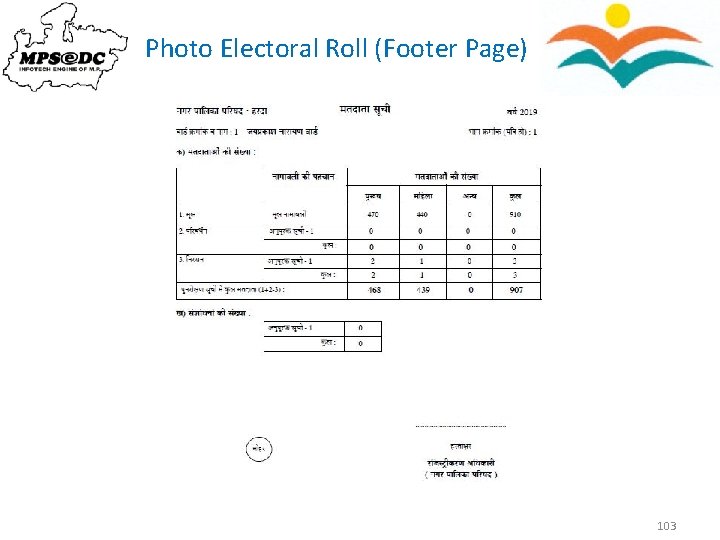
Photo Electoral Roll (Footer Page) 103
Thank You 104