
MOVING TO AN ELECTRONIC PERSONNEL FILE THE GOOD

- Slides: 12
MOVING TO AN ELECTRONIC PERSONNEL FILE: THE GOOD, THE BAD, AND THE UGLY… Dr. Kimberly C. Chambers, Director of Human Resources Adlai E. Stevenson High School District 125 kchambers@d 125. org; 847 -415 -4111
2 WHY DID WE CONSIDER AN ELECTRONIC PERSONNEL FILE? Chambers - Electronic Personnel File - AASPA 2017
3 “PAIN POINTS” WITH PAPER FILE SYSTEM • Security • Limiting access to those who don’t need it • Overall safety and security of the files, documents, file cabinets, etc. • Ease of Access • Need to be in the office to review/retrieve documents • Historical files in separate location • Time Drain • Processing paper • Space constraints • Papers and files and cabinets, oh my! • Hello, 21 st century? Chambers - Electronic Personnel File - AASPA 2017
4 OUR PROCESS • Created a rubric • Considered cost • Talked to other Districts for recommendations • Completed reference checks • Made a recommendation • We considered 5 companies; met with • Purchased software representatives • Undertook implementation • Saw their presentations • Asked lots and lots of questions • Maintain the system Chambers - Electronic Personnel File - AASPA 2017
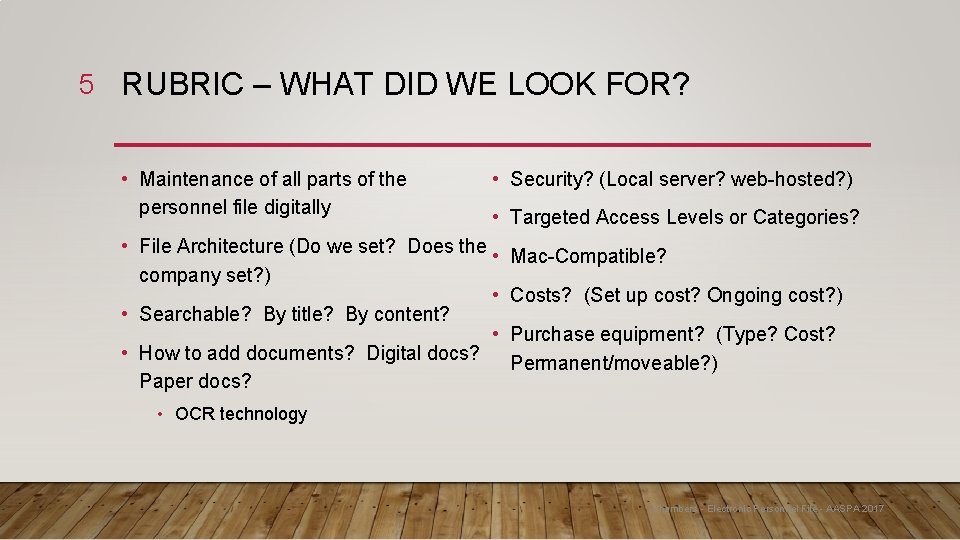
5 RUBRIC – WHAT DID WE LOOK FOR? • Maintenance of all parts of the personnel file digitally • Security? (Local server? web-hosted? ) • Targeted Access Levels or Categories? • File Architecture (Do we set? Does the • company set? ) • • Searchable? By title? By content? • • How to add documents? Digital docs? Paper docs? Mac-Compatible? Costs? (Set up cost? Ongoing cost? ) Purchase equipment? (Type? Cost? Permanent/moveable? ) • OCR technology Chambers - Electronic Personnel File - AASPA 2017
6 WHAT WE DIDN’T KNOW TO LOOK FOR … BUT WE LEARNED TO ASK ABOUT: • Do upgrades cost extra? • Does additional storage cost extra? • How do you view or share documents once they’re in the system? • Records retention and destruction? • What happens to my old paper files? • Do I need to have specific software on my device in order to access the personnel files? (i. e. locally hosted, web-hosted) • Will my system “talk” to my other systems? (HRIS, applicant tracking, etc. ) • What training is provided? • What does ongoing support look like? Can I access it in a variety of ways? Chambers - Electronic Personnel File - AASPA 2017
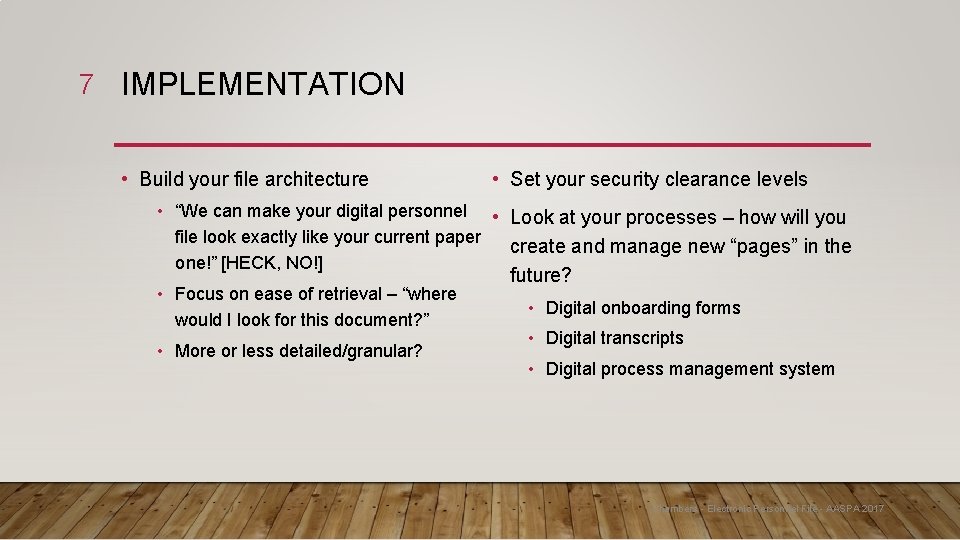
7 IMPLEMENTATION • Build your file architecture • Set your security clearance levels • “We can make your digital personnel • Look at your processes – how will you file look exactly like your current paper create and manage new “pages” in the one!” [HECK, NO!] • Focus on ease of retrieval – “where would I look for this document? ” • More or less detailed/granular? future? • Digital onboarding forms • Digital transcripts • Digital process management system Chambers - Electronic Personnel File - AASPA 2017
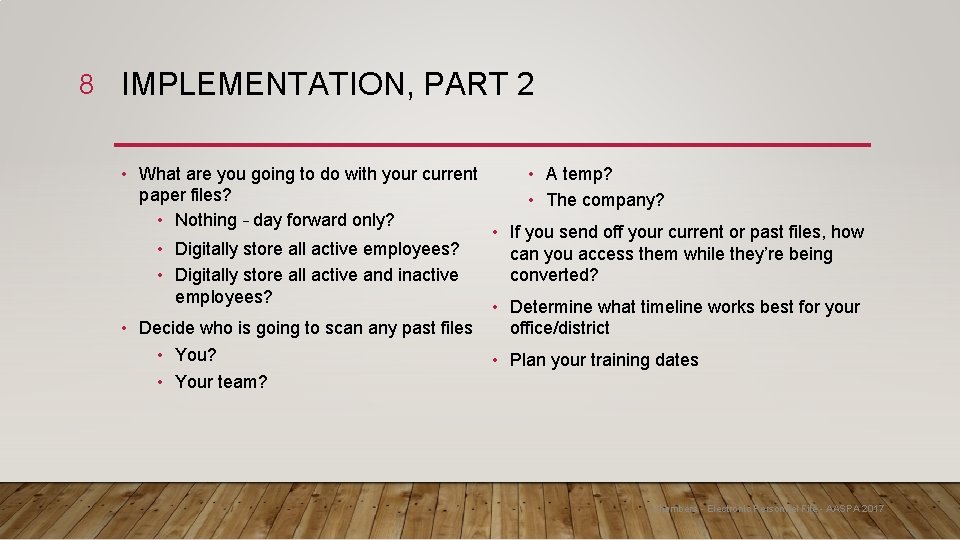
8 IMPLEMENTATION, PART 2 • What are you going to do with your current paper files? • Nothing – day forward only? • Digitally store all active employees? • Digitally store all active and inactive employees? • Decide who is going to scan any past files • You? • Your team? • A temp? • The company? • If you send off your current or past files, how can you access them while they’re being converted? • Determine what timeline works best for your office/district • Plan your training dates Chambers - Electronic Personnel File - AASPA 2017
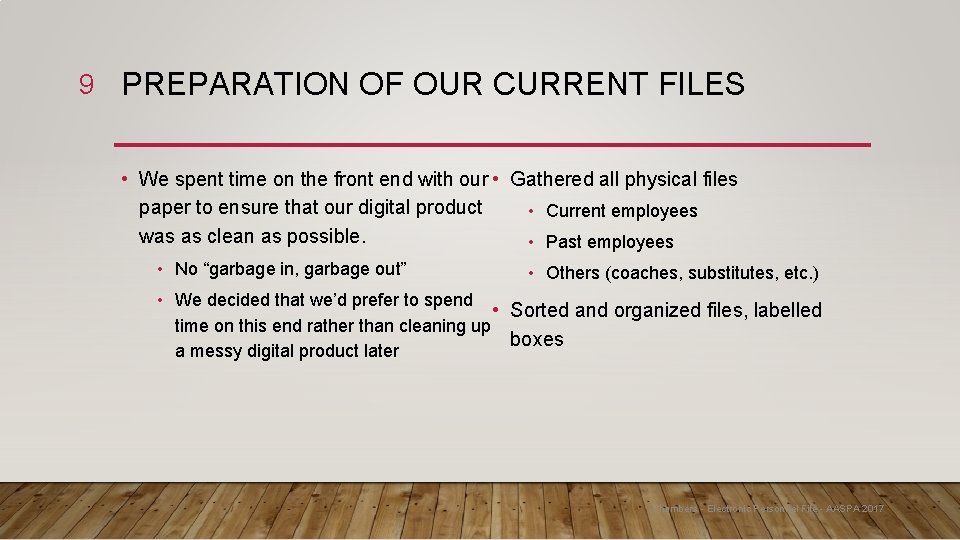
9 PREPARATION OF OUR CURRENT FILES • We spent time on the front end with our • Gathered all physical files paper to ensure that our digital product • Current employees was as clean as possible. • Past employees • No “garbage in, garbage out” • Others (coaches, substitutes, etc. ) • We decided that we’d prefer to spend • Sorted and organized files, labelled time on this end rather than cleaning up boxes a messy digital product later Chambers - Electronic Personnel File - AASPA 2017
10 KEEPING THINGS TIDY AND UP-TO-DATE • Will you change your processes? • Digital forms? • How will you upload new information into your digital file? • As needed/immediately? • Daily? Weekly? • Will you train your whole team on the whole system? • How involved will you (as the administrator) be? • Is ongoing training necessary? Available? • Will you designate one person from your team to be the “point person”? Chambers - Electronic Personnel File - AASPA 2017
11 LESSONS LEARNED • Not everyone on your team may welcome this change • Moving into the digital age maintains parity with the non-education world • We should have made our file structure less detailed and granular • Transcripts have watermarks… • Systems change over time – you need to keep current with the updates (via training and continually examining your own processes) • It’s OK – and easier! - for different forms to go into the same file (i. e. hiring) Chambers - Electronic Personnel File - IASPA 2018
12 Questions? Chambers - Electronic Personnel File - AASPA 2017