
Movies and Data with Matlab Joseph Stover SWIG
Movies and Data with Matlab Joseph Stover SWIG 10/24/2007
Outline • Creating and Exporting movies • Tricks for saving large amounts of data • Embedding movies in powerpoint or html • Using Flash
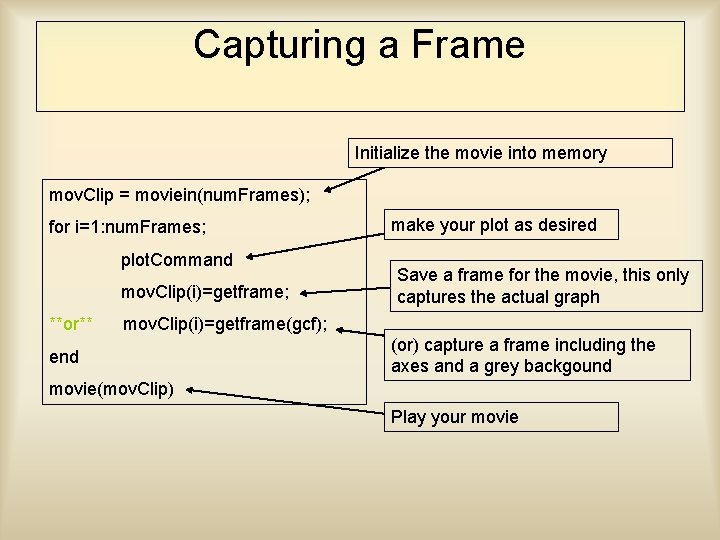
Capturing a Frame Initialize the movie into memory mov. Clip = moviein(num. Frames); for i=1: num. Frames; plot. Command mov. Clip(i)=getframe; **or** make your plot as desired Save a frame for the movie, this only captures the actual graph mov. Clip(i)=getframe(gcf); end (or) capture a frame including the axes and a grey backgound movie(mov. Clip) Play your movie
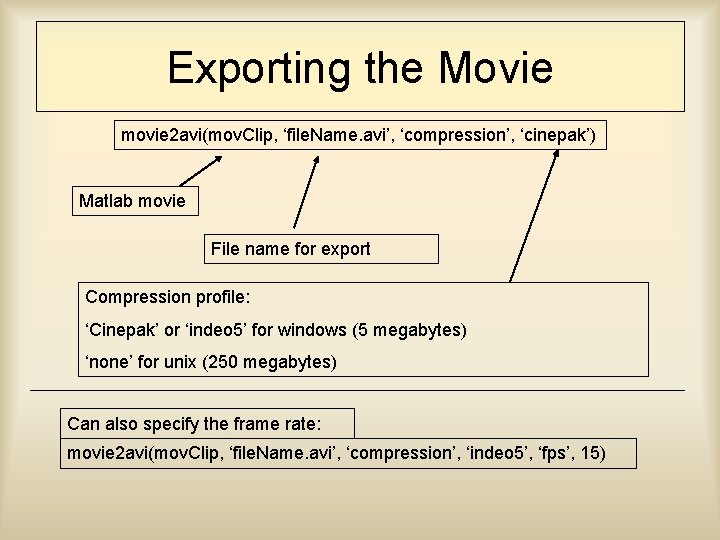
Exporting the Movie movie 2 avi(mov. Clip, ‘file. Name. avi’, ‘compression’, ‘cinepak’) Matlab movie File name for export Compression profile: ‘Cinepak’ or ‘indeo 5’ for windows (5 megabytes) ‘none’ for unix (250 megabytes) Can also specify the frame rate: movie 2 avi(mov. Clip, ‘file. Name. avi’, ‘compression’, ‘indeo 5’, ‘fps’, 15)
Data Saving Tricks • Use fopen(), fwrite(), fclose() to save data from simulations • Get rid of excess information by changing data type from float 64 to bitn • Create a script to open data files and plot them to create a movie and export • Be careful on the size of files and number of files per directory: – 4 KB minimum in Windows (NTFS cluster size), <10, 000 per directory (or crash/slow windows), similar in Unix – Group data into larger files and multiple directories
![Data Saving Tricks For example: U[i]=(x 1, x 2, y 1, y 2, b,](http://slidetodoc.com/presentation_image_h2/43f0b84bb15bb945e07689fdc3159aa1/image-6.jpg "Data Saving Tricks For example: U[i]=(x 1, x 2, y 1, y 2, b,")
Data Saving Tricks For example: U[i]=(x 1, x 2, y 1, y 2, b, u) for i=1: num. Steps(large#) Where x 1, x 2, y 1, y 2 are random grid coordinates say… 128 x 128, b = 0 or 1, and u is a random number * I can save the grid coordinates as bit 7 since they are 0: 127 * b can be saved as 1 bit. * u can be saved as float 64 (or maybe float 32 depending on what resolution I want). This leads to 93 bits per step, rather than 64 x 6 = 384 bits! Over 75% savings! Of course it depends on case specifics.
Flash • Use flash to embed movies in webpages or powerpoint. – Add extra interactivity – High compression – No funny business or problems with seeing movies on the screen
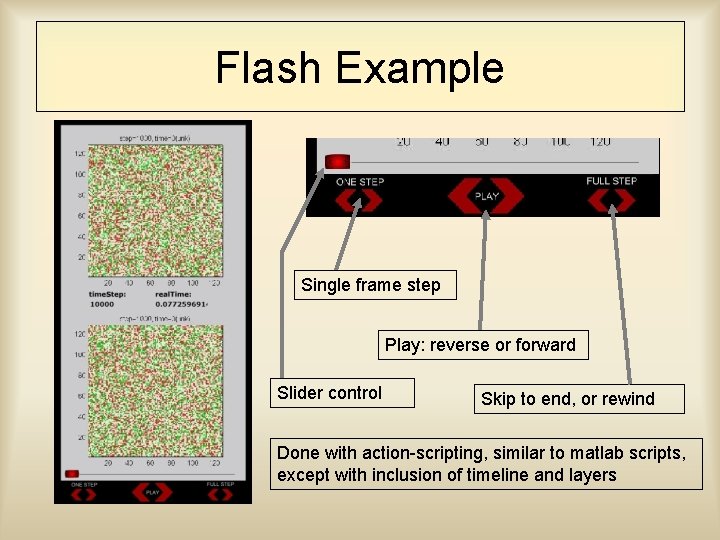
Flash Example Single frame step Play: reverse or forward Slider control Skip to end, or rewind Done with action-scripting, similar to matlab scripts, except with inclusion of timeline and layers
Flash Example • This example was: – 90 MB compressed with indeo 5 – 8. 4 MB compressed with Auto. GK – 9. 1 MB with flash(including interactivity) • 2 separate movies merged together due to memory using “Virtual. Dub”
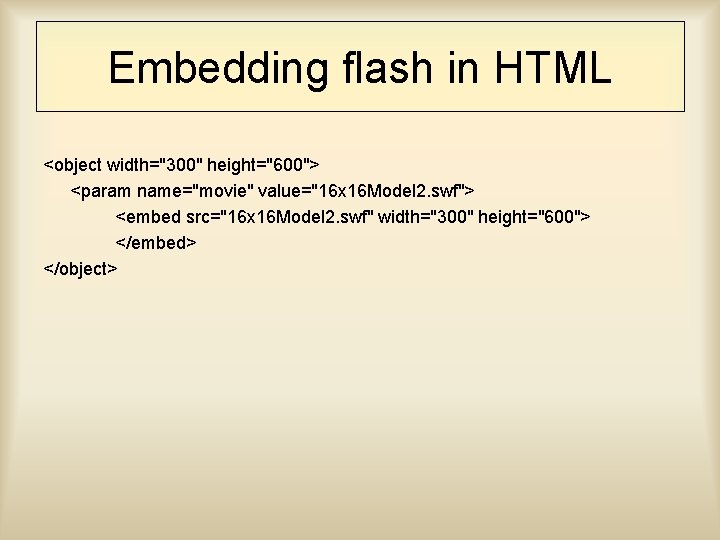
Embedding flash in HTML <object width="300" height="600"> <param name="movie" value="16 x 16 Model 2. swf"> <embed src="16 x 16 Model 2. swf" width="300" height="600"> </embed> </object>
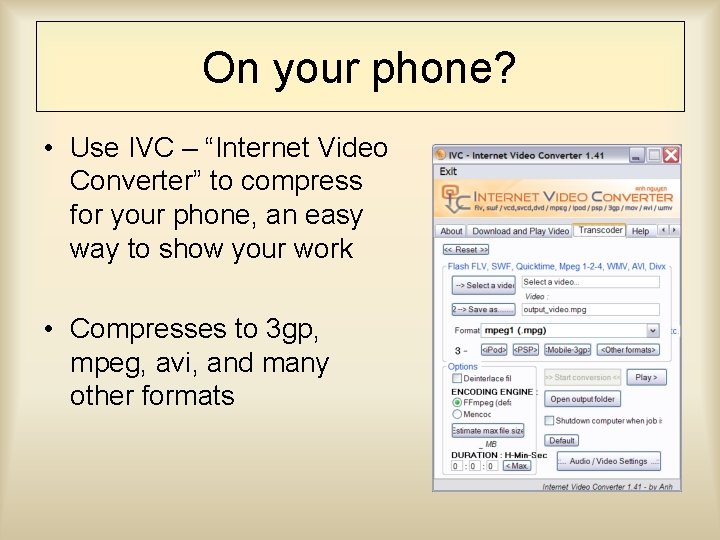
On your phone? • Use IVC – “Internet Video Converter” to compress for your phone, an easy way to show your work • Compresses to 3 gp, mpeg, avi, and many other formats

Auto. GK & Virtual. Dub • Free program “Auto Gordian Knot” • Compresses movies • Merges clips
Conclusion • Any questions?
- Slides: 13