
Mounting a Balance Box 400 to a brick
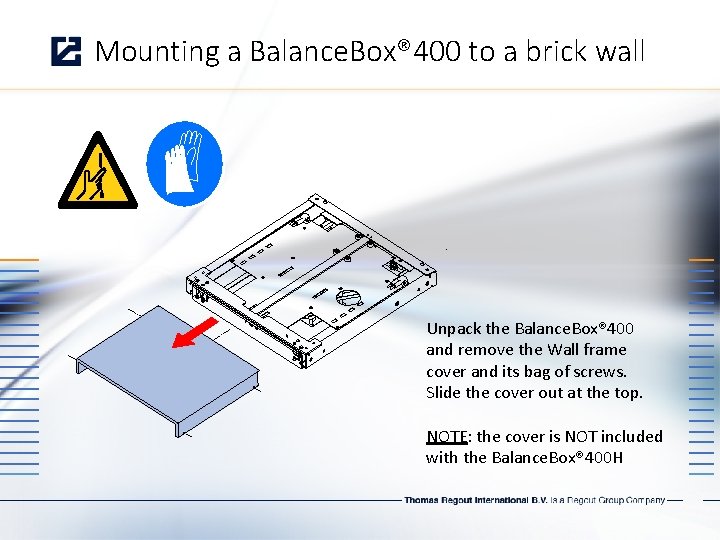
Mounting a Balance. Box® 400 to a brick wall Unpack the Balance. Box® 400 and remove the Wall frame cover and its bag of screws. Slide the cover out at the top. NOTE: the cover is NOT included with the Balance. Box® 400 H
Mounting a Balance. Box® 400 to a brick wall Unpack the Balance. Box® 400 Take the wall bracket out of the box Note the slotted/slanted holes for level wall mounting. Round holes for locking and mobile stand / floor support mounting.
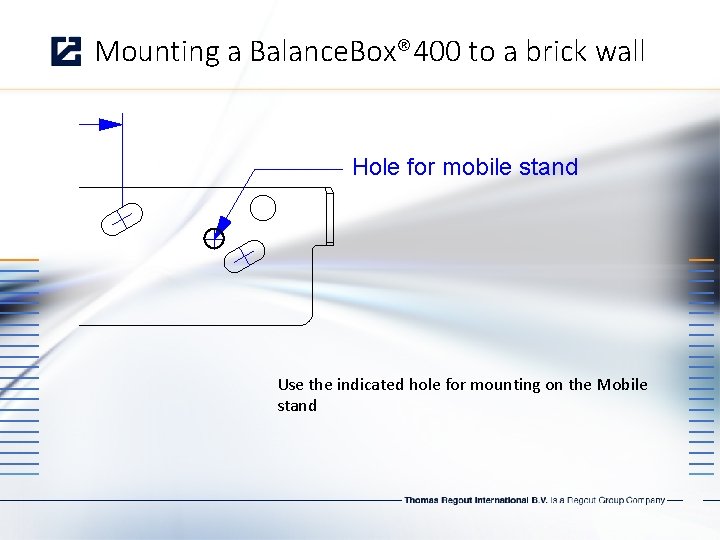
Mounting a Balance. Box® 400 to a brick wall Hole for mobile stand Use the indicated hole for mounting on the Mobile stand
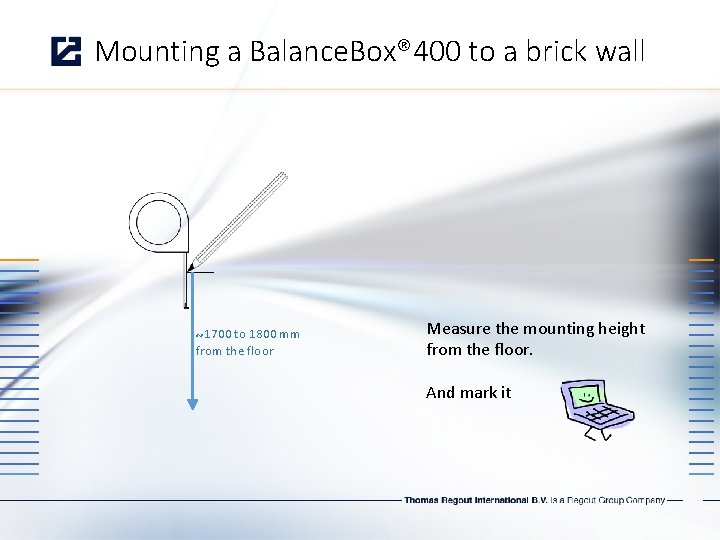
Mounting a Balance. Box® 400 to a brick wall ~1700 to 1800 mm from the floor Measure the mounting height from the floor. And mark it
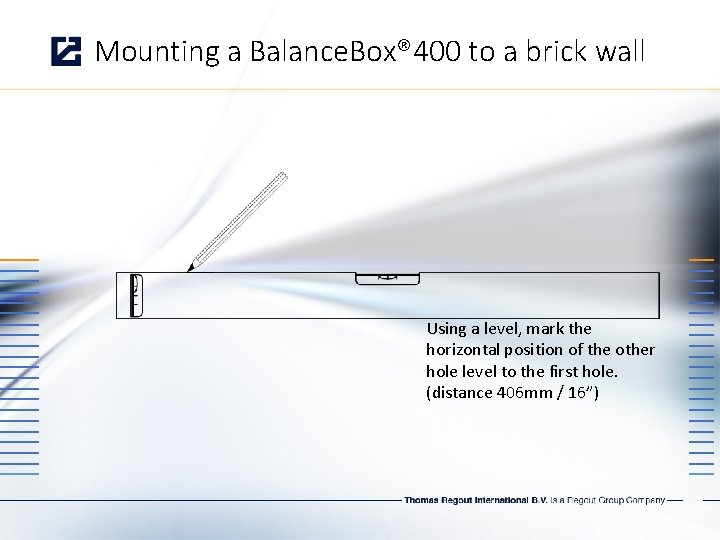
Mounting a Balance. Box® 400 to a brick wall Using a level, mark the horizontal position of the other hole level to the first hole. (distance 406 mm / 16”)
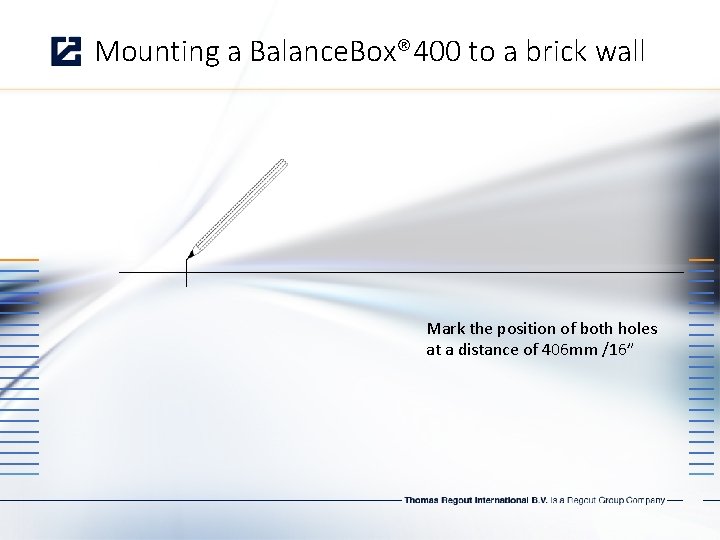
Mounting a Balance. Box® 400 to a brick wall Mark the position of both holes at a distance of 406 mm /16”
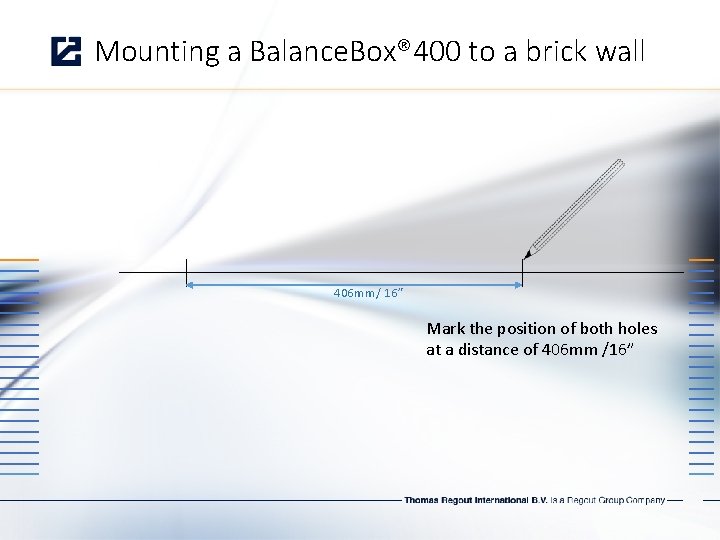
Mounting a Balance. Box® 400 to a brick wall 406 mm/ 16” Mark the position of both holes at a distance of 406 mm /16”
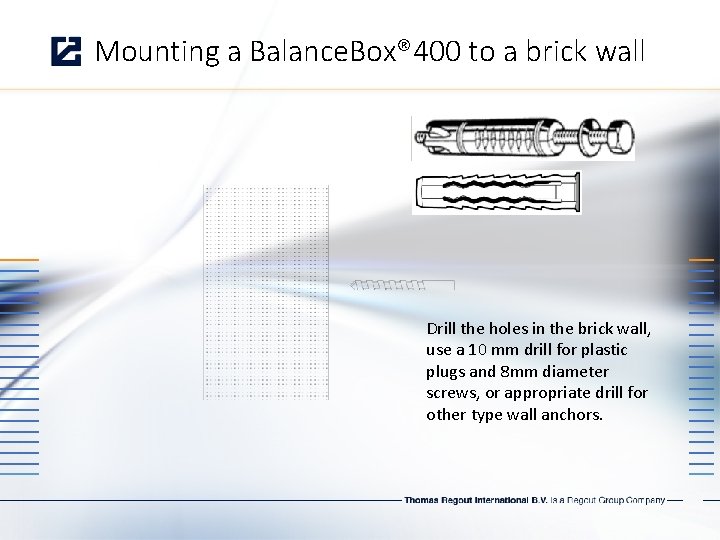
Mounting a Balance. Box® 400 to a brick wall Drill the holes in the brick wall, use a 10 mm drill for plastic plugs and 8 mm diameter screws, or appropriate drill for other type wall anchors.
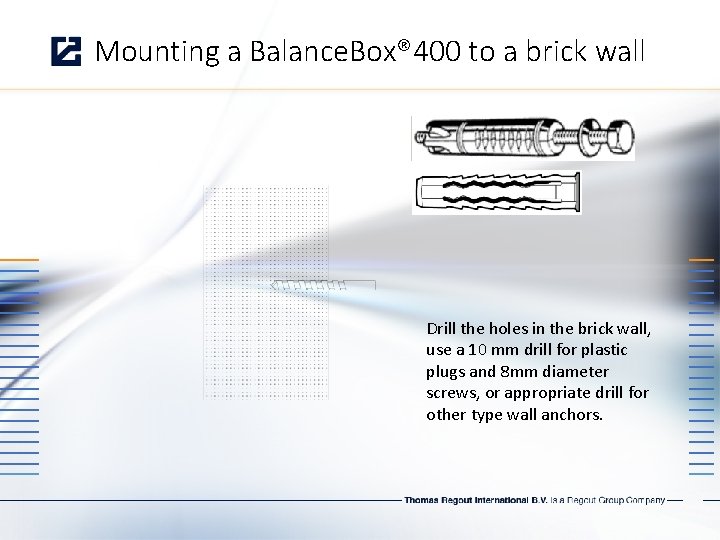
Mounting a Balance. Box® 400 to a brick wall Drill the holes in the brick wall, use a 10 mm drill for plastic plugs and 8 mm diameter screws, or appropriate drill for other type wall anchors.
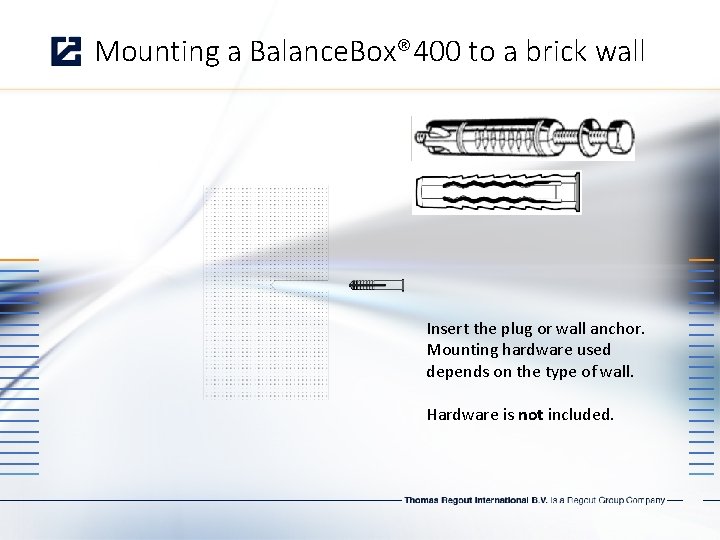
Mounting a Balance. Box® 400 to a brick wall Insert the plug or wall anchor. Mounting hardware used depends on the type of wall. Hardware is not included.
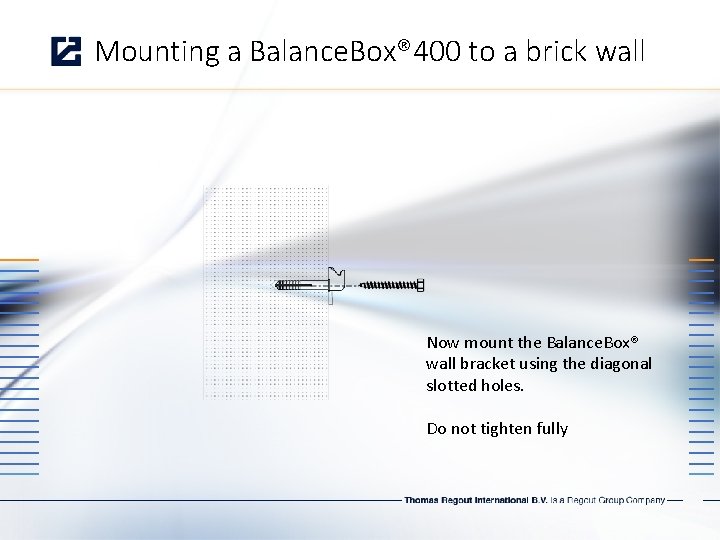
Mounting a Balance. Box® 400 to a brick wall Now mount the Balance. Box® wall bracket using the diagonal slotted holes. Do not tighten fully
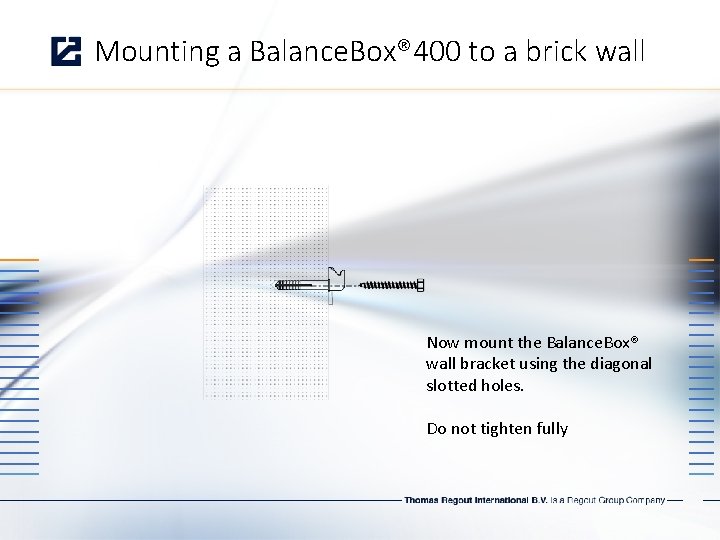
Mounting a Balance. Box® 400 to a brick wall Now mount the Balance. Box® wall bracket using the diagonal slotted holes. Do not tighten fully
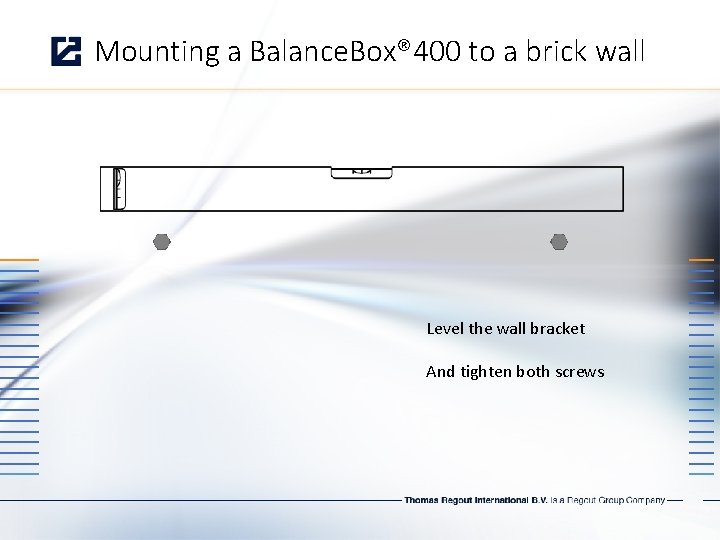
Mounting a Balance. Box® 400 to a brick wall Level the wall bracket And tighten both screws
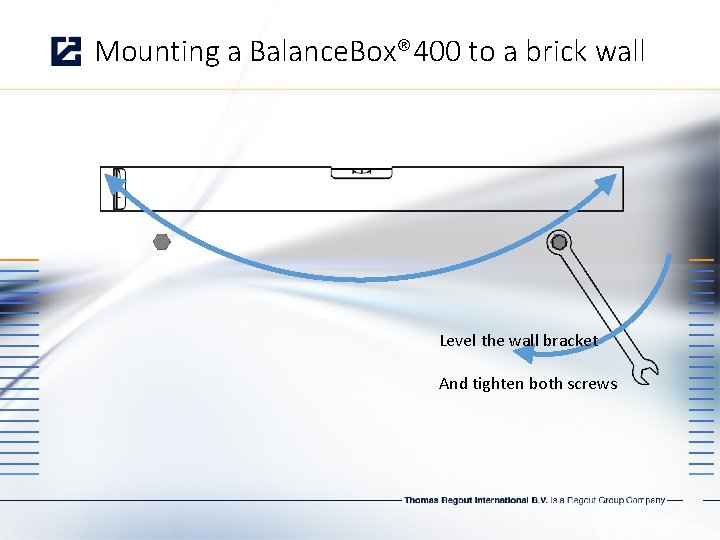
Mounting a Balance. Box® 400 to a brick wall Level the wall bracket And tighten both screws
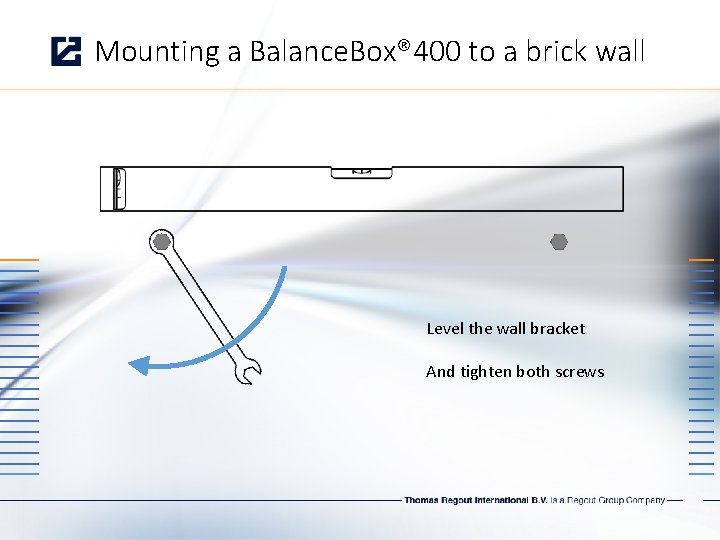
Mounting a Balance. Box® 400 to a brick wall Level the wall bracket And tighten both screws

Mounting a Balance. Box® 400 to a brick wall Lift the Balance. Box® onto the hooks of the wall bracket

Mounting a Balance. Box® 400 to a brick wall Lift the Balance. Box® onto the hooks of the wall bracket
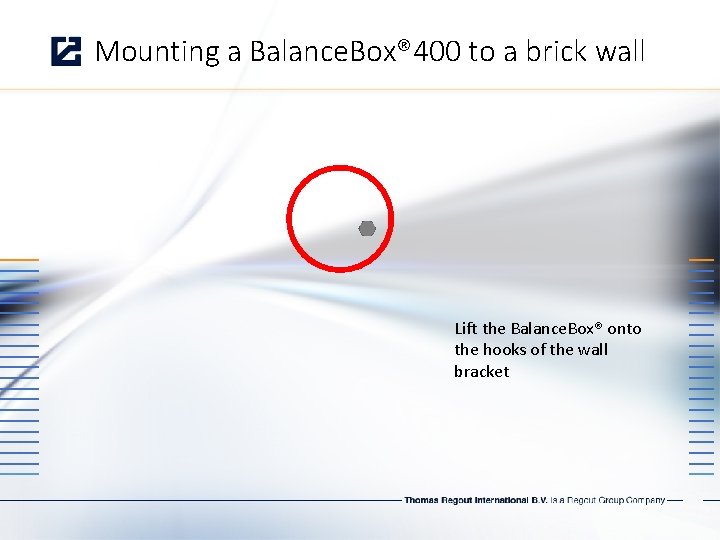
Mounting a Balance. Box® 400 to a brick wall Lift the Balance. Box® onto the hooks of the wall bracket
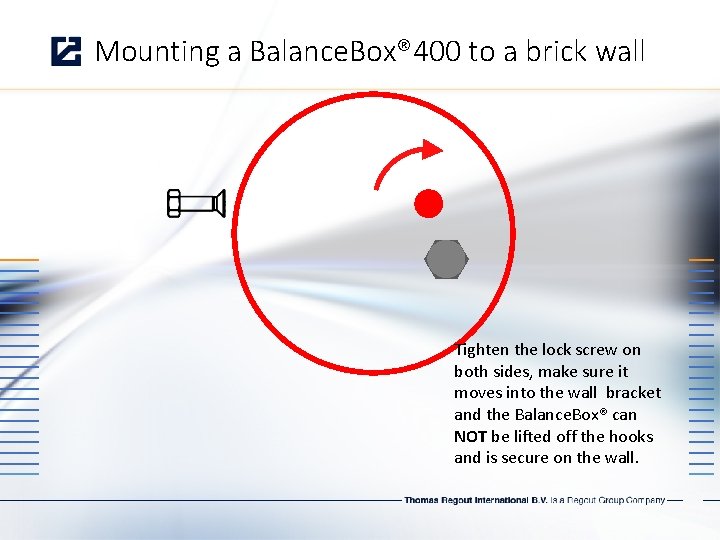
Mounting a Balance. Box® 400 to a brick wall Tighten the lock screw on both sides, make sure it moves into the wall bracket and the Balance. Box® can NOT be lifted off the hooks and is secure on the wall.
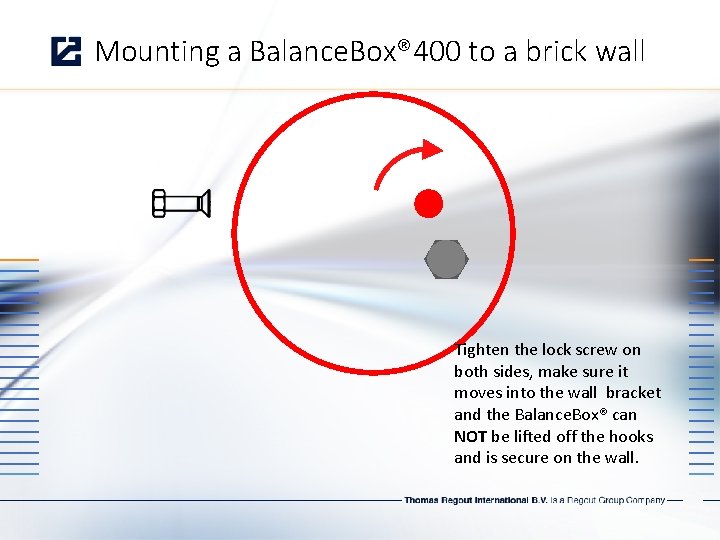
Mounting a Balance. Box® 400 to a brick wall Tighten the lock screw on both sides, make sure it moves into the wall bracket and the Balance. Box® can NOT be lifted off the hooks and is secure on the wall.
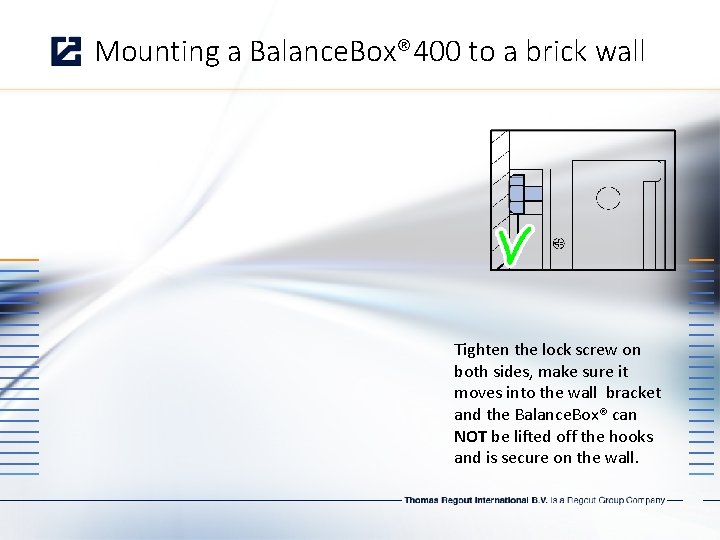
Mounting a Balance. Box® 400 to a brick wall Tighten the lock screw on both sides, make sure it moves into the wall bracket and the Balance. Box® can NOT be lifted off the hooks and is secure on the wall.
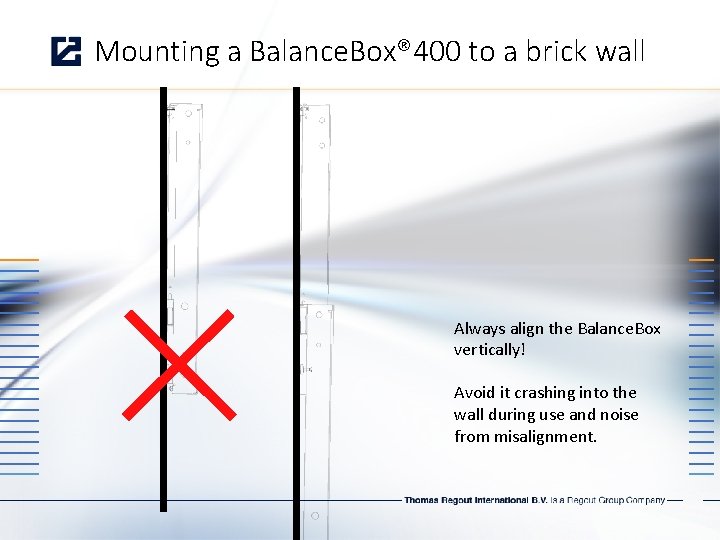
Mounting a Balance. Box® 400 to a brick wall Always align the Balance. Box vertically! Avoid it crashing into the wall during use and noise from misalignment.
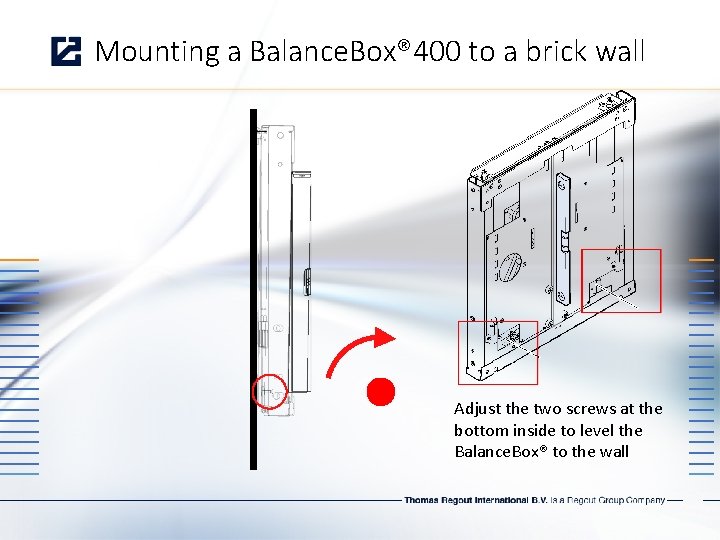
Mounting a Balance. Box® 400 to a brick wall Adjust the two screws at the bottom inside to level the Balance. Box® to the wall
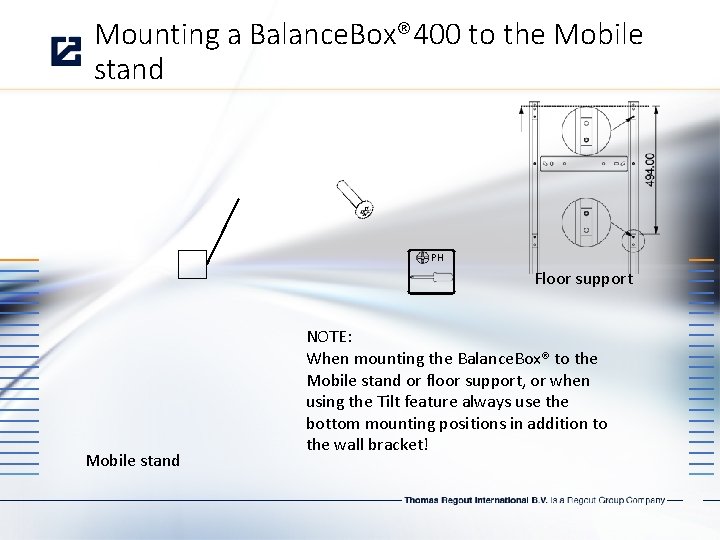
Mounting a Balance. Box® 400 to the Mobile stand PH Floor support Mobile stand NOTE: When mounting the Balance. Box® to the Mobile stand or floor support, or when using the Tilt feature always use the bottom mounting positions in addition to the wall bracket!
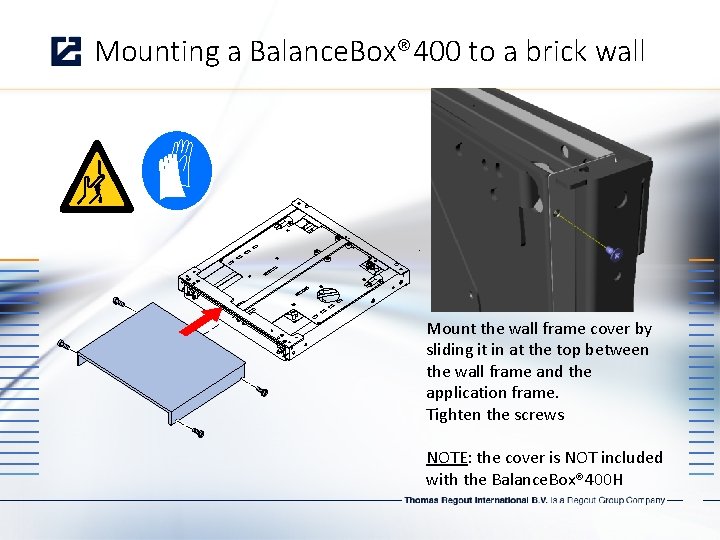
Mounting a Balance. Box® 400 to a brick wall Mount the wall frame cover by sliding it in at the top between the wall frame and the application frame. Tighten the screws NOTE: the cover is NOT included with the Balance. Box® 400 H
Mounting the Vesa bracket to the Balance. Box® 400 Vesa bracket is specific for mounting flatscreens to the Balance. Box® - Metric hardware 4, 6 and 8 mm is included - Various holes for anti theft steel cable provided
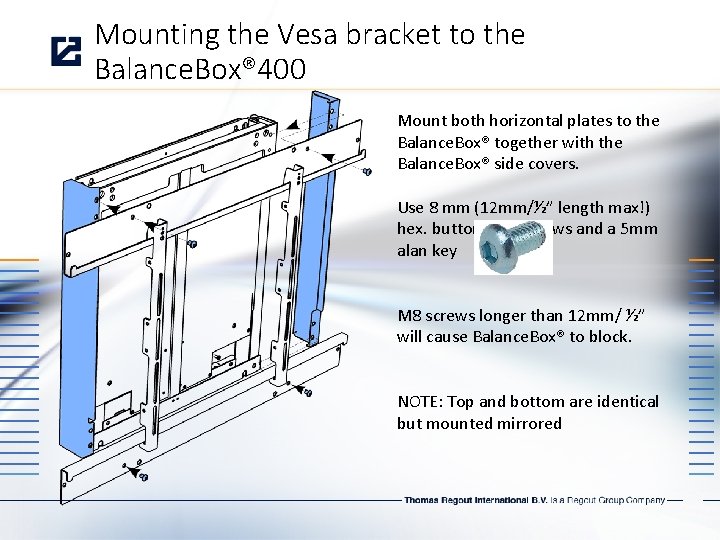
Mounting the Vesa bracket to the Balance. Box® 400 Mount both horizontal plates to the Balance. Box® together with the Balance. Box® side covers. Use 8 mm (12 mm/½” length max!) hex. buttonhead screws and a 5 mm alan key M 8 screws longer than 12 mm/ ½” will cause Balance. Box® to block. NOTE: Top and bottom are identical but mounted mirrored
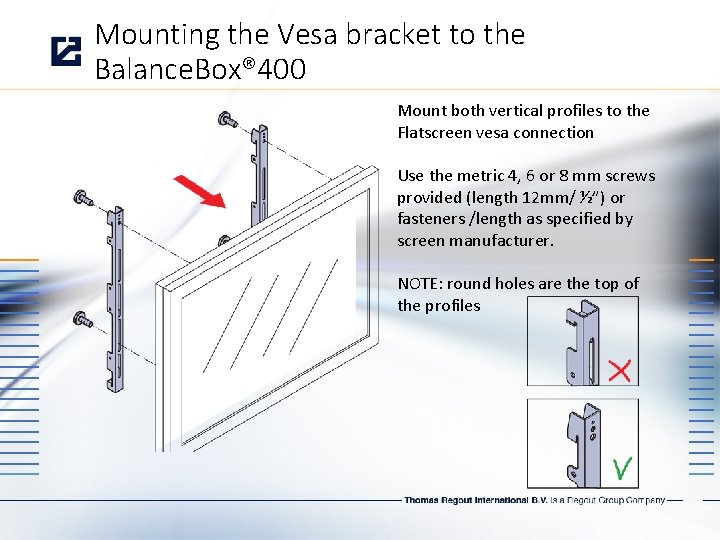
Mounting the Vesa bracket to the Balance. Box® 400 Mount both vertical profiles to the Flatscreen vesa connection Use the metric 4, 6 or 8 mm screws provided (length 12 mm/ ½”) or fasteners /length as specified by screen manufacturer. NOTE: round holes are the top of the profiles
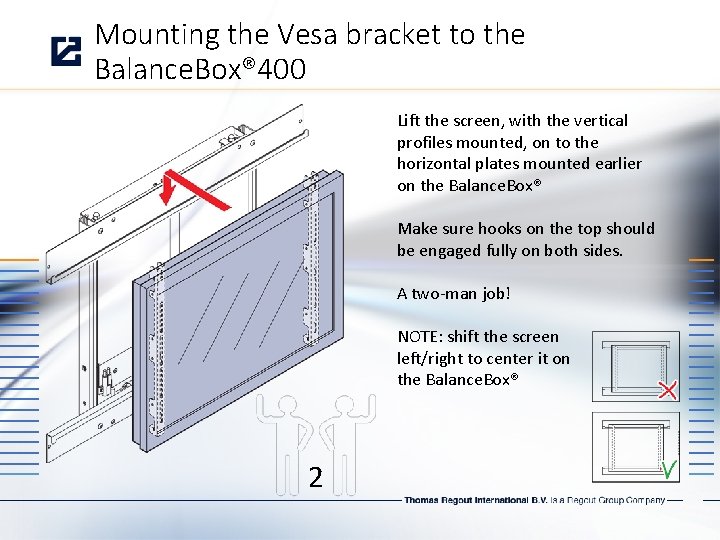
Mounting the Vesa bracket to the Balance. Box® 400 Lift the screen, with the vertical profiles mounted, on to the horizontal plates mounted earlier on the Balance. Box® Make sure hooks on the top should be engaged fully on both sides. A two-man job! NOTE: shift the screen left/right to center it on the Balance. Box® 2
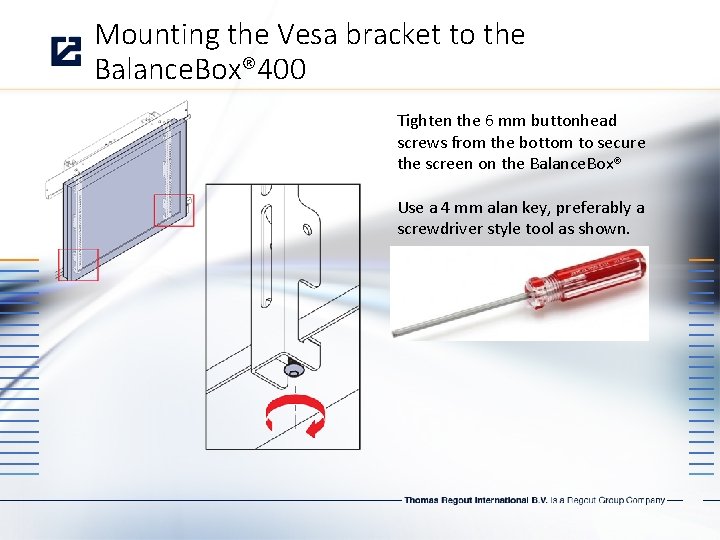
Mounting the Vesa bracket to the Balance. Box® 400 Tighten the 6 mm buttonhead screws from the bottom to secure the screen on the Balance. Box® Use a 4 mm alan key, preferably a screwdriver style tool as shown.
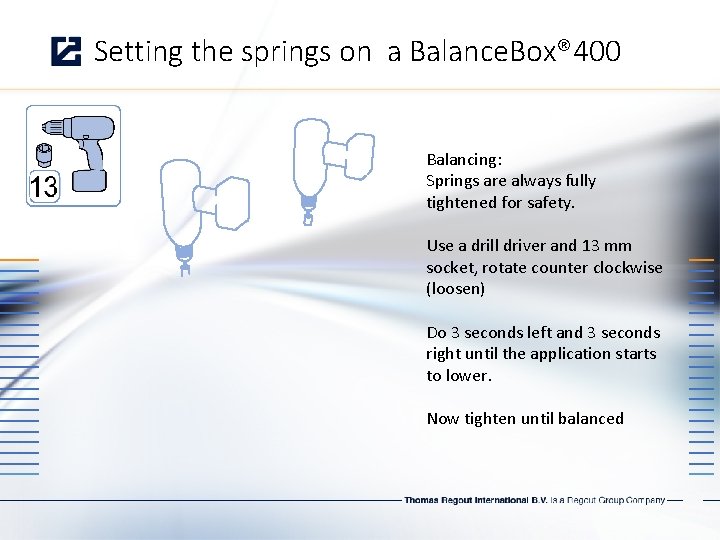
Setting the springs on a Balance. Box® 400 Balancing: Springs are always fully tightened for safety. Use a drill driver and 13 mm socket, rotate counter clockwise (loosen) Do 3 seconds left and 3 seconds right until the application starts to lower. Now tighten until balanced
- Slides: 31