
More Network Information Servers and Utility Programs Copyright
- Slides: 32
More Network Information Servers and Utility Programs Copyright © 2019 Curt Hill
Introduction • The Internet is fundamentally built on the client server paradigm • These include: – More on IP Addresses – DNS – DHCP – Proxy Servers – Firewalls – Several Windows commands exist to find out about the network Copyright © 2019 Curt Hill
Domain Name Service • To use any service of the Internet we usually need to know the IP address of the service • The Domain Name Service converts a Uniform Resource Locator and converts into an IP Copyright © 2019 Curt Hill
URL • Specifies both the protocol and the location of the service • Four pieces: – Protocol – Host – File (optional) – Port (optional) Copyright © 2019 Curt Hill
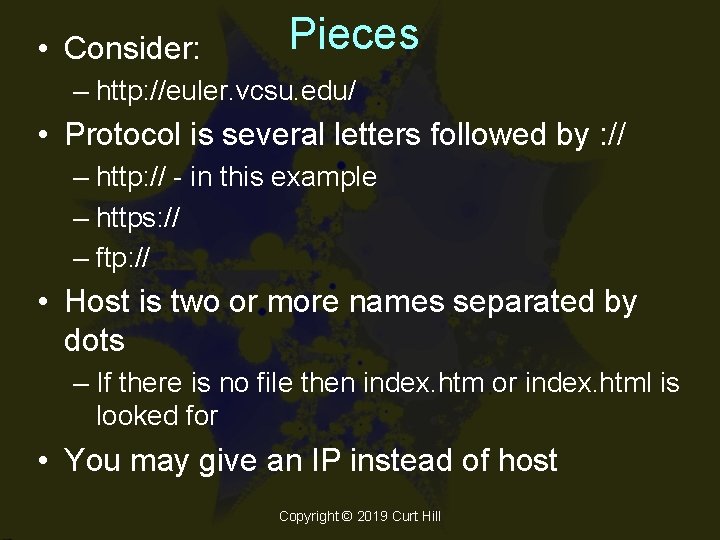
• Consider: Pieces – http: //euler. vcsu. edu/ • Protocol is several letters followed by : // – http: // - in this example – https: // – ftp: // • Host is two or more names separated by dots – If there is no file then index. htm or index. html is looked for • You may give an IP instead of host Copyright © 2019 Curt Hill
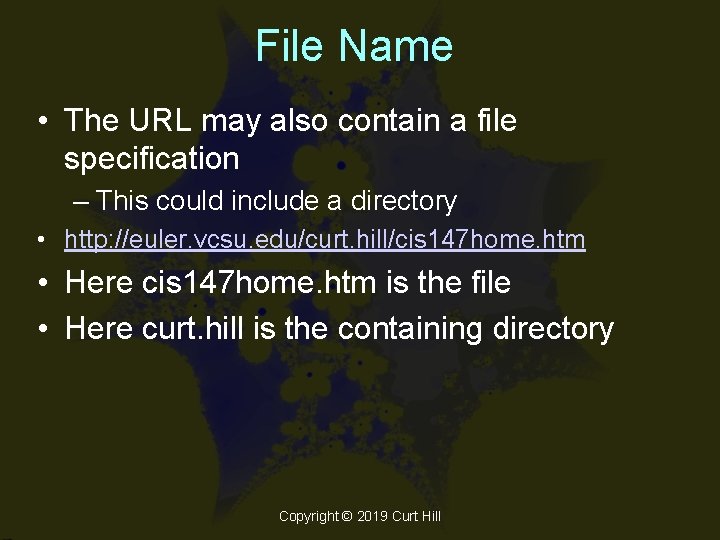
File Name • The URL may also contain a file specification – This could include a directory • http: //euler. vcsu. edu/curt. hill/cis 147 home. htm • Here cis 147 home. htm is the file • Here curt. hill is the containing directory Copyright © 2019 Curt Hill
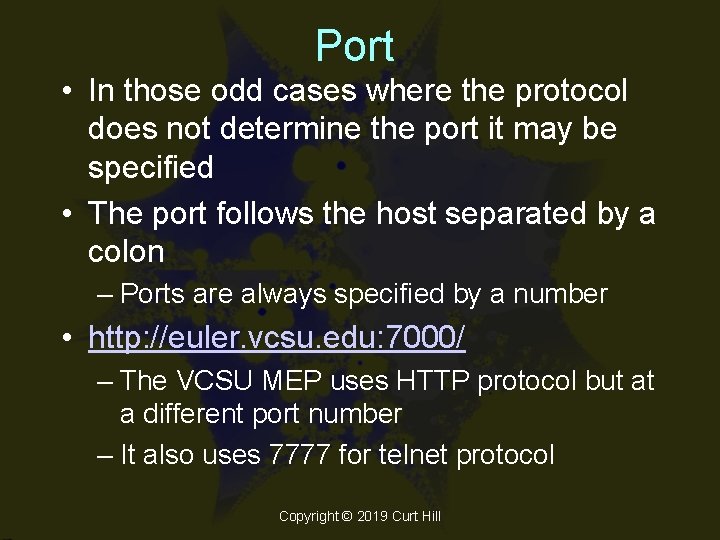
Port • In those odd cases where the protocol does not determine the port it may be specified • The port follows the host separated by a colon – Ports are always specified by a number • http: //euler. vcsu. edu: 7000/ – The VCSU MEP uses HTTP protocol but at a different port number – It also uses 7777 for telnet protocol Copyright © 2019 Curt Hill
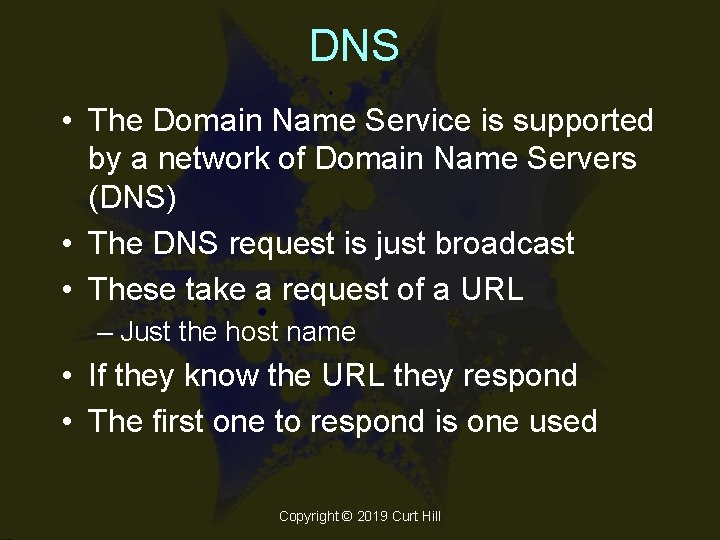
DNS • The Domain Name Service is supported by a network of Domain Name Servers (DNS) • The DNS request is just broadcast • These take a request of a URL – Just the host name • If they know the URL they respond • The first one to respond is one used Copyright © 2019 Curt Hill
IP Addresses Again • There are several things that need to be known which we look at next – Classes – Public vs. private – The IP shortage remedies Copyright © 2019 Curt Hill
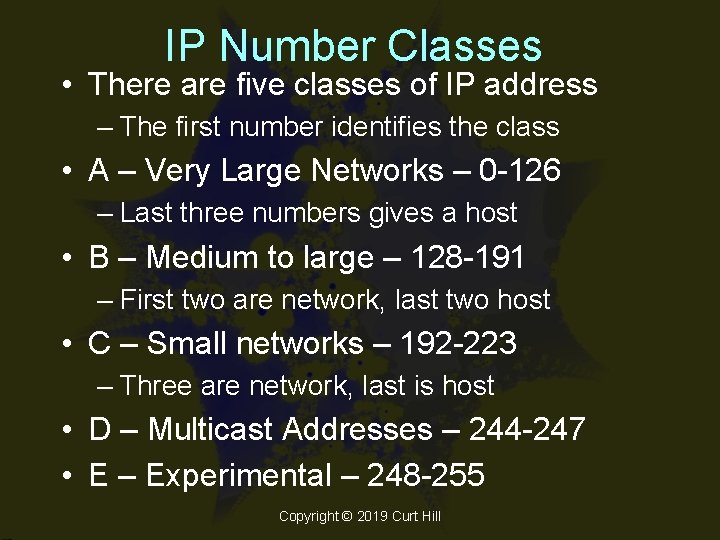
IP Number Classes • There are five classes of IP address – The first number identifies the class • A – Very Large Networks – 0 -126 – Last three numbers gives a host • B – Medium to large – 128 -191 – First two are network, last two host • C – Small networks – 192 -223 – Three are network, last is host • D – Multicast Addresses – 244 -247 • E – Experimental – 248 -255 Copyright © 2019 Curt Hill
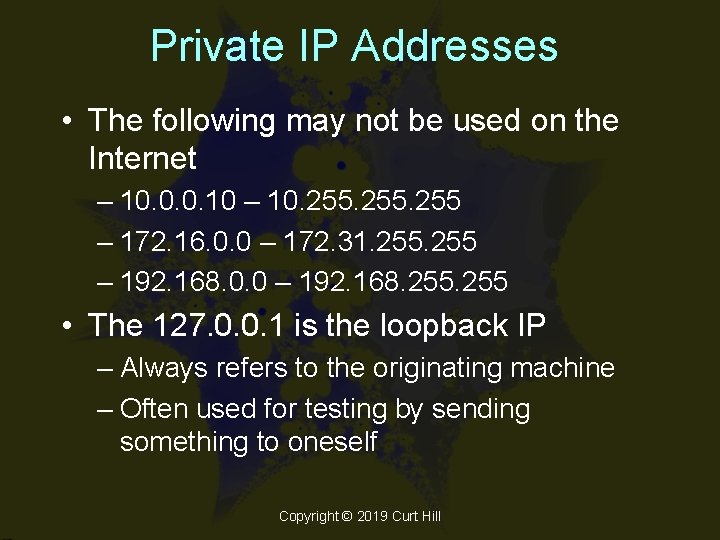
Private IP Addresses • The following may not be used on the Internet – 10. 0. 0. 10 – 10. 255 – 172. 16. 0. 0 – 172. 31. 255 – 192. 168. 0. 0 – 192. 168. 255 • The 127. 0. 0. 1 is the loopback IP – Always refers to the originating machine – Often used for testing by sending something to oneself Copyright © 2019 Curt Hill
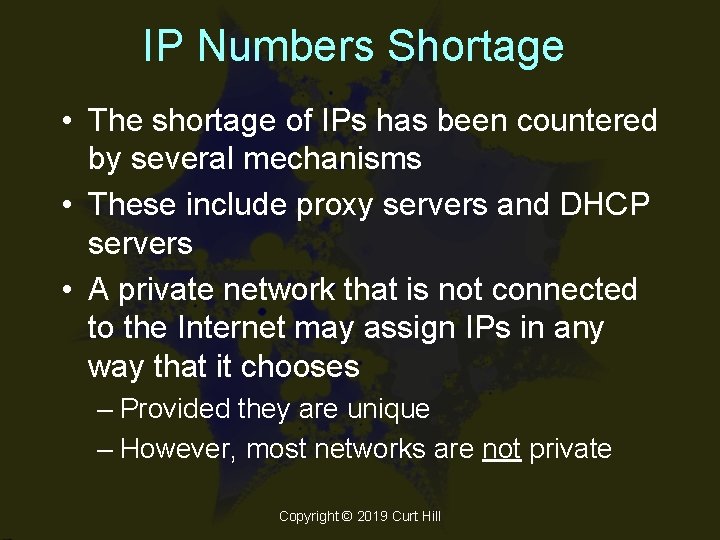
IP Numbers Shortage • The shortage of IPs has been countered by several mechanisms • These include proxy servers and DHCP servers • A private network that is not connected to the Internet may assign IPs in any way that it chooses – Provided they are unique – However, most networks are not private Copyright © 2019 Curt Hill
IP Assignment • A computer may have a fixed or dynamic IP number – Before laptops and mobility most computers had a fixed IP – They did not move around • The advent of diskless workstations made this unworkable and led to the Bootstrap Protocol Copyright © 2019 Curt Hill
Bootstrap Protocol • When the diskless workstation starts it sends a BOOTP message on the network • A server responds with a message that gives some of the needed information: – Workstation's IP address – Server’s IP address – Host name of the server – Router’s IP address • This was then generalized into DHCP Copyright © 2019 Curt Hill
DHCP • Dynamic Host Configuration Protocol • Very often in large networks there are more computers than will actually use the Internet at any one time • The DHCP server only needs to give external IP addresses to machines that actually need them Copyright © 2019 Curt Hill
Proxy Server • Sits between an Intranet and the rest of the Internet • Every packet going to the Internet is given a legal but manufactured IP • Every packet coming back is translated into its internal IP • This makes probes of the Intranet difficult since the translation is transient Copyright © 2019 Curt Hill
Firewall • Sits between an Intranet and the rest of the Internet • The single point of entry means that every packet may be scanned • Incoming packets are scanned – Simple: packet level filter – Complicated: application level filter Copyright © 2019 Curt Hill
Packet Level Filter • Mostly just look at IP and Port • It rejects combinations that it does not think right – Packets with unusual ports – Ports usually used for servers but heading for non-server machines • Easy to implement • Quick • Not very flexible Copyright © 2019 Curt Hill
Application Level Filters • Much more complicated than packet level filters – Usually starts a new thread for each new connection • Consider packets in relation to their application – Look for more complicated conditions than a packet filter • May monitor certain external IPs • May refuse certain types of connections Copyright © 2019 Curt Hill
Implementation • Firewalls, DHCP servers, Proxy servers may be specialized hardware or implemented by a router Copyright © 2019 Curt Hill
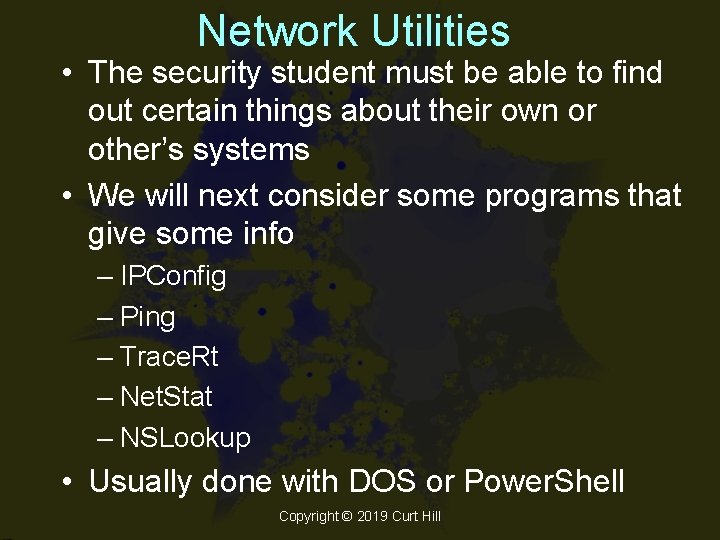
Network Utilities • The security student must be able to find out certain things about their own or other’s systems • We will next consider some programs that give some info – IPConfig – Ping – Trace. Rt – Net. Stat – NSLookup • Usually done with DOS or Power. Shell Copyright © 2019 Curt Hill
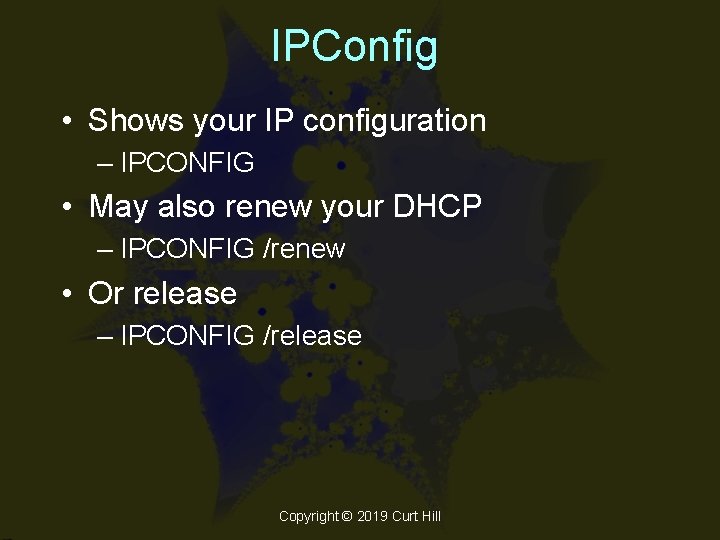
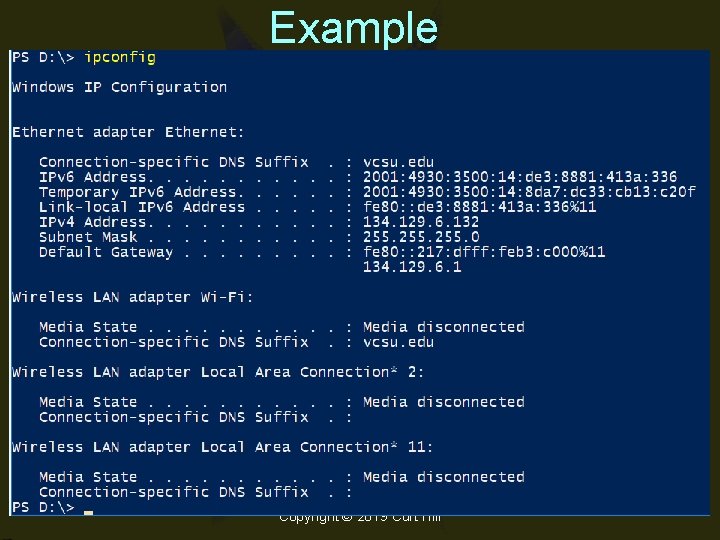
IPConfig • Shows your IP configuration – IPCONFIG • May also renew your DHCP – IPCONFIG /renew • Or release – IPCONFIG /release Copyright © 2019 Curt Hill
Example Copyright © 2019 Curt Hill
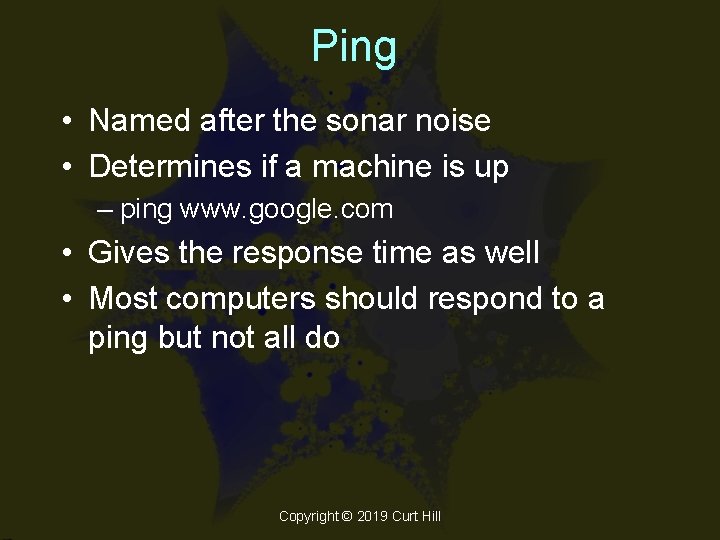
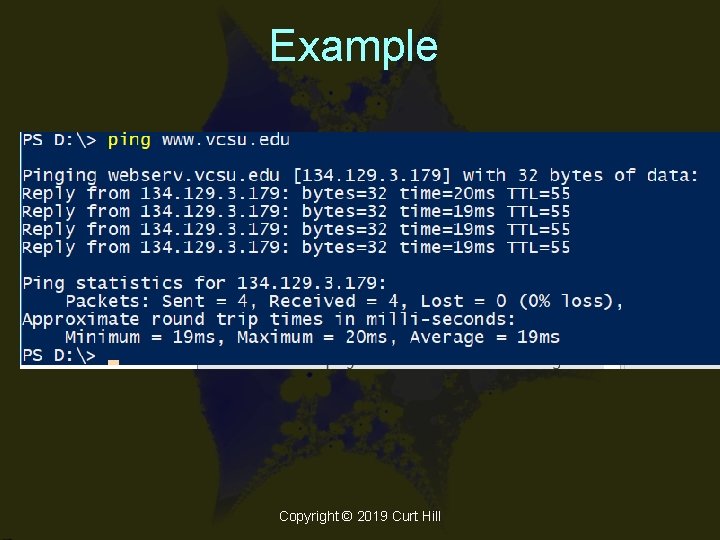
Ping • Named after the sonar noise • Determines if a machine is up – ping www. google. com • Gives the response time as well • Most computers should respond to a ping but not all do Copyright © 2019 Curt Hill
Example Copyright © 2019 Curt Hill
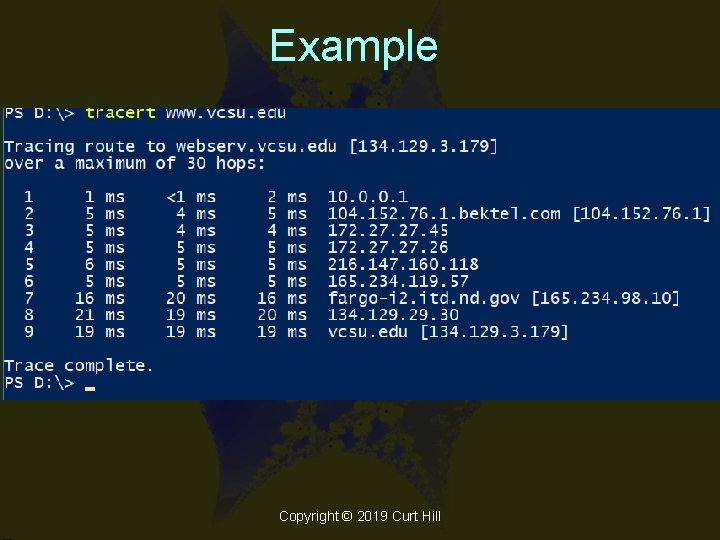
Tracert • Trace Route • Similar to ping but shows the route and timings as well – Tracert www. ibm. com • Recall that multiple routes can occur in single message spanning multiple packets Copyright © 2019 Curt Hill
Example Copyright © 2019 Curt Hill
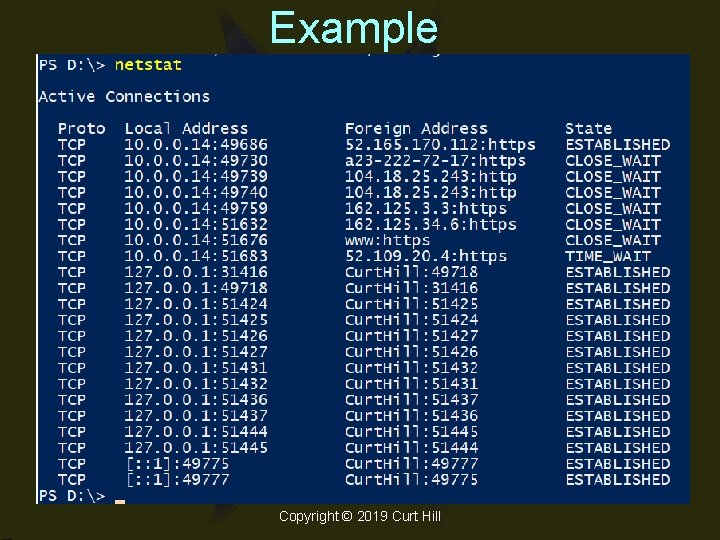
Net. Stat • Command is: – NETSTAT • Shows connections to this machine – Protocol – Local address – Remote address – State Copyright © 2019 Curt Hill
Example Copyright © 2019 Curt Hill
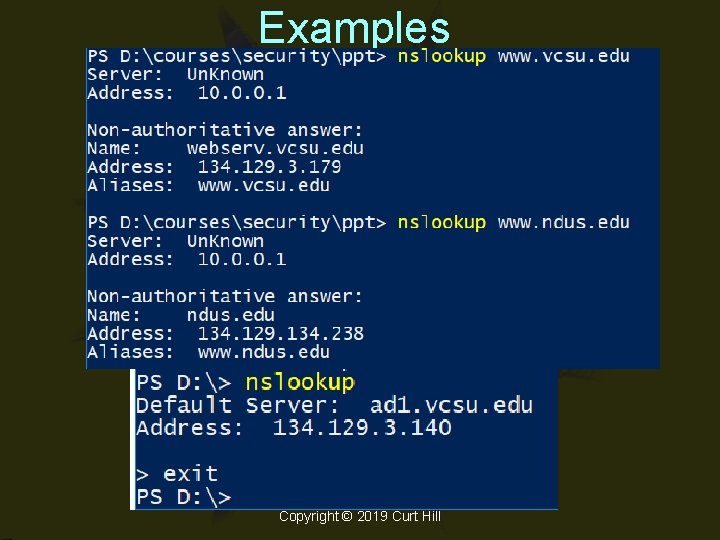
NSLookup • Name Server Lookup • Can give some information on DNS • Can work in interactive or noninteractive mode – Interactive mode has its own prompt – The exit command exits • Simplest command is to give a URL Copyright © 2019 Curt Hill
Examples Copyright © 2019 Curt Hill
Finally • This concludes the presentations that form a quickie introduction to networking – Recall that most threats come across the network Copyright © 2019 Curt Hill