
More About Objects and Methods Chapter 5 When
More About Objects and Methods Chapter 5
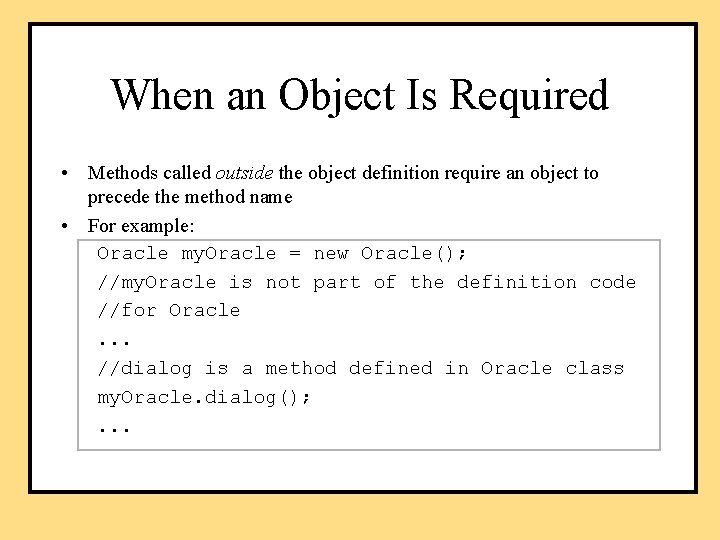
When an Object Is Required • Methods called outside the object definition require an object to precede the method name • For example: Oracle my. Oracle = new Oracle(); //my. Oracle is not part of the definition code //for Oracle. . . //dialog is a method defined in Oracle class my. Oracle. dialog(); . . .
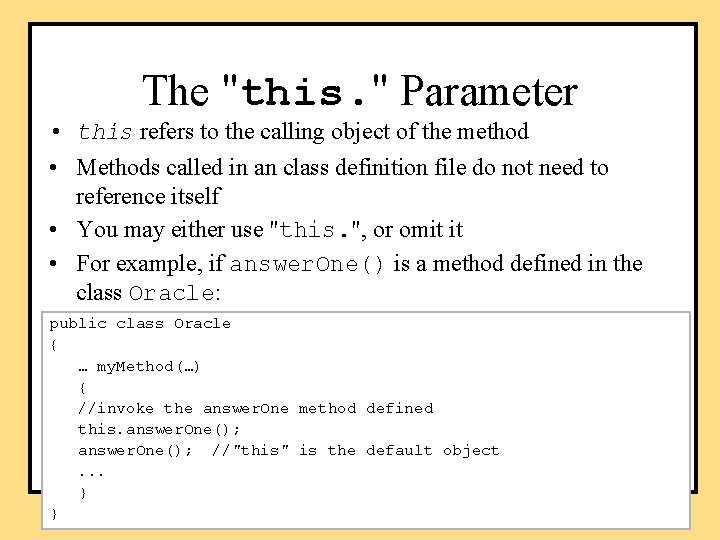
The "this. " Parameter • this refers to the calling object of the method • Methods called in an class definition file do not need to reference itself • You may either use "this. ", or omit it • For example, if answer. One() is a method defined in the class Oracle: public class Oracle { … my. Method(…) { //invoke the answer. One method defined this. answer. One(); //"this" is the default object. . . } }
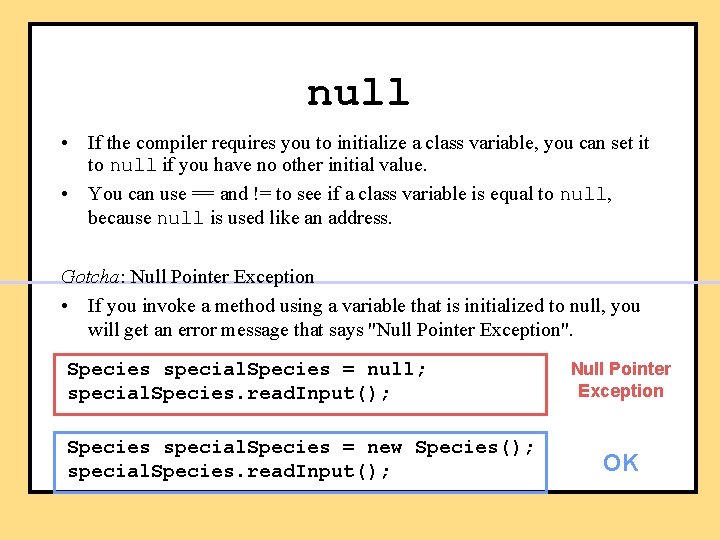
null • If the compiler requires you to initialize a class variable, you can set it to null if you have no other initial value. • You can use == and != to see if a class variable is equal to null, because null is used like an address. Gotcha: Null Pointer Exception • If you invoke a method using a variable that is initialized to null, you will get an error message that says "Null Pointer Exception". Species special. Species = null; special. Species. read. Input(); Species special. Species = new Species(); special. Species. read. Input(); Null Pointer Exception OK
Static Methods • Some methods don't need an object to do their job – For example, methods to calculate logarithm: just pass the required parameters and return the logarithm • Use the class name instead of an object name to invoke them • Also called class methods • Static methods are associated with a class—the method behavior is “static” • Nonstatic methods are associated with an object—the method behavior depends on the object and hence “nonstatic”
Uses for Static Methods • main method—the starting point of a program • Static methods are commonly used to provide libraries of useful and related methods. Examples: – Savitch. In defines methods for keyboard input • not provided with Java • no need to create a Savitch. In object • methods include read. Line. Int, read. Line. Double, etc. • see the appendix – the Math class • provided with Java • no need to create a Math object • methods include pow, sqrt, max, min, etc. • more details next
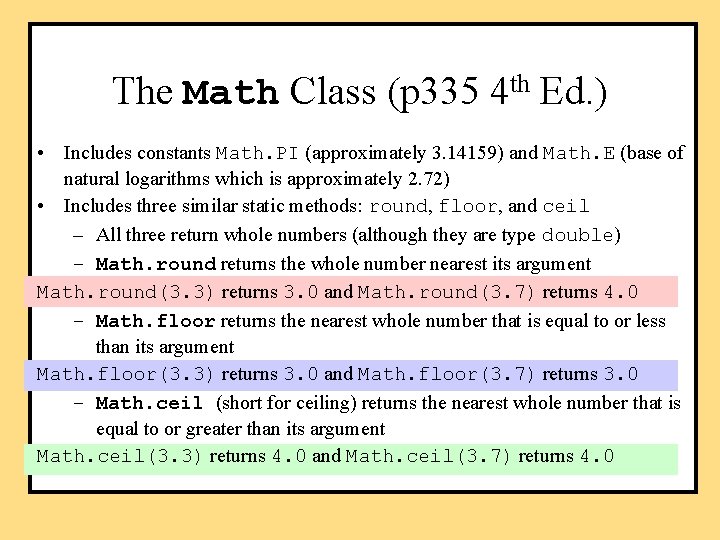
The Math Class (p 335 4 th Ed. ) • Includes constants Math. PI (approximately 3. 14159) and Math. E (base of natural logarithms which is approximately 2. 72) • Includes three similar static methods: round, floor, and ceil – All three return whole numbers (although they are type double) – Math. round returns the whole number nearest its argument Math. round(3. 3) returns 3. 0 and Math. round(3. 7) returns 4. 0 – Math. floor returns the nearest whole number that is equal to or less than its argument Math. floor(3. 3) returns 3. 0 and Math. floor(3. 7) returns 3. 0 – Math. ceil (short for ceiling) returns the nearest whole number that is equal to or greater than its argument Math. ceil(3. 3) returns 4. 0 and Math. ceil(3. 7) returns 4. 0

Static Methods • Declare static methods with the static modifier, for example: public static double log(double value). . .
![Static/nonstatic methods public class Person { public static void main(String[] args) { // no](http://slidetodoc.com/presentation_image_h/2f2153e43a256b183695e4bd941ca505/image-9.jpg "Static/nonstatic methods public class Person { public static void main(String[] args) { // no")
Static/nonstatic methods public class Person { public static void main(String[] args) { // no associated object } public void set. Name(String name) // depends on an object { } }
Static Attributes • Static attributes are associated with a class – A constant: • public static final double PI – An attribute shared by all objects in the class • private static int object. Counter • Keep track of how many objects are created • Should not be used as “global variables” within the class --any object can inappropriately modify it • Non-static attributes are associated with an object – For describing different objects (instance variables) • private String name – Values are therefore different depending on the object – Constants should not be nonstatic, why?
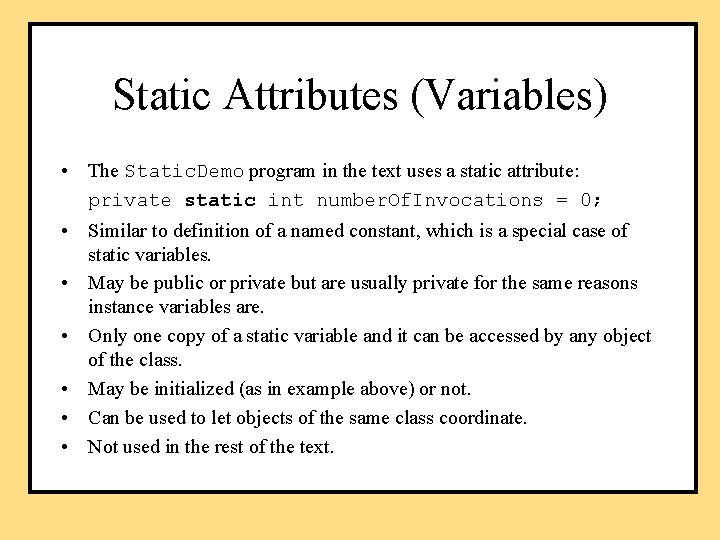
Static Attributes (Variables) • The Static. Demo program in the text uses a static attribute: private static int number. Of. Invocations = 0; • Similar to definition of a named constant, which is a special case of static variables. • May be public or private but are usually private for the same reasons instance variables are. • Only one copy of a static variable and it can be accessed by any object of the class. • May be initialized (as in example above) or not. • Can be used to let objects of the same class coordinate. • Not used in the rest of the text.
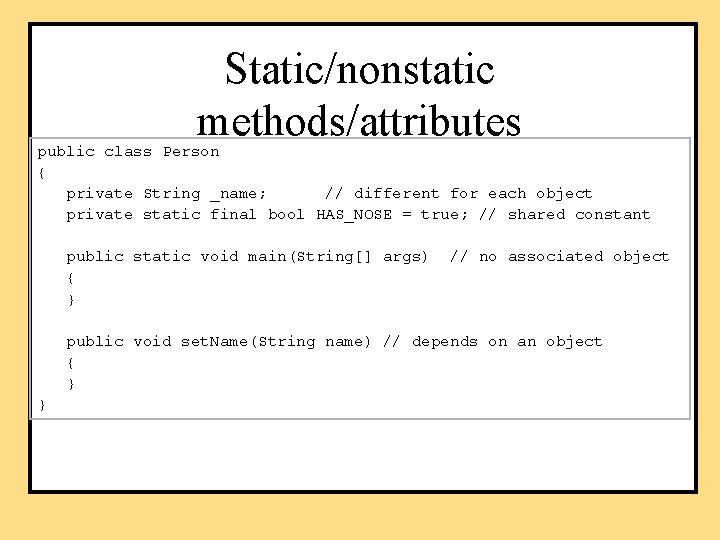
Static/nonstatic methods/attributes public class Person { private String _name; // different for each object private static final bool HAS_NOSE = true; // shared constant public static void main(String[] args) { } // no associated object public void set. Name(String name) // depends on an object { } }
Static Methods and Attributes • A static method doesn’t have a calling object – cannot refer to a (nonstatic) attribute of the class. Why? – cannot call a nonstatic method of the class directly • unless it creates an object of the class to use as a calling object.
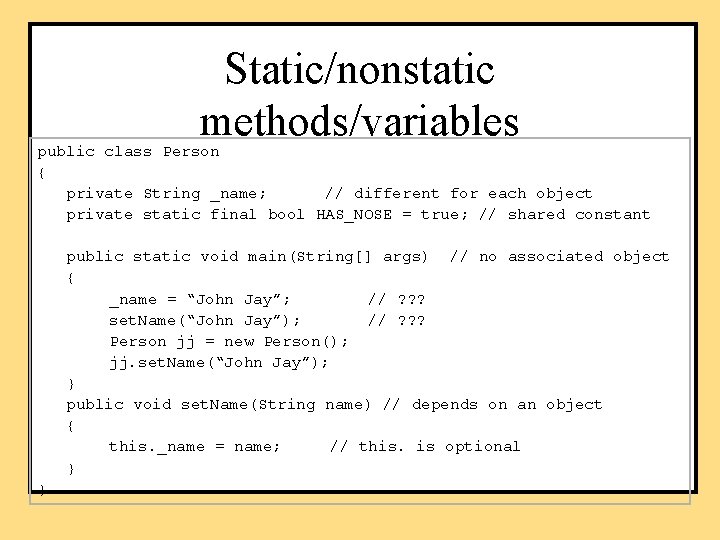
Static/nonstatic methods/variables public class Person { private String _name; // different for each object private static final bool HAS_NOSE = true; // shared constant public static void main(String[] args) // no associated object { _name = “John Jay”; // ? ? ? set. Name(“John Jay”); // ? ? ? Person jj = new Person(); jj. set. Name(“John Jay”); } public void set. Name(String name) // depends on an object { this. _name = name; // this. is optional } }
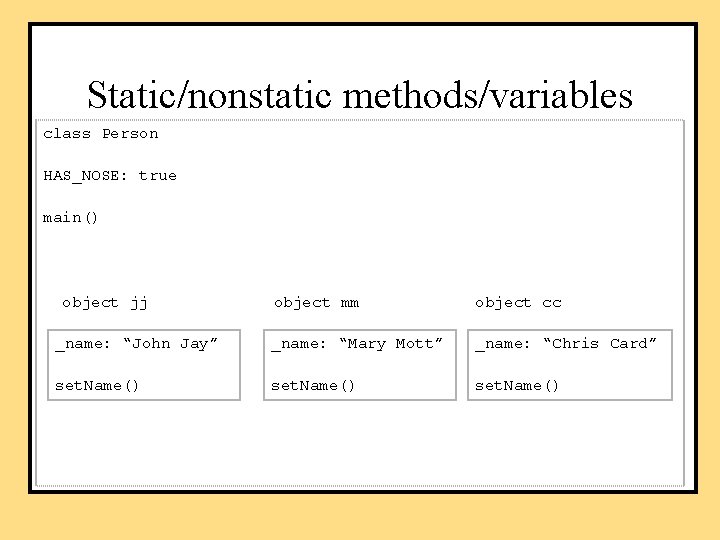
Static/nonstatic methods/variables class Person HAS_NOSE: true main() object jj object mm object cc _name: “John Jay” _name: “Mary Mott” _name: “Chris Card” set. Name()
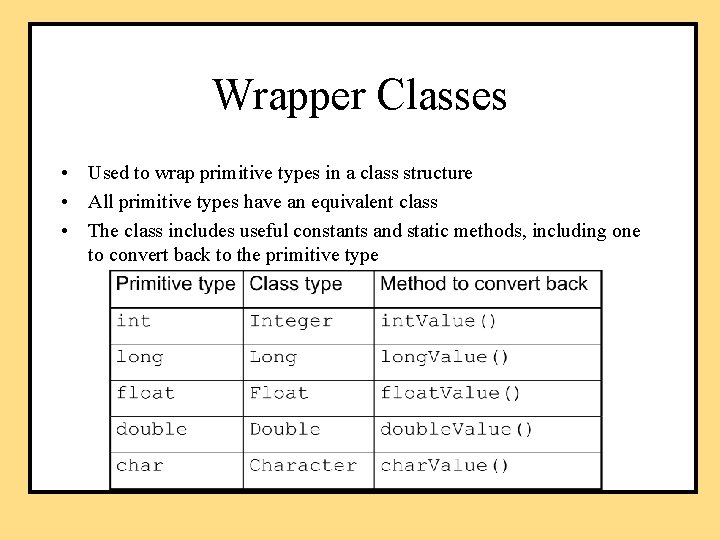
Wrapper Classes • Used to wrap primitive types in a class structure • All primitive types have an equivalent class • The class includes useful constants and static methods, including one to convert back to the primitive type
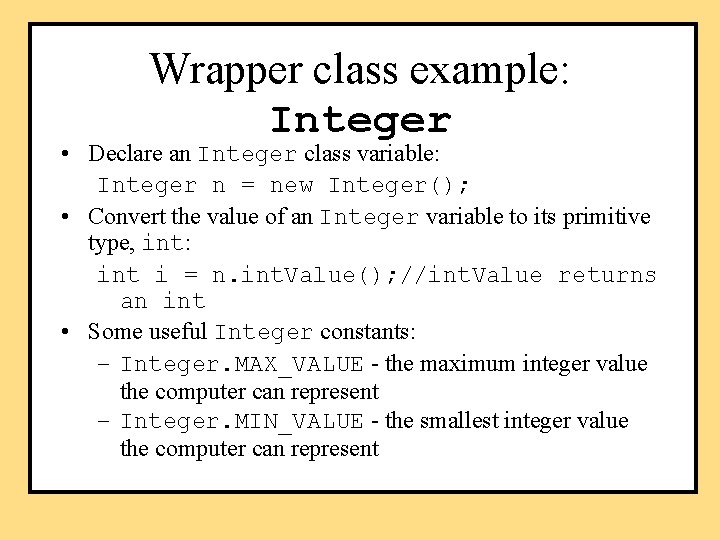
Wrapper class example: Integer • Declare an Integer class variable: Integer n = new Integer(); • Convert the value of an Integer variable to its primitive type, int: int i = n. int. Value(); //int. Value returns an int • Some useful Integer constants: – Integer. MAX_VALUE - the maximum integer value the computer can represent – Integer. MIN_VALUE - the smallest integer value the computer can represent
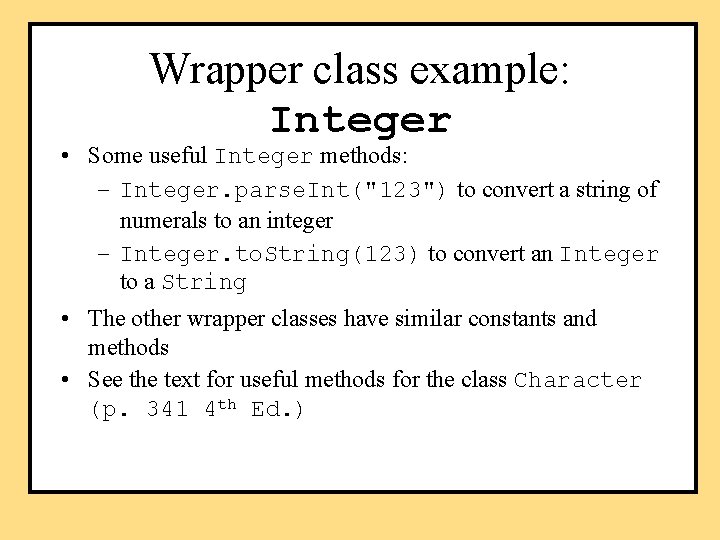
Wrapper class example: Integer • Some useful Integer methods: – Integer. parse. Int("123") to convert a string of numerals to an integer – Integer. to. String(123) to convert an Integer to a String • The other wrapper classes have similar constants and methods • See the text for useful methods for the class Character (p. 341 4 th Ed. )
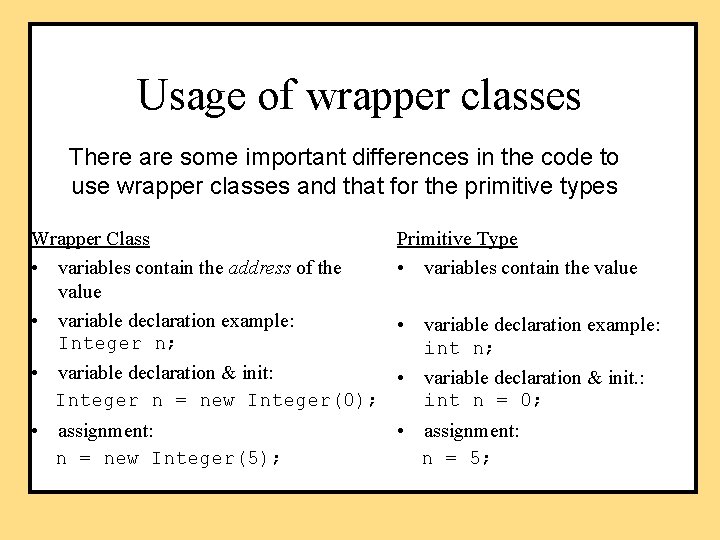
Usage of wrapper classes There are some important differences in the code to use wrapper classes and that for the primitive types Wrapper Class • variables contain the address of the value • variable declaration example: Integer n; Primitive Type • variables contain the value • variable declaration example: int n; • variable declaration & init: • variable declaration & init. : Integer n = new Integer(0); int n = 0; • assignment: n = new Integer(5); n = 5;
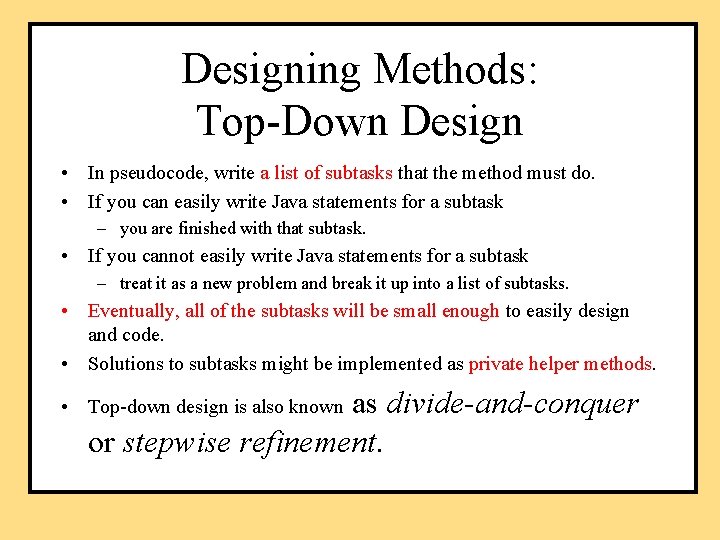
Designing Methods: Top-Down Design • In pseudocode, write a list of subtasks that the method must do. • If you can easily write Java statements for a subtask – you are finished with that subtask. • If you cannot easily write Java statements for a subtask – treat it as a new problem and break it up into a list of subtasks. • Eventually, all of the subtasks will be small enough to easily design and code. • Solutions to subtasks might be implemented as private helper methods. as divide-and-conquer or stepwise refinement. • Top-down design is also known
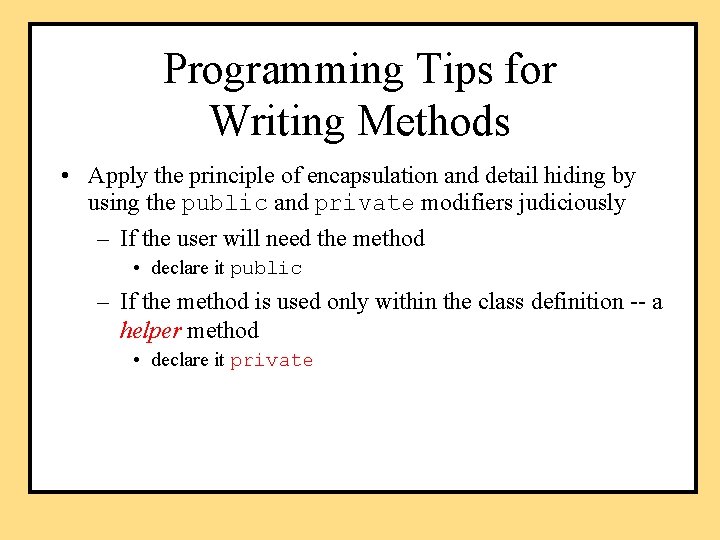
Programming Tips for Writing Methods • Apply the principle of encapsulation and detail hiding by using the public and private modifiers judiciously – If the user will need the method • declare it public – If the method is used only within the class definition -- a helper method • declare it private
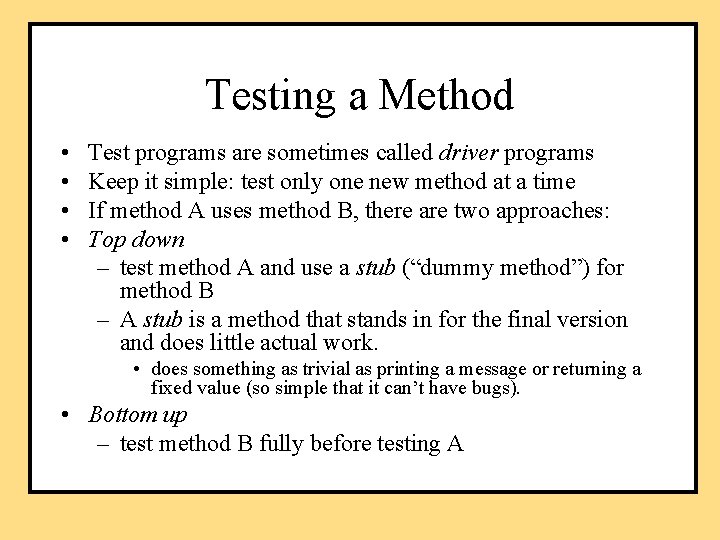
Testing a Method • • Test programs are sometimes called driver programs Keep it simple: test only one new method at a time If method A uses method B, there are two approaches: Top down – test method A and use a stub (“dummy method”) for method B – A stub is a method that stands in for the final version and does little actual work. • does something as trivial as printing a message or returning a fixed value (so simple that it can’t have bugs). • Bottom up – test method B fully before testing A
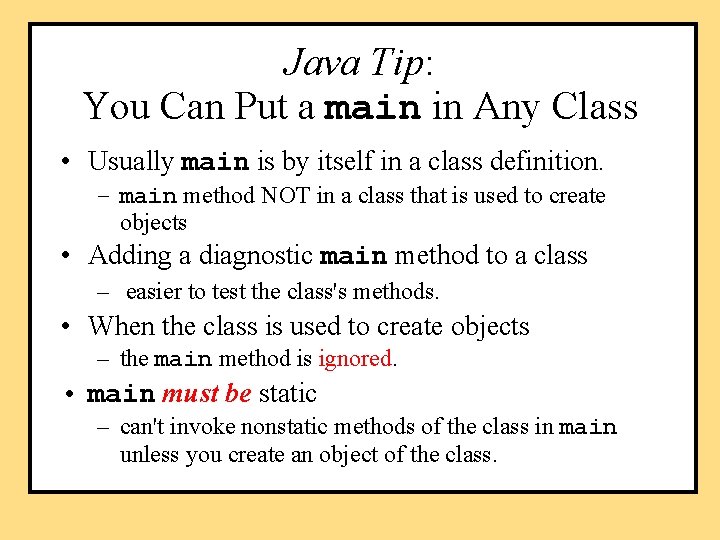
Java Tip: You Can Put a main in Any Class • Usually main is by itself in a class definition. – main method NOT in a class that is used to create objects • Adding a diagnostic main method to a class – easier to test the class's methods. • When the class is used to create objects – the main method is ignored. • main must be static – can't invoke nonstatic methods of the class in main unless you create an object of the class.
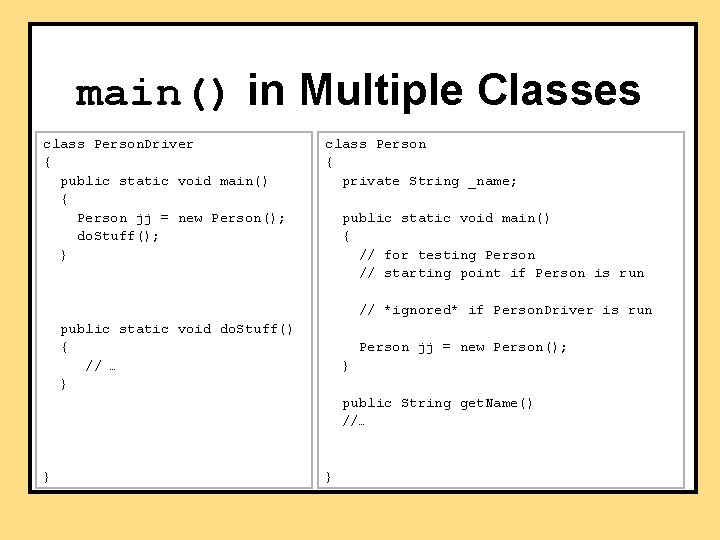
main() in Multiple Classes class Person. Driver { public static void main() { Person jj = new Person(); do. Stuff(); } class Person { private String _name; public static void main() { // for testing Person // starting point if Person is run // *ignored* if Person. Driver is run public static void do. Stuff() { // … } Person jj = new Person(); } public String get. Name() //… } }
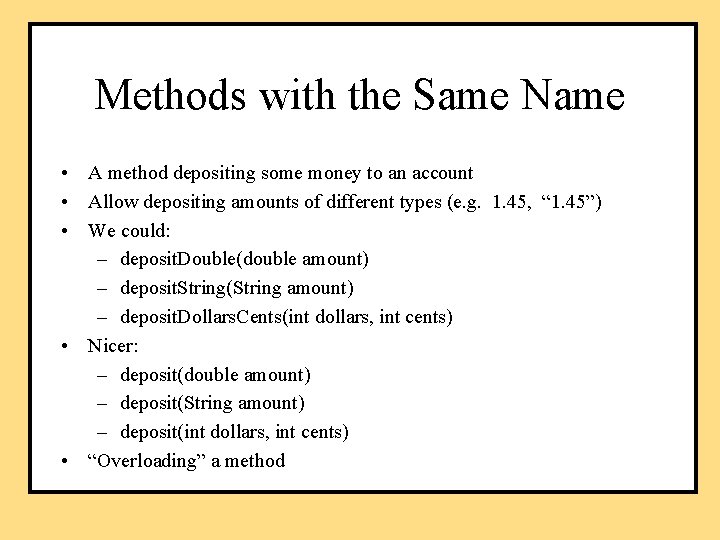
Methods with the Same Name • A method depositing some money to an account • Allow depositing amounts of different types (e. g. 1. 45, “ 1. 45”) • We could: – deposit. Double(double amount) – deposit. String(String amount) – deposit. Dollars. Cents(int dollars, int cents) • Nicer: – deposit(double amount) – deposit(String amount) – deposit(int dollars, int cents) • “Overloading” a method
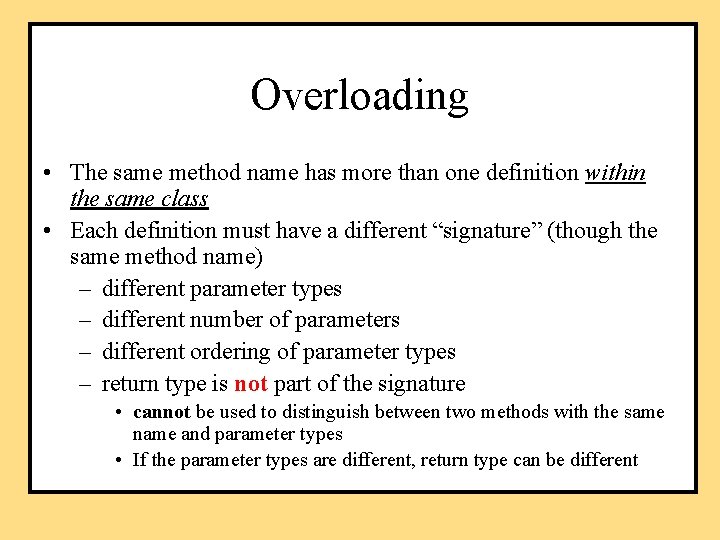
Overloading • The same method name has more than one definition within the same class • Each definition must have a different “signature” (though the same method name) – different parameter types – different number of parameters – different ordering of parameter types – return type is not part of the signature • cannot be used to distinguish between two methods with the same name and parameter types • If the parameter types are different, return type can be different
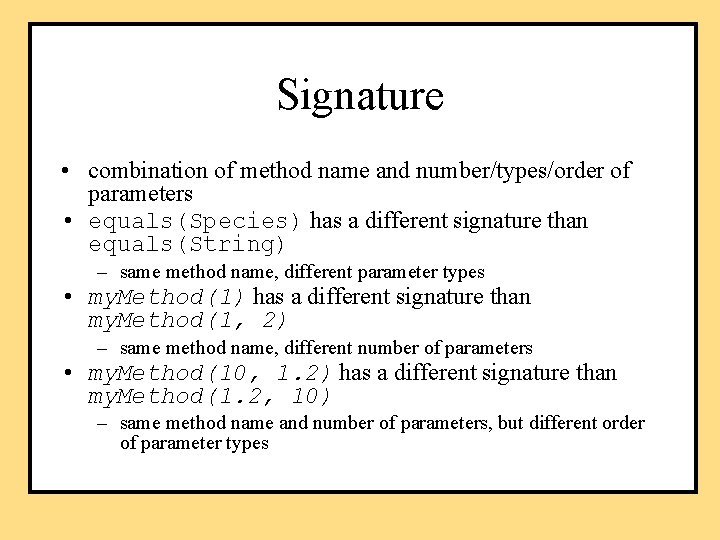
Signature • combination of method name and number/types/order of parameters • equals(Species) has a different signature than equals(String) – same method name, different parameter types • my. Method(1) has a different signature than my. Method(1, 2) – same method name, different number of parameters • my. Method(10, 1. 2) has a different signature than my. Method(1. 2, 10) – same method name and number of parameters, but different order of parameter types
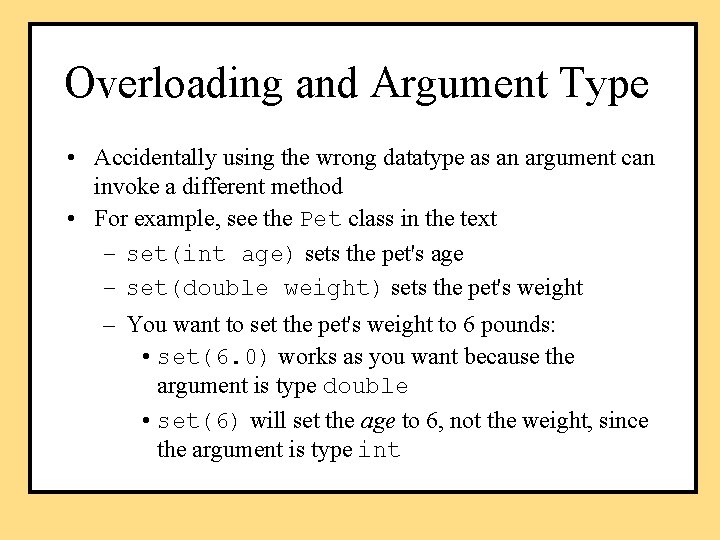
Overloading and Argument Type • Accidentally using the wrong datatype as an argument can invoke a different method • For example, see the Pet class in the text – set(int age) sets the pet's age – set(double weight) sets the pet's weight – You want to set the pet's weight to 6 pounds: • set(6. 0) works as you want because the argument is type double • set(6) will set the age to 6, not the weight, since the argument is type int
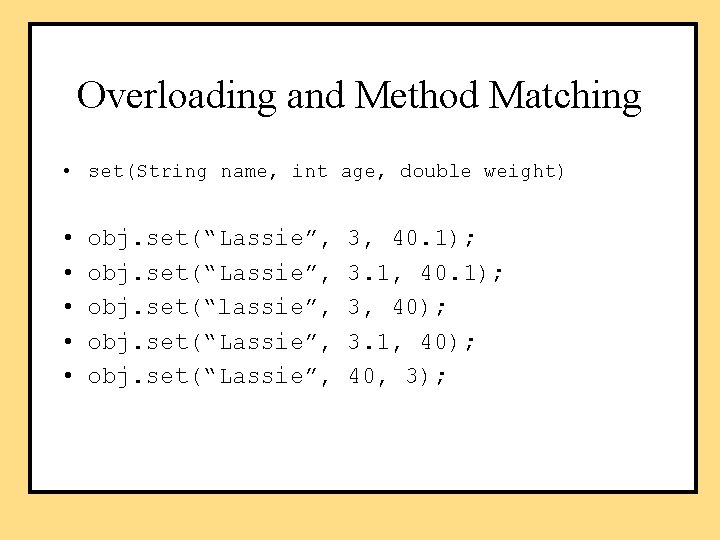
Overloading and Method Matching • set(String name, int age, double weight) • • • obj. set(“Lassie”, obj. set(“lassie”, obj. set(“Lassie”, 3, 40. 1); 3. 1, 40. 1); 3, 40); 3. 1, 40); 40, 3);
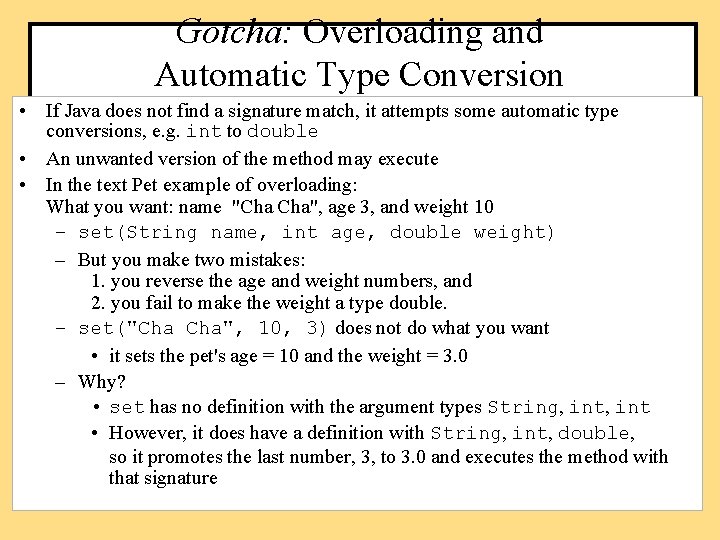
Gotcha: Overloading and Automatic Type Conversion • If Java does not find a signature match, it attempts some automatic type conversions, e. g. int to double • An unwanted version of the method may execute • In the text Pet example of overloading: What you want: name "Cha Cha", age 3, and weight 10 – set(String name, int age, double weight) – But you make two mistakes: 1. you reverse the age and weight numbers, and 2. you fail to make the weight a type double. – set("Cha Cha", 10, 3) does not do what you want • it sets the pet's age = 10 and the weight = 3. 0 – Why? • set has no definition with the argument types String, int • However, it does have a definition with String, int, double, so it promotes the last number, 3, to 3. 0 and executes the method with that signature
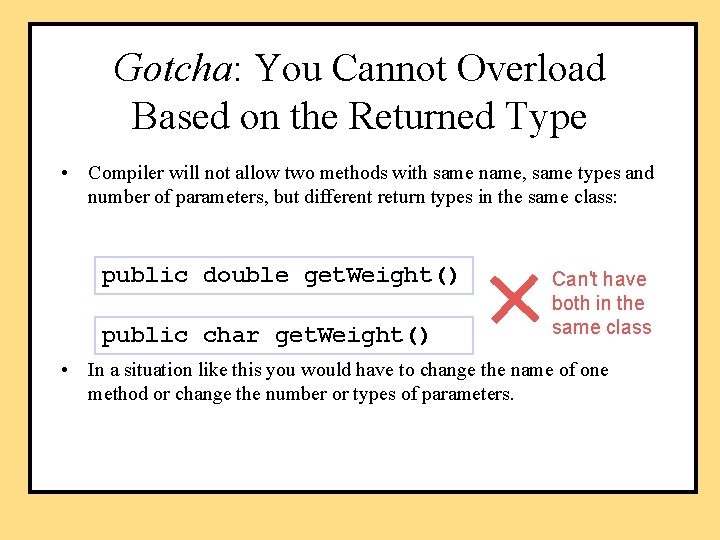
Gotcha: You Cannot Overload Based on the Returned Type • Compiler will not allow two methods with same name, same types and number of parameters, but different return types in the same class: public double get. Weight() public char get. Weight() Can't have both in the same class • In a situation like this you would have to change the name of one method or change the number or types of parameters.
Constructors • A constructor is a special method – Initialize attributes • Automatically called when an object is created using new • Has the same name as the class • Often overloaded (more than one constructor for the same class definition) – different versions to initialize all, some, or none of the instance variables – each constructor has a different signature (a different number or sequence of argument types)
Defining Constructors • Constructor headings do not include a return type • default constructor – constructor with no parameters. • If no constructor is provided – Java automatically creates a default constructor. • If any constructor is provided – no constructors are created automatically. Programming Tip • Include a constructor that initializes all attributes. • Include a constructor that has no parameters – default constructor
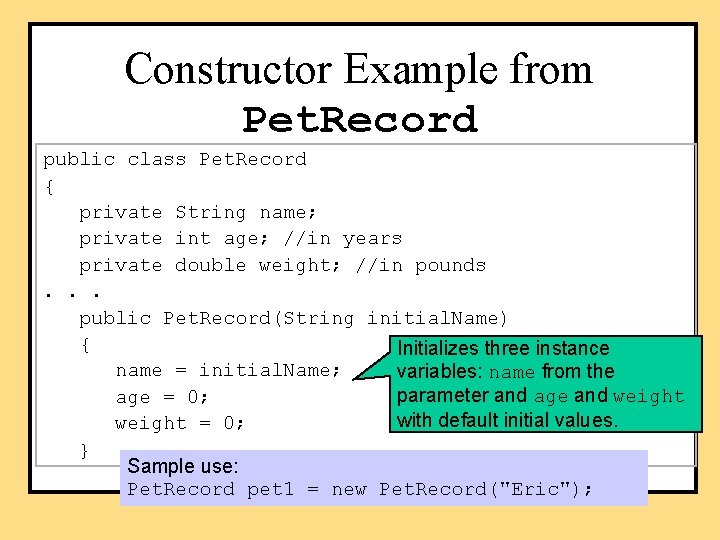
Constructor Example from Pet. Record public class Pet. Record { private String name; private int age; //in years private double weight; //in pounds. . . public Pet. Record(String initial. Name) { Initializes three instance name = initial. Name; variables: name from the parameter and age and weight age = 0; with default initial values. weight = 0; } Sample use: Pet. Record pet 1 = new Pet. Record("Eric");
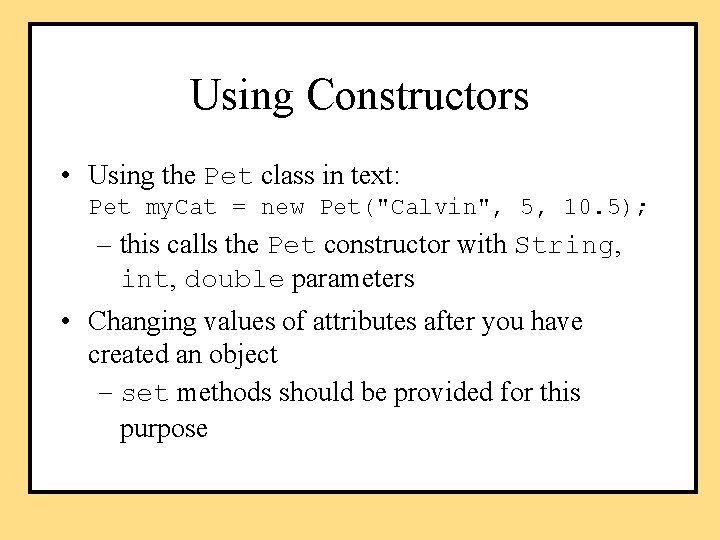
Using Constructors • Using the Pet class in text: Pet my. Cat = new Pet("Calvin", 5, 10. 5); – this calls the Pet constructor with String, int, double parameters • Changing values of attributes after you have created an object – set methods should be provided for this purpose
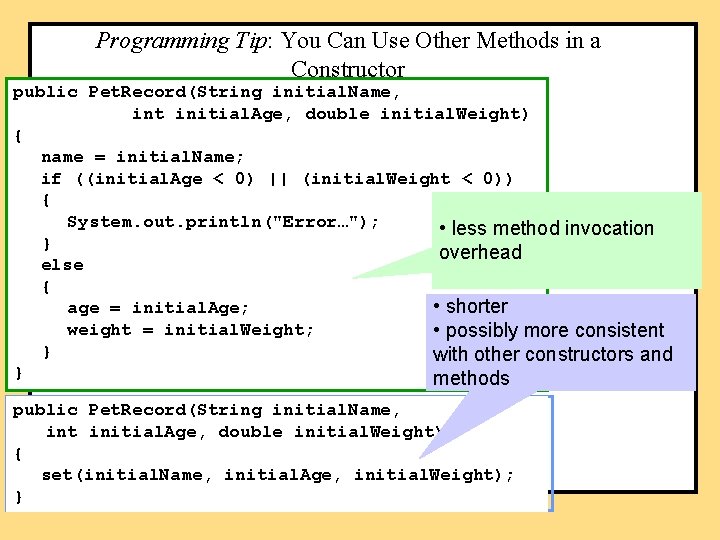
Programming Tip: You Can Use Other Methods in a Constructor public Pet. Record(String initial. Name, int initial. Age, double initial. Weight) { name = initial. Name; if ((initial. Age < 0) || (initial. Weight < 0)) { System. out. println("Error…"); • less method invocation } overhead else { • shorter age = initial. Age; weight = initial. Weight; • possibly more consistent } with other constructors and } methods public Pet. Record(String initial. Name, int initial. Age, double initial. Weight) { set(initial. Name, initial. Age, initial. Weight); }
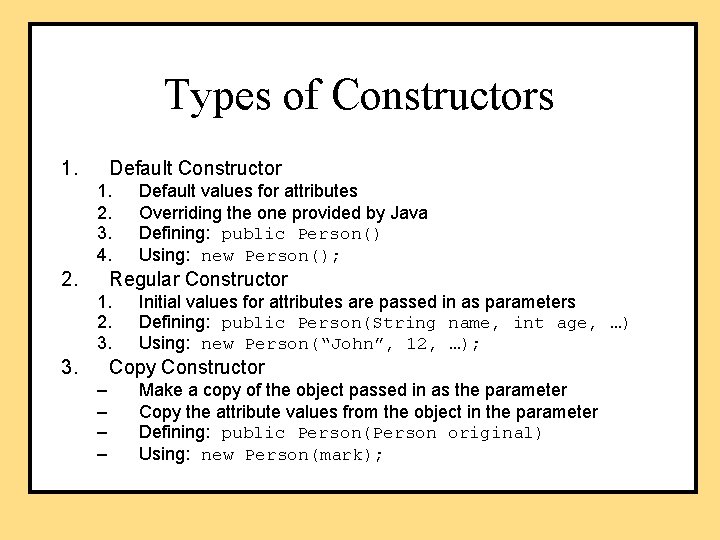
Types of Constructors 1. Default Constructor 1. 2. 3. 4. 2. Default values for attributes Overriding the one provided by Java Defining: public Person() Using: new Person(); Regular Constructor 1. 2. 3. Initial values for attributes are passed in as parameters Defining: public Person(String name, int age, …) Using: new Person(“John”, 12, …); Copy Constructor – – Make a copy of the object passed in as the parameter Copy the attribute values from the object in the parameter Defining: public Person(Person original) Using: new Person(mark);
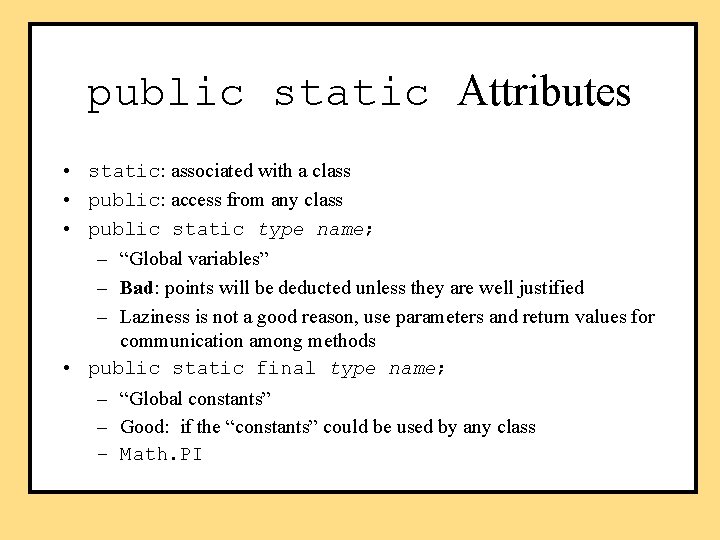
public static Attributes • static: associated with a class • public: access from any class • public static type name; – “Global variables” – Bad: points will be deducted unless they are well justified – Laziness is not a good reason, use parameters and return values for communication among methods • public static final type name; – “Global constants” – Good: if the “constants” could be used by any class – Math. PI
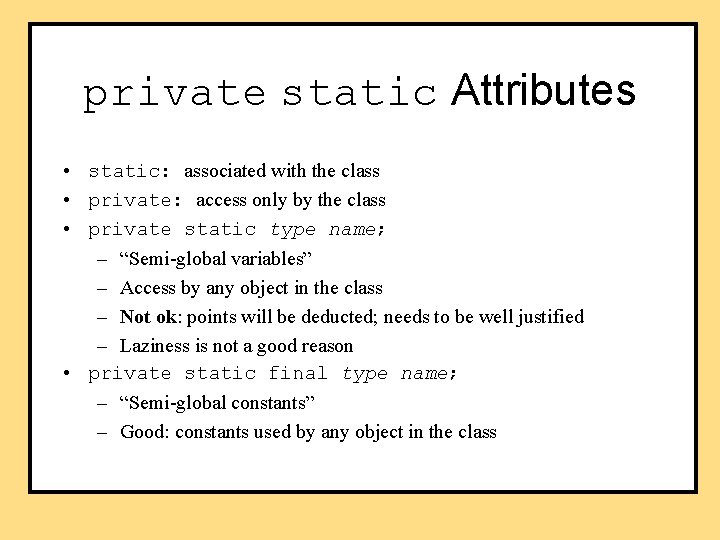
private static Attributes • static: associated with the class • private: access only by the class • private static type name; – “Semi-global variables” – Access by any object in the class – Not ok: points will be deducted; needs to be well justified – Laziness is not a good reason • private static final type name; – “Semi-global constants” – Good: constants used by any object in the class
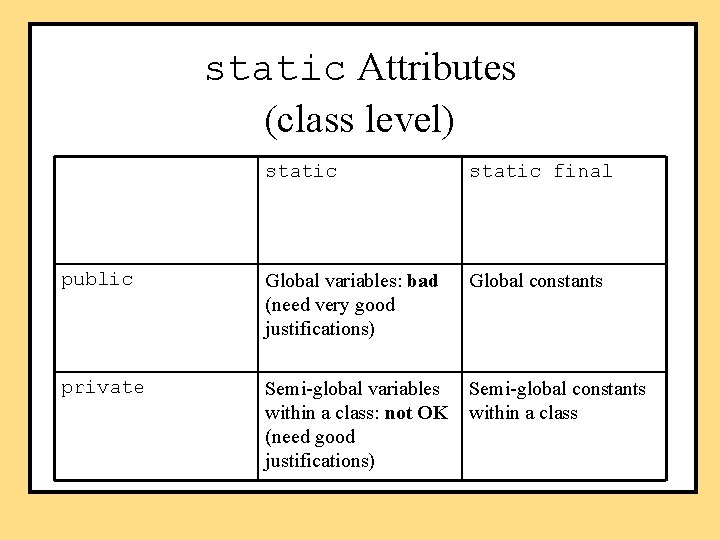
static Attributes (class level) static final public Global variables: bad (need very good justifications) Global constants private Semi-global variables within a class: not OK (need good justifications) Semi-global constants within a class
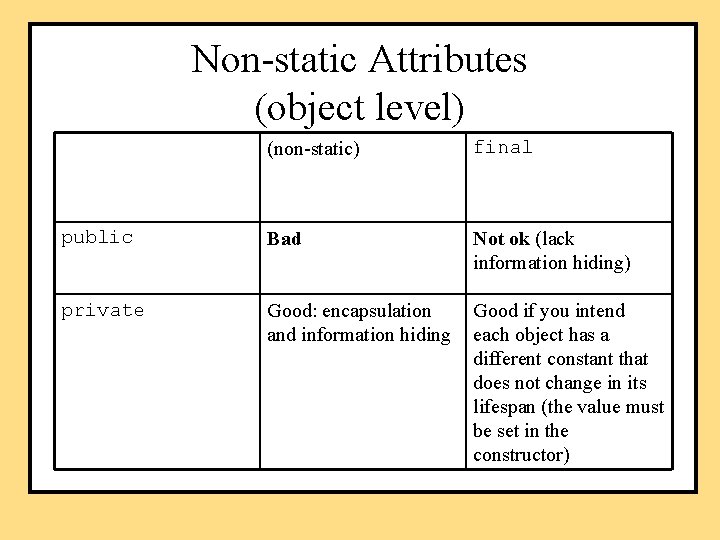
Non-static Attributes (object level) (non-static) final public Bad Not ok (lack information hiding) private Good: encapsulation and information hiding Good if you intend each object has a different constant that does not change in its lifespan (the value must be set in the constructor)
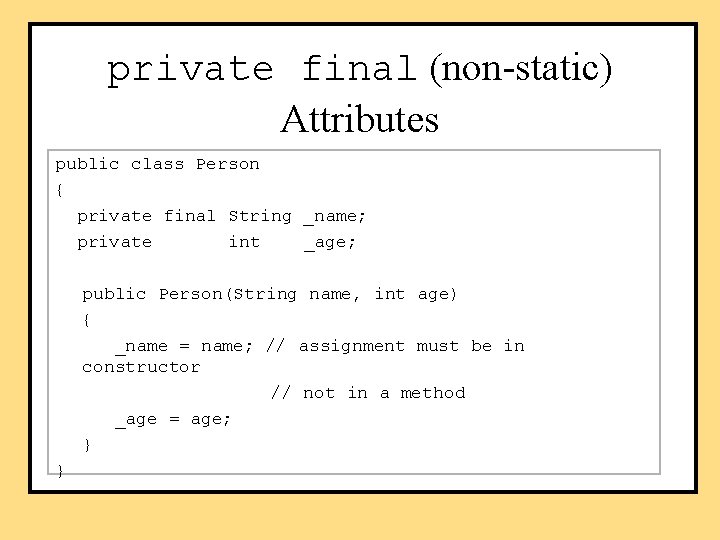
private final (non-static) Attributes public class Person { private final String _name; private int _age; public Person(String name, int age) { _name = name; // assignment must be in constructor // not in a method _age = age; } }
Gotcha: Privacy Leaks • Using attributes of a class type takes special care • Unlike primitive types, object identifiers contain the object's address, not its value – returning an object gives back the address, so the called method has direct access to the object – the object is "unprotected" (usually undesirable) • One solution: stick to returning primitive types (int, char, double, boolean, etc. ) or String • Another solution: use private final for values that should not be changed • Use copy constructor, and return a copy of the object • cloning, see Appendix 8 (outside this course)
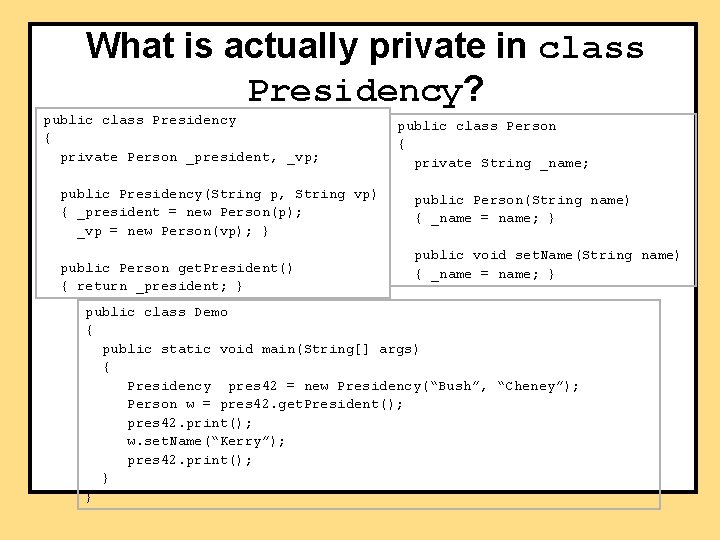
What is actually private in class Presidency? public class Presidency { private Person _president, _vp; public Presidency(String p, String vp) { _president = new Person(p); _vp = new Person(vp); } public Person get. President() { return _president; } public class Person { private String _name; public Person(String name) { _name = name; } public void set. Name(String name) { _name = name; } public class Demo { public static void main(String[] args) { Presidency pres 42 = new Presidency(“Bush”, “Cheney”); Person w = pres 42. get. President(); pres 42. print(); w. set. Name(“Kerry”); pres 42. print(); } }
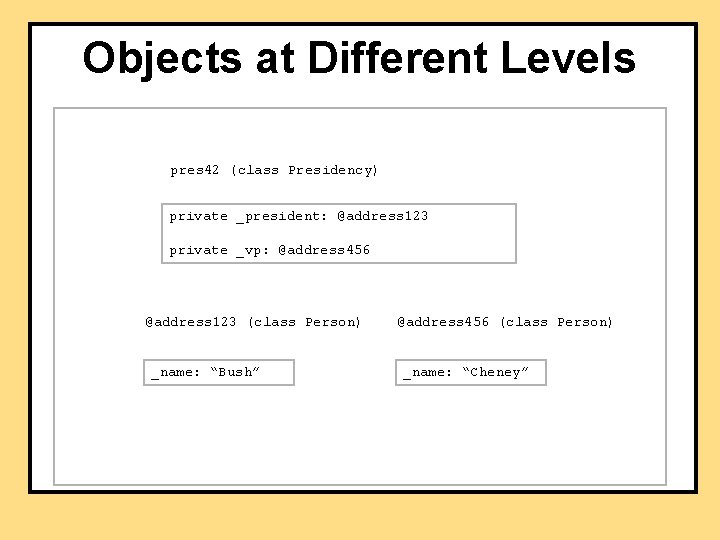
Objects at Different Levels pres 42 (class Presidency) private _president: @address 123 private _vp: @address 456 @address 123 (class Person) _name: “Bush” @address 456 (class Person) _name: “Cheney”
Packages • A way of grouping and naming a collection of related classes – they serve as a library of classes – they do not have to be in the same directory as your program • The first line of each class in the package must be the keyword package followed by the name of the package: package general. utilities; • To use classes from a package in a program put an import statement at the start of the file: import general. utilities. *; – note the ". *" notation
Package Naming Conventions • Use lowercase • The name is the pathname with subdirectory separators ("" or "/", depending on your system) replaced by dots • For example, if the package is in a directory named "utilities" in directory “general", the package name is: general. utilities
Package Naming Conventions • Pathnames are usually relative and use the CLASSPATH environment variable • For example, if: CLASSPATH=c: javastufflibraries, and your directory utilities is in c: javastufflibraries, then you would use the name: utilities – the system would look in directory c: javastufflibraries and find the utilities package
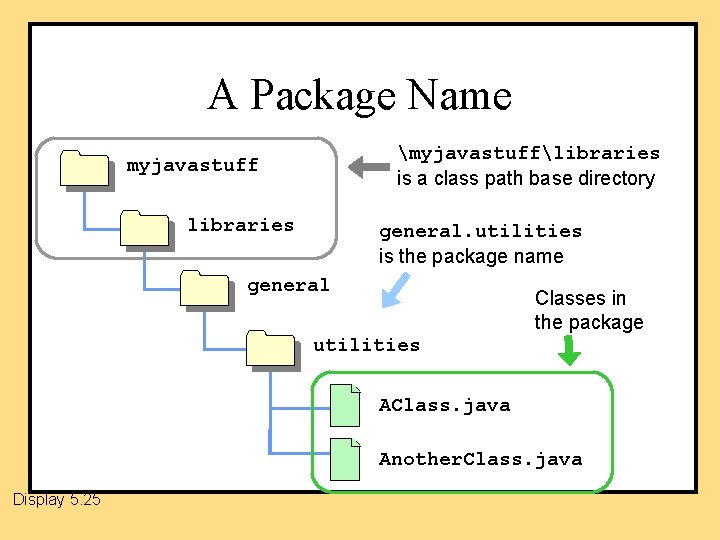
A Package Name myjavastufflibraries is a class path base directory myjavastuff libraries general. utilities is the package name general Classes in the package utilities AClass. java Another. Class. java Display 5. 25
Summary Part 1 • A method definition can use a call to another method of the same class • static methods can be invoked using the class name (or an object name) • Top-down design method simplifies program development by breaking a task into smaller pieces • Test every method in a program in which it is the only untested method
Summary Part 2 • Each primitive type has a corresponding wrapper class • Overloading: a method has more than one definition in the same class (but the number of arguments or the sequence of their data types is different) – one form of polymorphism • Constructor: a method called when an object is created (using new) – default constructor: a constructor with no parameters
- Slides: 51