
Moodle Free Online Classroom Tools What is Moodle
- Slides: 29
Moodle: Free On-line Classroom Tools
What is Moodle? • Modular Object-Oriented Dynamic Learning Environment • Free, open source software • Can be used on any computer with Internet • May be downloaded to your school server or hosted on outside sources
School Server or Outside Host? • School servers are the best place to host Moodle. • Outside hosts exist for a small fee or free with limited capabilities. – Free www. ninehub. com – $0. 95/mo www. francey. org/. web_hosting_file s/other/moodle. html
Outside Host Links • www. ninehub. com – FREE, but limited space • $0. 95/mo hosting for Moodle www. francey. org/. web_hosting_file s/other/moodle. html • More expensive options – www. moodlerooms. com $500 -$600 year – Remote-learner. net $500 -$600 year
Getting Started • Every student must have a valid e-mail account, regardless of whether or not it is active. • Create an ENROLLMENT KEY so that only your students can be in your classes! • Explore www. moodle. org
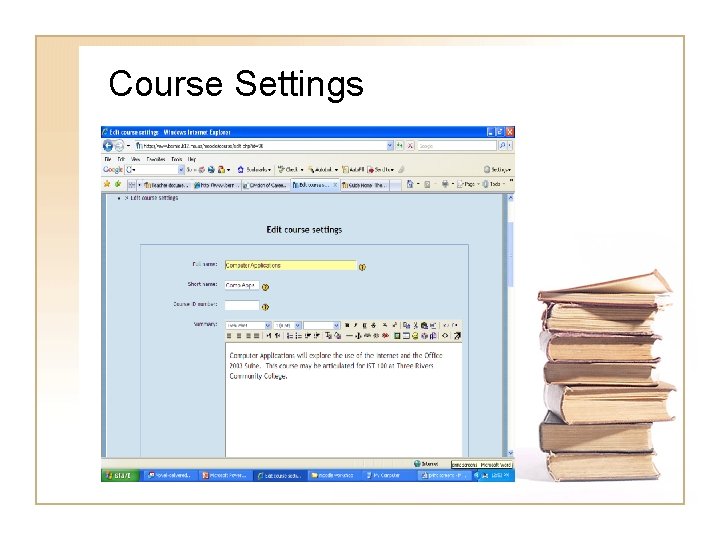
Course Settings
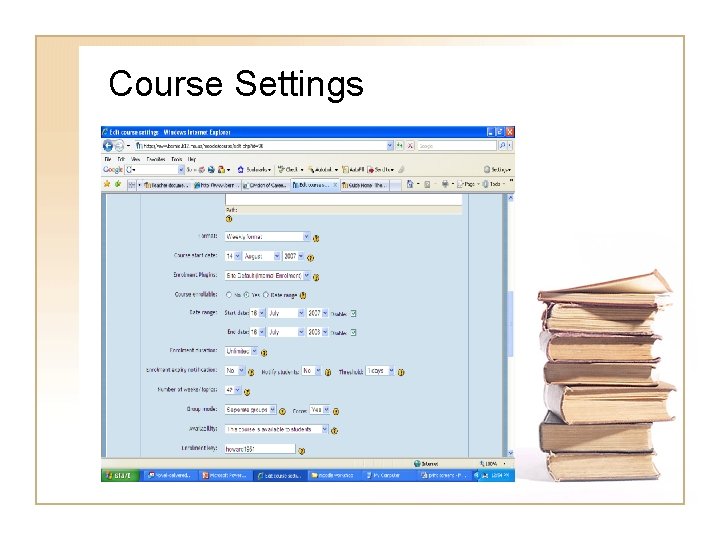
Course Settings
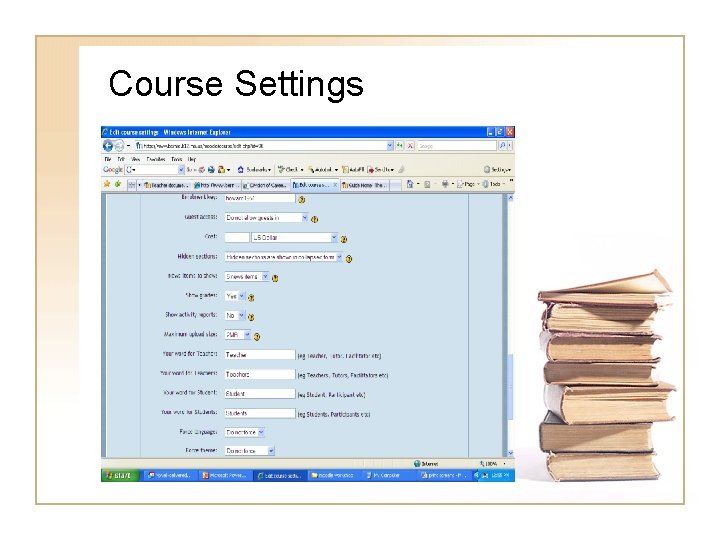
Course Settings
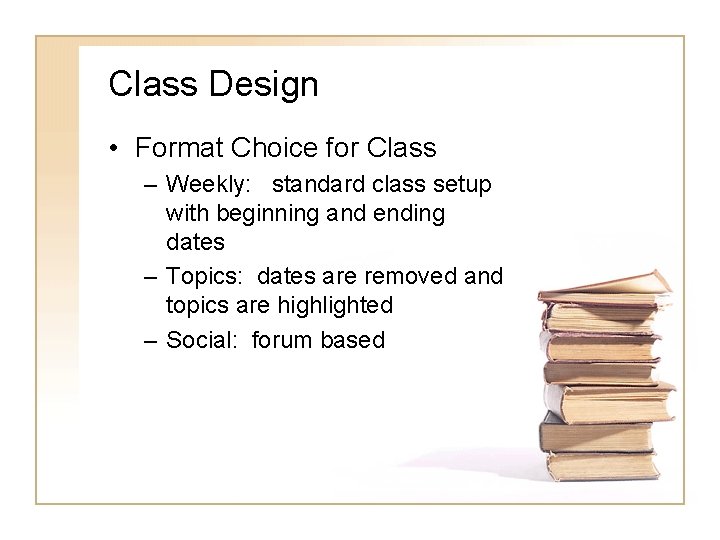
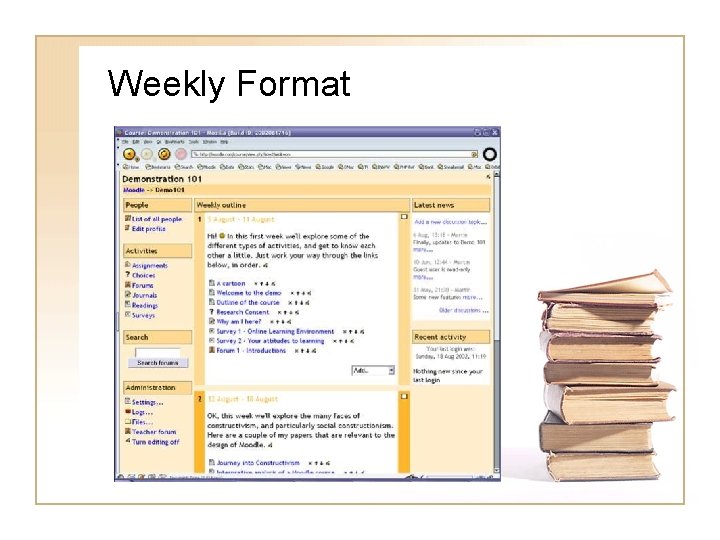
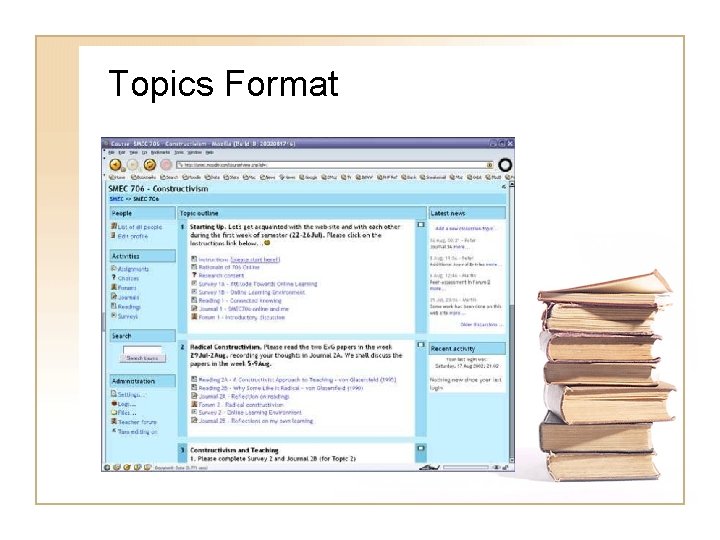
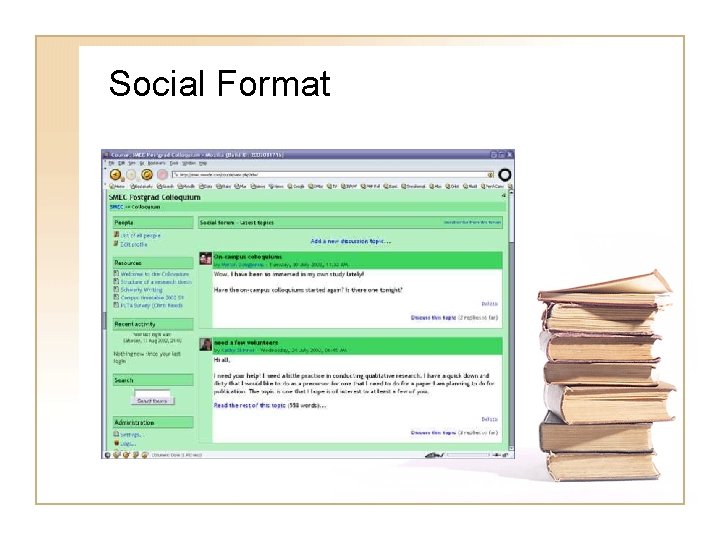
Class Design • Format Choice for Class – Weekly: standard class setup with beginning and ending dates – Topics: dates are removed and topics are highlighted – Social: forum based
Weekly Format
Topics Format
Social Format
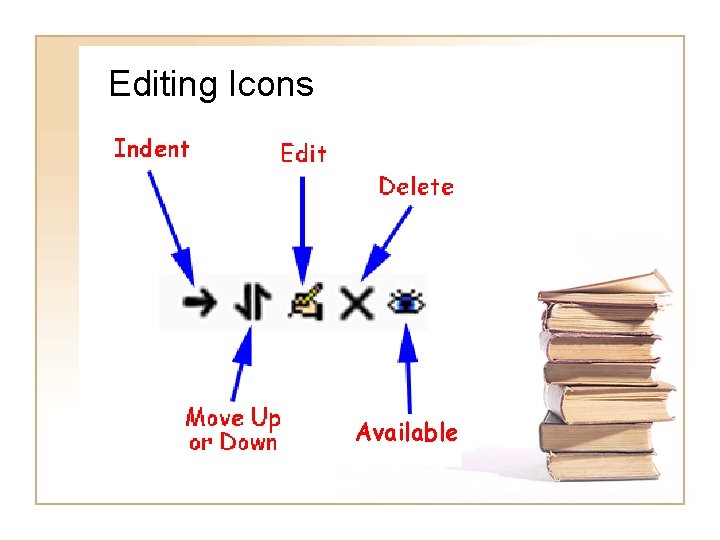
Editing Icons Available
Class Design • Module choices: – – – – – Assignments Choice (great polling tool) Forum Resource Quiz Survey Glossary Journal MORE!
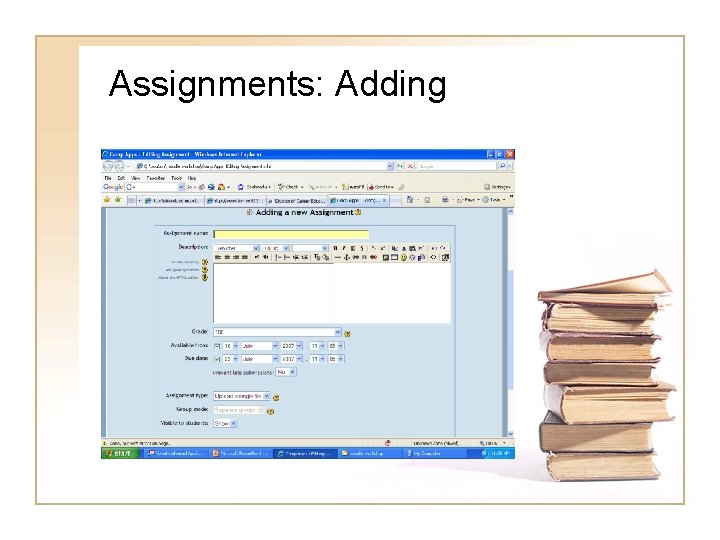
Assignments: Adding
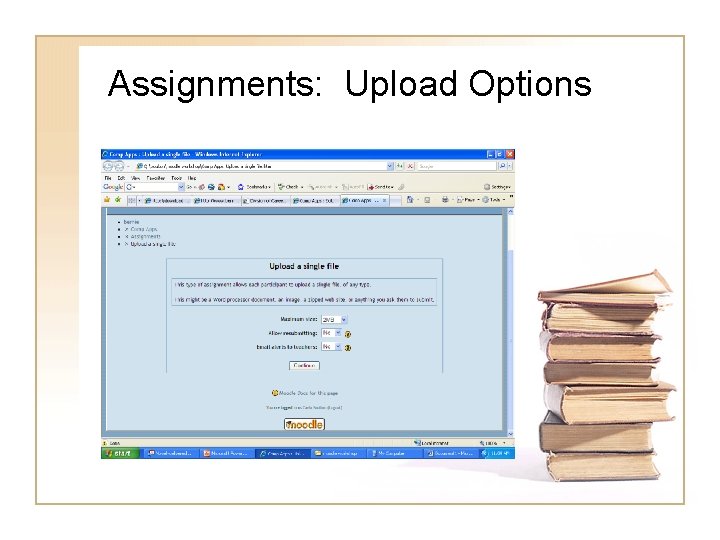
Assignments: Upload Options
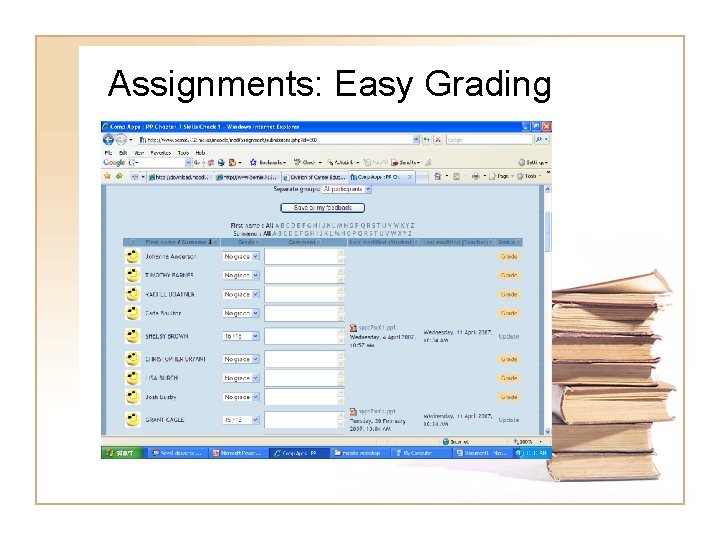
Assignments: Easy Grading
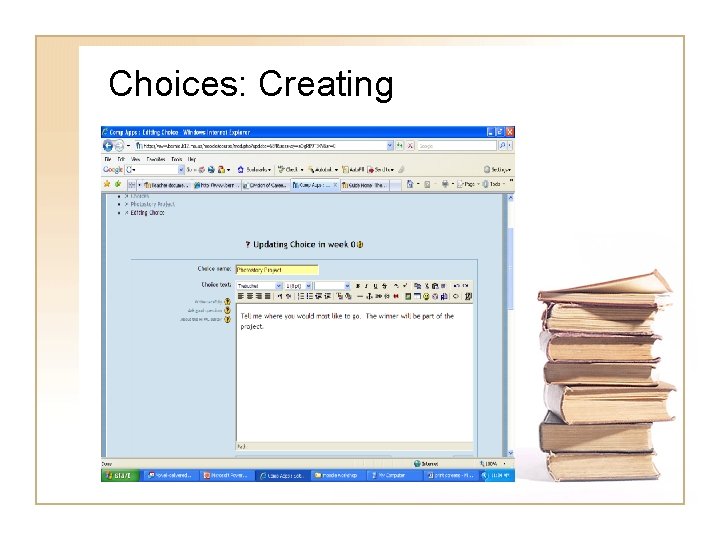
Choices: Creating
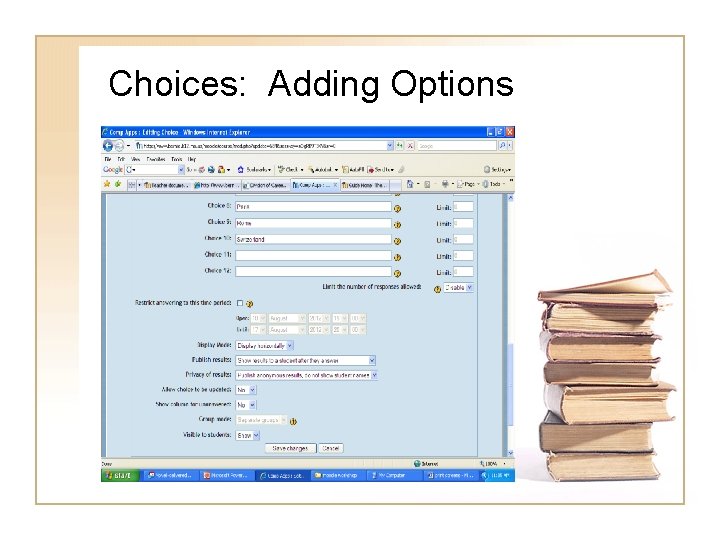
Choices: Adding Options
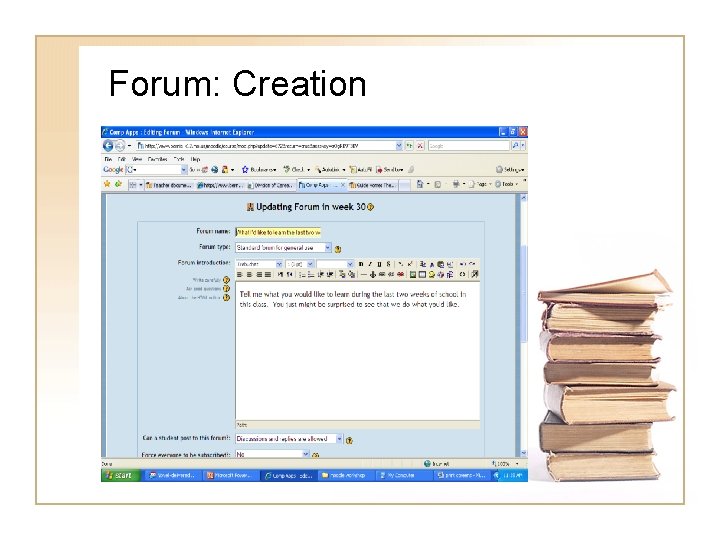
Forum: Creation
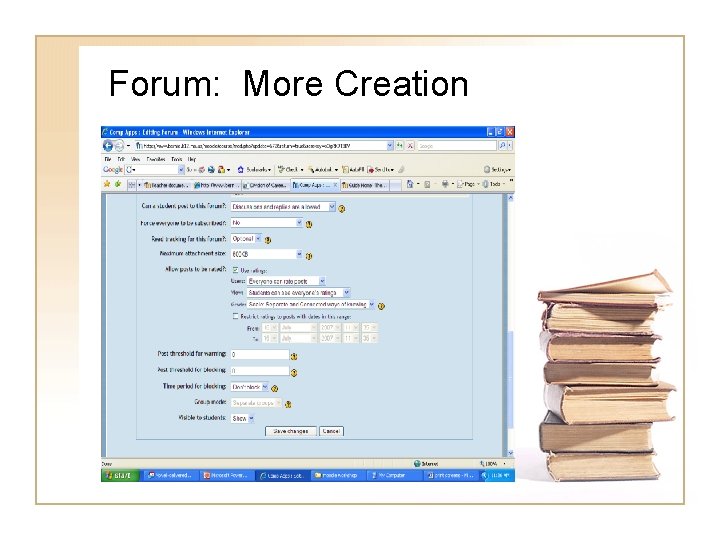
Forum: More Creation
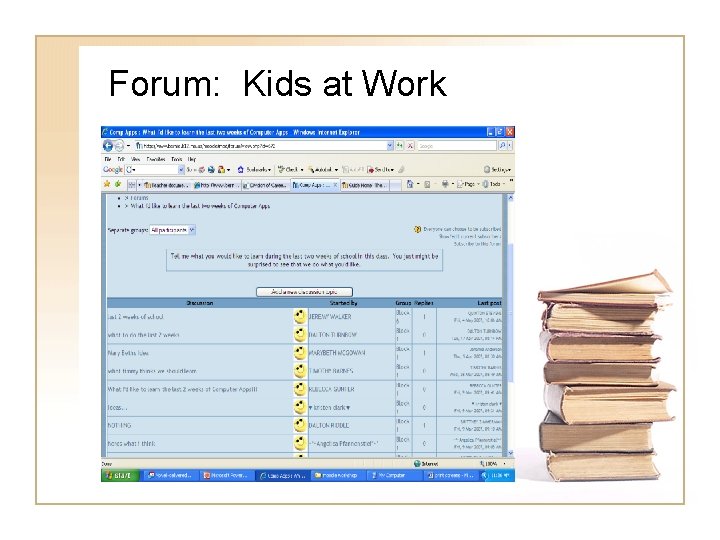
Forum: Kids at Work
Resources • Upload. pdf or other format files for student reference • Link to websites for references/study
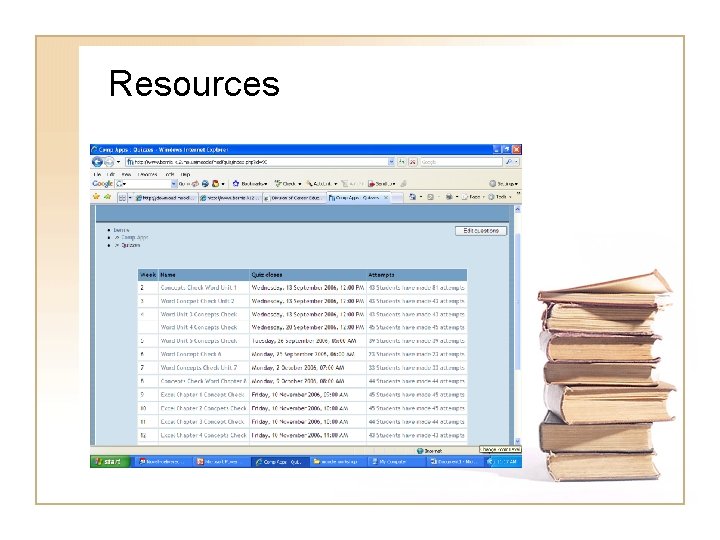
Resources
Quizzes • Create quizzes with different types of questions – – – Multiple choice Matching Essay Short Answer Numerical MORE!
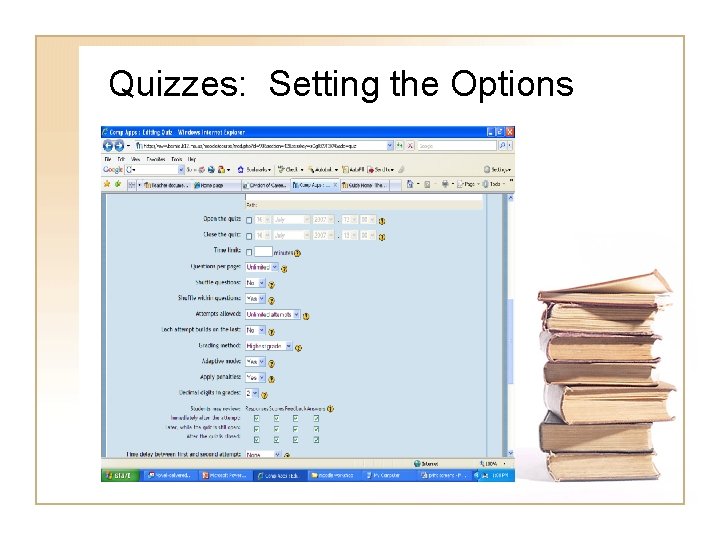
Quizzes: Setting the Options
Benefits of Using Moodle • • Anytime, anywhere learning The software is FREE Students love anything on-line Grade homework without touching a single piece of paper or using printer ink!
Cons of Using Moodle • Not as “pretty” as Blackboard • Navigation not 100% user friendly • Occasional “bugs” in software require patience
Questions? • Visit www. moodle. org • E-mail me at boultonc@bernie. k 12. mo. us