
Monologues Tips for Performing Drama 1 A monologue

- Slides: 10
Monologues Tips for Performing Drama 1
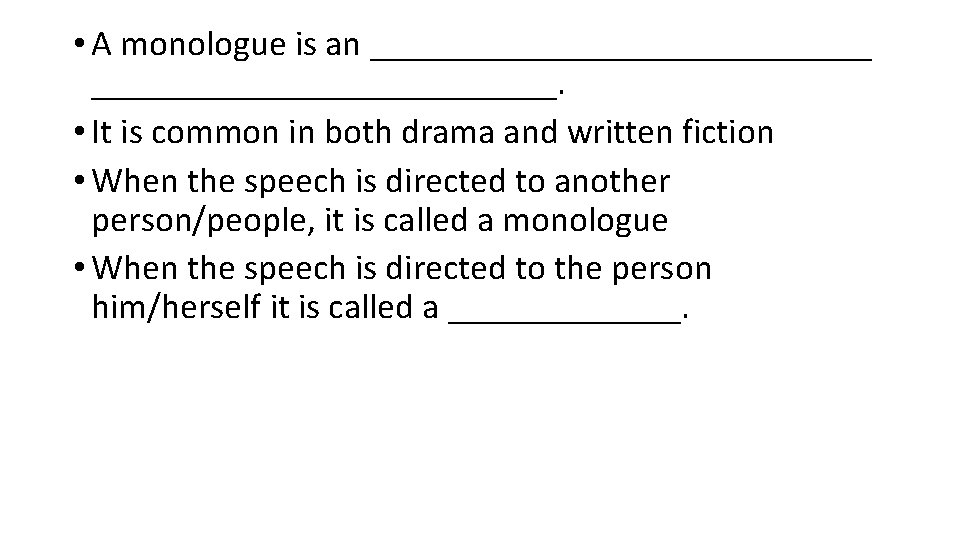
• A monologue is an ______________. • It is common in both drama and written fiction • When the speech is directed to another person/people, it is called a monologue • When the speech is directed to the person him/herself it is called a _______.
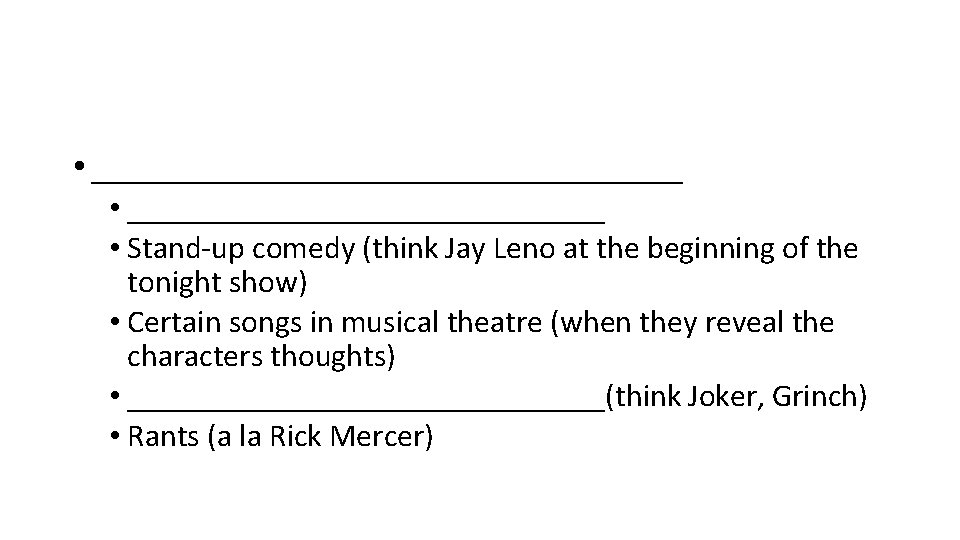
• _________________ • Stand-up comedy (think Jay Leno at the beginning of the tonight show) • Certain songs in musical theatre (when they reveal the characters thoughts) • _______________(think Joker, Grinch) • Rants (a la Rick Mercer)
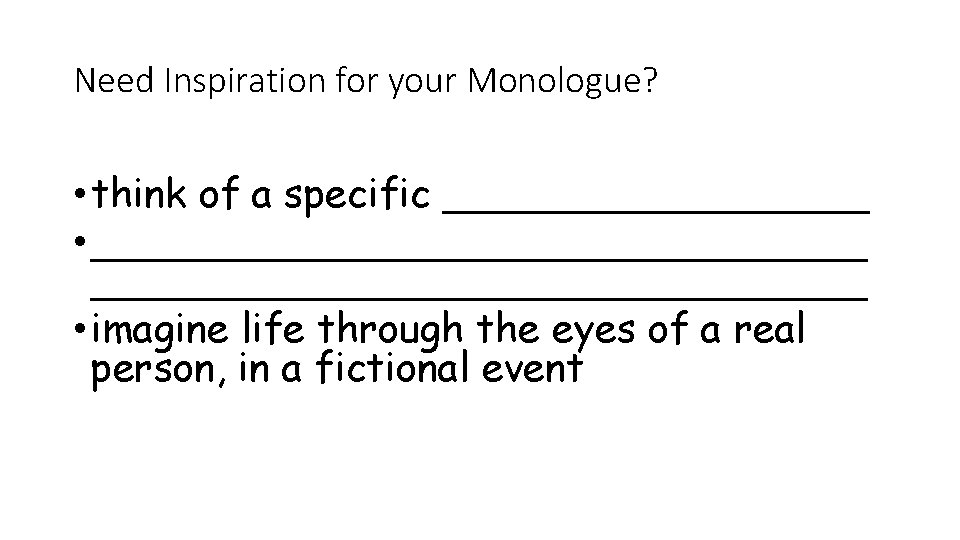
Need Inspiration for your Monologue? • think of a specific _________ • _______________________________ • imagine life through the eyes of a real person, in a fictional event
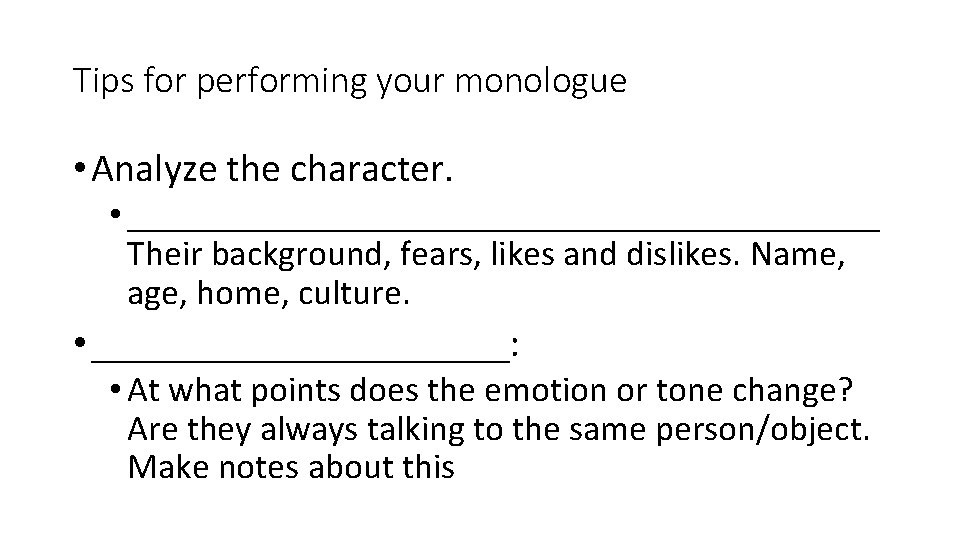
Tips for performing your monologue • Analyze the character. • _____________________ Their background, fears, likes and dislikes. Name, age, home, culture. • ___________: • At what points does the emotion or tone change? Are they always talking to the same person/object. Make notes about this
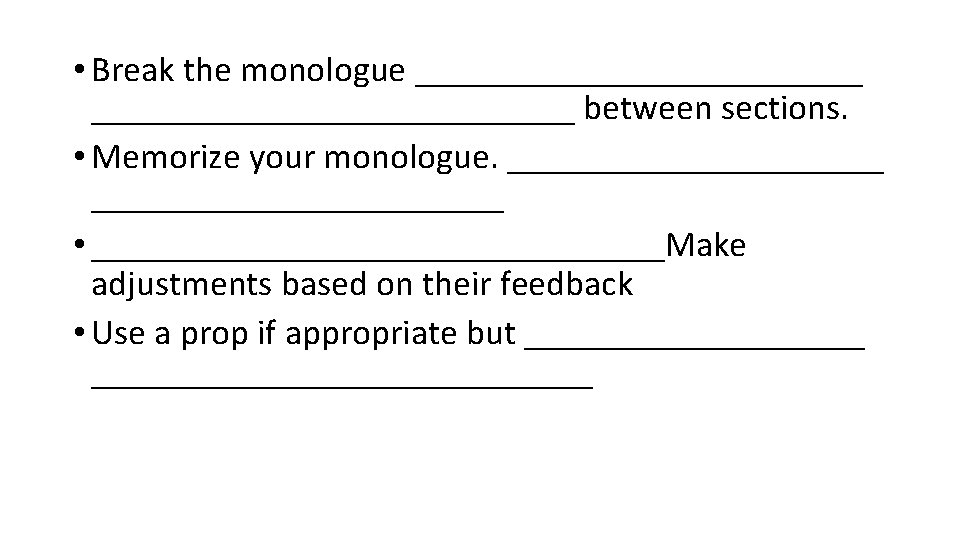
• Break the monologue ___________________________ between sections. • Memorize your monologue. _______________________ • ________________Make adjustments based on their feedback • Use a prop if appropriate but ________________________
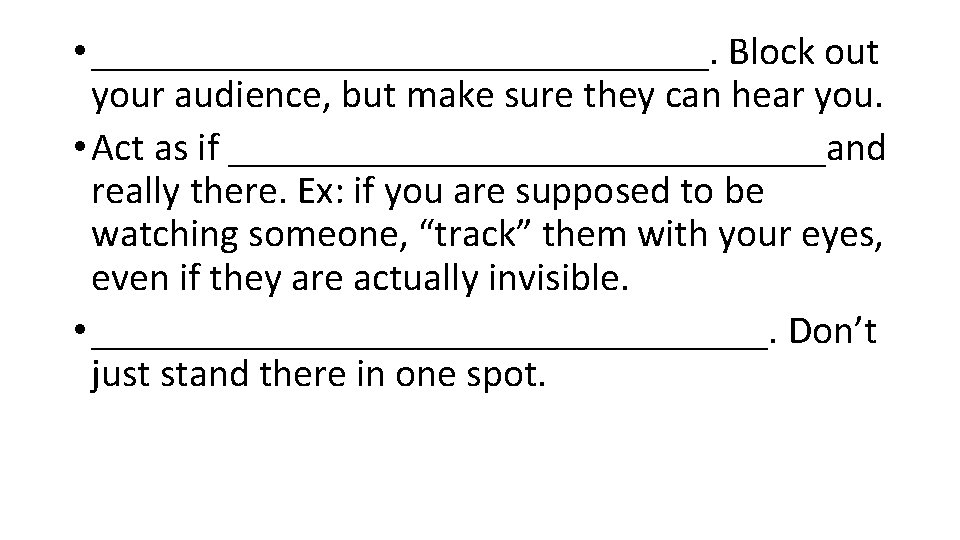
• ________________. Block out your audience, but make sure they can hear you. • Act as if _______________and really there. Ex: if you are supposed to be watching someone, “track” them with your eyes, even if they are actually invisible. • _________________. Don’t just stand there in one spot.
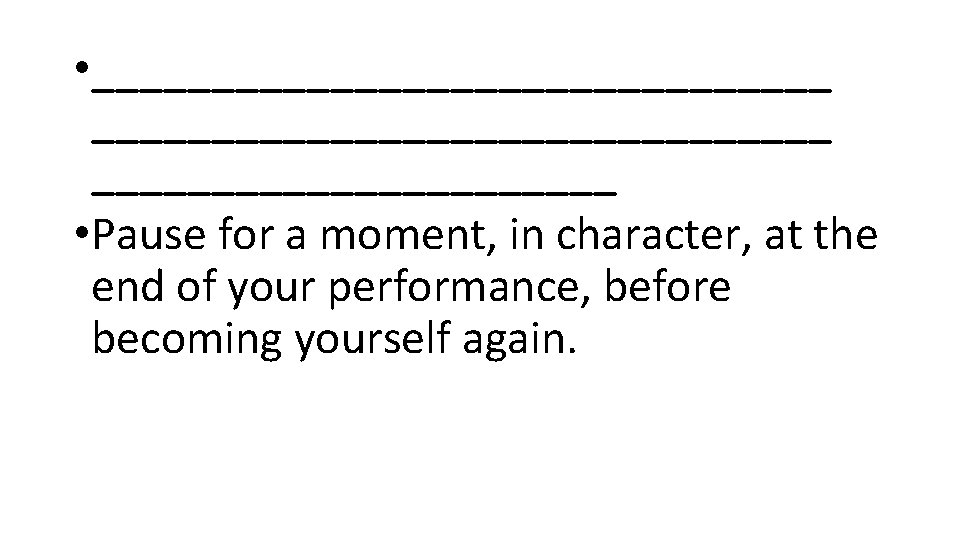
• _______________________________ • Pause for a moment, in character, at the end of your performance, before becoming yourself again.
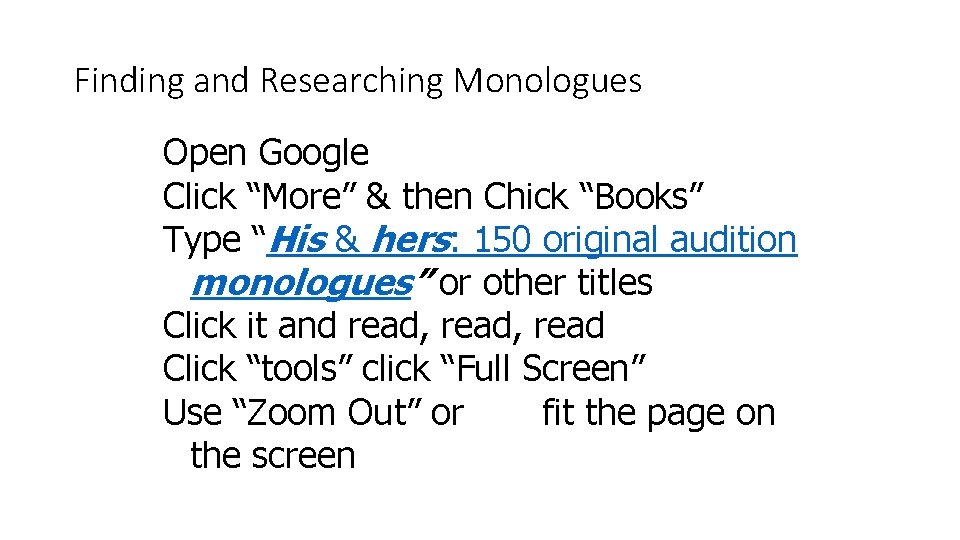
Finding and Researching Monologues Open Google Click “More” & then Chick “Books” Type “His & hers: 150 original audition monologues” or other titles Click it and read, read Click “tools” click “Full Screen” Use “Zoom Out” or fit the page on the screen
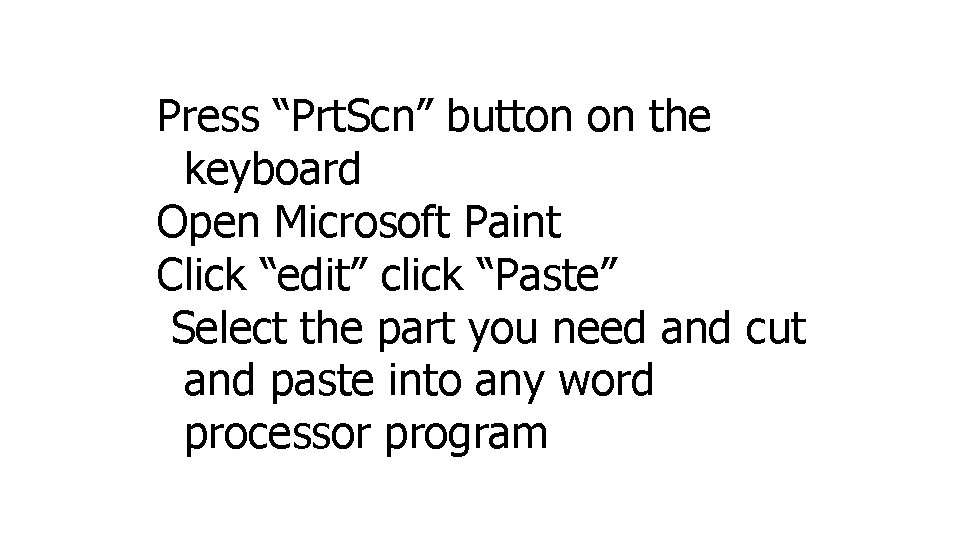
Press “Prt. Scn” button on the keyboard Open Microsoft Paint Click “edit” click “Paste” Select the part you need and cut and paste into any word processor program