
Monarch Pro Presented by Bernadette Coleman Assistant Coordinator

Monarch Pro Presented by: Bernadette Coleman Assistant Coordinator of Payroll Alcorn State University bcoleman@alcorn. edu September 17, 2012
Introduction • Overview of the model building process • Closer look at individual steps • An example of the process
What is Monarch? ØData mining software that extracts data from existing reports ØLets you customize, analyze, and visualize your data ØNo rekeying, programming skills, or help from IT is required ØSupports virtually any source formats used by your organization, including text, PDF, HTML, and formatted ASCII files ØMonarch leverages the investments in the reports you already have in place
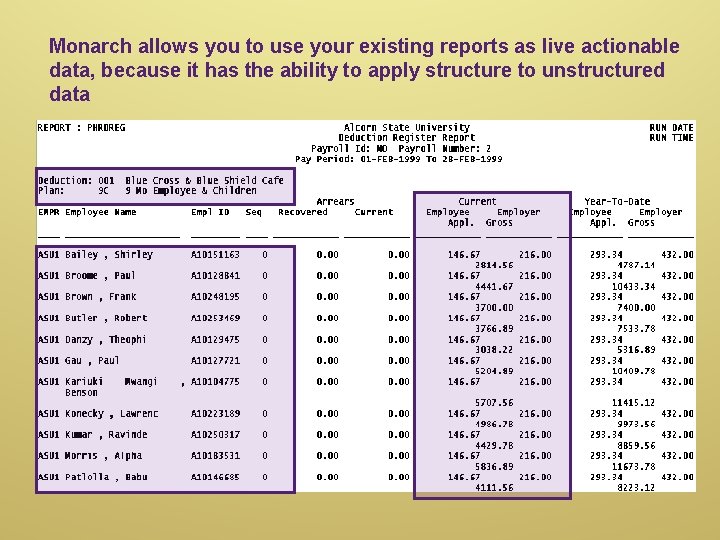
Monarch allows you to use your existing reports as live actionable data, because it has the ability to apply structure to unstructured data
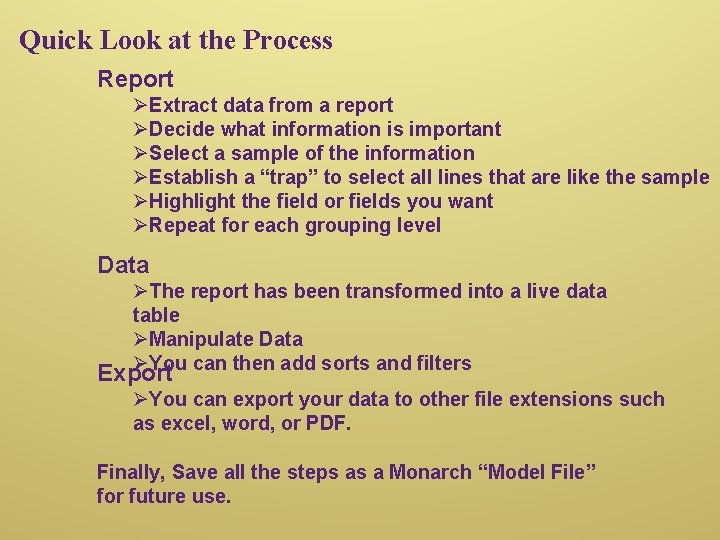
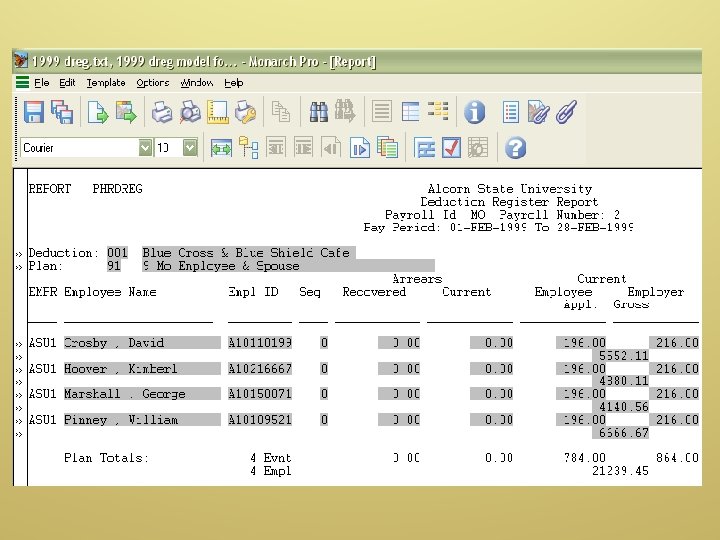
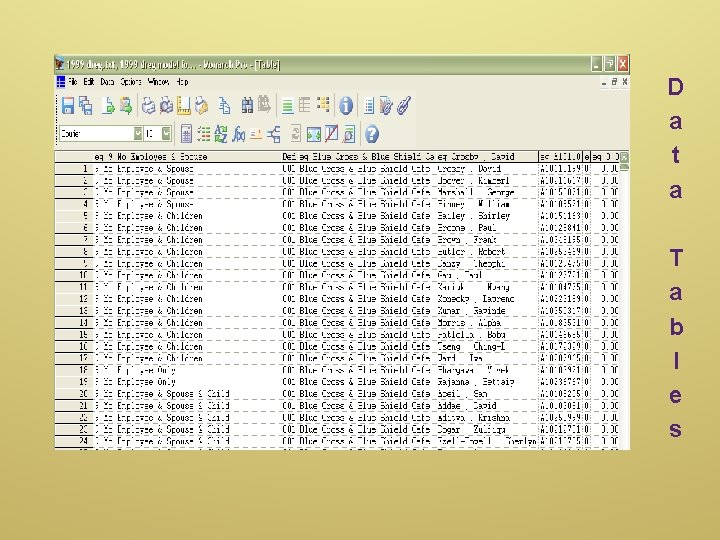
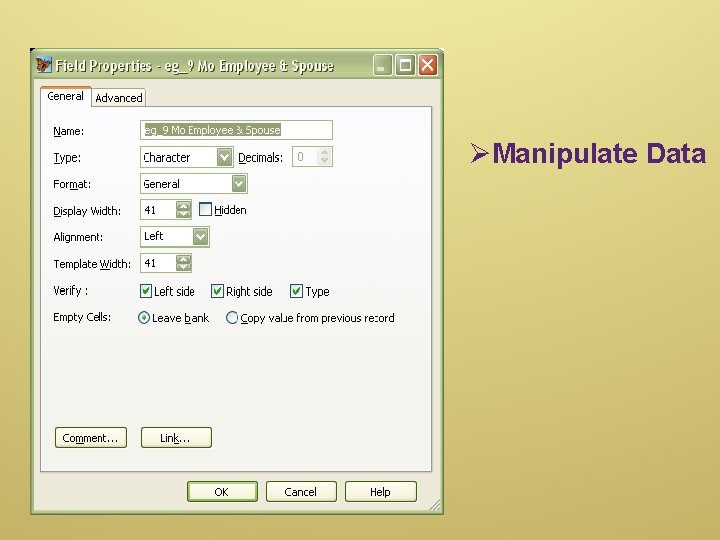
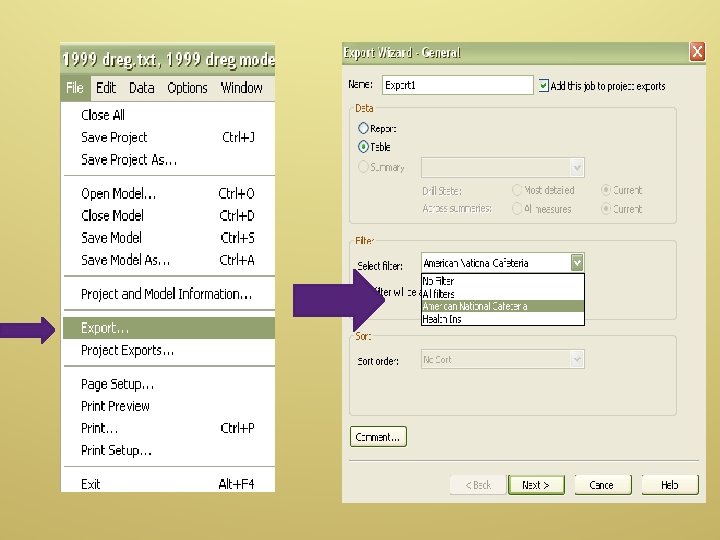
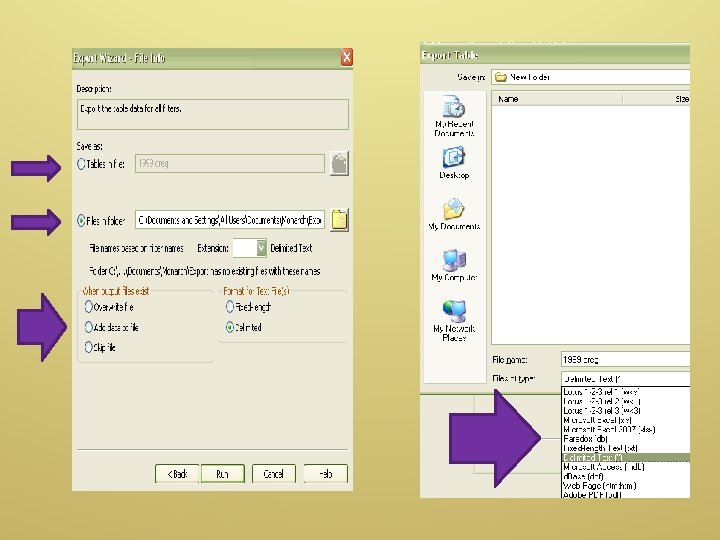
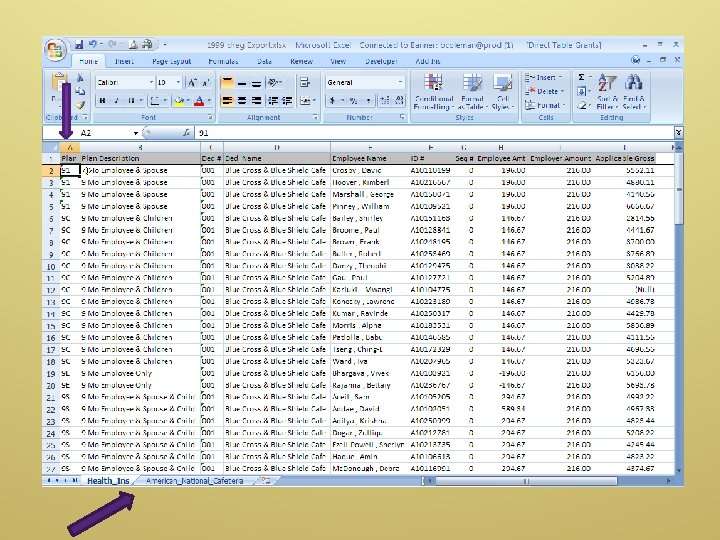
Quick Look at the Process Report ØExtract data from a report ØDecide what information is important ØSelect a sample of the information ØEstablish a “trap” to select all lines that are like the sample ØHighlight the field or fields you want ØRepeat for each grouping level Data ØThe report has been transformed into a live data table ØManipulate Data ØYou can then add sorts and filters Export ØYou can export your data to other file extensions such as excel, word, or PDF. Finally, Save all the steps as a Monarch “Model File” for future use.

Demonstration of the Process

Report View
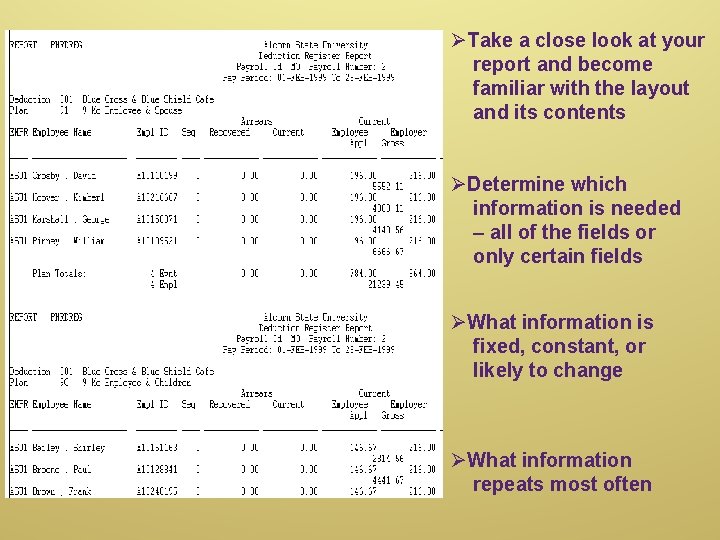
ØTake a close look at your report and become familiar with the layout and its contents ØDetermine which information is needed – all of the fields or only certain fields ØWhat information is fixed, constant, or likely to change ØWhat information repeats most often
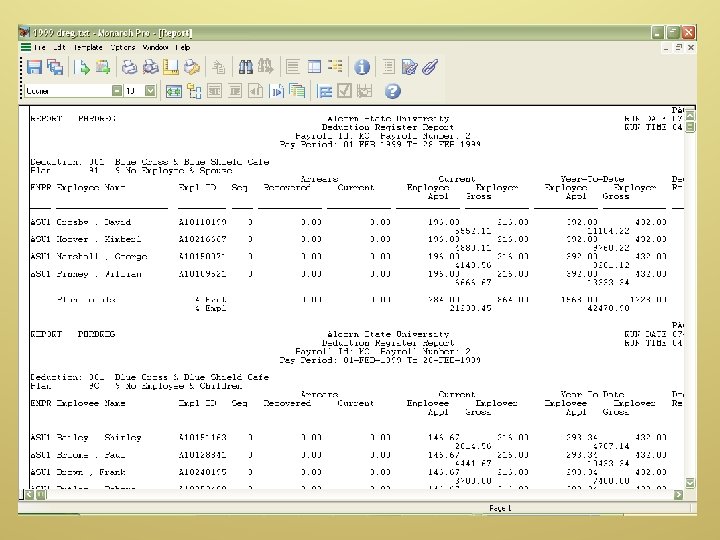
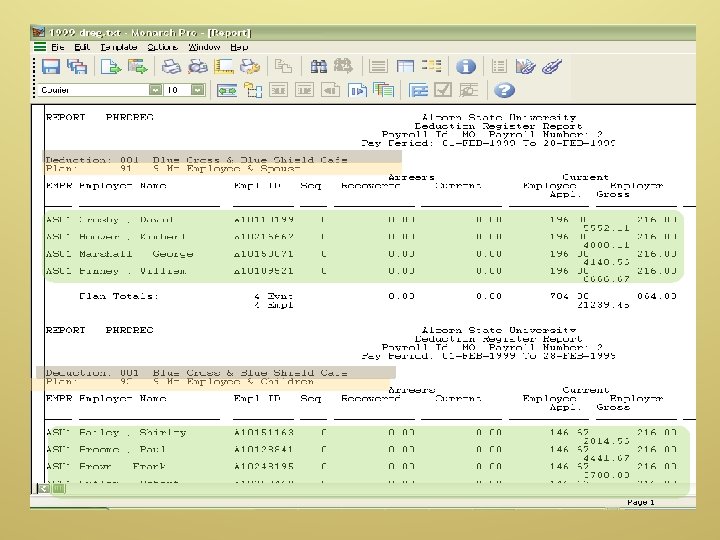
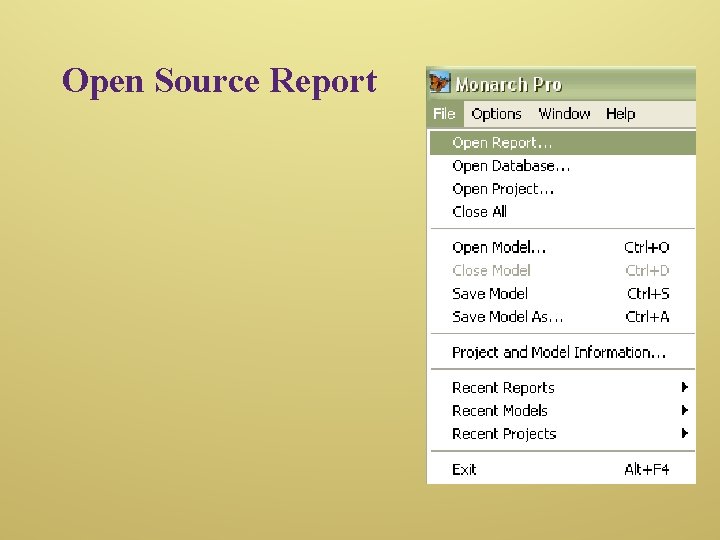
Open Source Report
Templates Four Main Steps in Building a Template ØSelect a Sample ØSet the Trap ØDefine the field(s) ØVerify
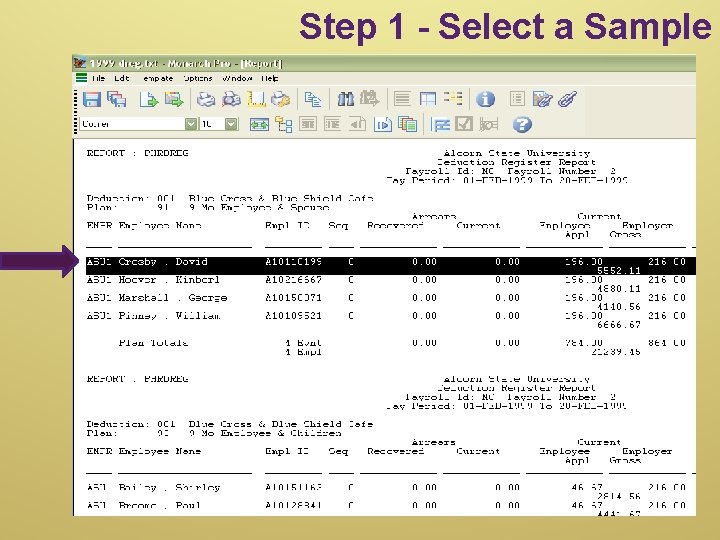
Step 1 - Select a Sample
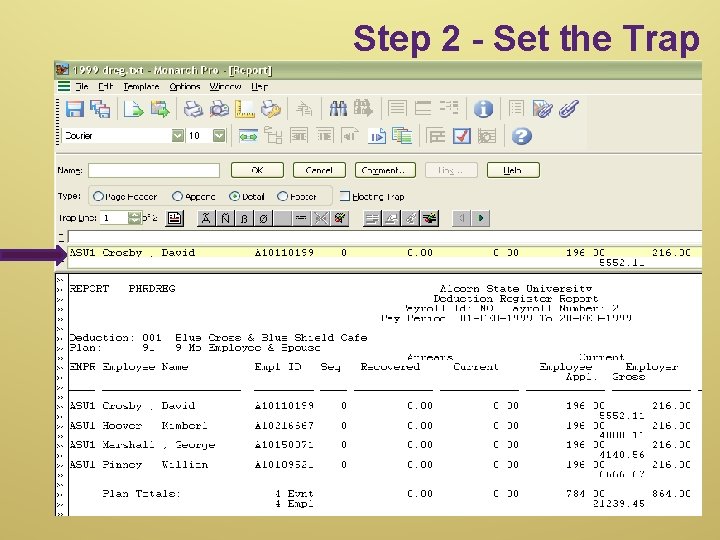
Step 2 - Set the Trap
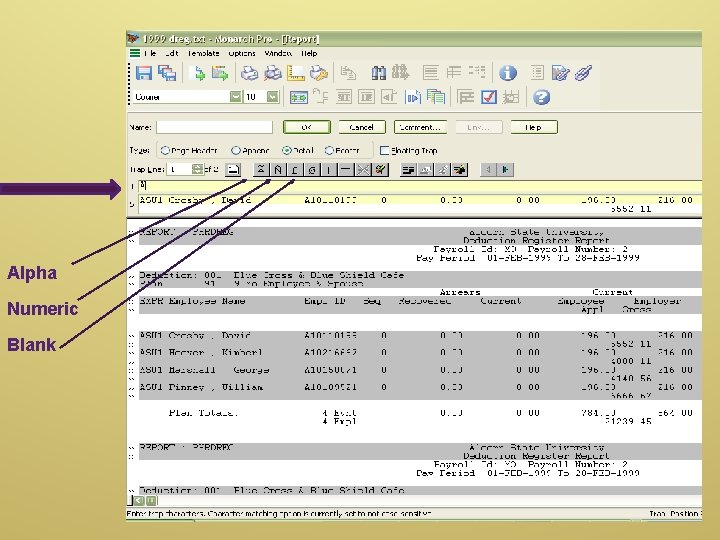
Alpha Numeric Blank
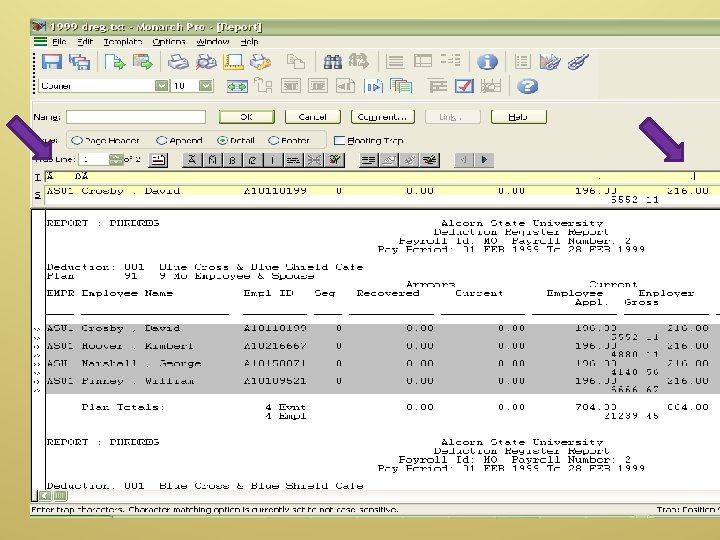
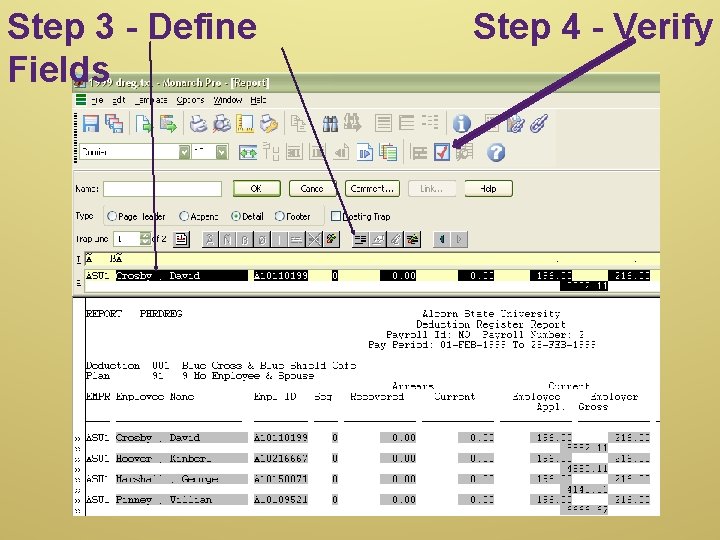
Step 3 - Define Fields Step 4 - Verify
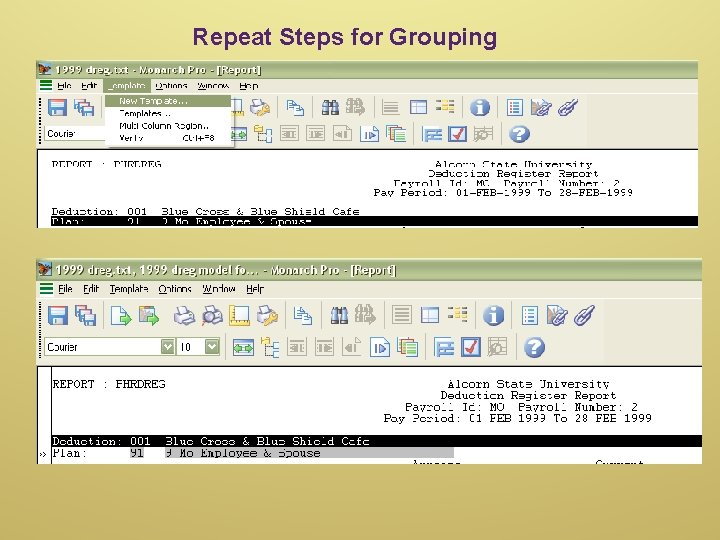
Repeat Steps for Grouping
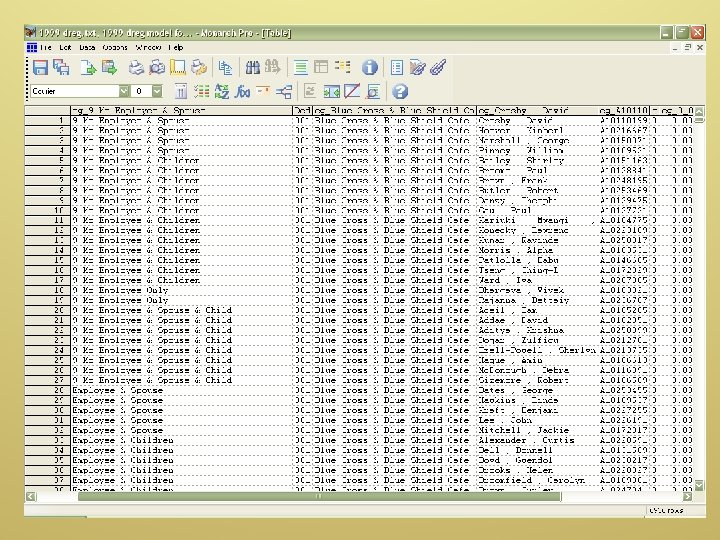
Data Tables
D a t a T a b l e s
ØManipulate Data
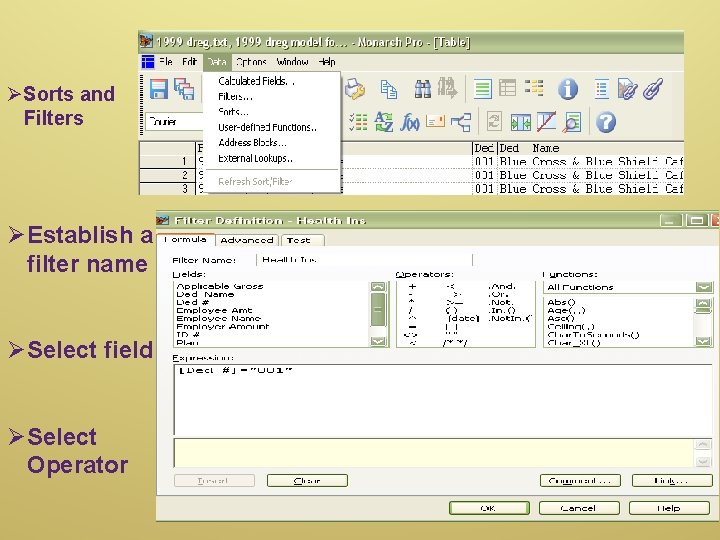
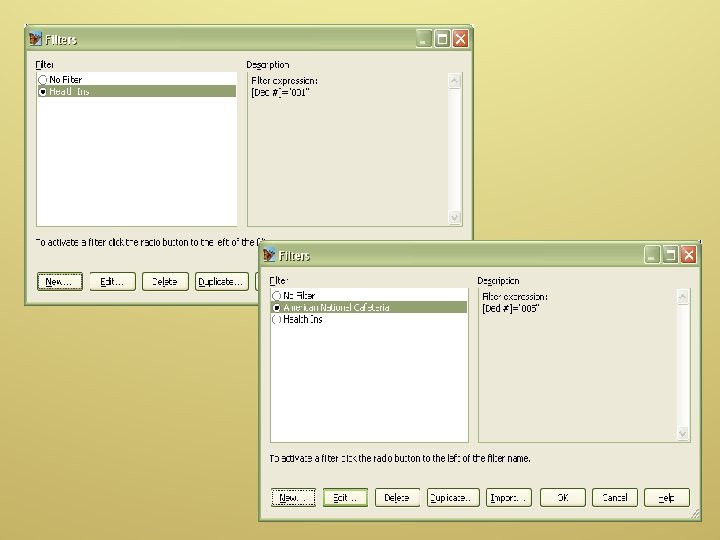
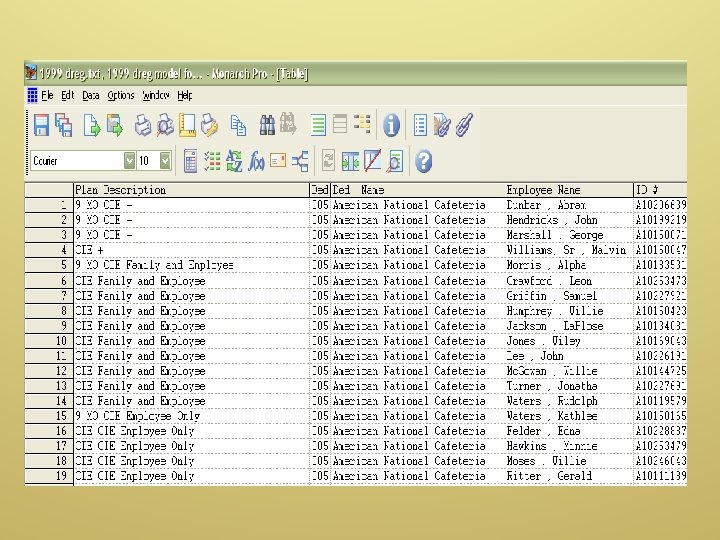
ØSorts and Filters ØEstablish a filter name ØSelect field ØSelect Operator

Exporting
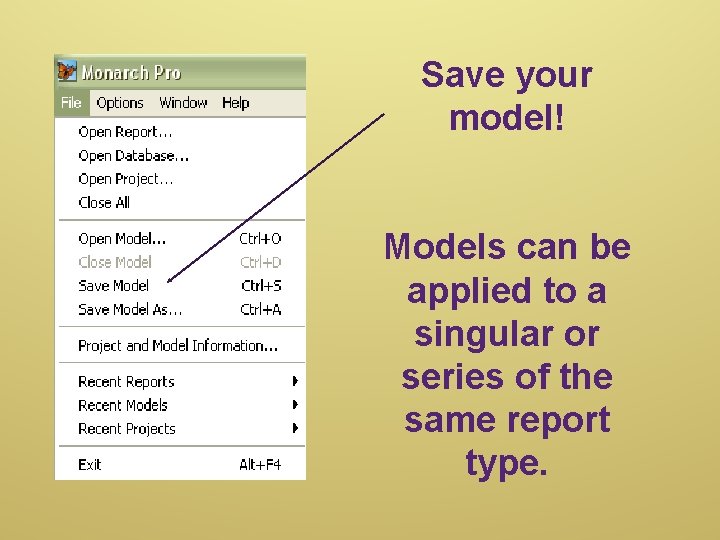
Save your model! Models can be applied to a singular or series of the same report type.

Questions?
- Slides: 32