
MOM Phineas and Ferb are Aims To begin
MOM! Phineas and Ferb are … Aims: To begin to understand algorithms. Objectives: ALL: Understand what an algorithm is. MOST: Understand how to use variables in Scratch. SOME: Write a script to draw a quarter circle.
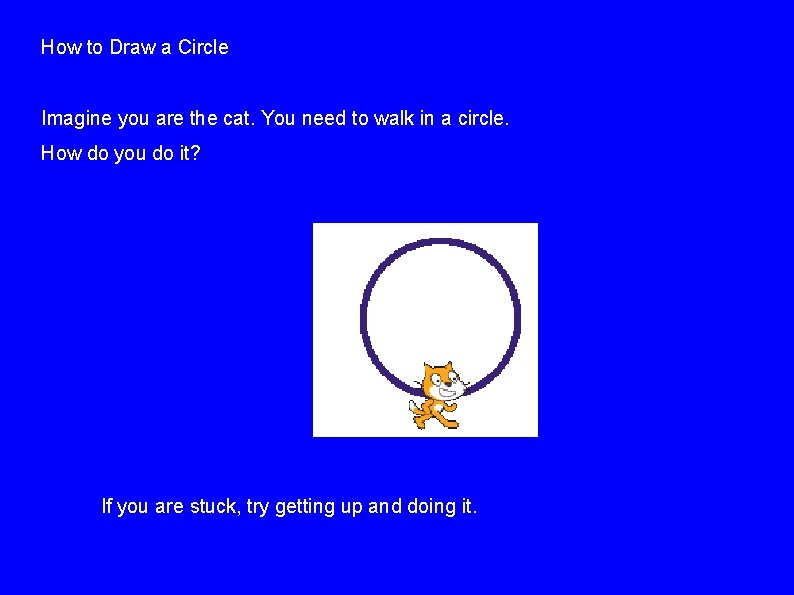
How to Draw a Circle Imagine you are the cat. You need to walk in a circle. How do you do it? If you are stuck, try getting up and doing it.
I hope you worked out that you can walk in a circle by this process: ● ● ● Go forwards a bit. Turn a bit (same way every time). Repeat. This is an ALGORITHM. In computer science, we use “algorithm” to mean a process you follow to get a certain outcome. It's like a recipe, a set of instructions or directions. We need to make the algorithm more precise so that the cat can understand it. How many steps should he/she walk? How many degrees should he/she turn?
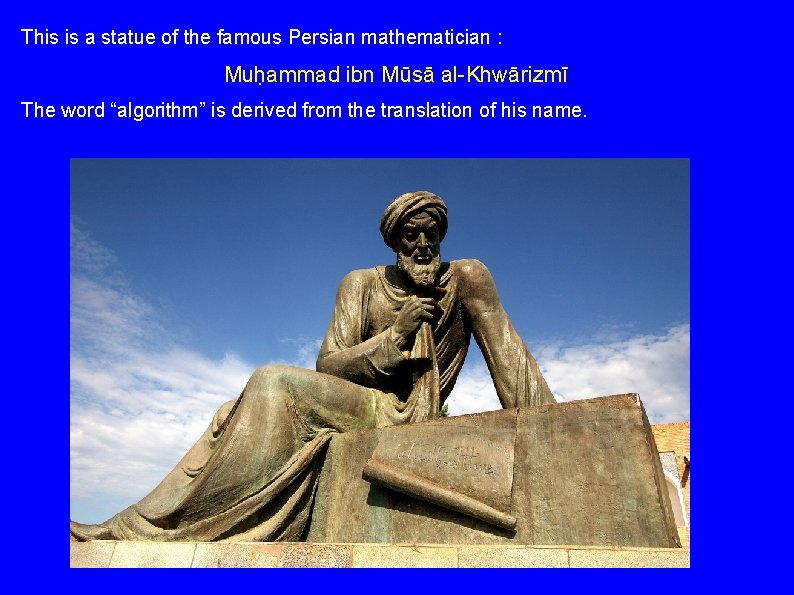
This is a statue of the famous Persian mathematician : Muḥammad ibn Mūsā al-Khwārizmī The word “algorithm” is derived from the translation of his name.
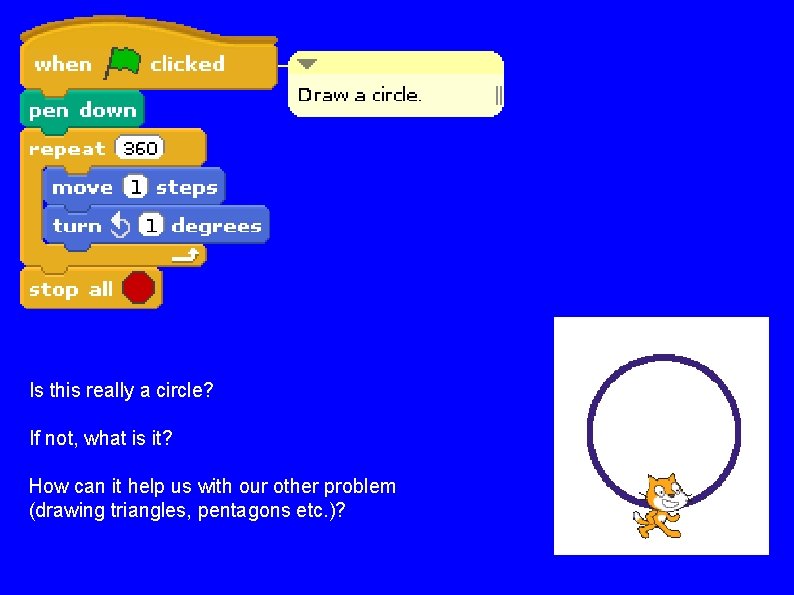
Is this really a circle? If not, what is it? How can it help us with our other problem (drawing triangles, pentagons etc. )?
Observation One At the end of drawing any of these shapes, we need to be back where we started. We will have gone around 360 degrees. Observation Two Our circle was actually a shape with 360 sides. To draw it we turned 1 degree each time. That is 360 divided by 360. Observation Three To draw a square, we turned 90 degrees each time. That's 360 divided by 4.
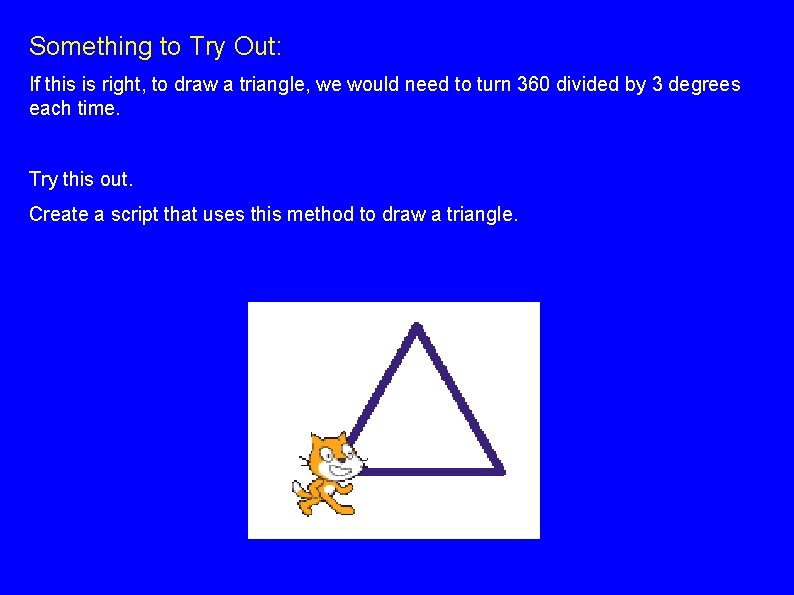
Something to Try Out: If this is right, to draw a triangle, we would need to turn 360 divided by 3 degrees each time. Try this out. Create a script that uses this method to draw a triangle.
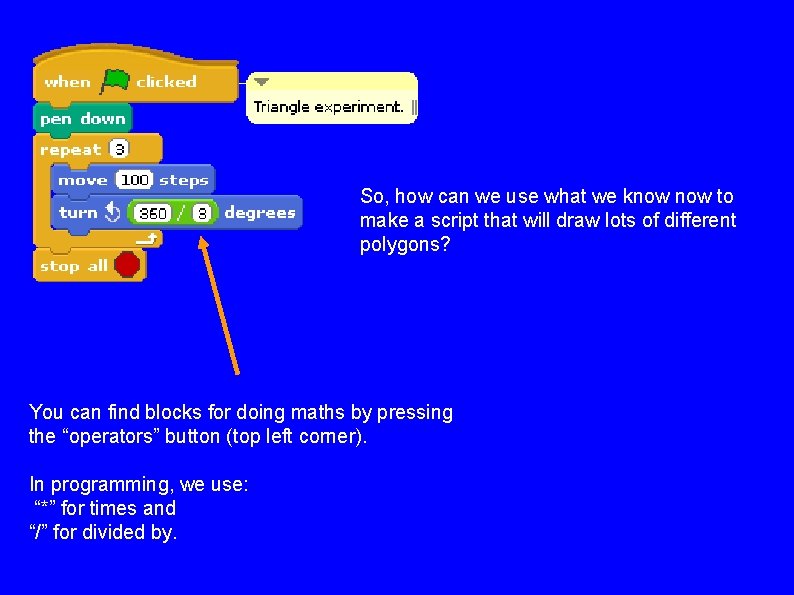
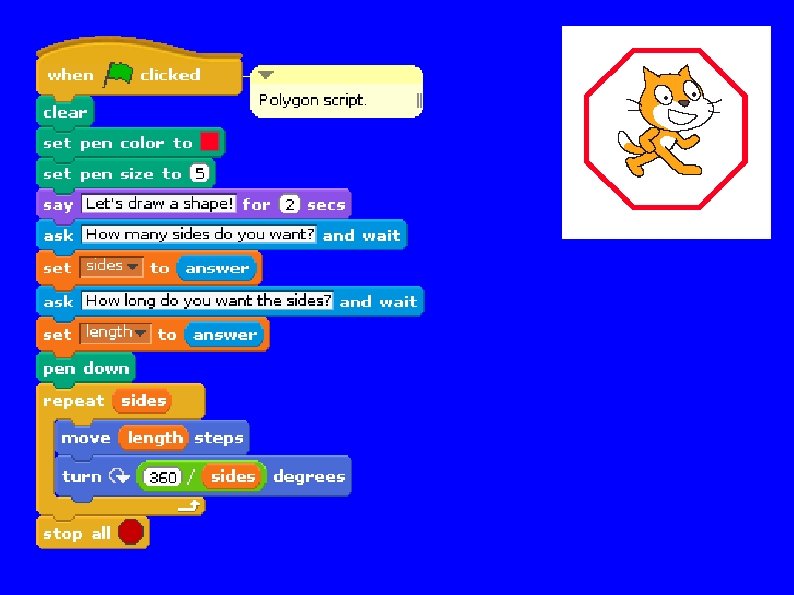
So, how can we use what we know to make a script that will draw lots of different polygons? You can find blocks for doing maths by pressing the “operators” button (top left corner). In programming, we use: “*” for times and “/” for divided by.
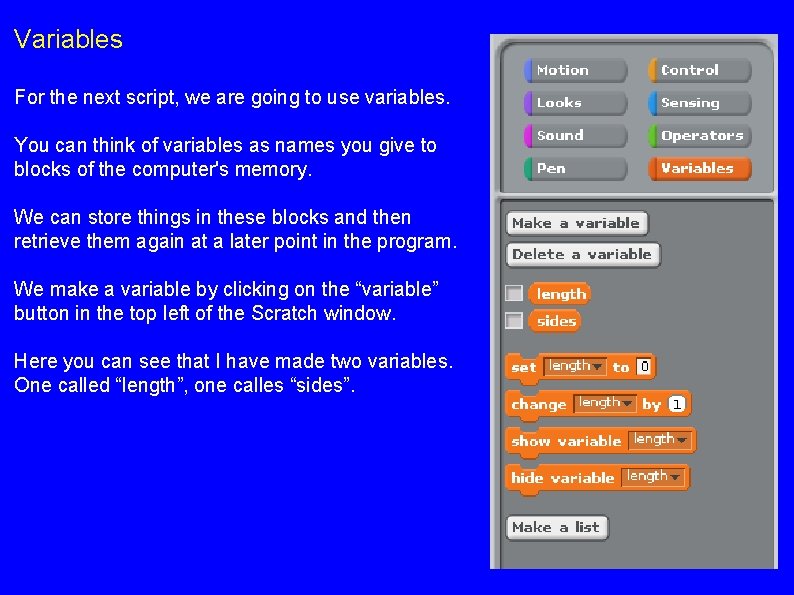
Variables For the next script, we are going to use variables. You can think of variables as names you give to blocks of the computer's memory. We can store things in these blocks and then retrieve them again at a later point in the program. We make a variable by clicking on the “variable” button in the top left of the Scratch window. Here you can see that I have made two variables. One called “length”, one calles “sides”.
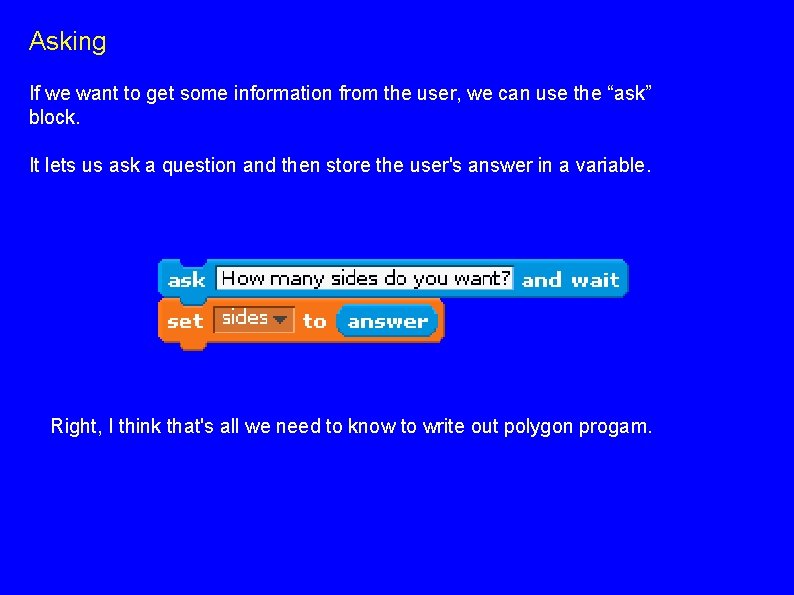
Asking If we want to get some information from the user, we can use the “ask” block. It lets us ask a question and then store the user's answer in a variable. Right, I think that's all we need to know to write out polygon progam.
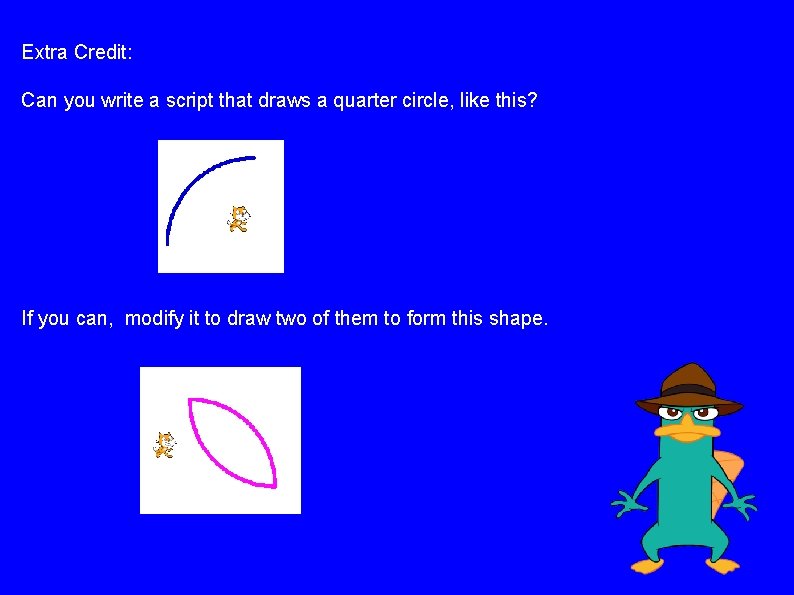
Extra Credit: Can you write a script that draws a quarter circle, like this? If you can, modify it to draw two of them to form this shape.
- Slides: 12