
Module 9 Designing and Implementing Stored Procedures Module
- Slides: 33
Module 9 Designing and Implementing Stored Procedures
Module Overview • Introduction to Stored Procedures • Working with Stored Procedures • Implementing Parameterized Stored Procedures • Controlling Execution Context
Lesson 1: Introduction to Stored Procedures • What Is a Stored Procedure? • Benefits of Stored Procedures • Working with System Stored Procedures • Statements Not Permitted in Stored Procedures • Demonstration: Working with System Stored Procedures and Extended Stored Procedures
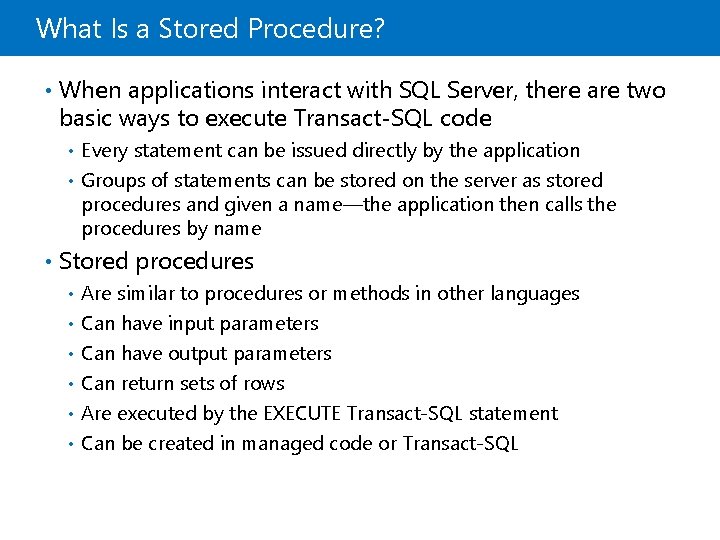
What Is a Stored Procedure? • When applications interact with SQL Server, there are two basic ways to execute Transact-SQL code Every statement can be issued directly by the application • Groups of statements can be stored on the server as stored procedures and given a name—the application then calls the procedures by name • • Stored procedures Are similar to procedures or methods in other languages • Can have input parameters • Can have output parameters • Can return sets of rows • Are executed by the EXECUTE Transact-SQL statement • Can be created in managed code or Transact-SQL •
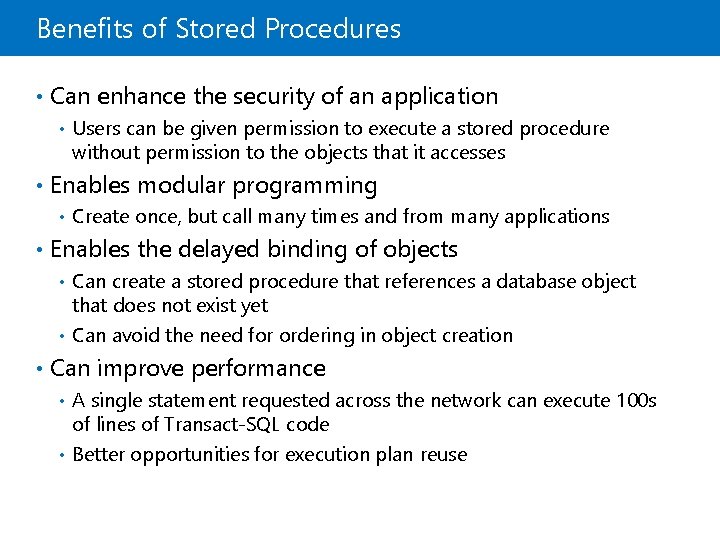
Benefits of Stored Procedures • Can enhance the security of an application • Users can be given permission to execute a stored procedure without permission to the objects that it accesses • Enables modular programming • Create once, but call many times and from many applications • Enables the delayed binding of objects Can create a stored procedure that references a database object that does not exist yet • Can avoid the need for ordering in object creation • • Can improve performance A single statement requested across the network can execute 100 s of lines of Transact-SQL code • Better opportunities for execution plan reuse •
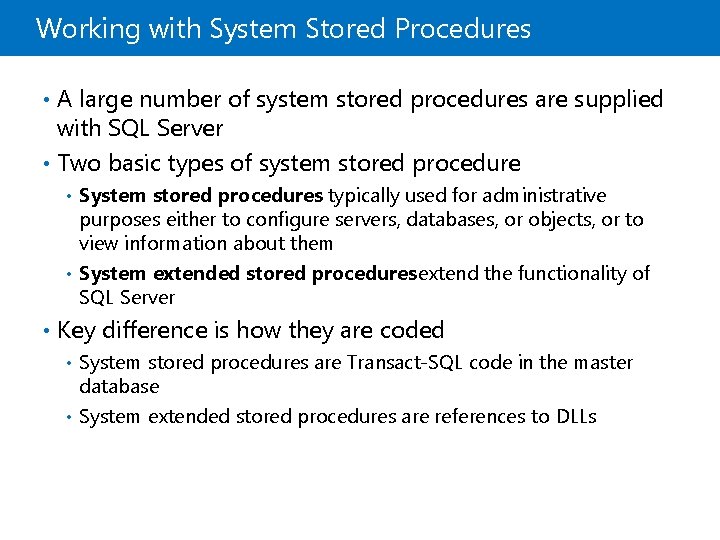
Working with System Stored Procedures • A large number of system stored procedures are supplied with SQL Server • Two basic types of system stored procedure System stored procedures: typically used for administrative purposes either to configure servers, databases, or objects, or to view information about them • System extended stored procedures: extend the functionality of SQL Server • • Key difference is how they are coded System stored procedures are Transact-SQL code in the master database • System extended stored procedures are references to DLLs •
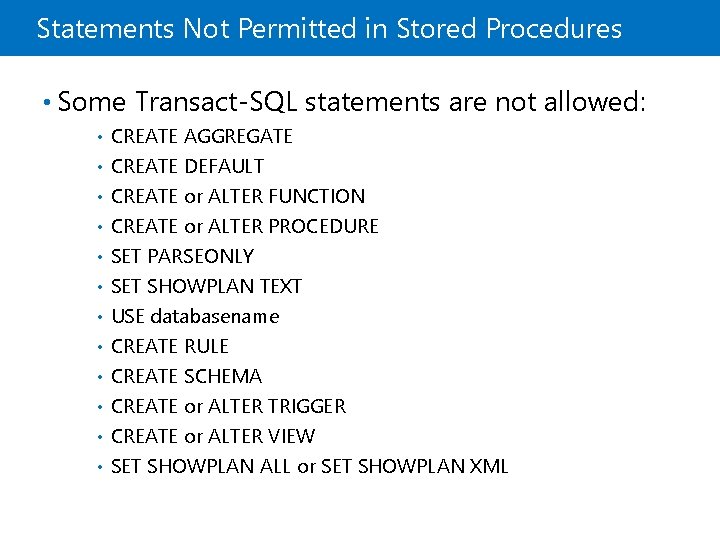
Statements Not Permitted in Stored Procedures • Some Transact-SQL statements are not allowed: • • • CREATE AGGREGATE CREATE DEFAULT CREATE or ALTER FUNCTION CREATE or ALTER PROCEDURE SET PARSEONLY SET SHOWPLAN TEXT USE databasename CREATE RULE CREATE SCHEMA CREATE or ALTER TRIGGER CREATE or ALTER VIEW SET SHOWPLAN ALL or SET SHOWPLAN XML
Demonstration: Working with System Stored Procedures and Extended Stored Procedures In this demonstration, you will see how to: • Execute system stored procedures
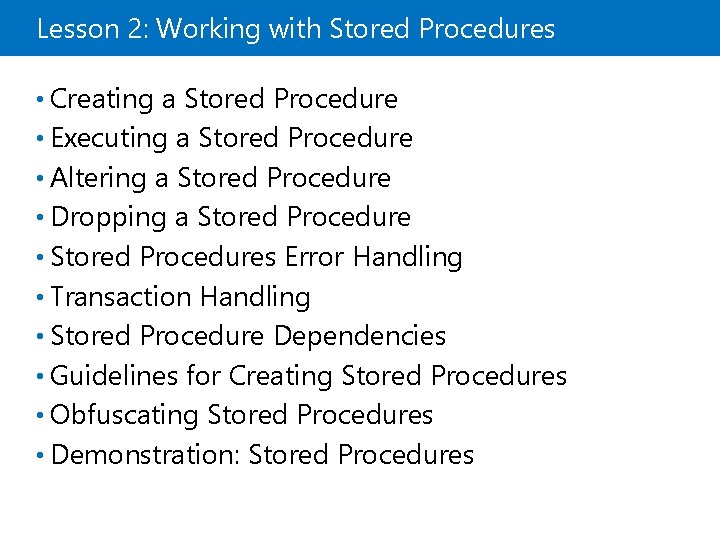
Lesson 2: Working with Stored Procedures • Creating a Stored Procedure • Executing a Stored Procedure • Altering a Stored Procedure • Dropping a Stored Procedure • Stored Procedures Error Handling • Transaction Handling • Stored Procedure Dependencies • Guidelines for Creating Stored Procedures • Obfuscating Stored Procedures • Demonstration: Stored Procedures
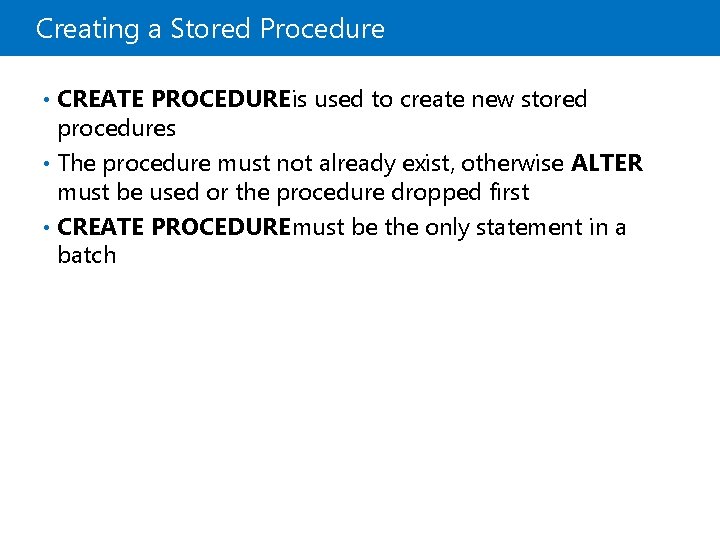
Creating a Stored Procedure • CREATE PROCEDURE is used to create new stored procedures • The procedure must not already exist, otherwise ALTER must be used or the procedure dropped first • CREATE PROCEDURE must be the only statement in a batch
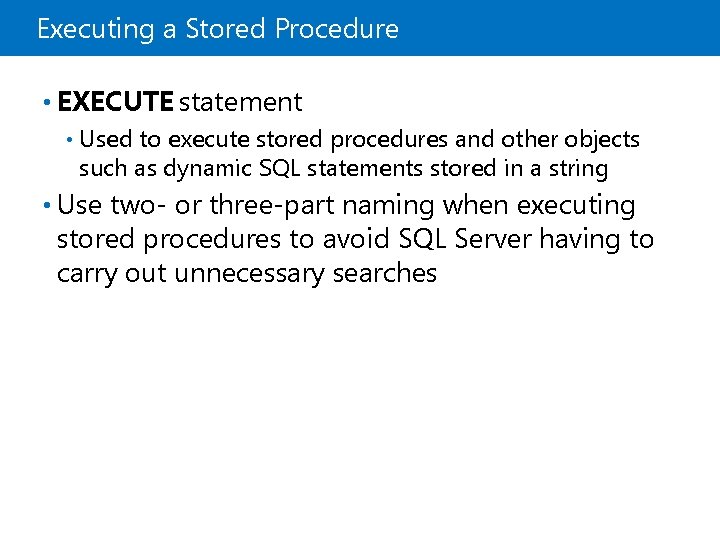
Executing a Stored Procedure • EXECUTE statement • Used to execute stored procedures and other objects such as dynamic SQL statements stored in a string • Use two- or three-part naming when executing stored procedures to avoid SQL Server having to carry out unnecessary searches
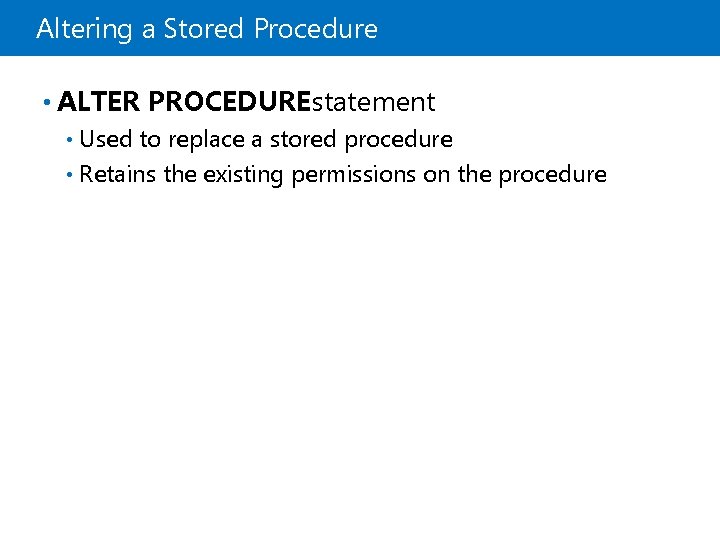
Altering a Stored Procedure • ALTER PROCEDUREstatement Used to replace a stored procedure • Retains the existing permissions on the procedure •
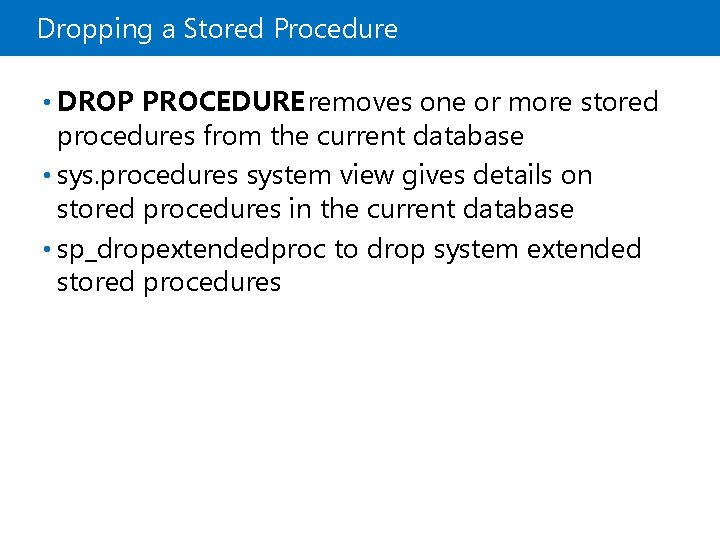
Dropping a Stored Procedure • DROP PROCEDURE removes one or more stored procedures from the current database • sys. procedures system view gives details on stored procedures in the current database • sp_dropextendedproc to drop system extended stored procedures
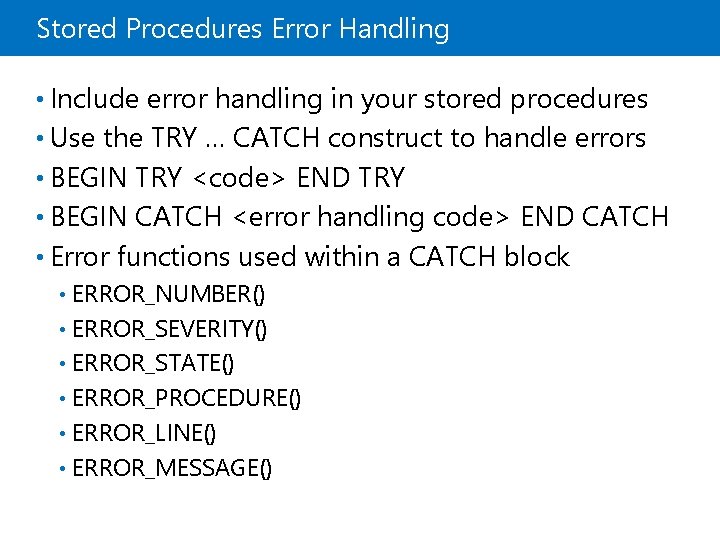
Stored Procedures Error Handling • Include error handling in your stored procedures • Use the TRY … CATCH construct to handle errors • BEGIN TRY <code> END TRY • BEGIN CATCH <error handling code> END CATCH • Error functions used within a CATCH block ERROR_NUMBER() • ERROR_SEVERITY() • ERROR_STATE() • ERROR_PROCEDURE() • ERROR_LINE() • ERROR_MESSAGE() •
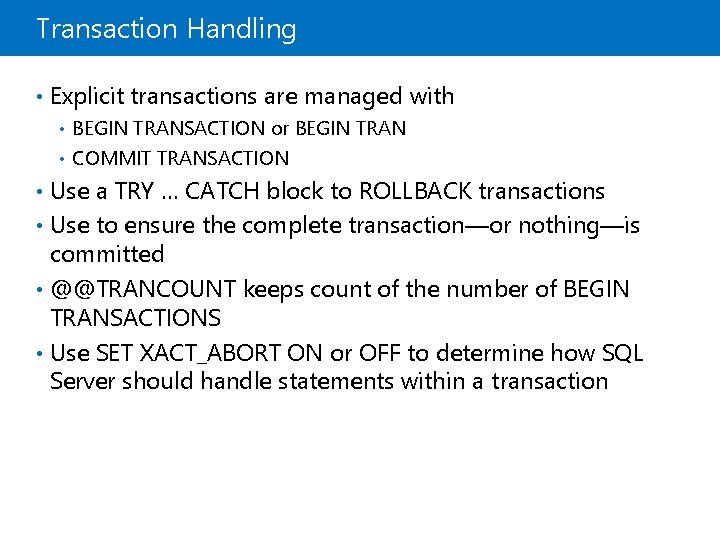
Transaction Handling • Explicit transactions are managed with BEGIN TRANSACTION or BEGIN TRAN • COMMIT TRANSACTION • • Use a TRY … CATCH block to ROLLBACK transactions • Use to ensure the complete transaction—or nothing—is committed • @@TRANCOUNT keeps count of the number of BEGIN TRANSACTIONS • Use SET XACT_ABORT ON or OFF to determine how SQL Server should handle statements within a transaction
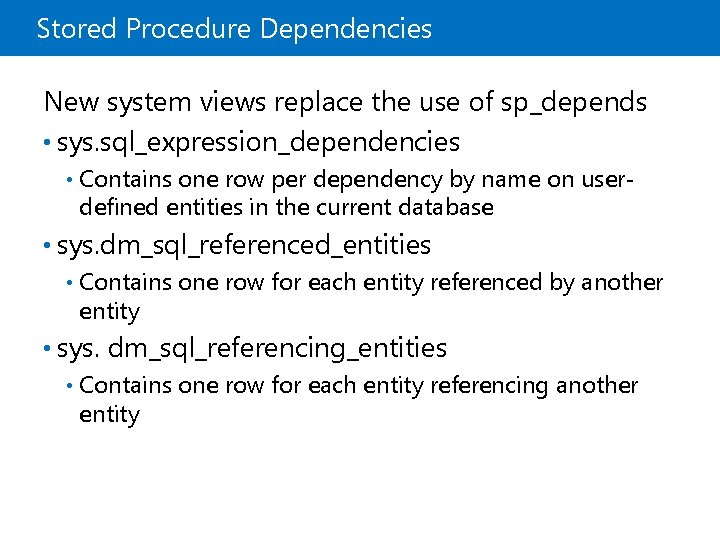
Stored Procedure Dependencies New system views replace the use of sp_depends • sys. sql_expression_dependencies • Contains one row per dependency by name on userdefined entities in the current database • sys. dm_sql_referenced_entities • Contains one row for each entity referenced by another entity • sys. dm_sql_referencing_entities • Contains one row for each entity referencing another entity
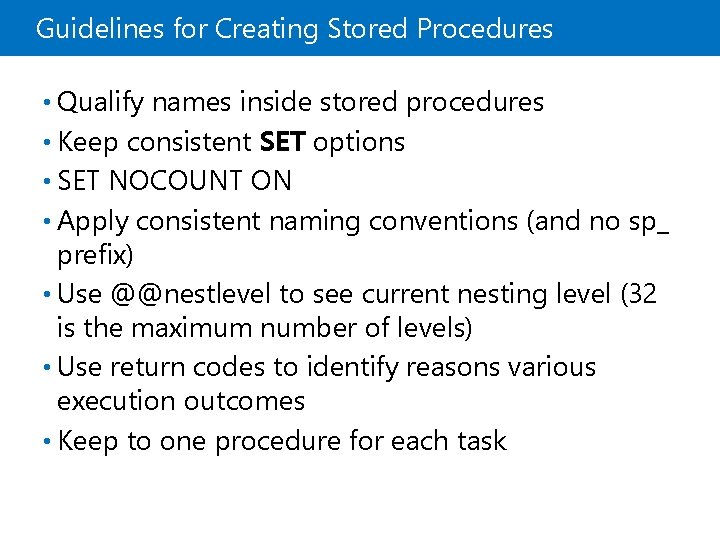
Guidelines for Creating Stored Procedures • Qualify names inside stored procedures • Keep consistent SET options • SET NOCOUNT ON • Apply consistent naming conventions (and no sp_ prefix) • Use @@nestlevel to see current nesting level (32 is the maximum number of levels) • Use return codes to identify reasons various execution outcomes • Keep to one procedure for each task
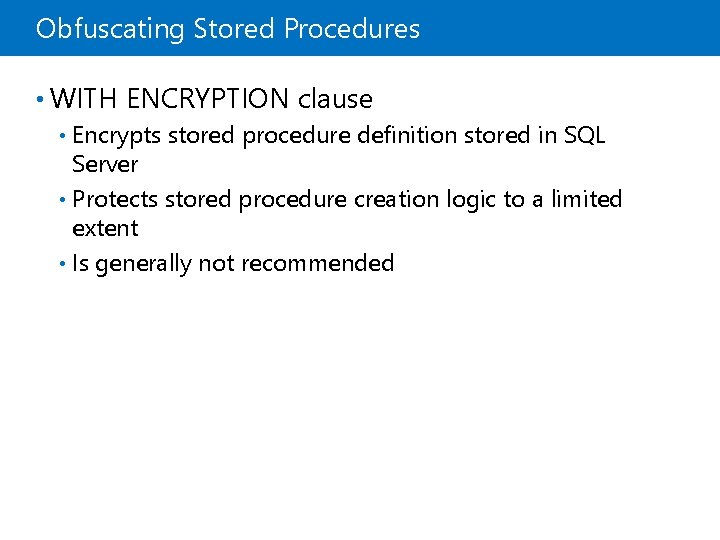
Obfuscating Stored Procedures • WITH ENCRYPTION clause Encrypts stored procedure definition stored in SQL Server • Protects stored procedure creation logic to a limited extent • Is generally not recommended •
Demonstration: Stored Procedures In this demonstration, you will see how to: • Create, execute, and alter a stored procedure
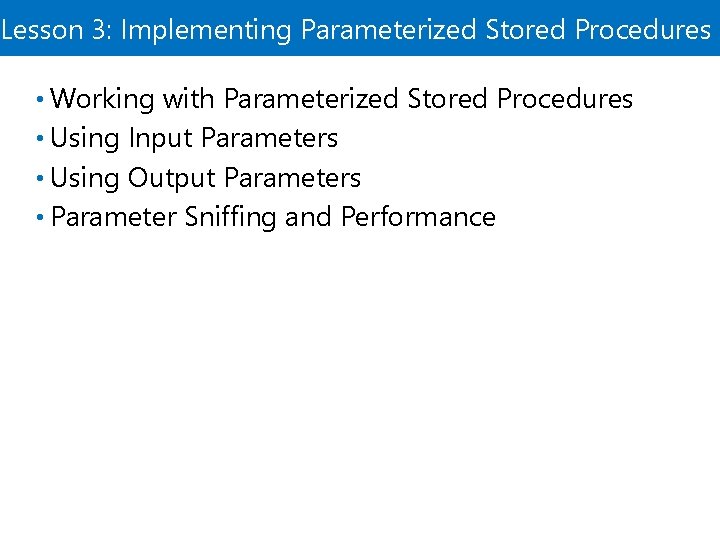
Lesson 3: Implementing Parameterized Stored Procedures • Working with Parameterized Stored Procedures • Using Input Parameters • Using Output Parameters • Parameter Sniffing and Performance
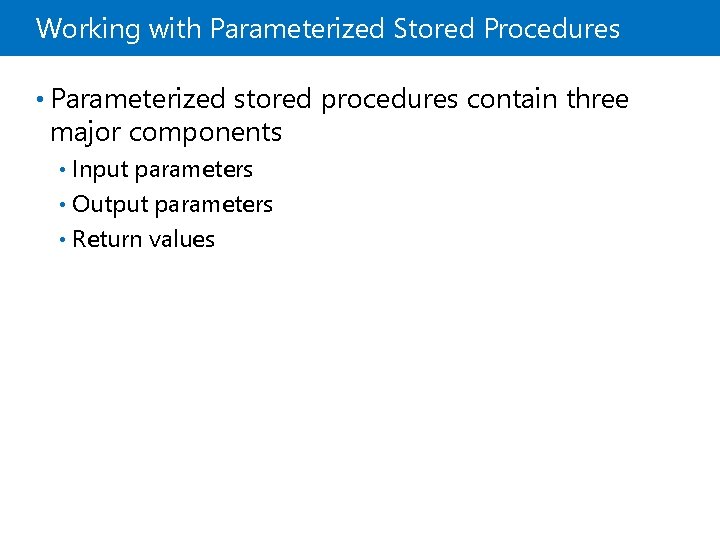
Working with Parameterized Stored Procedures • Parameterized stored procedures contain three major components Input parameters • Output parameters • Return values •
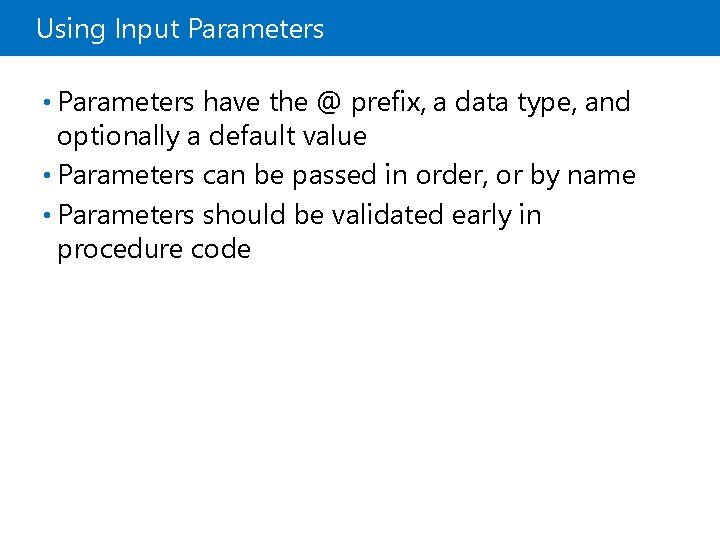
Using Input Parameters • Parameters have the @ prefix, a data type, and optionally a default value • Parameters can be passed in order, or by name • Parameters should be validated early in procedure code
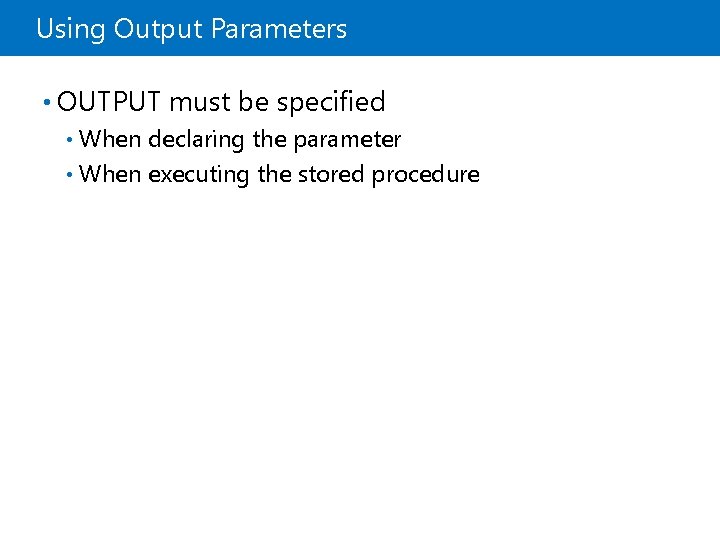
Using Output Parameters • OUTPUT must be specified When declaring the parameter • When executing the stored procedure •
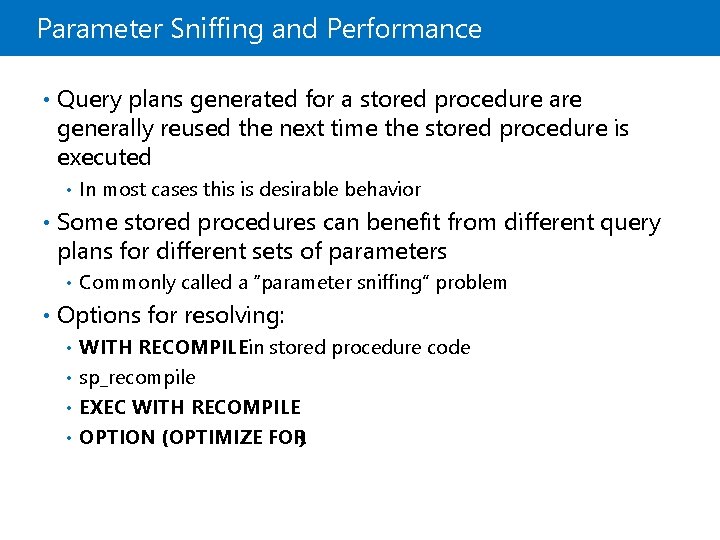
Parameter Sniffing and Performance • Query plans generated for a stored procedure are generally reused the next time the stored procedure is executed • In most cases this is desirable behavior • Some stored procedures can benefit from different query plans for different sets of parameters • Commonly called a “parameter sniffing” problem • Options for resolving: WITH RECOMPILEin stored procedure code • sp_recompile • EXEC WITH RECOMPILE • OPTION (OPTIMIZE FOR) •
Lesson 4: Controlling Execution Context • Controlling Executing Context • The EXECUTE AS Clause • Viewing Execution Context • Demonstration: Viewing Execution Context
Controlling Executing Context • Security tokens Login token • User token • • Control security context using • EXECUTE AS
The EXECUTE AS Clause • Enables impersonation • Provides access to modules through impersonation • Impersonate server-level principals or logins by using EXECUTE AS LOGIN • Impersonate database-level principals or users by using EXECUTE AS USER
Viewing Execution Context • Details of the current security context can be viewed programmatically • sys. login_token shows the login-related details • sys. user_token shows all tokens that are associated with a user
Demonstration: Viewing Execution Context In this demonstration, you will see how to: • View and change the execution context
Lab: Designing and Implementing Stored Procedures • Exercise 1: Create Stored Procedures • Exercise 2: Create Parameterized Stored Procedures • Exercise 3: Change Stored Procedure Execution Context Logon Information Virtual machine: 20762 B-MIA-SQL User name: ADVENTUREWORKSStudent Password: Pa$$w 0 rd Estimated Time: 45 minutes
Lab Scenario You need to create a set of stored procedures to support a new reporting application. The procedures will be created within a new Reports schema.
Lab Review In this lab, you learned how to create a stored procedure. You also learned how to change the execution context of a stored procedure and create a parameterized stored procedure.
Module Review and Takeaways • Best Practice