
Module 8 Implementing the Placement of Domain Controllers
- Slides: 23
Module 8: Implementing the Placement of Domain Controllers
Overview Implementing the Global Catalog in Active Directory Determining the Placement of Domain Controllers in Active Directory Planning the Placement of Domain Controllers
Lesson: Implementing the Global Catalog in Active Directory Review of a Global Catalog Server How to Enable a Global Catalog Server When to Customize a Global Catalog Server How to Customize a Global Catalog Server What Is Universal Group Membership Caching? Multimedia: The Role of Universal Groups in the Logon Process How to Enable Universal Group Membership Caching for a Site
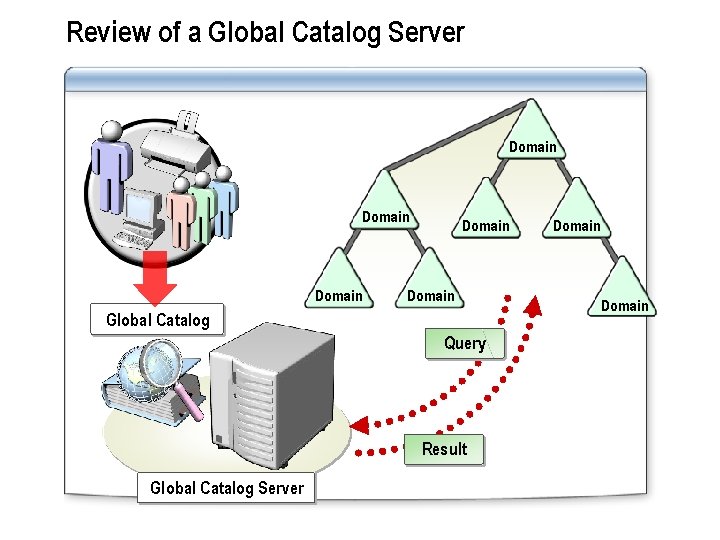
Review of a Global Catalog Server Domain Domain Global Catalog Query Result Global Catalog Server Domain
How to Enable a Global Catalog Server Your instructor will demonstrate how to enable a global catalog server by using Active Directory Sites and Services
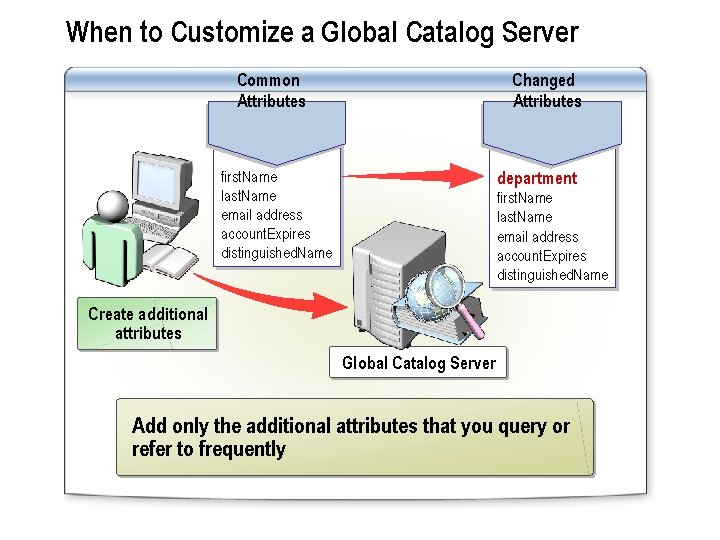
When to Customize a Global Catalog Server Common Attributes Changed Attributes department first. Name last. Name email address account. Expires distinguished. Name Create additional attributes Global Catalog Server Add only the additional attributes that you query or refer to frequently
How to Customize a Global Catalog Server Your instructor will demonstrate how to customize a global catalog server by using Active Directory Schema
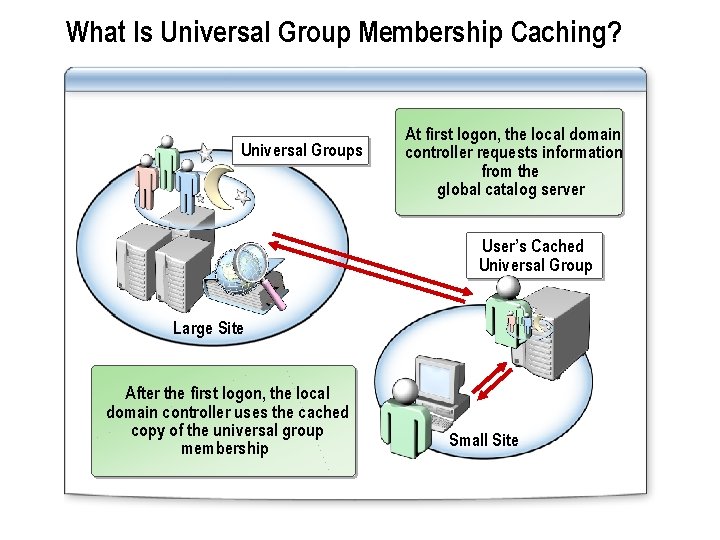
What Is Universal Group Membership Caching? Universal Groups At first logon, the local domain controller requests information from the global catalog server User’s Cached Universal Group Large Site After the first logon, the local domain controller uses the cached copy of the universal group membership Small Site
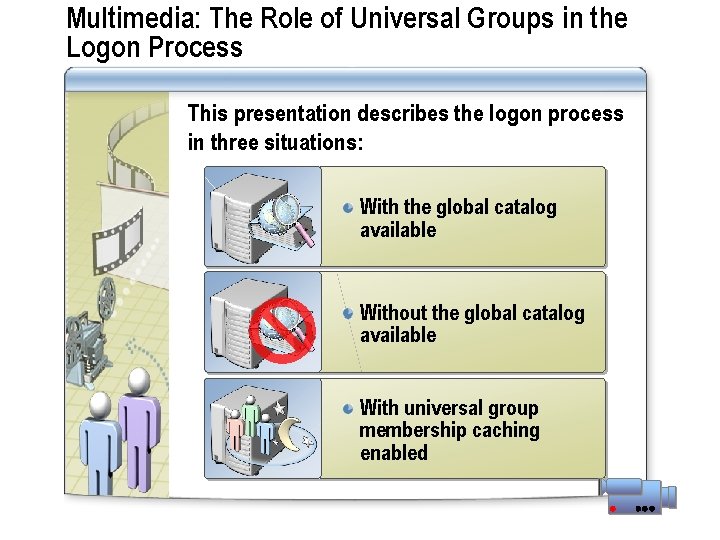
Multimedia: The Role of Universal Groups in the Logon Process This presentation describes the logon process in three situations: With the global catalog available Without the global catalog available With universal group membership caching enabled
How to Enable Universal Group Membership Caching for a Site Your instructor will demonstrate how to enable universal group membership caching by using Active Directory Sites and Services
Practice: Implementing the Global Catalog in Active Directory In this practice, you will enable a global catalog server
Lesson: Determining the Placement of Domain Controllers in Active Directory What Is Active Directory Sizer? Parameters for Active Directory Sizer How to Use Active Directory Sizer
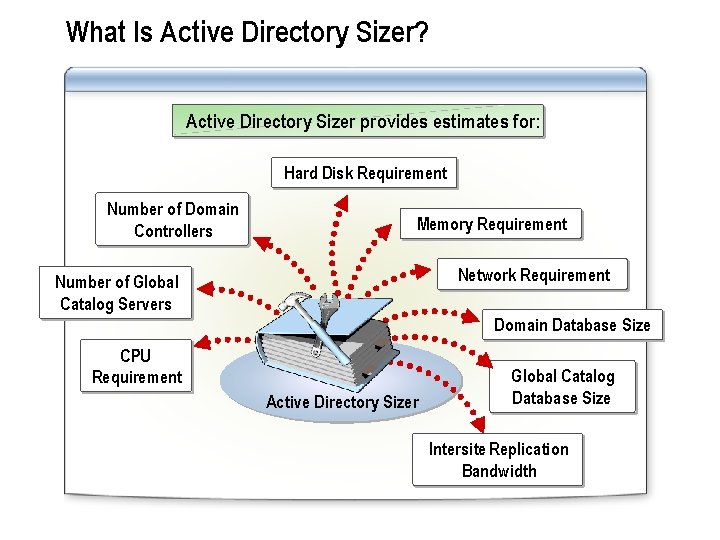
What Is Active Directory Sizer? Active Directory Sizer provides estimates for: Hard Disk Requirement Number of Domain Controllers Memory Requirement Network Requirement Number of Global Catalog Servers Domain Database Size CPU Requirement Active Directory Sizer Global Catalog Database Size Intersite Replication Bandwidth
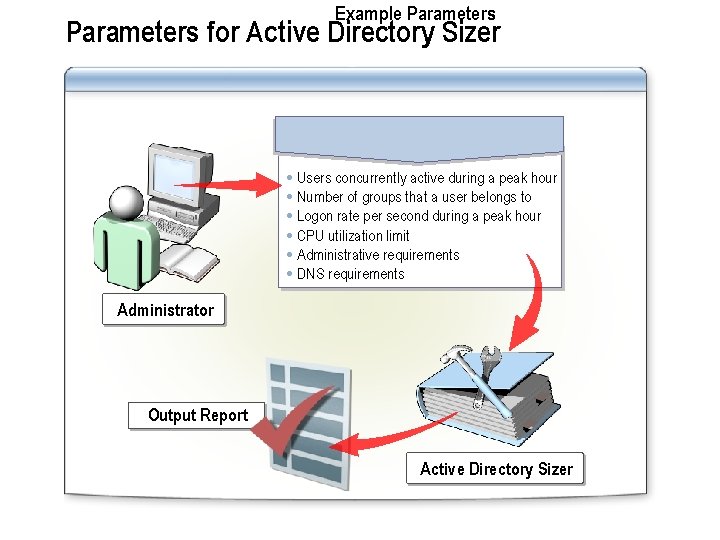
Example Parameters for Active Directory Sizer Users concurrently active during a peak hour Number of groups that a user belongs to Logon rate per second during a peak hour CPU utilization limit Administrative requirements DNS requirements Administrator Output Report Active Directory Sizer
How to Use Active Directory Sizer Your instructor will demonstrate how to: Use Active Directory Sizer Examine the output of Active Directory Sizer
Practice: Determining the Placement of Domain Controllers in Active Directory In this practice, you will determine the placement of domain controllers by using Active Directory Sizer
Lesson: Planning the Placement of Domain Controllers Guidelines for Placing Global Catalog Servers Guidelines for Enabling Universal Group Membership Caching Guidelines for Placing Active Directory Integrated DNS Servers
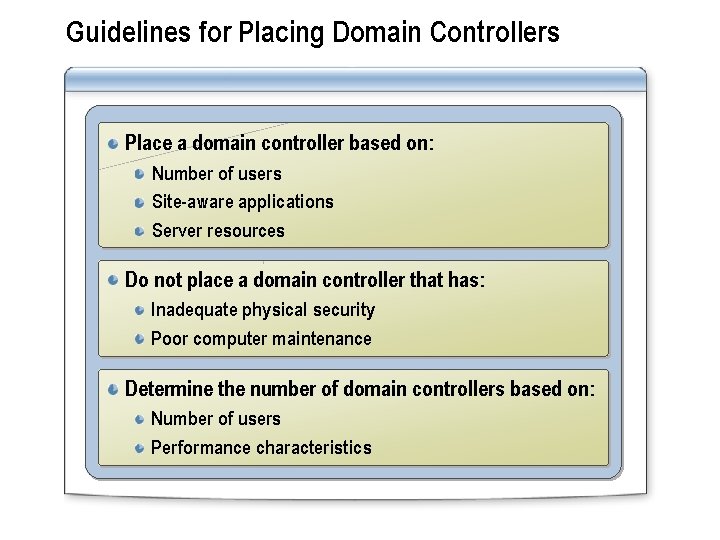
Guidelines for Placing Domain Controllers Place a domain controller based on: Number of users Site-aware applications Server resources Do not place a domain controller that has: Inadequate physical security Poor computer maintenance Determine the number of domain controllers based on: Number of users Performance characteristics
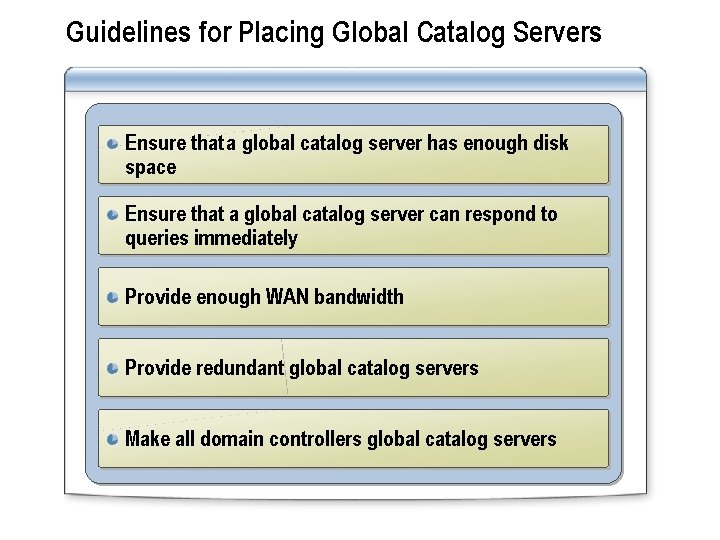
Guidelines for Placing Global Catalog Servers Ensure that a global catalog server has enough disk space Ensure that a global catalog server can respond to queries immediately Provide enough WAN bandwidth Provide redundant global catalog servers Make all domain controllers global catalog servers
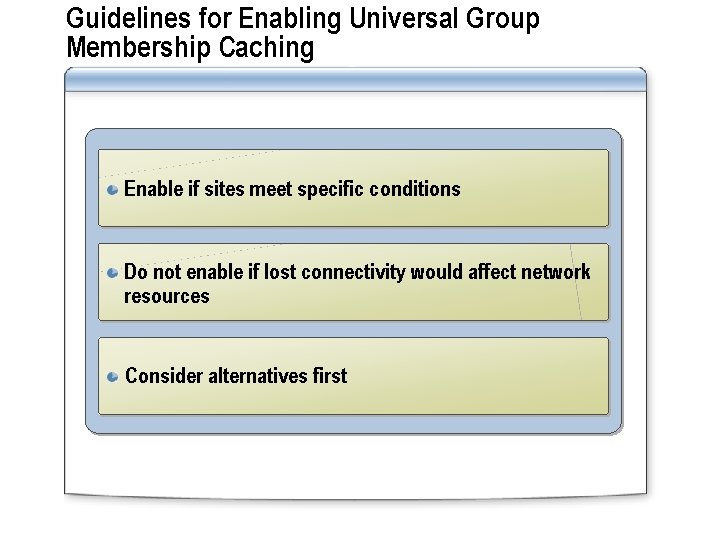
Guidelines for Enabling Universal Group Membership Caching Enable if sites meet specific conditions Do not enable if lost connectivity would affect network resources Consider alternatives first
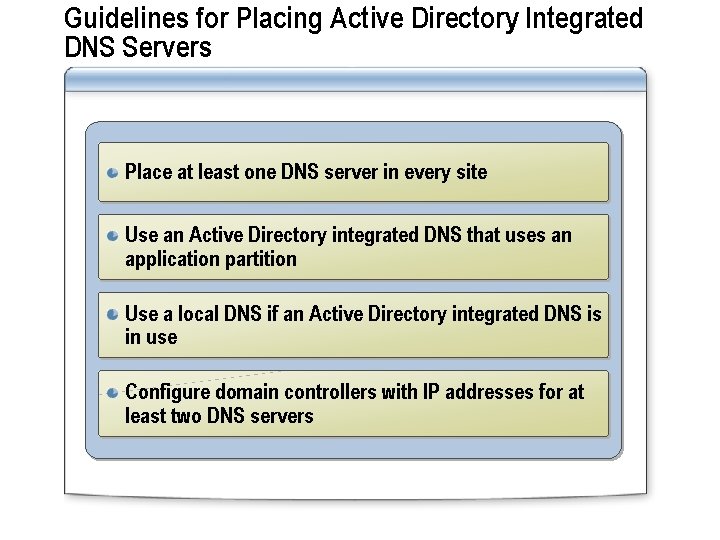
Guidelines for Placing Active Directory Integrated DNS Servers Place at least one DNS server in every site Use an Active Directory integrated DNS that uses an application partition Use a local DNS if an Active Directory integrated DNS is in use Configure domain controllers with IP addresses for at least two DNS servers
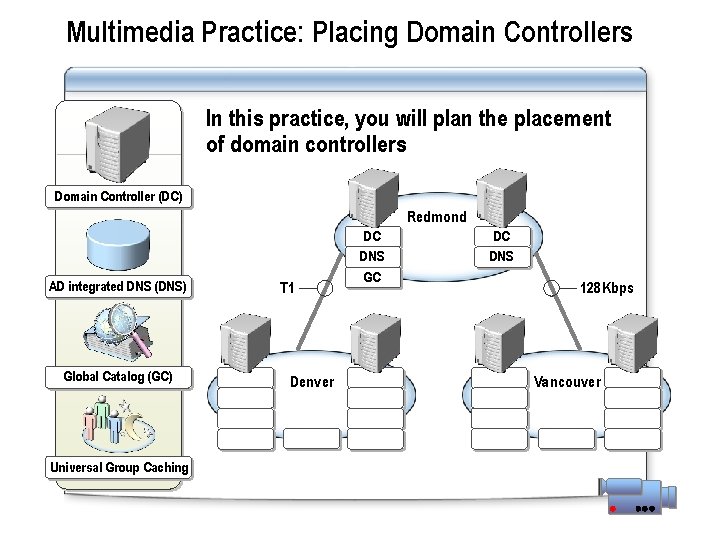
Multimedia Practice: Placing Domain Controllers In this practice, you will plan the placement of domain controllers Domain Controller (DC) Redmond AD integrated DNS (DNS) Global Catalog (GC) Universal Group Caching T 1 Denver DC DNS GC DC DNS 128 Kbps Vancouver
Lab A: Implementing the Placement of Domain Controllers Determining the Placement of Domain Controllers Using Active Directory Sizer Enabling Universal Group Membership Caching