
Module 7 Advanced SQL Database System Concepts 6
Module 7: Advanced SQL Database System Concepts, 6 th Ed. ©Silberschatz, Korth and Sudarshan See www. db-book. com for conditions on re-use
Outline (Chapter 5) n Accessing SQL From a Programming Language n Functions and Procedural Constructs n Triggers Database System Concepts - 6 th Edition 7. 2 ©Silberschatz, Korth and Sudarshan
Accessing SQL From a Programming Language Database System Concepts - 6 th Edition 7. 3 ©Silberschatz, Korth and Sudarshan
Accessing SQL From a Programming Language n API (application-program interface) for a program to interact with a database server n Application makes calls to l Connect with the database server l Send SQL commands to the database server l Fetch tuples of result one-by-one into program variables n Various tools: l Embedded SQL l JDBC (Java Database Connectivity) works with Java l ODBC (Open Database Connectivity) works with C, C++, C#, and Visual Basic. Other API’s such as ADO. NET sit on top of ODBC Database System Concepts - 6 th Edition 7. 4 ©Silberschatz, Korth and Sudarshan
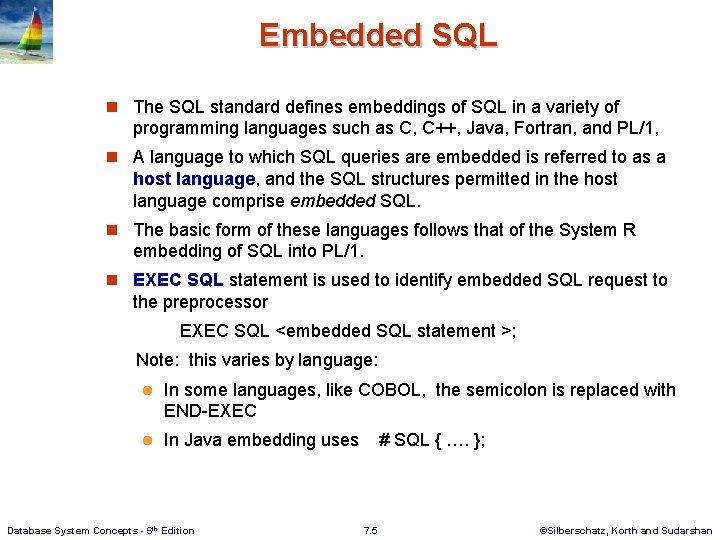
Embedded SQL n The SQL standard defines embeddings of SQL in a variety of programming languages such as C, C++, Java, Fortran, and PL/1, n A language to which SQL queries are embedded is referred to as a host language, and the SQL structures permitted in the host language comprise embedded SQL. n The basic form of these languages follows that of the System R embedding of SQL into PL/1. n EXEC SQL statement is used to identify embedded SQL request to the preprocessor EXEC SQL <embedded SQL statement >; Note: this varies by language: l In some languages, like COBOL, the semicolon is replaced with END-EXEC l In Java embedding uses Database System Concepts - 6 th Edition # SQL { …. }; 7. 5 ©Silberschatz, Korth and Sudarshan
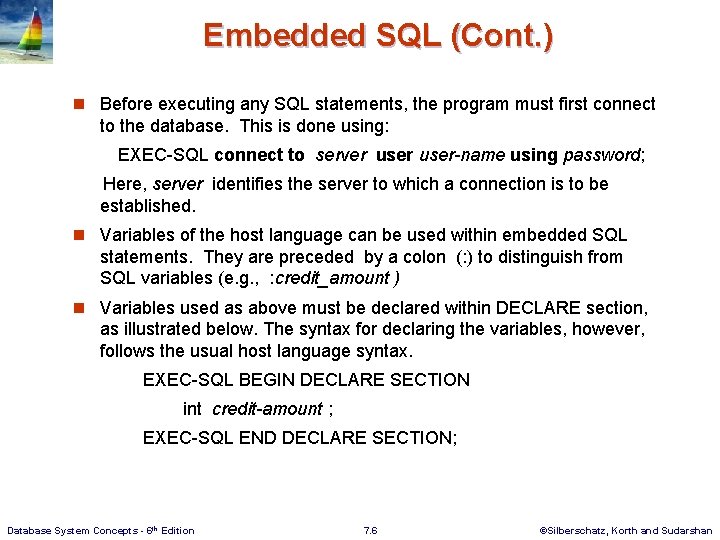
Embedded SQL (Cont. ) n Before executing any SQL statements, the program must first connect to the database. This is done using: EXEC-SQL connect to server user-name using password; Here, server identifies the server to which a connection is to be established. n Variables of the host language can be used within embedded SQL statements. They are preceded by a colon (: ) to distinguish from SQL variables (e. g. , : credit_amount ) n Variables used as above must be declared within DECLARE section, as illustrated below. The syntax for declaring the variables, however, follows the usual host language syntax. EXEC-SQL BEGIN DECLARE SECTION int credit-amount ; EXEC-SQL END DECLARE SECTION; Database System Concepts - 6 th Edition 7. 6 ©Silberschatz, Korth and Sudarshan
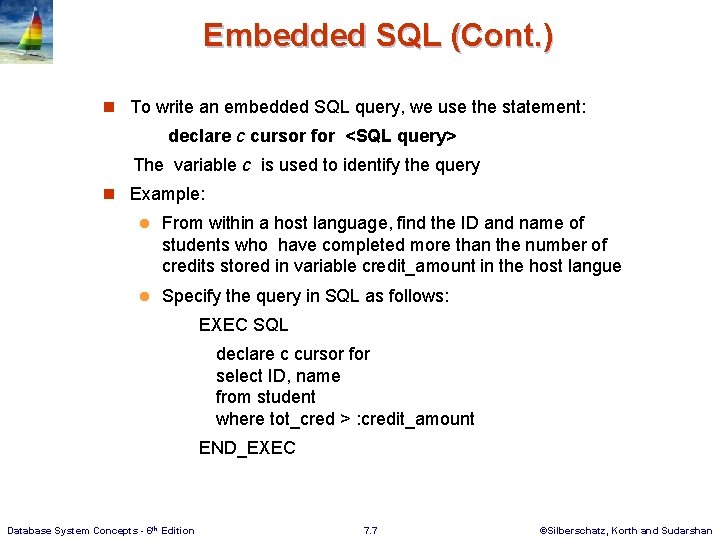
Embedded SQL (Cont. ) n To write an embedded SQL query, we use the statement: declare c cursor for <SQL query> The variable c is used to identify the query n Example: l From within a host language, find the ID and name of students who have completed more than the number of credits stored in variable credit_amount in the host langue l Specify the query in SQL as follows: EXEC SQL declare c cursor for select ID, name from student where tot_cred > : credit_amount END_EXEC Database System Concepts - 6 th Edition 7. 7 ©Silberschatz, Korth and Sudarshan
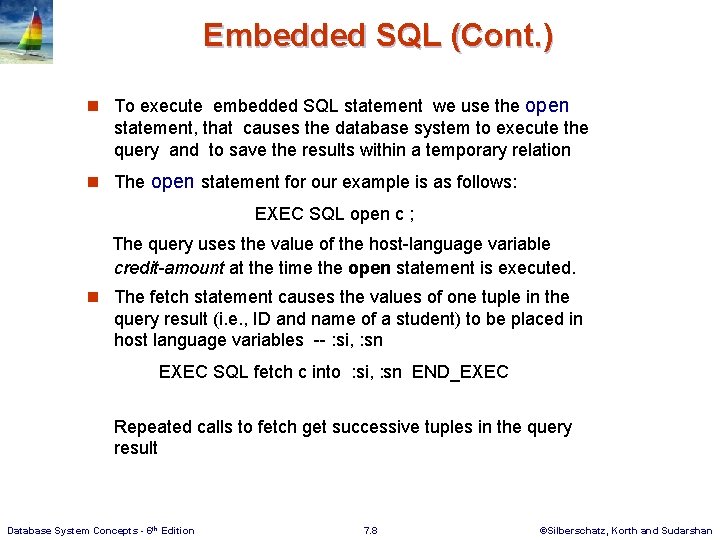
Embedded SQL (Cont. ) n To execute embedded SQL statement we use the open statement, that causes the database system to execute the query and to save the results within a temporary relation n The open statement for our example is as follows: EXEC SQL open c ; The query uses the value of the host-language variable credit-amount at the time the open statement is executed. n The fetch statement causes the values of one tuple in the query result (i. e. , ID and name of a student) to be placed in host language variables -- : si, : sn EXEC SQL fetch c into : si, : sn END_EXEC Repeated calls to fetch get successive tuples in the query result Database System Concepts - 6 th Edition 7. 8 ©Silberschatz, Korth and Sudarshan
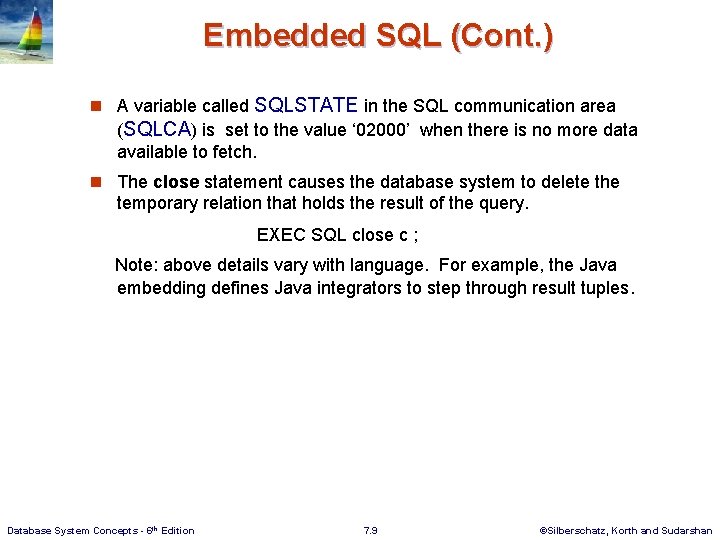
Embedded SQL (Cont. ) n A variable called SQLSTATE in the SQL communication area (SQLCA) is set to the value ‘ 02000’ when there is no more data available to fetch. n The close statement causes the database system to delete the temporary relation that holds the result of the query. EXEC SQL close c ; Note: above details vary with language. For example, the Java embedding defines Java integrators to step through result tuples. Database System Concepts - 6 th Edition 7. 9 ©Silberschatz, Korth and Sudarshan
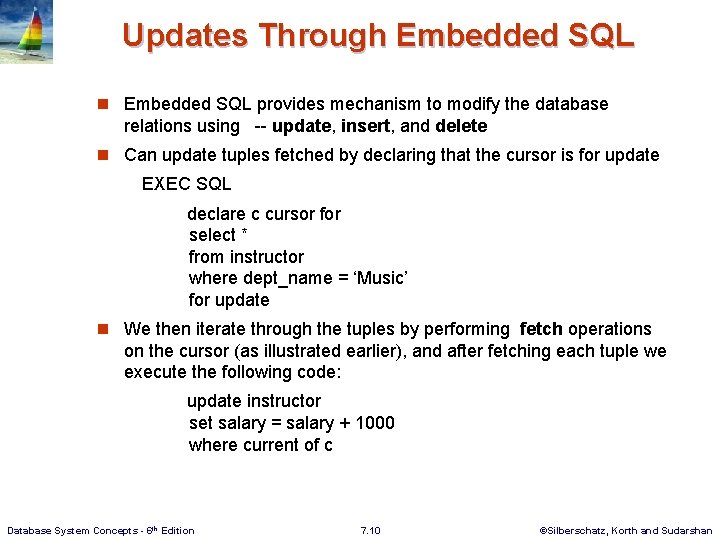
Updates Through Embedded SQL n Embedded SQL provides mechanism to modify the database relations using -- update, insert, and delete n Can update tuples fetched by declaring that the cursor is for update EXEC SQL declare c cursor for select * from instructor where dept_name = ‘Music’ for update n We then iterate through the tuples by performing fetch operations on the cursor (as illustrated earlier), and after fetching each tuple we execute the following code: update instructor set salary = salary + 1000 where current of c Database System Concepts - 6 th Edition 7. 10 ©Silberschatz, Korth and Sudarshan
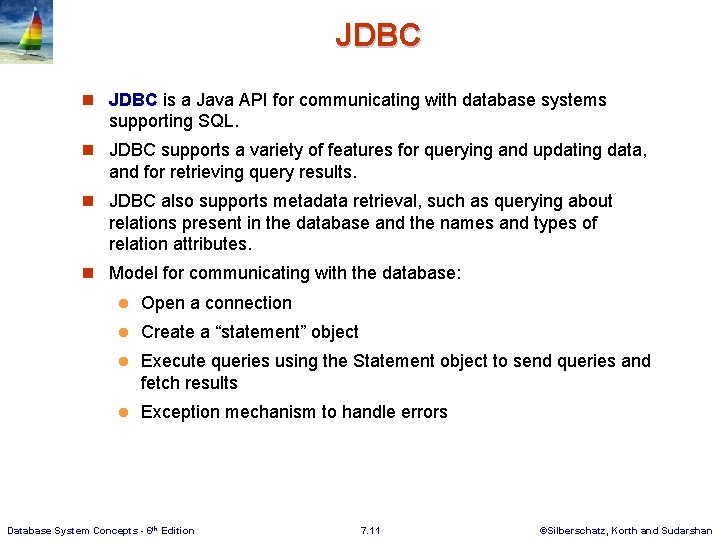
JDBC n JDBC is a Java API for communicating with database systems supporting SQL. n JDBC supports a variety of features for querying and updating data, and for retrieving query results. n JDBC also supports metadata retrieval, such as querying about relations present in the database and the names and types of relation attributes. n Model for communicating with the database: l Open a connection l Create a “statement” object l Execute queries using the Statement object to send queries and fetch results l Exception mechanism to handle errors Database System Concepts - 6 th Edition 7. 11 ©Silberschatz, Korth and Sudarshan
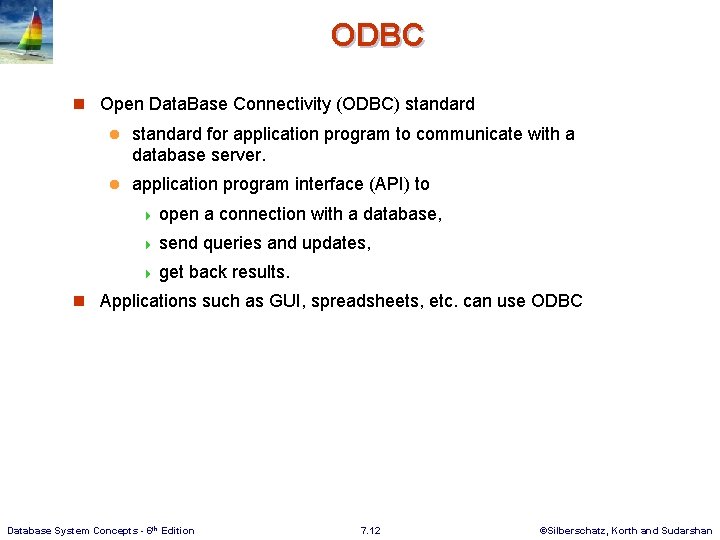
ODBC n Open Data. Base Connectivity (ODBC) standard l standard for application program to communicate with a database server. l application program interface (API) to 4 open a connection with a database, 4 send queries and updates, 4 get back results. n Applications such as GUI, spreadsheets, etc. can use ODBC Database System Concepts - 6 th Edition 7. 12 ©Silberschatz, Korth and Sudarshan
Extensions to SQL Database System Concepts - 6 th Edition 7. 13 ©Silberschatz, Korth and Sudarshan
Functions and Procedures n SQL supports functions and procedures l Functions/procedures can be written in: 4 SQL 4 in l itself, or an external programming language (e. g. , C, Java). Functions written in an external languages are particularly useful with specialized data types such as images and geometric objects. 4 Example: functions to check if polygons overlap, or to compare images for similarity. l Some database systems support table-valued functions, which can return a relation as a result. n SQL also supports a rich set of imperative constructs, including l Loops, if-then-else, assignment n Many databases have proprietary procedural extensions to SQL that differ from SQL Database System Concepts - 6 th Edition 7. 14 ©Silberschatz, Korth and Sudarshan
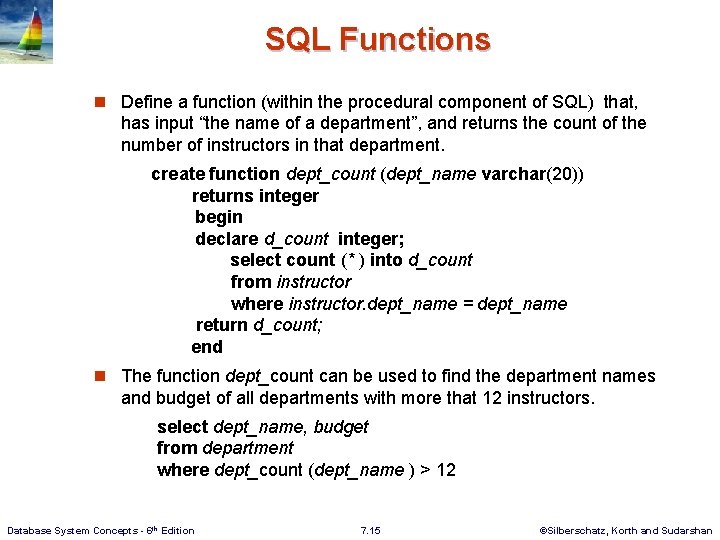
SQL Functions n Define a function (within the procedural component of SQL) that, has input “the name of a department”, and returns the count of the number of instructors in that department. create function dept_count (dept_name varchar(20)) returns integer begin declare d_count integer; select count (* ) into d_count from instructor where instructor. dept_name = dept_name return d_count; end n The function dept_count can be used to find the department names and budget of all departments with more that 12 instructors. select dept_name, budget from department where dept_count (dept_name ) > 12 Database System Concepts - 6 th Edition 7. 15 ©Silberschatz, Korth and Sudarshan
SQL functions (Cont. ) n returns -- indicates the variable-type that is returned (e. g. , integer) n return -- specifies the values that are to be returned as result of invoking the function n Compound statement: begin … end l May contain multiple SQL statements between begin and end. l Local variables can be declared within a compound statements. n SQL function are in fact parameterized views that generalize the regular notion of views by allowing parameters. Database System Concepts - 6 th Edition 7. 16 ©Silberschatz, Korth and Sudarshan
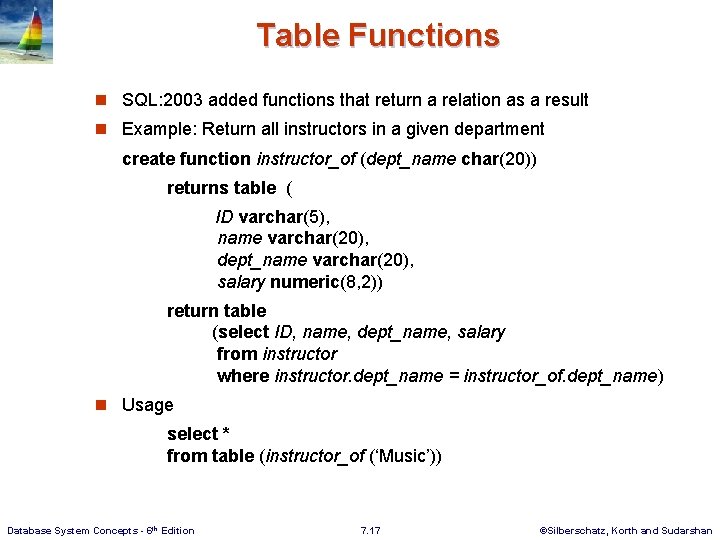
Table Functions n SQL: 2003 added functions that return a relation as a result n Example: Return all instructors in a given department create function instructor_of (dept_name char(20)) returns table ( ID varchar(5), name varchar(20), dept_name varchar(20), salary numeric(8, 2)) return table (select ID, name, dept_name, salary from instructor where instructor. dept_name = instructor_of. dept_name) n Usage select * from table (instructor_of (‘Music’)) Database System Concepts - 6 th Edition 7. 17 ©Silberschatz, Korth and Sudarshan
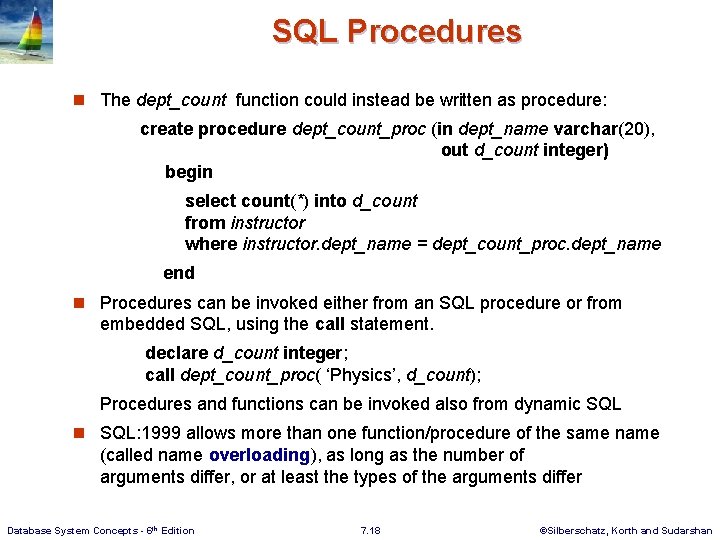
SQL Procedures n The dept_count function could instead be written as procedure: create procedure dept_count_proc (in dept_name varchar(20), out d_count integer) begin select count(*) into d_count from instructor where instructor. dept_name = dept_count_proc. dept_name end n Procedures can be invoked either from an SQL procedure or from embedded SQL, using the call statement. declare d_count integer; call dept_count_proc( ‘Physics’, d_count); Procedures and functions can be invoked also from dynamic SQL n SQL: 1999 allows more than one function/procedure of the same name (called name overloading), as long as the number of arguments differ, or at least the types of the arguments differ Database System Concepts - 6 th Edition 7. 18 ©Silberschatz, Korth and Sudarshan
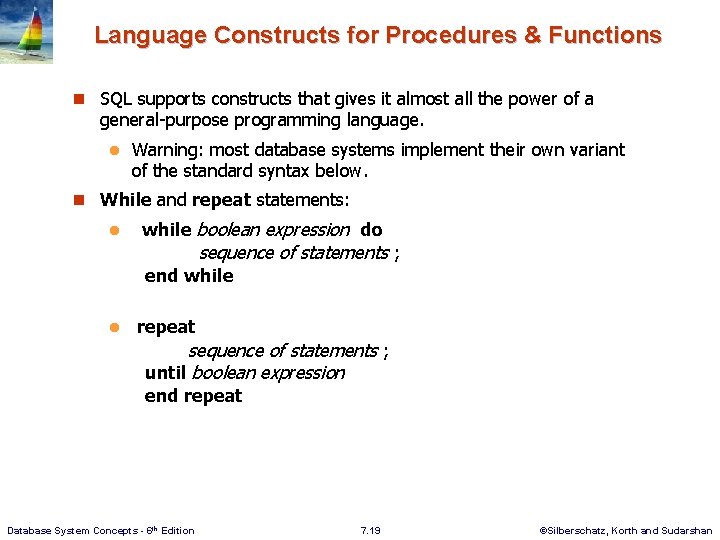
Language Constructs for Procedures & Functions n SQL supports constructs that gives it almost all the power of a general-purpose programming language. l Warning: most database systems implement their own variant of the standard syntax below. n While and repeat statements: l while boolean expression do sequence of statements ; end while l repeat sequence of statements ; until boolean expression end repeat Database System Concepts - 6 th Edition 7. 19 ©Silberschatz, Korth and Sudarshan
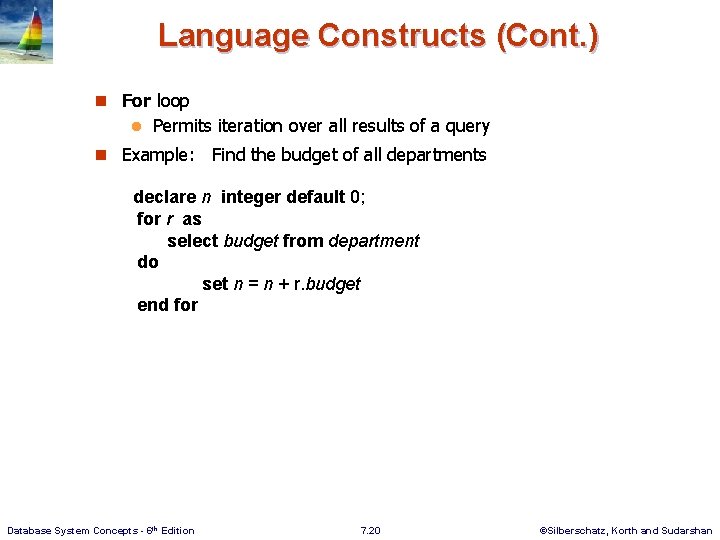
Language Constructs (Cont. ) n For loop l Permits iteration over all results of a query n Example: Find the budget of all departments declare n integer default 0; for r as select budget from department do set n = n + r. budget end for Database System Concepts - 6 th Edition 7. 20 ©Silberschatz, Korth and Sudarshan
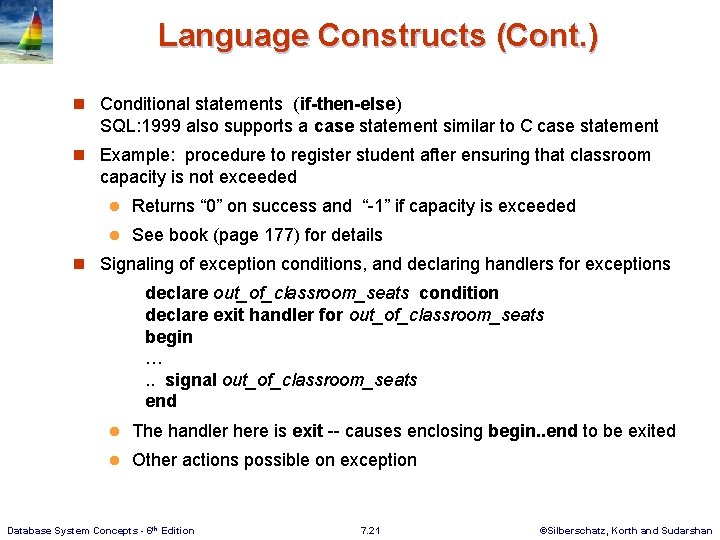
Language Constructs (Cont. ) n Conditional statements (if-then-else) SQL: 1999 also supports a case statement similar to C case statement n Example: procedure to register student after ensuring that classroom capacity is not exceeded l Returns “ 0” on success and “-1” if capacity is exceeded l See book (page 177) for details n Signaling of exception conditions, and declaring handlers for exceptions declare out_of_classroom_seats condition declare exit handler for out_of_classroom_seats begin …. . signal out_of_classroom_seats end l The handler here is exit -- causes enclosing begin. . end to be exited l Other actions possible on exception Database System Concepts - 6 th Edition 7. 21 ©Silberschatz, Korth and Sudarshan
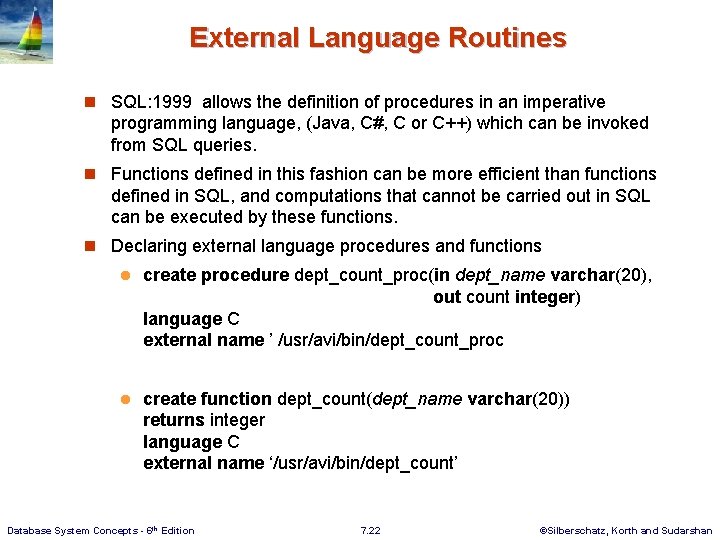
External Language Routines n SQL: 1999 allows the definition of procedures in an imperative programming language, (Java, C#, C or C++) which can be invoked from SQL queries. n Functions defined in this fashion can be more efficient than functions defined in SQL, and computations that cannot be carried out in SQL can be executed by these functions. n Declaring external language procedures and functions l create procedure dept_count_proc(in dept_name varchar(20), out count integer) language C external name ’ /usr/avi/bin/dept_count_proc l create function dept_count(dept_name varchar(20)) returns integer language C external name ‘/usr/avi/bin/dept_count’ Database System Concepts - 6 th Edition 7. 22 ©Silberschatz, Korth and Sudarshan
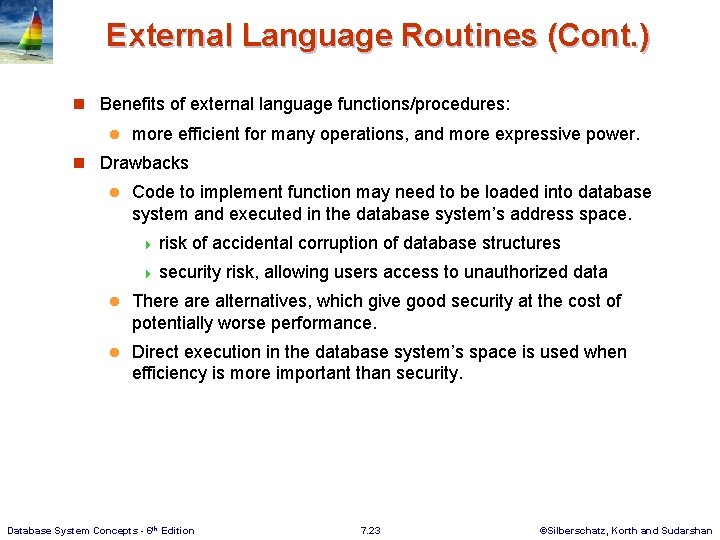
External Language Routines (Cont. ) n Benefits of external language functions/procedures: l more efficient for many operations, and more expressive power. n Drawbacks l Code to implement function may need to be loaded into database system and executed in the database system’s address space. 4 risk of accidental corruption of database structures 4 security risk, allowing users access to unauthorized data l There alternatives, which give good security at the cost of potentially worse performance. l Direct execution in the database system’s space is used when efficiency is more important than security. Database System Concepts - 6 th Edition 7. 23 ©Silberschatz, Korth and Sudarshan
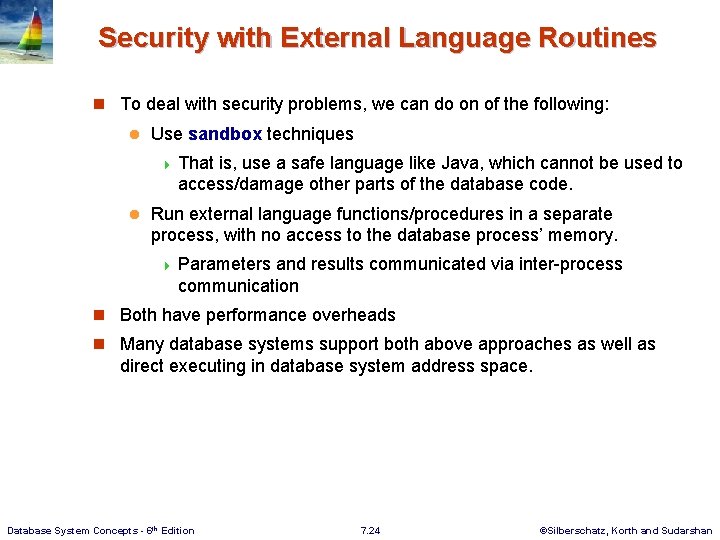
Security with External Language Routines n To deal with security problems, we can do on of the following: l Use sandbox techniques 4 That is, use a safe language like Java, which cannot be used to access/damage other parts of the database code. l Run external language functions/procedures in a separate process, with no access to the database process’ memory. 4 Parameters and results communicated via inter-process communication n Both have performance overheads n Many database systems support both above approaches as well as direct executing in database system address space. Database System Concepts - 6 th Edition 7. 24 ©Silberschatz, Korth and Sudarshan
Triggers Database System Concepts - 6 th Edition 7. 25 ©Silberschatz, Korth and Sudarshan
Triggers n A trigger is a statement that is executed automatically by the system as a side effect of a modification to the database. n To design a trigger mechanism, we must: l Specify the conditions under which the trigger is to be executed. l Specify the actions to be taken when the trigger executes. n Triggers were introduced to SQL standard in SQL: 1999, but supported even earlier using non-standard syntax by most databases. l Syntax illustrated here may not work exactly on your database system; check the system manuals Database System Concepts - 6 th Edition 7. 26 ©Silberschatz, Korth and Sudarshan
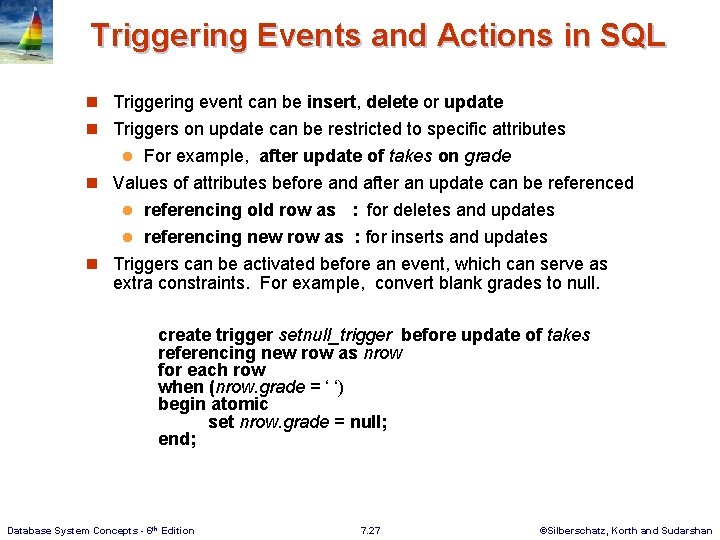
Triggering Events and Actions in SQL n Triggering event can be insert, delete or update n Triggers on update can be restricted to specific attributes For example, after update of takes on grade n Values of attributes before and after an update can be referenced l referencing old row as : for deletes and updates l referencing new row as : for inserts and updates n Triggers can be activated before an event, which can serve as extra constraints. For example, convert blank grades to null. l create trigger setnull_trigger before update of takes referencing new row as nrow for each row when (nrow. grade = ‘ ‘) begin atomic set nrow. grade = null; end; Database System Concepts - 6 th Edition 7. 27 ©Silberschatz, Korth and Sudarshan
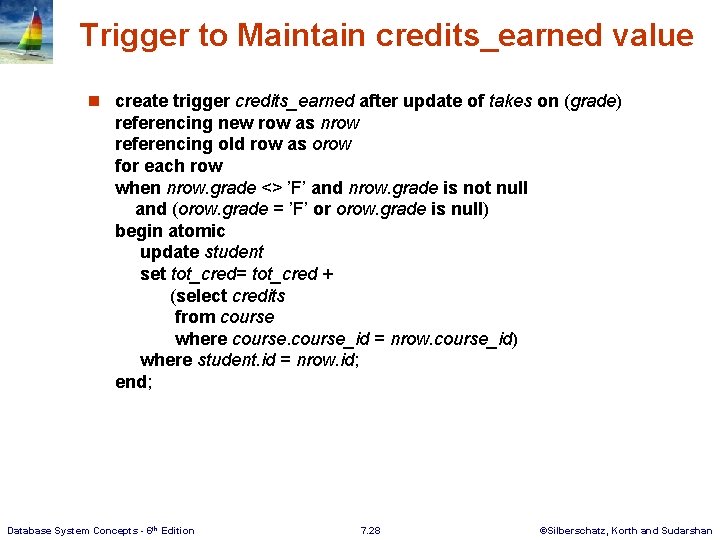
Trigger to Maintain credits_earned value n create trigger credits_earned after update of takes on (grade) referencing new row as nrow referencing old row as orow for each row when nrow. grade <> ’F’ and nrow. grade is not null and (orow. grade = ’F’ or orow. grade is null) begin atomic update student set tot_cred= tot_cred + (select credits from course where course_id = nrow. course_id) where student. id = nrow. id; end; Database System Concepts - 6 th Edition 7. 28 ©Silberschatz, Korth and Sudarshan
Statement Level Triggers n Instead of executing a separate action for each affected row (using for each row), a single action can be executed for all rows affected by a transaction l Use 4 for l each statement Use 4 referencing old table or referencing new table to refer to temporary tables (called transition tables) containing the affected rows l Can be more efficient when dealing with SQL statements that update a large number of rows Database System Concepts - 6 th Edition 7. 29 ©Silberschatz, Korth and Sudarshan
When Not To Use Triggers n Triggers were used earlier for tasks such as Maintaining summary data (e. g. , total salary of each department) l Replicating databases by recording changes to special relations (called change or delta relations) and having a separate process that applies the changes over to a replica n There are better ways of doing these now: l Databases today provide built in materialized view facilities to maintain summary data l Databases provide built-in support for replication n Encapsulation facilities can be used instead of triggers in many cases l Define methods to update fields l Carry out actions as part of the update methods instead of through a trigger l Database System Concepts - 6 th Edition 7. 30 ©Silberschatz, Korth and Sudarshan
When Not To Use Triggers (Cont. ) n Risk of unintended execution of triggers, for example, when Loading data from a backup copy l Replicating updates at a remote site l Trigger execution can be disabled before such actions. n Other risks with triggers: l Error leading to failure of critical transactions that set off the trigger l Cascading execution l Database System Concepts - 6 th Edition 7. 31 ©Silberschatz, Korth and Sudarshan
End of Module 7 Database System Concepts, 6 th Ed. ©Silberschatz, Korth and Sudarshan See www. db-book. com for conditions on re-use
- Slides: 32