
Module 6 Optimizing and Troubleshooting DNS Overview Optimizing
Module 6: Optimizing and Troubleshooting DNS
Overview Optimizing DNS Servers Troubleshooting Host Name Resolution
Lesson 1: Optimizing DNS Servers Disabling Recursion on a DNS Server Deleting and Modifying Root Hints on a DNS Server Optimizing DNS Server Response Optimizing DNS Server Functionality Optimizing Server Functionality Using EDNS 0 Optimizing the DNS Server
Disabling Recursion on the DNS Server Disable recursion to limit name resolution to a specific server, or as a failover for another DNS server Benefit: You will reduce the load on the DNS server Consequence: You will not be able to resolve names outside of your own zone
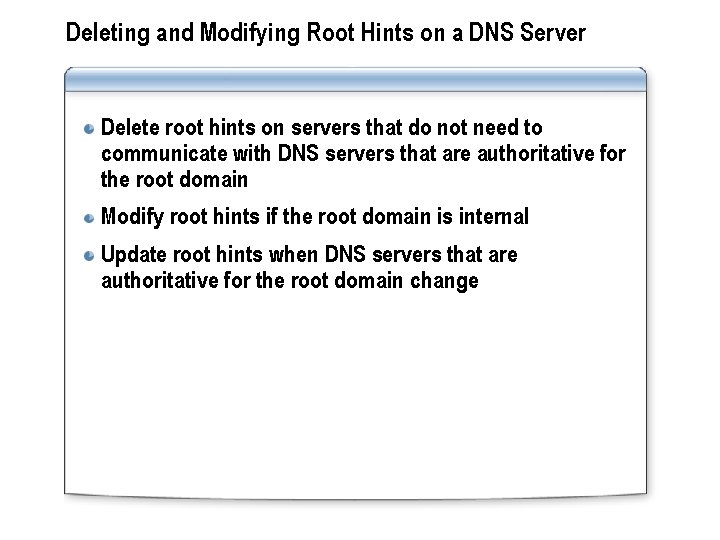
Deleting and Modifying Root Hints on a DNS Server Delete root hints on servers that do not need to communicate with DNS servers that are authoritative for the root domain Modify root hints if the root domain is internal Update root hints when DNS servers that are authoritative for the root domain change
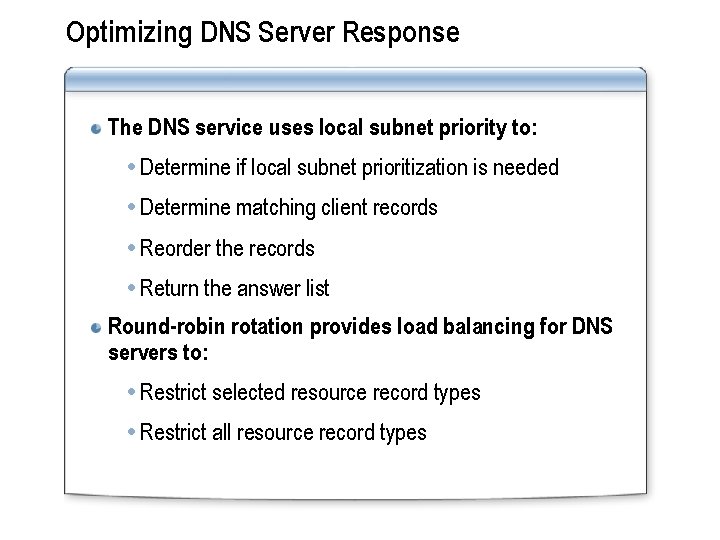
Optimizing DNS Server Response The DNS service uses local subnet priority to: Determine if local subnet prioritization is needed Determine matching client records Reorder the records Return the answer list Round-robin rotation provides load balancing for DNS servers to: Restrict selected resource record types Restrict all resource record types
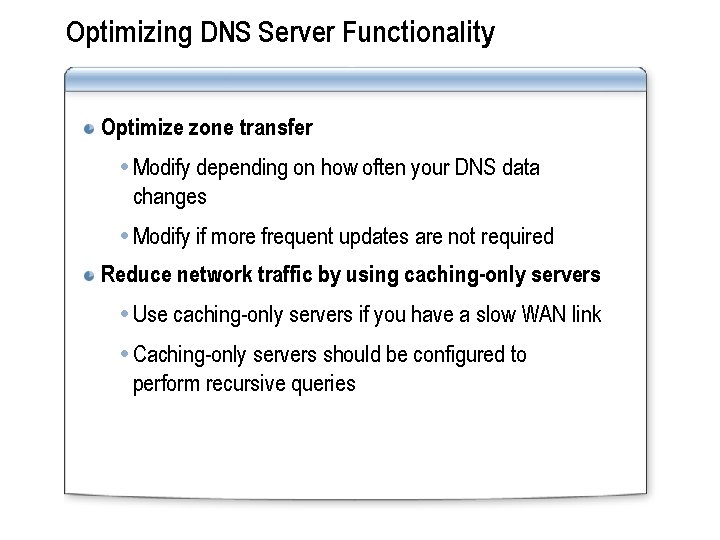
Optimizing DNS Server Functionality Optimize zone transfer Modify depending on how often your DNS data changes Modify if more frequent updates are not required Reduce network traffic by using caching-only servers Use caching-only servers if you have a slow WAN link Caching-only servers should be configured to perform recursive queries
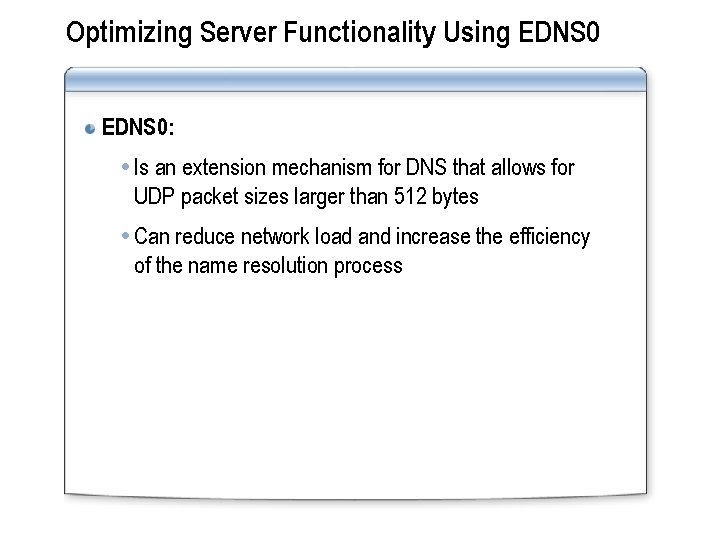
Optimizing Server Functionality Using EDNS 0: Is an extension mechanism for DNS that allows for UDP packet sizes larger than 512 bytes Can reduce network load and increase the efficiency of the name resolution process
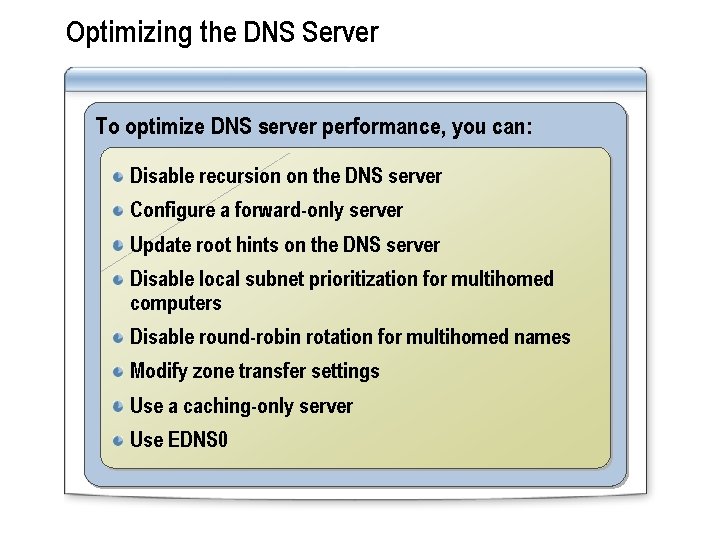
Optimizing the DNS Server To optimize DNS server performance, you can: Disable recursion on the DNS server Configure a forward-only server Update root hints on the DNS server Disable local subnet prioritization for multihomed computers Disable round-robin rotation for multihomed names Modify zone transfer settings Use a caching-only server Use EDNS 0
Practice: Optimizing DNS Performance In this practice, you will optimize DNS performance based on a given scenario
Lesson 2: Troubleshooting Host Name Resolution Demonstration: Examining Resource Records Using Nslookup Demonstration: DNS Troubleshooting Tools How to Troubleshoot Host Name Resolution Restoring Server Default Preferences How to Troubleshoot Host Records Registration How to Troubleshoot Dynamic Updates Troubleshooting Common DNS Issues
Demonstration: Examining Resource Records Using Nslookup The objective of this demonstration is to explain how you can use the Nslookup command-line tool to examine resource records You will learn how to: Run Nslookup at a command prompt Set a default DNS server List all of the host or A records for a domain List only the name server records List only the SOA resource records Change the output serial values Validate a zone transfer
Demonstration: DNS Troubleshooting Tools In this demonstration, you learn how to use DNSLint to automate the Nslookup command-line tool.
How to Troubleshoot Host Name Resolution In this procedure, you will learn how to troubleshoot host name resolution
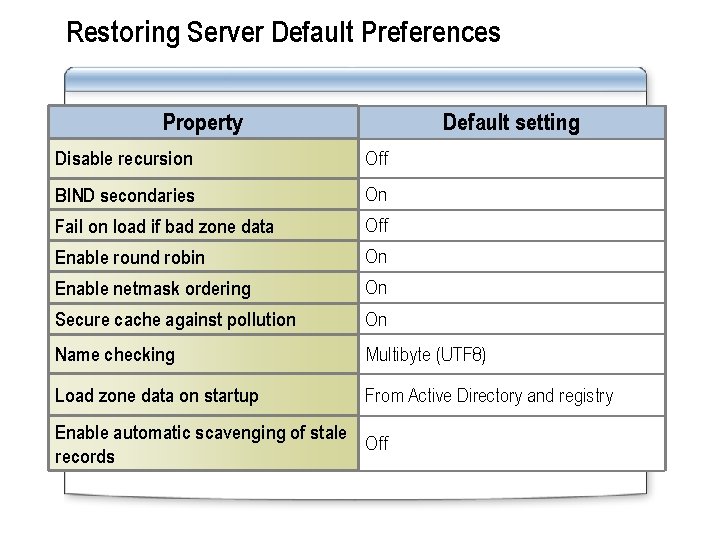
Restoring Server Default Preferences Property Default setting Disable recursion Off BIND secondaries On Fail on load if bad zone data Off Enable round robin On Enable netmask ordering On Secure cache against pollution On Name checking Multibyte (UTF 8) Load zone data on startup From Active Directory and registry Enable automatic scavenging of stale Off records
How to Troubleshoot Host Records Registration In this procedure, you will learn how to troubleshoot host records registration
How to Troubleshoot Dynamic Updates In this procedure, you will learn how to troubleshoot dynamic updates
Troubleshooting Common DNS Issues Inability to resolve some names in the namespace Use the New Delegation Wizard Use DNSLint or Nslookup to help diagnose bad delegations Inability to resolve names outside the DNS zone Verify that the forwarders are present on the DNS server Troubleshooting forwarders on the DNS server Enable forwarders for the server
Practice: Troubleshooting Host Name Resolution In this practice, you will troubleshoot host name resolution based on a given scenario
Lab A: Troubleshooting DNS Exercise 1: Troubleshooting DNS Name Resolution for the Internal Namespace Exercise 2: Troubleshooting DNS Name Resolution for the External Namespace
- Slides: 20