
Module 5 Programming with C Overview n Using

![How to Initialize and Access Array Members n Initializing an array int[] numbers =](https://slidetodoc.com/presentation_image_h2/c71da114945715f4057b9e79c0097d19/image-6.jpg "How to Initialize and Access Array Members n Initializing an array int[] numbers =")

- Slides: 37
Module 5: Programming with C#
Overview n Using Arrays n Using Collections n Using Interfaces n Using Exception Handling n Using Delegates and Events
Lesson: Using Arrays n What Is an Array? n How to Create an Array n How to Initialize and Access Array Members n How to Iterate Through an Array Using the foreach Statement n How to Use Arrays as Method Parameters n How to Index an Object
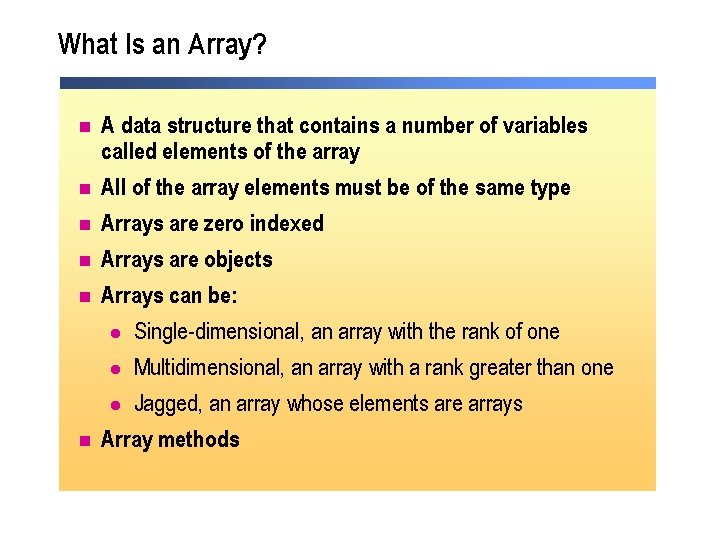
What Is an Array? n n n A data structure that contains a number of variables called elements of the array All of the array elements must be of the same type Arrays are zero indexed Arrays are objects Arrays can be: l Single-dimensional, an array with the rank of one l Multidimensional, an array with a rank greater than one l Jagged, an array whose elements are arrays Array methods
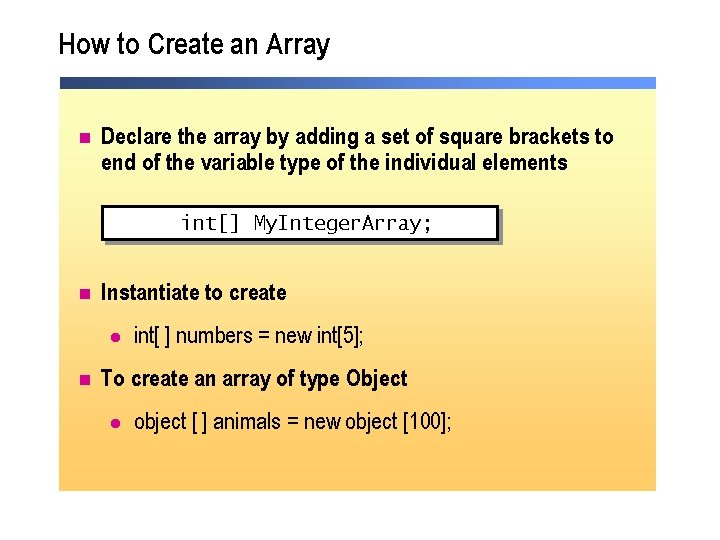
How to Create an Array n Declare the array by adding a set of square brackets to end of the variable type of the individual elements int[] My. Integer. Array; n Instantiate to create l n int[ ] numbers = new int[5]; To create an array of type Object l object [ ] animals = new object [100];
How to Initialize and Access Array Members n Initializing an array int[] numbers = {10, 9, 8, 7, 6, 5, 4, 3, 2, 1, 0}; numbers[4] = 5; n Accessing array members string[] animal = {"Mouse", "Cat", "Lion"}; animal[1]= "Elephant"; string some. Animal = animal[2];
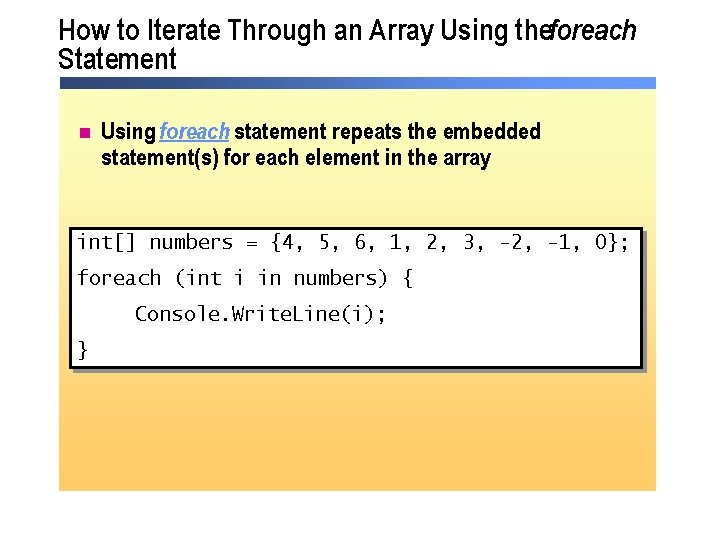
How to Iterate Through an Array Using theforeach Statement n Using foreach statement repeats the embedded statement(s) for each element in the array int[] numbers = {4, 5, 6, 1, 2, 3, -2, -1, 0}; foreach (int i in numbers) { Console. Write. Line(i); }
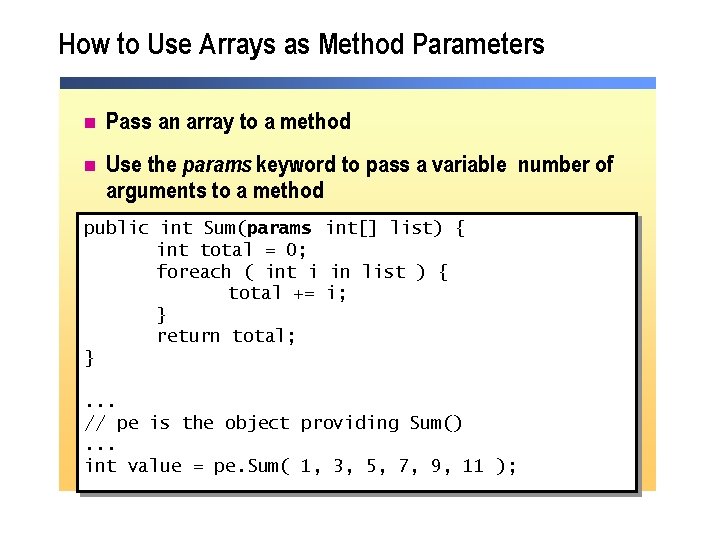
How to Use Arrays as Method Parameters n Pass an array to a method n Use the params keyword to pass a variable number of arguments to a method public int Sum(params int[] list) { int total = 0; foreach ( int i in list ) { total += i; } return total; }. . . // pe is the object providing Sum(). . . int value = pe. Sum( 1, 3, 5, 7, 9, 11 );
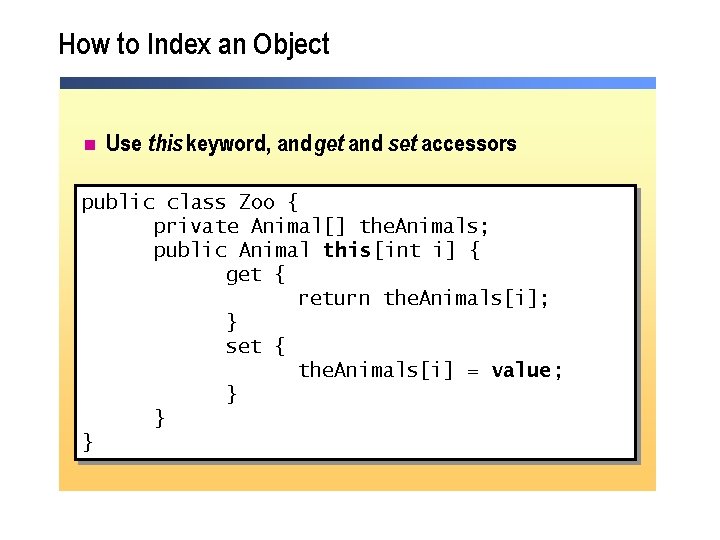
How to Index an Object n Use this keyword, and get and set accessors public class Zoo { private Animal[] the. Animals; public Animal this[int i] { get { return the. Animals[i]; } set { the. Animals[i] = value ; } } }
Practice: Using a foreach Statement with an Array Hands-on Practice n In this practice, you will create an array, populate it, and use the foreach statement to print out the values in the array 10 min
Practice (optional): Using an Indexer Hands-on Practice n In this practice, you will write an indexer for the Zoo class 10 min
Lesson: Using Collections n What Are Lists, Queues, Stacks, and Hash Tables? n How to Use the Array. List Class n How to Use Queues and Stacks n How to Use Hash Tables
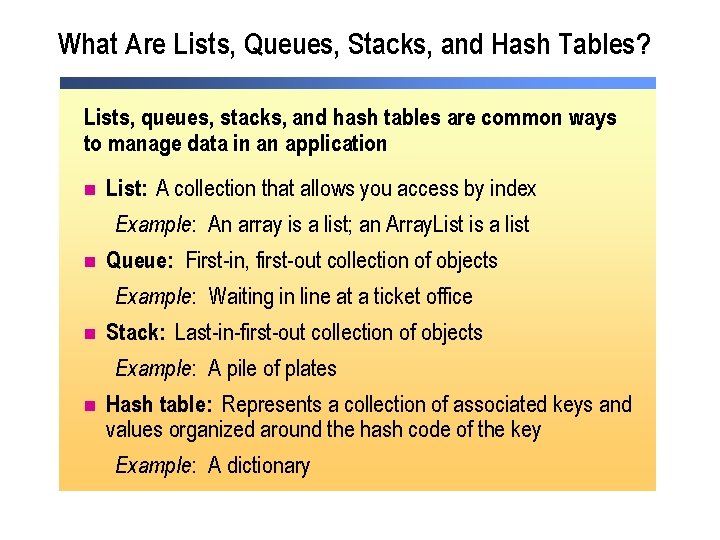
What Are Lists, Queues, Stacks, and Hash Tables? Lists, queues, stacks, and hash tables are common ways to manage data in an application n n List: A collection that allows you access by index Example: An array is a list; an Array. List is a list Queue: First-in, first-out collection of objects Example: Waiting in line at a ticket office Stack: Last-in-first-out collection of objects Example: A pile of plates Hash table: Represents a collection of associated keys and values organized around the hash code of the key Example: A dictionary
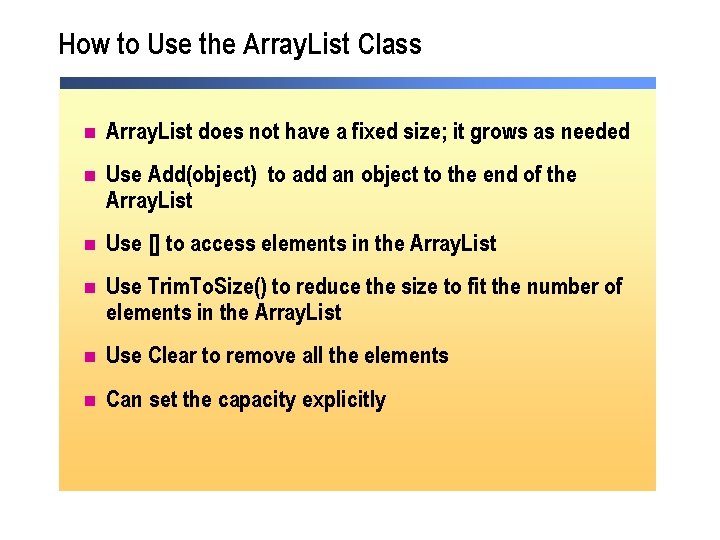
How to Use the Array. List Class n Array. List does not have a fixed size; it grows as needed n Use Add(object) to add an object to the end of the Array. List n Use [] to access elements in the Array. List n Use Trim. To. Size() to reduce the size to fit the number of elements in the Array. List n Use Clear to remove all the elements n Can set the capacity explicitly
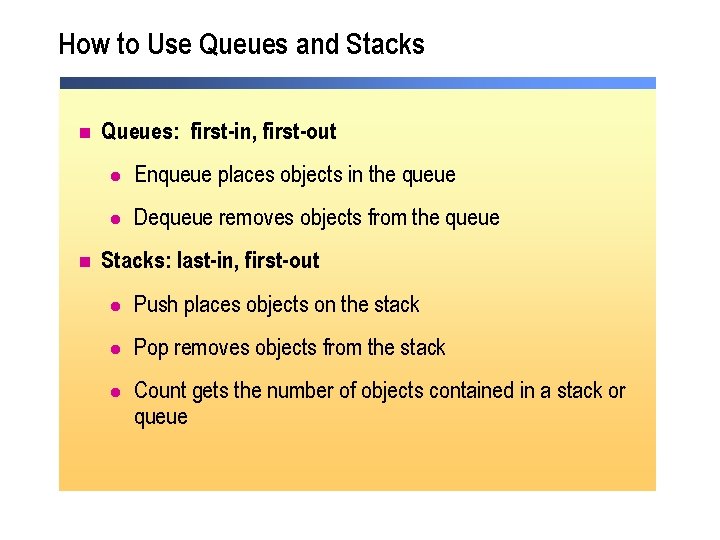
How to Use Queues and Stacks n n Queues: first-in, first-out l Enqueue places objects in the queue l Dequeue removes objects from the queue Stacks: last-in, first-out l Push places objects on the stack l Pop removes objects from the stack l Count gets the number of objects contained in a stack or queue
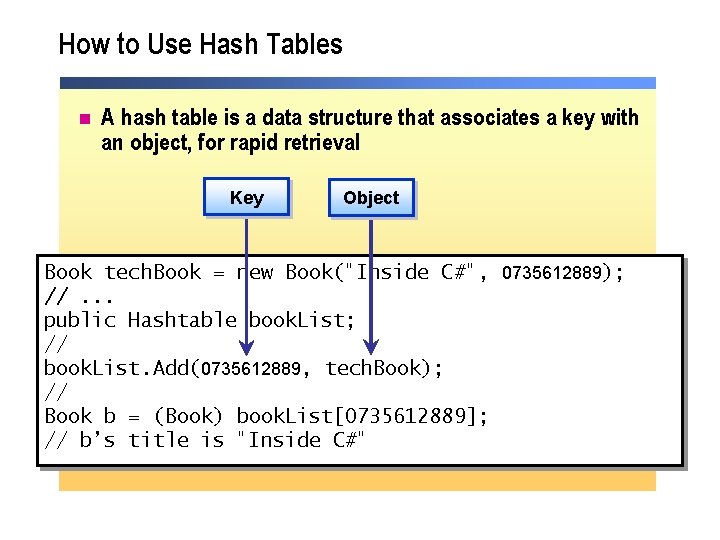
How to Use Hash Tables n A hash table is a data structure that associates a key with an object, for rapid retrieval Key Object Book tech. Book = new Book("Inside C#", 0735612889); //. . . public Hashtable book. List; // book. List. Add(0735612889, tech. Book); // Book b = (Book) book. List[0735612889]; // b’s title is "Inside C#"
Practice: Creating and Using Collections Hands-on Practice n In this practice, you will use the Array. List class 10 min
Lesson: Using Interfaces n What Is an Interface? n How to Use an Interface n How to Work with Objects That Implement Interfaces n How to Inherit Multiple Interfaces n Interfaces and the. NET Framework
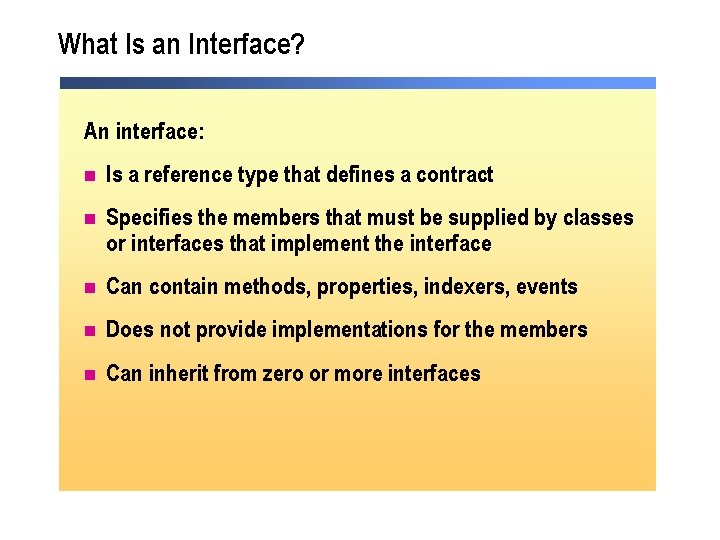
What Is an Interface? An interface: n Is a reference type that defines a contract n Specifies the members that must be supplied by classes or interfaces that implement the interface n Can contain methods, properties, indexers, events n Does not provide implementations for the members n Can inherit from zero or more interfaces
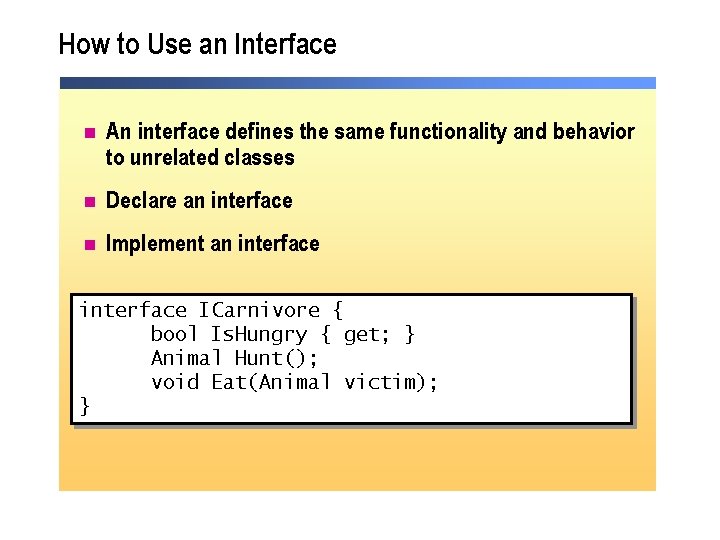
How to Use an Interface n An interface defines the same functionality and behavior to unrelated classes n Declare an interface n Implement an interface ICarnivore { bool Is. Hungry { get; } Animal Hunt(); void Eat(Animal victim); }
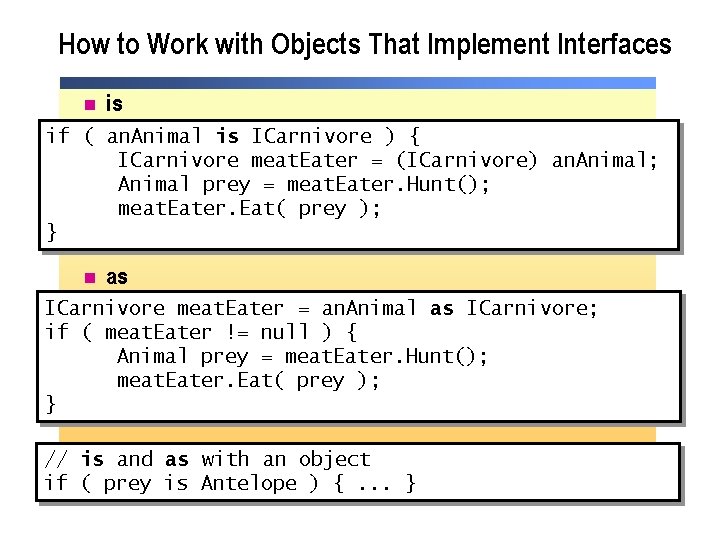
How to Work with Objects That Implement Interfaces n is if ( an. Animal is ICarnivore ) { ICarnivore meat. Eater = (ICarnivore) an. Animal; Animal prey = meat. Eater. Hunt(); meat. Eater. Eat( prey ); } n as ICarnivore meat. Eater = an. Animal as ICarnivore; if ( meat. Eater != null ) { Animal prey = meat. Eater. Hunt(); meat. Eater. Eat( prey ); } // is and as with an object if ( prey is Antelope ) {. . . }
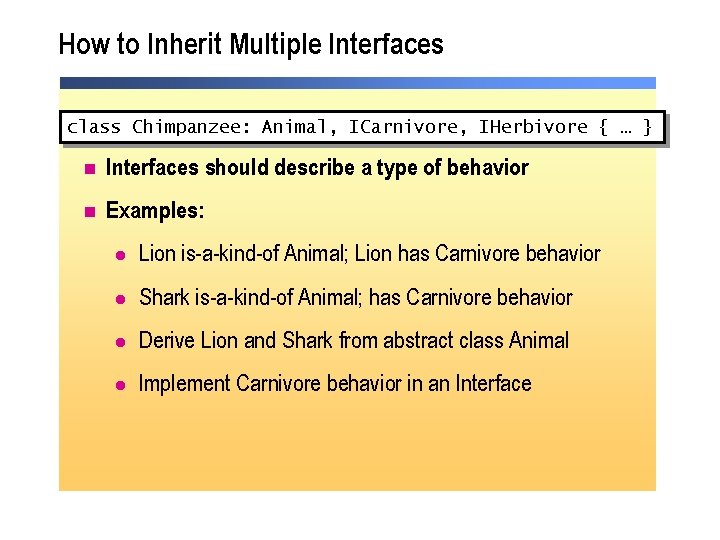
How to Inherit Multiple Interfaces class Chimpanzee: Animal, ICarnivore, IHerbivore { … } n Interfaces should describe a type of behavior n Examples: l Lion is-a-kind-of Animal; Lion has Carnivore behavior l Shark is-a-kind-of Animal; has Carnivore behavior l Derive Lion and Shark from abstract class Animal l Implement Carnivore behavior in an Interface
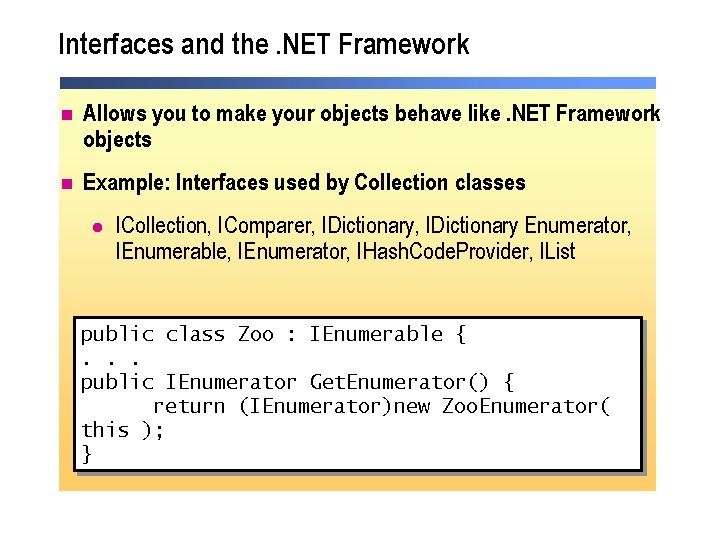
Interfaces and the. NET Framework n Allows you to make your objects behave like. NET Framework objects n Example: Interfaces used by Collection classes l ICollection, IComparer, IDictionary Enumerator, IEnumerable, IEnumerator, IHash. Code. Provider, IList public class Zoo : IEnumerable {. . . public IEnumerator Get. Enumerator() { return (IEnumerator)new Zoo. Enumerator( this ); }
Practice: Using Interfaces Hands-on Practice n In this practice, you will implement the ICloneable interface 10 min
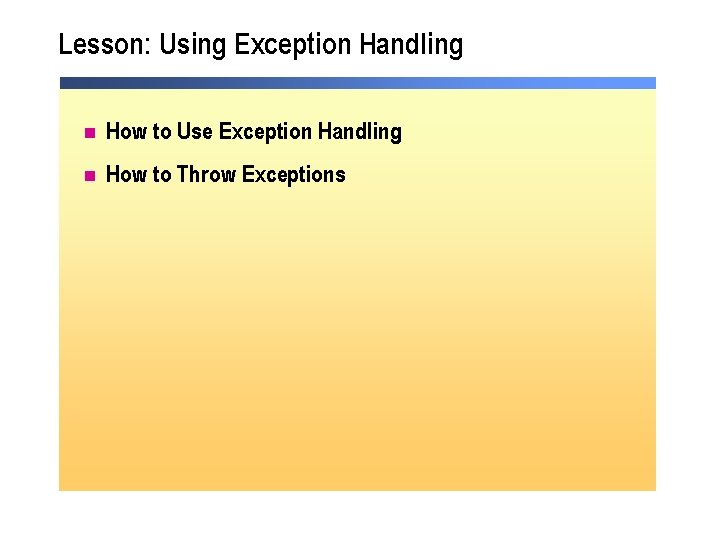
Lesson: Using Exception Handling n How to Use Exception Handling n How to Throw Exceptions
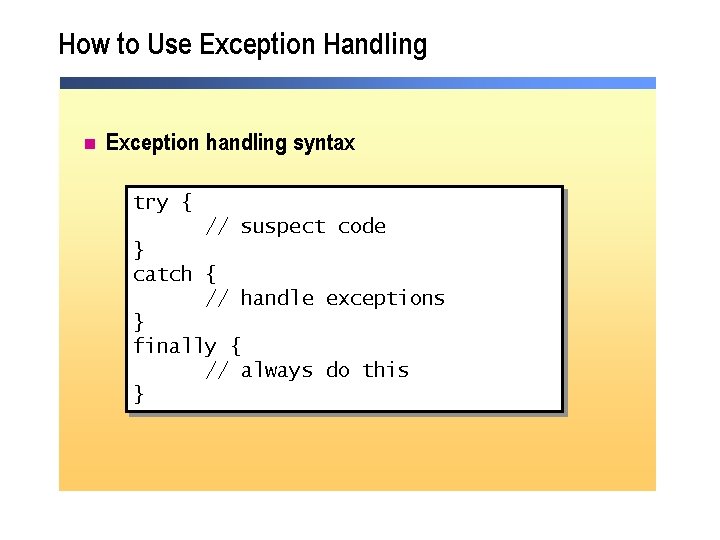
How to Use Exception Handling n Exception handling syntax try { // suspect code } catch { // handle exceptions } finally { // always do this }
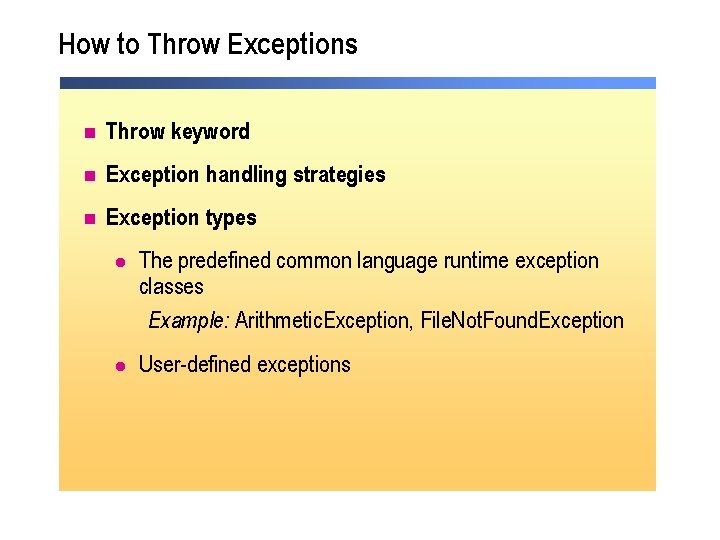
How to Throw Exceptions n Throw keyword n Exception handling strategies n Exception types l The predefined common language runtime exception classes Example: Arithmetic. Exception, File. Not. Found. Exception l User-defined exceptions
Practice: Using Exception Handling Hands-on Practice n In this practice, you will use throw and catch an exception 10 min
Lesson: Using Delegates and Events n How to Create a Delegate n What Is an Event? n How to Write an Event Handler
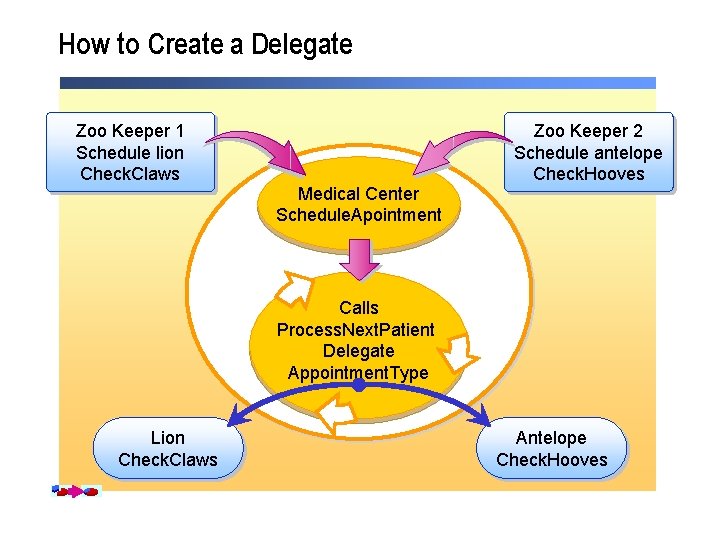
How to Create a Delegate Zoo Keeper 1 Schedule lion Check. Claws Medical Center Schedule. Apointment Zoo Keeper 2 Schedule antelope Check. Hooves Calls Process. Next. Patient Delegate Appointment. Type Lion Check. Claws Antelope Check. Hooves
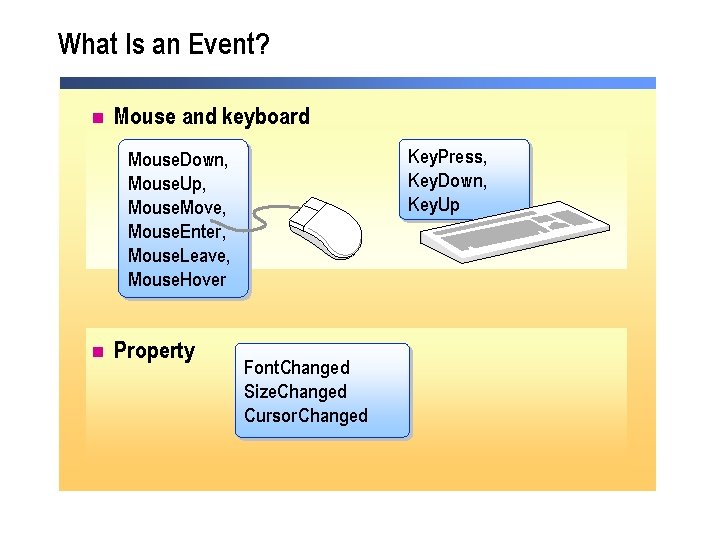
What Is an Event? n Mouse and keyboard Key. Press, Key. Down, Key. Up Mouse. Down, Mouse. Up, Mouse. Move, Mouse. Enter, Mouse. Leave, Mouse. Hover n Property Font. Changed Size. Changed Cursor. Changed
How to Write an Event Handler n Declare events using delegates l System. Event. Handler is declared as a delegate button 1. Click += new System. Event. Handler(button 1_Click); n Event handler is called when the event occurs l Event. Args parameter contains the event data private void button 1_Click(object sender, System. Event. Args e) { Message. Box. Show( e. To. String() ); }
Practice: Declaring and Calling a Delegate Hands-on Practice n In this practice, you will create and use a delegate 10 min
Review n Using Arrays n Using Collections n Using Interfaces n Using Exception Handling n Using Delegates and Events
Lab 5. 1: Using Arrays n Exercise 1: Sorting Numbers in an Array 30 minutes
Lab 5. 2 (optional): Using Indexers and Interfaces n Exercise 1: Writing the Check Pick-up Application n Exercise 2: Using Interfaces 1 hour
Lab 5. 3 (optional): Using Delegates and Events n Exercise 1: Working with Events and Delegates 1 hour