
Module 5 Designing Physical Security for Network Resources
- Slides: 15
Module 5: Designing Physical Security for Network Resources
Overview Creating a Plan for Physical Security Designing Physical Security for Network Resources
Lesson 1: Creating a Plan for Physical Security MSF and Physical Security Network Resources That Require Physical Security Defense in Depth and Physical Security STRIDE Threat Model and Physical Security Activity: Analyzing Risks to Physical Security
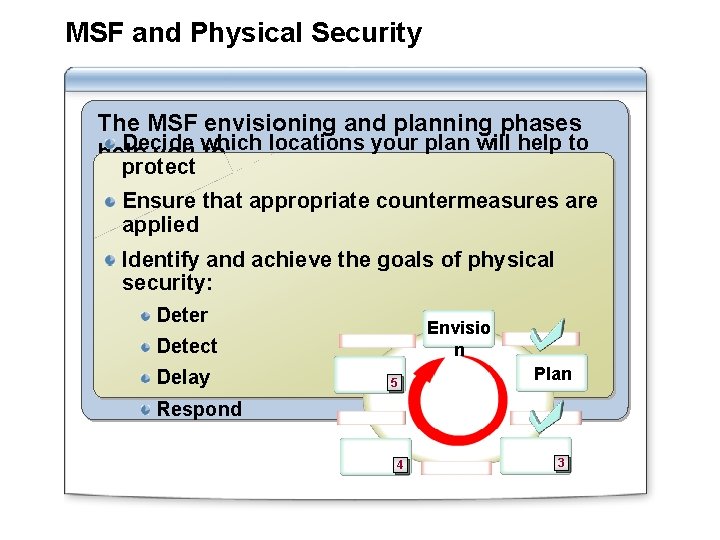
MSF and Physical Security The MSF envisioning and planning phases Decide help you which to: locations your plan will help to protect Ensure that appropriate countermeasures are applied Identify and achieve the goals of physical security: Deter Envisio n Detect Delay 5 Plan Respond 4 3
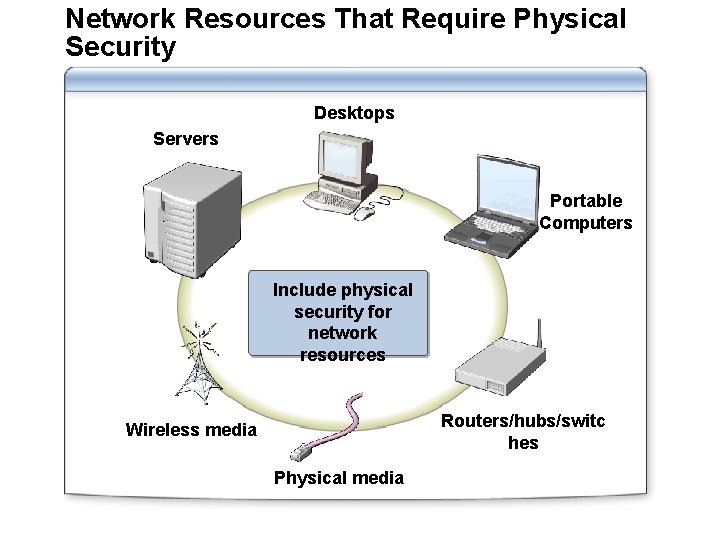
Network Resources That Require Physical Security Desktops Servers Portable Computers Include physical security for network resources Routers/hubs/switc hes Wireless media Physical media
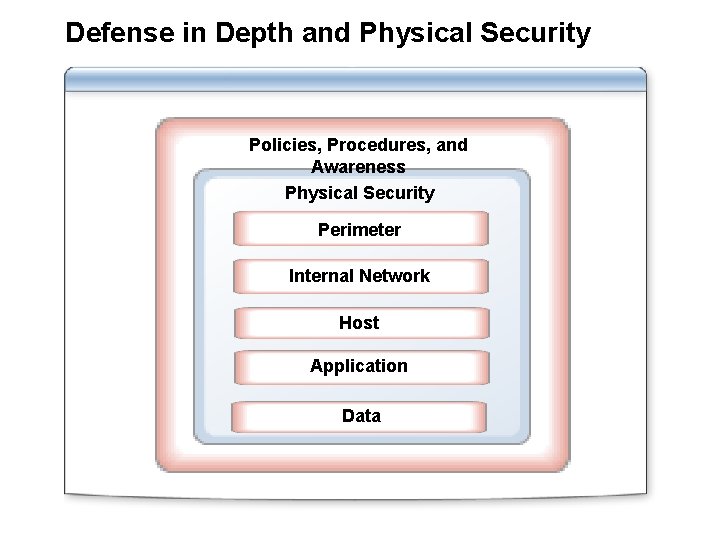
Defense in Depth and Physical Security Policies, Procedures, and Awareness Physical Security Perimeter Internal Network Host Application Data
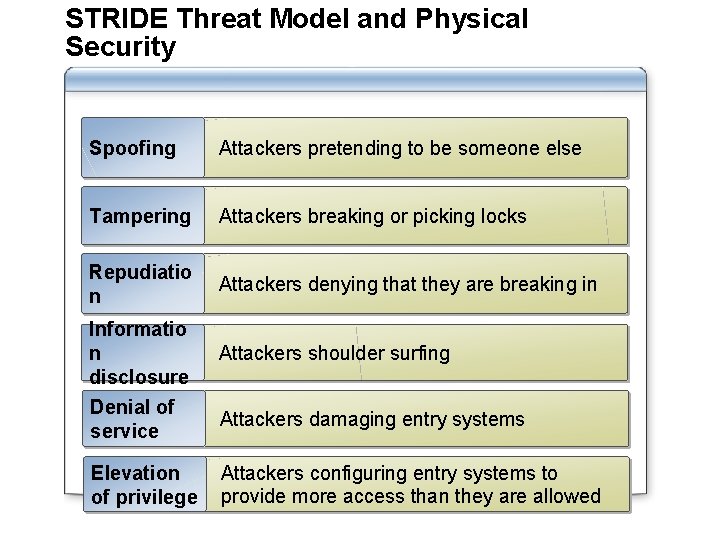
STRIDE Threat Model and Physical Security Spoofing Attackers pretending to be someone else Tampering Attackers breaking or picking locks Repudiatio n Attackers denying that they are breaking in Informatio n disclosure Denial of service Elevation of privilege Attackers shoulder surfing Attackers damaging entry systems Attackers configuring entry systems to provide more access than they are allowed
Activity: Analyzing Risks to Physical Security In this practice you will: Read the scenario Answer the questions Discuss with the class
Lesson 2: Creating a Design for Physical Security of Network Resources Methods for Securing Facilities Methods for Securing Access to Computers Methods for Physically Securing Portable Computers and Mobile Devices Considerations for Disaster Recovery Activity: Physical Threats and Countermeasures
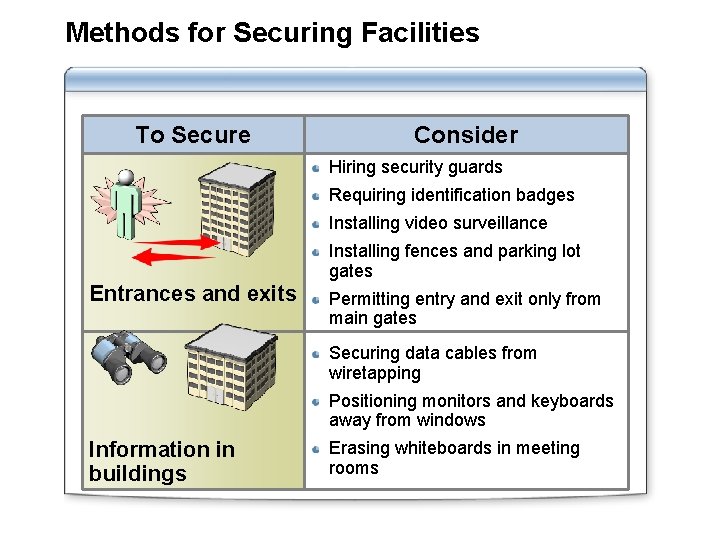
Methods for Securing Facilities To Secure Consider Hiring security guards Requiring identification badges Installing video surveillance Installing fences and parking lot gates Entrances and exits Permitting entry and exit only from main gates Securing data cables from wiretapping Positioning monitors and keyboards away from windows Information in buildings Erasing whiteboards in meeting rooms
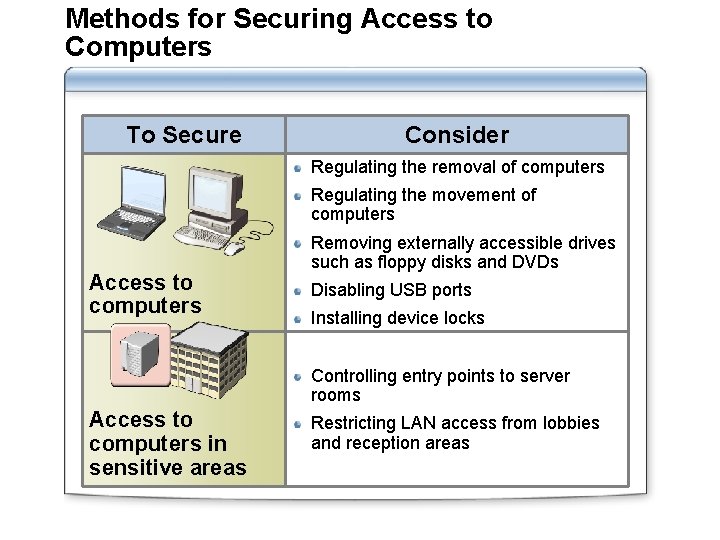
Methods for Securing Access to Computers To Secure Consider Regulating the removal of computers Regulating the movement of computers Access to computers Removing externally accessible drives such as floppy disks and DVDs Disabling USB ports Installing device locks Controlling entry points to server rooms Access to computers in sensitive areas Restricting LAN access from lobbies and reception areas
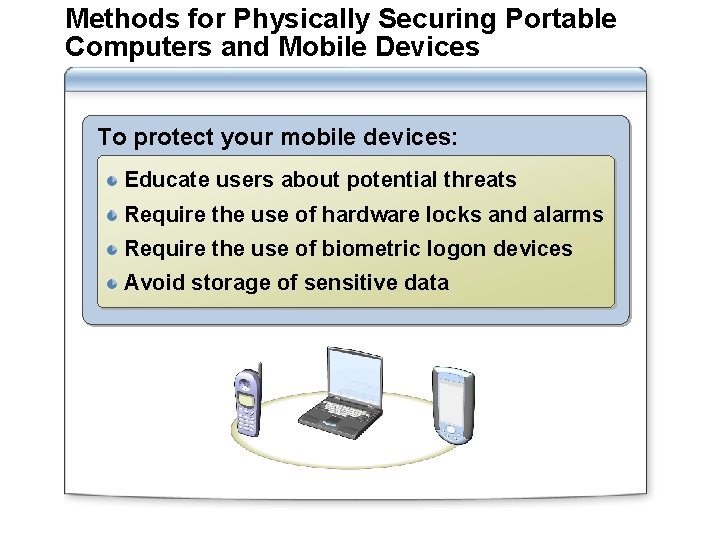
Methods for Physically Securing Portable Computers and Mobile Devices To protect your mobile devices: Educate users about potential threats Require the use of hardware locks and alarms Require the use of biometric logon devices Avoid storage of sensitive data
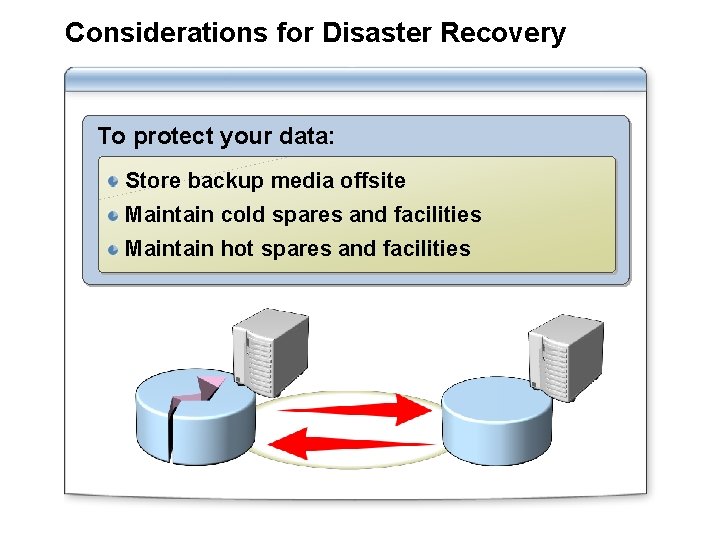
Considerations for Disaster Recovery To protect your data: Store backup media offsite Maintain cold spares and facilities Maintain hot spares and facilities
Activity: Physical Threats and Countermeasures In this practice you will: Read each scenario Choose the best risk management strategy Determine an appropriate security response Discuss with the class
Lab: Designing Physical Security for Network Resources Exercise 1 Identifying Potential Physical Vulnerabilities Exercise 2 Implementing Countermeasures